

Description
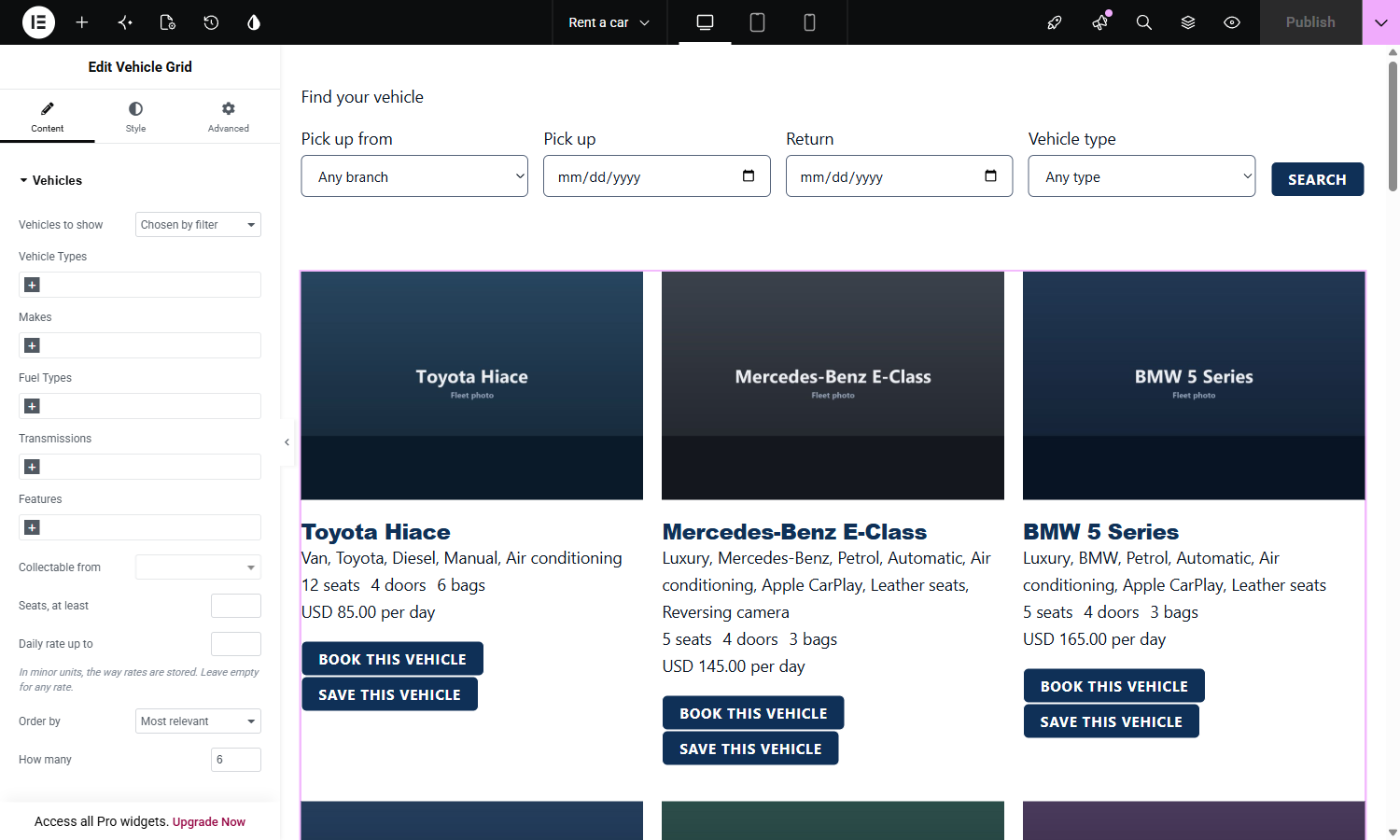
Driveline for Elementor puts the vehicle rental features of Driveline Core into the Elementor editor. Every widget is a placement: it collects settings in the editor, hands them to Driveline Core and prints what comes back, so a price on an Elementor page and a price at checkout are produced by the same code.
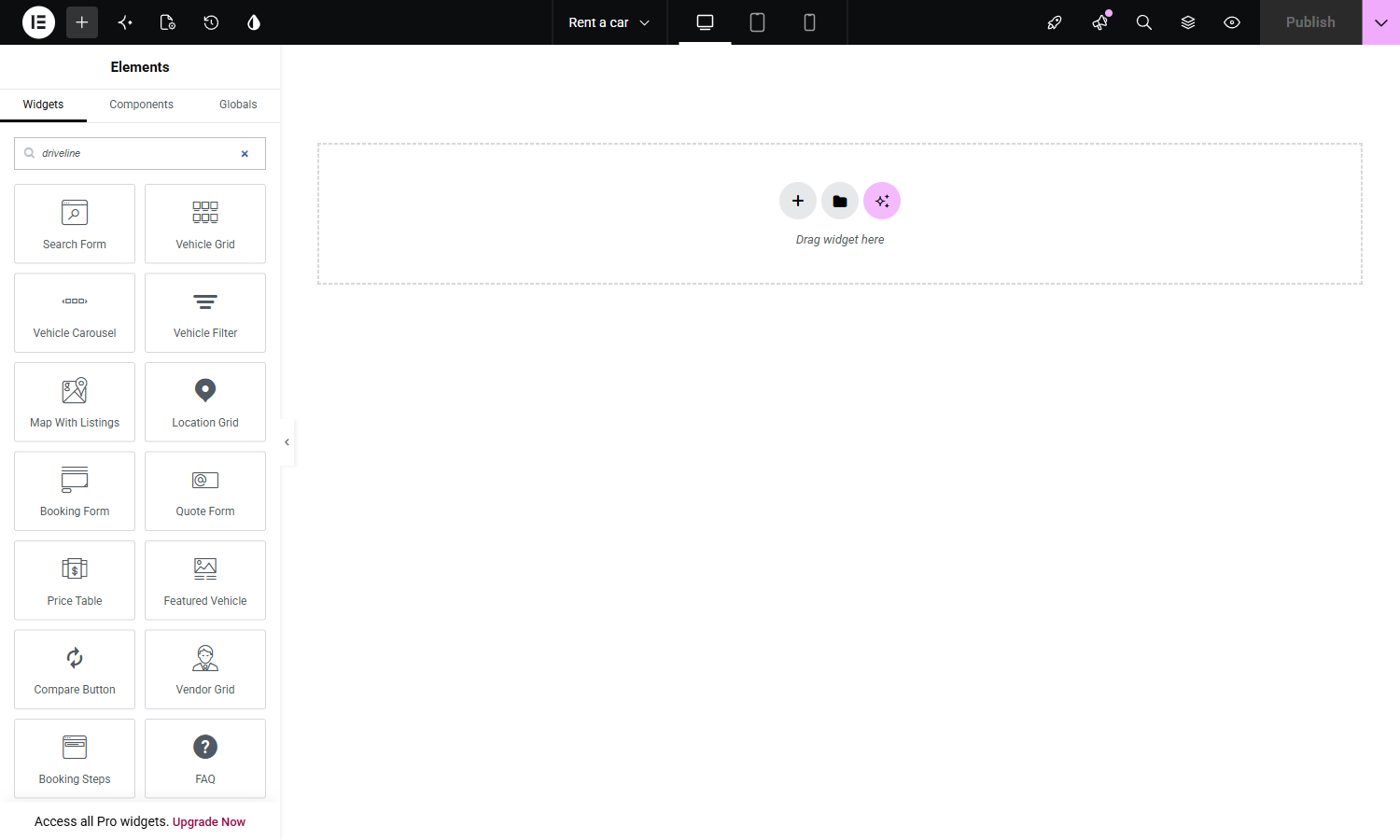
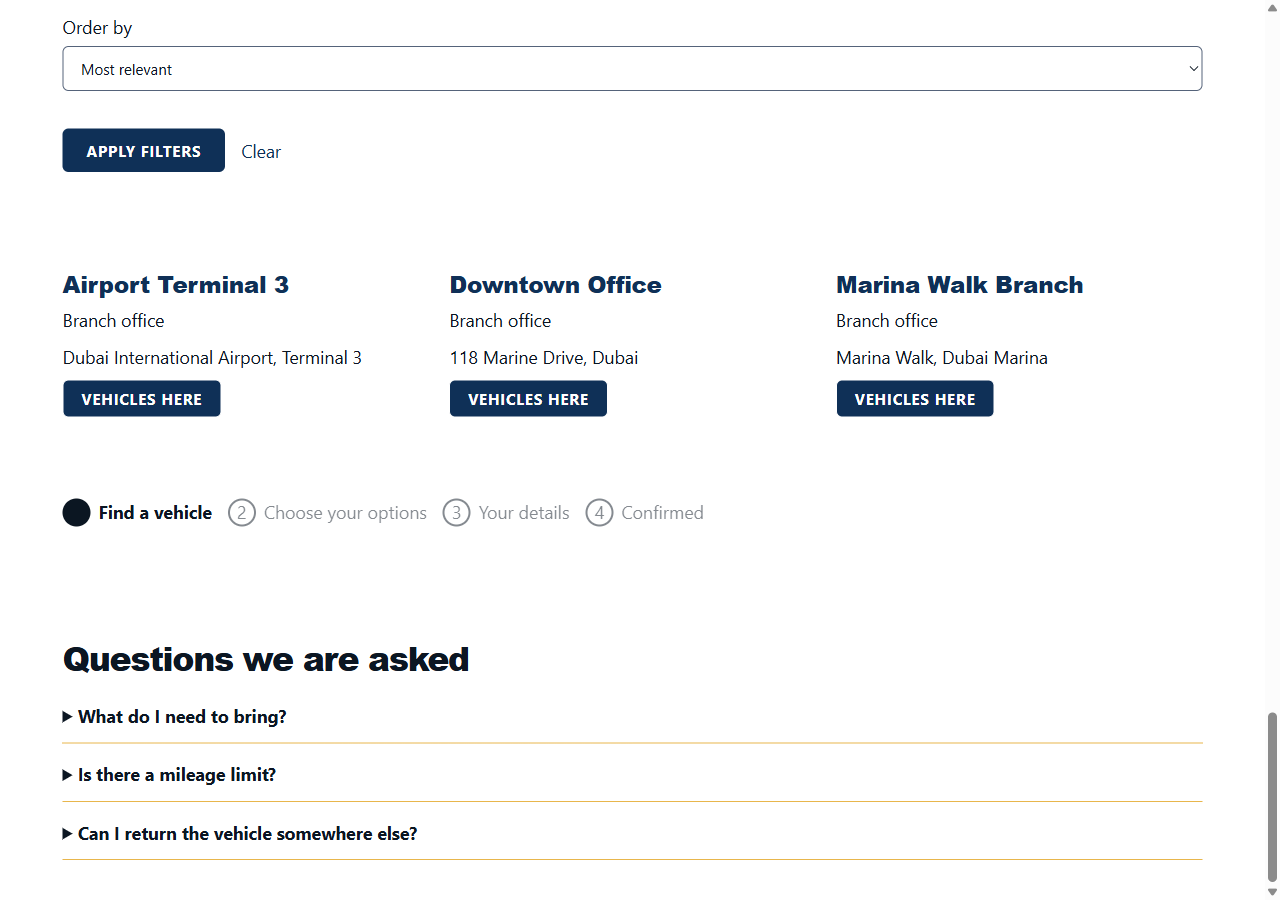
Fourteen widgets:
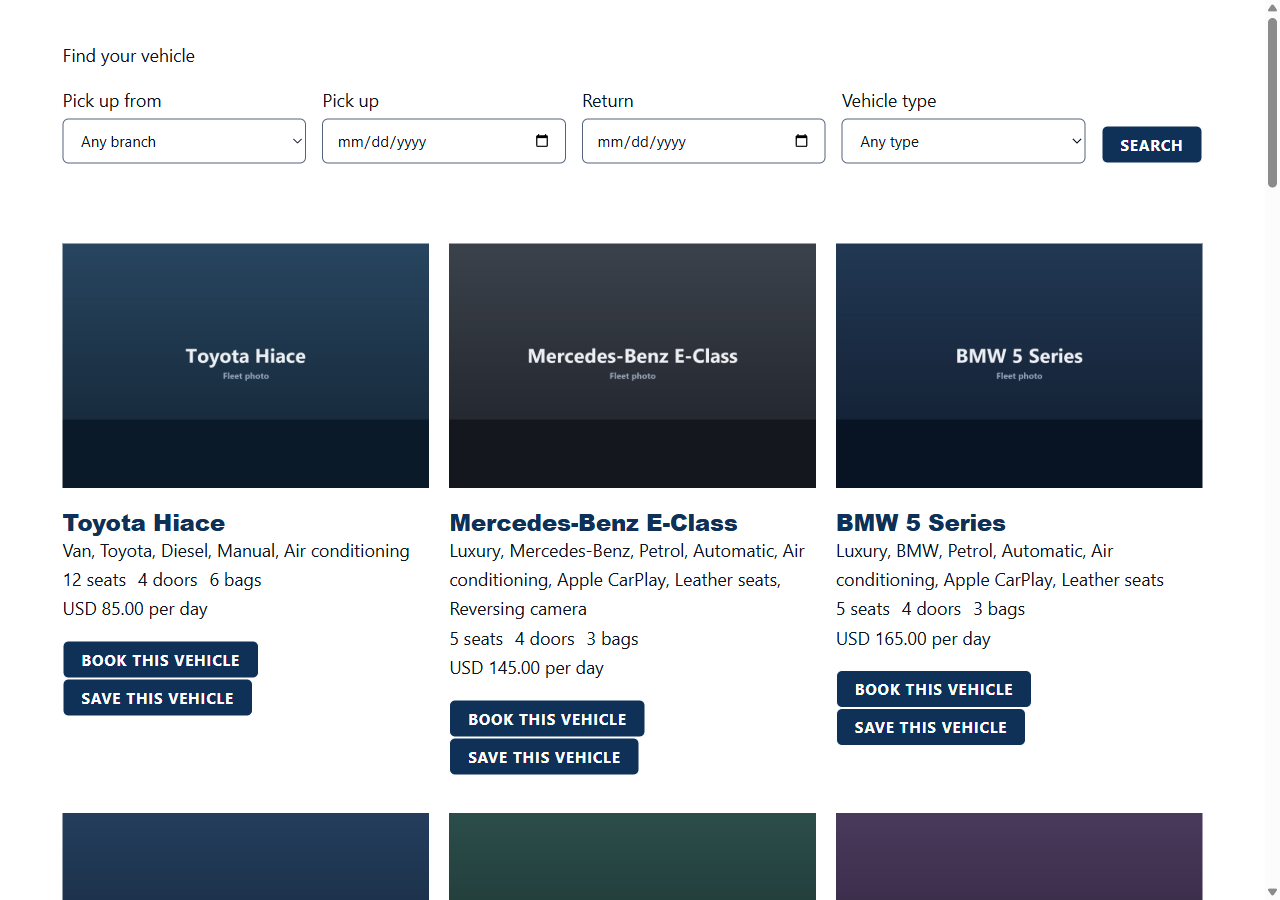
- Search Form, the short form that starts a search
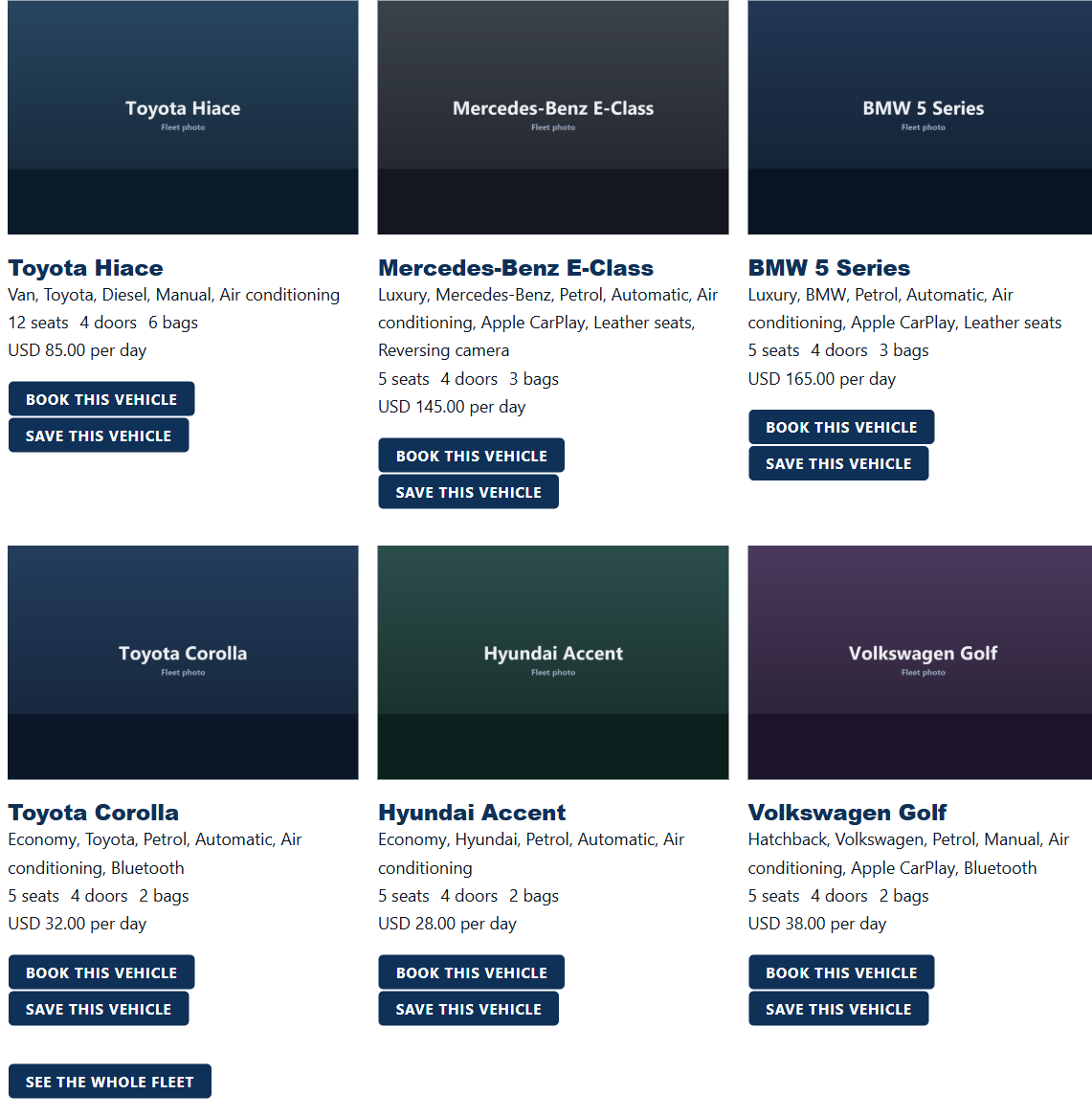
- Vehicle Grid
- Vehicle Carousel
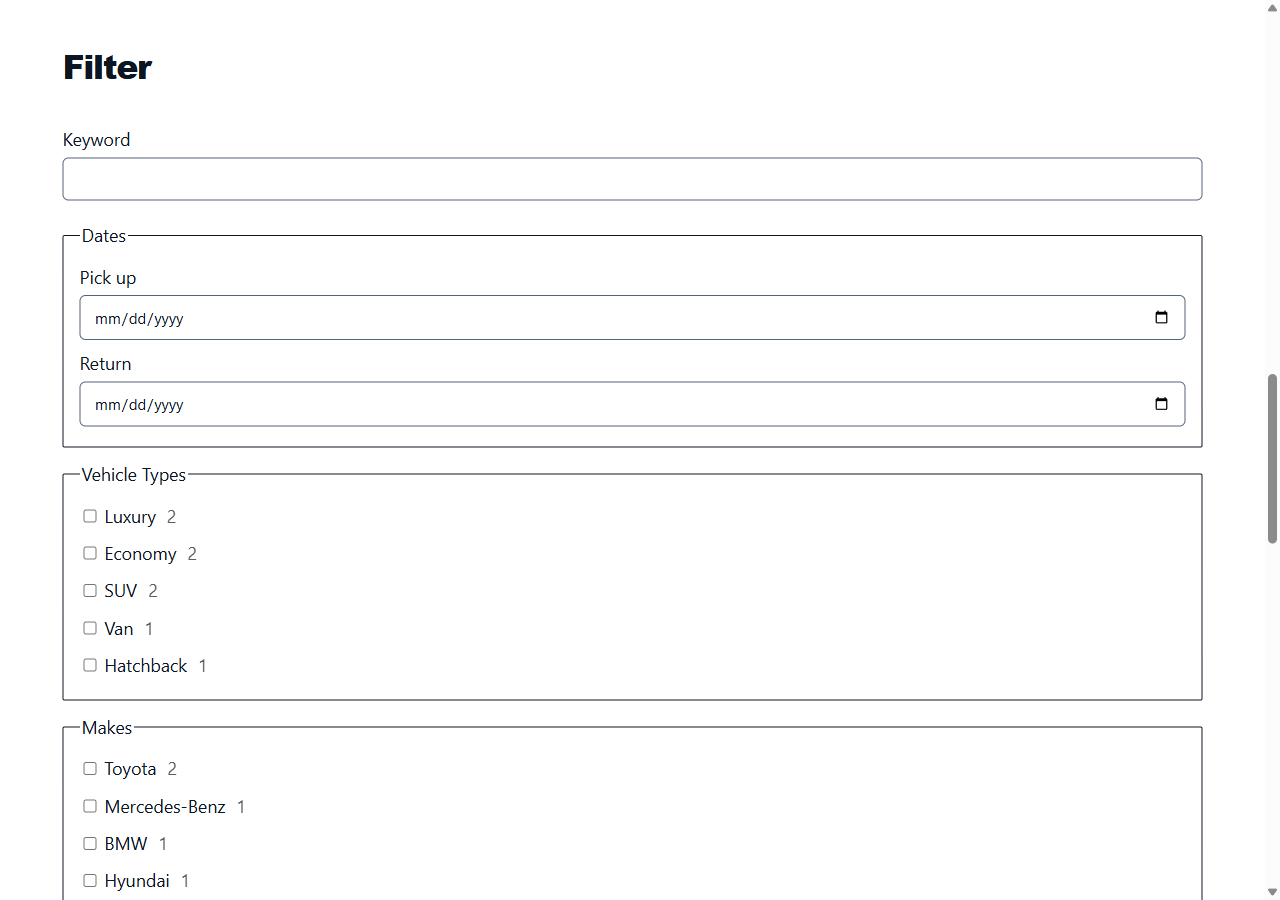
- Vehicle Filter, the faceted panel with live counts
- Map With Listings
- Location Grid
- Booking Form
- Quote Form
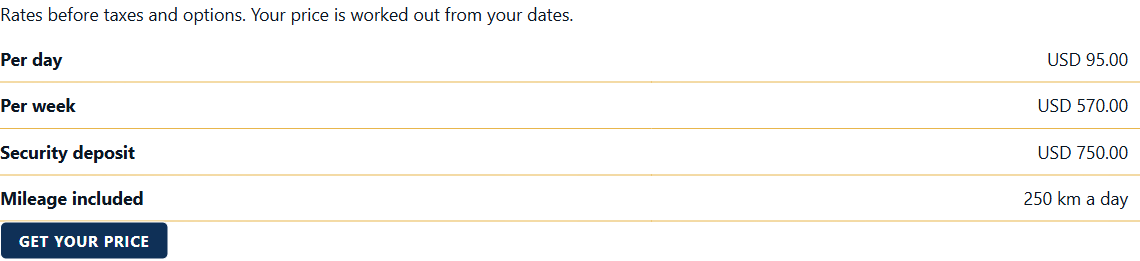
- Price Table
- Featured Vehicle
- Compare Button, with a comparison table
- Vendor Grid
- Booking Steps
- FAQ
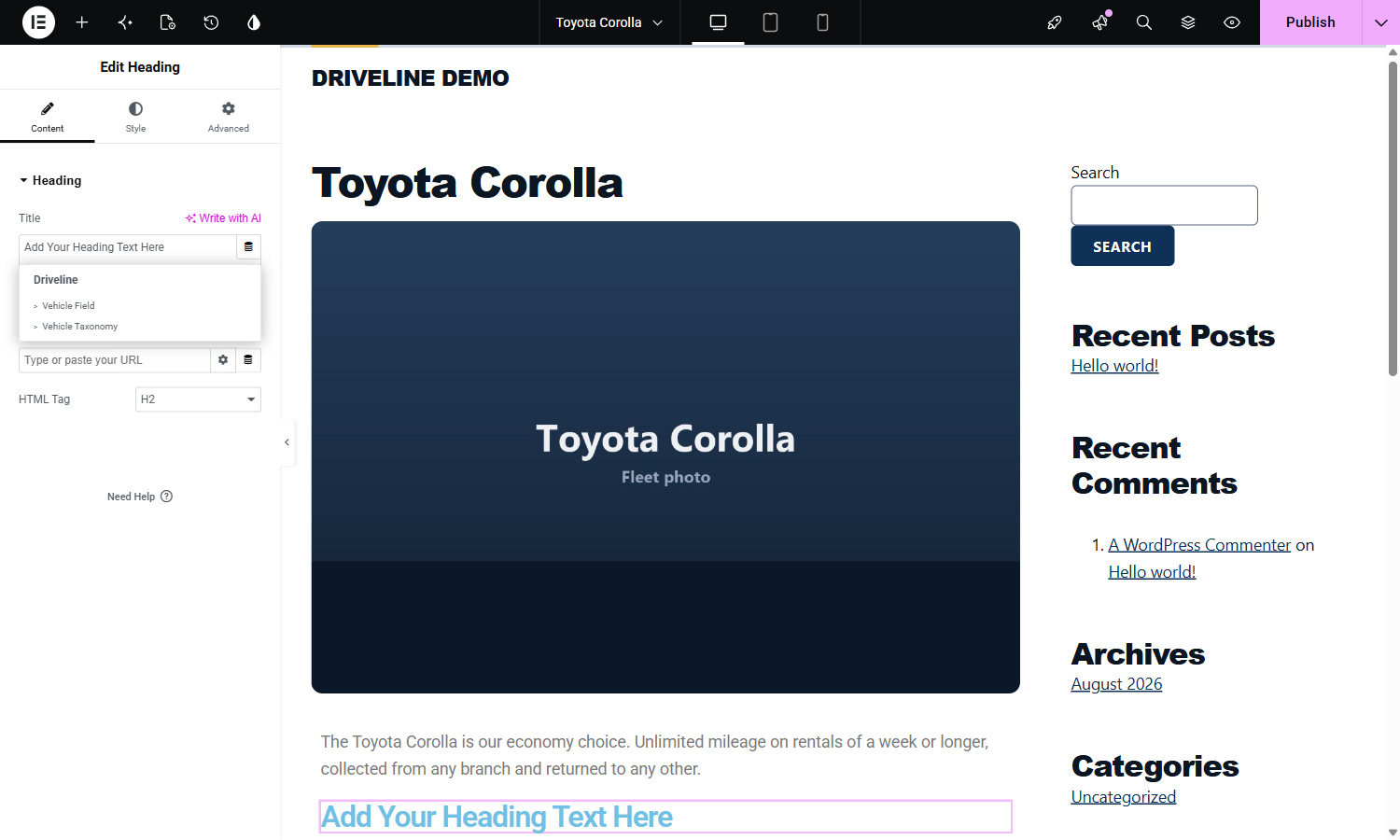
Four dynamic tags bind any element to a listing: Vehicle Field, Vehicle Taxonomy, Vehicle URL and Vehicle Gallery.
The theme builder locations for header, footer, single and archive are registered against the actions the Driveline theme fires, so an Elementor template replaces one region of the page rather than the whole page.
What you need
Driveline Core and Elementor, both free in this directory. This pack is not affiliated with Elementor and does not include or resell any part of it, and nothing here asks you for a licence key.
Screenshots
Installation
- Install and activate Elementor and Driveline Core.
- Upload this plugin to
/wp-content/plugins/and activate it. - The widgets appear in the Elementor panel under Driveline.
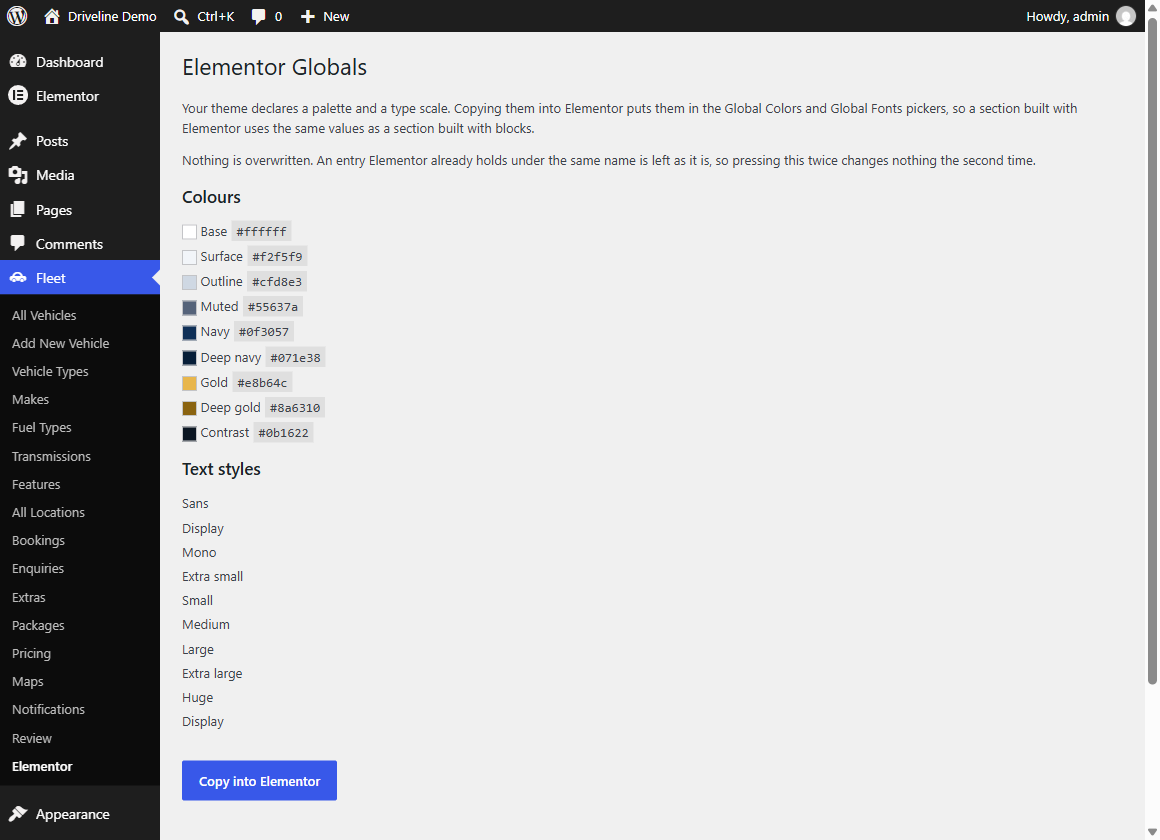
- To put the theme palette into Elementor’s Global Colors and Global Fonts, go to Fleet, Elementor, and press Copy into Elementor.
FAQ
-
Does this need Elementor Pro?
-
The widgets and the dynamic tags work with the free Elementor. Theme builder locations and Loop Grid are Elementor Pro features; this plugin registers what they need, and does nothing at all with them when Pro is absent.
-
Does the map make a request from my site?
-
Only after you accept the tile host on the Driveline Core map settings screen. Until then the widget draws a notice naming the host and loads no mapping library.
-
Where is the compare list stored?
-
In the visitor’s browser. Nothing is written to the database and no account is needed. The list travels to the comparison table as a query argument, so a comparison can be shared as a link.
Reviews
There are no reviews for this plugin.
Contributors & Developers
“Driveline for Elementor” is open source software. The following people have contributed to this plugin.
Contributors
Translate “Driveline for Elementor” into your language.
Interested in development?
Browse the code, check out the SVN repository, or subscribe to the development log by RSS.
Changelog
0.1.0
- First release.