

Description
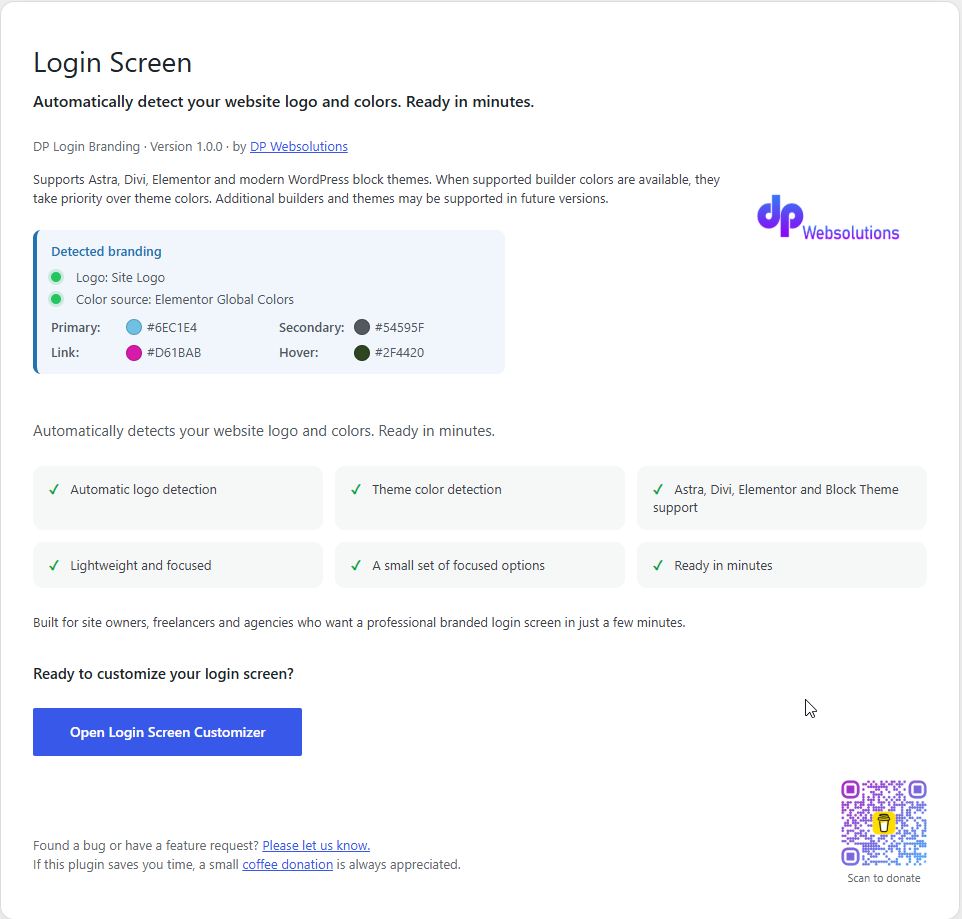
DP Websolutions Login Branding automatically detects your logo and theme colors from Astra, Divi, Elementor and modern block themes.
Features:
* Automatic logo detection
* Theme color detection
* Astra support
* Divi support
* Elementor support
* Block theme support
* Lightweight and focused
* A small set of focused options
Uninstall
When the plugin is deleted, DP Websolutions Login Branding removes only its own Customizer theme-mod settings.
It does not delete your WordPress site logo, uploaded media files, theme settings, Elementor data, Astra settings, Divi settings, or WordPress global styles.
Asset Licensing
The bundled assets assets/dp-logo.webp and assets/qr-code.png were created and are owned by DP Websolutions.
They are licensed under GPLv2 or later together with this plugin.
Screenshots
Installation
- Upload plugin
- Activate plugin
- Go to Appearance Login Screen
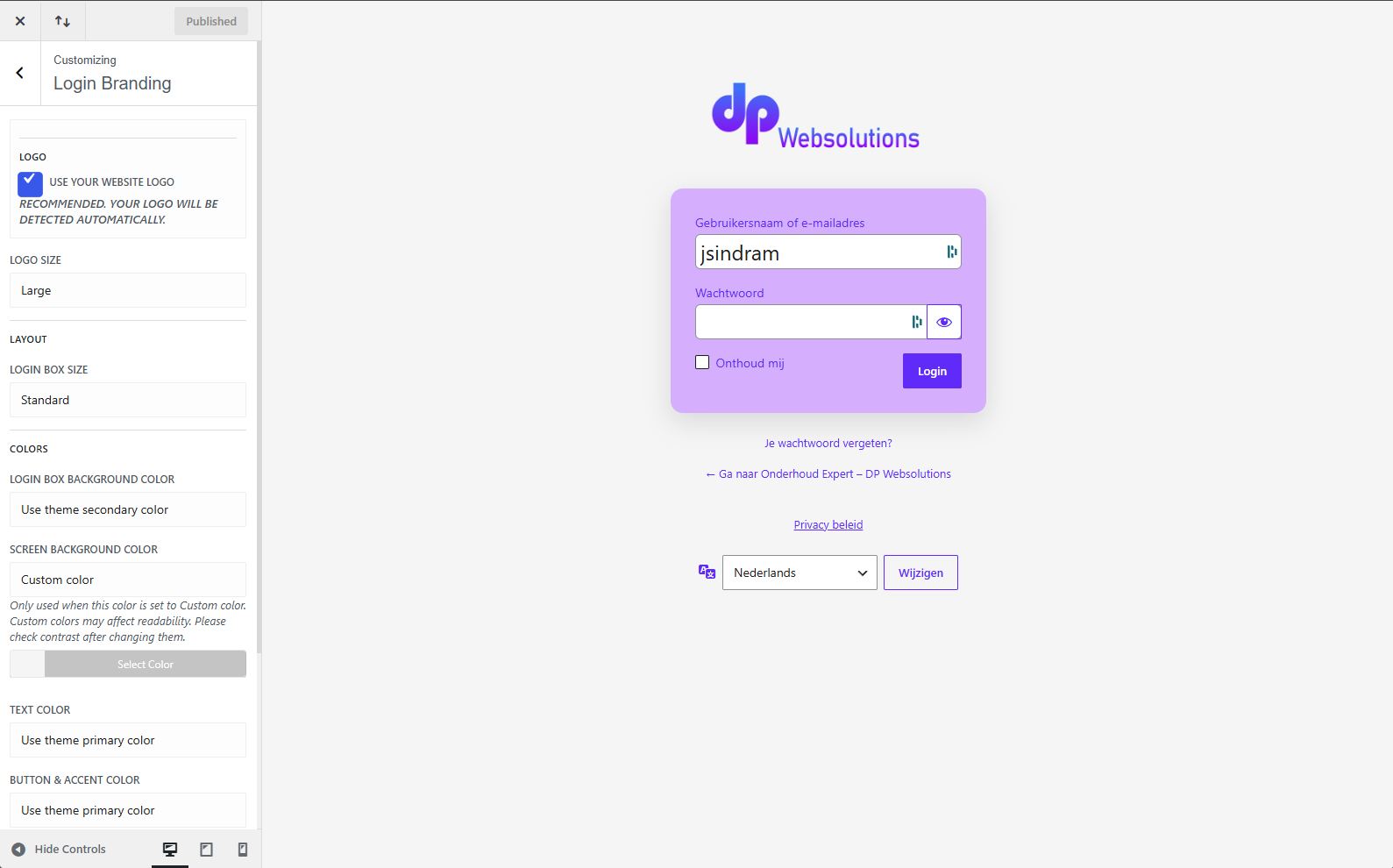
- Customize if desired
FAQ
-
Which colors are used first?
-
Supports Astra, Divi, Elementor and modern WordPress block themes.
When supported builder colors are available, they take priority over theme colors.
DP Websolutions Login Branding checks Elementor Global Colors first, then supported theme colors from Astra and Divi, then WordPress Global Styles. If no supported colors are detected, safe fallback colors are used.
Additional builders and themes may be supported in future versions.
Reviews
There are no reviews for this plugin.
Contributors & Developers
“DP Websolutions Login Branding” is open source software. The following people have contributed to this plugin.
Contributors
Translate “DP Websolutions Login Branding” into your language.
Interested in development?
Browse the code, check out the SVN repository, or subscribe to the development log by RSS.
Changelog
1.0.2
- Fixed detected branding overview color display for Divi theme colors.
- Improved consistency between the overview screen and Customizer color detection.
- Added secondary color display to the detected branding overview when available.
0.7.2
- Set the first-install Link color source default to theme link color
- Added legacy color-source migration for old saved default values
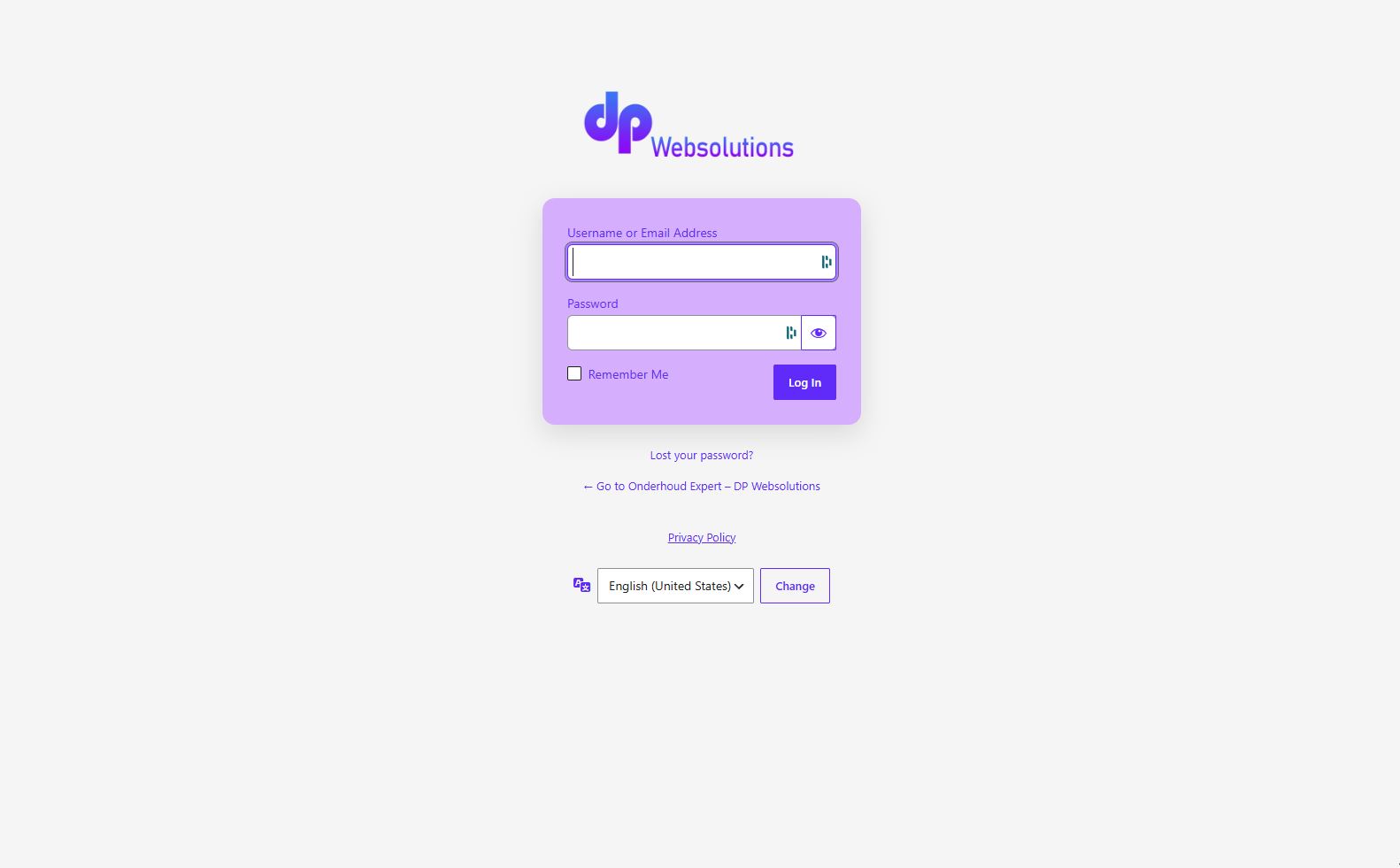
- Applied login card styling to login, lost password, register and reset password forms
- Added uninstall cleanup for plugin-owned theme-mod settings
- Documented bundled asset licensing and uninstall behavior
0.7.1
- Fixed block theme global styles Link and Hover color detection
0.7.0
- Fixed detected branding panel Link and Hover fallback display
0.6.9
- Simplified visible color source choices
- Set first-install background and text colors to safe custom defaults
- Fixed detected theme link color behavior
0.6.8
- Normalized Customizer color-source dropdowns
- Added plugin default support to Button & accent color
- Improved Customizer grouping and color control copy
0.5.8
- Added Elementor secondary Global Color detection
- Prioritized supported builder and active-theme colors before block-theme fallbacks
- Added detected branding source information to the plugin settings page
0.5.6
- Improved login control contrast and keyboard focus visibility
- Limited global style detection to the active theme
- Improved translation readiness
0.5.5
- Initial public release