

Description
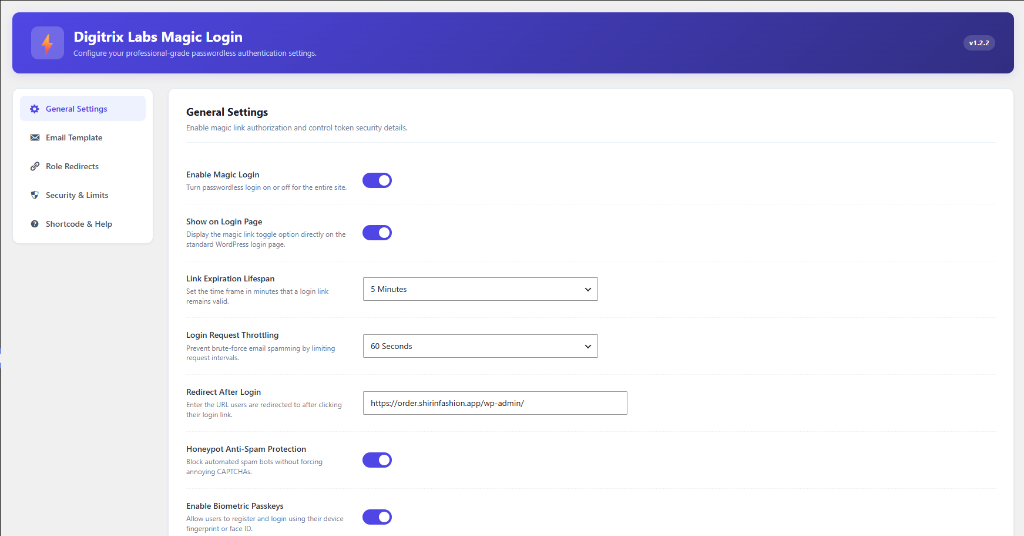
Digitrix Labs Passkeys and Email Link Access is a professional-grade, secure, passwordless authentication plugin for WordPress. It eliminates the need for traditional passwords, protecting your site from common security threats like brute-force attacks and password leaks.
The plugin provides two primary modern passwordless authentication options:
1. Email Login Links: Users enter their username or email address and receive a secure, one-time, time-limited login link in their email. Clicking the link logs them in instantly.
2. Biometric Passkeys (FIDO2/WebAuthn): Users register their device biometrics (such as fingerprint, TouchID, FaceID, or Windows Hello) from their profile page and log in instantly with a single touch or scan on their next visit.
Key Features
- Secure Email Links: Single-use, highly encrypted login links with adjustable expiration times.
- Biometric Passkeys: Hardware-secured biometrics utilizing FIDO2/WebAuthn standards (TouchID, FaceID, Windows Hello, etc.).
- Security & Limits: Define hourly login request limits per IP and lockout durations to block automated email spamming.
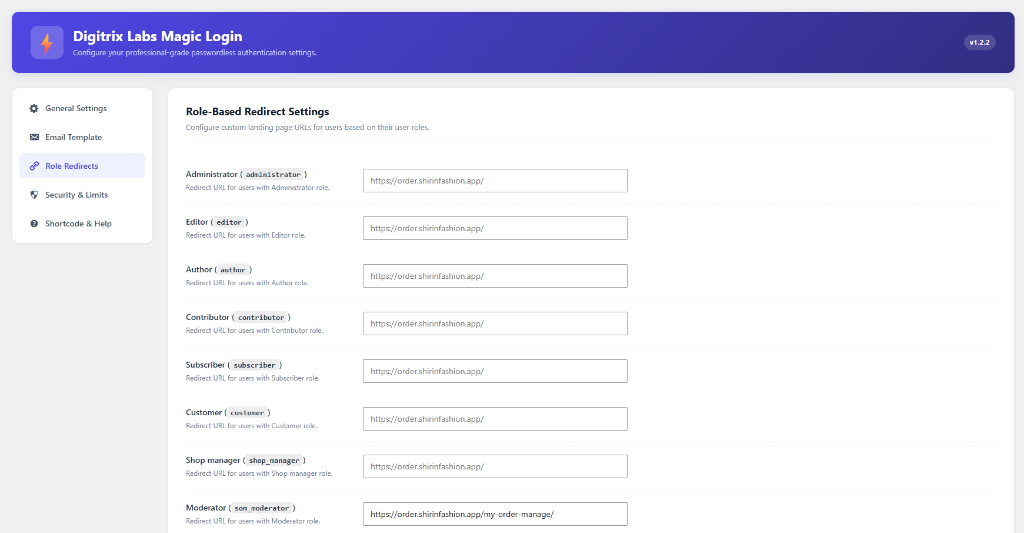
- Role-Based Redirects: Redirect users to custom URLs based on their user role (e.g., Administrator, Editor, Subscriber, WooCommerce Customer) upon successful login.
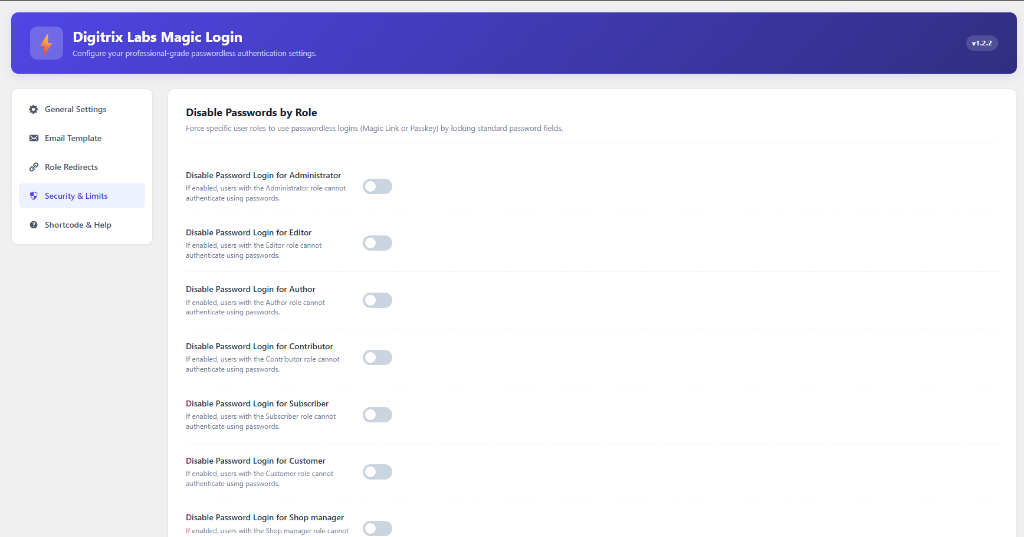
- Disable Password Login: Disable standard password logins for specific user roles to enforce passwordless authentication security.
- Honeypot Protection: Built-in hidden honeypot field to block automated spam bots silently without requiring annoying CAPTCHAs.
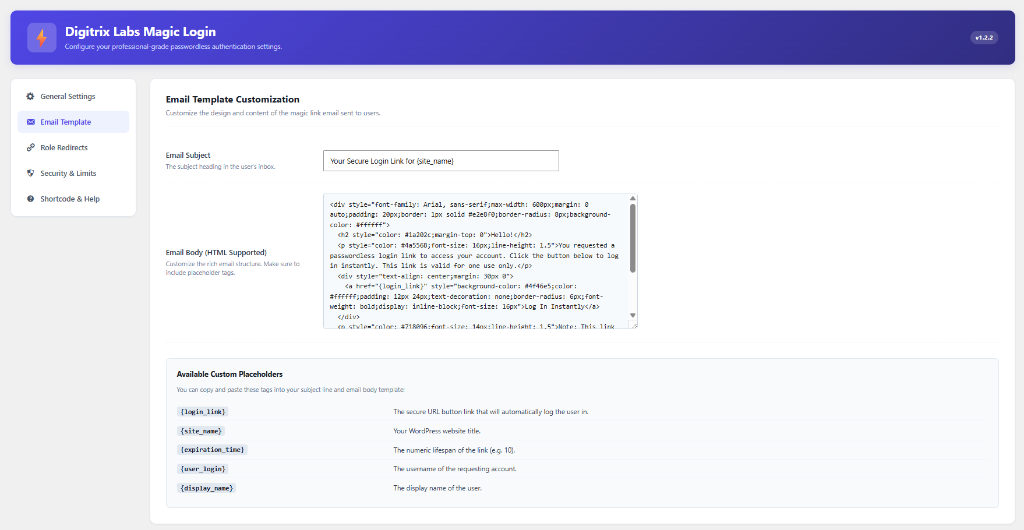
- Custom Email Templates: A beautifully styled admin dashboard tab to customize the login link email subject line and HTML structure with dynamic placeholders.
Screenshots
Installation
- Upload the
digitrix-labs-passkeys-and-email-link-accessfolder to your site’s/wp-content/plugins/directory. - Activate the plugin through the Plugins menu in WordPress.
- Configure the options by navigating to Settings -> Passkeys & Email Link in your WordPress admin menu.
FAQ
-
Does this plugin require HTTPS/SSL?
-
Yes. Biometric authentication (WebAuthn/Passkeys) is a secure browser API and will only function in secure contexts (HTTPS). Local development environments on
localhostcan test without HTTPS. -
Can I use the passwordless login form anywhere on my site?
-
Absolutely. You can insert the AJAX-based login link form on any post, page, or widget block using the
[digitrix_passkeys_email_login_form]shortcode. -
How do users set up their fingerprints or face scans?
-
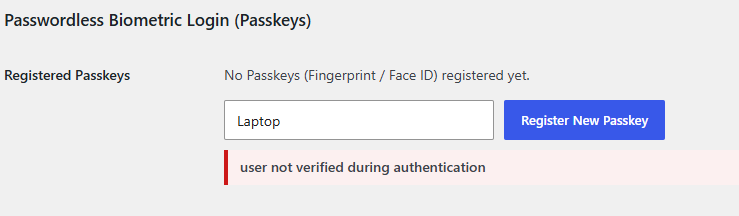
Once the administrator enables Biometric Passkeys in the general settings, users can register their biometrics by going to their own profile page (Users -> Profile) and enrolling a key under the “Passwordless Biometric Login (Passkeys)” section.
-
Does this plugin use sessions?
-
No. The plugin is built to be highly compatible with page caching plugins and does not use standard PHP
$_SESSIONsessions. Instead, it utilizes secure WordPress transients.
Reviews
There are no reviews for this plugin.
Contributors & Developers
“Digitrix Labs Passkeys and Email Link Access” is open source software. The following people have contributed to this plugin.
Contributors
Translate “Digitrix Labs Passkeys and Email Link Access” into your language.
Interested in development?
Browse the code, check out the SVN repository, or subscribe to the development log by RSS.
Changelog
1.0.0
- Initial release.
- Core AJAX email login link request system, standard login page integration, and custom email template builder.
- Support for FIDO2/WebAuthn Biometric Passkeys (TouchID, FaceID, Windows Hello).
- Advanced rate limiting, role-based redirects, and role-specific password bypass options.
- Secure challenge hexadecimal conversion for database transients.