
Description
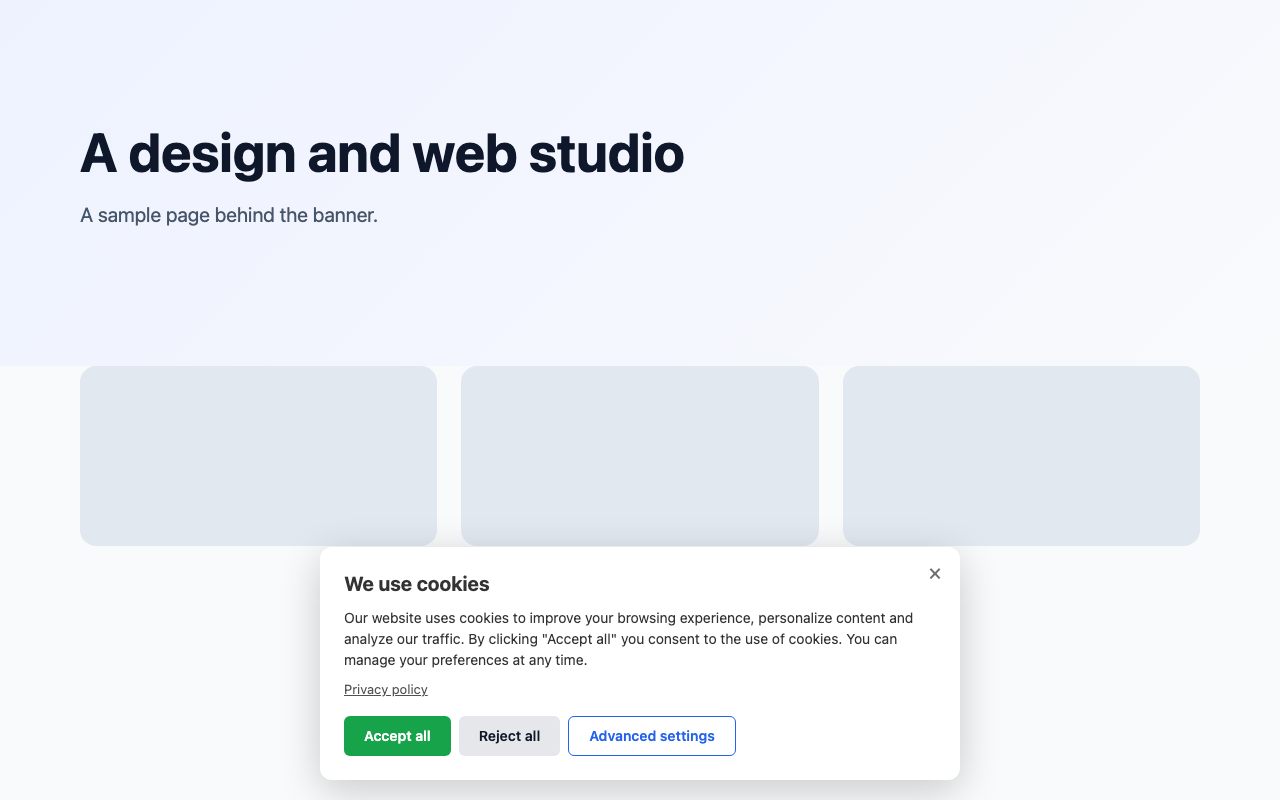
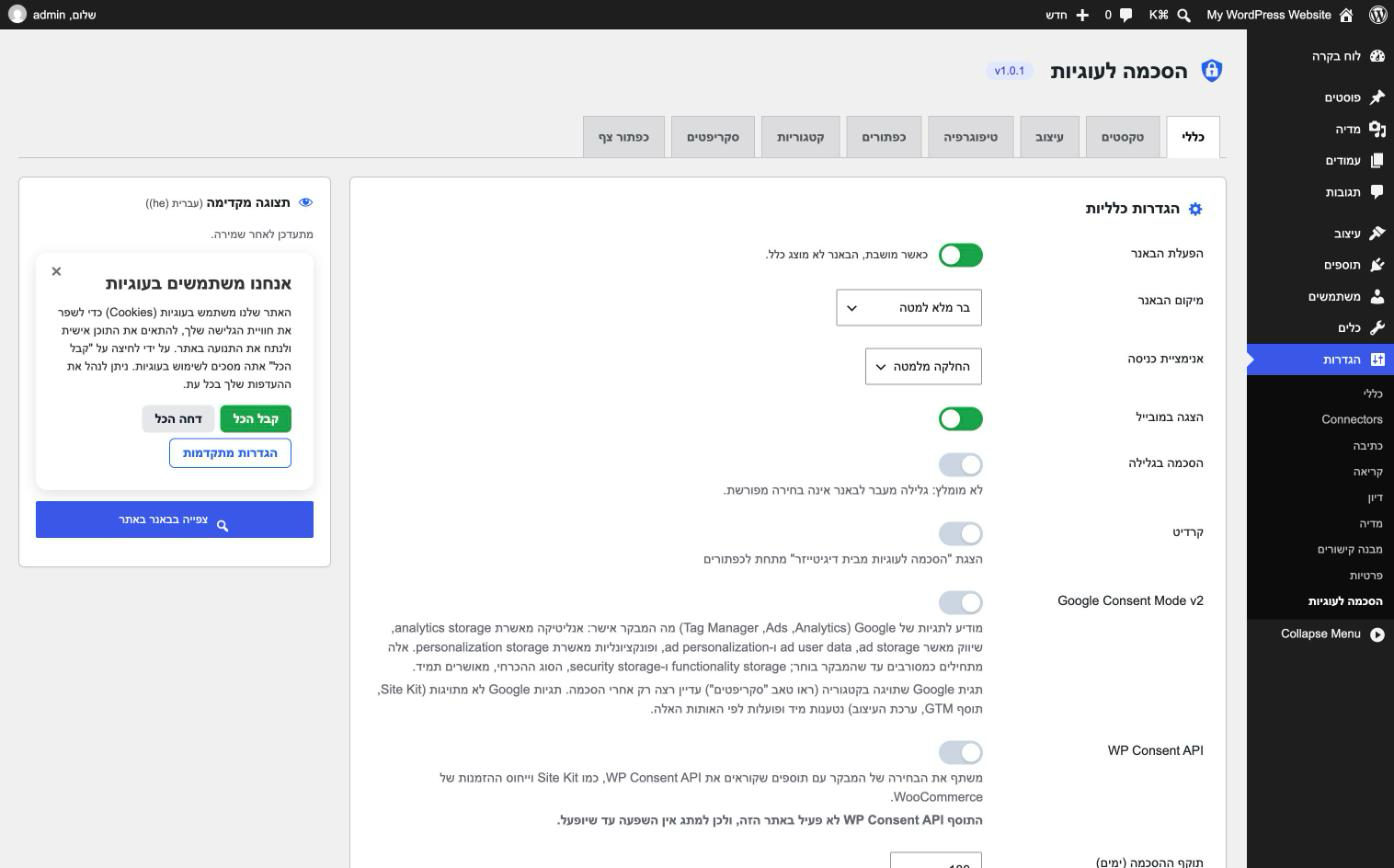
Digitizer Cookie Consent shows a cookie consent banner, holds back the scripts you tag until a visitor agrees to their category, and tells Google’s tags and other plugins what the visitor chose. It was built for Hebrew and multilingual sites, and works on any site.
What it does
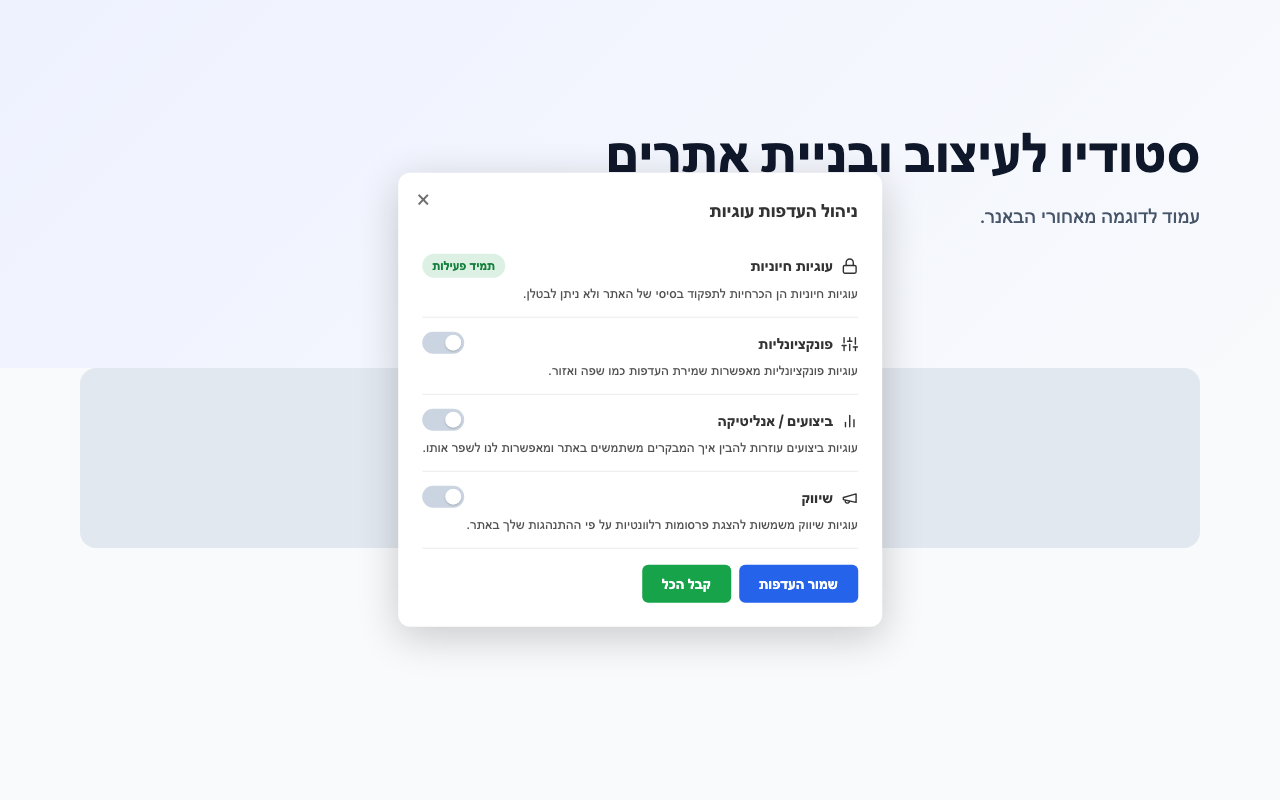
- Four categories – essential, functional, analytics, marketing – each with its own switch in the preferences view.
- Your own scripts wait for consent: tag a script with its category (
type="text/plain" data-dpt-cb-category="analytics") wherever it is – theme, header plugin, Tag Manager – and it runs only after the visitor allows that category. The plugin stores and adds no code of its own. - Google Consent Mode v2: the defaults are set first in the page head, before any Google tag, and updated from the visitor’s choice.
- The WP Consent API: plugins that read it, such as Site Kit and WooCommerce order attribution, follow the visitor’s choice.
- When a visitor refuses or withdraws a category, the cookies you list for it are deleted from the browser, and again on every page while it stays refused.
- A link anywhere on the site reopens the banner: any link to #dpt-cookie-settings, an element with the class dpt-cb-open, or the [digitizer_cookie_consent_settings] shortcode. A floating button does the same.
- Cache-proof: the banner is rendered hidden and a small script in the head decides whether to show it, so a page cache or CDN never shows it to a visitor who has already answered. Built-in compatibility with WP Rocket and Cloudflare Rocket Loader.
Built for Hebrew and multilingual sites
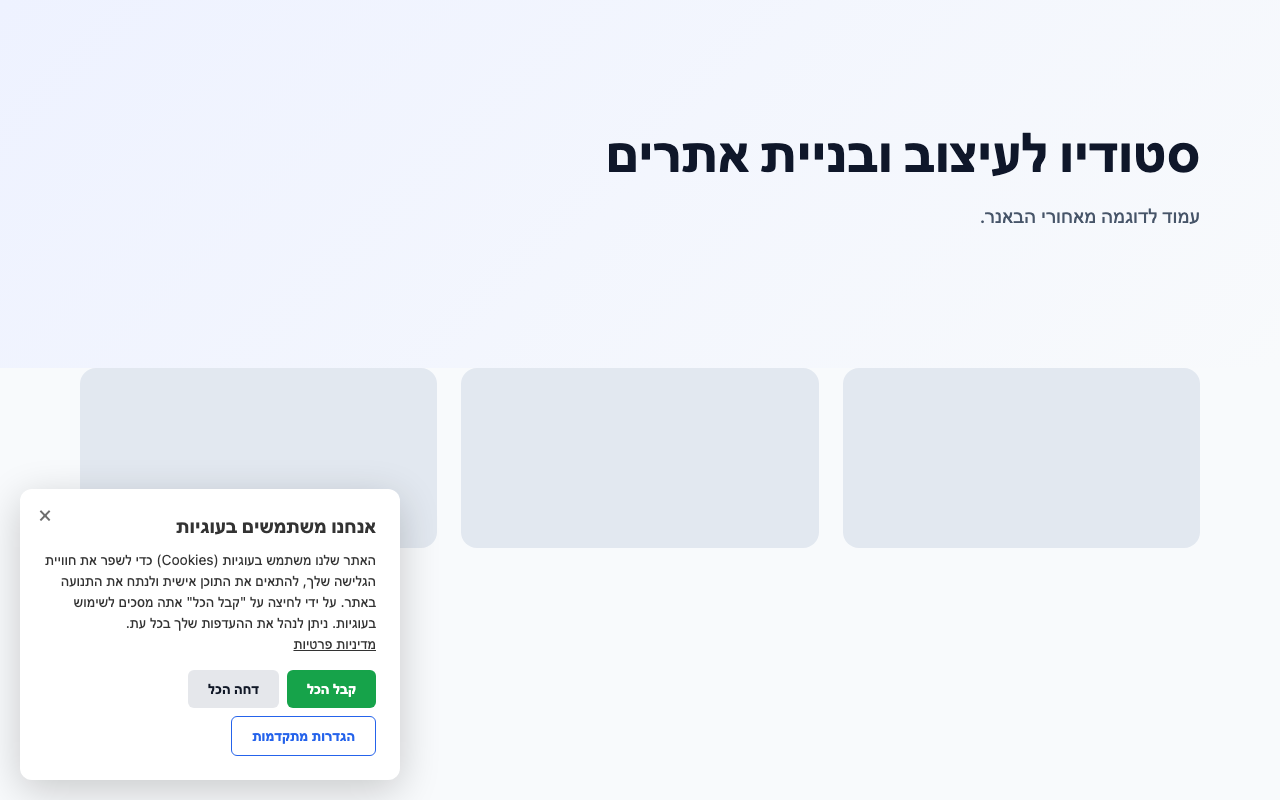
Texts are edited per language – Hebrew and English are seeded, and any language can be added by its code. The language is chosen per page from the WordPress locale, so it works with WPML, Polylang and TranslatePress, and the banner turns right-to-left or left-to-right with it. The settings screen is in Hebrew and English.
Design
Colors, fonts (or Elementor’s global font), sizes, corner radius, positions, button styles, a background image, an overlay and entry animations – enough to match an existing banner with settings alone, no custom CSS.
Your own legal review
This plugin gives you the tools – categories, blocking until consent, a reject button as prominent as accept, a way to withdraw consent. Whether a particular site meets the law that applies to it depends on what that site does. Check with your own legal adviser.
External services
None. The plugin sends nothing anywhere. Google’s tags, if you use them, are your site’s own, loaded as you configured them.
Screenshots
Installation
- Install and activate the plugin.
- The banner is live at once with its default texts. Go to Settings -> Cookie Consent to review the texts, the categories and the design.
- Tag each tracking script with its category, as the Scripts tab shows, and turn on Google Consent Mode v2 if you use Google’s tags.
FAQ
-
Does it make my site compliant?
-
It gives you the tools. Whether a site complies depends on what the site does and which law applies to it – check with your own legal advice.
-
Does it send data anywhere?
-
No. The visitor’s choice is kept in their own browser (a first-party cookie and localStorage). Nothing is sent to Digitizer or anyone else.
-
Activate this plugin: it imports the module’s settings – texts in every language, design, categories, the consent version – and keeps the same consent cookie, so visitors who already chose are not asked again. Digitizer Pro Tools steps aside while this plugin is active. Scripts pasted in the module are not brought over, since this plugin stores no code: the settings screen shows them, read-only, so you can put them back in your theme or Tag Manager with the category tag.
-
How do I make a script wait for consent?
-
Change its opening tag from
<script>to<script type="text/plain" data-dpt-cb-category="analytics">(orfunctional,marketing). Keepsrcand everything else as it is. The browser leaves it alone until the visitor allows that category; then the plugin runs it. Adddata-dpt-cb-type="module"for a module script. -
Only the site’s own cookies that scripts can read. Cookies set on other domains (.facebook.com, .linkedin.com, .doubleclick.net) and cookies marked HttpOnly are out of a web page’s reach. WordPress’s and WooCommerce’s own cookies are never deleted.
-
Link to #dpt-cookie-settings, give any element the class dpt-cb-open, or use the [digitizer_cookie_consent_settings] shortcode.
-
Does a choice carry over to my other subdomains?
-
Yes, by default: the choice is stored on the parent domain, so www, the bare domain and the site’s other subdomains share it. If sibling subdomains are separate sites, keep the choice on each host with
add_filter( 'digitizer_cookie_consent_cookie_domain', '__return_empty_string' );, or return the domain to use.
Reviews
There are no reviews for this plugin.
Contributors & Developers
“Digitizer Cookie Consent” is open source software. The following people have contributed to this plugin.
Contributors
Translate “Digitizer Cookie Consent” into your language.
Interested in development?
Browse the code, check out the SVN repository, or subscribe to the development log by RSS.
Changelog
1.0.1
- A tall banner – long texts, or the preferences list on a short or landscape screen – stays on screen and scrolls inside itself.
- A focused switch on the settings screen shows a focus ring.
- The Consent Mode description no longer speaks of pasted scripts: it explains tagged ones.
1.0.0
- First release on WordPress.org, from the Cookie Banner module of Digitizer Pro Tools 1.46.1.