Description
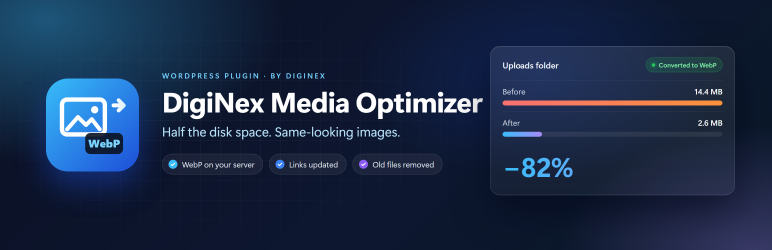
DigiNex Media Optimizer makes your media library smaller without making your images look worse. Everything runs on your own server: no account, no API key, no image is sent anywhere.
What it does
- Every new JPEG or PNG upload is converted to WebP at quality 82, which looks the same as the original.
- Every image size (thumbnail, medium, large…) is rebuilt from the best file on disk, at the same pixel size, so your layouts do not change.
- PNG graphics and logos are kept pixel-exact (lossless WebP); PNG photos are compressed, keeping transparency.
- The old JPEG/PNG files are deleted, but only after the new WebP has been written and checked, and the database has been updated.
- Links to the old files are updated in posts, pages, excerpts, Elementor and other JSON data, widgets and theme settings.
- Anyone who still asks for an old .jpg or .png URL (a cached page, an old link) is redirected to the WebP with a 301.
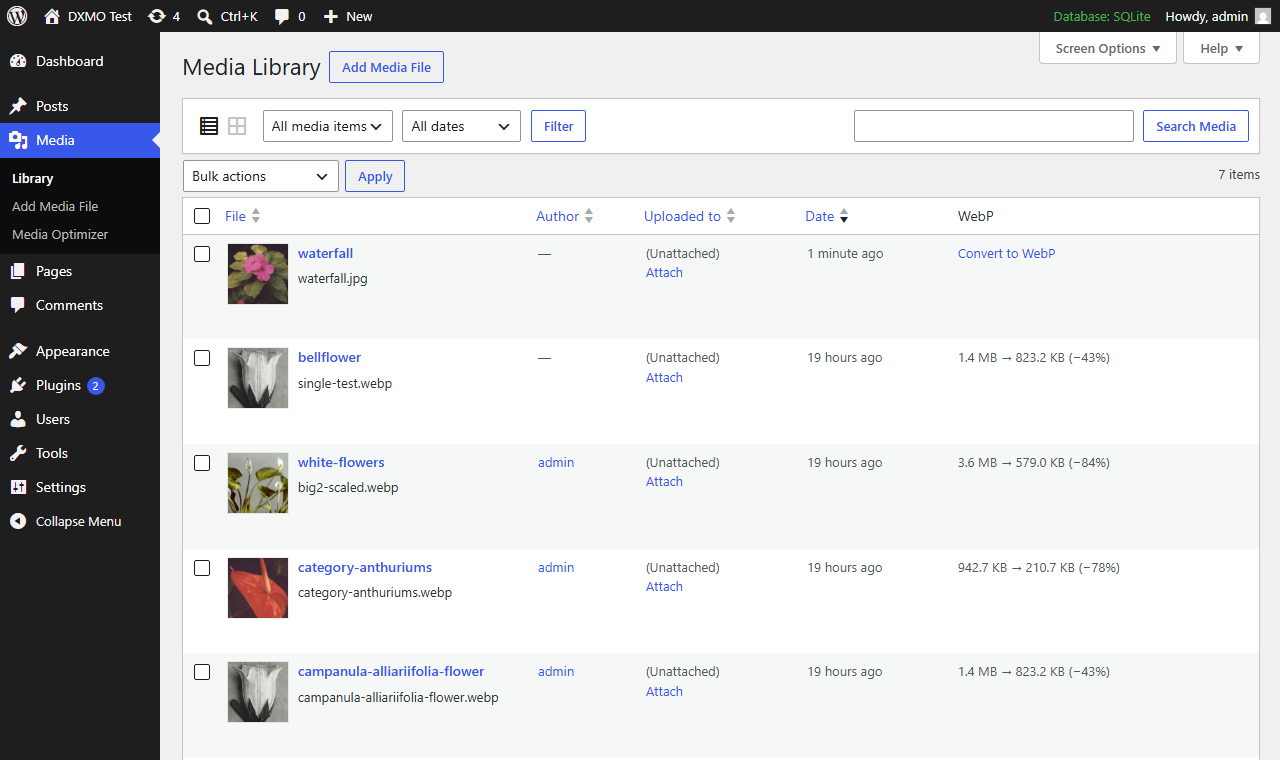
- Existing images can be converted one by one from the Media Library (list view, “WebP” column).
Safety
- Nothing is deleted until the new file is verified.
- Images whose WebP would not be at least 10% smaller are left as they are.
- Files kept by the WordPress image editor for “Restore original image” are never touched.
- Wide-gamut photos (for example from iPhones) are skipped on servers with GD only, so their colours are not lost. Imagick keeps the colour profile.
DigiNex Media Optimizer Pro
The Pro add-on converts the whole existing library in one go, in the background, with a savings estimate and progress. It also deletes the huge original uploads WordPress keeps next to the “-scaled” copies, adds quality, maximum size and PNG settings, and a WP-CLI command.
Screenshots

Installation
- Install and activate the plugin.
- Go to Media Media Optimizer to check that your server can write WebP.
- New uploads are converted automatically. Convert existing images from Media Library (list view).
Back up your uploads folder and database before converting existing images: the replaced files are deleted for good.
FAQ
-
Will my images look worse?
-
No visible difference at the default quality. Every size is rendered again from the original upload, not from an already compressed thumbnail.
-
Do all browsers show WebP?
-
Yes. Every current browser supports WebP.
-
What does my server need?
-
PHP 7.4+ with Imagick or GD built with WebP support. The settings page tells you which one is used.
-
My server uses nginx. Do old image links still work?
-
Links stored in WordPress are updated. For the 301 redirect of old URLs, nginx must pass missing image files to WordPress (try_files … /index.php).
-
What happens if I uninstall it?
-
Converted images stay WebP and keep working. Only the plugin’s settings and bookkeeping are removed.
Reviews
There are no reviews for this plugin.
Contributors & Developers
“DigiNex Media Optimizer” is open source software. The following people have contributed to this plugin.
Contributors
Translate “DigiNex Media Optimizer” into your language.
Interested in development?
Browse the code, check out the SVN repository, or subscribe to the development log by RSS.
Changelog
1.1.0
- English interface, translation ready.
- “Convert to WebP” for single images in the Media Library (list view and attachment details).
- Bulk conversion moved to the Pro add-on.
1.0.0
- First release.