
Description
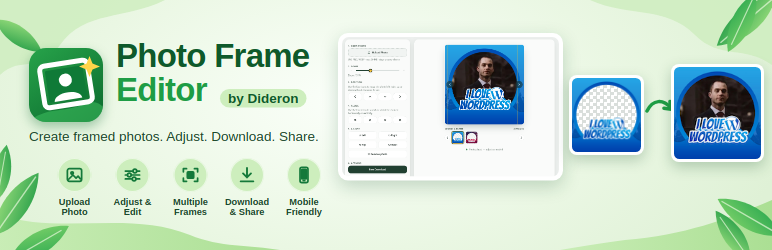
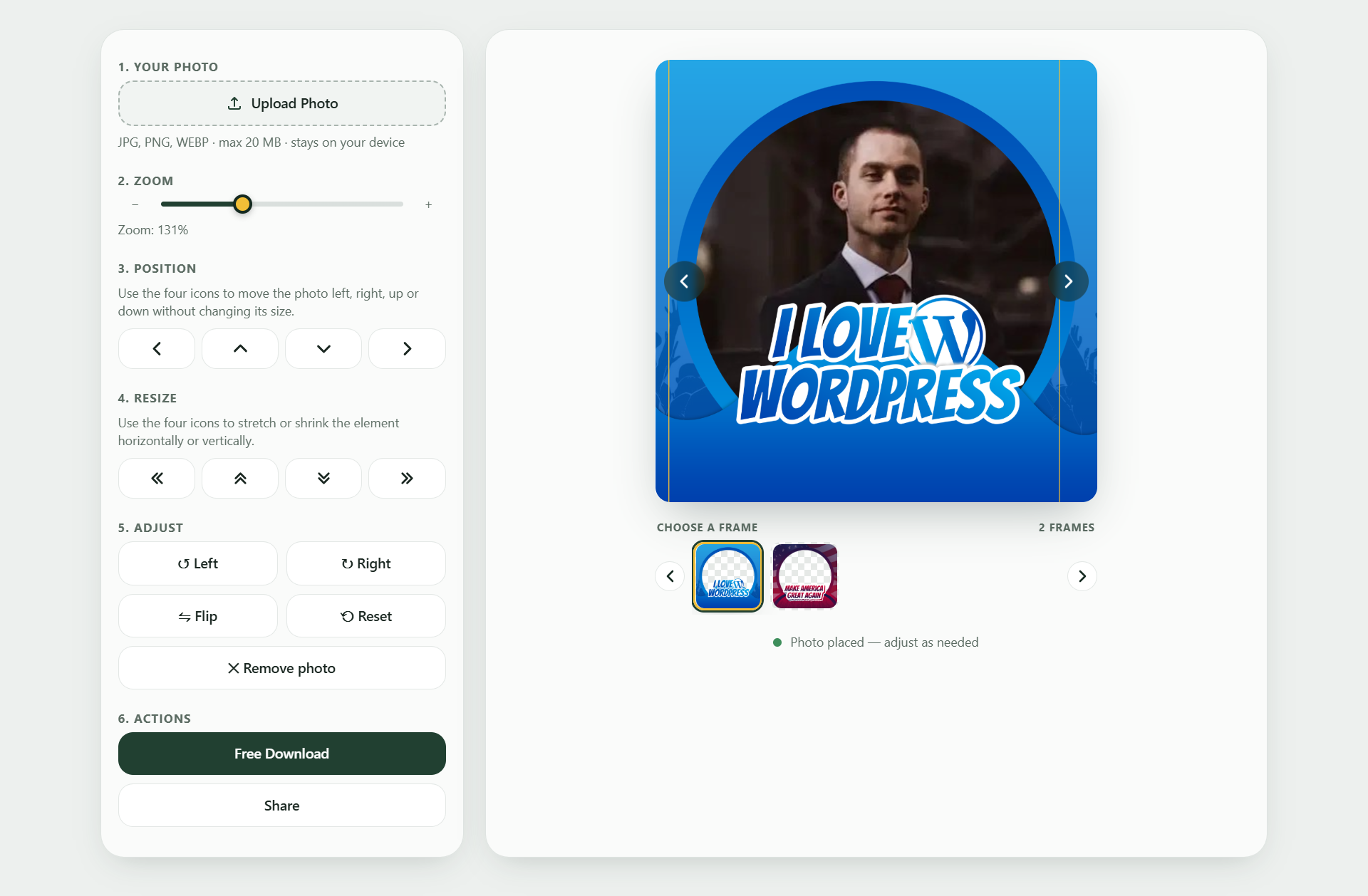
Dideron Photo Frame Editor adds a frame editor to any page of your website. Visitors choose a photo, it is placed behind one of your transparent frames, they zoom, move, rotate and adjust it, then download (or share) a finished 1080×1080 image. It suits campaigns, events, schools, communities and brands that want people to create their own framed profile pictures.
Features
- Add as many frames as you like (transparent PNG or WebP, square, 1080×1080 recommended).
- Frame categories with filter buttons, and category cards.
- Zoom, move, resize, rotate, flip, brightness and other adjustments, with mouse, touch or keyboard.
- Mobile friendly layout with tabs and a fixed download bar.
- Optional download counter per frame.
- Bulk upload, ZIP export and ZIP import of frames.
- Colors, text sizes, buttons and layout can be changed under Photo Frames Appearance.
Privacy: photos are processed in the visitor’s browser and are never uploaded to your server.
Shortcodes
[pfd_editor]shows the editor. Options:limit="24",start="123"(frame ID to show first),track="1"(count downloads),share="1"(Share button on supported devices).[pfd_editor category="birthday,wedding"]shows only those categories (operator="and"= frames in all of them,filter="0"hides the buttons).[pfd_categories columns="3"]shows a card for every category. On the same page as the editor, clicking a card filters the editor in place. On any other page it links to the editor page (set under Appearance, or detected automatically).
Third-party library
This plugin bundles Fabric.js 7.4.0 (MIT license) in assets/js/fabric.min.js. Nothing is loaded from an external server.
Screenshots


Installation
- Upload the
dideron-photo-frame-editorfolder to/wp-content/plugins/, or install the plugin from the Plugins screen. - Activate the plugin.
- Go to Photo Frames Add New and upload a transparent frame image. Use the “Order” box to control the order (lower number first).
- Add the shortcode
[pfd_editor]to any page.
FAQ
-
Are visitors’ photos stored on my server?
-
No. Photos are processed in the visitor’s browser only.
-
What data does the plugin store?
-
An anonymous download counter per frame, your Appearance settings, and a short-lived (about one minute) one-way hash of the visitor’s IP address used only to limit abuse of the counter.
-
Can I use more than one editor on a page?
-
No, one editor per page is supported. You can use
[pfd_categories]on the same page. -
Do my frames get deleted when I delete the plugin?
-
Settings are removed. Your frames and their images are kept on purpose.
-
The visitor’s download looks wrong with a JPEG frame.
-
JPEG has no transparency, so the visitor’s photo is hidden behind it. Use a transparent PNG or WebP.
Reviews
There are no reviews for this plugin.
Contributors & Developers
“Photo Frame Editor” is open source software. The following people have contributed to this plugin.
Contributors
Translate “Photo Frame Editor” into your language.
Interested in development?
Browse the code, check out the SVN repository, or subscribe to the development log by RSS.
Changelog
1.1.2
- Renamed plugin.
1.1.0
- Renamed to Dideron Photo Frame Editor; new unique prefix (dpfr), shortcodes
[pfd_editor]and[pfd_categories]. - Fabric.js 7.4.0 is now bundled with the plugin; the CDN fallback and the one-click download were removed.
- Styles and scripts are enqueued with the WordPress APIs instead of printed inline.
- All admin text is translatable.
- Removed the manual translation loader (WordPress.org loads translations automatically).
1.0.0
- First release.