
Description
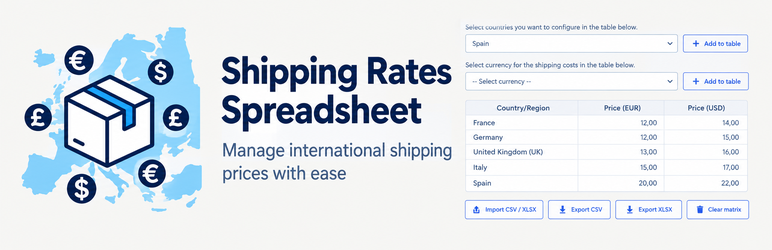
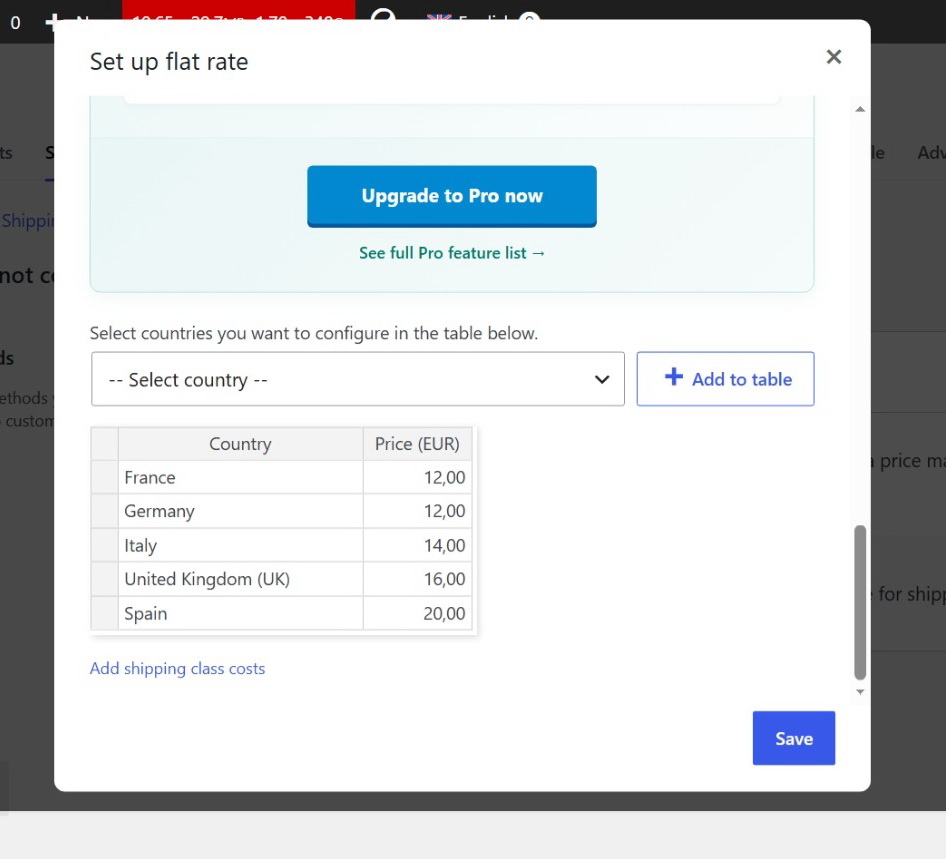
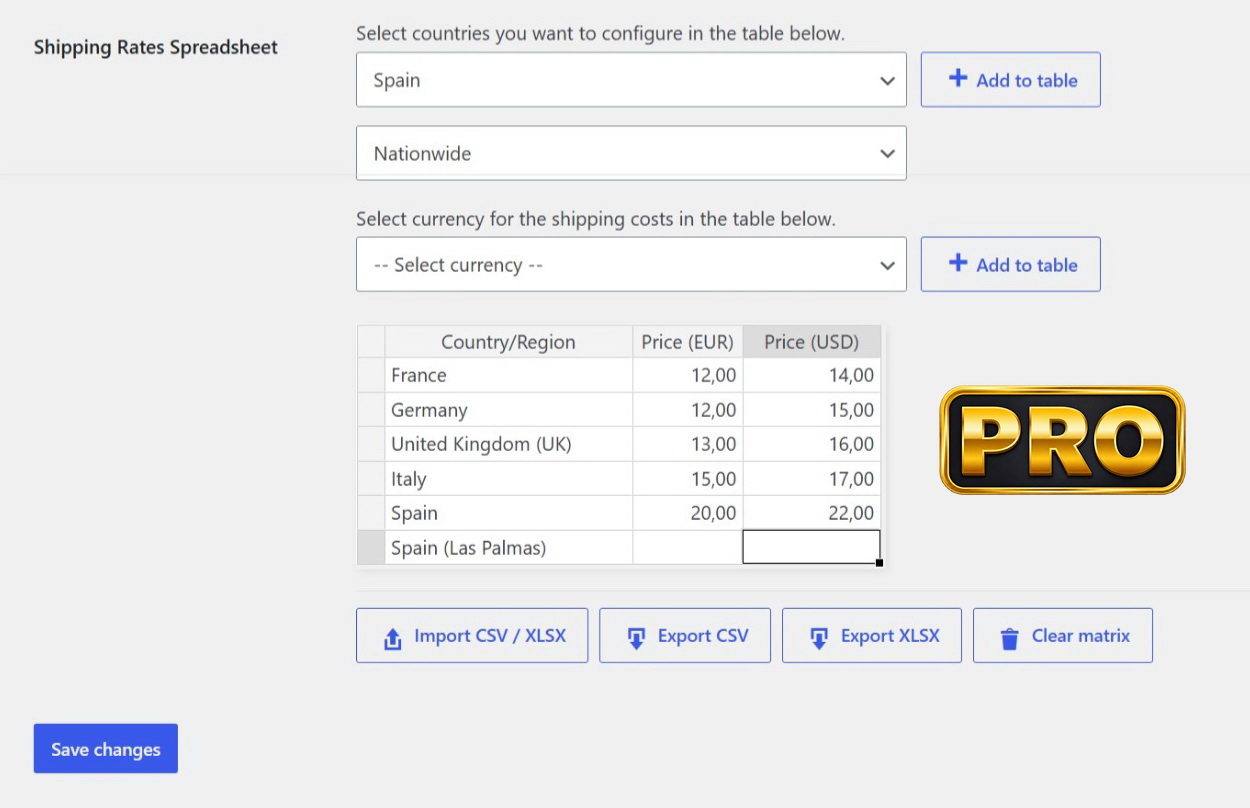
Shipping Rates Spreadsheet stores a country (and, in Pro, region and currency) price table on each WooCommerce shipping method instance and applies those prices at checkout.
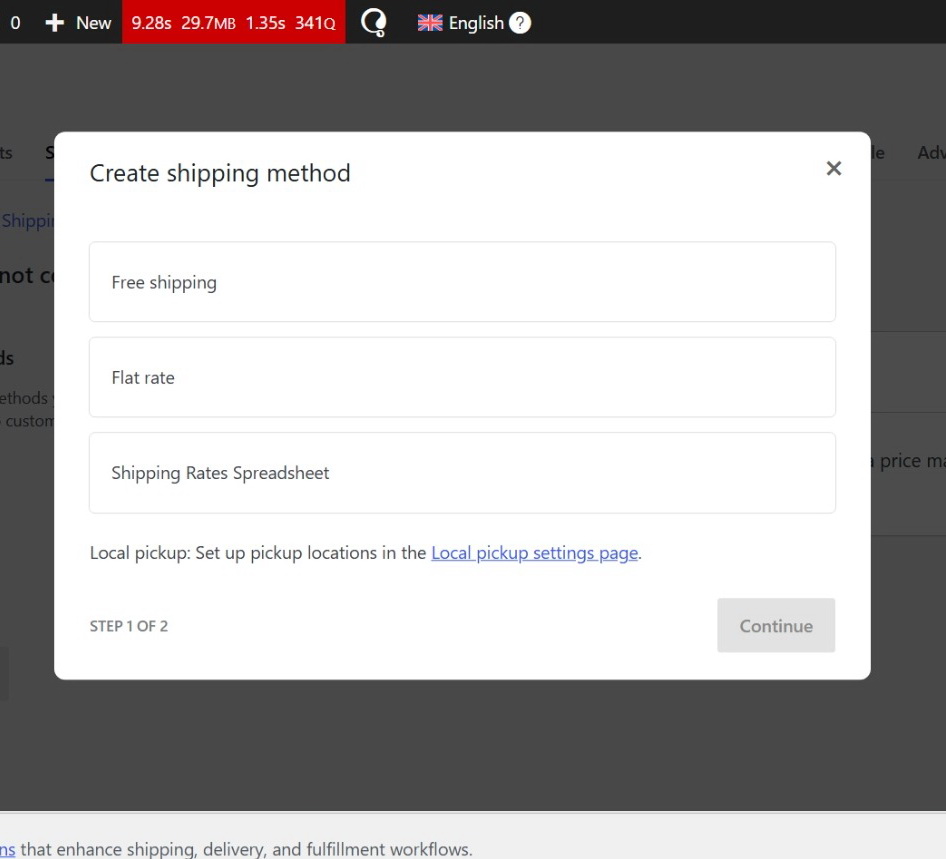
Use the plugin’s own Shipping Rates Spreadsheet method in a shipping zone, or attach the same matrix to existing methods (Flat Rate, local pickup, carrier plugins, and similar).
Free
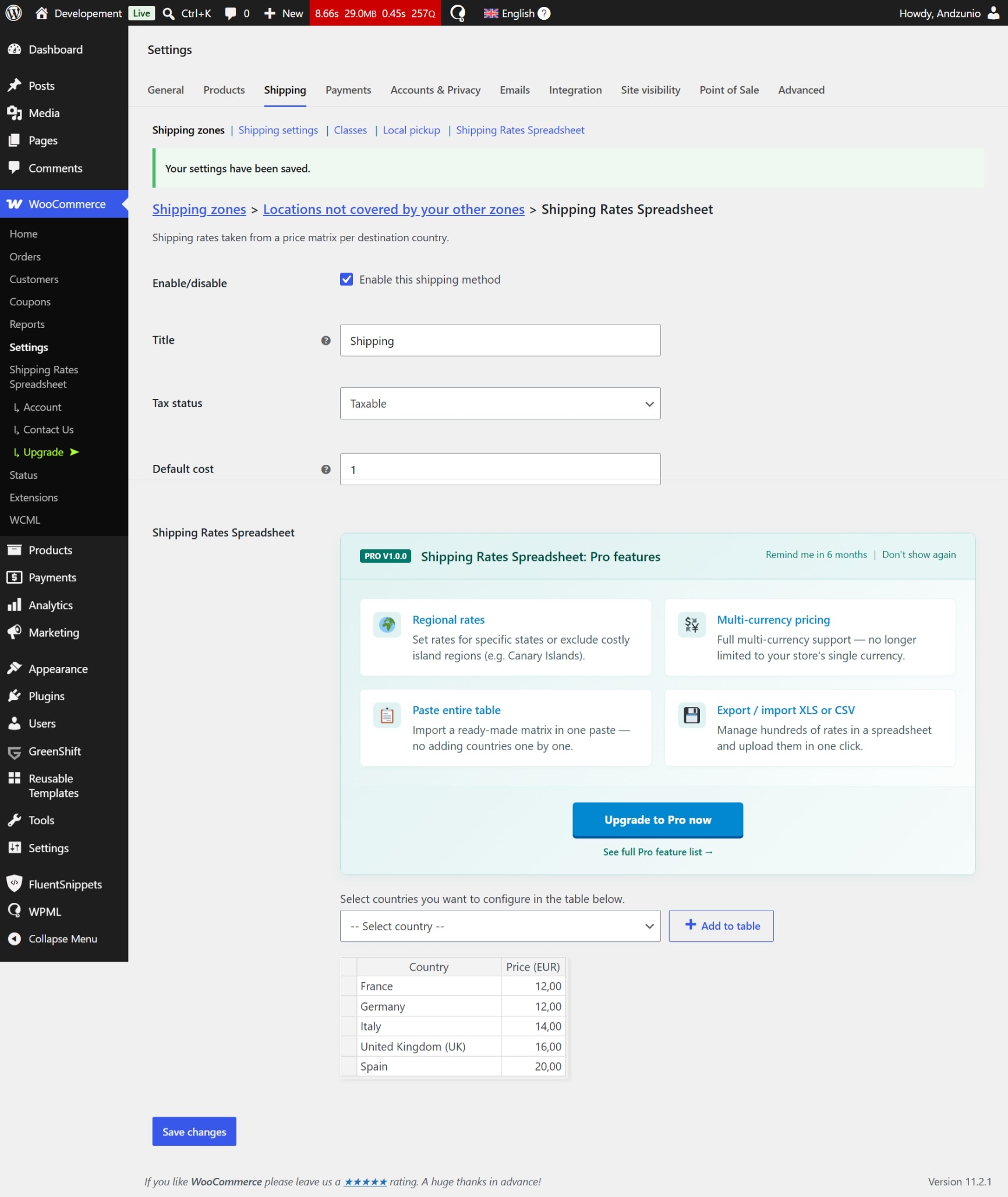
- Spreadsheet-style matrix in the method instance settings
- One price column: the store currency
- Country-level destinations
- Optional built-in Shipping Rates Spreadsheet zone method (can be hidden)
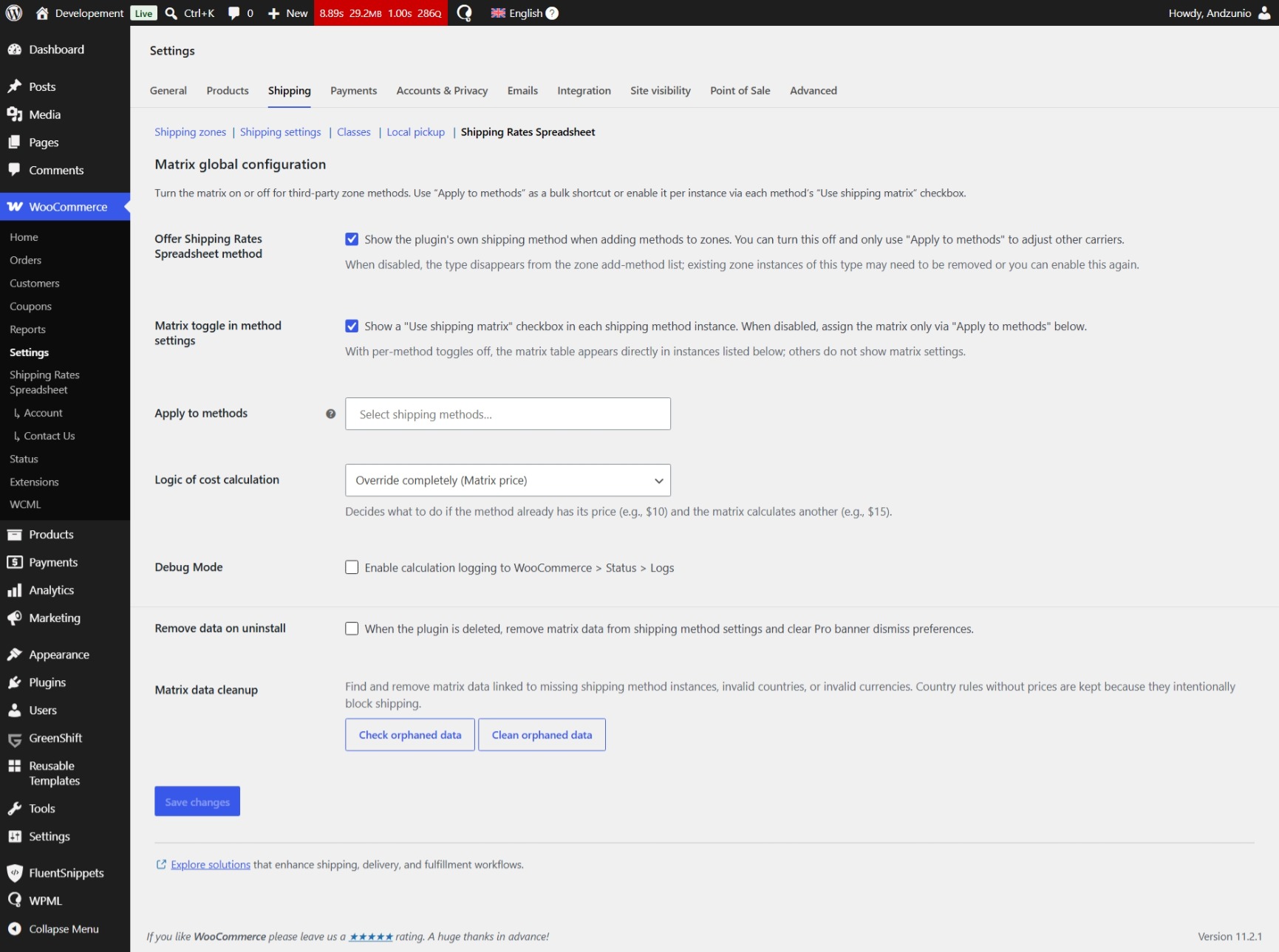
- Apply the matrix to other zone methods, per instance or in bulk
- Cost logic: override the method price, add the matrix amount, or take the higher of the two
- Destinations listed without a price are blocked (the rate is removed)
- Debug logs under WooCommerce Status Logs
- Cleanup tools for orphaned matrix data
- Optional removal of matrix data when the plugin is deleted
- Polish and German translations
- Compatible with WooCommerce High-Performance Order Storage (HPOS)
Pro
- Additional currency columns
- State/region rows (for example US:CA) with country-level fallback
- Import and export as CSV or XLSX
Matrix data lives in WooCommerce shipping method instance settings. The plugin does not create custom database tables.
Product page: https://devstudio8848.com/shipping-rates-spreadsheet/
Third-party libraries
The matrix editor in the admin uses two bundled MIT-licensed libraries, shipped unmodified:
Versions, licenses, and links to the non-minified sources are also listed in assets/vendor/README.md.
Screenshots
Installation
- Upload the plugin folder to
/wp-content/plugins/devstudio8848-shipping-rates-spreadsheet/or install it from the WordPress plugin directory. - Activate Shipping Rates Spreadsheet through the Plugins screen.
- Open WooCommerce Settings Shipping Shipping Rates Spreadsheet.
- Enable the matrix on the built-in method and/or on existing zone methods, then edit those methods to fill the table.
FAQ
-
Does this replace my existing shipping methods?
-
No. You can keep Flat Rate and other carriers and only apply the matrix to selected instances. You can also hide the plugin’s own method and use assignment only.
-
What happens if a country is not in the matrix?
-
For the built-in Shipping Rates Spreadsheet method, the Default cost is used. If that field is empty, the method is hidden. For assigned third-party methods, the rate is removed from checkout.
-
What happens if the country is in the matrix but the cell is empty?
-
That destination is blocked for the active currency: the rate is removed.
-
Can I charge different prices per state or region?
-
Yes, in Pro. Use location keys such as
US:CA. If there is no region row, the country row is used. -
Can I set prices in several currencies?
-
The free version uses the WooCommerce store currency only. Pro adds extra columns.
-
Where is the data stored?
-
In each method’s instance option (
woocommerce_{method_id}_{instance_id}_settings), under theds8848_srs_matrixkey. Nothing is written to custom tables. -
How do I remove plugin data?
-
Enable Remove data on uninstall in the Shipping Rates Spreadsheet settings, then delete the plugin. You can also run the on-screen orphaned-data cleanup without uninstalling.
Reviews
There are no reviews for this plugin.
Contributors & Developers
“Shipping Rates Spreadsheet” is open source software. The following people have contributed to this plugin.
Contributors
Translate “Shipping Rates Spreadsheet” into your language.
Interested in development?
Browse the code, check out the SVN repository, or subscribe to the development log by RSS.
Changelog
1.0.0
- Initial release: country matrix, apply to zone methods, cost logic, HPOS compatibility.
- Pro: multi-currency, regions, CSV/XLSX import and export.