
Description
D8 Termline adds a compact, keyboard-operated console to your site’s frontend. Visitors can browse categories, list and search published posts, and read articles as plain text without leaving the page.
Commands include help, about, clear, ls, search, categories, posts and cat. Use Tab for completion, arrow keys for session history and Escape to close. Developers can register additional commands using documented PHP hooks and a JavaScript API.
This is a public-content browser, not a server terminal. It provides no shell, PHP editor, arbitrary code execution, file manager or database editing. All scripts and styles are bundled locally. It makes no third-party service requests and includes no telemetry, tracking or paid feature gates. Requests use your site’s public WordPress REST API. Command history is kept in memory only and disappears on page reload.
The appearance is inspired by classic desktop terminals.
Source and developer documentation: https://github.com/kzorluoglu/d8-termline
Screenshots
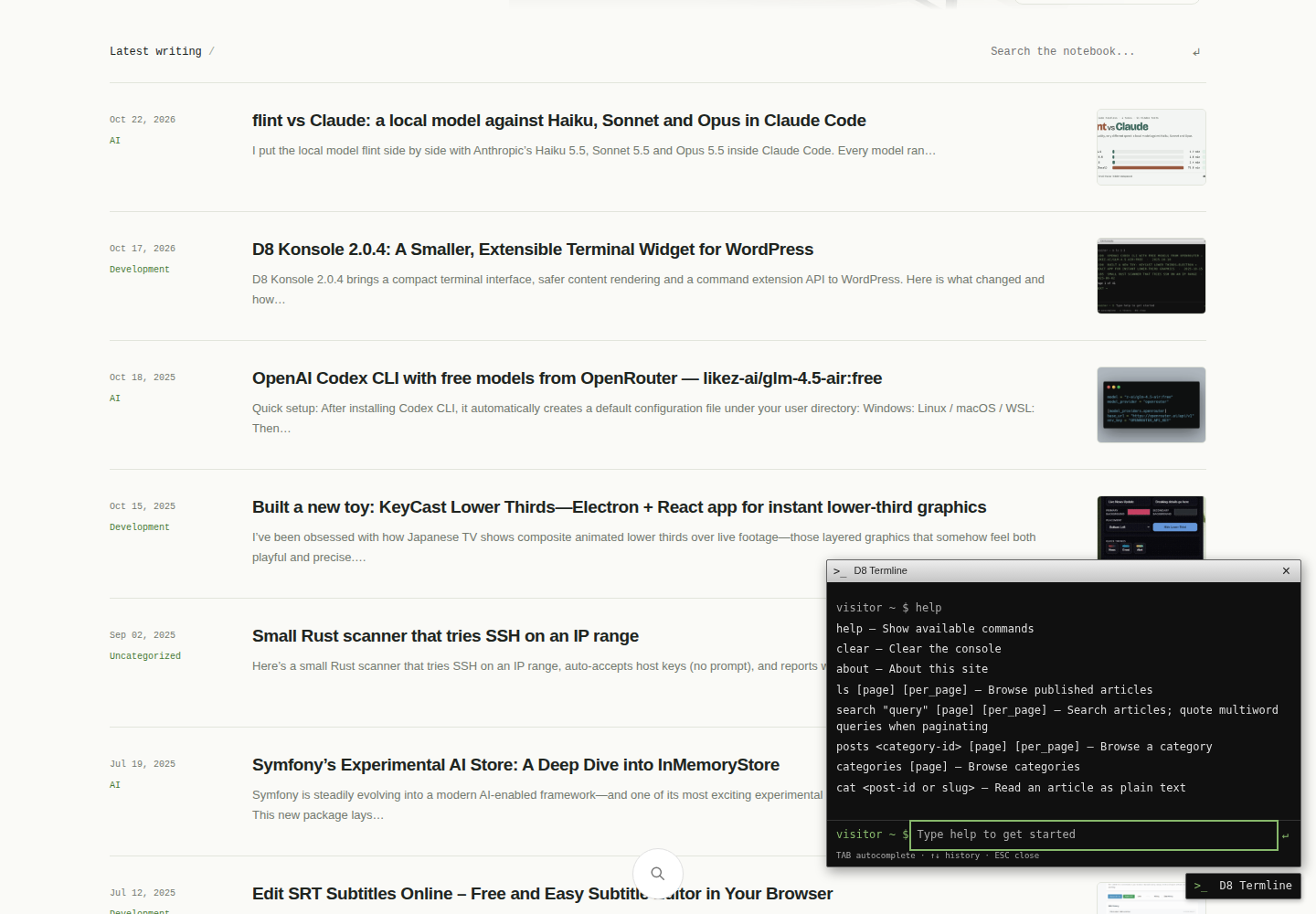
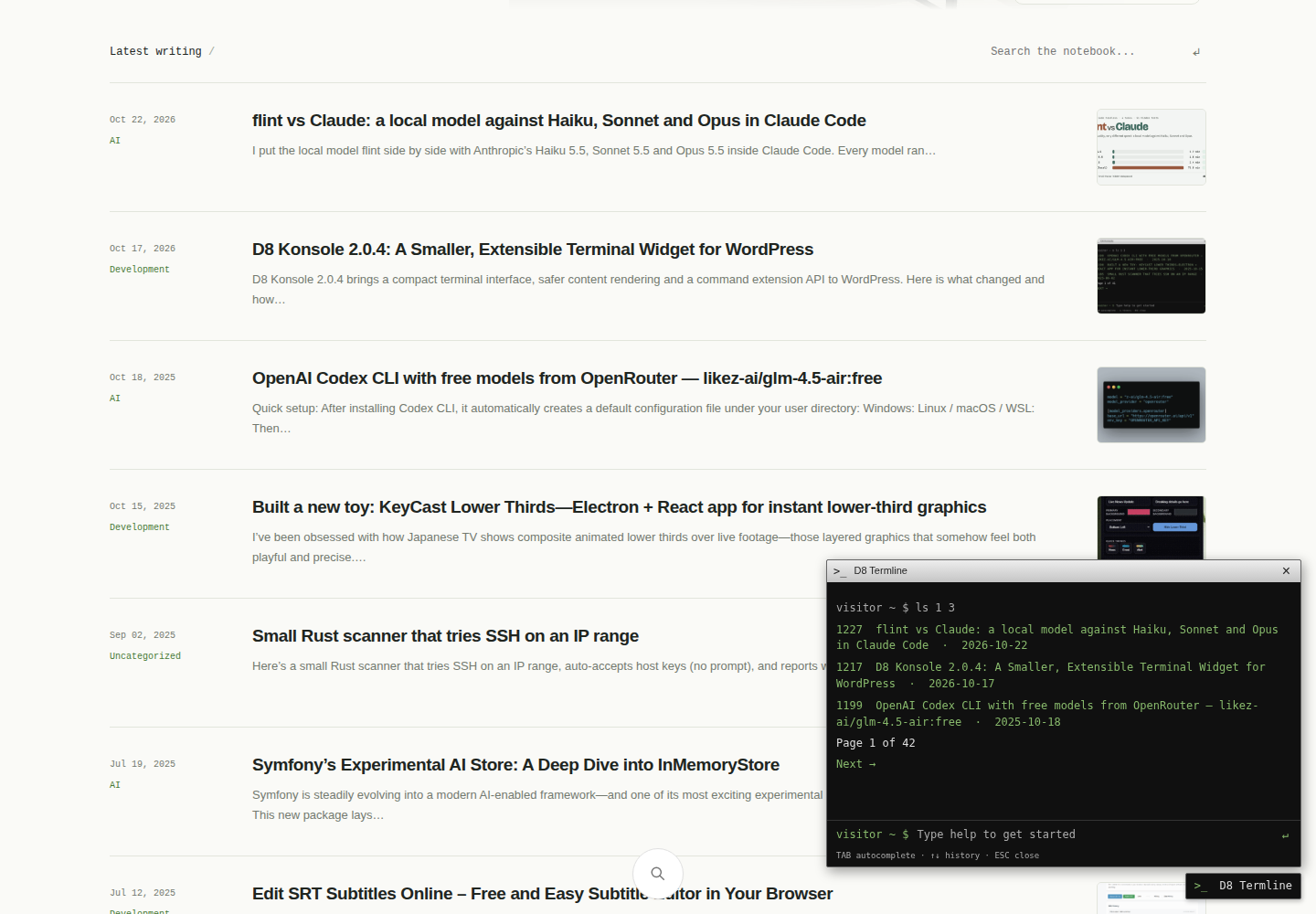
Installation
- Upload the d8-termline directory to wp-content/plugins, or upload the ZIP using Plugins > Add New.
- Activate D8 Termline.
- Open a public page and select the terminal button. Type help to see commands.
FAQ
-
Does this run server commands?
-
No. Commands browse public WordPress content using the site’s REST API. They do not execute operating system commands.
-
Does it expose private posts or user information?
-
Requests omit authentication credentials and request published posts only. The widget does not collect visitor IP addresses or server information.
-
Does it require an external service?
-
No. The REST API must be available on the same origin as the website. No account or API key is required.
-
Can developers extend it?
-
Yes. See readme.md for the command registry and PHP hooks. Extension scripts are trusted site code and should be reviewed like other plugins.
Reviews
There are no reviews for this plugin.
Contributors & Developers
“D8 Termline” is open source software. The following people have contributed to this plugin.
Contributors
Translate “D8 Termline” into your language.
Interested in development?
Browse the code, check out the SVN repository, or subscribe to the development log by RSS.
Changelog
2.0.5
- Update the source and developer documentation links to the renamed GitHub repository.
2.0.4
- Rename to D8 Termline, update the text domain and release package.
- Align the translation domain and add installation, privacy and license documentation.
2.0.2
- Update the classic terminal interface name.
2.0.1
- Introduce a compact classic terminal appearance.
2.0.0
- Replace unsafe HTML output with text-only rendering and validated links.
- Remove server and visitor metadata exposure.
- Add command registry, extension hooks, request boundaries and timeouts.
- Modernize responsive interface, keyboard navigation, history and completion.
- Fix search, article slugs and pagination. See readme.md for migration notes.