

Description
Cubixsol Chat is a complete, lightweight, high-converting WhatsApp marketing, customer support, and order suite for WooCommerce with all features included by default.
Allow your visitors to connect with multiple sales and support representatives in real-time, or place instant 1-click product orders directly via WhatsApp without going through tedious multi-step checkout forms.
Note: This plugin requires WooCommerce to be installed and active.
100% Unlocked Features Included by Default
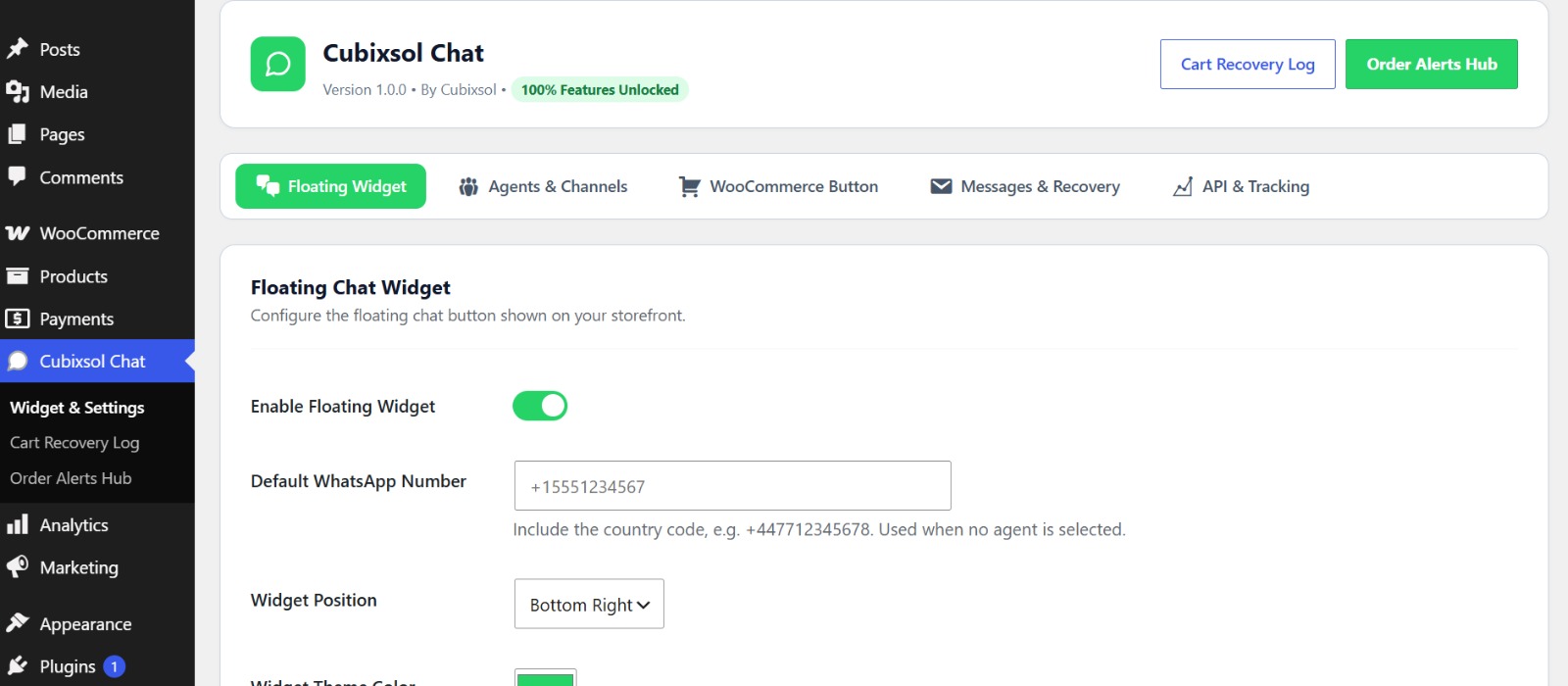
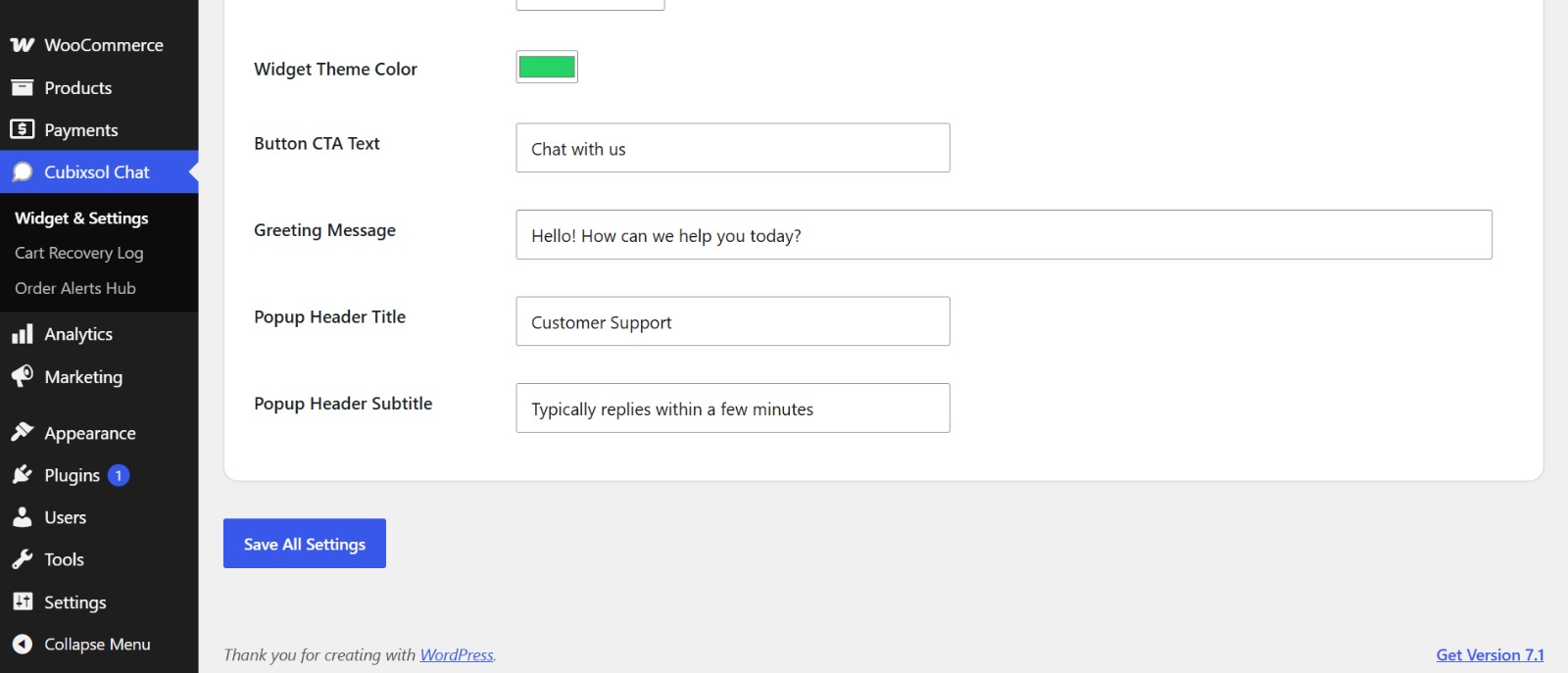
- Floating WhatsApp Widget: Clean, modern floating button with customizable greeting, theme color, and position (Bottom Right / Bottom Left).
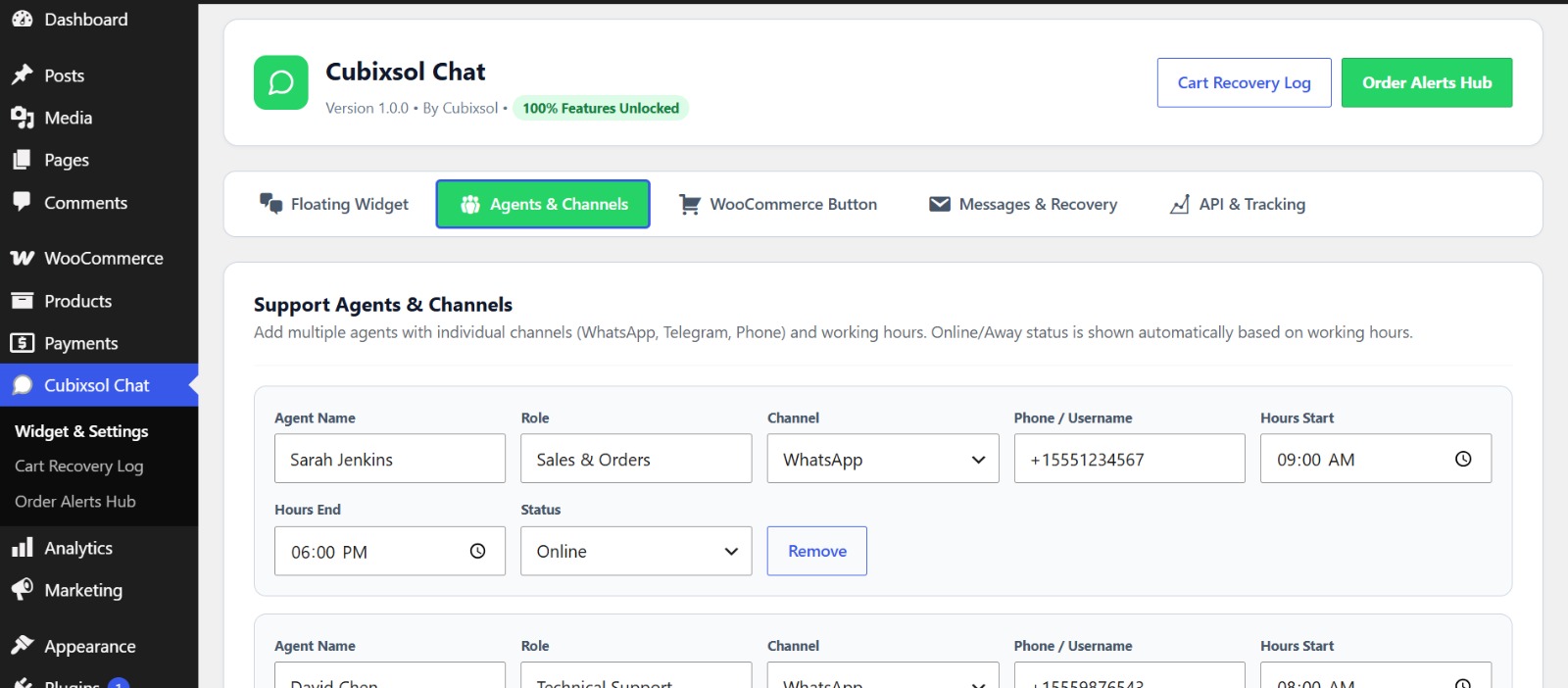
- Multi-Agent & Multi-Channel Support: Add different agents with custom roles (Sales, Technical Support, Customer Care) supporting WhatsApp, Telegram, and Direct Phone Call.
- Agent Working Hours: Automatically shows “Online” or “Away” based on the agent’s real-time working schedule.
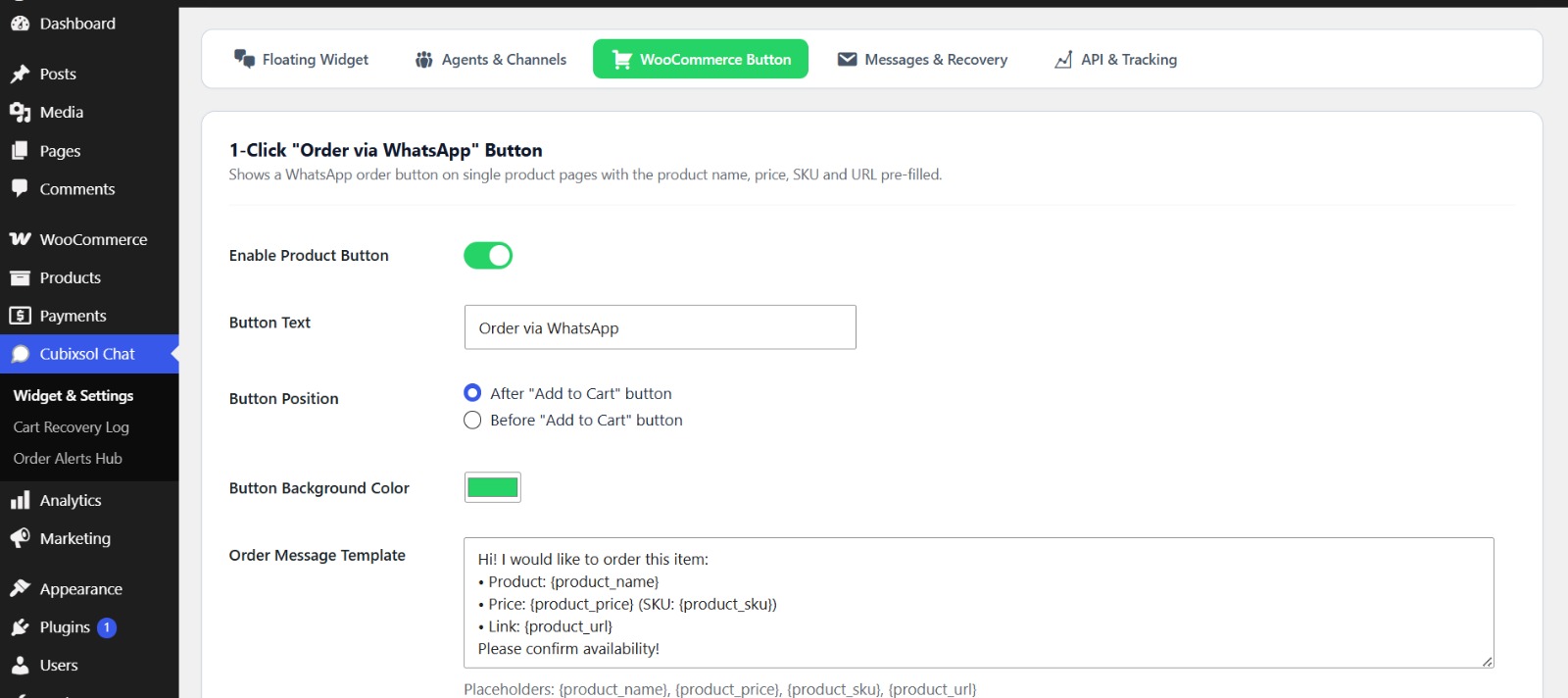
- WooCommerce 1-Click Order Button: Inject an “Order via WhatsApp” button on single product pages with automatically formatted product titles, prices, SKUs, and URLs.
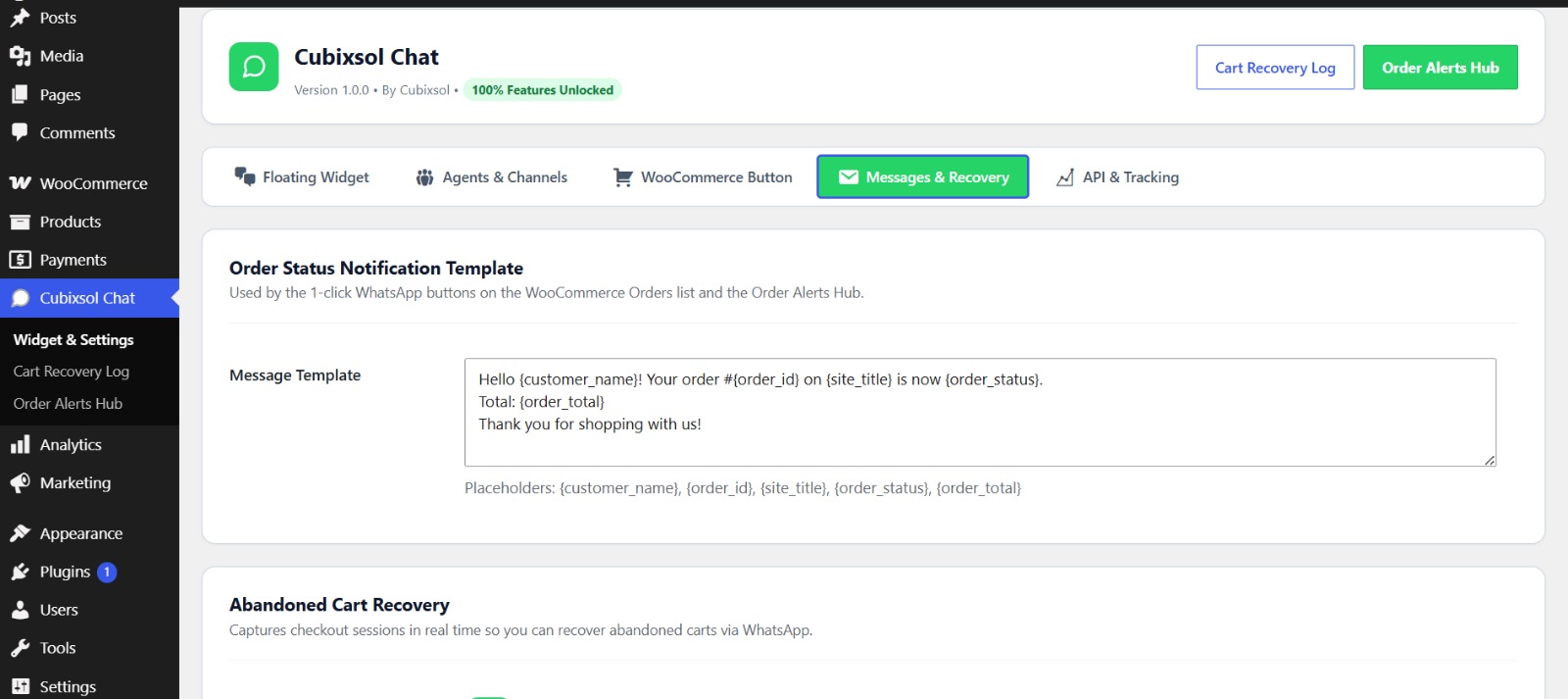
- WooCommerce Order Status WhatsApp Alerts: Send 1-click order notifications (Confirmed, Shipped, Delivered) directly from your WooCommerce Orders admin table or the dedicated Order Alerts Hub.
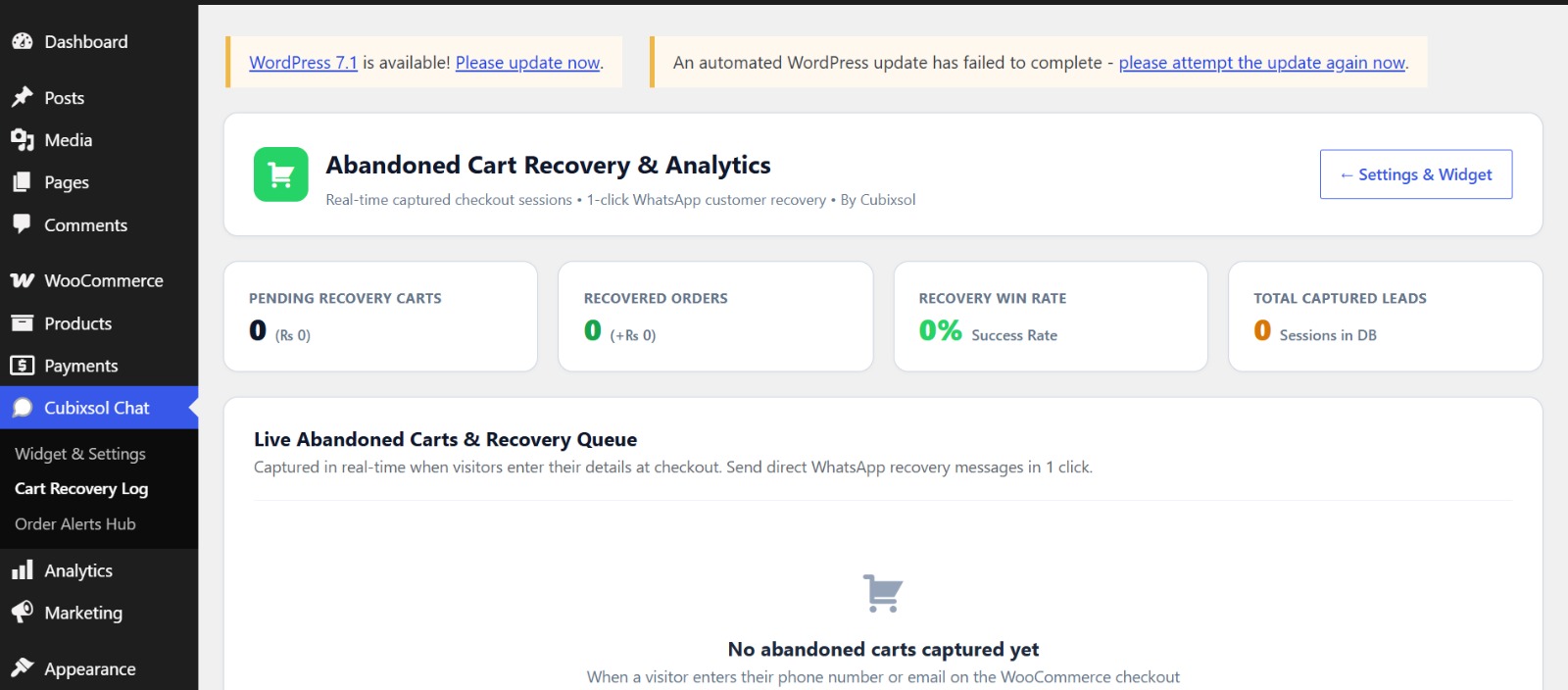
- Abandoned Cart Recovery: Real-time checkout session capturing with a dedicated recovery log, category analytics, CSV lead export, and customizable recovery message templates.
- Built-in GA4 & Meta Pixel Events: Automatically fires WhatsApp click events into your existing Google Analytics 4 and Meta Pixel installations (no extra tracking scripts are loaded).
- Fully Responsive: Flawless experience on desktop, iPad, and mobile devices.
- Shortcode Support: Embed WhatsApp buttons anywhere using
[cubixsol_chat_button phone="+15551234567" text="Chat now" msg="Hi!"]. - Zero Bloat & Fast: Written with native WordPress hooks and lightweight JavaScript.
External Services
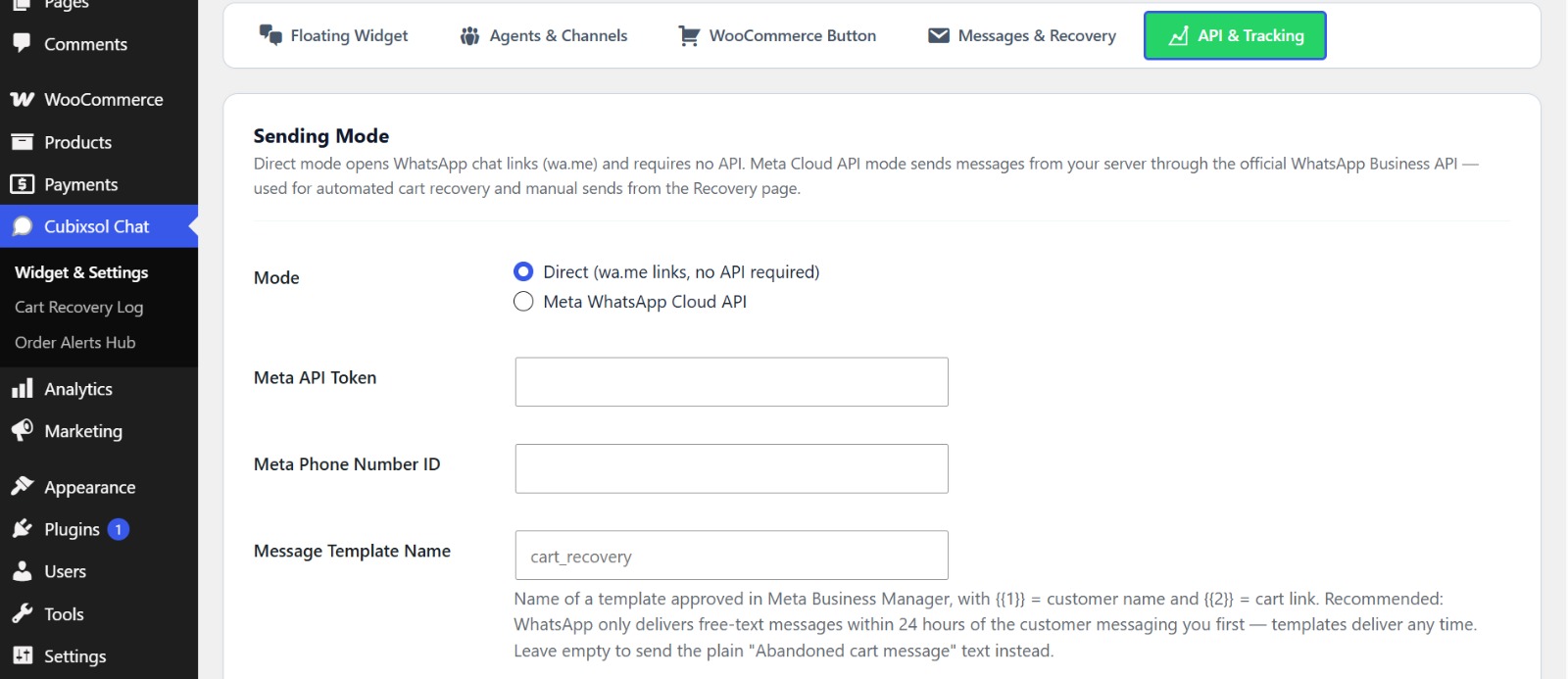
This plugin can optionally connect to the Meta WhatsApp Cloud API (graph.facebook.com), operated by Meta Platforms, Inc. This connection is only made when the site owner selects “Meta WhatsApp Cloud API” as the sending mode and enters their own API credentials — the default Direct mode makes no external requests at all.
When Meta API mode is used, the plugin sends the recipient’s phone number and the message content (which may include the customer’s name and a link back to your store’s cart) to Meta’s API in order to deliver WhatsApp messages on your behalf. No other data is transmitted.
Meta terms of service: https://www.facebook.com/legal/terms
Meta privacy policy: https://www.facebook.com/privacy/policy
WhatsApp Business terms: https://www.whatsapp.com/legal/business-terms
Privacy
In the default Direct mode, Cubixsol Chat does not connect to any external service by itself. WhatsApp links (wa.me) open in the visitor’s own WhatsApp application. When abandoned cart capturing is enabled, visitor-entered checkout details are stored locally in your WordPress database. If you enable Meta Cloud API mode, phone numbers and message content are transmitted to Meta (see External Services above). Site owners should disclose cart capture and messaging in their privacy policy where required.
Screenshots
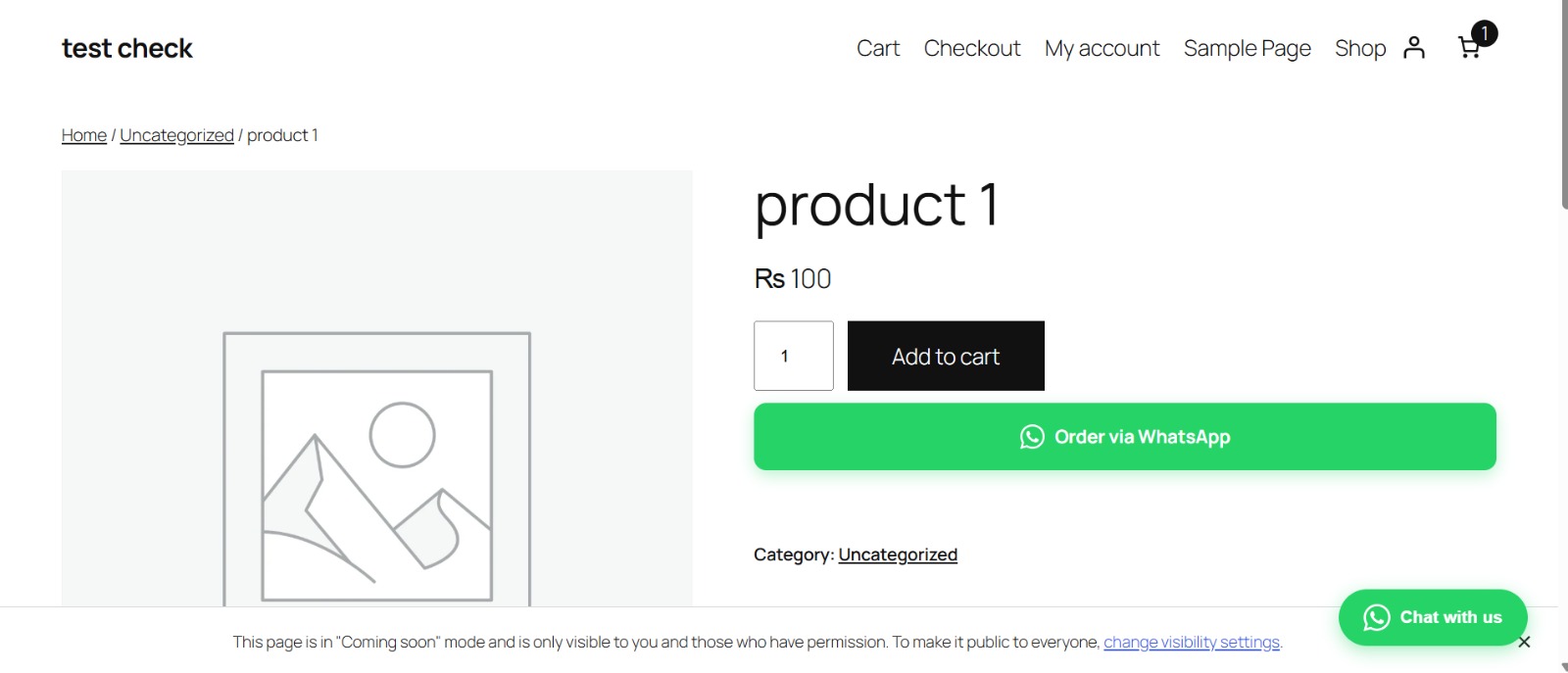
Installation
- Make sure WooCommerce is installed and active.
- Upload the plugin files to the
/wp-content/plugins/cubixsol-multi-channel-chat-order-button-for-woocommercedirectory, or install the plugin through the WordPress plugins screen directly. - Activate the plugin through the ‘Plugins’ screen in WordPress.
- Navigate to Cubixsol Chat in your WordPress admin menu to configure your phone number, support agents, and WooCommerce button settings.
FAQ
-
Does this require the official WhatsApp Business API?
-
No! Cubixsol Chat works with any standard WhatsApp or WhatsApp Business number without requiring Meta API verification or monthly server fees. An optional Meta Cloud API mode is available for stores using the official API.
-
Does this require WooCommerce?
-
Yes. Cubixsol Chat is built for WooCommerce stores. If WooCommerce is not active, the plugin shows an admin notice and stays inactive until WooCommerce is available.
-
Does this work with WooCommerce products?
-
Yes! When enabled, it automatically generates a direct “Order via WhatsApp” button that includes product name, SKU, price, and URL in the message.
-
Can I add multiple agents?
-
Yes, you can configure multiple agents with separate roles, channels, and working hours in the settings panel.
-
What data does the plugin store?
-
When cart capturing is enabled, the plugin stores checkout details entered by visitors (name, email, phone, and cart contents) in a dedicated database table on your own site, so you can recover abandoned carts. In the default Direct mode, no data is sent to any external service. All data is removed when the plugin is uninstalled.
-
How do automated recovery messages work?
-
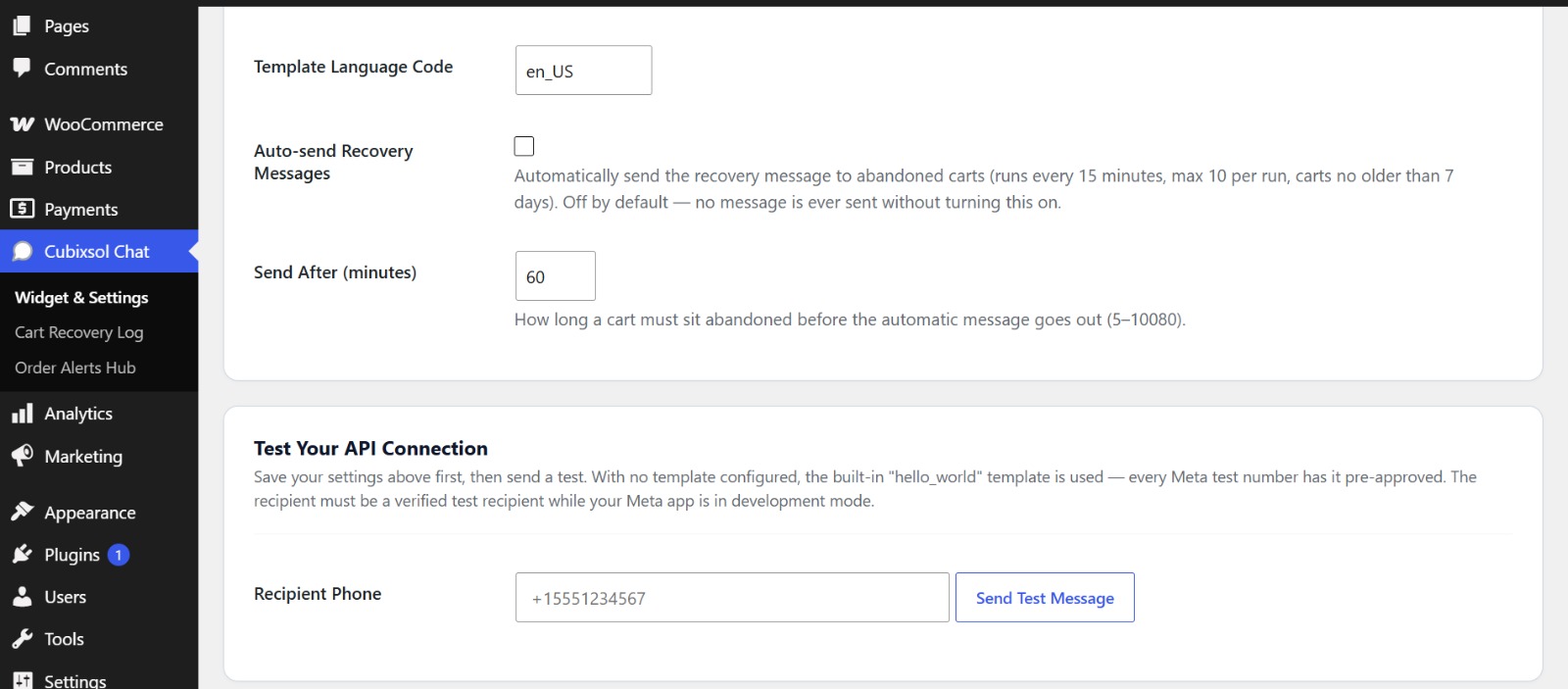
In Meta Cloud API mode, you can enable automatic sending of the recovery message to abandoned carts. A scheduled task runs every 15 minutes and messages carts that have been abandoned longer than your configured delay (max 10 per run, carts no older than 7 days, each cart messaged once). Auto-sending is off by default. Note: WhatsApp only delivers free-form text within 24 hours of the customer messaging you first — configure an approved message template in Meta Business Manager for reliable delivery at any time.
Reviews
There are no reviews for this plugin.
Contributors & Developers
“Cubixsol Multi-Channel Chat & Order Button for WooCommerce” is open source software. The following people have contributed to this plugin.
Contributors
Translate “Cubixsol Multi-Channel Chat & Order Button for WooCommerce” into your language.
Interested in development?
Browse the code, check out the SVN repository, or subscribe to the development log by RSS.
Changelog
1.0.0
- Initial public release on WordPress.org with all features unlocked.
- Meta WhatsApp Cloud API sending: automated abandoned-cart recovery messages (opt-in), per-cart manual send, and settings-page test message.