

Description
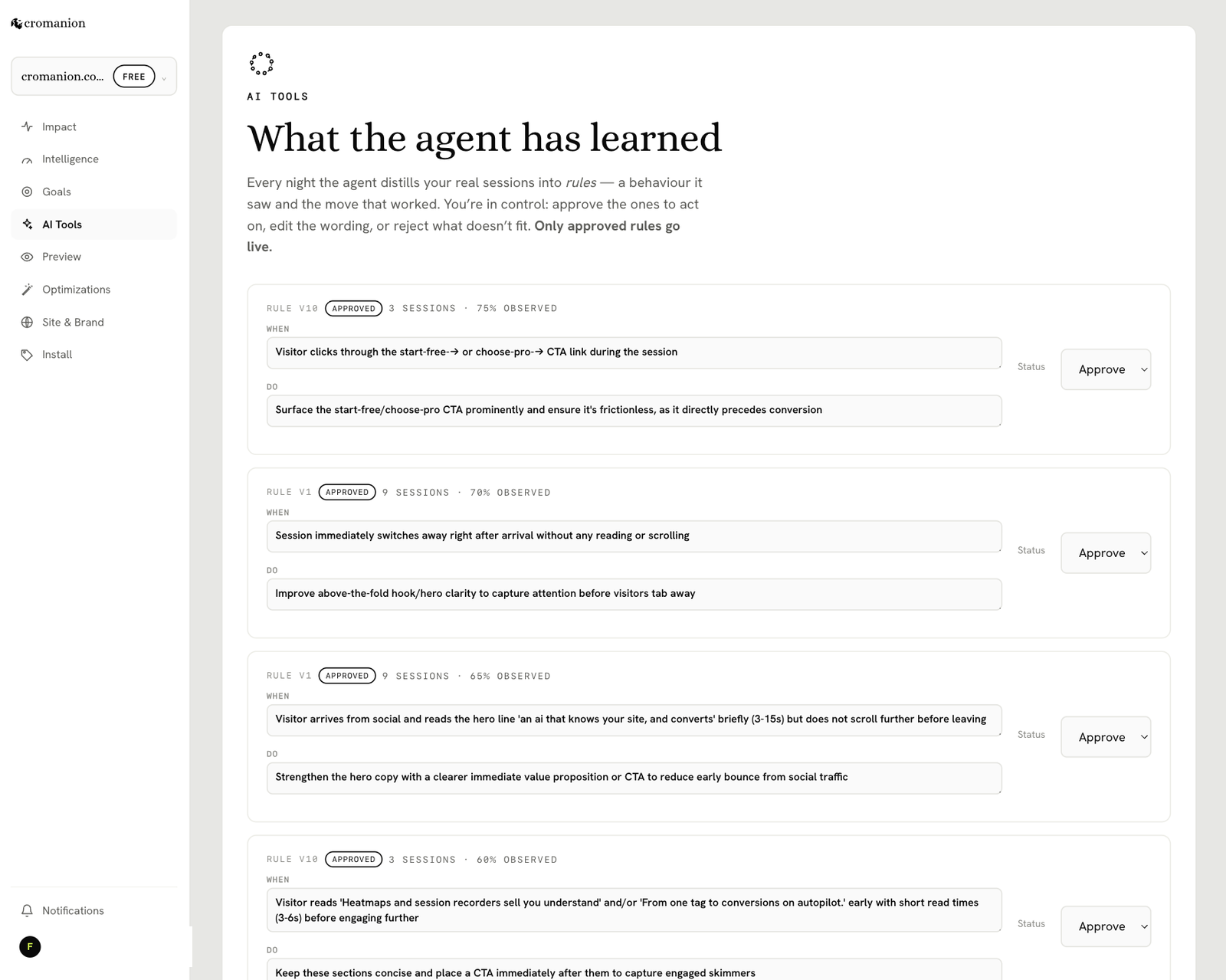
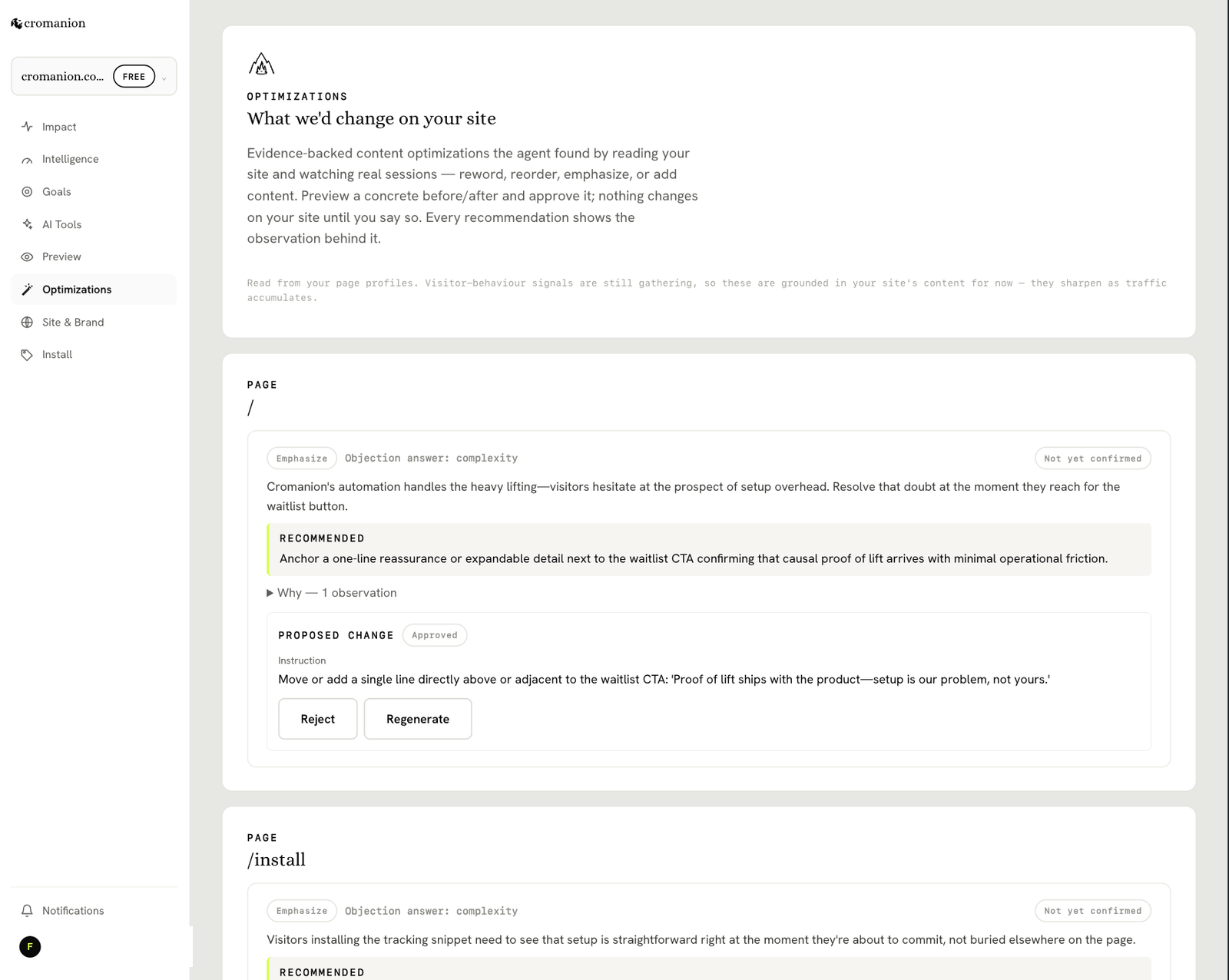
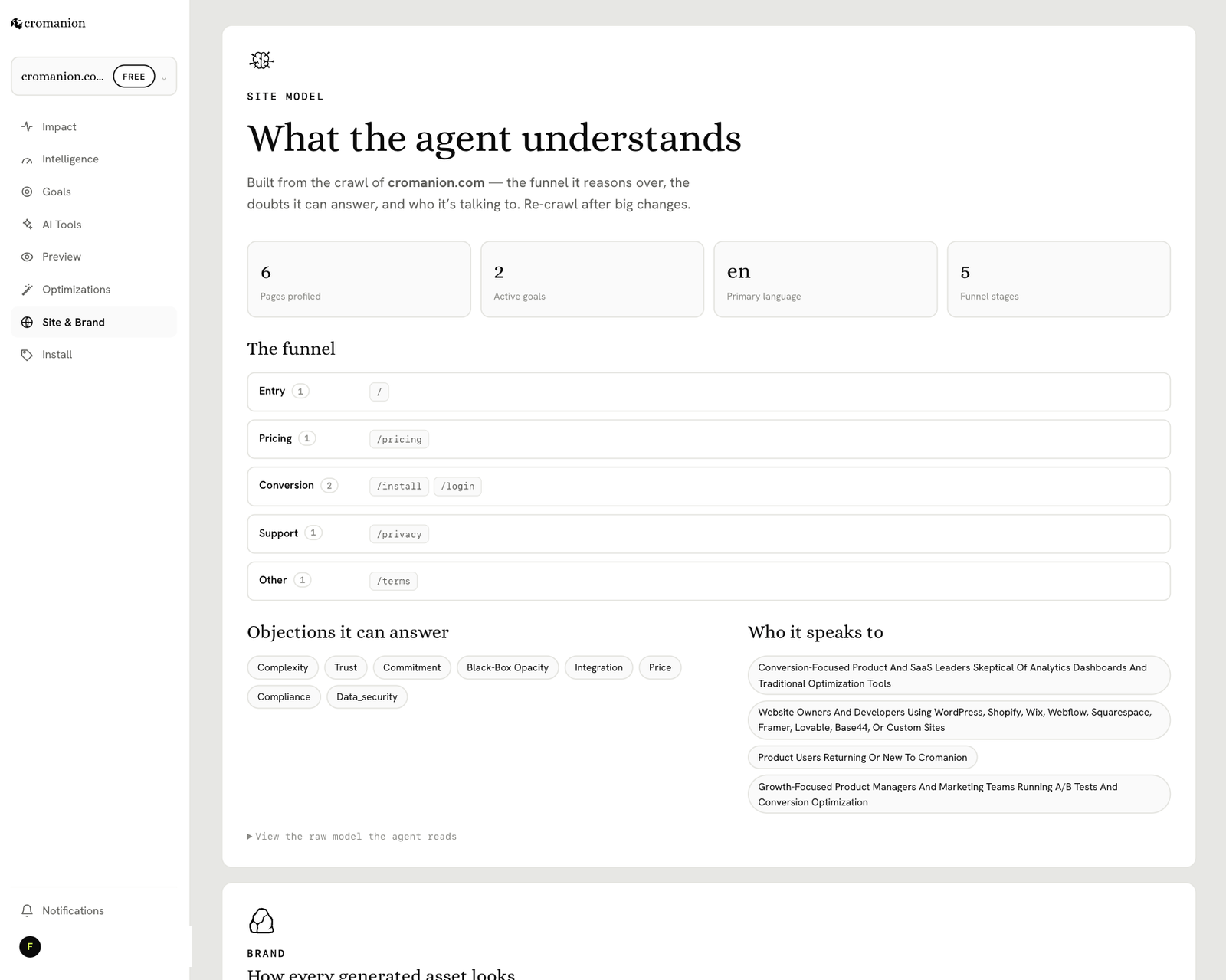
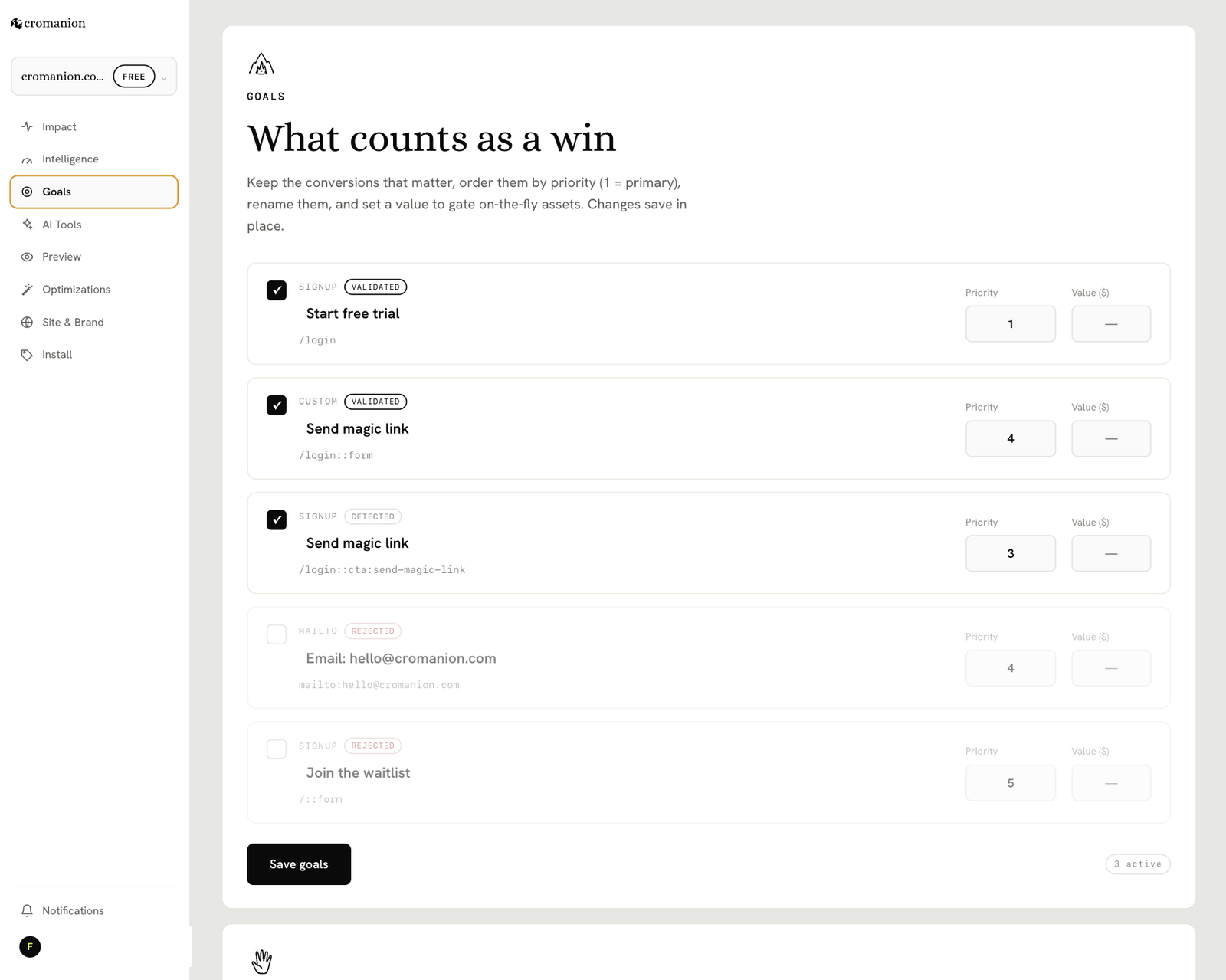
Cromanion is the conversion agent that runs itself. You paste one thing — your site key —
and an AI that has already studied your site watches every visitor in real time, reads the
behaviours you can’t see, predicts where each one is heading, and steps in at the exact
moment a nudge can change the outcome. No dashboard to babysit, no rules to write, no A/B
test to design.
Why it’s different
- It proves its own impact. A permanent 10% of visitors never get a nudge — the control
group — so the lift Cromanion reports is causal, not a correlation you take on faith. - The proof lands in your own analytics. Results are written into the tools you already
use (GA4, Plausible…) and surfaced in a clean console — no new CRO dashboard to learn. - It speaks in your brand’s voice, truthfully. Every nudge is drawn from your real
content; Cromanion never invents a review, a discount, or fake scarcity. - Privacy by design. Raw visitor events are never sent to an AI. The edge turns them
into a short, plain-code narrative first; only that compressed text reaches the model.
How it works
- Create your site in the Cromanion app and copy your
pk_key. - Paste it here (Settings Cromanion). That’s the whole install — no theme edits, no
surgery. - Cromanion adds one small (under 20 kB), asynchronous script to your footer and goes to
work.
What this plugin is
A thin, one-purpose installer for the Cromanion tag. It stores your key and prints the
correct script on every page, so the tag can never drift or point at a stale endpoint the
way a hand-pasted snippet can. All the intelligence lives in the Cromanion service — the
plugin itself adds no gating, no paywall, and does no tracking of its own.
External services
This plugin relies on Cromanion, a third-party SaaS operated by Cromanion, to function. With
a site key configured, the plugin causes each visitor’s browser to:
- Load the tracking script
c.jsfrom your Cromanion app origin (default
https://cromanion.com/c.js). - Send behavioural events (page views, clicks, scrolling, timing and similar interaction
signals — pseudonymous, cookieless) to the Cromanion edge ingest endpoint (default
https://in.cromanion.com/i) for real-time analysis and possible on-page interventions. - Report a completed conversion. On WooCommerce, when an order completes, the plugin sends a
conversion signal with the order total (a number, for revenue reporting) to the same
endpoint. No customer details, cart contents, or order ids are sent.
No data is sent until you enter a valid site key. As the site owner you are the data
controller for your visitors’ data and are responsible for disclosing this processing in your
own privacy policy and obtaining any consent your jurisdiction requires. What Cromanion
collects and how it is used is governed by Cromanion’s terms and privacy policy:
- Terms of Service: https://cromanion.com/terms
- Privacy Policy: https://cromanion.com/privacy
Screenshots
Installation
- Install and activate the plugin.
- Go to Settings Cromanion.
- Create your site in the Cromanion app if you haven’t, and
copy the
pk_…key from your site’s Install screen. (You can paste the whole<script>tag too — the plugin extracts the key.) - Paste the key and save. Cromanion is now live on your public pages.
You do not need to edit any theme files or touch your <head>.
FAQ
-
Do I need a Cromanion account?
-
Yes. This plugin is the installer for the Cromanion service; create your site in the
Cromanion app to get your site key, then paste it here. -
Will this slow down my site?
-
The script is small (under 20 kB) and loads asynchronously in the footer, so it does not
block rendering. -
Does it work without a key?
-
No — and that’s intentional. With no valid key configured the plugin injects nothing at all,
so it is completely inert until you set it up. -
Does it send my visitors’ data to an AI?
-
Never the raw events. The Cromanion edge compiles behaviour into a short narrative in plain
code, and only that compressed text can reach a model. -
I self-host or was given custom URLs. Can I change them?
-
Yes. The Advanced section lets you override the app origin (where
c.jsis served) and the
ingest URL. -
Do you detect WooCommerce purchases?
-
Yes. When WooCommerce is active, a completed order is reported as a conversion automatically —
the plugin signals it on WooCommerce’s order-received (“thank you”) page, including the order
total. No goal setup is required. Add-to-cart and checkout-form gestures are also picked up.
Reviews
There are no reviews for this plugin.
Contributors & Developers
“Cromanion” is open source software. The following people have contributed to this plugin.
Contributors
Translate “Cromanion” into your language.
Interested in development?
Browse the code, check out the SVN repository, or subscribe to the development log by RSS.
Changelog
0.2.0
- WooCommerce: a completed order (the order-received / “thank you” page) is now reported as an
authoritative conversion automatically, with the order total — no goal configuration needed.
0.1.0
- Initial release: one-tag install via your Cromanion site key, footer injection, and
configurable app origin / ingest URL.