

Description
Every site gets 404s. Someone mistypes a URL, an old link goes stale, a page moves. Most themes answer with a bare “Nothing found” and no way out, and that visitor leaves.
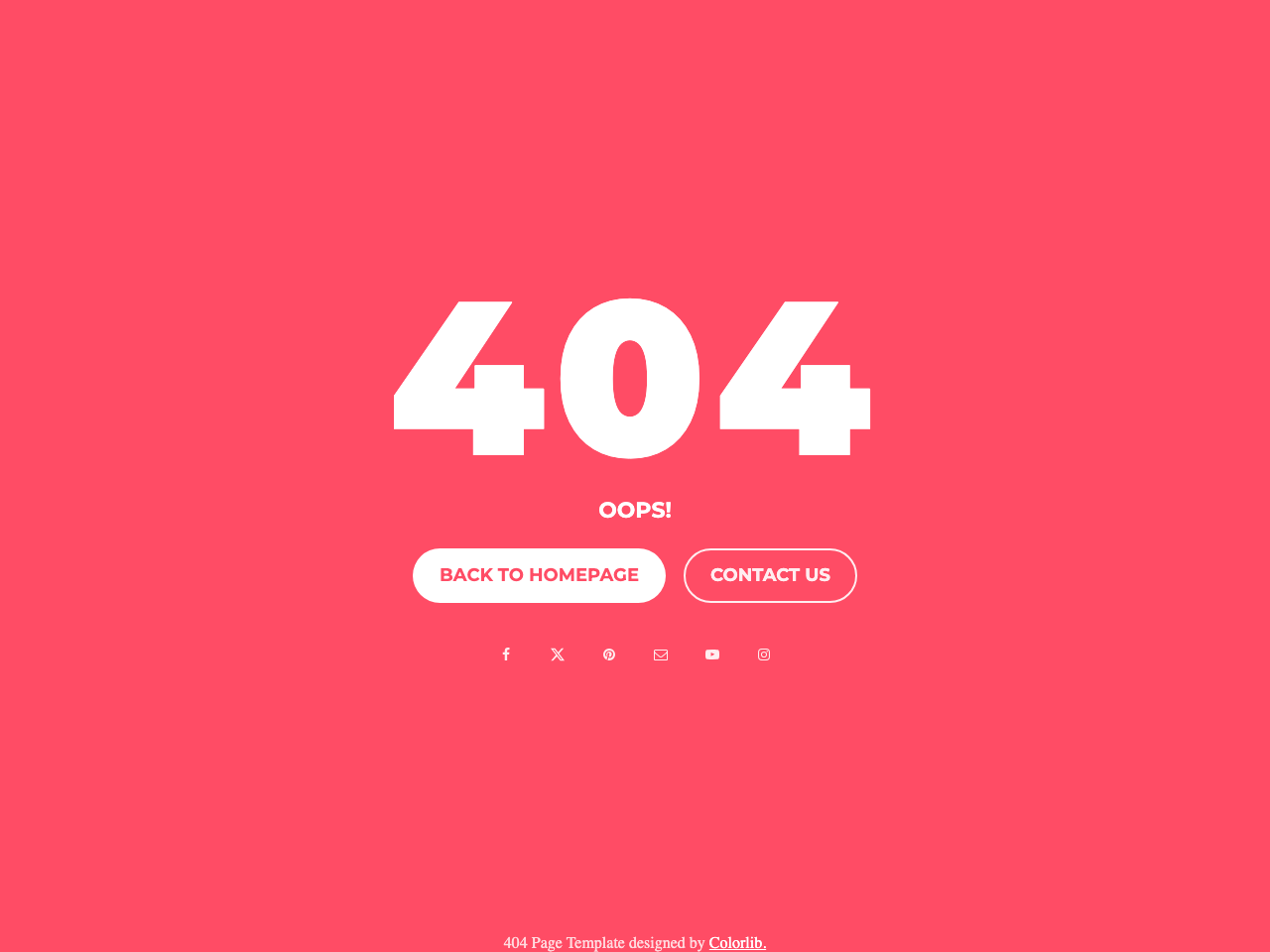
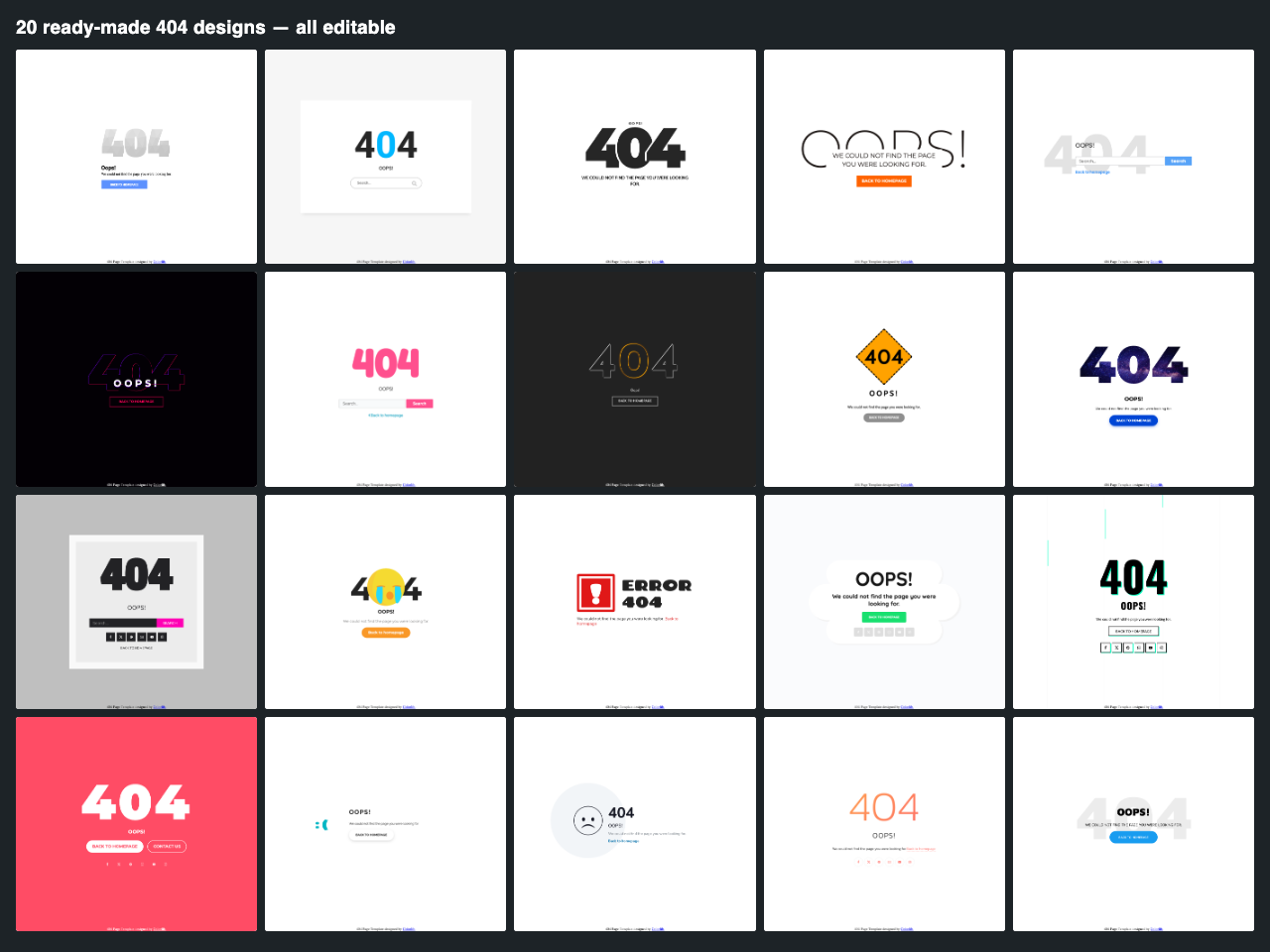
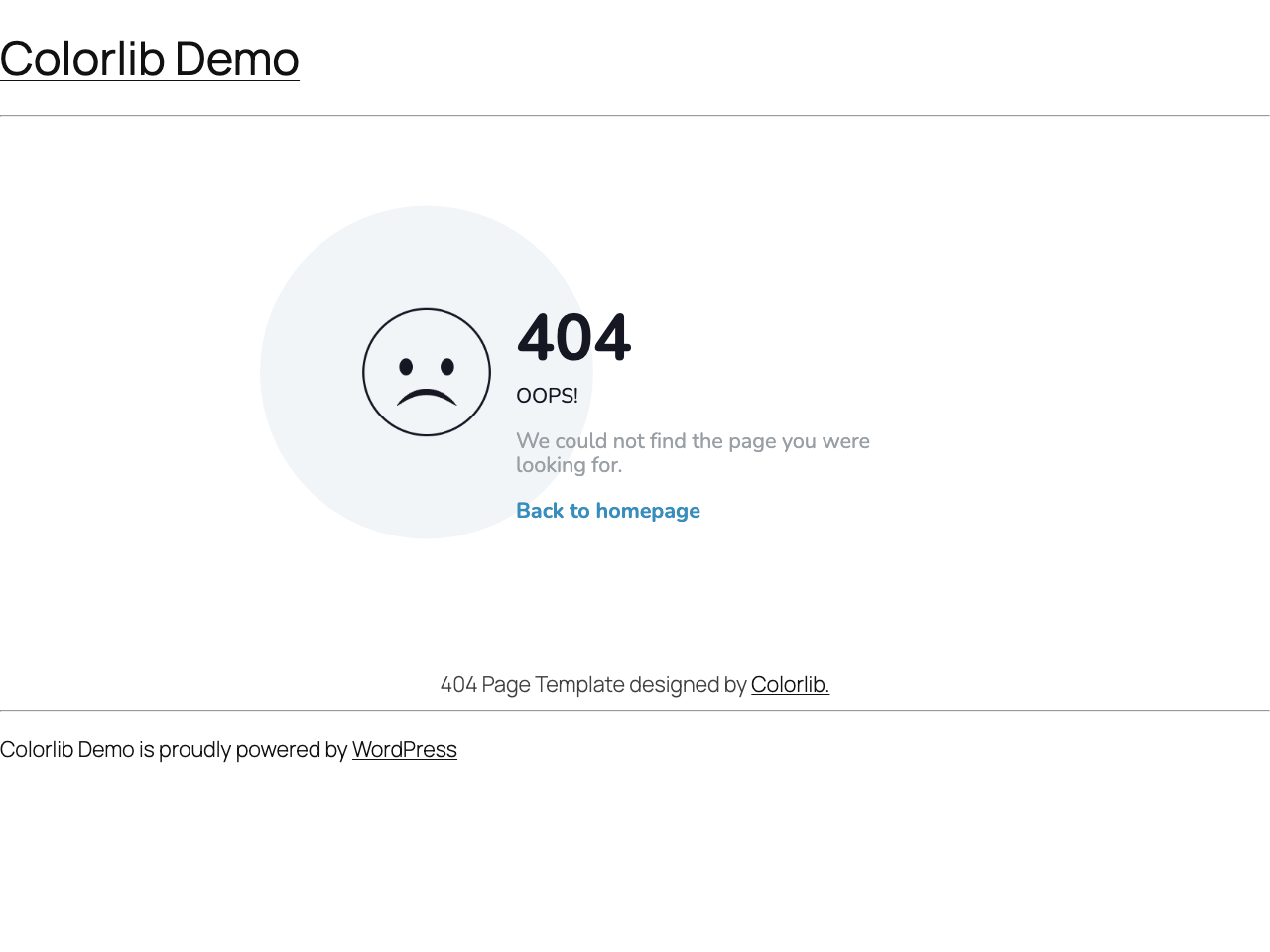
Colorlib 404 Customizer replaces that dead end with a designed page that gives people somewhere to go — a way back home, a search box, your social profiles, a contact link. Pick one of 20 templates, edit the wording and colours in the WordPress Customizer, and watch the result update as you type. There is no separate settings screen to learn and nothing to code.
Built to stay out of the way
A 404 page is the one page you hope nobody sees, so it has no business slowing down the pages they do see. This plugin loads nothing at all on the rest of your site — its CSS and fonts are requested only when a 404 is actually served.
The 404 page itself ships no JavaScript: no jQuery, no icon webfont. Social icons are inline SVG, so there is no extra download and nothing to wait for. A visitor who lands on a 404 downloads roughly 8 KB of CSS and one webfont — and nothing else.
What you can change
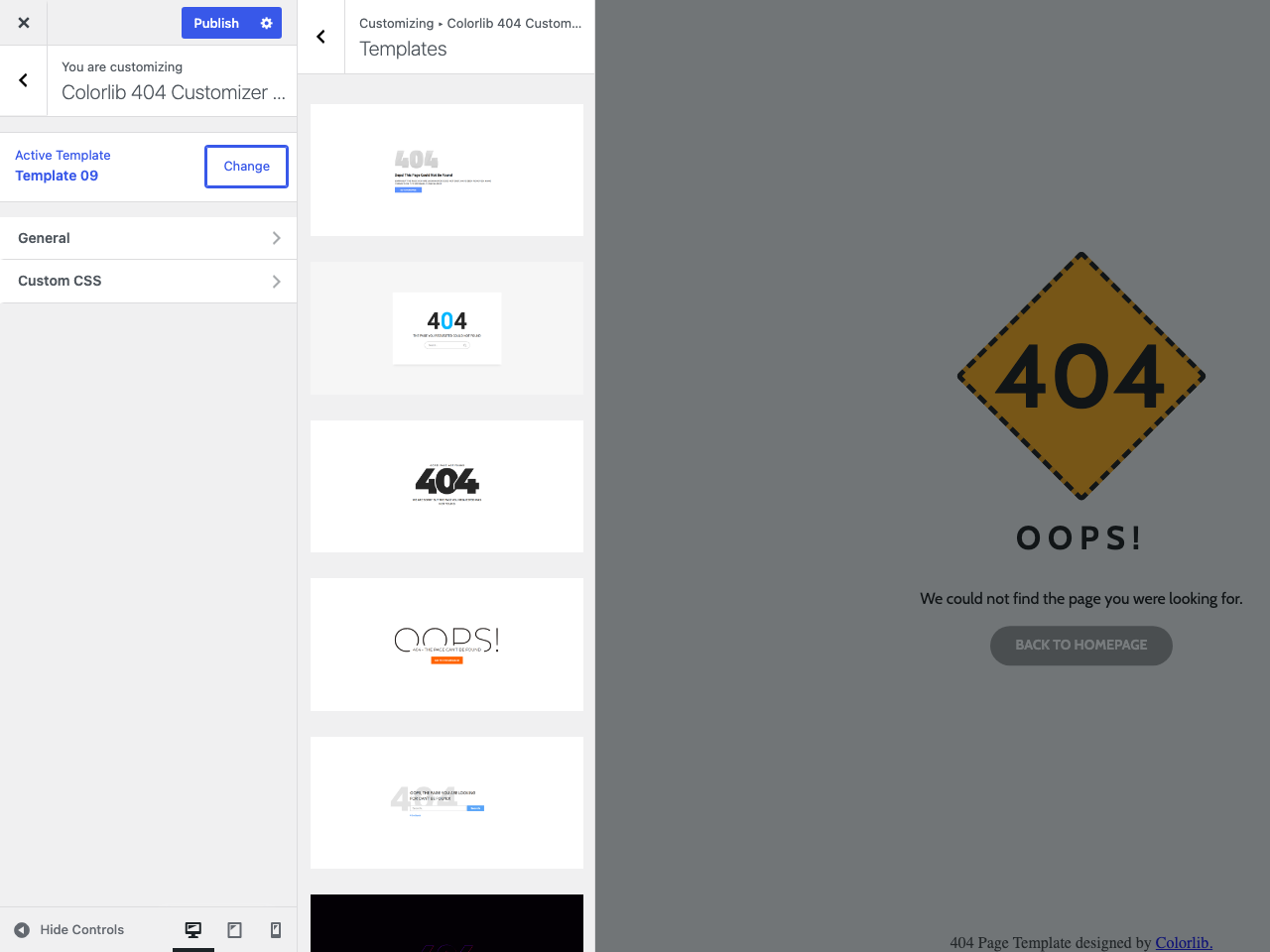
- Choose a design from 20 templates, each previewed as a thumbnail before you commit
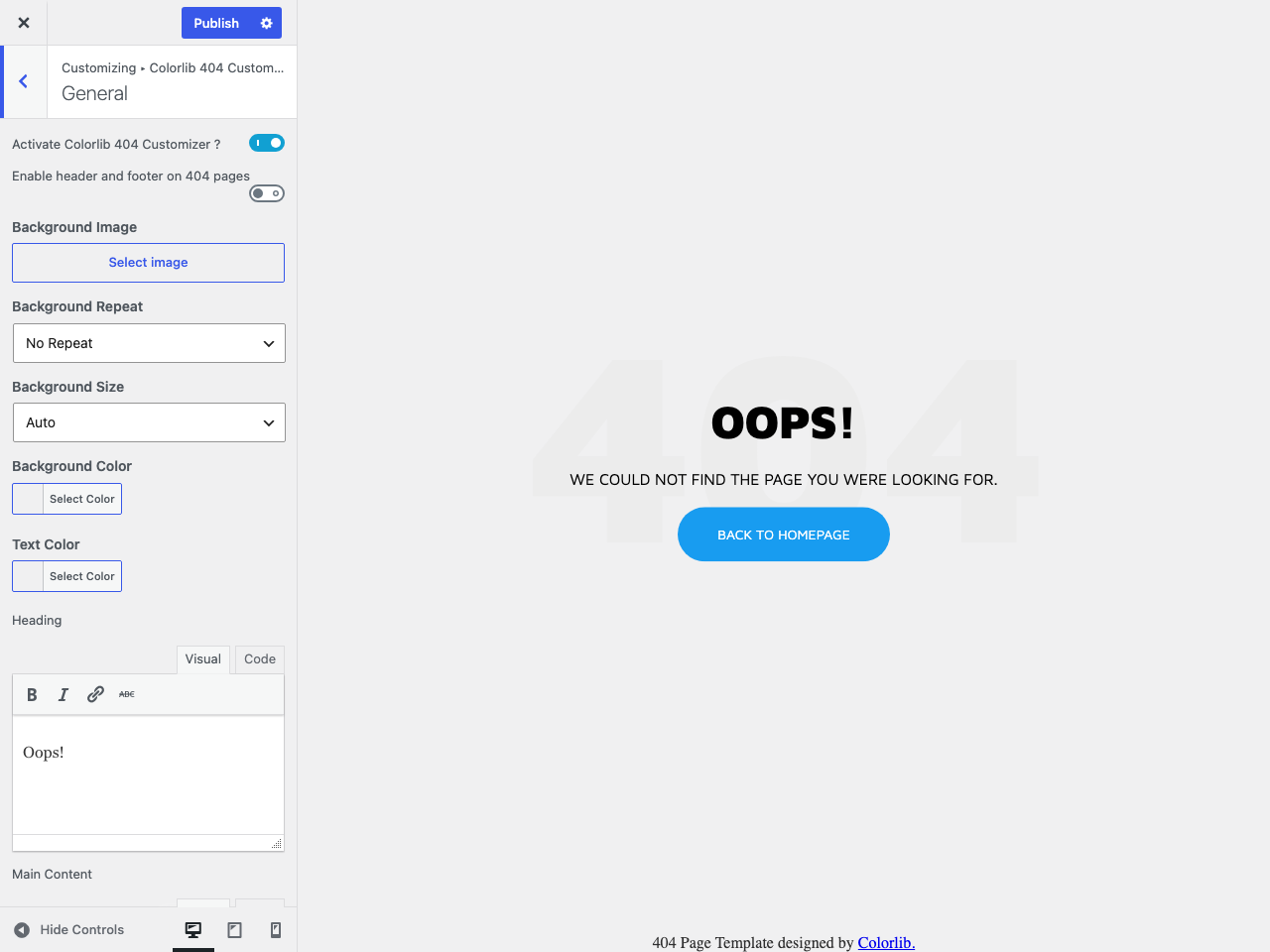
- Rewrite the wording — heading, message and the back-to-home button — with a small rich-text editor
- Set colours for text and background, or drop in a background image with repeat and size controls
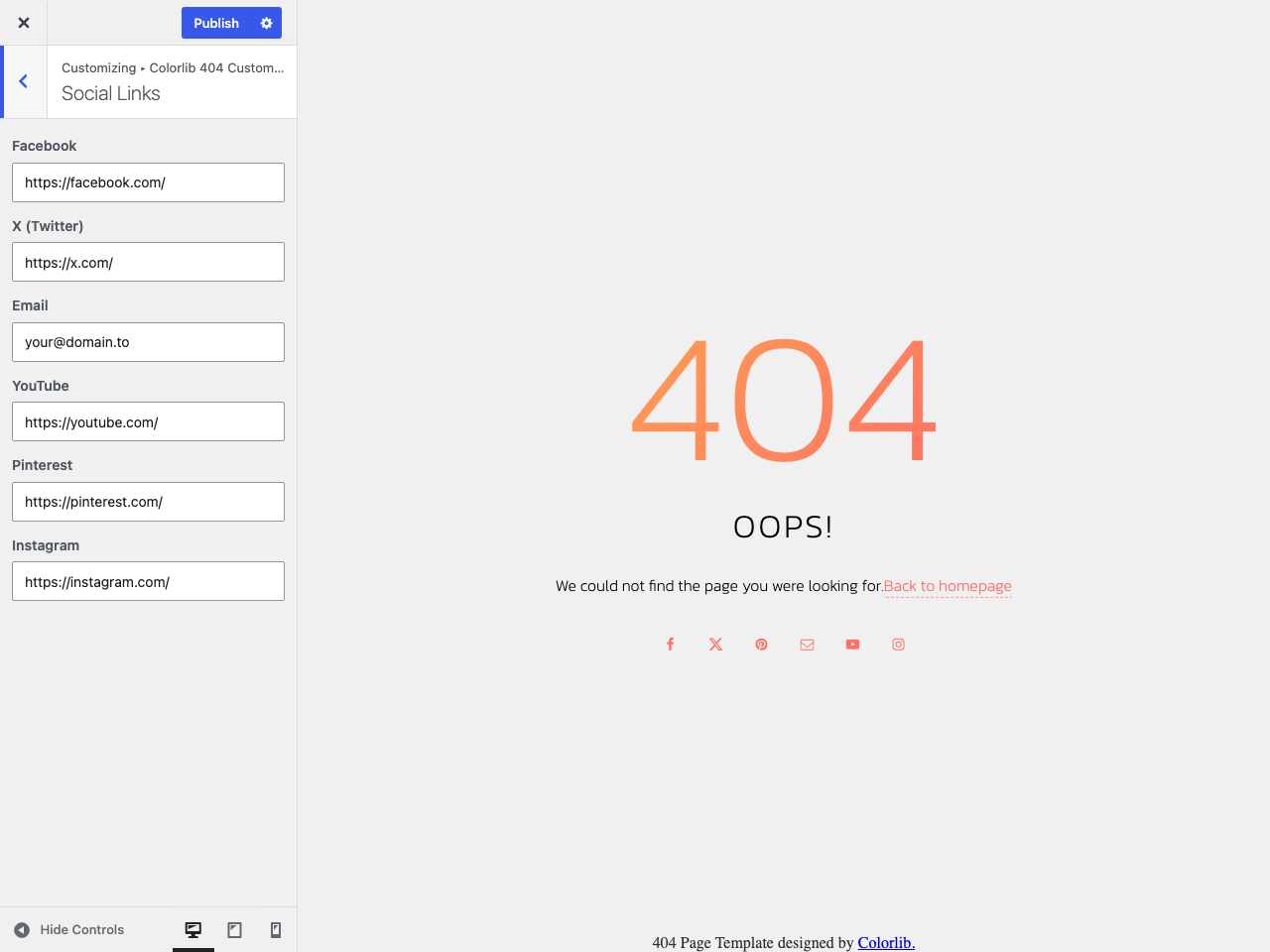
- Add your social profiles — Facebook, X, Pinterest, YouTube, Instagram and email — on the templates that show them
- Add a contact link so people can tell you the link is broken
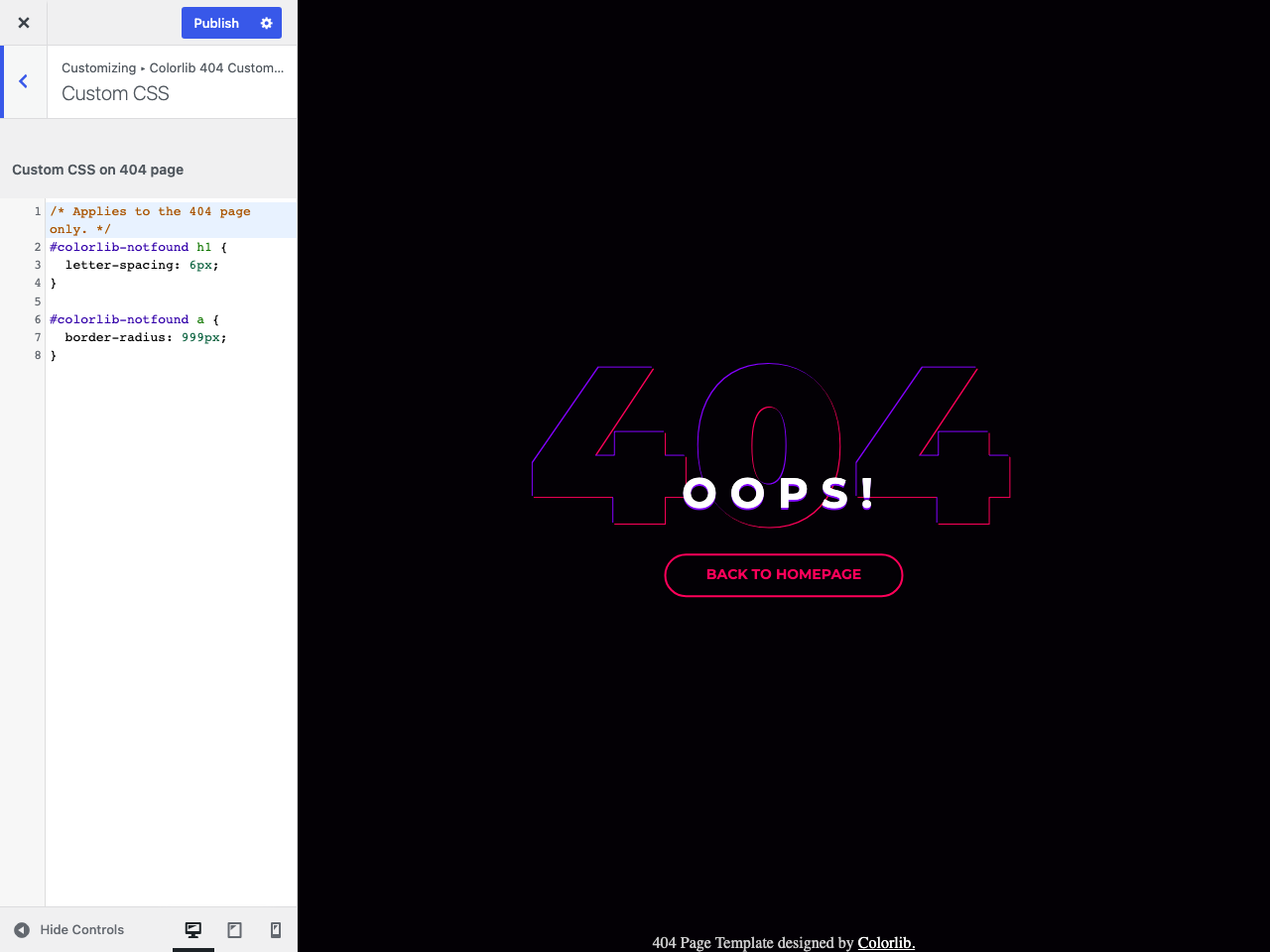
- Write custom CSS, with syntax highlighting, if you want to go further
- Use your theme’s header and footer to keep the 404 page inside your existing layout, or leave them off for a clean full-screen design
Correct by default
- Sends a genuine 404 HTTP status, so search engines drop the missing URL instead of indexing it — no soft 404s
- Marked
noindexfor good measure - Works with any theme, because the page is rendered by the plugin rather than the theme
- Icon-only social links carry screen-reader labels
- Your email address is obfuscated in the markup to slow down scrapers
- Switch the whole thing off with one toggle and your theme’s own 404 page comes straight back
Translations
The plugin is fully translatable and ships a .pot file. Translations are resolved by WordPress automatically.
About Colorlib
This plugin is developed and maintained by Colorlib, best known for free WordPress themes. If you are getting started, we can show you how to make a website, and if you already have one, how to pick WordPress hosting that keeps it fast.
If the plugin is useful to you, a review genuinely helps other people find it.
Screenshots
Installation
From your dashboard
- Go to Plugins > Add New and search for “Colorlib 404 Customizer”.
- Click Install Now, then Activate.
- Go to 404 Customizer in the admin menu. It opens the Customizer straight to the plugin’s panel.
Manually
- Download the ZIP file.
- Go to Plugins > Add New > Upload Plugin and choose the file, or unzip it into
/wp-content/plugins/. - Activate the plugin through the Plugins menu.
- Go to 404 Customizer in the admin menu.
Your 404 page is live as soon as the plugin is activated — template 1 is applied by default, and you can change it at any time.
FAQ
-
How do I see my 404 page while I am editing it?
-
Open 404 Customizer from the admin menu, or Appearance > Customize > Colorlib 404 Customizer Settings. As soon as the panel opens, the preview on the right switches to your 404 page, and it updates as you type. Nothing is published until you press Publish.
-
Will it work with my theme?
-
Yes. The plugin renders the 404 page itself instead of relying on your theme’s
404.php, so it works the same on any theme — including themes that have no 404 template at all. -
Yes. Turn on Enable header and footer on 404 pages in the General section. The design is then placed inside your normal layout, so your menu and footer stay put. Leave it off for a clean full-screen page.
-
How do I go back to my theme’s 404 page?
-
Either switch off Activate Colorlib 404 Customizer in the General section, or deactivate the plugin. Both restore your theme’s own 404 page immediately, and your settings are kept.
-
Does it slow my site down?
-
No. The plugin adds nothing to your normal pages — no stylesheet, no font, no script. Its assets load only on a 404. The 404 page itself loads no JavaScript at all, and its icons are inline SVG rather than an icon font.
-
Does it still return a proper 404 status code?
-
Yes. The page is served with a real
404 Not Foundstatus and anoindextag, which is what search engines need in order to drop a missing URL. It is not a redirect and not a soft 404. -
Does it work with caching plugins?
-
Yes. The 404 page is generated on the server like any other page. Most caching plugins do not cache 404 responses, which is the correct behaviour here.
-
I changed the Heading but nothing happened. Why?
-
A few designs do not have a heading area — template 13, for example, has a fixed “Error 404” graphic. Controls that a design does not use are hidden automatically, so if you cannot see the Heading field, the template you picked does not have one. Switch templates and it reappears.
-
Templates 11, 14, 15, 16 and 19. The Social Links section only appears when one of those is selected. Leave a field empty to hide that icon.
-
Can I use my own design?
-
You can restyle any template with the Custom CSS box, which has syntax highlighting and applies only to the 404 page. For a completely custom layout you would need a child plugin or custom code.
-
Does it use Google Fonts?
-
Each template uses one webfont from Google Fonts, requested only on the 404 page. If your site must avoid third-party requests entirely, you can override the font in the Custom CSS box.
-
Does it work on multisite?
-
Yes. Settings are per site, so each site in the network gets its own design.
-
What happens to my settings if I delete the plugin?
-
Deleting the plugin removes its settings so nothing is left behind in your database. Deactivating it leaves everything in place.
Reviews


Contributors & Developers
“Colorlib 404 Customizer” is open source software. The following people have contributed to this plugin.
Contributors

“Colorlib 404 Customizer” has been translated into 2 locales. Thank you to the translators for their contributions.
Translate “Colorlib 404 Customizer” into your language.
Interested in development?
Browse the code, check out the SVN repository, or subscribe to the development log by RSS.
Changelog
1.1.0 – 10.08.2026
Fixed:
* The 404 stylesheet, its Google Fonts and jQuery were loaded on every page of the site instead of only on 404 pages.
* Dropped the manual load_plugin_textdomain() call, clearing the _load_textdomain_just_in_time notice on WordPress 6.7+. WordPress has resolved plugin translations automatically since 4.6. ( https://github.com/ColorlibHQ/colorlib-404-customizer/issues/30 )
* The admin menu entry now stops after redirecting to the Customizer, which is what produced the “does not have a method settings_page” fatal error. ( https://github.com/ColorlibHQ/colorlib-404-customizer/issues/28 )
* The Customizer preview loaded its stylesheet from a filesystem path, which is why editing shortcuts rendered unstyled when header and footer were disabled. ( https://github.com/ColorlibHQ/colorlib-404-customizer/issues/25 )
* Templates 10, 15 and 16 had misspelt element ids, so their heading and back-to-home text never updated in the live preview.
* The Heading control is now hidden for template 13, which has no heading and silently ignored the setting.
* Template 4 printed the main content setting without sanitisation.
* Undefined array key warnings on PHP 8 when the settings row was incomplete.
* The preview thumbnails for templates 11 and 16 showed background photos those designs do not render.
* Added the missing direct-file-access guard to one Customizer section class.
Security:
* The template setting is now validated against the list of bundled templates before it is used to build an include path.
* Custom CSS, colours and background values are sanitised on save and again on output, so nothing can break out of the <style> element.
* The review notice AJAX handler now requires the manage_options capability.
* Escaped all remaining admin and front-end output.
Changed:
* Replaced the Font Awesome 4 webfont with inline SVG icons, removing about 1 MB of font files and a 32 KB stylesheet.
* Replaced the Twitter bird with the current X mark.
* Google Fonts are requested once per page with display=swap and a preconnect hint, instead of up to three separate requests.
* Rewrote the Customizer preview and review notice scripts in vanilla JavaScript; the 404 page no longer loads any JavaScript.
* Consolidated the seven parallel per-template arrays into a single registry, and social links now render from one shared function instead of five copies.
* Stylesheets are minified into the release archive, cutting the shipped CSS by about 20%.
* Translations are generated as languages/colorlib-404-customizer.pot; the identically-empty .po beside it has been removed.
* Updated the build toolchain and dropped a stray runtime dependency on npm itself.
* Requires WordPress 6.0 and PHP 7.4.
Added:
* Accessible names for the icon-only social links.
* Lazy loading for the twenty template thumbnails in the Customizer.
* noindex meta tag on the standalone 404 document.
* Uninstall now removes the plugin’s option and transient, including on multisite.
* A short description in readme.txt, as wordpress.org expects.
Removed:
* Two bundled background images that no stylesheet referenced, one of them 4.2 MB.
* Obsolete vendor prefixes from the template stylesheets, and an unused Customizer stylesheet.
Together these take the plugin download from 9.0 MB to under 1 MB.
1.0.98 – 05.06.2025
Fixed: Textdomain fix for wordpress 6.8+
1.0.97
Fixed: Missing callback method PHP error. ( https://github.com/ColorlibHQ/colorlib-404-customizer/issues/28 )
1.0.96
Changed: Code Indenting
1.0.95
Changed: Modified deprecated jQuery functions.
Fixed: Alignment problem on template 1 ( https://github.com/ColorlibHQ/colorlib-404-customizer/issues/27 )
1.0.94
- Improved code
1.0.93
- Improved escaping
1.0.92
- Fix edit button when header and footer not included
- Fix toggle button when using themes that modify the layout of controls
- Review dismiss fix
1.0.91
- Review request fix
- Review save fix
1.0.9
- Added global font-awesome and removed font-awesome files from individual templates
1.0.8
- Removed news dashboard widget
1.0.7
- Removed not needed style
- Added option to include header and footer into 404 pages
- Fixed missing closing link
- Personalized templates with element ids and classes
1.0.6
- Minor toggle fix
- Removed styles in preview that are not used by the 404 page
1.0.5
- Minor UI update – toggles update
1.0.4
- Minor Customizer UI update
1.0.3
- Added missing translation strings
1.0.2
- Update change template UI
1.0.1
- Remove uninstall feedback
1.0.o
- Initial release