

Description
CBX Changelog & Release Note helps you create and display well-organized changelogs for your WordPress themes, plugins, or digital products.
Keep your users informed about every update, improvement, and fix — directly inside your WordPress site.
This plugin lets you easily add, manage, and showcase version histories with a clean interface and developer-friendly structure.
🧩 Developed by Codeboxr
📺 Live Demo
📚 Documentation
⭐ Upgrade to PRO
💬 Free Support
👨💻 Pro Support
📱 Contact Us
💡 If you think a feature is missing, let us know — we actively add new features based on user feedback.
Install the free version on a dev site and explore all features.
✨ Core Features
- Create and manage changelogs and release notes for your themes, plugins, or projects.
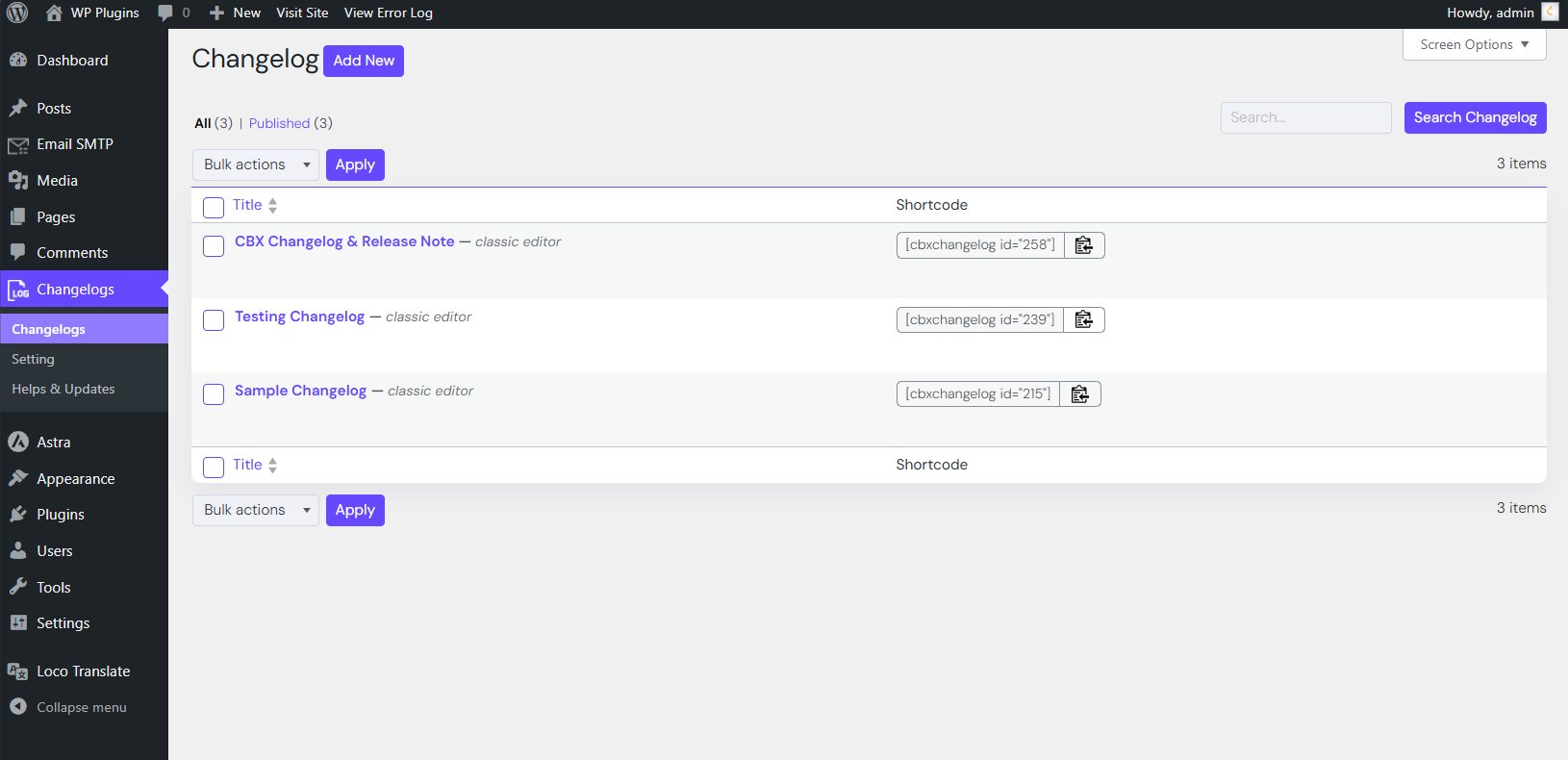
- Embed all releases or a single release via shortcode.
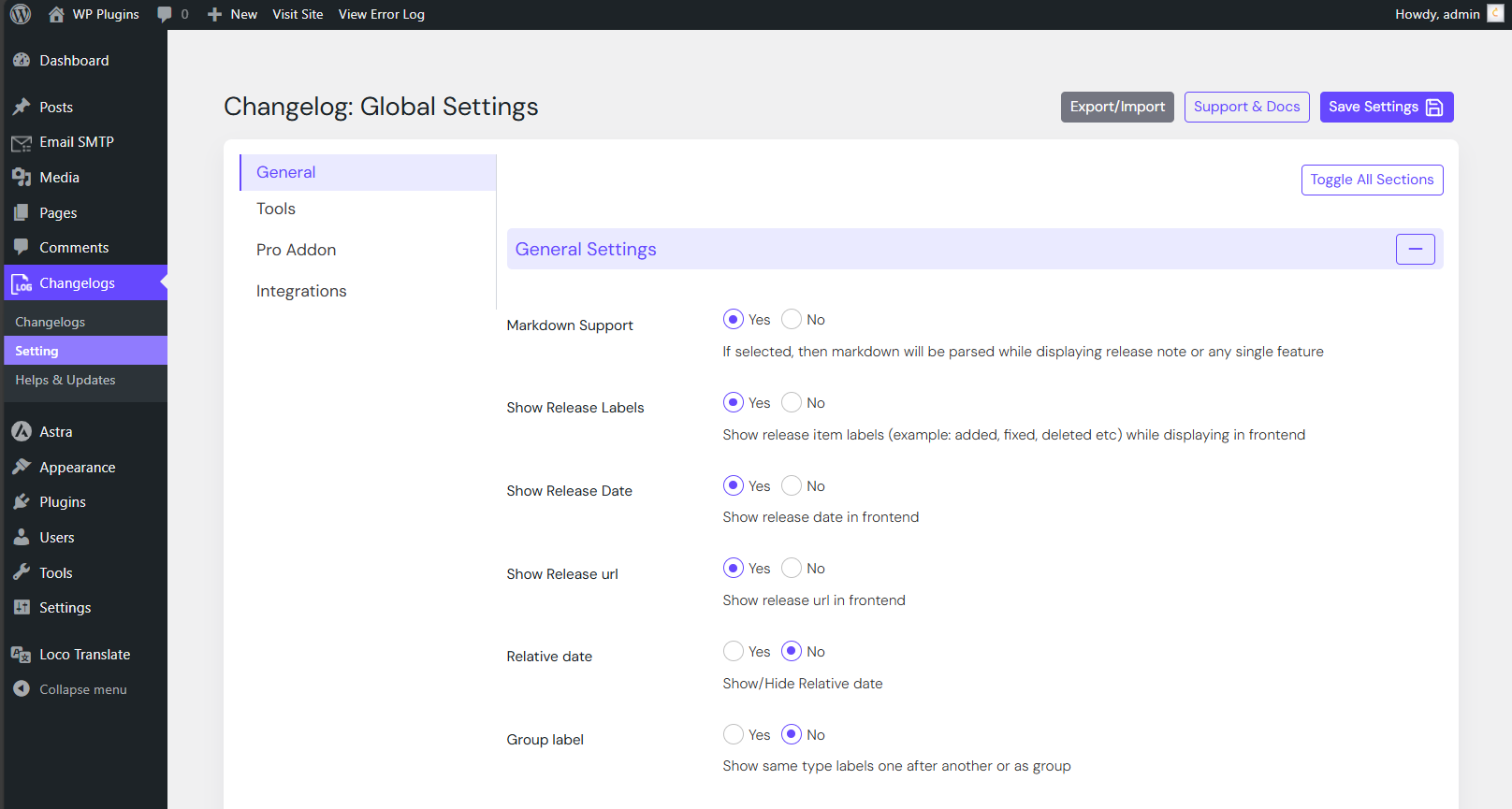
- Markdown syntax supported for changelog text.
- Option to show or hide labels and release dates (since v1.0.6).
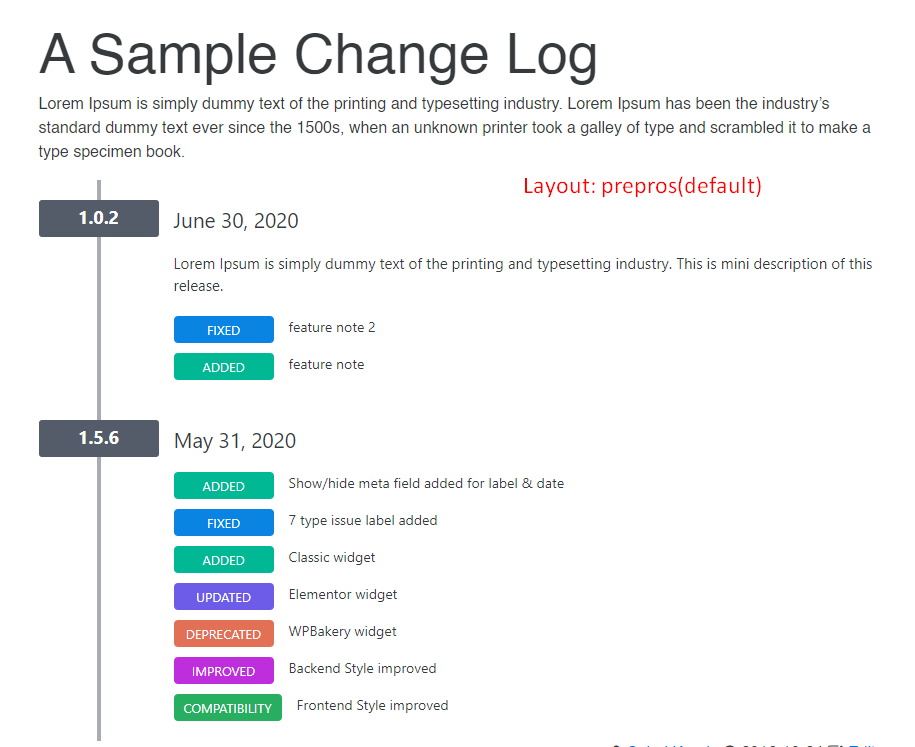
- Seven predefined issue labels: Added, Fixed, Updated, Improved, Removed, Deprecated, Compatibility.
- Two display layouts for frontend presentation.
- Clean, responsive frontend design compatible with all default themes and Hello Elementor.
🧱 Widgets & Page Builders
- Classic WordPress Widget (since v1.0.6)
- Gutenberg Block support
- Elementor Widget (since v1.0.6)
🧩 Shortcodes
[cbxchangelog id="post_id"][cbxchangelog id="post_id" release="release_number"]
💎 CBX Changelog & Release Note Pro Features
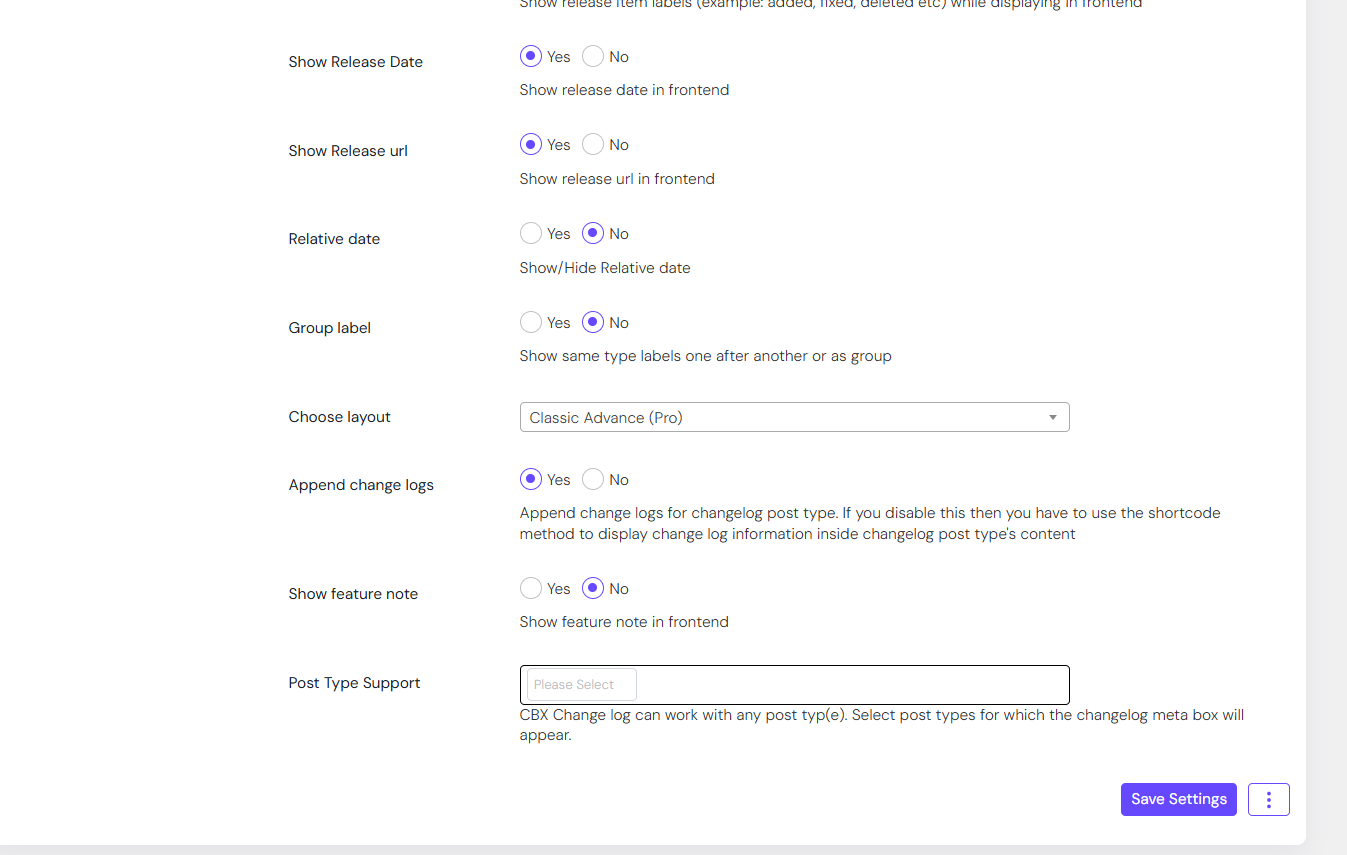
- Add changelogs to any post type (built-in or custom)
- Add a WooCommerce tab to display changelogs in product pages
- Auto integration with any post type (appends changelogs automatically)
- Two additional display layouts
- Dokan integration (since v1.1.2)
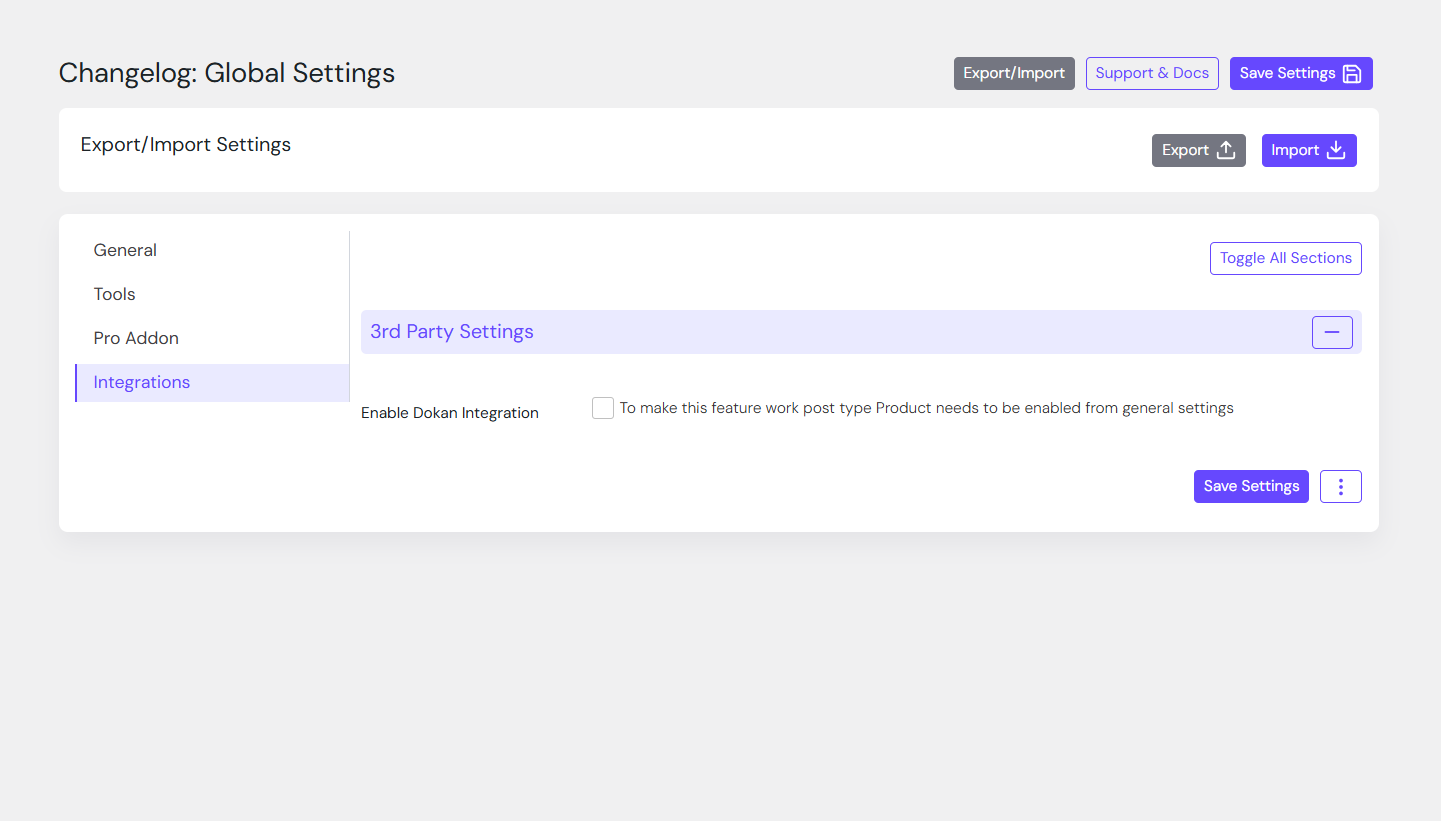
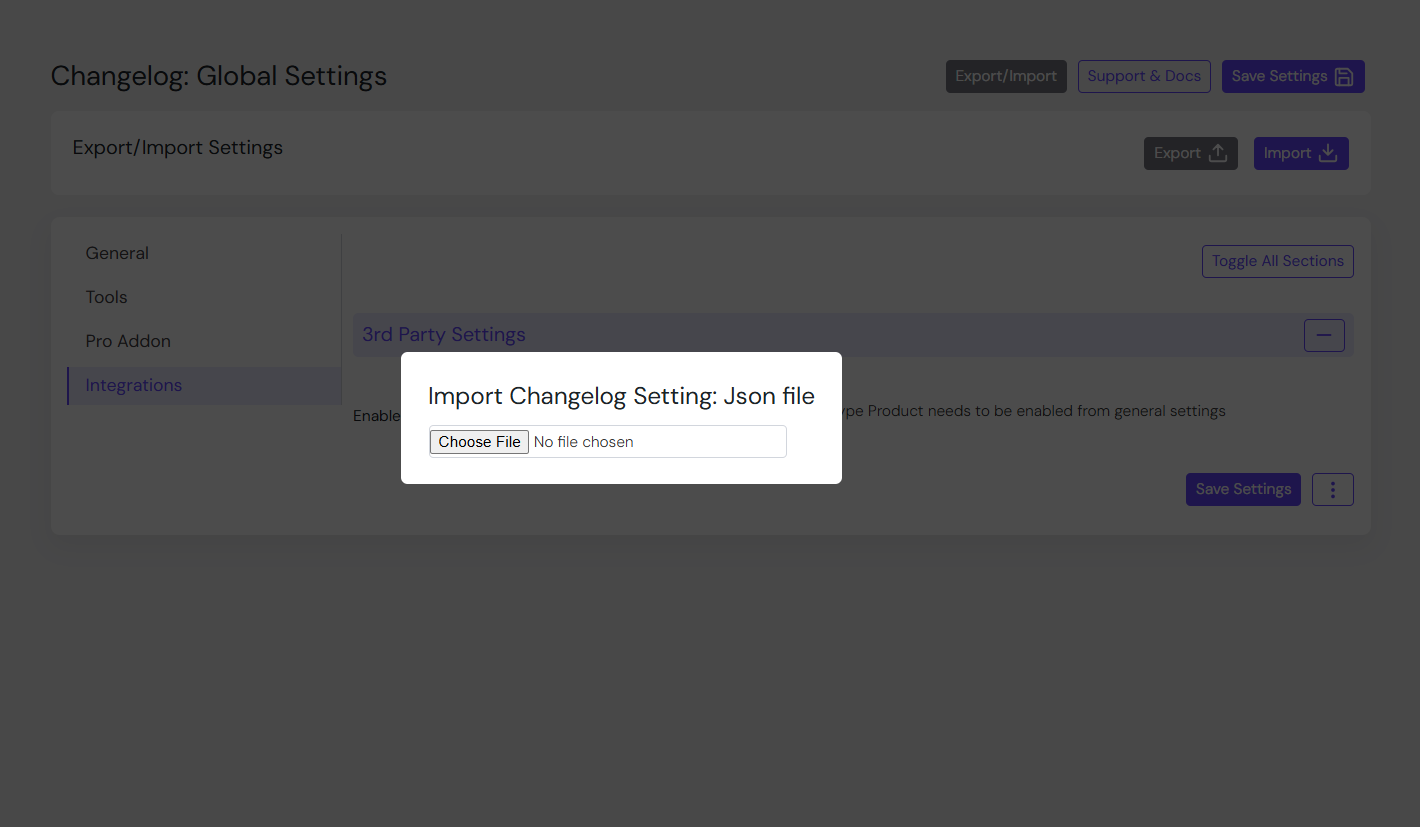
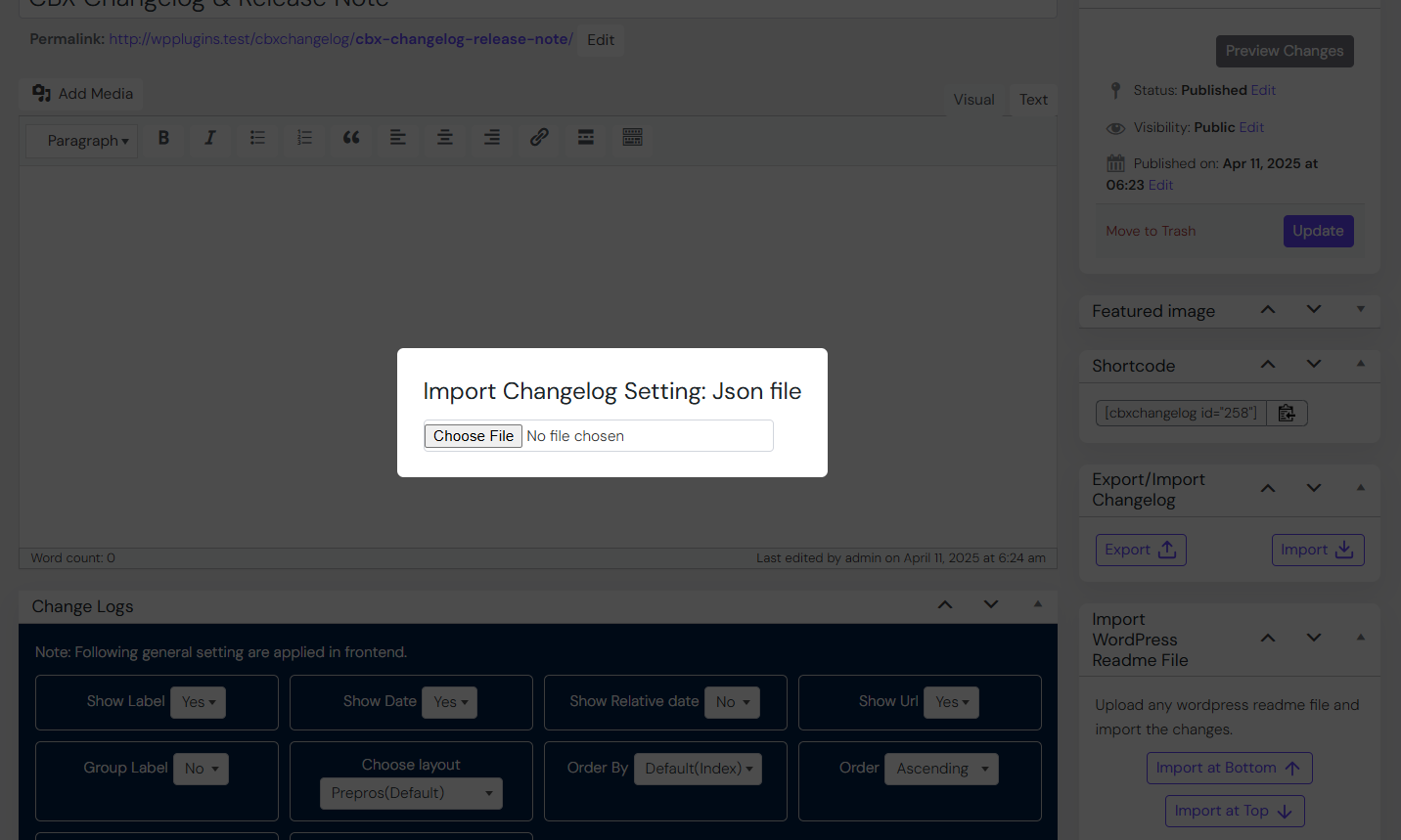
- Export/import all settings or individual setting tabs (since v1.1.1)
- Reset settings for specific tabs (since v1.1.1)
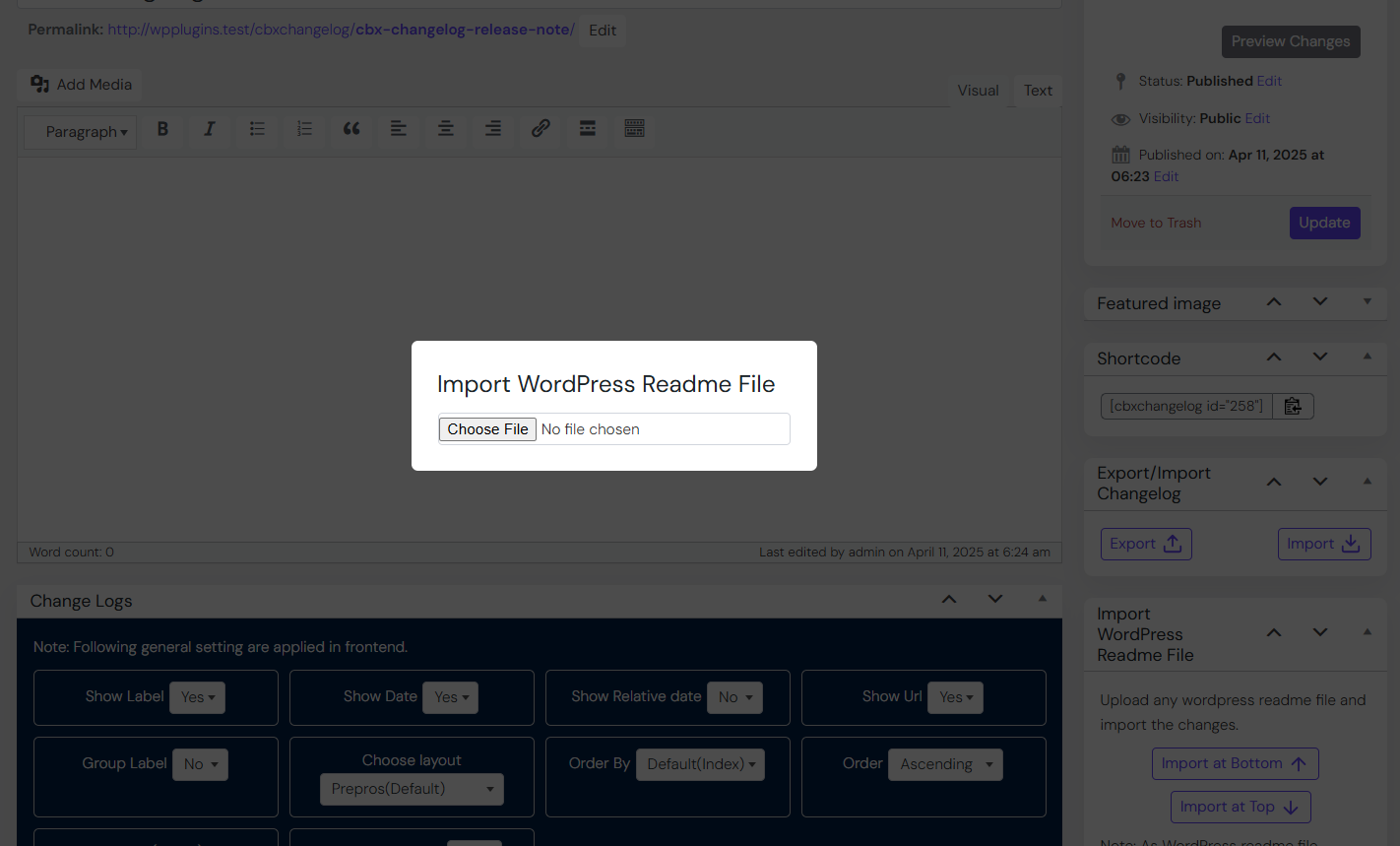
- Import from a WordPress readme.txt file (since v1.1.7)
Screenshots


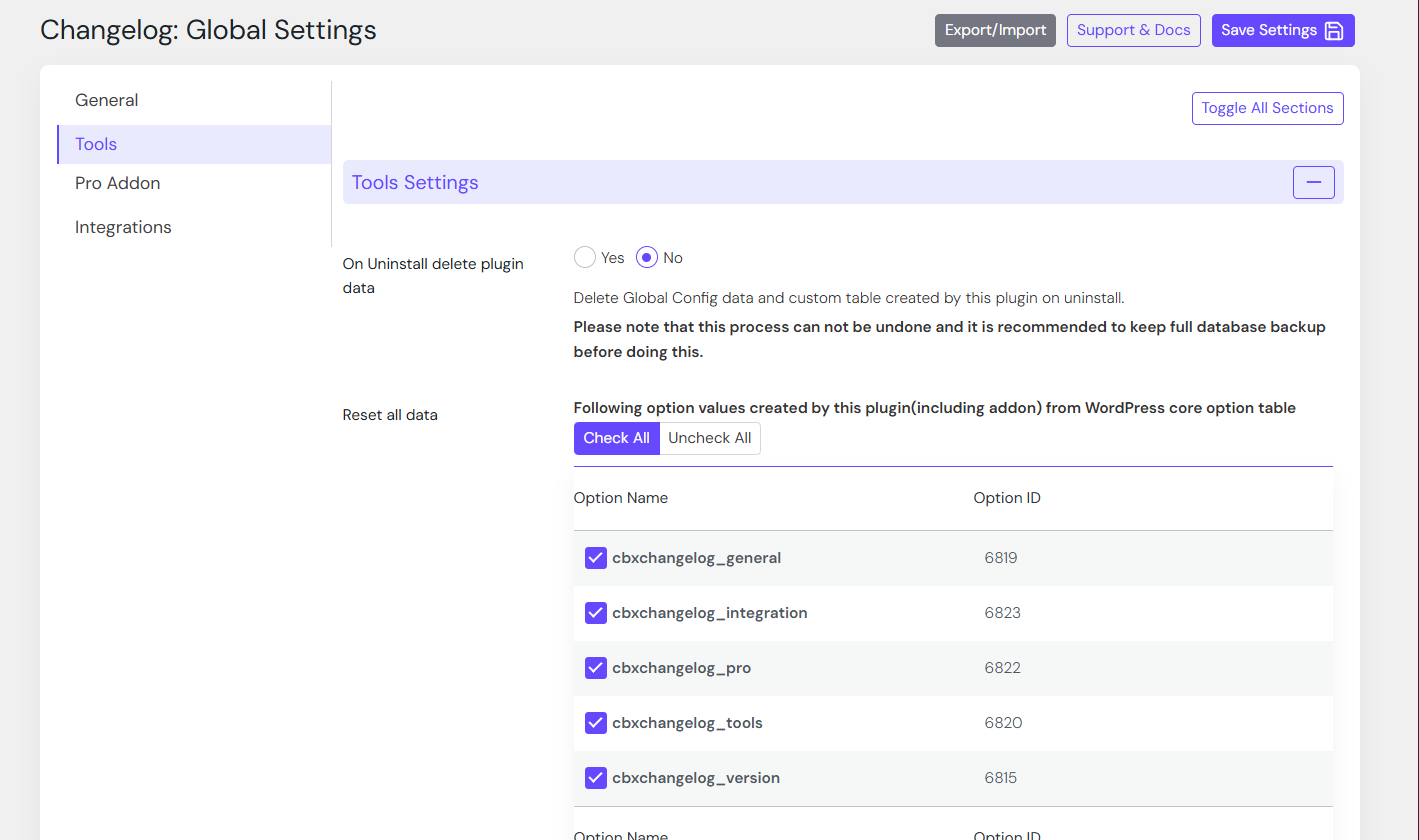
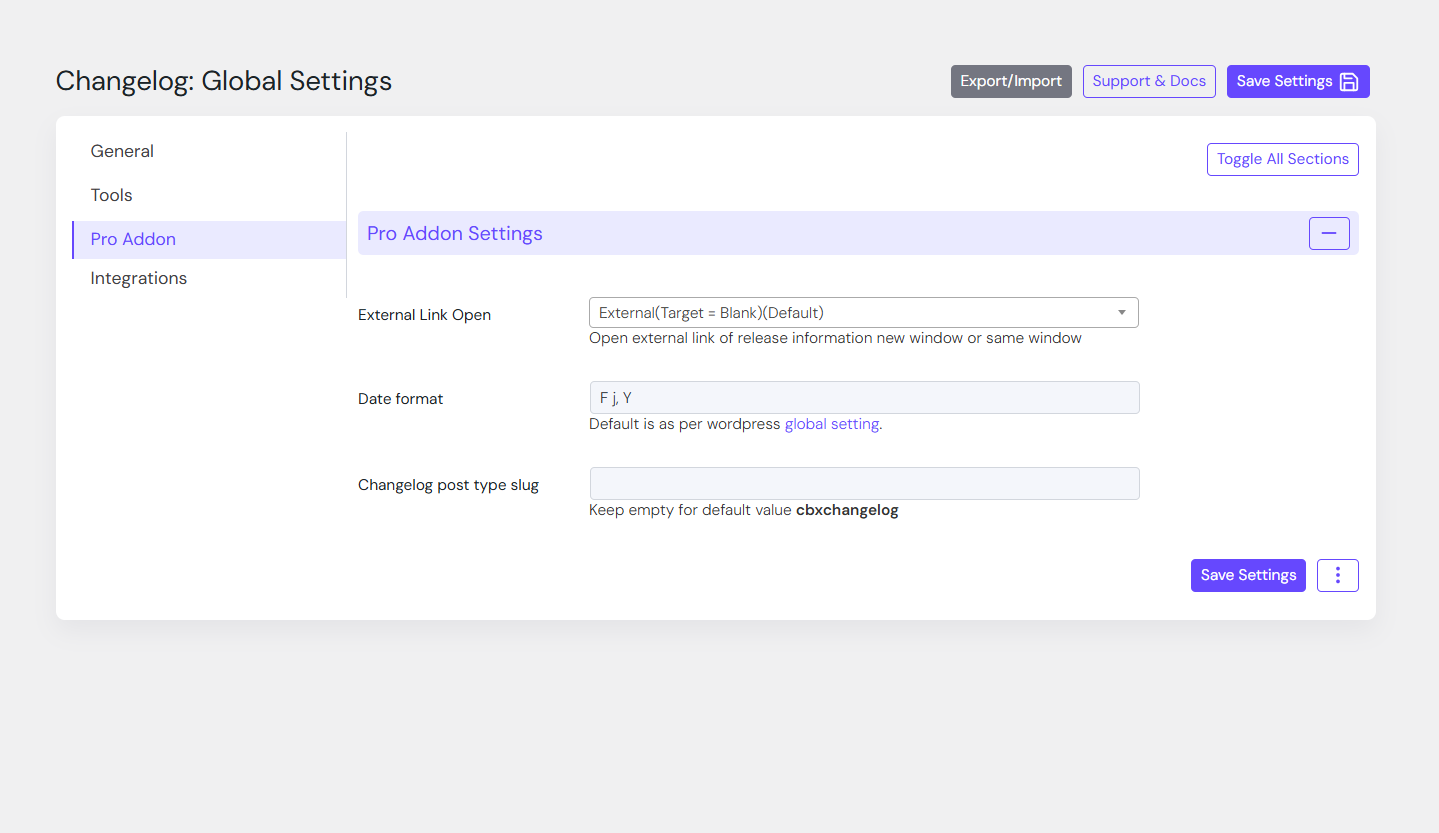
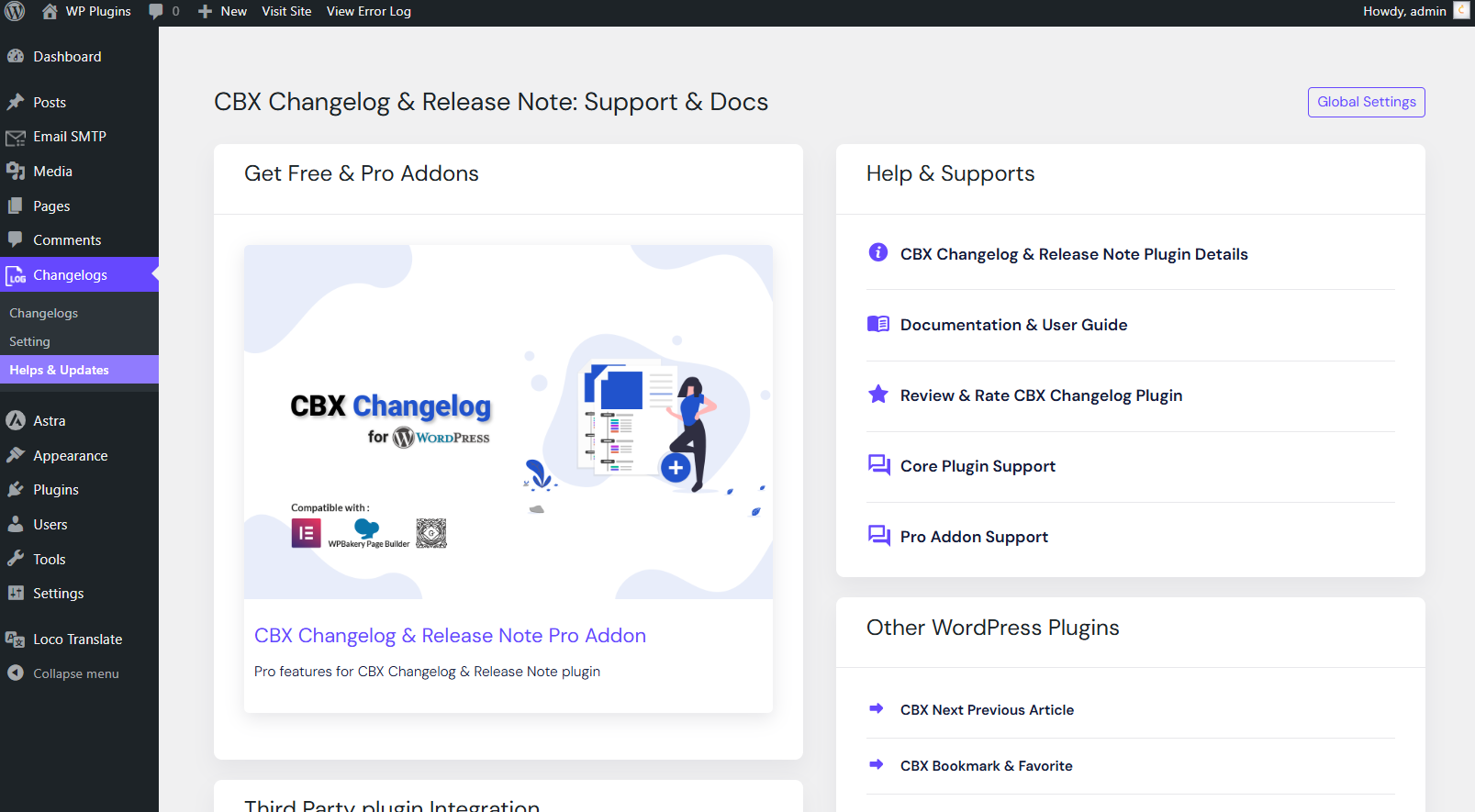
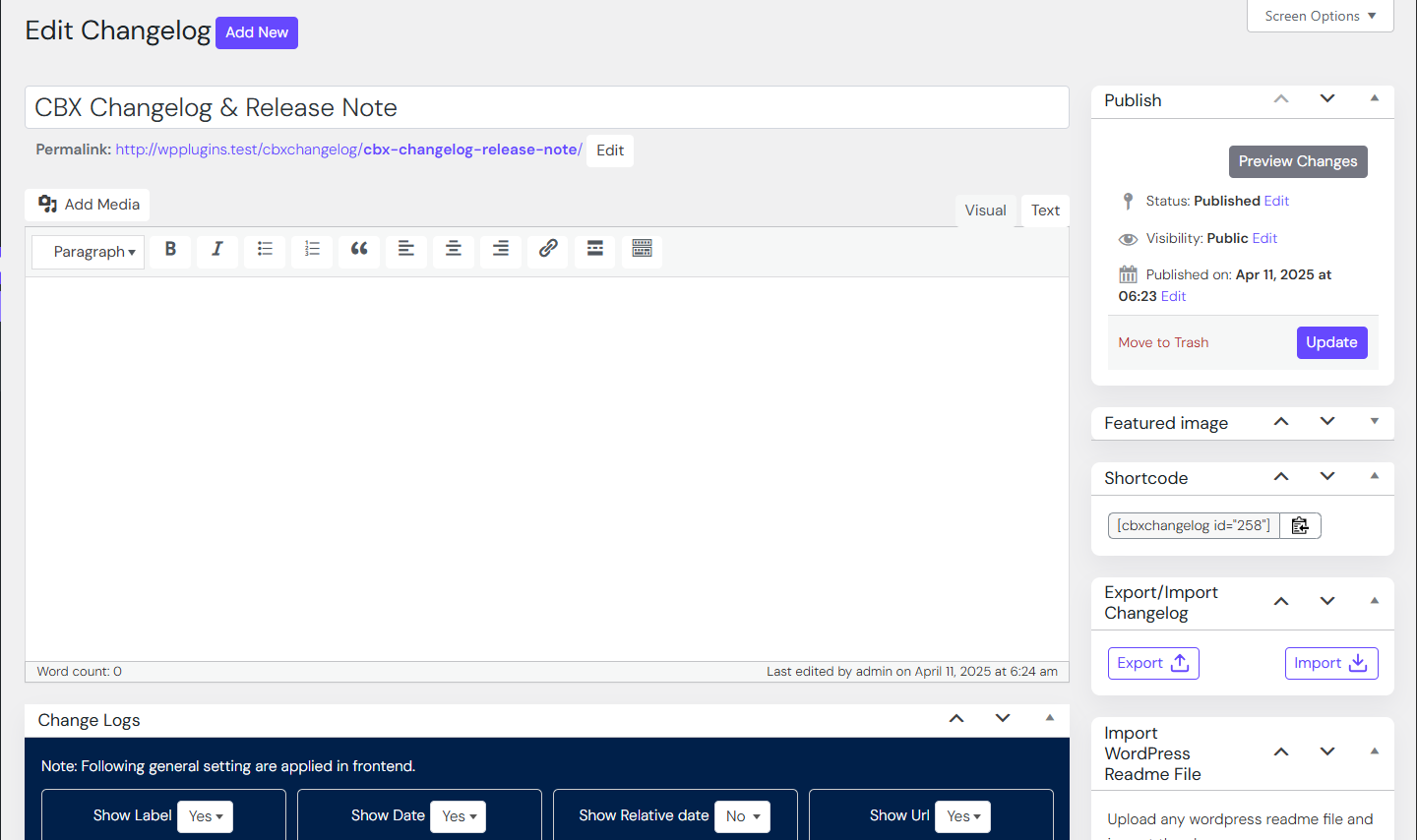

Blocks
This plugin provides 1 block.
- Codeboxr Cbxchangelog Block
Installation
- Upload or install the plugin via Plugins Add New in WordPress.
(See WordPress documentation) - Activate CBX Changelog & Release Note from the “Plugins” menu.
- Go to CBX Changelog & Release Note in the admin menu and configure your settings.
- Create new changelogs and embed them using shortcodes or widgets.
- Try the Pro Addon for advanced features.
FAQ
-
How do I display a changelog?
-
Use the shortcode
[cbxchangelog id="POST_ID"]in any post or page.
To show a specific release, use[cbxchangelog id="POST_ID" release="RELEASE_NUMBER"]. -
Does it support page builders?
-
Yes! CBX Changelog supports Elementor, Gutenberg and classic widgets.
-
Can I import a changelog from my plugin’s readme.txt file?
-
Yes. The Pro Addon supports importing changelog data from WordPress readme files.
-
Is it compatible with WooCommerce?
-
Yes. The Pro Addon adds a “Changelog” tab to WooCommerce products.
Reviews


Contributors & Developers
“CBX Changelog & Release Note” is open source software. The following people have contributed to this plugin.
Contributors

Translate “CBX Changelog & Release Note” into your language.
Interested in development?
Browse the code, check out the SVN repository, or subscribe to the development log by RSS.
Changelog
2.0.12
- [updated] WordPress core 7.1 compatible
- [updated] Plugin Check 2.1.0 compatible
- [new] Pro Addon 1.2.6 released
2.0.11
- [improved] Feature field is made longer for a single change in dashboard area
- [updated] WordPress core 6.9 compatible
- [new] Pro addon plugin 1.2.5 released
- [updated] Plugin Check 1.9.0 compatible
2.0.10
- [updated] Composer and autoload based implementation
- [updated] Core Js vendor library updated
- [updated] Plugin Check 1.7.0 compatible
- [updated] Pro addon less than 1.2.4 will not work with this core plugin
- [new] Need Pro Addon version 1.2.4 or higher