
Description
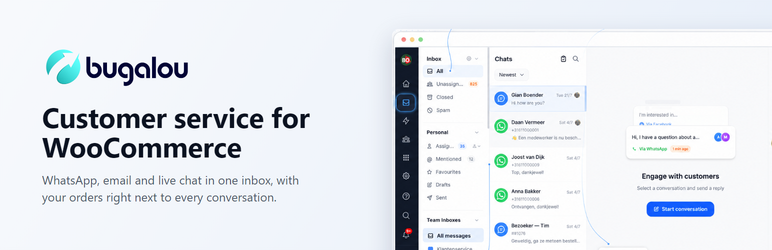
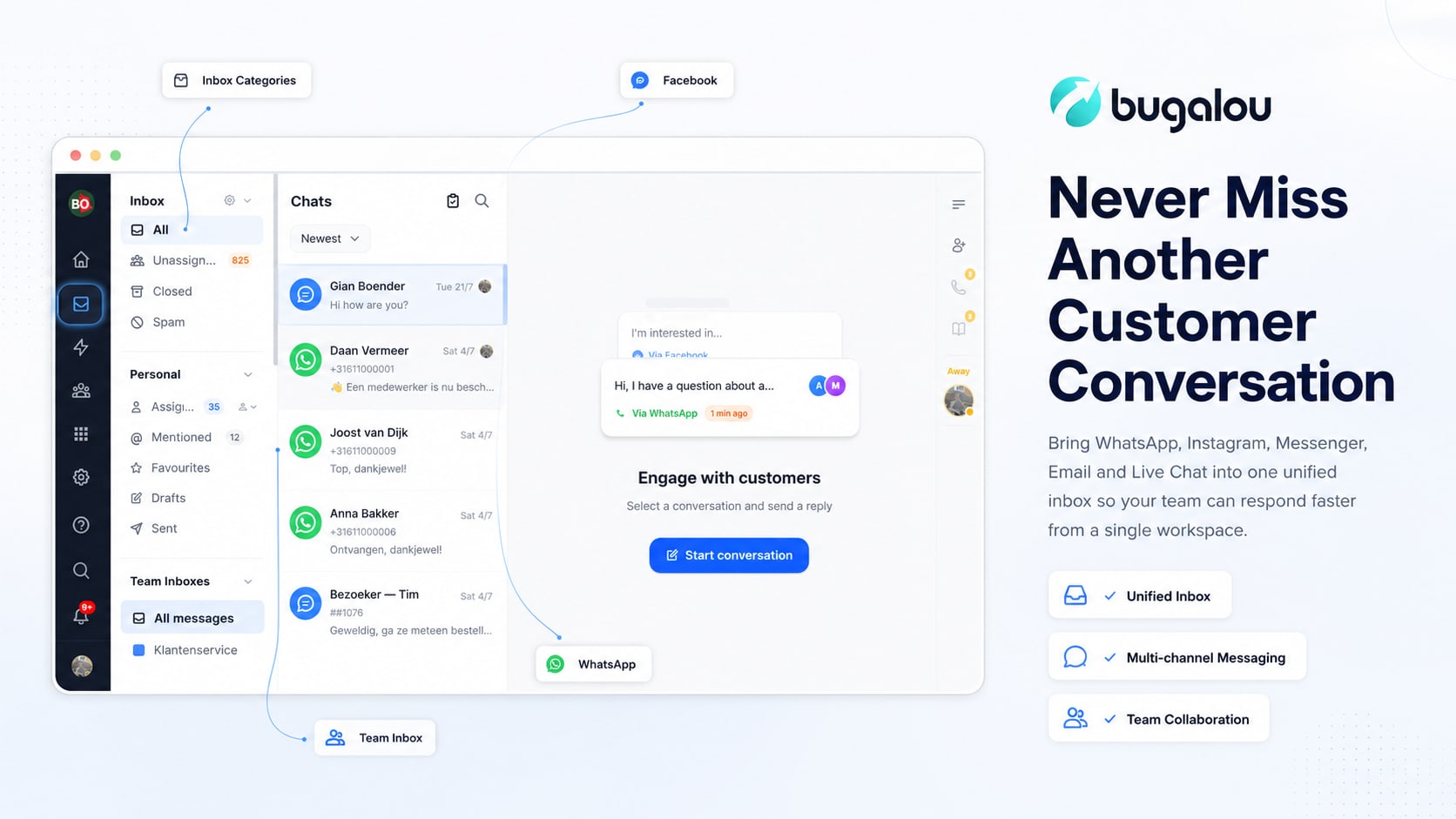
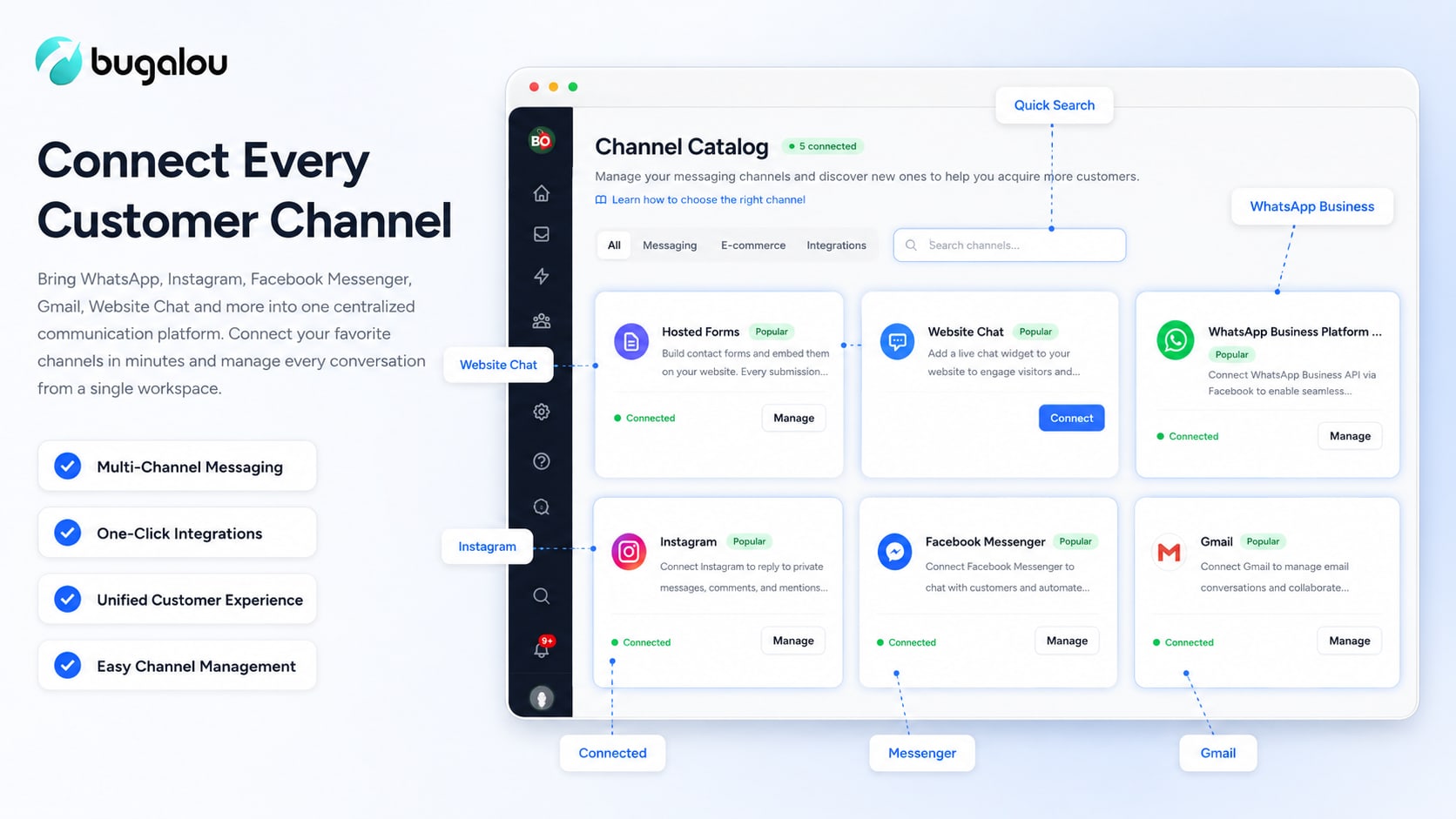
Bugalou is an AI-powered customer service platform that answers order status, tracking, and shipping questions automatically across WhatsApp, email, and website chat — and hands off to a human agent whenever a customer needs one.
This plugin connects your WooCommerce store to your Bugalou account. Once connected, Bugalou can:
- Look up live order status, payment status, and tracking information when a customer asks
- Detect backordered items and explain delivery delays automatically
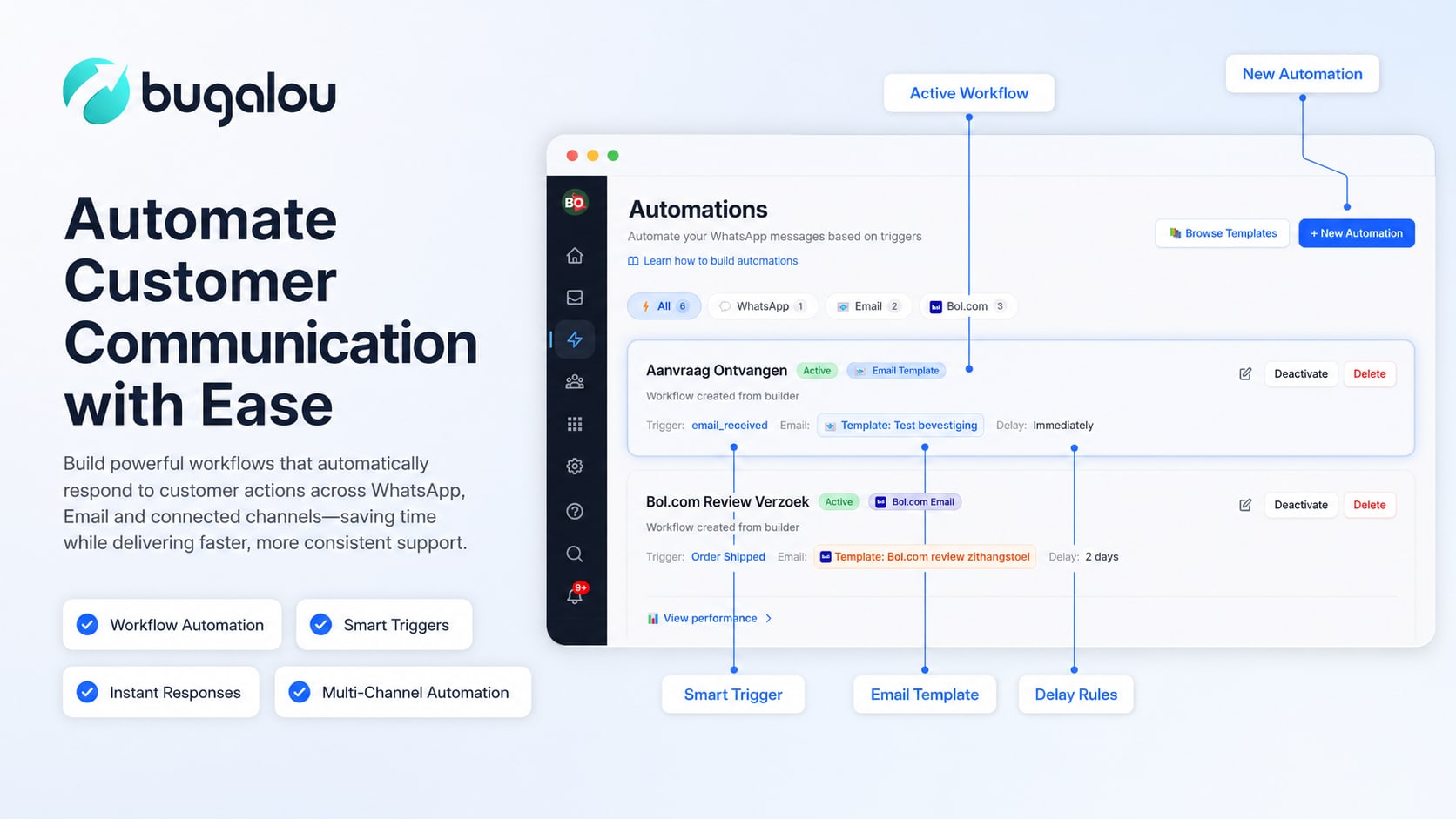
- Notify customers automatically on order updates (new order, shipped, delivered)
- Answer product and shipping questions using your store’s own data
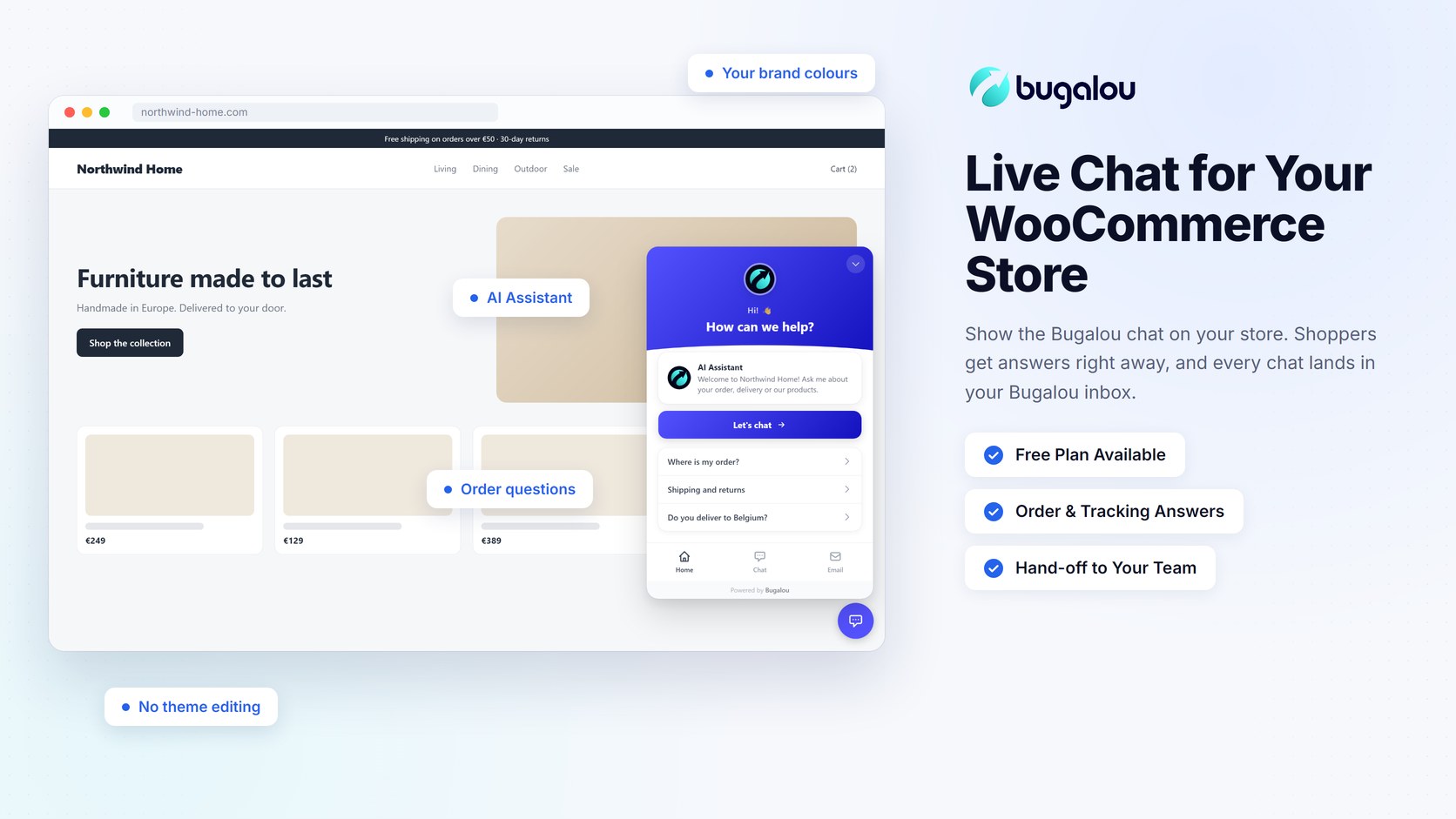
- Show the Bugalou live chat widget on your store (optional, off by default)
How it works
- Install and activate this plugin.
- Log in to your Bugalou dashboard and go to Channels WooCommerce.
- Under “Connect via plugin”, click “Generate connect code” and copy the code.
- In your WordPress admin, go to WooCommerce Bugalou, paste the code, and click Connect.
- Approve the connection on WooCommerce’s own authorization screen.
That’s it — Bugalou automatically sets up the order webhooks it needs. No manual API key copying required.
Live chat widget (optional)
Want the Bugalou chat on your store? In the Bugalou dashboard, go to Channels Website chat Installation and click “Copy key” in the “Widget key” box, paste it under WooCommerce Bugalou Website chat widget, tick “Show the chat widget on my store” and save. No theme editing needed. The widget’s colours, texts and AI behaviour are managed in your Bugalou dashboard.
Bugalou account required
This plugin connects your store to Bugalou, an external service, so you need a Bugalou account to use it.
- Free plan: the live chat widget on your store, for 1 user and up to 50 conversations a month, free forever. No AI assistant, and “Powered by Bugalou” is shown in the chat.
- Paid plans: connecting your store (orders in the inbox, AI answers to order questions, order notifications), WhatsApp, email and your whole team. Every paid plan starts with a free 14-day trial.
External services
This plugin connects your store to Bugalou, an external customer service platform.
- What is sent, and when: only when you click “Connect to Bugalou”, your browser goes to WooCommerce’s own authorization screen on your site. After you approve, WooCommerce (not this plugin) sends a REST API Consumer Key/Secret for your store, your store URL and the connect code to Bugalou’s server at https://app.bugalou.com/api/woocommerce/oauth/callback.
- What Bugalou does with it: Bugalou uses this access to read order, product and customer information (name, email, phone, shipping address, order status) and to register order webhooks, solely to power customer service replies and order notifications for your store.
- Live chat widget (optional, off by default): only when you paste a widget key and enable “Show the chat widget on my store”, your store loads Bugalou’s chat script from https://bugalou.com/widget/loader.js for visitors. The script loads your widget settings from https://bugalou.com and, when a visitor uses the chat, sends the messages they type, any name, email or file they choose to share and their browser language to Bugalou, so your team and the AI assistant can answer in your Bugalou inbox. As with any web request, the visitor’s IP address and the page address are visible to Bugalou’s server. The script stores a chat session id in the visitor’s browser (local storage) so the conversation continues across pages.
-
Apart from the above, the plugin sends no data, loads no remote scripts and does not track visitors.
- Bugalou privacy policy
Screenshots
Installation
- Upload the plugin files to
/wp-content/plugins/bugalou-for-woocommerce, or install it directly through the WordPress plugins screen. - Activate the plugin through the “Plugins” screen in WordPress.
- Go to WooCommerce Bugalou to connect your store.
FAQ
-
Do I need a Bugalou account?
-
Yes. The live chat widget works on Bugalou’s free plan. Connecting your store needs a paid plan, which starts with a free 14-day trial.
-
What WooCommerce permissions does this plugin request?
-
Read/write access to orders, products, and webhooks — needed to look up order status and register the webhooks Bugalou uses to detect new and updated orders.
-
Do I need to connect my store to use the chat widget?
-
No. The widget works with just your widget key. Connecting the store as well lets the chat answer order questions with live order data.
-
Does this plugin work with High-Performance Order Storage (HPOS)?
-
Yes, this plugin is fully compatible with HPOS.
Reviews

Contributors & Developers
“Bugalou for WooCommerce” is open source software. The following people have contributed to this plugin.
Contributors
Translate “Bugalou for WooCommerce” into your language.
Interested in development?
Browse the code, check out the SVN repository, or subscribe to the development log by RSS.
Changelog
1.1.1
- Fix: garbled dash in the plugin description on the Plugins screen.
1.1.0
- New: optional Bugalou live chat widget on your store. Paste your widget key and switch it on, no theme editing needed.
1.0.0
- Initial release — one-click store connection via WooCommerce’s REST API authorization flow.