
Description
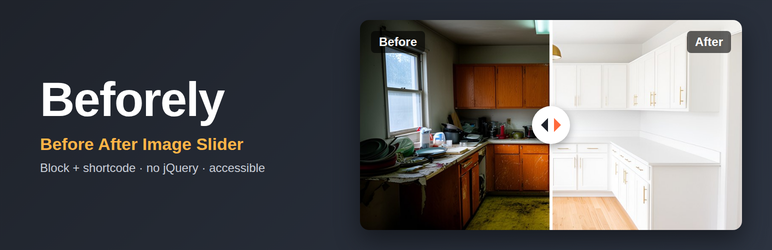
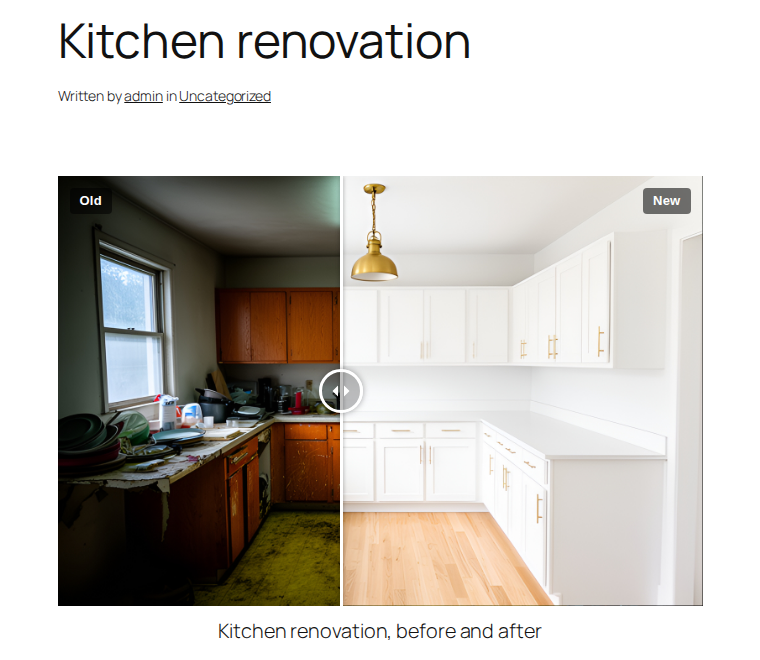
Beforely puts a “before” photo and an “after” photo on top of each other. Visitors drag the handle, or click anywhere on the image, to reveal more of one or the other. It works well for renovations, cleaning and landscaping jobs, salons and med spas, dentists, photo retouching and product results.
Features
- A “Before After Slider” block for the block editor, with a live preview.
- A
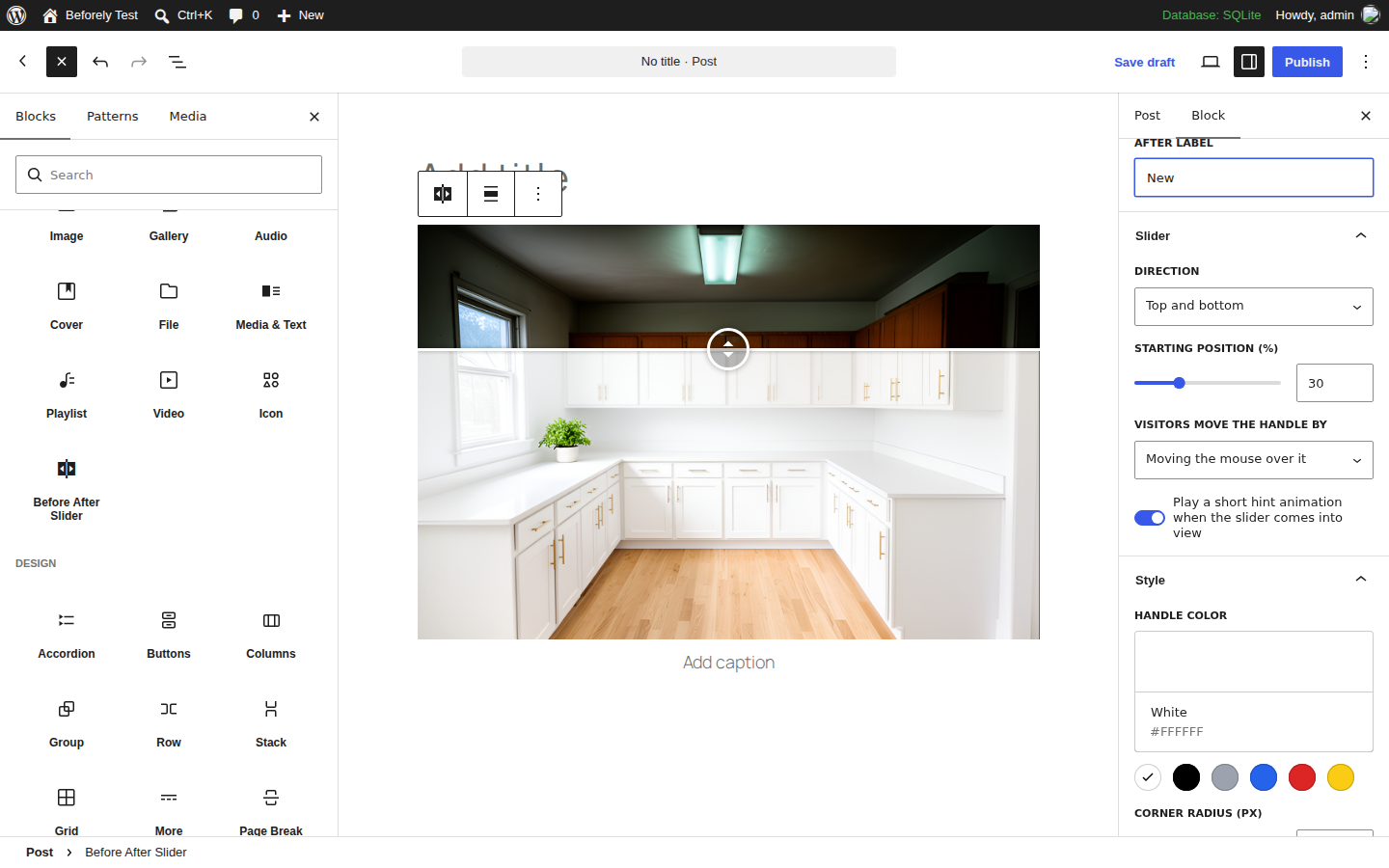
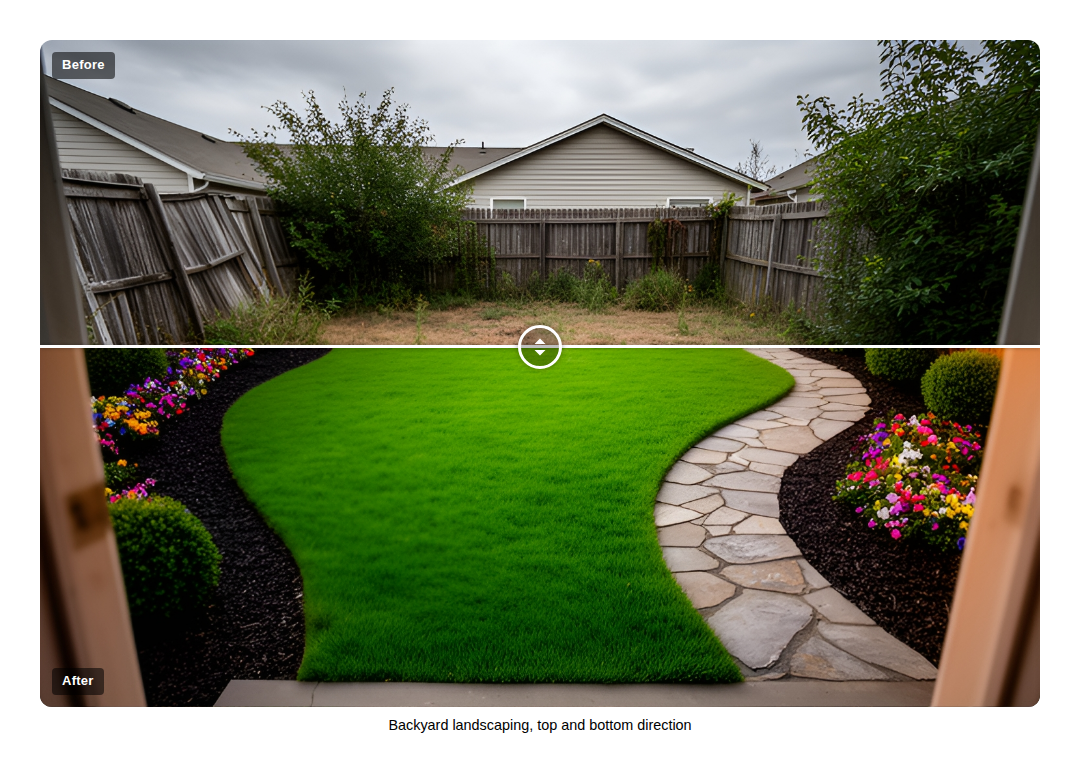
[beforely]shortcode for the classic editor, widgets and page builders. - Left and right, or top and bottom.
- Choose where the handle starts.
- Visitors drag or click to move the handle, or the handle follows the mouse.
- Editable “Before” and “After” labels, shown always, on hover or never.
- Handle color and rounded corners.
- An optional hint animation that plays once when the slider scrolls into view. It is skipped for visitors who ask their device for reduced motion.
- Keyboard support: the handle is a focusable slider. Arrow keys, Page Up, Page Down, Home and End move it, and screen readers announce its position.
- Works on phones. Swiping sideways moves the handle and swiping up or down still scrolls the page.
- Uses your media library images with responsive sizes and lazy loading.
- Small and fast. No jQuery and no other libraries. The script and styles load only on pages that show a slider.
- Nothing is sent anywhere. The plugin makes no external requests, sets no cookies and stores nothing outside your posts.
Shortcode
[beforely before="12" after="34"]

before and `after` take a media library ID or an image URL. Optional attributes:
before_label,after_label: label text. Defaults to “Before” and “After”.labels:always,hoverornone.orientation:horizontalorvertical.start: where the handle starts, from 0 to 100. Default 50.move_on:dragorhover.color: handle color as a hex code, for example#ffffff.animate:yesto play the hint animation.radius: corner radius in pixels.before_alt,after_alt: alternative text when you use image URLs.caption: a caption shown under the slider.class: extra CSS classes.
Beforely Pro
Need more? Beforely Pro is a separate paid plugin that adds video comparisons, one-photo effects (black and white, sepia, blur), a filterable gallery block, click, scroll and auto-sweep modes, and more handle and label styles. This free plugin has no limits and shows no upgrade prompts.
Screenshots
Blocks
This plugin provides 1 block.
- Before After Slider Compare two images with a handle that visitors drag across.
Installation
- In your dashboard go to Plugins > Add New, search for “Beforely” and click Install, then Activate.
- Edit a page or post, click the + button and add the “Before After Slider” block.
- Choose the before photo and the after photo. Adjust labels, direction and style in the block settings sidebar.
For the classic editor or a page builder, add the [beforely] shortcode with the media library IDs of your two images.
FAQ
-
Do the two photos need to be the same size?
-
The slider takes its size from the before photo, and the after photo is scaled to cover the same area. Photos taken from the same spot with the same framing and aspect ratio line up best.
-
Can I use it with Elementor, Divi or another page builder?
-
Yes. Add the
[beforely]shortcode in the builder’s shortcode or text widget. -
How do I find a media library ID?
-
Open Media > Library, click the image, and look at the address bar. The number after
item=is the ID. You can also use the image URL instead. -
Can I put several sliders on one page?
-
Yes, as many as you like.
-
Does it work without JavaScript?
-
The slider shows both photos at the starting position without JavaScript. Moving the handle needs JavaScript.
-
Does it collect any data?
-
No. It makes no external requests, sets no cookies and does not track visitors.
Reviews
There are no reviews for this plugin.
Contributors & Developers
“Beforely – Before After Image Slider” is open source software. The following people have contributed to this plugin.
Contributors
Translate “Beforely – Before After Image Slider” into your language.
Interested in development?
Browse the code, check out the SVN repository, or subscribe to the development log by RSS.
Changelog
1.0.0
- First release.