
Description
Payments with Eway for Paid Memberships Pro adds Eway as a payment gateway for Paid Memberships Pro, so membership sites in Australia and New Zealand can take card payments for one-time and recurring levels.
Card details are entered into fields or pages served by Eway and never pass through your server. Your site keeps only a token, which the plugin uses to charge renewals automatically when they fall due.
Two ways to collect card details
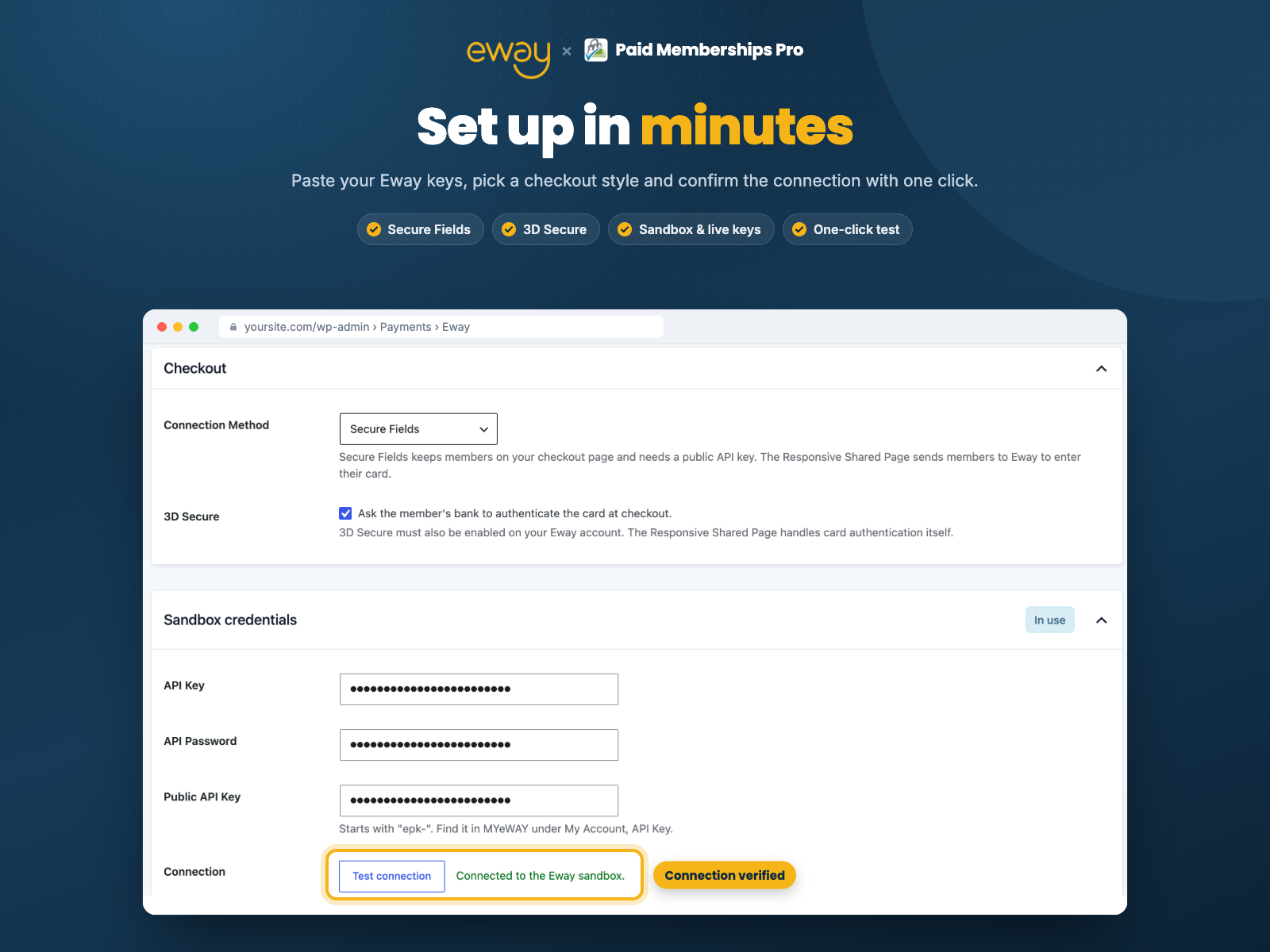
Secure Fields keeps members on your checkout page. Each card field is an iframe served by Eway. 3D Secure 2 can be switched on for these checkouts.
Responsive Shared Page sends members to a payment page hosted by Eway and returns them to your site when they are done. 3D Secure is built in, and you can set the page’s theme, heading and logo.
Features
- One-time and recurring membership levels
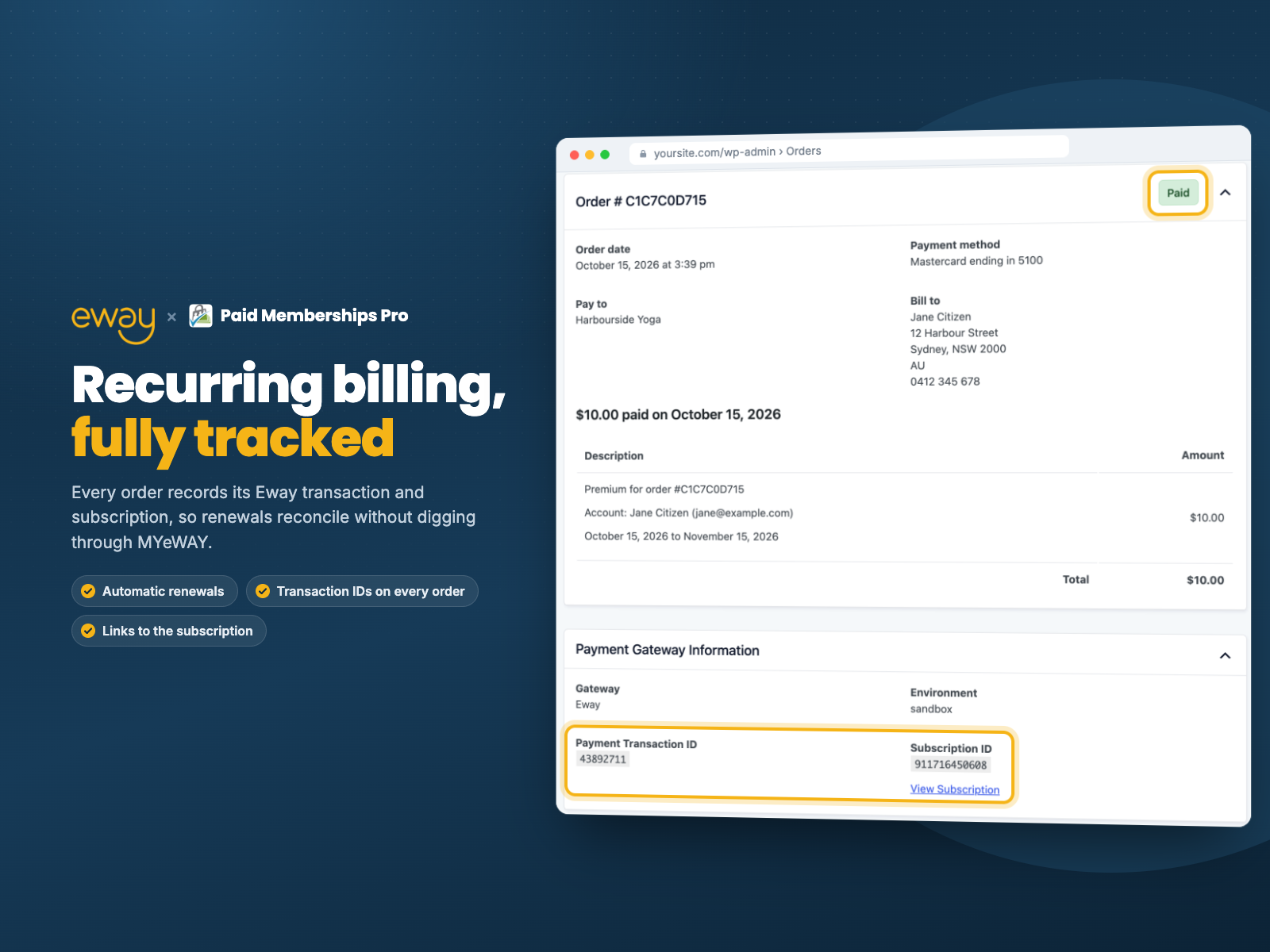
- Automatic renewals charged against the member’s saved card
- Automatic retries for declined renewals
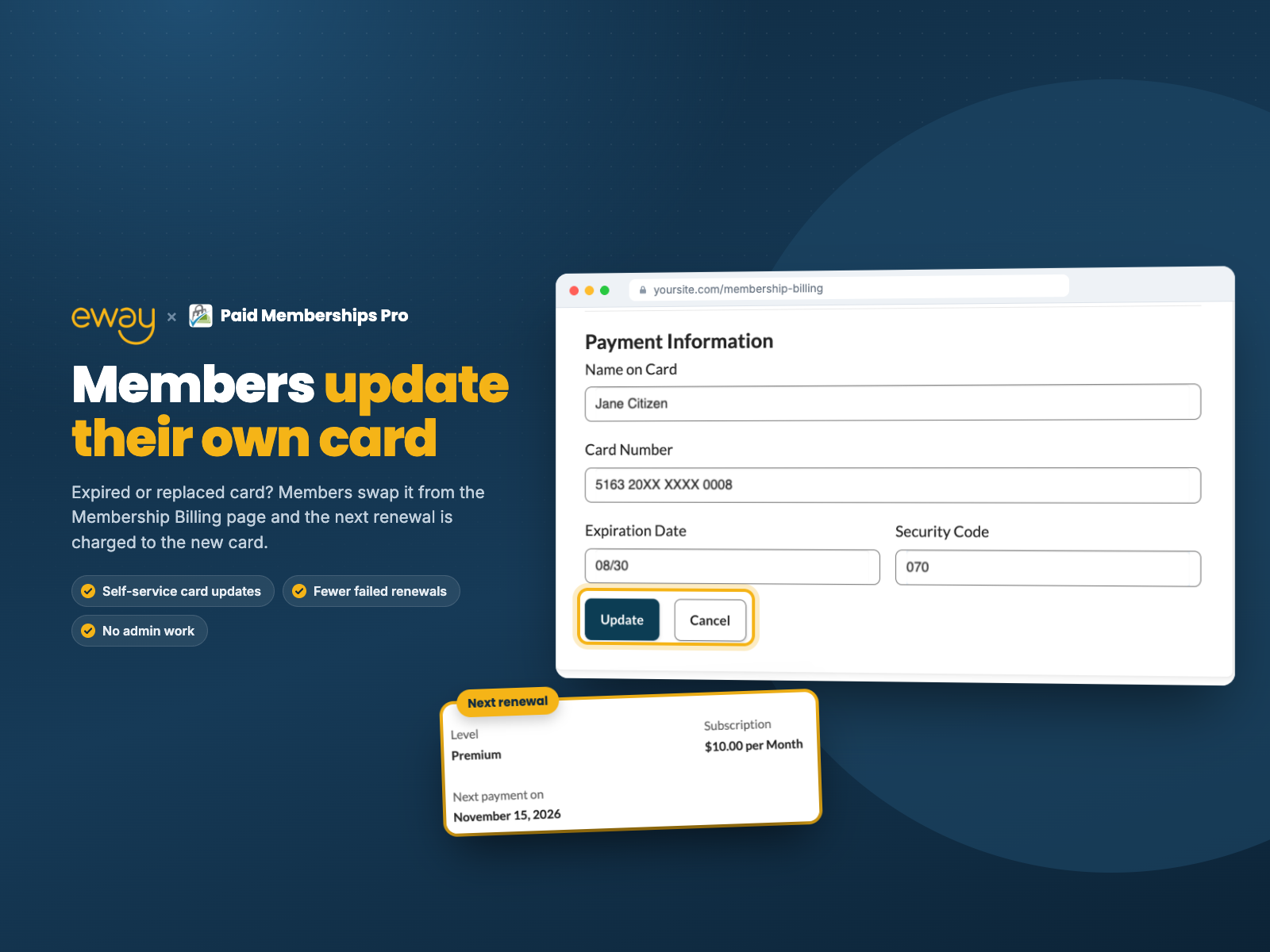
- Members can replace the card on file from the Membership Billing page
- Full refunds from the Paid Memberships Pro order screen
- Sandbox and live modes
- Connection test button on the settings page
- Optional debug log that never records card data, passwords or API keys
This plugin is developed independently and is not affiliated with, endorsed by or supported by Eway or Paid Memberships Pro.
Support this plugin
If this plugin saves you time, you can support its development on Ko-fi or Buy Me a Coffee.
External services
This plugin uses Eway to take payments. At checkout, renewal, card update and refund it sends the member’s name, billing address, email, phone and IP address, and the order amount, currency and code to Eway. Card details are entered directly into Eway’s fields or hosted page and never reach your server.
Screenshots



Installation
- Install and activate Paid Memberships Pro 3.6 or newer.
- Install and activate Payments with Eway for Paid Memberships Pro.
- Go to Memberships > Settings > Payments, choose Eway as the payment gateway and save.
- In the Eway settings that appear, enter your API key and API password for the environment you are using. Secure Fields also needs the public API key, which starts with
epk-. - Save, then click Test connection.
Your API key and password are in MYeWAY under My Account > API Key. To refund from WordPress, the key’s role needs the “Rapid API Refunds” permission.
FAQ
-
Do I need an Eway account?
-
Yes. Sign up at eway.com.au or eway.io, then create an API key in MYeWAY. A sandbox account lets you test without charging real cards.
-
Secure Fields gives the smoothest experience because members never leave your site, and it supports 3D Secure 2. The Responsive Shared Page needs no public API key and handles 3D Secure on Eway’s side, which is the simplest setup.
-
Does it support recurring memberships?
-
Yes. The plugin charges the member’s saved card when each renewal is due. Renewals rely on WP-Cron, so make sure cron runs on your site; you’ll see an admin notice if renewals stop being checked.
-
What happens when a renewal payment is declined?
-
The plugin retries three times, at least one hour apart. If every retry fails, the subscription is cancelled and the member is notified through the usual Paid Memberships Pro emails. If the member updates their card in the meantime, the next retry runs straight away.
-
Are trial periods supported?
-
Custom trial periods are not supported. A recurring level with nothing to pay today saves the card and charges from the first renewal.
-
Which currencies are supported?
-
The currency set in Paid Memberships Pro is sent to Eway as-is, so it must be one your Eway account accepts.
-
Is anything sensitive stored on my site?
-
Card details are never stored. The plugin keeps a reference to the card saved at Eway, plus the card’s brand, last four digits and expiry so members can see which card is on file. API credentials are stored in the WordPress options table.
Reviews
There are no reviews for this plugin.
Contributors & Developers
“Payments with Eway for Paid Memberships Pro” is open source software. The following people have contributed to this plugin.
Contributors
Translate “Payments with Eway for Paid Memberships Pro” into your language.
Interested in development?
Browse the code, check out the SVN repository, or subscribe to the development log by RSS.
Changelog
1.0.1
- Improved the layout of the gateway settings page.
1.0.0
- Initial release.