
Description
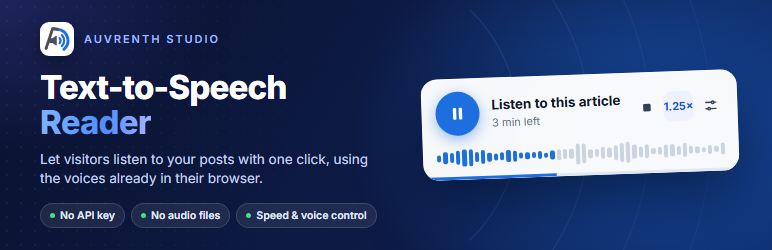
Auvrenth Text-to-Speech Reader adds a listen button to your posts and pages. Visitors press play and the article is read aloud by the voices already built into their browser.
- No API key, no account and no monthly cost.
- No audio files stored on your server.
- Play, pause, stop and speed control.
- Uses a voice that matches your site language when the browser has one.
- Set a default language and voice, and test it right from the settings screen.
- Visitors can switch the language and voice in the player, and their choice is remembered.
- Choose the post types, and show the player before or after the content.
- Hide the player on single posts, or place it anywhere with the
[auvrenth_tts]shortcode.
The player only appears in browsers that support speech synthesis, which covers all current versions of Chrome, Edge, Safari and Firefox.
Shortcode
Add [auvrenth_tts] to a post or page, or to a Shortcode block, to show the player exactly where you want it. It reads the post it is placed in.
- Works on any post type, even ones not ticked under “Show on” in the settings.
- When a post contains the shortcode, the automatic player is skipped there, so the player never shows twice.
- Set “Player position” to “Only where I add the [auvrenth_tts] shortcode” to turn off automatic placement everywhere and use the shortcode only.
- The shortcode shows nothing when the player is hidden for that post in the editor, or when the post is password protected.
Installation
- Upload the
auvrenth-text-to-speech-readerfolder to/wp-content/plugins/, or install it from the Plugins screen. - Activate the plugin.
- Open Auvrenth Reader in the admin menu to choose where the player appears.
FAQ
-
Does it need an API key?
-
No. Speech is generated by the visitor’s browser, so nothing is sent to an outside service.
-
Why does the voice sound different on another device?
-
Each browser and operating system ships its own voices, so the voice depends on the visitor’s device.
-
How do I place the player in a different spot?
-
Add the
[auvrenth_tts]shortcode where the player should appear. To use it in a theme template, call<?php echo do_shortcode( '[auvrenth_tts]' ); ?>inside the loop and set “Player position” to the shortcode-only option, so the automatic player does not show as well. -
Can I change what is read aloud?
-
Yes. Use the
auvrenth_tts_textfilter to change the text for any post.
Reviews
There are no reviews for this plugin.
Contributors & Developers
“Auvrenth Text-to-Speech Reader” is open source software. The following people have contributed to this plugin.
Contributors

Translate “Auvrenth Text-to-Speech Reader” into your language.
Interested in development?
Browse the code, check out the SVN repository, or subscribe to the development log by RSS.
Changelog
0.1.0
- First release.