
Description
When working on themes and plugins you often notice a piece of text that appears hardcoded into the files, you need to modify it, but you don’t know what theme or plugin it’s in, and certainly not which individual file to look in.
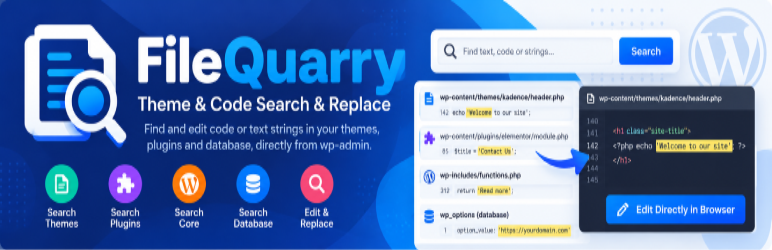
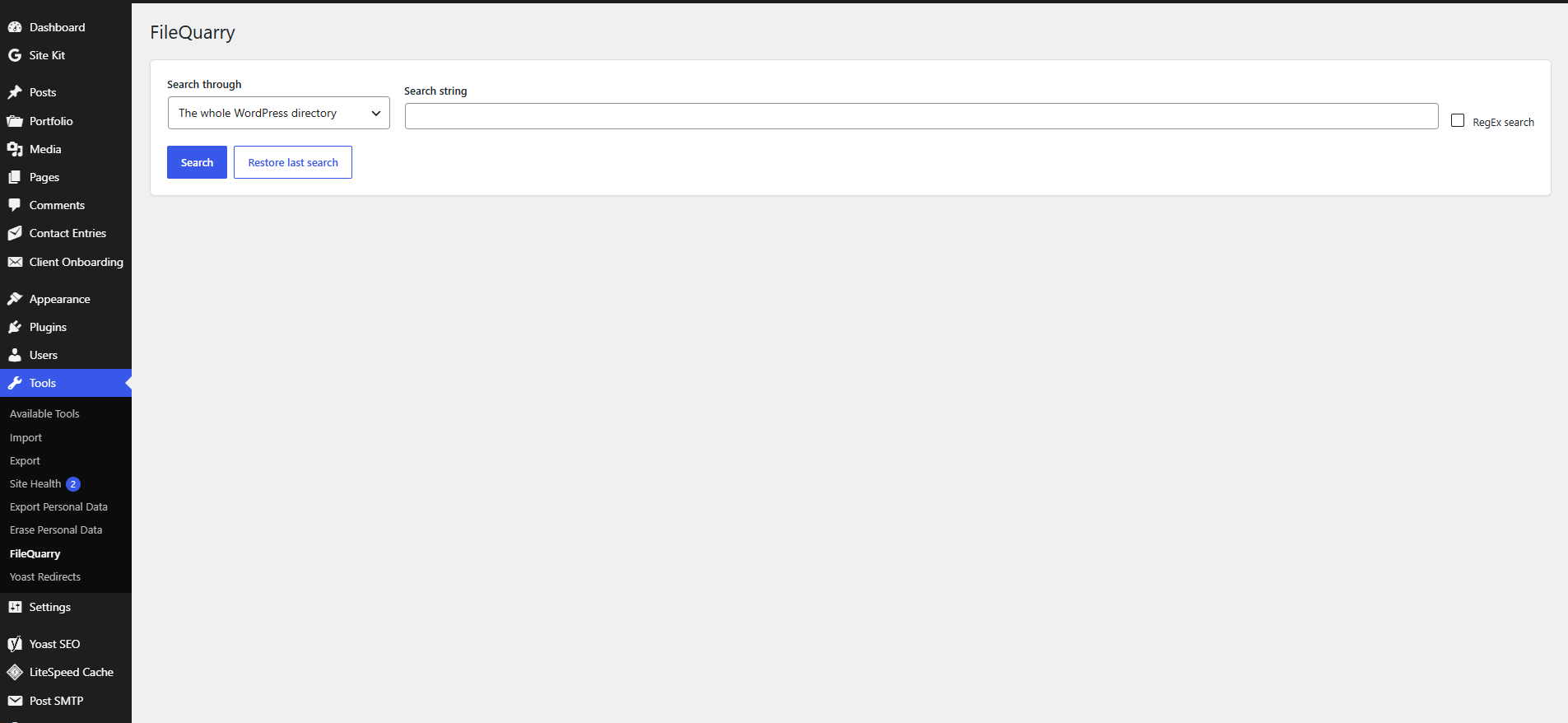
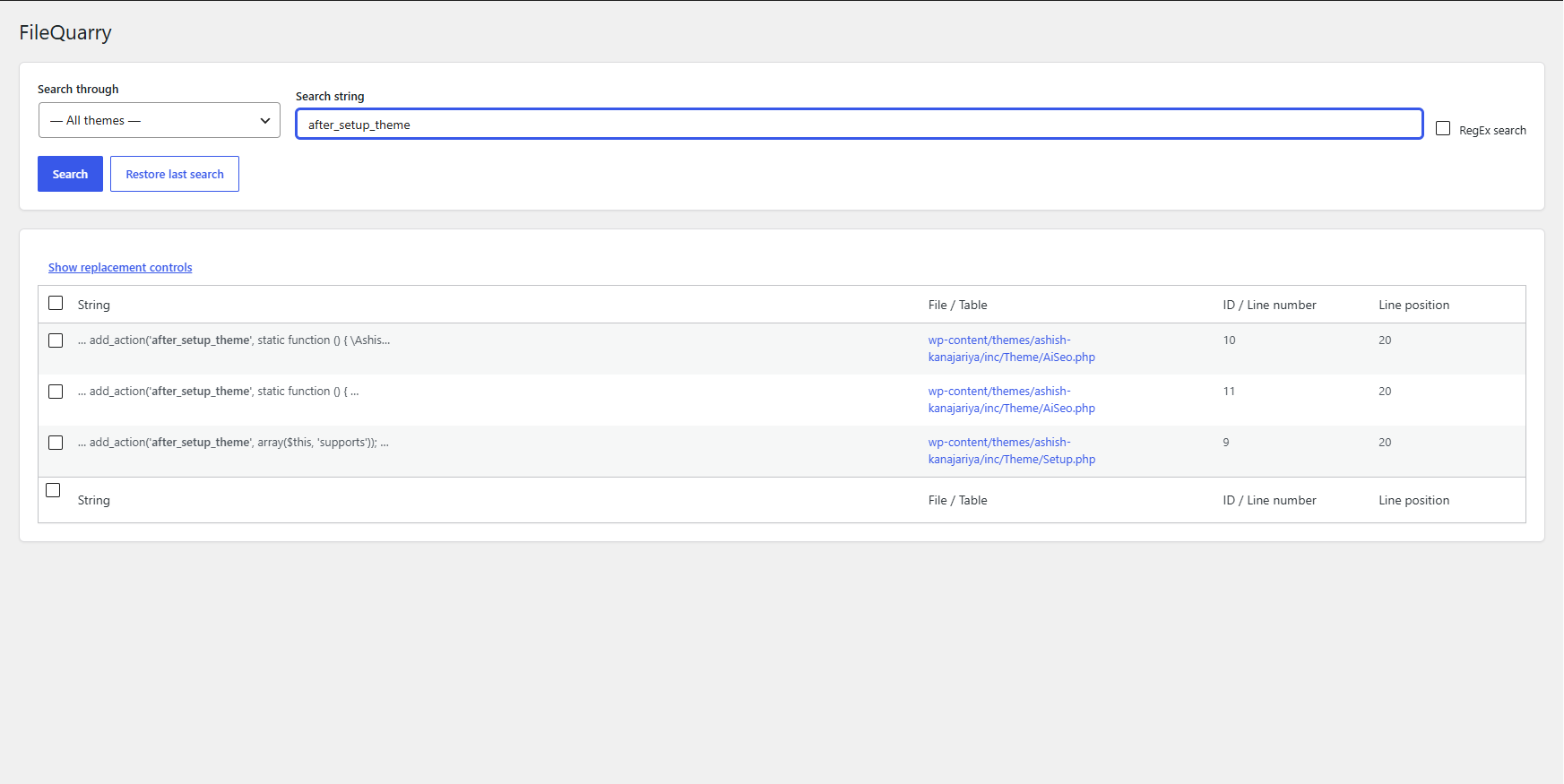
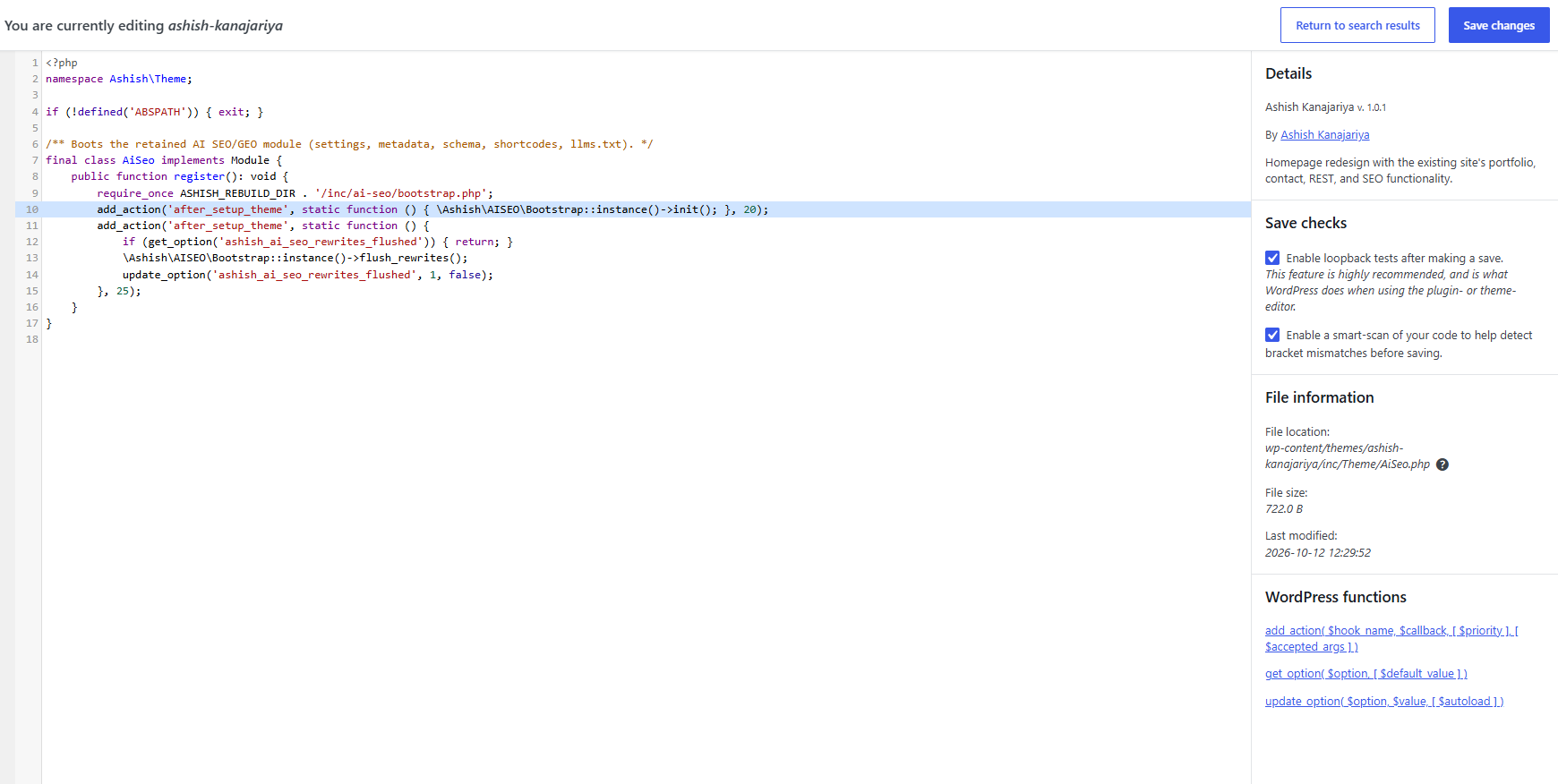
FileQuarry lets you search through your themes, plugins, WordPress core, or your database, and presents a list of matches with the file (or table), and the line (or row) that matched your search. You can then make edits directly in your browser from the search results, or replace matches in bulk.
By default a consistency check (“Smart-Scan”) is performed when making edits to files, looking for inconsistencies with braces, brackets and parenthesis that are often accidentally left in. This drastically reduces the risk of breaking your site when making edits, but is in no way an absolute guarantee. A loopback check after saving can also automatically roll back a change that breaks your site.
Always take a full backup, or work on a staging copy of your site, before making bulk substitutions.
Features
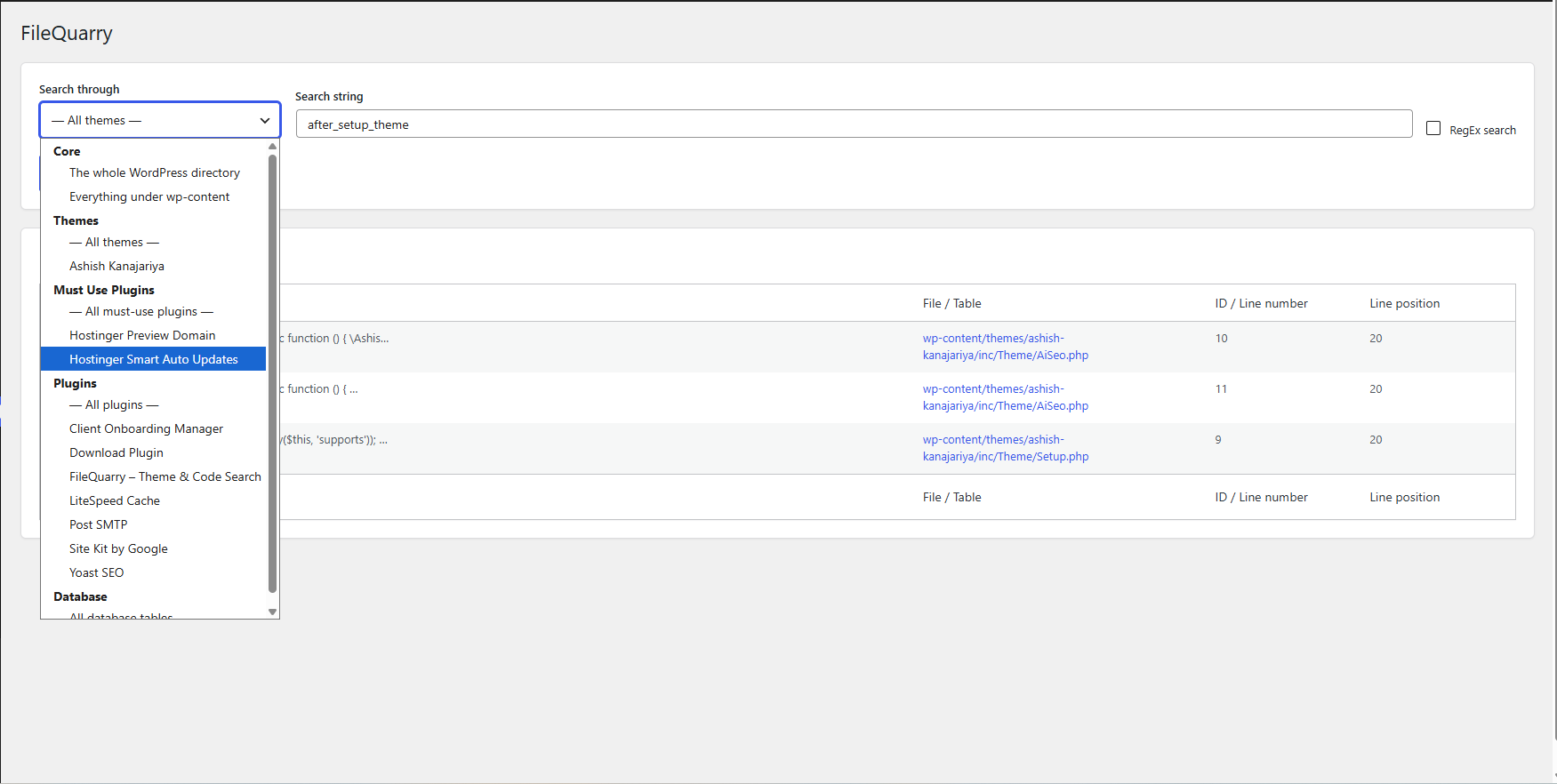
- Search WordPress core, themes, plugins, must-use plugins, or the whole
wp-contentdirectory. - Search your database tables and columns.
- Regular-expression search support.
- Edit matched files or database rows directly from your browser.
- Bulk find & replace across search results, with an optional automatic rollback if the site breaks afterwards.
- Smart-Scan bracket/brace/parenthesis consistency check before saving file edits.
- Works on single-site and Multisite installs.
Screenshots
Installation
- Upload the
filequarryfolder to the/wp-content/plugins/directory, or install the plugin’s zip file through the Plugins screen in wp-admin. - Activate the plugin through the ‘Plugins’ screen in WordPress.
- Use the “FileQuarry” entry under the Tools menu (or the top-level Network Admin menu on Multisite) to search your site.
FAQ
-
Will Smart-Scan guarantee my site is safe when making edits?
-
Although it will do its best at detecting incorrect usage of the commonly used symbols (parenthesis, brackets and braces), there is no guarantee every possible error is detected. The best safeguard is to keep consistent backups of your site, even when not making edits.
The plugin will also check your site’s health after performing an edit or a replacement (when the loopback check option is enabled). If the site returns a site-breaking error code, the previous version of the file, or database value, is automatically restored.
-
My search is failing and I am told that my search is an invalid pattern
-
This error is only related to regex searches, and is based on how PHP reads your regex string.
When writing your search string, make sure to wrap your search in forward slashes (
/), directly followed by any modifiers like case-insensitive (i) that you may want to use. -
Who can use this plugin?
-
By default, searching requires the
edit_userscapability, and editing files requires theedit_themescapability. These are the same capability checks used by WordPress’s own Plugin and Theme editors, so anyone who can already edit plugin/theme files from wp-admin can use this plugin to find them faster.
Reviews
There are no reviews for this plugin.
Contributors & Developers
“FileQuarry – Theme & Code Search” is open source software. The following people have contributed to this plugin.
Contributors
Translate “FileQuarry – Theme & Code Search” into your language.
Interested in development?
Browse the code, check out the SVN repository, or subscribe to the development log by RSS.