
Description
Anonympins Bot Mitigation with Proof-of-Work is a high-performance, privacy-friendly bot mitigation engine for WordPress. It combines behavioral telemetry, TLS/HTTP2/QUIC transport inspection (JA3, JA4), passive TCP/IP stack analysis, and asynchronous Proof-of-Work (PoW) verification.
Features
- Transparent protection against scrapers, credential stuffers, and inventory scalpers.
- Multi-layered behavioral analysis (mouse, keystrokes, touch dynamics).
- Cryptographic Proof-of-Work challenges (CPU and Memory bound) without third-party CAPTCHA cookies or trackers.
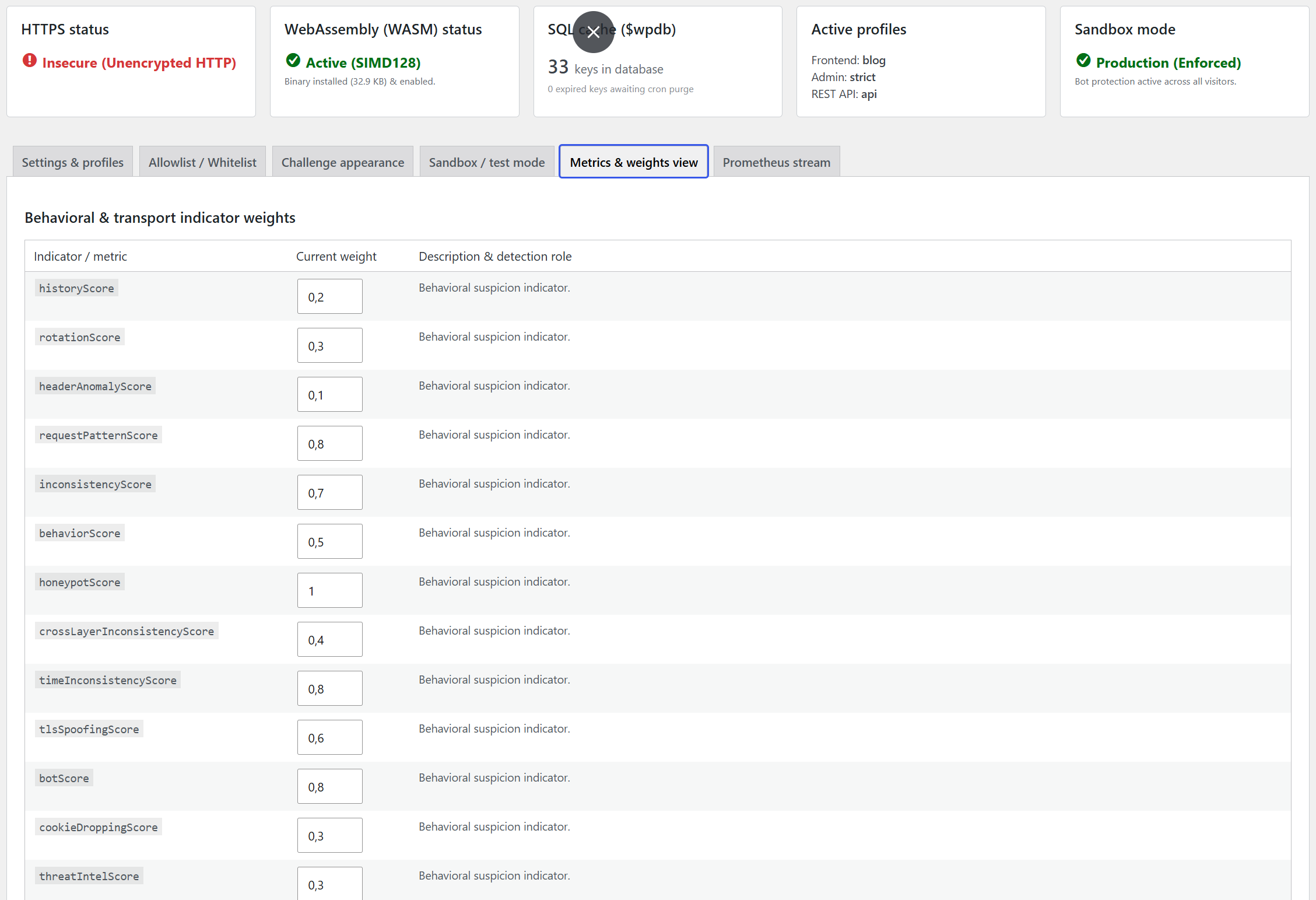
- Prometheus-compatible metrics endpoint for monitoring and observability.
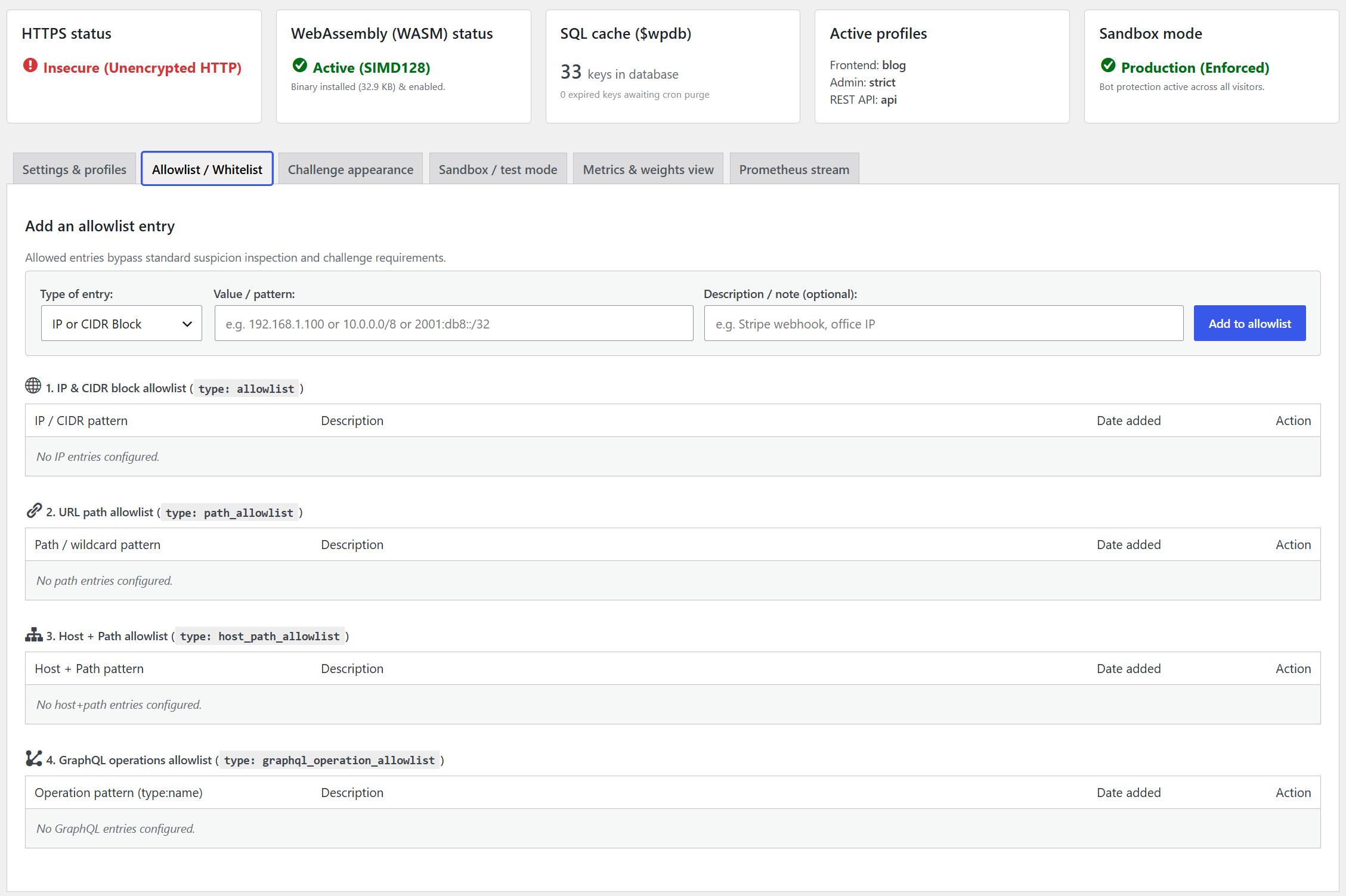
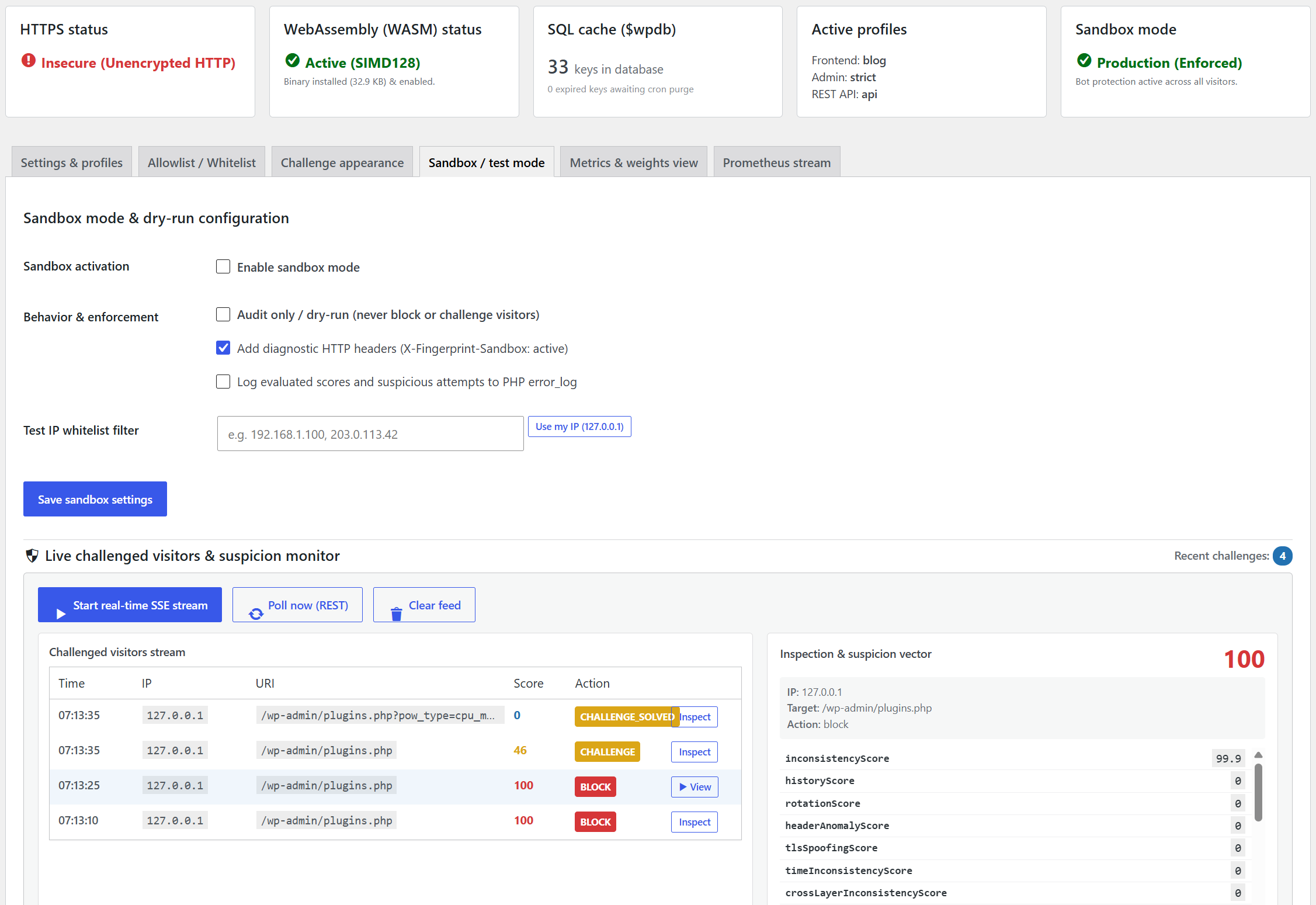
- Dedicated Sandbox / Dry-Run mode with IP targeting for testing without blocking legitimate traffic.
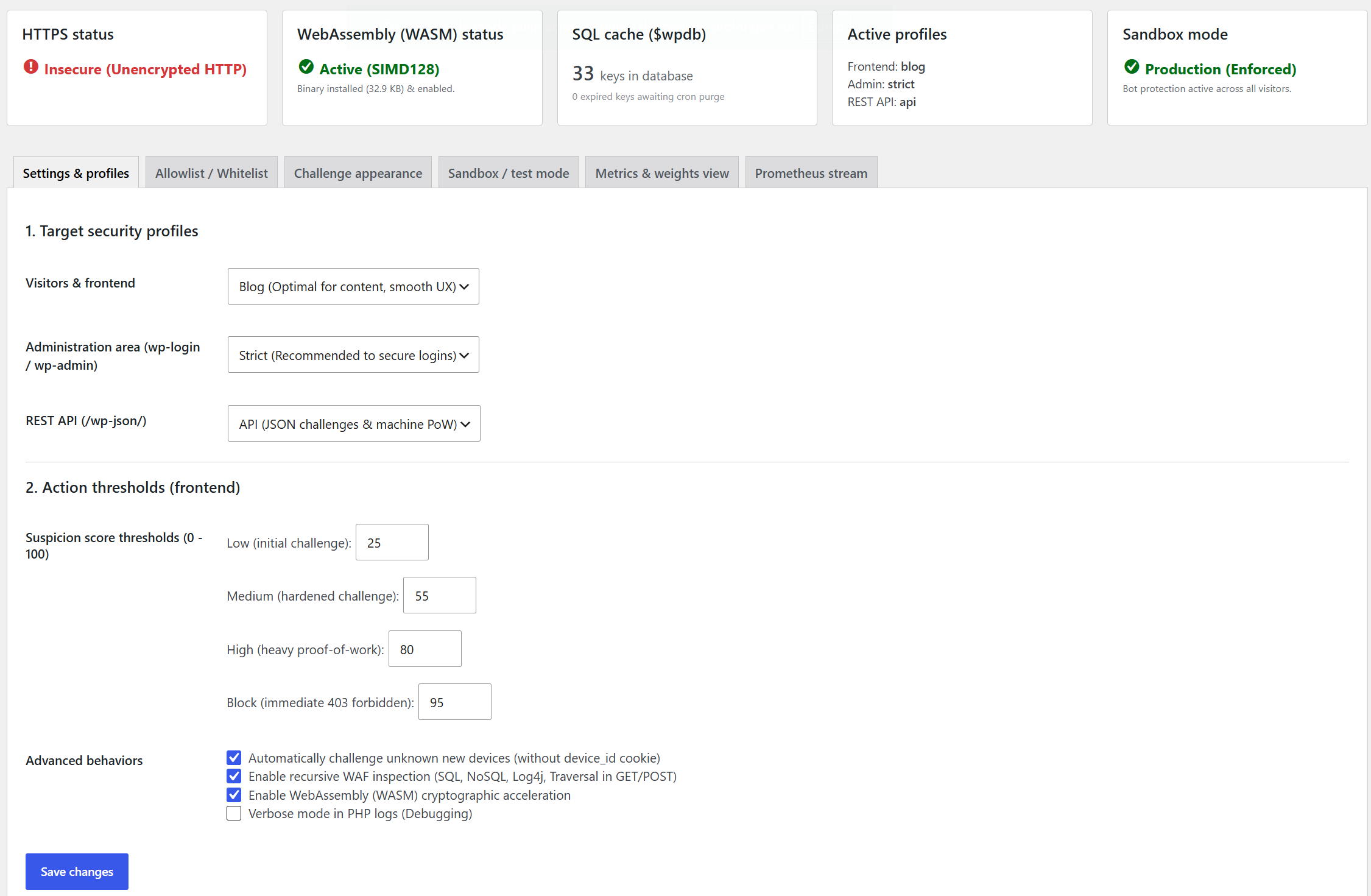
- Tailored security profiles for Frontend, Admin Area (wp-login), and REST API endpoints.
- Real-time suspicion vector inspection via Server-Sent Events (SSE), REST telemetry, and DOM CustomEvents.
Screenshots
Installation
- Upload the plugin files to the
/wp-content/plugins/anonympins-bot-mitigation-powdirectory, or install the plugin through the WordPress plugins screen directly. - Activate the plugin through the ‘Plugins’ screen in WordPress.
- Navigate to Settings -> Anonympins Bot Mitigation to review security profiles, threshold adjustments, and Prometheus metrics.
FAQ
-
Does this plugin require an external cloud service?
-
No. All evaluations, challenges, and validations occur directly on your WordPress server and client browser.
-
Is HTTPS required?
-
HTTPS is strongly recommended. Under unencrypted HTTP, modern browsers disable the Web Cryptography API (
crypto.subtle), which reduces challenge verification performance. -
How do I scrape the Prometheus metrics endpoint?
-
Metrics can be accessed in standard Prometheus text exposition format via:
1. The REST API endpoint:GET /wp-json/fingerprint/v1/metrics(Requiresmanage_optionspermission or a custom authorization callback hooked into thefingerprint_metrics_accessfilter).
2. Direct path endpoint:GET /metrics(Evaluated in early execution lifecycle; filterable withfingerprint_metrics_authorization).
3. The admin dashboard: Settings -> Anonympins Bot Mitigation -> Prometheus Stream. -
How can I monitor incoming request suspicion scores in real time?
-
Under Settings -> Anonympins Bot Mitigation -> Sandbox / Test Mode, the plugin provides real-time observability interfaces for all challenged visitors across the website:
-
Server-Sent Events (SSE):
GET /wp-json/fingerprint/v1/sandbox/sse
Streams timestamped telemetry objects containingid,timestamp,ip,uri,action,suspicionScore, andsuspicionVectorfor every challenged visitor. -
REST Telemetry Polling:
GET /wp-json/fingerprint/v1/sandbox/telemetry
Returns the latest list and evaluated challenge payloads across all visitors in JSON format. -
Client-side JavaScript event:
Every page emits a DOMCustomEvent('fingerprint:suspicion')and setswindow.__FINGERPRINT_VECTOR__when Sandbox mode is active or when an administrator is authenticated.
-
Reviews
There are no reviews for this plugin.
Contributors & Developers
“Anonympins Bot Mitigation with Proof-of-Work” is open source software. The following people have contributed to this plugin.
Contributors
“Anonympins Bot Mitigation with Proof-of-Work” has been translated into 1 locale. Thank you to the translators for their contributions.
Translate “Anonympins Bot Mitigation with Proof-of-Work” into your language.
Interested in development?
Browse the code, check out the SVN repository, or subscribe to the development log by RSS.