

Description
This plugin provides LM Studio integration for the WordPress AI Client. It allows you to run AI inference entirely on your own machine — connecting WordPress to a local LM Studio server with no cloud account or API key required.
Features:
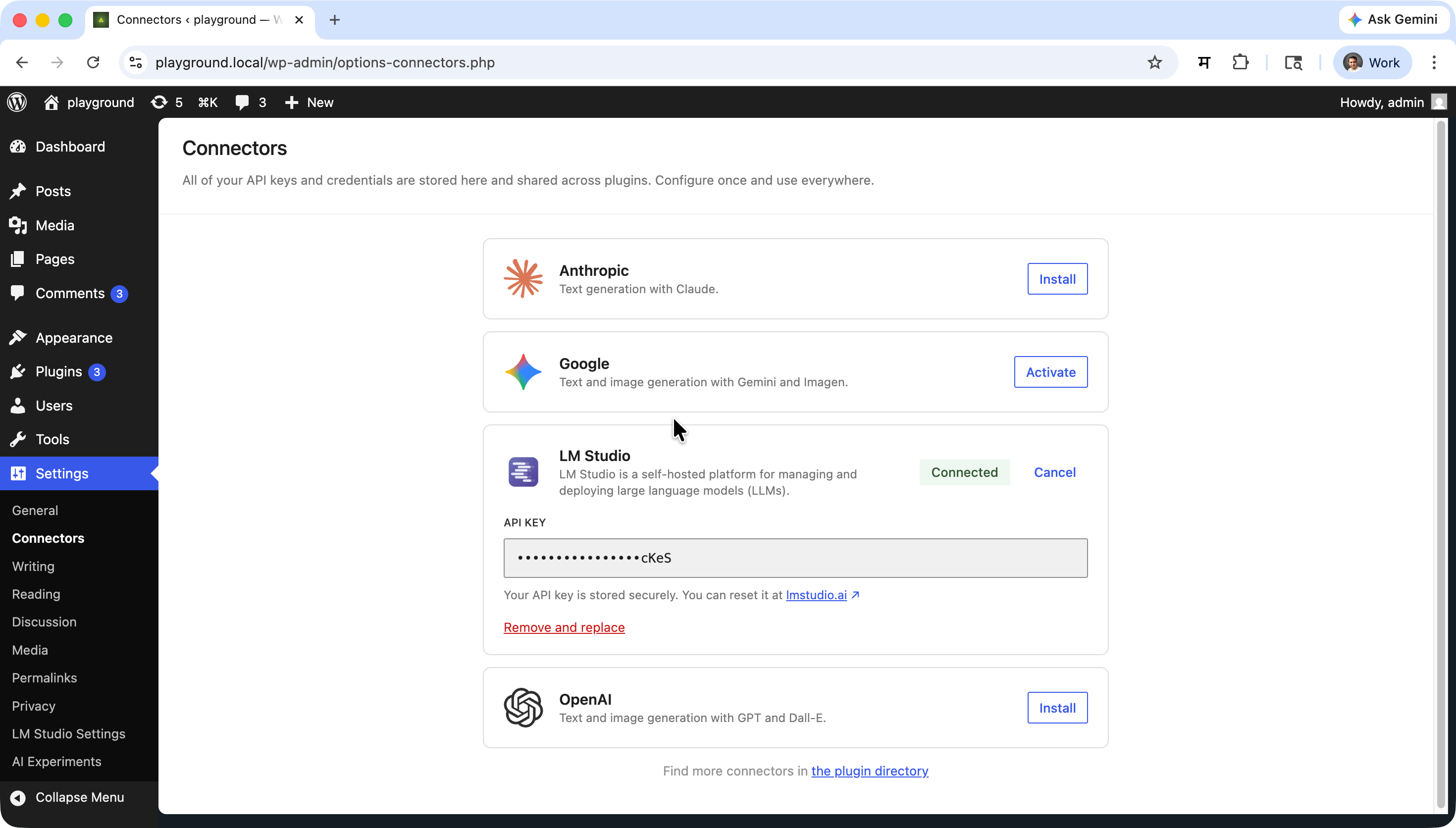
- Connector for LM Studio registration for WordPress AI Client.
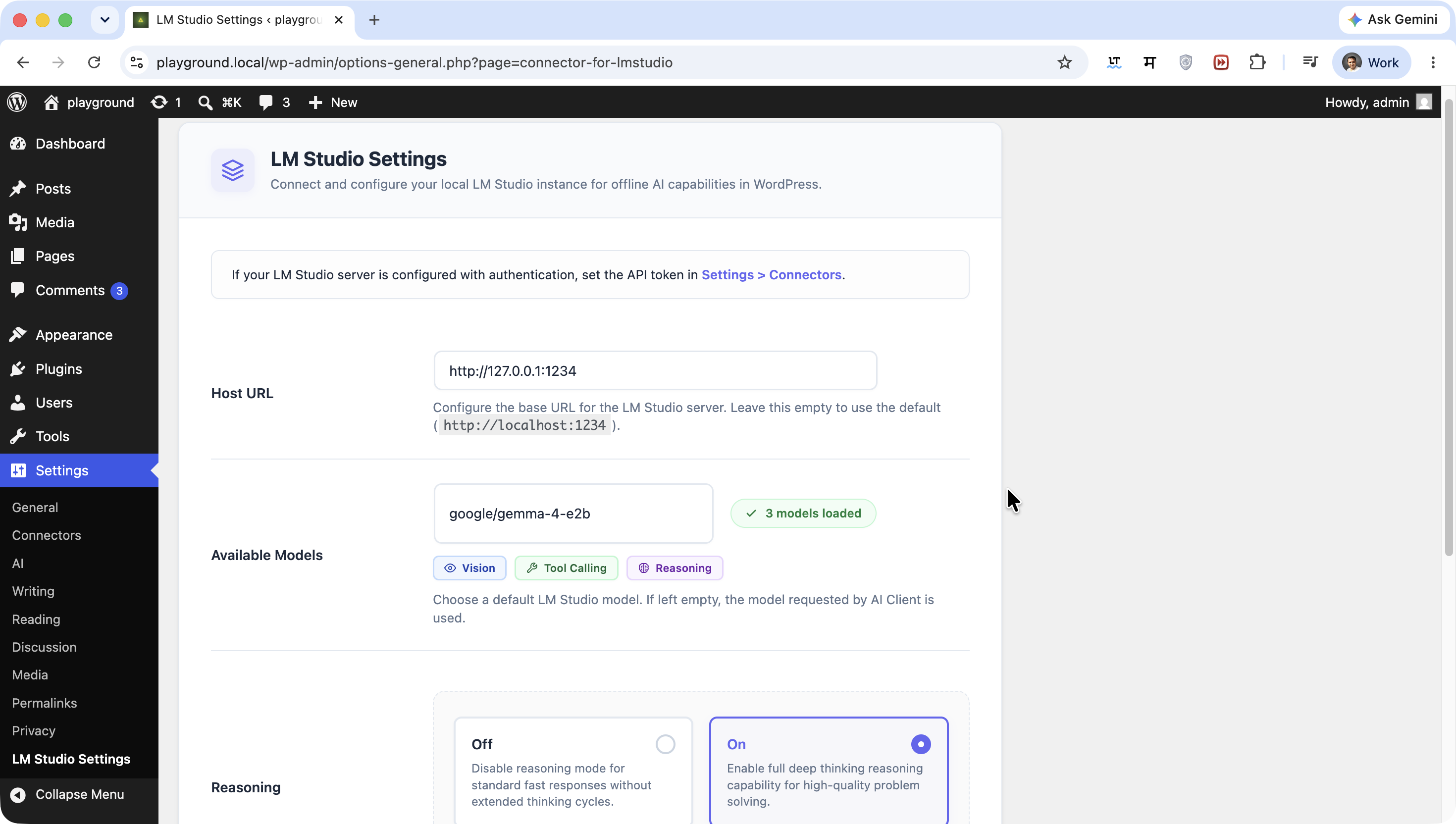
- Configure a default model for text generation from the admin settings page.
- Automatic model discovery from your running LM Studio instance.
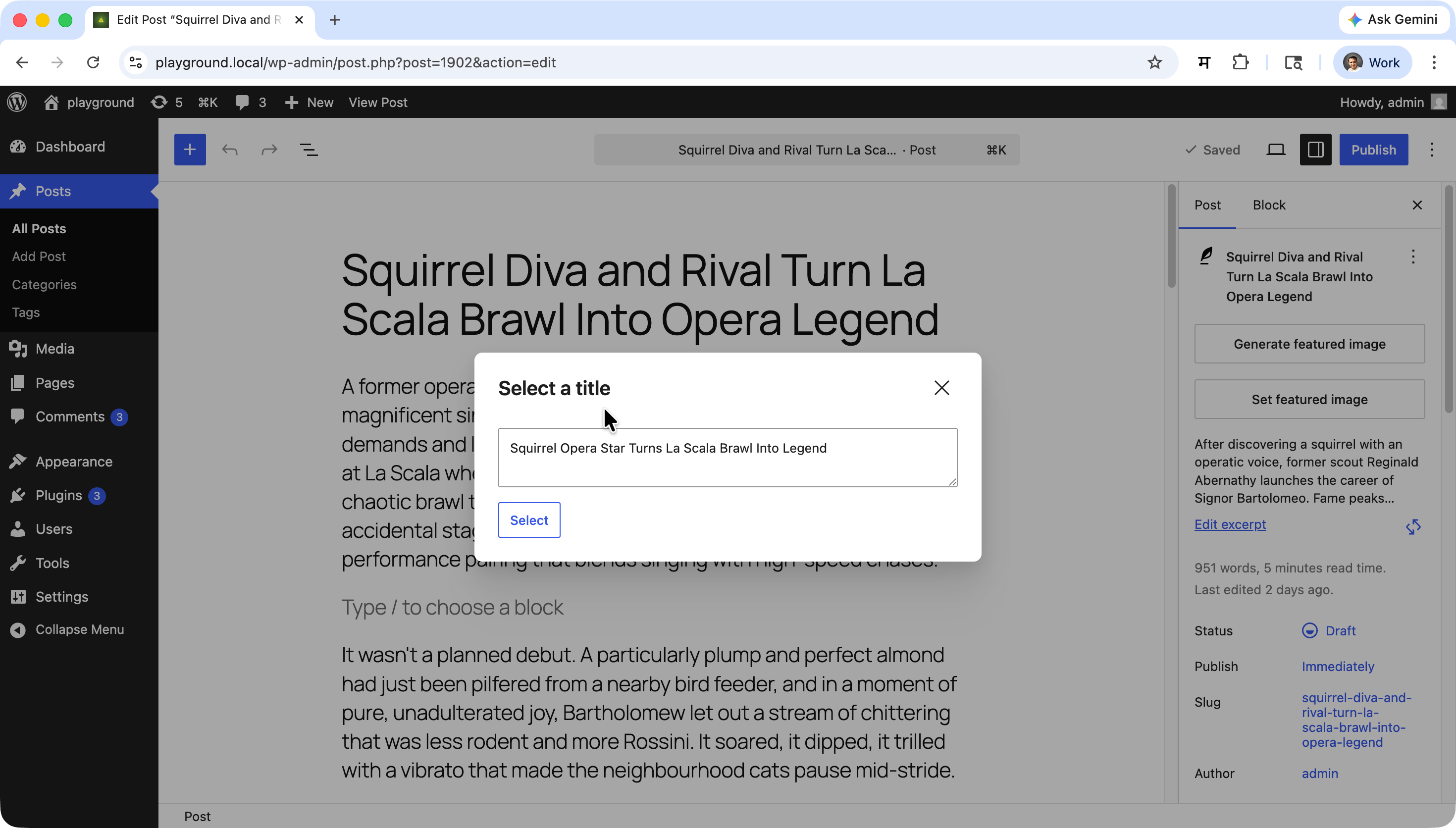
- Text generation tasks using LM Studio’s API.
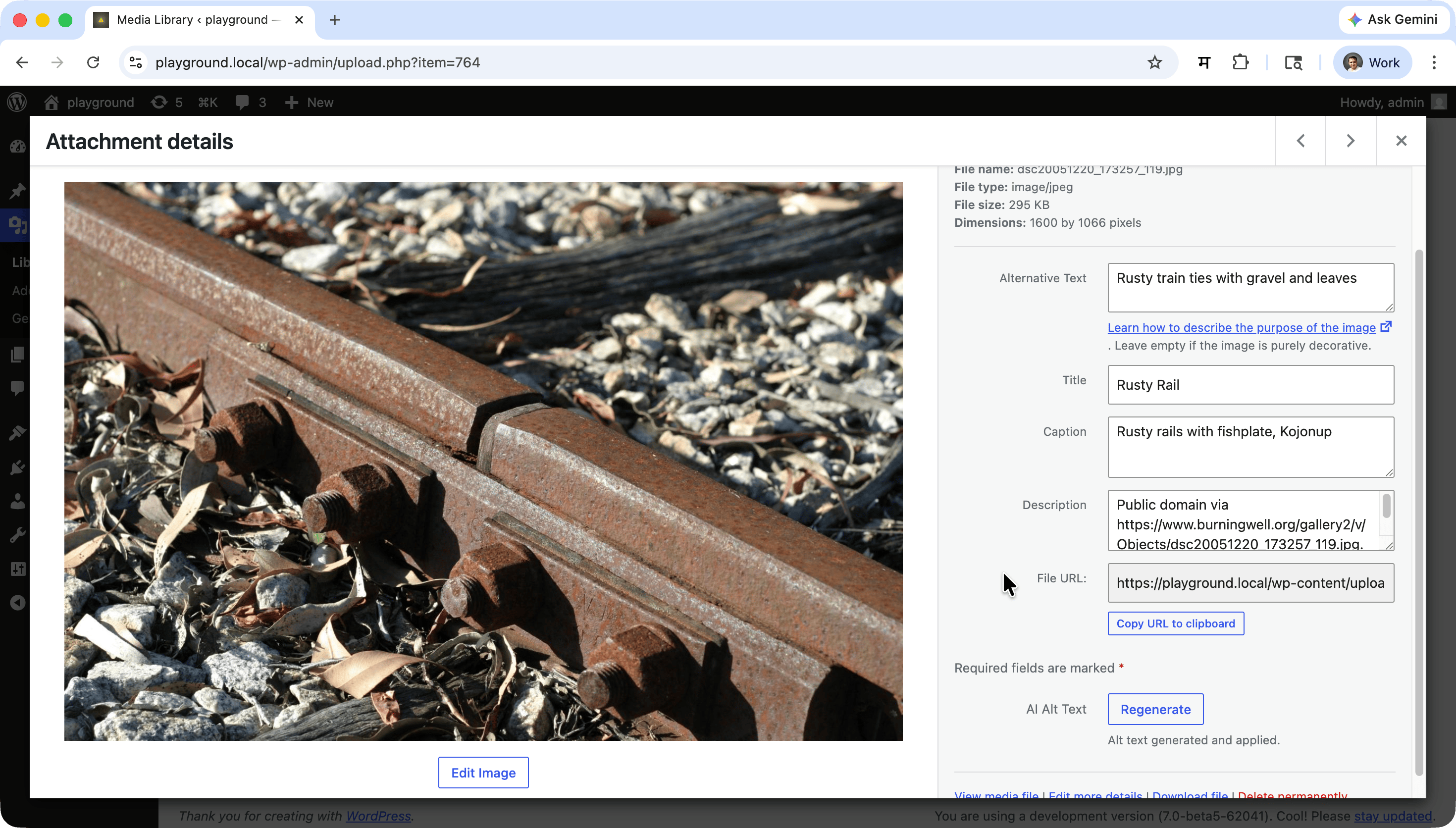
- Vision-capable models, such as those used for generating alt-text, can process both text and images.
- Settings page under Settings > LM Studio Settings.
- Works without an API key in the default local setup.
- Extended HTTP timeout (180 s) to accommodate local model warm-up.
Source Code
The source code is available on GitHub.
Screenshots
Installation
- Upload plugin files to
/wp-content/plugins/ai-provider-for-lm-studio/. - Activate Connector for LM Studio through the Plugins menu in WordPress.
- Start LM Studio and load a model.
- Configure the host URL and default model in Settings > LM Studio Settings.
FAQ
-
Do I need an API key?
-
Not by default. Connector for LM Studio local server can run without authentication.
If your LM Studio server is configured with API token authentication, set the token in Settings > Connectors.
-
What host URL is used by default?
-
The default is
http://localhost:1234. You can change this in Settings > LM Studio Settings or by setting theAI_PROVIDER_FOR_LM_STUDIO_HOSTenvironment variable. -
Can I change the LM Studio host URL?
-
Yes. Enter the full base URL (including port) in Settings > LM Studio Settings > Host URL, or set the
AI_PROVIDER_FOR_LM_STUDIO_HOSTenvironment variable. The environment variable takes priority over the admin setting. -
Can I use vision / image-input models?
-
Yes. When a model loaded in LM Studio has vision capabilities, the plugin automatically uses the multimodal input format when image parts are included in a prompt. No additional configuration is needed.
-
Can this plugin generate images?
-
No. LM Studio supports LLM inference only. Text-to-image (image generation) is not available through this plugin.
-
Why does text generation sometimes time out?
-
Loading or warming up a large model in LM Studio can take significant time. The plugin automatically extends the HTTP timeout to 180 seconds for all requests to the configured LM Studio host to accommodate this.
Additionally make sure to turn off thinking ability of model in LM Studio settings, as it can cause requests to hang indefinitely.
-
Which models are supported?
-
Any LLM-type model loaded in LM Studio is supported. Vision-capable models also support image input.
Reviews
There are no reviews for this plugin.
Contributors & Developers
“AI Provider for LM Studio” is open source software. The following people have contributed to this plugin.
Contributors


Translate “AI Provider for LM Studio” into your language.
Interested in development?
Browse the code, check out the SVN repository, or subscribe to the development log by RSS.
Changelog
1.1.2
- Changed env variable from LMSTUDIO_HOST to AI_PROVIDER_FOR_LM_STUDIO_HOST
- Renamed constants fro
_LMSTUDIO_to_LM_STUDIO_
1.1.1
- Remove AI from required plugin header.
- Added github source code information in readme.txt
- Renames plugin to “AI Provider for LM Studio”
1.1.0
- Added updated UI for settings page and connector status in Connectors list.
- Added badages to indicate connection status in Connectors list.
- Added badages to indicate model capabilities available from endpoint when selecting default model in settings.
- Added switches to turn on/off reasoning capabilities of the model in LM Studio settings, as it can cause requests to hang indefinitely if turned on.
- Refactored javascript code to use typescript for better maintainability and type safety.
- Updated dependencies and fixed minor bugs.
1.0.0
- Initial release of the Connector for LM Studio plugin.
- LM Studio REST API model discovery and text generation support.
- Multimodal (vision) input support for vision-capable models.
- Admin settings page for host URL and default model configuration.
- Automatic localhost allowlisting and extended HTTP timeout for local inference.