
Description
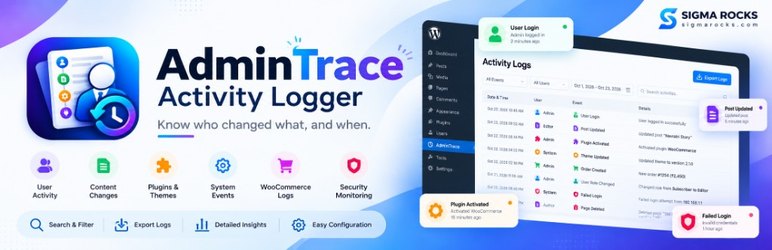
AdminTrace Activity Logger records important changes on a WordPress site: content, accounts, plugins, themes, comments, settings, privacy tools, and WooCommerce orders when WooCommerce is active.
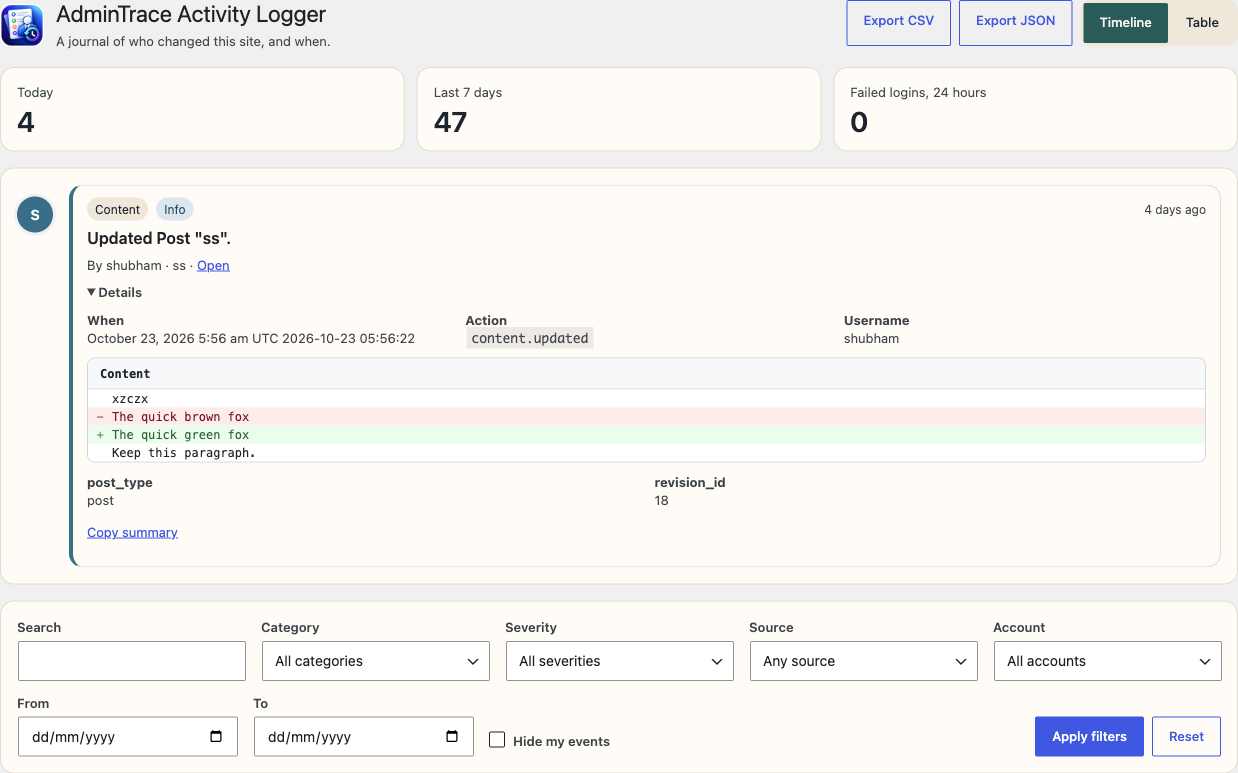
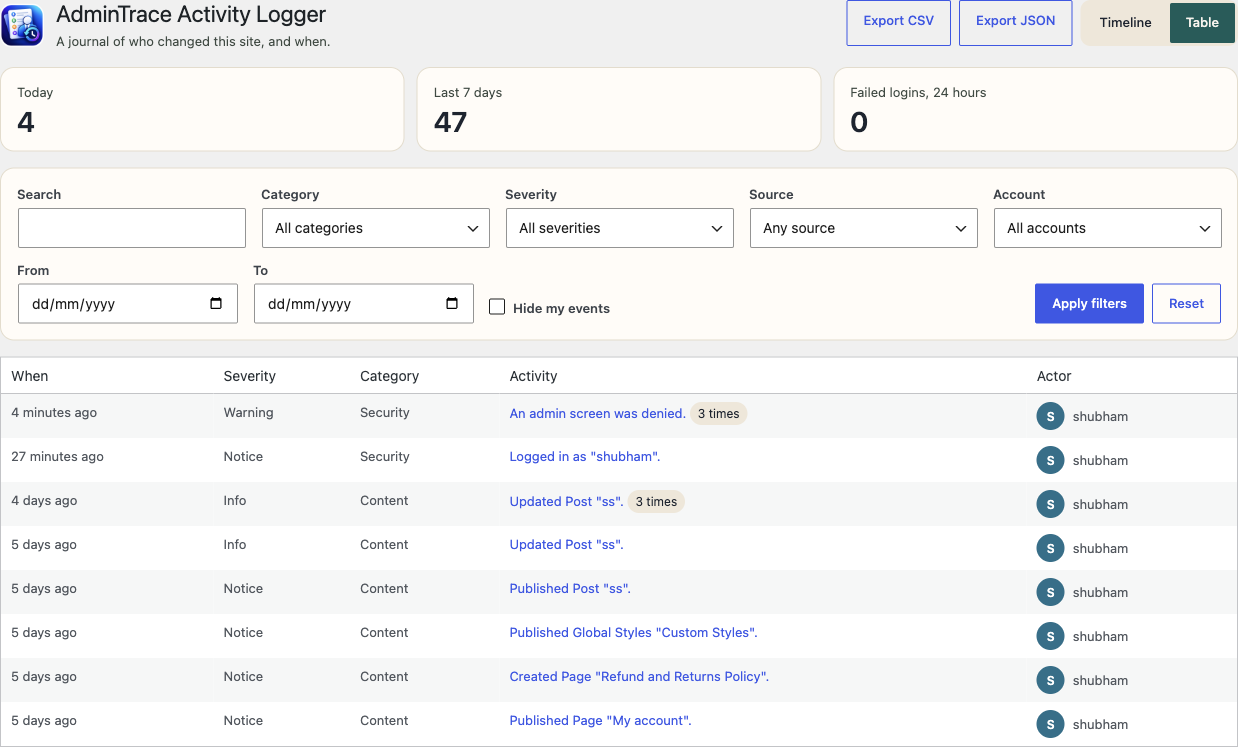
It is a journal with fixed limits. Profile marks are initials drawn on the site. A content edit stores a short added-and-removed preview, not the post. Network addresses stay masked, and the plugin does not look them up. Email and webhooks stay off until an administrator turns them on. Search, filters, export, and retention are included. There is no paid tier.
Each row is a short description. It does not store passwords, application passwords, or API keys. Masked network addresses can also be turned off. The plugin does not call Gravatar, an address lookup, or an analytics service.
Screenshots
Installation
- Upload the plugin folder to
/wp-content/plugins/, or install the zip from Plugins Add New. - Activate AdminTrace Activity Logger.
- Open AdminTrace Activity Logger in the admin menu. Recording starts immediately.
FAQ
-
Where is the journal stored?
-
In a database table named
{prefix}srah_eventson each site. Multisite installs keep a separate table per site. -
How long is it kept?
-
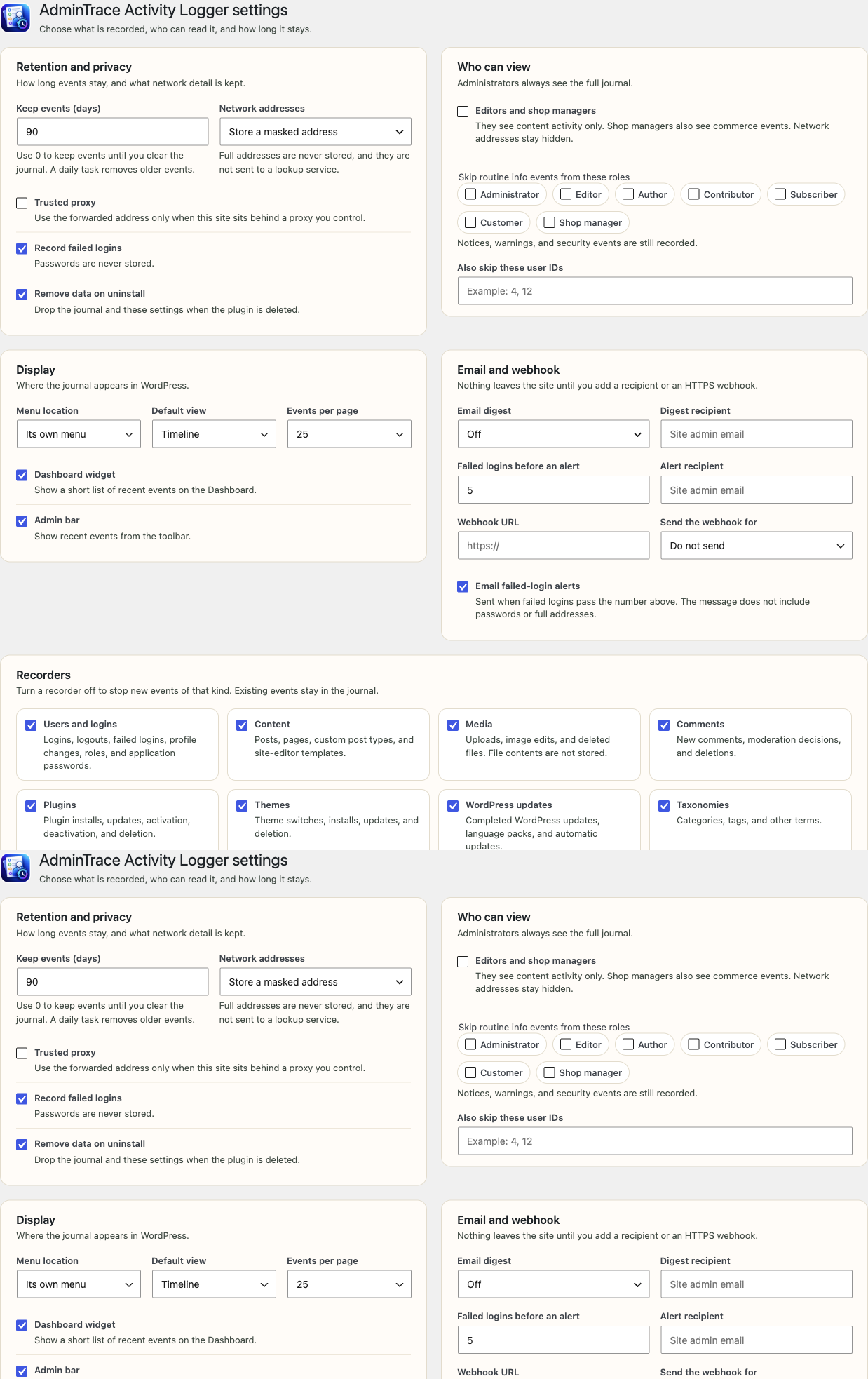
90 days by default. Change the retention period in the settings, including 0 to keep events until you delete them.
-
Who can read it?
-
Administrators can read everything. You can let editors and shop managers see content activity. They do not see security events or network addresses.
-
Does uninstall remove the data?
-
Yes, by default. There is a setting to keep the journal instead. Deactivation does not delete rows.
-
Does it send data anywhere?
-
The journal stays on this site. The email digest and the webhook are off until an administrator turns them on. Failed-login alerts email the site administrator until that alert is turned off. The private feed is off until it is enabled. The plugin does not contact Gravatar, an address lookup, or an analytics service.
-
Does it load profile images from Gravatar?
-
No. Each person is shown as an initial drawn by the plugin. It does not contact Gravatar or any other avatar service.
Reviews
There are no reviews for this plugin.
Contributors & Developers
“AdminTrace Activity Logger” is open source software. The following people have contributed to this plugin.
Contributors
Translate “AdminTrace Activity Logger” into your language.
Interested in development?
Browse the code, check out the SVN repository, or subscribe to the development log by RSS.
Changelog
1.0.4
- Directory banners, icons, and screenshots are kept out of the plugin package.
- The admin menu icon stylesheet is loaded with wp_enqueue_style().
1.0.3
- Display name is AdminTrace Activity Logger. The requested permalink is admintrace-activity-logger.
- The journal header and admin menu use the AdminTrace icon.
1.0.2
- Hooks, options, capabilities, scheduled tasks, and srah_log() use the srah_ prefix.
- Journal counts keep one fixed cache key per site.
1.0.1
- Profile marks are drawn on the site. The plugin does not request Gravatar.
- Failed-login throttling uses one bounded record instead of a new transient for every username.
- Directory banners, icons, and screenshots are not included in the plugin.
- WordPress loads translations. The plugin no longer calls load_plugin_textdomain().
1.0.0
- First release.