

Description
3plnext connects your WooCommerce store to the 3plnext SaaS platform, allowing your orders to be synced to your 3plnext account for fulfillment, shipping, and logistics management. 3plnext is developed and operated by Matechco, and this plugin is our official integration for WooCommerce stores.
Once connected, the plugin securely registers your store with 3plnext by generating a dedicated WooCommerce REST API key pair (Consumer Key / Consumer Secret) with read/write permissions. This connection lets 3plnext pull your orders and keep fulfillment status in sync, without you having to manually create or manage API credentials.
Key features:
- One-click connection between your WooCommerce store and your 3plnext account
- Automatic generation of WooCommerce REST API credentials scoped for 3plnext
- Simple disconnect option that revokes access and removes stored credentials
- Full compatibility with WooCommerce High-Performance Order Storage (HPOS)
- Works on both single-site and multisite WordPress installs
Requirements
- An active 3plnext account
- WooCommerce 6.0 or later, active on your site
External services
This plugin connects to the 3plnext API, hosted at apps.3plnext.com, which is the fulfillment and logistics platform this plugin integrates your store with. This connection is required for the plugin’s core functionality of syncing WooCommerce orders to your 3plnext account.
The plugin sends data to this service in the following cases:
- When you click “Connect” on the 3plnext settings page: your 3plnext account email, password, and Client ID are sent to
https://apps.3plnext.com/woocomerce/loginto authenticate you. If authentication succeeds, your store URL, Client ID, a newly generated WooCommerce API consumer key/secret, and your WordPress/WooCommerce version numbers are sent tohttps://apps.3plnext.com/woocomerce/store_registerto register your store. - When you click “Disconnect”: your store URL and Client ID are sent to
https://apps.3plnext.com/woocomerce/store_disconnectto revoke the connection.
No data is sent to this service automatically in the background; requests only occur when you take these explicit actions.
3plnext is operated by Matechco (the developers of this plugin).
Screenshots
Installation
- Upload the
3plnextfolder to the/wp-content/plugins/directory, or install the plugin directly through the WordPress Plugins screen. - Activate the plugin through the “Plugins” screen in WordPress.
- Make sure WooCommerce is installed and active — this plugin requires it.
- Go to WooCommerce 3plnext in your WordPress admin menu.
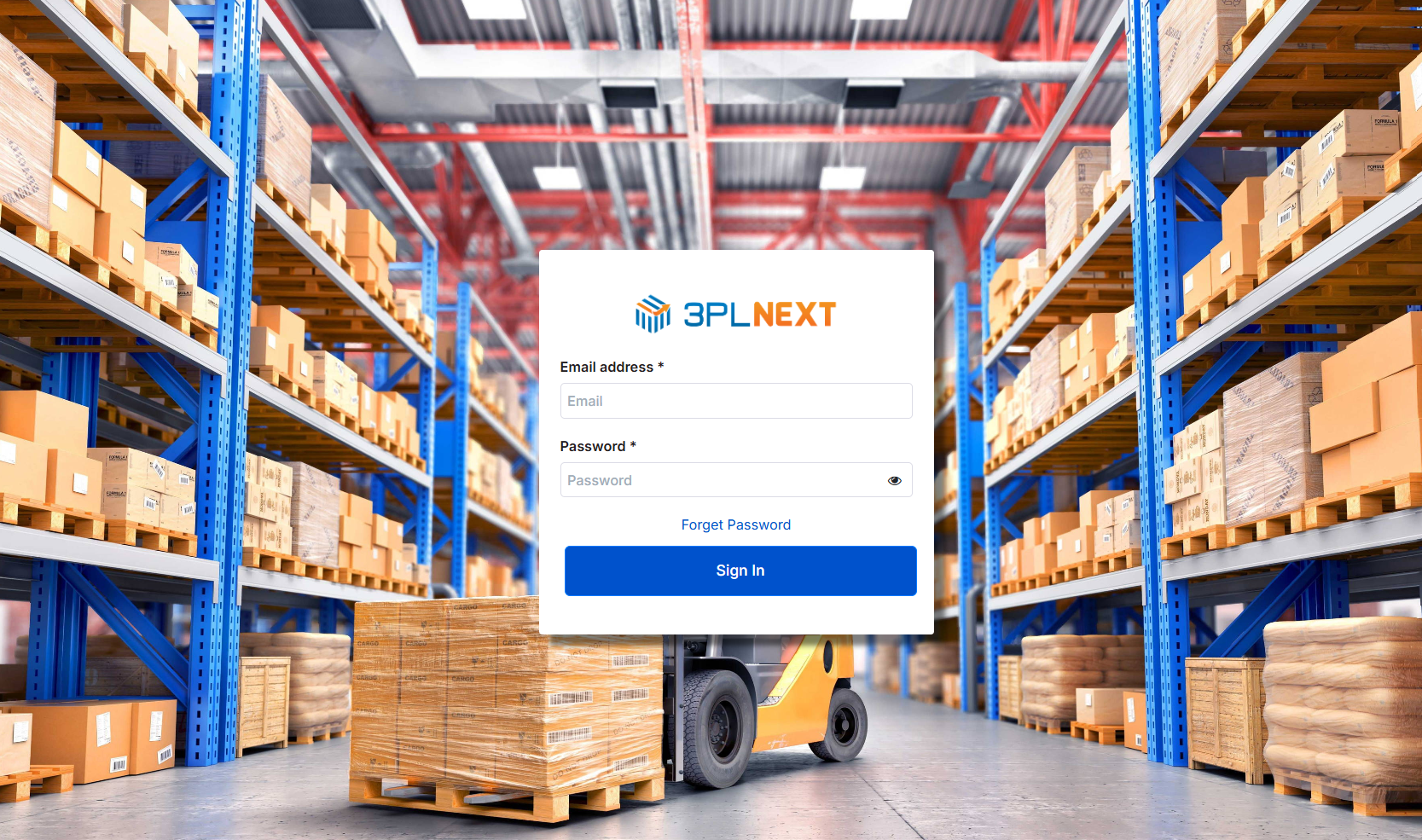
- Enter your 3plnext account email, password, and Client ID, then click Connect.
- Your store is now registered with 3plnext and ready to sync orders.
FAQ
-
Does this plugin require WooCommerce?
-
Yes. The plugin will not activate unless WooCommerce is already installed and active on your site.
-
What happens when I click “Connect”?
-
The plugin authenticates with your 3plnext account, generates a new WooCommerce REST API key pair on your site, and registers your store with 3plnext using those credentials.
-
How do I disconnect my store?
-
Go to WooCommerce 3plnext and click Disconnect. This revokes the generated API key and removes the stored connection details from your site.
-
Is my data secure?
-
The plugin communicates with the 3plnext API over HTTPS and uses WooCommerce’s native REST API key system to grant 3plnext scoped access to your store data.
-
Does this plugin support WooCommerce HPOS (High-Performance Order Storage)?
-
Yes, compatibility with HPOS is declared and supported.
Reviews
There are no reviews for this plugin.
Contributors & Developers
“3plnext” is open source software. The following people have contributed to this plugin.
Contributors
Translate “3plnext” into your language.
Interested in development?
Browse the code, check out the SVN repository, or subscribe to the development log by RSS.
Changelog
1.0.0
- Initial release.