

Description
3pika Gallery lets you build beautiful, fast, filterable galleries in minutes:
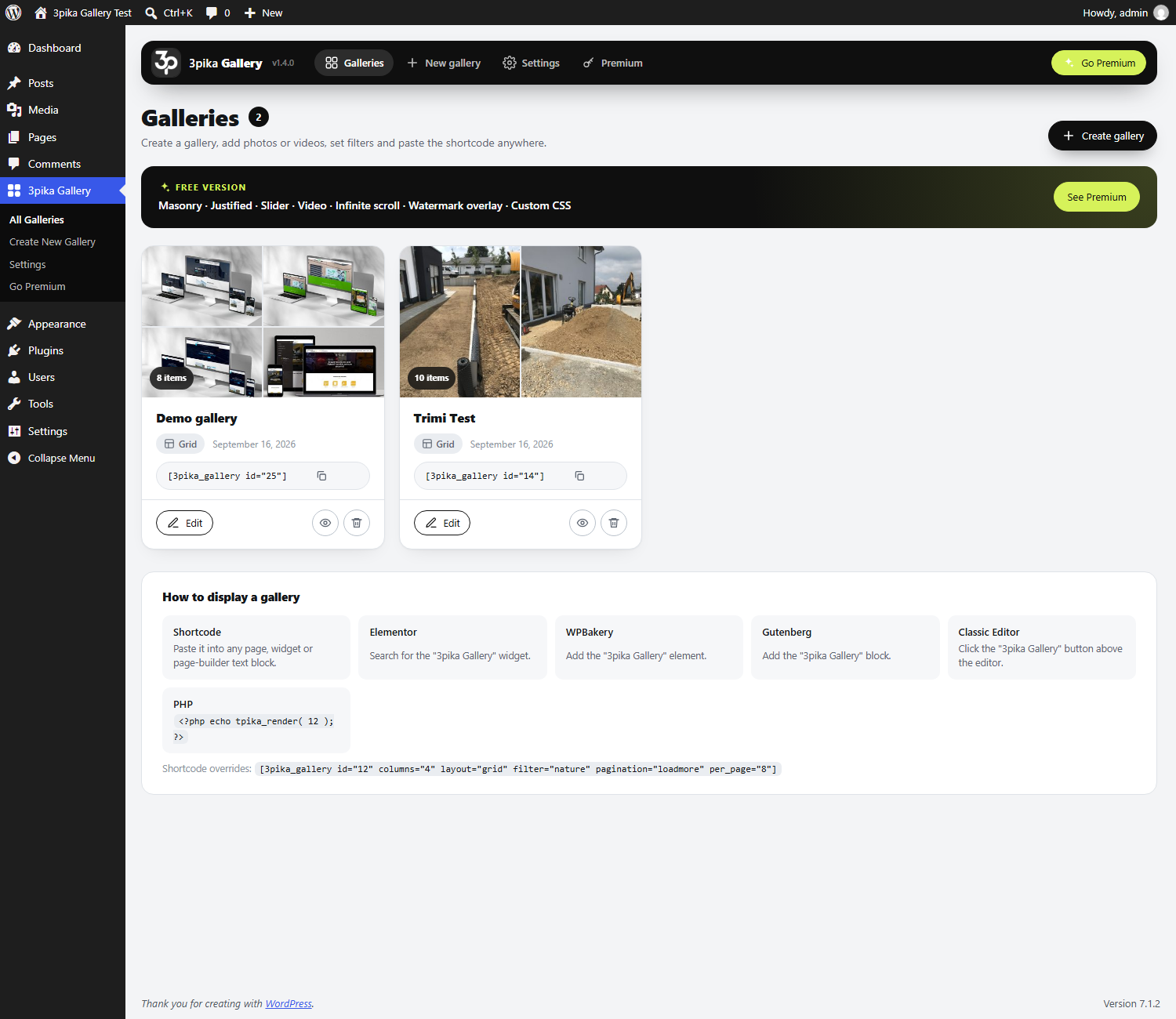
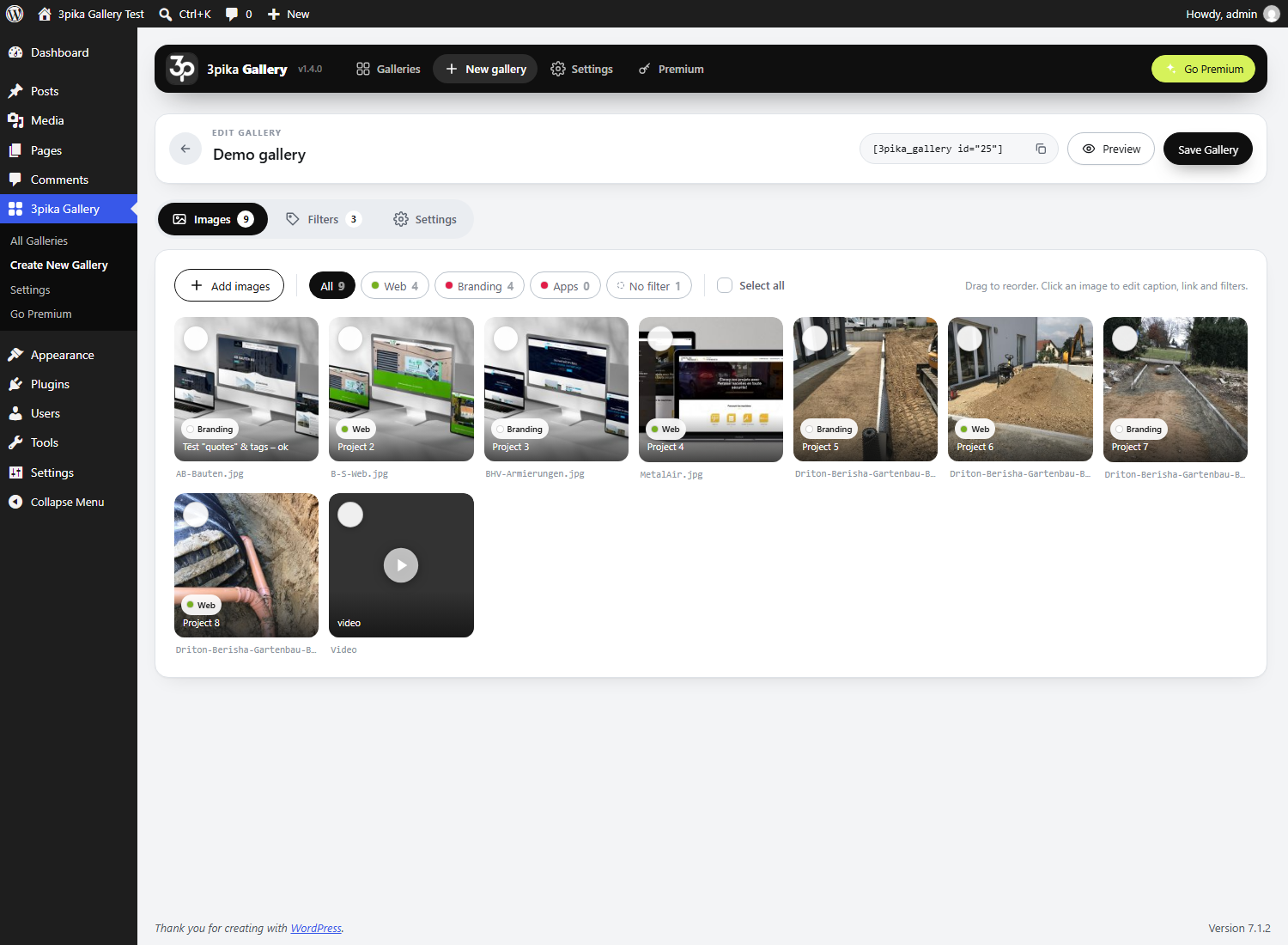
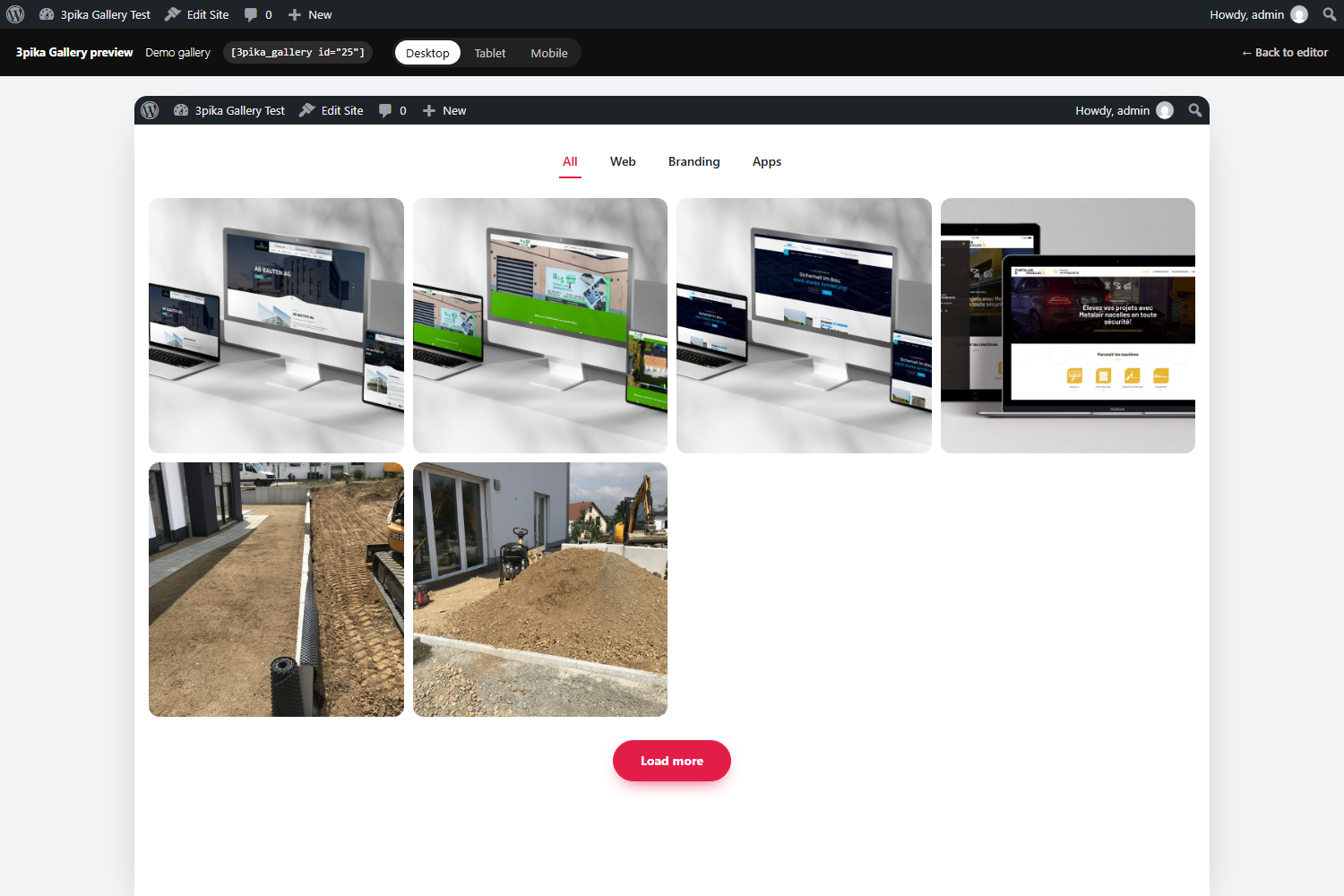
- Create galleries from the 3pika Gallery menu, add images from the Media Library, drag & drop to reorder.
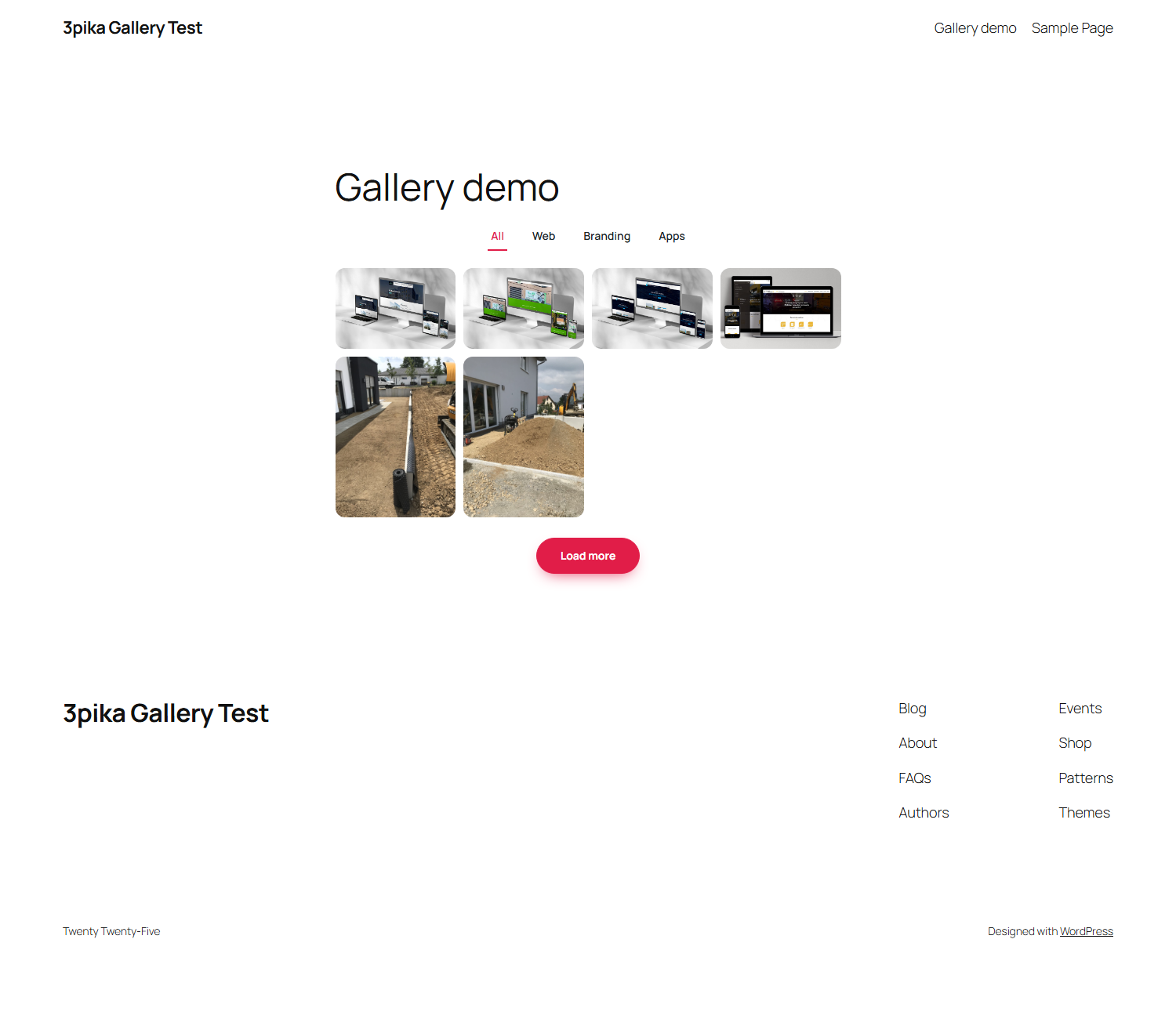
- Filters: create categories with their own colors, assign images (bulk assign supported) and let visitors filter with one click. Unlimited filters, 8 filter styles (buttons, pills, square, soft, outline, underline, text, dropdown) and 6 mobile layouts.
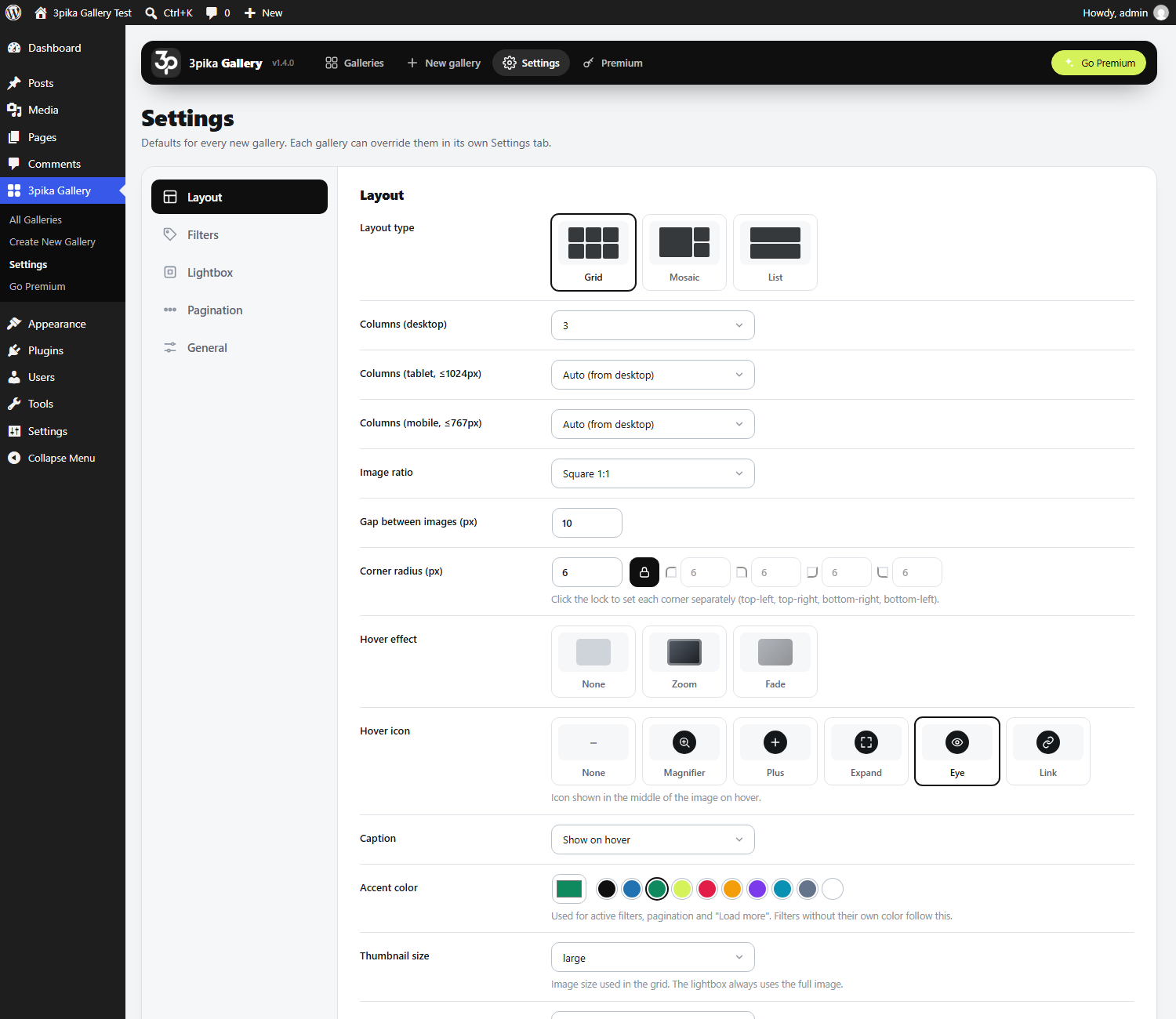
- Layouts: Grid, Mosaic and List.
- Responsive columns: 1 to 6 columns on desktop, tablet and mobile are calculated automatically (or set them yourself).
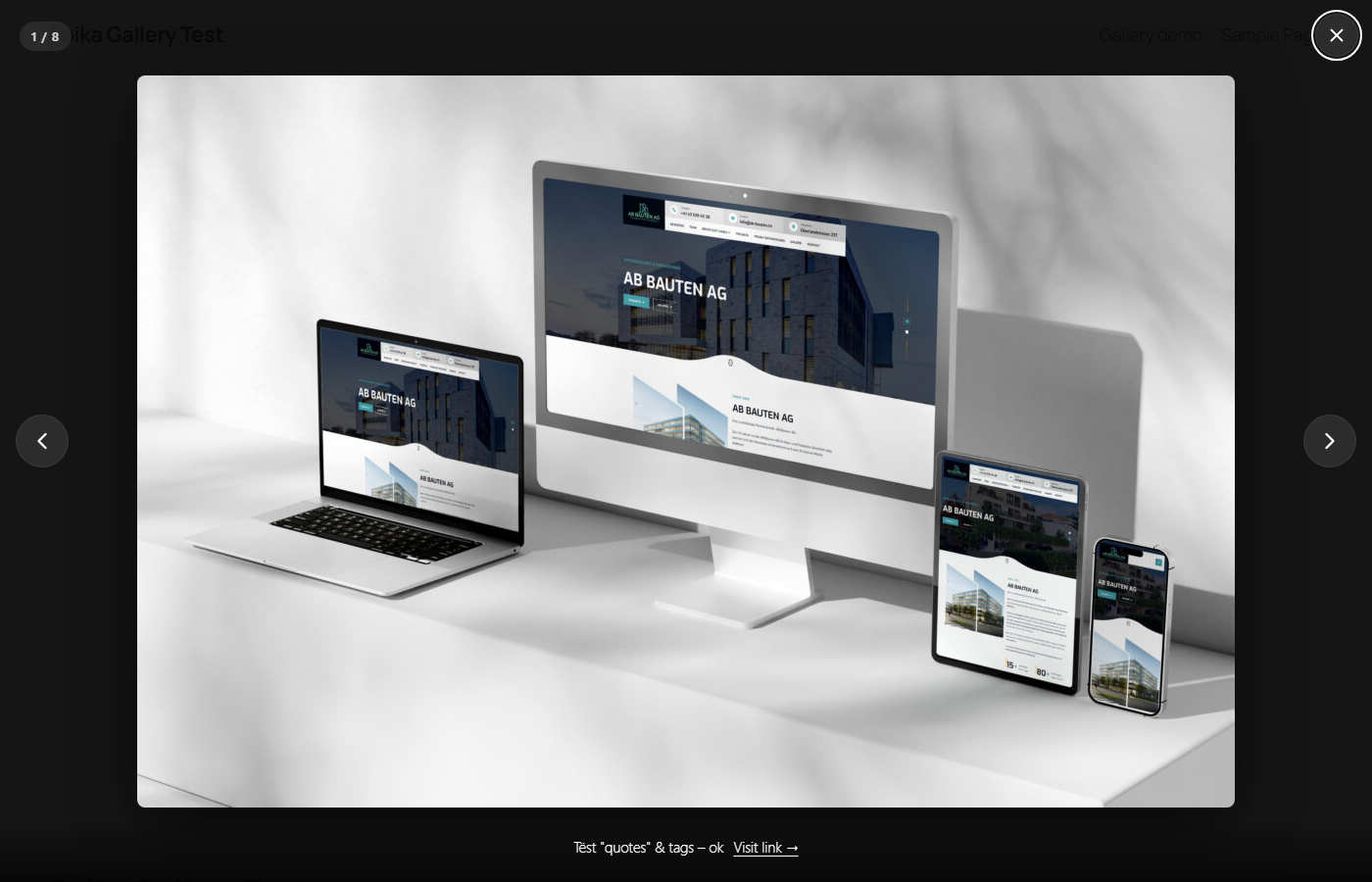
- Lightbox with swipe, keyboard navigation, captions and counter.
- Pagination: page numbers or “Load more”.
- Hover effects and hover icons, captions on hover or below, corner radius per corner, gaps, accent color.
- Works everywhere: shortcode, Elementor widget, WPBakery element, Gutenberg block, Classic Editor button, PHP template tag.
- 85 languages: the plugin follows the language of your site.
- No jQuery on the front end, assets load only on pages with a gallery, server-side rendered HTML (SEO friendly).
Premium
3pika Gallery Premium is a separate edition with more layouts and tools:
- Masonry, Justified and Slider layouts
- Multi-select filters, item counts, deep links
- Dots pagination and infinite scroll
- Lightbox zoom, slideshow, fullscreen, social share, download
- YouTube, Vimeo and MP4 videos inside galleries
- Watermark overlay and right-click protection
- Custom CSS per gallery, duplicate, import and export
- 10 hover effects
More at https://gallery.3pika.com
Screenshots
Blocks
This plugin provides 1 block.
- Tpika Gallery
Installation
- Install the zip from Plugins Add New Upload, or upload the
3pika-galleryfolder to/wp-content/plugins/. - Activate the plugin.
- Go to 3pika Gallery Create New Gallery, add images and filters, save.
- Paste the shortcode
[3pika_gallery id="123"]anywhere, or use the Elementor / WPBakery / Gutenberg element.
FAQ
-
Can I override the columns per page?
-
Yes:
[3pika_gallery id="123" columns="4" layout="grid" pagination="loadmore" per_page="8" filter="nature"]. -
How do I customise the markup?
-
Copy
templates/gallery.phptoyourtheme/3pika-gallery/gallery.php. -
Galleries loaded via AJAX / popups don’t initialise
-
Enable “Always load gallery assets” in 3pika Gallery Settings General, or call
window.TPIKA.init()after injecting the HTML. -
Yes. Premium is installed over the free edition and uses the same galleries and settings.
Reviews
There are no reviews for this plugin.
Contributors & Developers
“3pika Gallery – Filterable Photo Gallery & Lightbox” is open source software. The following people have contributed to this plugin.
Contributors
“3pika Gallery – Filterable Photo Gallery & Lightbox” has been translated into 3 locales. Thank you to the translators for their contributions.
Translate “3pika Gallery – Filterable Photo Gallery & Lightbox” into your language.
Interested in development?
Browse the code, check out the SVN repository, or subscribe to the development log by RSS.
Changelog
1.4.1
- The gallery returned by the shortcode, the Gutenberg block and the template function is escaped before WordPress prints it.
1.4.0
- Prepared for the WordPress.org plugin directory: longer prefix for everything the plugin registers, output escaped where it is printed, scripts and styles loaded through the WordPress enqueue functions.
- New: Mosaic and List can be chosen in the Elementor widget, the WPBakery element and the Gutenberg block.
- New: the gallery preview opens without the admin bar.
- Requires WordPress 6.2 or newer.
1.3.2
- Free edition: unlimited filters, 5 and 6 columns and the dropdown filter style are now included.
1.3.1
- New: “Go Premium” link next to the version on the Plugins screen.
1.3.0
- Free and Premium are now two editions of the plugin. Premium is installed over Free, galleries and settings stay.
1.2.0
- New: translated into 85 languages. The plugin follows the WordPress site language automatically (Settings General Site Language).
- New: the default “All” and “Load more” labels are shown in the site language.
1.1.1
- New: styled filter dropdown (desktop and mobile) instead of the browser’s native select.
- Fix: “Underline” and “Text only” filters no longer show a box or shadow around the active filter.
- Fix: admin buttons and icons keep their round shape when clicked (WordPress 7).
1.1.0
- New admin design: full-width, visual pickers for layout, hover effect, hover icon, filter style, mobile filters and pagination.
- New layouts: Mosaic and List. Hover icon (magnifier, plus, expand, eye, link).
- Filters: 8 styles, size, shadow toggle, 6 mobile behaviours, text color with automatic contrast, colors for all filters at once.
- Builder: shift-click range select, file names, filter view pills, deselect / delete selected, chunked loading for large galleries.
- Corner radius per corner, more sort orders, accent color presets, responsive preview in a real iframe.
1.0.0
- Initial release.