

Description
Zipchat is an AI chatbot and live chat plugin for WordPress and WooCommerce. It connects your store to Zipchat, an AI sales and support agent that answers shopper questions, recommends products, and helps recover abandoned carts around the clock.
The plugin installs the chat bubble on your store with no theme edits. The AI reads your catalog, replies in the shopper’s language, and hands off to your team when a human is needed. WooCommerce stores also get revenue tracking, so every conversation can be tied back to sales.
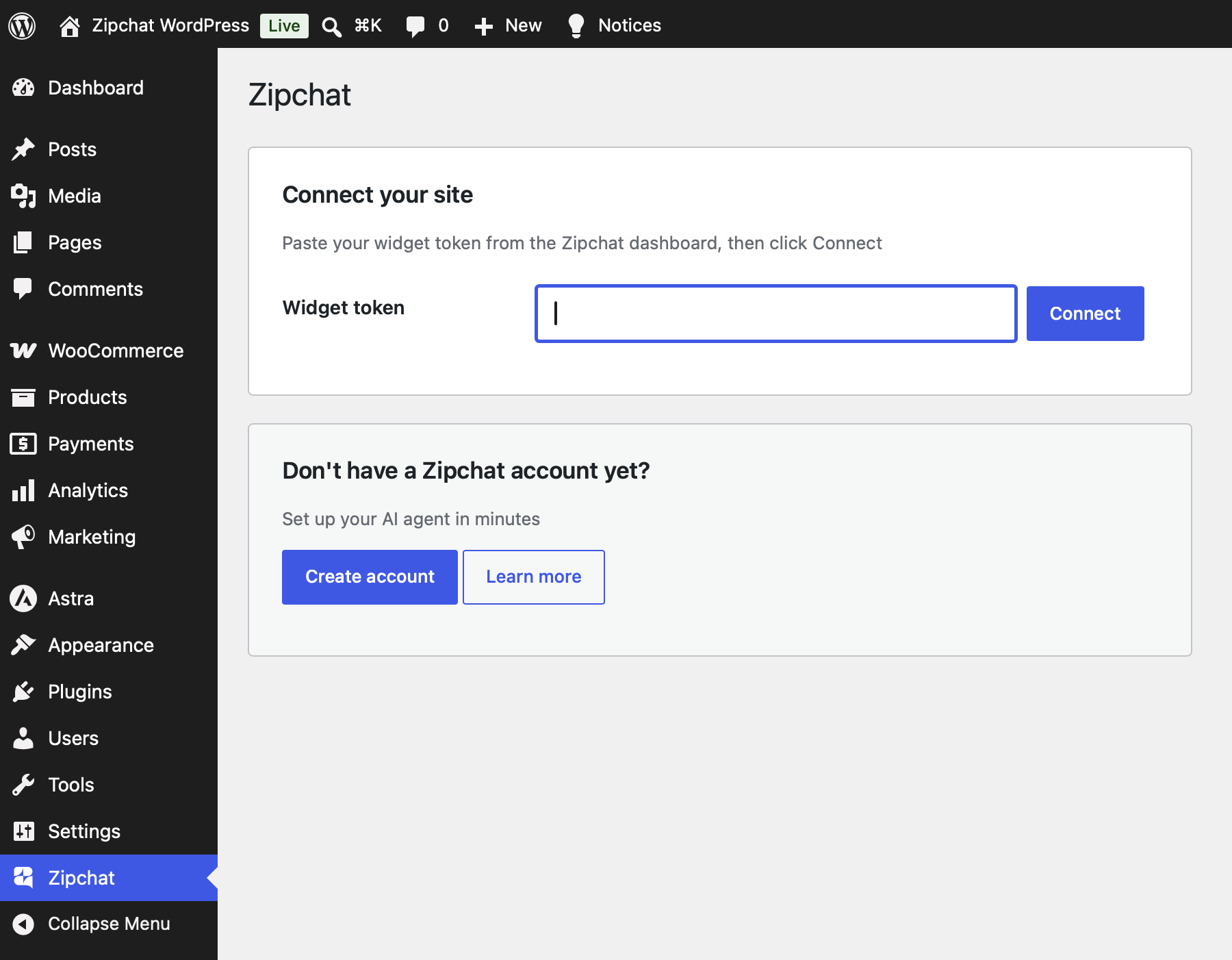
Paste one widget token on the settings screen and the plugin:
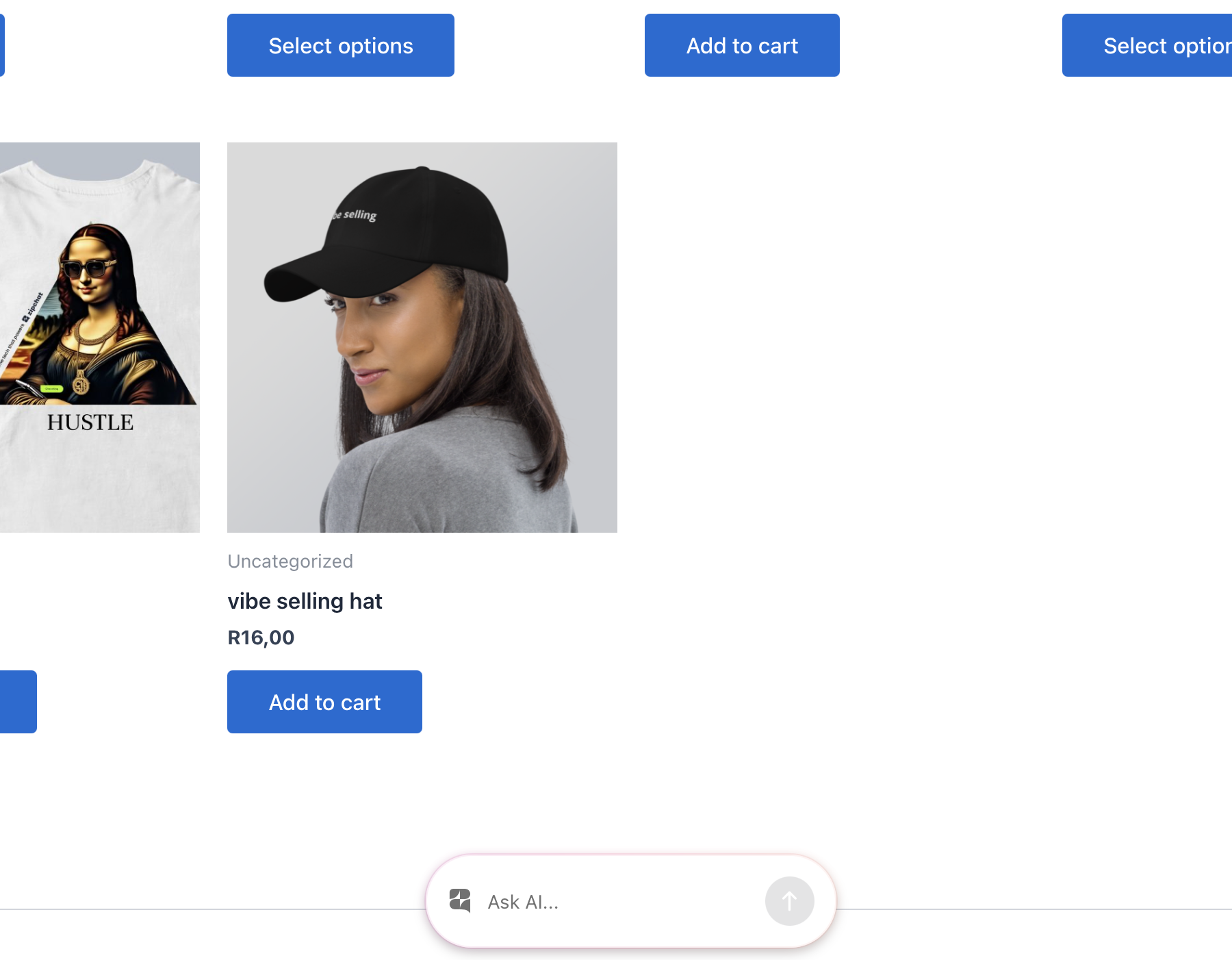
- Adds the AI chat bubble to the front end of your WordPress or WooCommerce store, with no code and no theme edits.
- Tracks WooCommerce sales by firing the Zipchat conversion pixel when an order completes, so conversations are attributed to revenue.
- Identifies logged-in customers with a signed JSON Web Token (JWT), so the agent can greet returning shoppers and use their account context. The signing key is encrypted at rest.
Everything is configured from one settings screen under the Zipchat admin menu. WooCommerce is optional: without it you still get the chat bubble and customer identification, and the sales pixel stays dormant.
An AI sales agent, not a passive chat box
Zipchat is built for ecommerce. The AI learns your product catalog and answers buyer questions about sizing, materials, shipping, returns, and stock. It recommends the right product, handles objections, and guides shoppers to checkout. On WooCommerce stores, it works to recover abandoned carts and lift conversion rate.
24/7 AI customer support
The AI resolves common support questions on its own: order status, shipping policies, returns, product details, and account questions. When a conversation needs a person, your team joins the same thread. No ticket queue, no waiting.
Replies in 95+ languages
The AI detects the shopper’s language and responds in it automatically. One agent covers your entire customer base, from a single store to multiple markets.
Built for WordPress and WooCommerce
Works with any WordPress theme and page builder. The chat bubble loads on the front end without template changes. On WooCommerce, sales tracking and revenue attribution activate the moment the plugin detects an active store.
What you can do with Zipchat
- Turn store visitors into buyers with an AI sales agent that knows your catalog.
- Answer product questions instantly, day and night.
- Recover abandoned carts and recommend products inside the conversation.
- Resolve support questions automatically and escalate to a human when needed.
- Greet logged-in customers by name and use their order history for context.
- Attribute revenue to chat so you can measure what the AI earns.
- Support shoppers in 95+ languages from one agent.
Why store owners choose Zipchat
Setup takes minutes. Paste a token, and the AI is live on your storefront. You manage training, tone, and behavior from the Zipchat dashboard, while the plugin keeps the connection, the sales pixel, and customer identification running on your site.
External services
This plugin connects your site to Zipchat, a third-party AI support and sales service, at app.zipchat.ai. Nothing is sent to Zipchat until you connect the plugin with a widget token from your Zipchat dashboard. Once connected, your store interacts with Zipchat as follows:
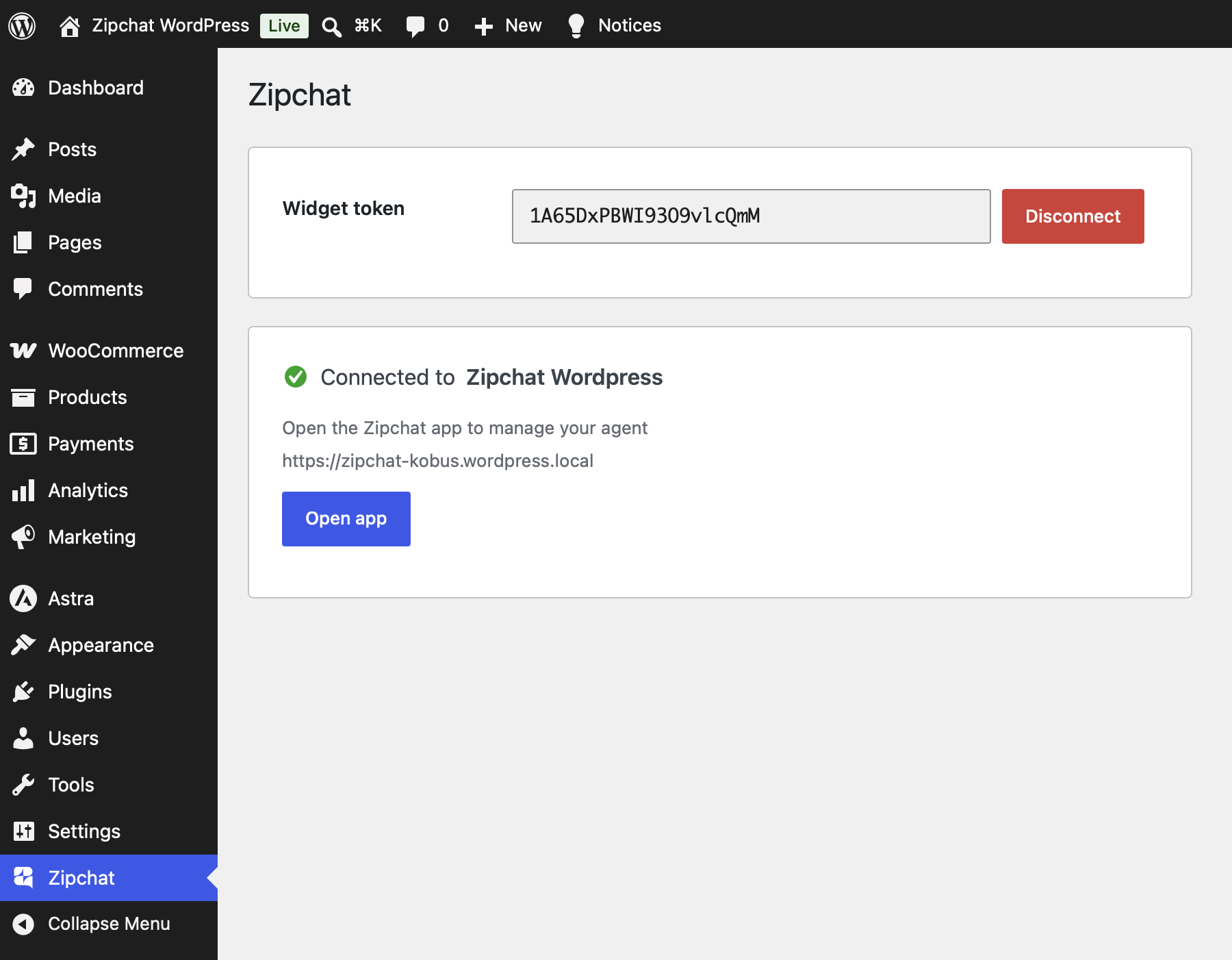
Connecting and disconnecting. When you click Connect you are redirected to Zipchat’s consent screen, and your site then makes a server-to-server request to exchange a one-time code for credentials. That request sends your site URL, your store currency, whether WooCommerce is active, whether your store creates customer accounts, the plugin version, and your widget token. Disconnecting sends your widget token so Zipchat can drop the connection.
Chat widget. While connected, every front-end page loads the Zipchat widget script from app.zipchat.ai to render the chat bubble. The visitor’s browser then communicates with Zipchat to run the conversation.
Customer identification (only if enabled). When customer identification is active and a logged-in user views your store, the plugin sends that user’s email address and name to Zipchat (as a signed token) so the agent can recognize returning customers.
WooCommerce sales tracking. When a WooCommerce order reaches the thank-you page, the plugin sends the order ID, order total, currency, and line items (product ID, title, price, and quantity) to Zipchat so conversations can be attributed to revenue.
Your use of Zipchat is subject to its Terms & Conditions and Privacy Policy.
Screenshots
Installation
- Install and activate the plugin (from the Plugins screen, or by uploading the ZIP).
- Open Zipchat in the WordPress admin menu.
- Paste the widget token from your Zipchat dashboard and click Connect.
The chat bubble appears on your store immediately. If you run WooCommerce, sales tracking activates automatically.
FAQ
-
What is Zipchat?
-
Zipchat is an AI sales and support agent for online stores. This plugin connects your WordPress or WooCommerce site to Zipchat and adds the AI chat bubble to your storefront. The AI answers shopper questions, recommends products, recovers carts, and hands off to your team when a person is needed.
-
Is Zipchat an AI chatbot for WooCommerce?
-
Yes. Zipchat is an AI chatbot and live chat tool that works with WooCommerce. It reads your product catalog, answers buyer questions, and tracks completed orders so you can attribute revenue to chat conversations.
-
Does Zipchat work without WooCommerce?
-
Yes. On any WordPress site you get the AI chat bubble and customer identification. WooCommerce adds sales tracking and revenue attribution. Without WooCommerce, the sales pixel stays dormant and everything else works normally.
-
What can the AI chatbot do?
-
It answers product and support questions, recommends products, guides shoppers to checkout, works to recover abandoned carts, and resolves common questions like order status and returns. When a conversation needs a human, your team joins the same thread.
-
Do I need a Zipchat account?
-
Yes. Create one at zipchat.ai. The widget token you paste during setup comes from your dashboard.
-
What languages does Zipchat support?
-
The AI detects the shopper’s language and replies in it automatically, across 95+ languages. One agent covers customers in every market you sell to.
-
Will it work with my theme and page builder?
-
Yes. The chat bubble loads on the front end with no theme edits or template changes. It works with any WordPress theme and common page builders.
-
Where does the customer-identification token come from?
-
The plugin signs a JWT with a private key it generates and stores encrypted in your database. The key never leaves your site in plain text and is not autoloaded.
-
Can I customize how the AI behaves?
-
Yes. You train the AI, set its tone, and manage its behavior from the Zipchat dashboard. The plugin keeps the connection, the sales pixel, and customer identification running on your site.
Reviews
There are no reviews for this plugin.
Contributors & Developers
“Zipchat AI Chatbot, Live Chat & Sales Agent for WooCommerce” is open source software. The following people have contributed to this plugin.
Contributors
Translate “Zipchat AI Chatbot, Live Chat & Sales Agent for WooCommerce” into your language.
Interested in development?
Browse the code, check out the SVN repository, or subscribe to the development log by RSS.
Changelog
1.0.0
- Initial release: AI chat-bubble injection, WooCommerce sales-tracking pixel, and signed customer identification, all configured from one settings screen.