

Description
360 Virtual Tour Builder turns your 360° panorama photos into interactive virtual tours — perfect for real estate, hotels, restaurants, museums, showrooms, campuses, and more.
Features
- Unlimited tours with up to 7 scenes each
- Five scene projections: Sphere (equirectangular), Cube, Flat, Little Planet, and Cylinder
- Interactive hotspots: Info popups, scene-to-scene navigation, external links, and media — placed by clicking directly on a live preview
- Live editor preview: see your panorama and hotspots in real time while editing
- Starter templates: Real Estate, Hotel, Restaurant, Showroom, or start blank
- Smooth WebGL viewer powered by Three.js — drag, zoom, auto-rotate, fullscreen
- Mobile-ready: touch controls and optional gyroscope look-around
- Modern admin: fast React interface with a clean, responsive design
- Privacy-friendly analytics: anonymous views, visitors, hotspot clicks, and shares — no cookies, no personal data, nothing sent to external servers
- Sharing: native share on mobile plus Facebook, X, LinkedIn, Pinterest, email, and copy-link
- Password protection using WordPress’ built-in post passwords
- Export / Import: move tours between sites as JSON (images included via sideloading)
- Embed anywhere: Gutenberg block,
[vist360_tour id="123"]shortcode, native Elementor widget, or the tour’s own permalink
Privacy
The plugin makes no calls to external services. Analytics are stored in your own database as anonymous, aggregated counters: visitor identity is a salted daily hash, IP addresses are never persisted, and no cookies are set.
Source Code & Development
This plugin ships its complete, human-readable source code alongside the compiled bundles, so everything can be reviewed, studied, and modified directly. No code is obfuscated.
For support, documentation, and the latest release, visit the plugin page:
https://wordpress.org/plugins/vistour-virtual-tour-builder/
Screenshots
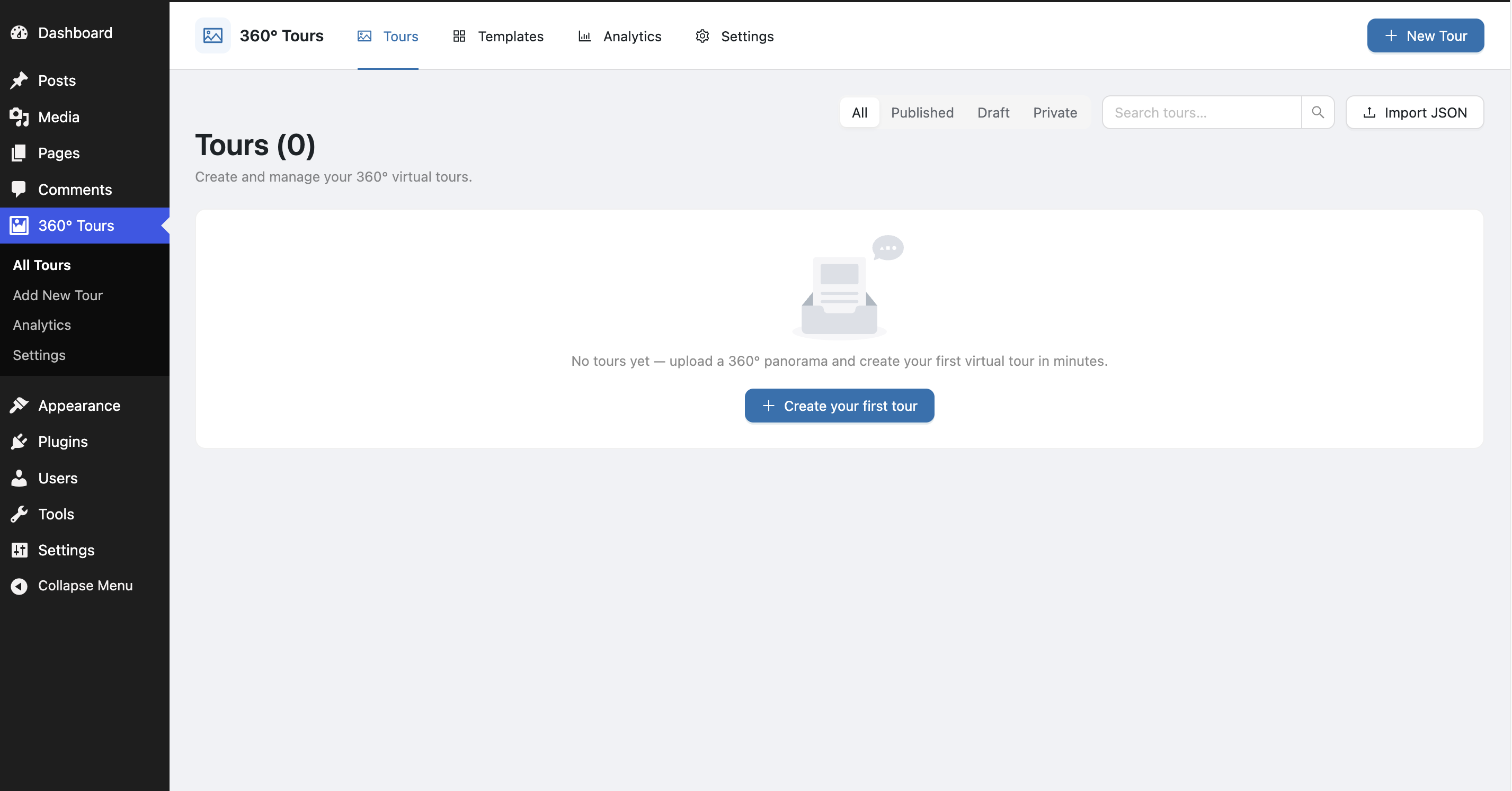
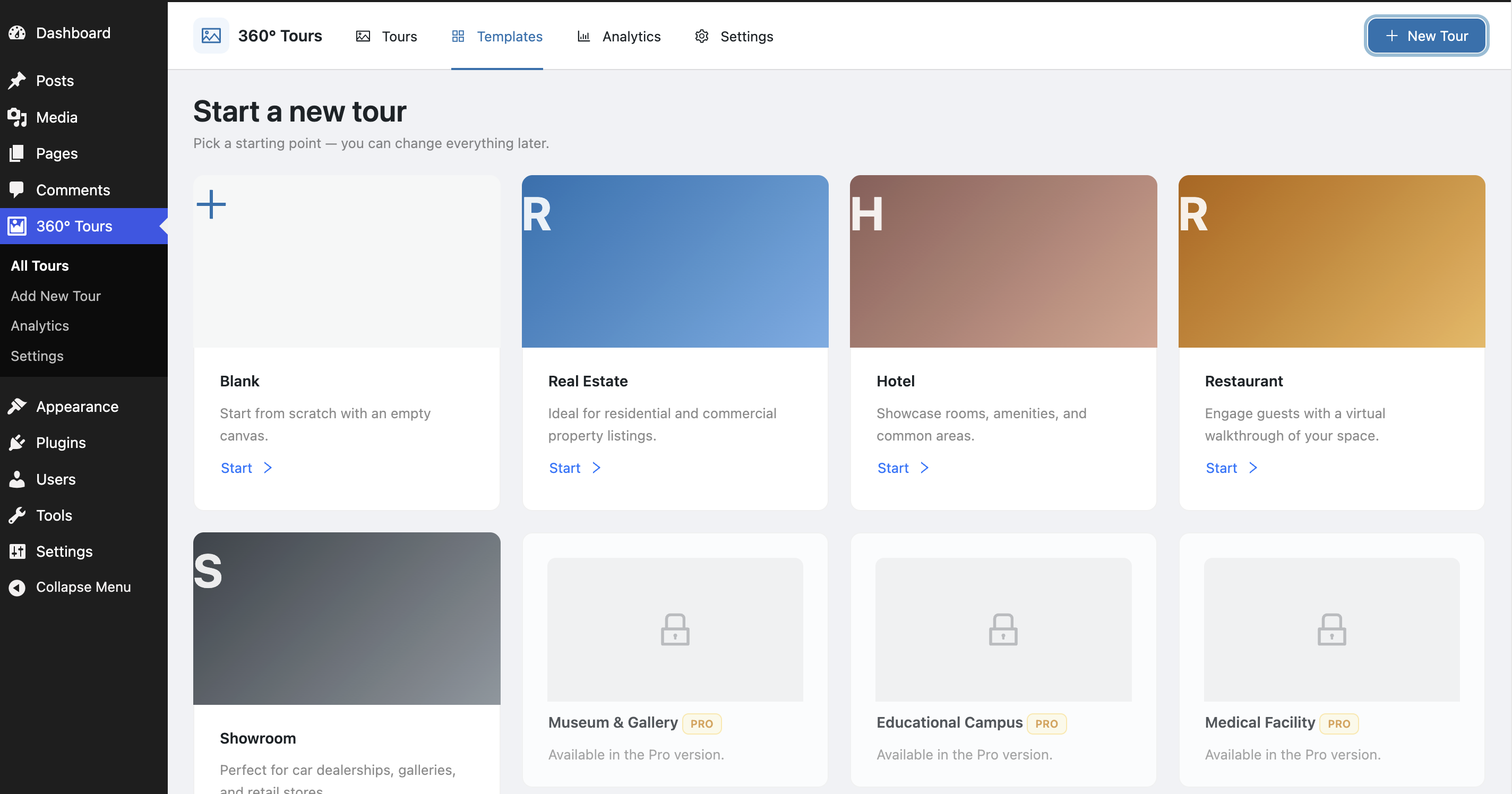
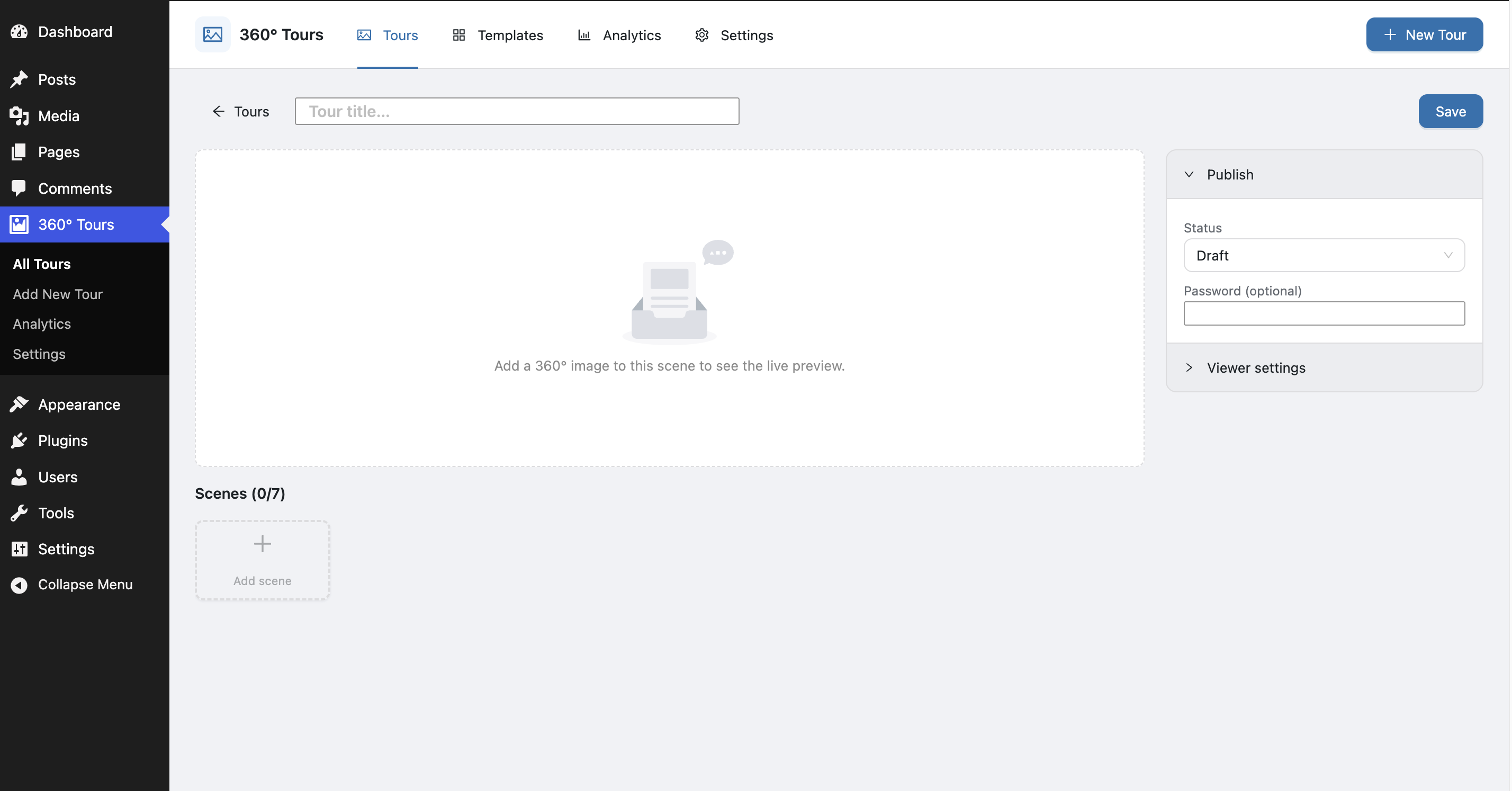
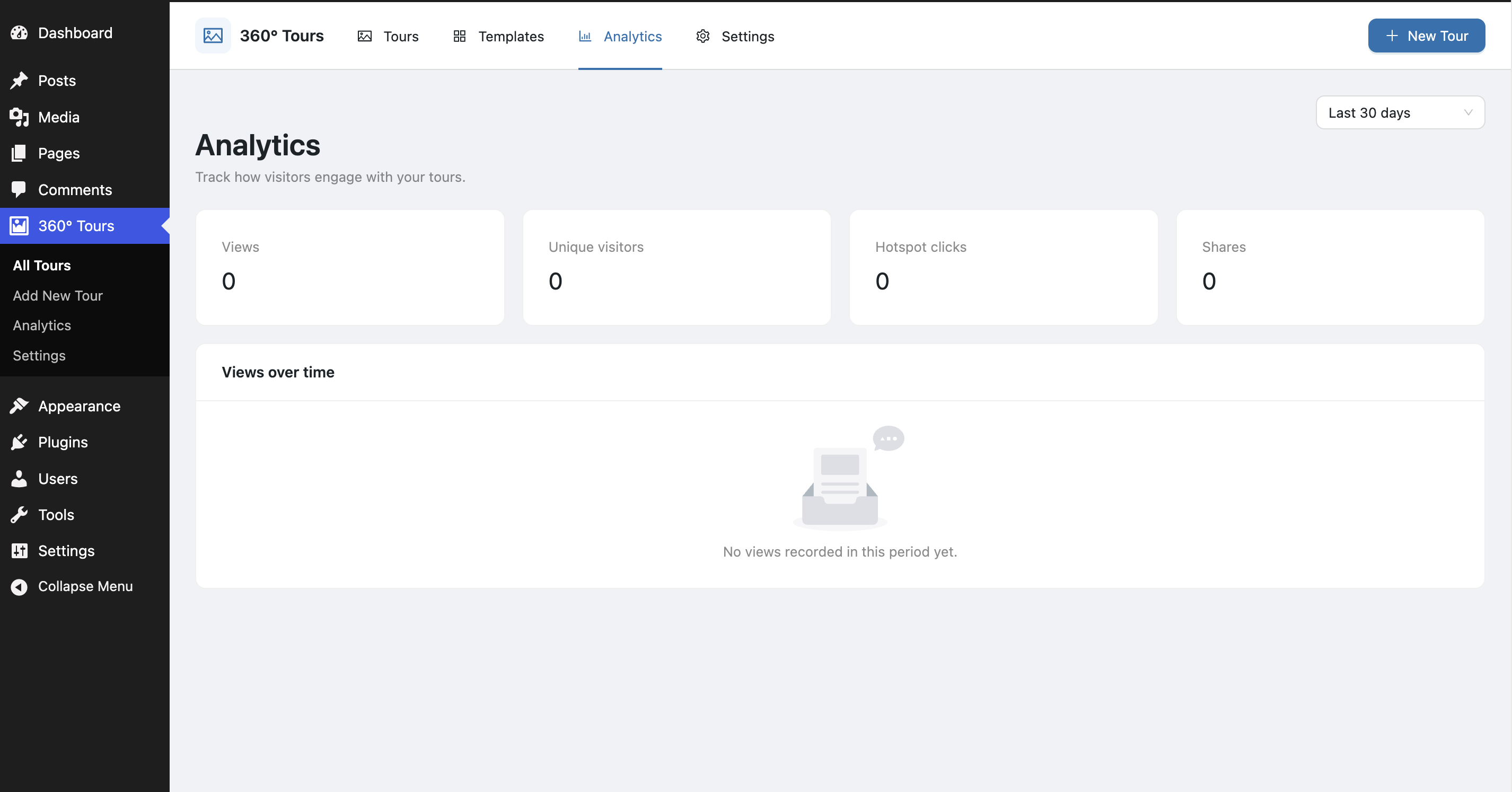
Blocks
This plugin provides 1 block.
- 360° Panorama Tour Embed a 360° virtual tour.
Installation
- Upload the plugin files to
/wp-content/plugins/vistour-virtual-tour-builder/, or install directly through the WordPress plugins screen. - Activate the plugin through the Plugins screen.
- Go to 360° Tours in the admin menu.
- Click New Tour, pick a template, add a 360° image as a scene, click the preview to place hotspots, and publish.
- Embed with the 360° Panorama Tour block, the Elementor widget, or the
[vist360_tour id="123"]shortcode.
FAQ
-
What image format do I need?
-
Standard equirectangular JPEG or PNG panoramas (2:1 aspect ratio) work best for sphere scenes. Regular photos can be used with the Flat scene type.
-
How many scenes can a tour have?
-
Up to 7 scenes per tour. Developers can change this with the
vist360_max_scenesfilter. -
Does it collect visitor data?
-
Only anonymous, aggregated counts stored in your own database — and you can switch analytics off entirely in Settings.
-
Does it work with page builders?
-
Elementor gets a native widget. Anywhere else shortcodes work (Divi, WPBakery, Oxygen, etc.) you can use
[vist360_tour id="123"]. Block editor users get a native block. -
Will uninstalling delete my tours?
-
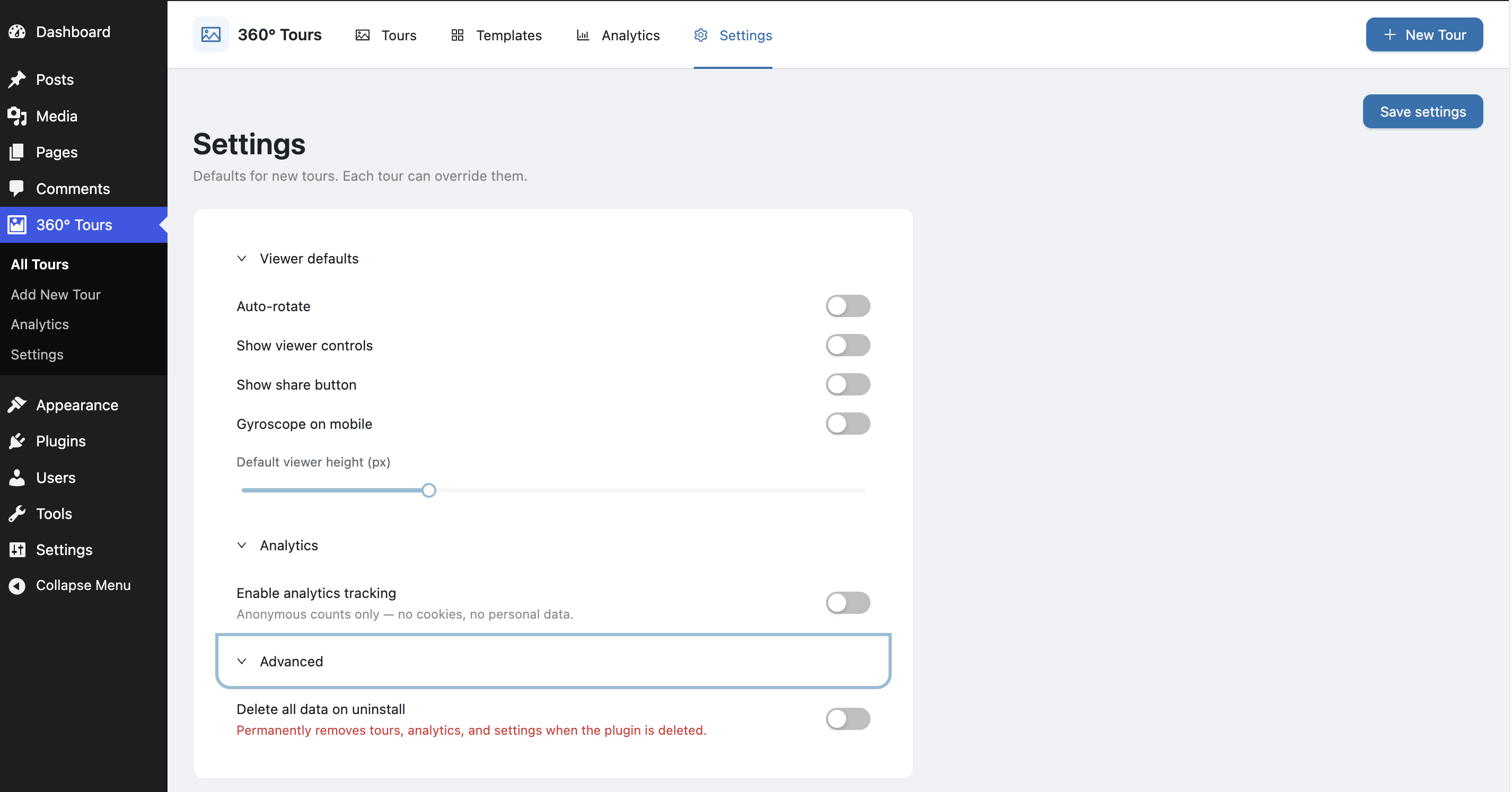
No. Data is only removed if you enable “Delete all data on uninstall” in Settings Advanced before deleting the plugin.
Reviews
There are no reviews for this plugin.
Contributors & Developers
“Vistour – 360 Virtual Tour Builder” is open source software. The following people have contributed to this plugin.
Contributors
Translate “Vistour – 360 Virtual Tour Builder” into your language.
Interested in development?
Browse the code, check out the SVN repository, or subscribe to the development log by RSS.
Changelog
1.0.1
- Migrated all plugin code to a single, unique
vist360prefix — functions, classes, theVist360namespace, options, post meta, the REST namespace, the block name, asset handles, CSS classes, and the embed shortcodes (vist360_tour,vist360_panorama_tour) — so nothing can conflict with other plugins or themes. - Replaced an invalid repository link in the readme with the official WordPress.org plugin page.
1.0.0
- Initial release: tours, five scene projections, four hotspot types, live-preview editor with click-to-place hotspots, starter templates, WebGL viewer, block + shortcode + Elementor embedding, JSON export/import, anonymous analytics, and settings.