

Description
Turn scattered YouTube and Vimeo videos into a beautiful, filterable gallery your visitors can browse and play in a lightbox – no code required.
Video Gallery Block | Pricing | Support | Demo
Why Video Gallery Block?
Video Gallery Block is a lightweight WordPress video gallery plugin that lets you create responsive video galleries, YouTube galleries, Vimeo galleries, and video collections directly inside the Gutenberg block editor.
Organize videos into albums, let visitors filter by category, and play everything in an elegant lightbox popup. Thumbnails are generated automatically (or upload your own poster images), captions keep every video labeled, and scripts load only when the block is used so your site stays fast.
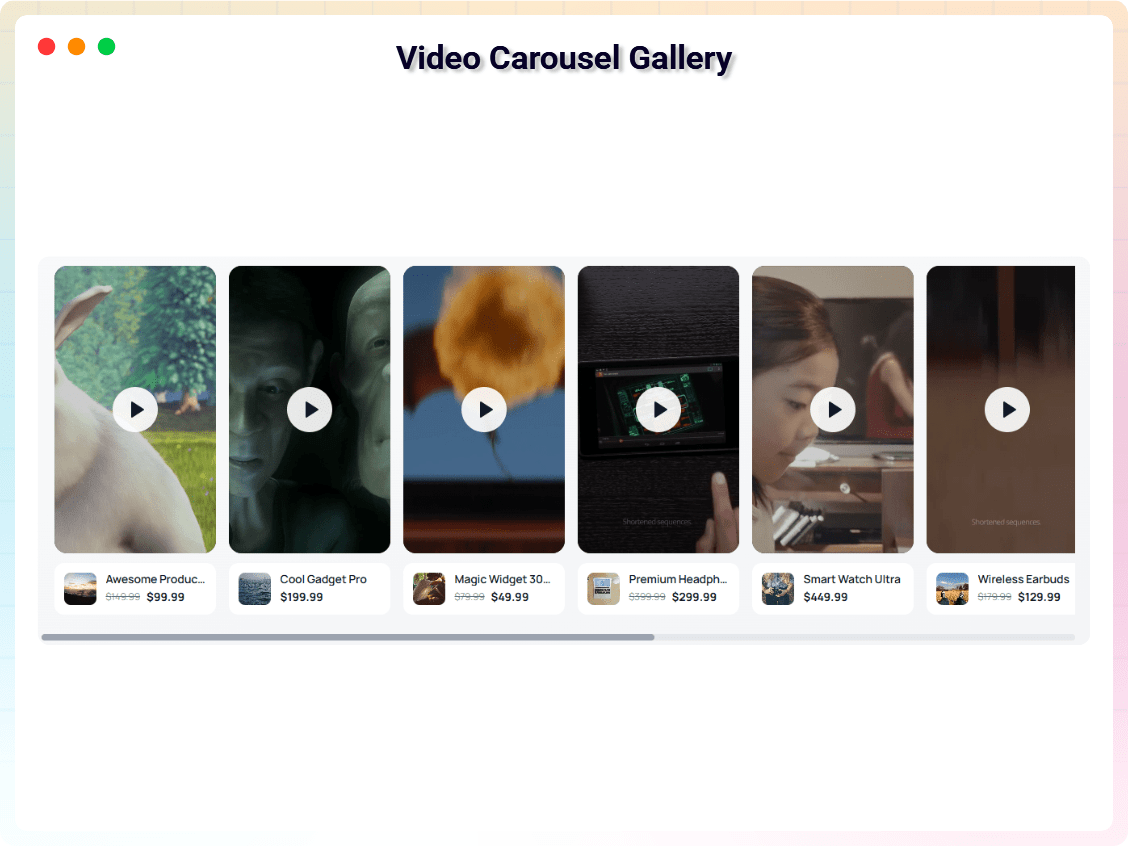
The Pro version adds self-hosted HTML5 and Wistia sources plus advanced layouts like sliders, carousels, masonry grids, and playlist galleries – ideal for video portfolios, product galleries, training libraries, and course videos.
Free Features
- Responsive Video Gallery Block: Clean grid layouts that automatically adapt to desktop, tablet, and mobile screens.
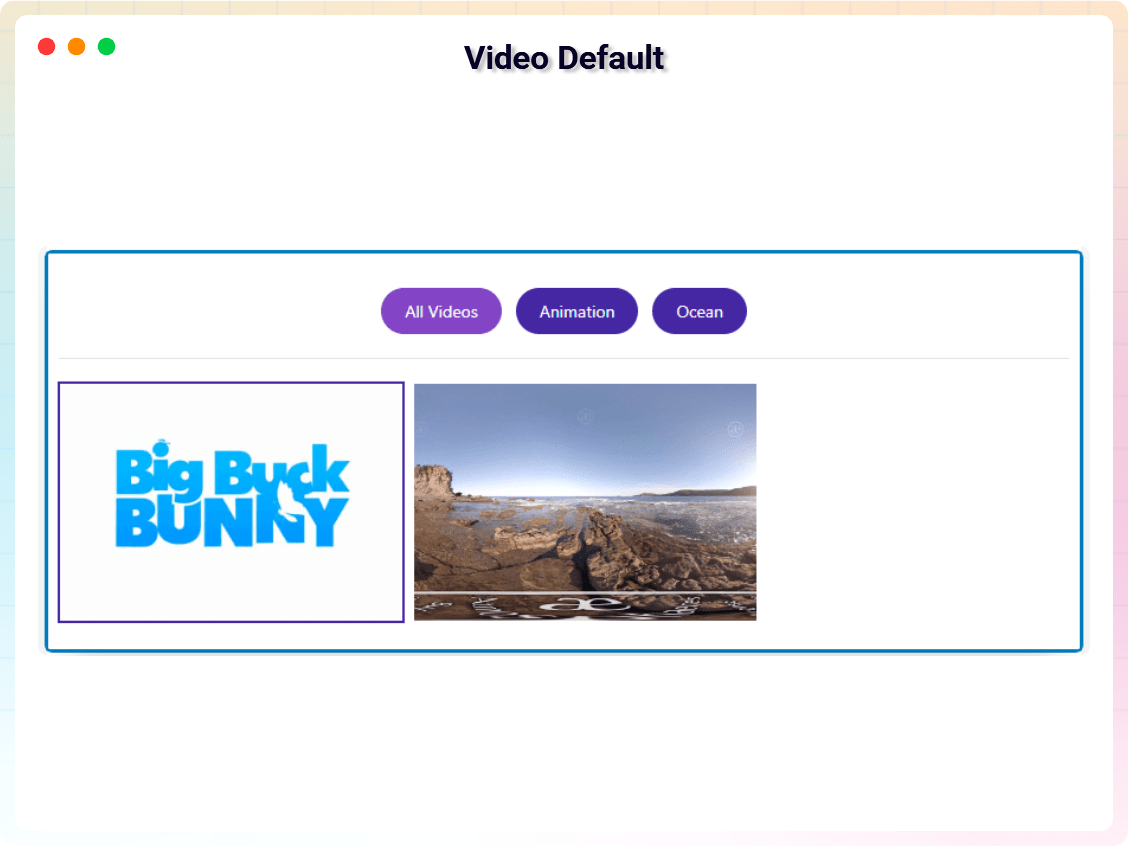
- Album & Filter System: Organize videos into albums and let visitors filter by category.
- Responsive Column Layouts: Set different column numbers for desktop, tablet, and mobile.
- Multiple Video Sources: Add videos from YouTube and Vimeo (Wistia & self-hosted HTML5 supported in Pro).
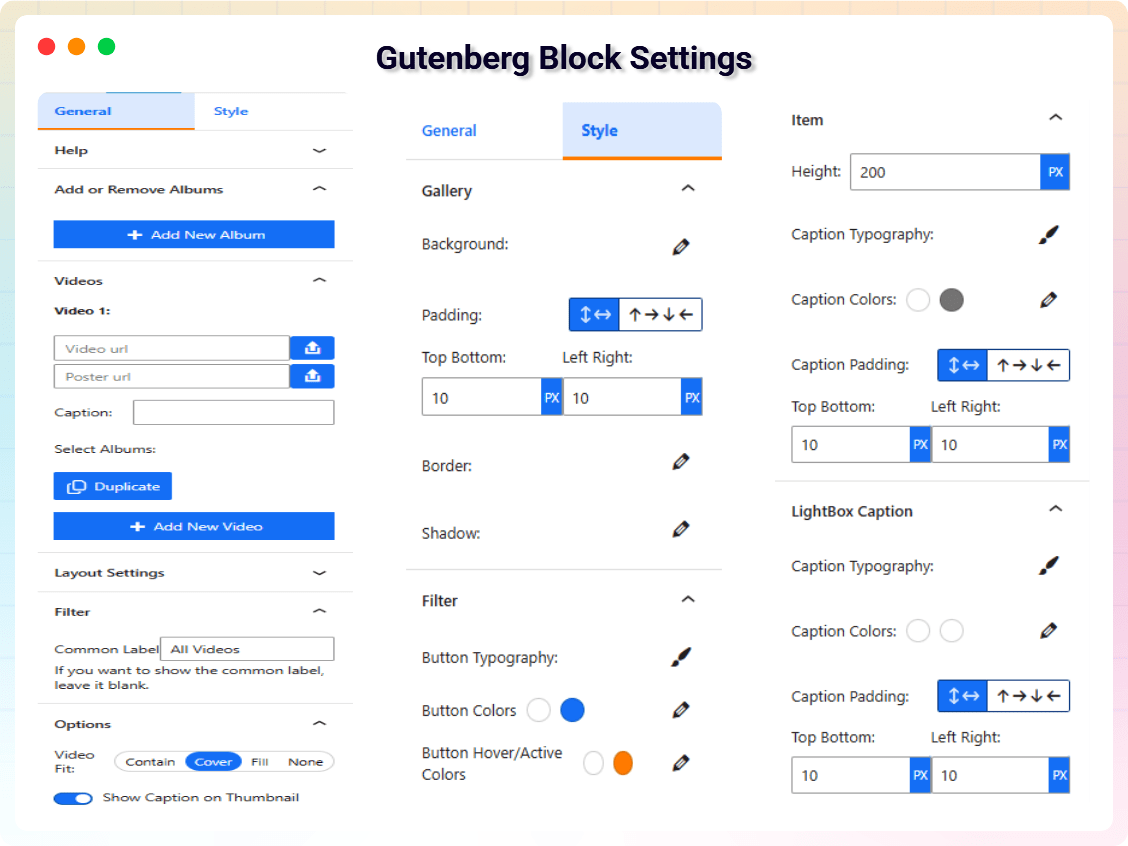
- Custom Styling Controls: Adjust spacing, padding, borders, backgrounds, and shadows from the block settings.
- Automatic or Custom Thumbnails: Auto-generate thumbnails or upload custom poster images.
- Video Captions: Add captions or titles to each video in the gallery.
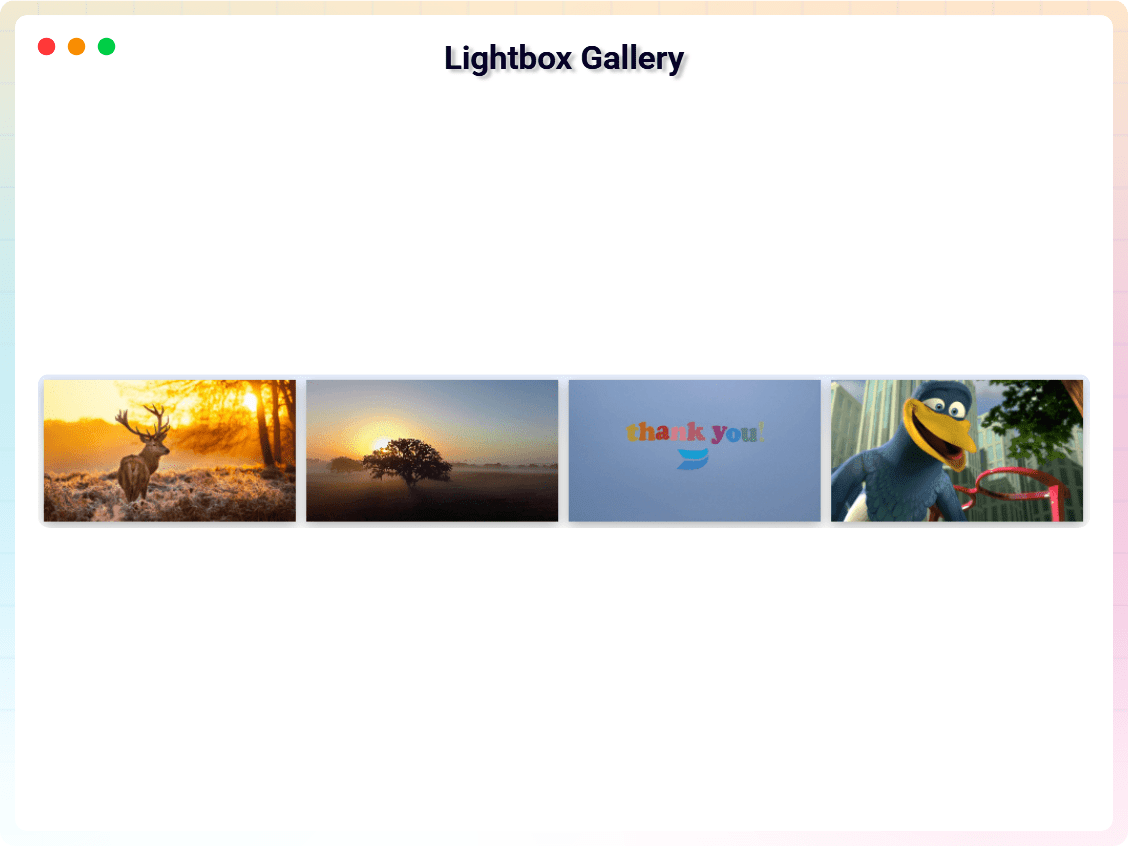
- Lightbox Video Popup: Play videos in an elegant popup lightbox.
- Bulk Import: Paste a list of video links, one per line, and the gallery fills itself in — titles and posters come from YouTube and Vimeo automatically, with no API key to set up.
- Thumbnail Shape: Lay tiles out as 16:9, 4:3, 1:1 or 9:16 for vertical Shorts and Reels, instead of a fixed pixel height.
- Video SEO Markup (free): Every video is described to Google and AI search with Schema.org
VideoObjectJSON-LD, so your gallery can appear as a video result. Comparable plugins sell this as a premium add-on. - Ready-Made Section Patterns: Five fully configured patterns in the inserter — Video gallery with album filters, Course video library, Product demo showcase, Customer video stories, and Portfolio showreel wall — so you start from a finished layout, not a blank block.
- Show / Hide Filter Bar: A dedicated toggle to show or hide the album filter buttons.
- Cached Thumbnails: YouTube and Vimeo thumbnails are downloaded into your Media Library once and served from your own site after that — no third-party request on every page view, and no more thumbnails that go missing when a provider reshuffles its sizes.
- Load More Pagination: Set how many videos show at first; a Load More button reveals the rest, so a large gallery doesn’t overwhelm the page on first paint.
- YouTube Shorts Filter: Show every video, hide Shorts, or show only Shorts — detected from the link itself, no API key needed.
- Play Icon on Thumbnails: A play icon over every tile, so it reads as a video before anyone hovers or clicks — color, size, and the hover zoom are all customizable, or turn it off entirely.
- Item Border & Shadow: Round the corners and add a drop shadow to each thumbnail tile, independent of the gallery container’s own border and shadow.
- Server-Side Rendered: The gallery is built on the server, so search engines and visitors see it instantly — even on sites that delay JavaScript (WP Rocket, LiteSpeed, Perfmatters).
- Optimized Script Loading: Scripts load only when the block is used, keeping your site fast.
- Translation Ready: Fully compatible with multilingual websites.
- Sort Order: Show videos in the order you added them, or automatically sort by Newest First / Oldest First — no need to re-order videos by hand after a Bulk Import.
- Row Alignment: Control how a leftover row (one that doesn’t fill every column) lines up — left, center, or right — instead of it always being stretched or left stranded on one side.
- Per-Device Column & Row Gap: Set the spacing between tiles separately for desktop, tablet, and mobile, the same way column counts already work per device.
- Facebook Video Support: Add Facebook videos to the gallery alongside YouTube and Vimeo, using Facebook’s public embed — no app or API key required.
- GDPR Consent-Gated Embeds: Optionally require a visitor’s consent before any YouTube, Vimeo, or Facebook player loads, so the gallery doesn’t set third-party cookies until someone agrees to watch.
- Google Analytics 4 Video Tracking: Send a
video_startevent (with title, provider, and URL) towindow.dataLayerwhenever a visitor plays a video — works with GA4 or Google Tag Manager already on the site, nothing extra to configure.
Pro Version
Video Gallery Block Pro extends the plugin with additional Gutenberg video blocks and advanced gallery layouts.
Pro features include:
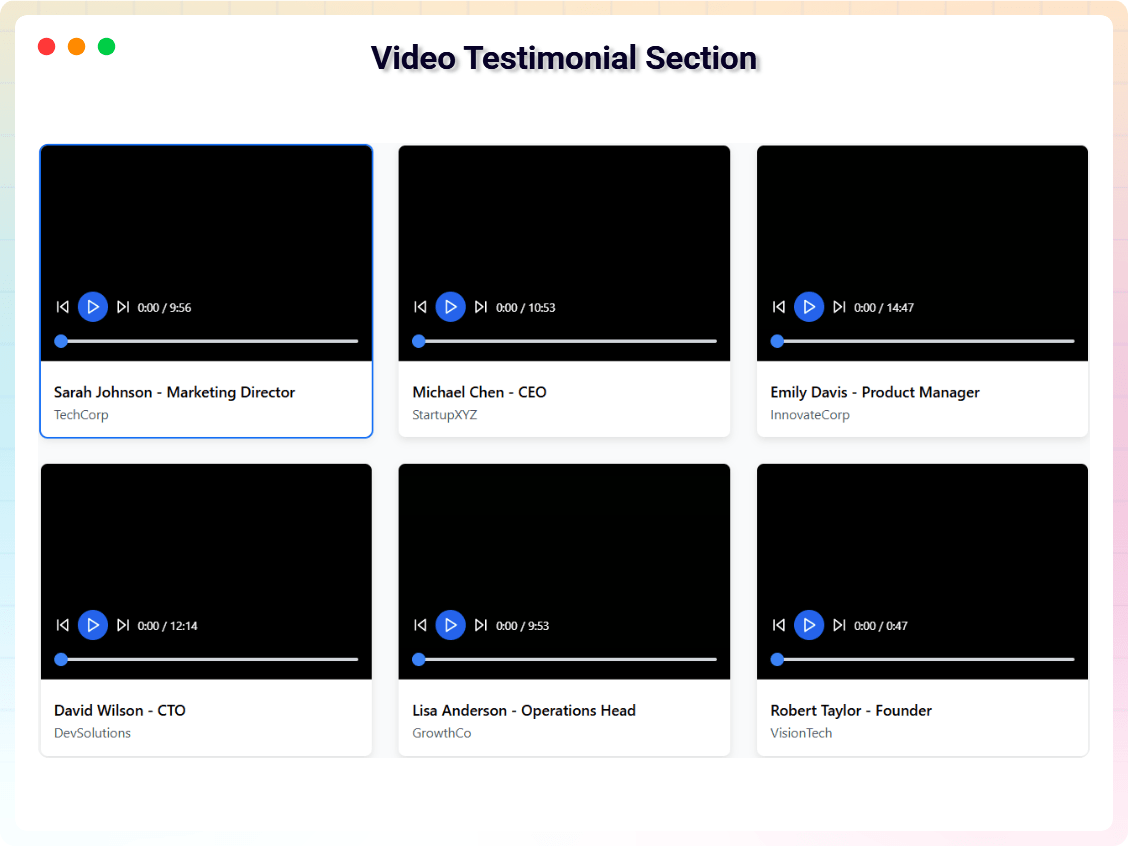
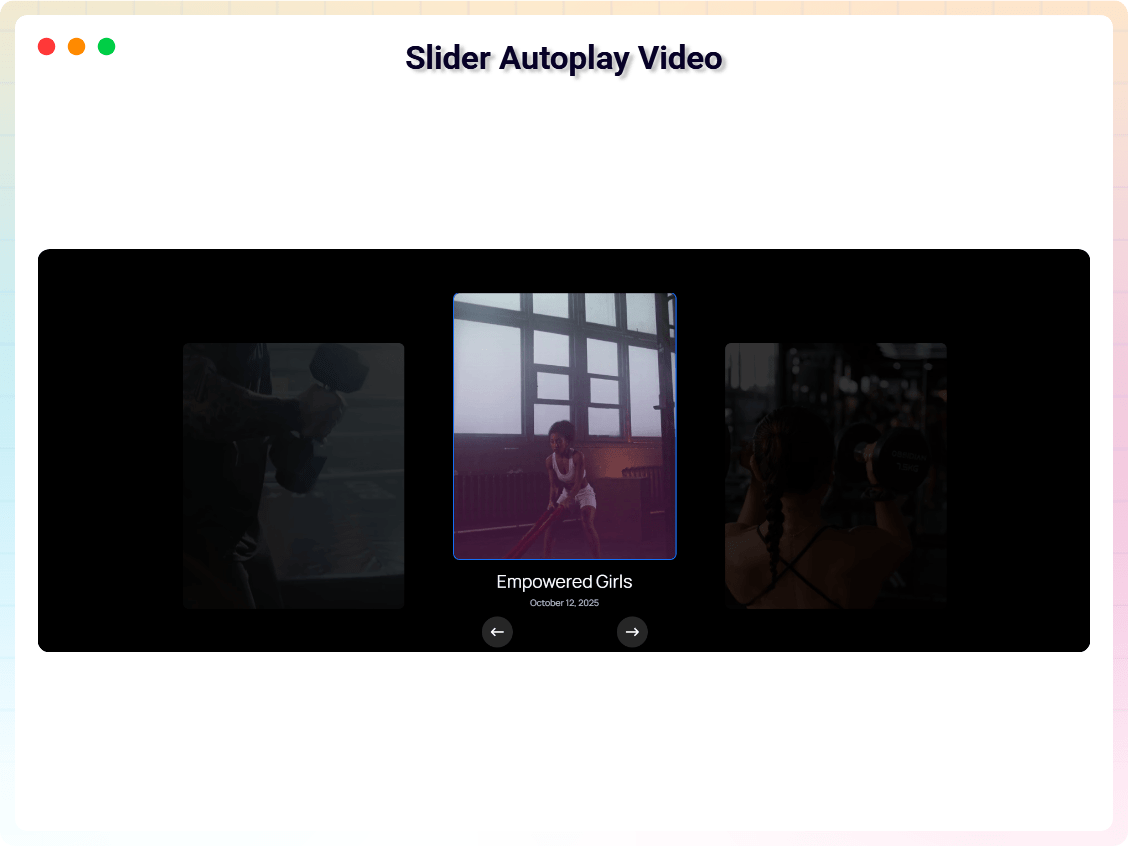
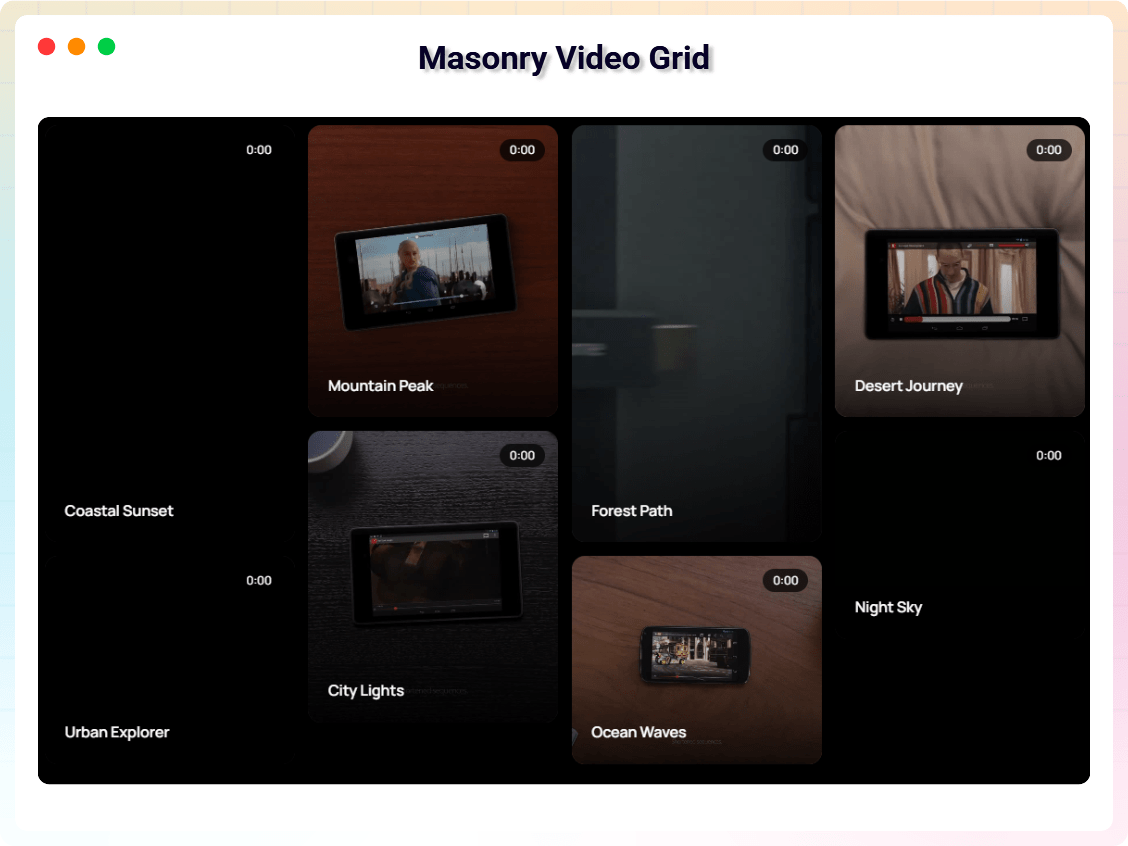
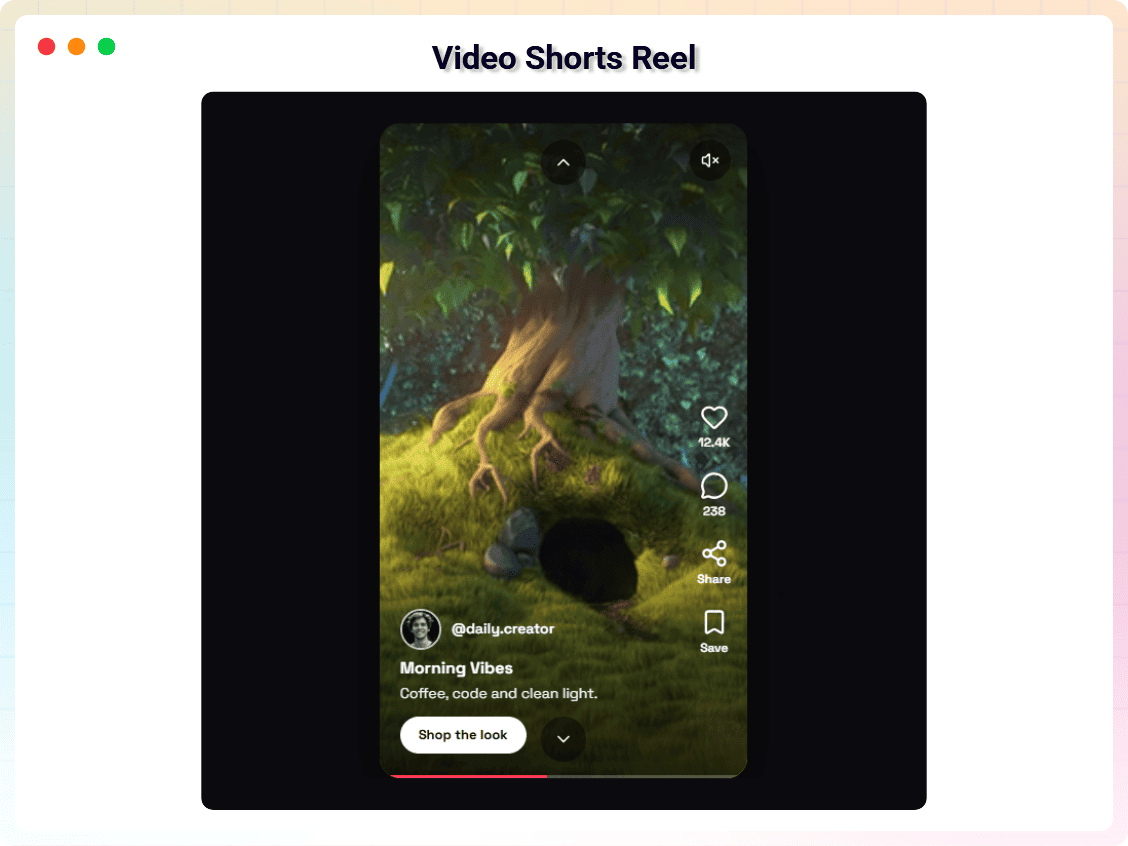
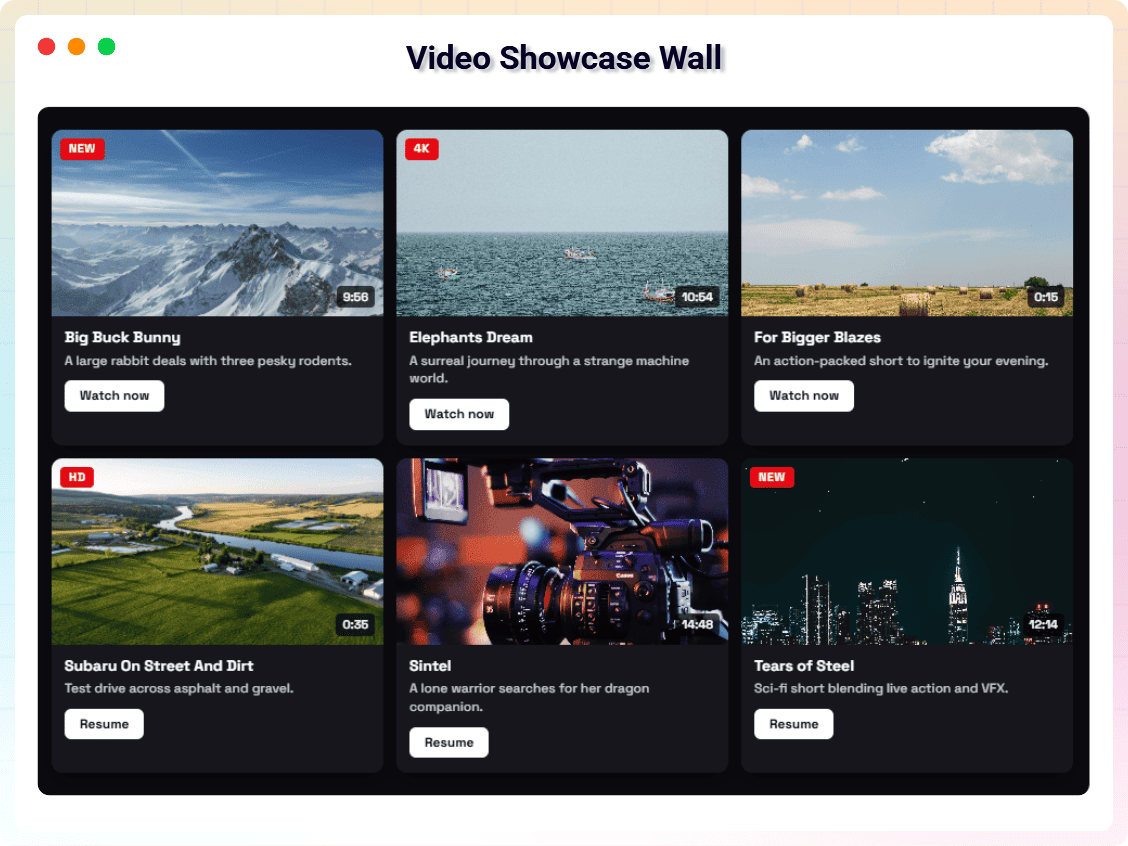
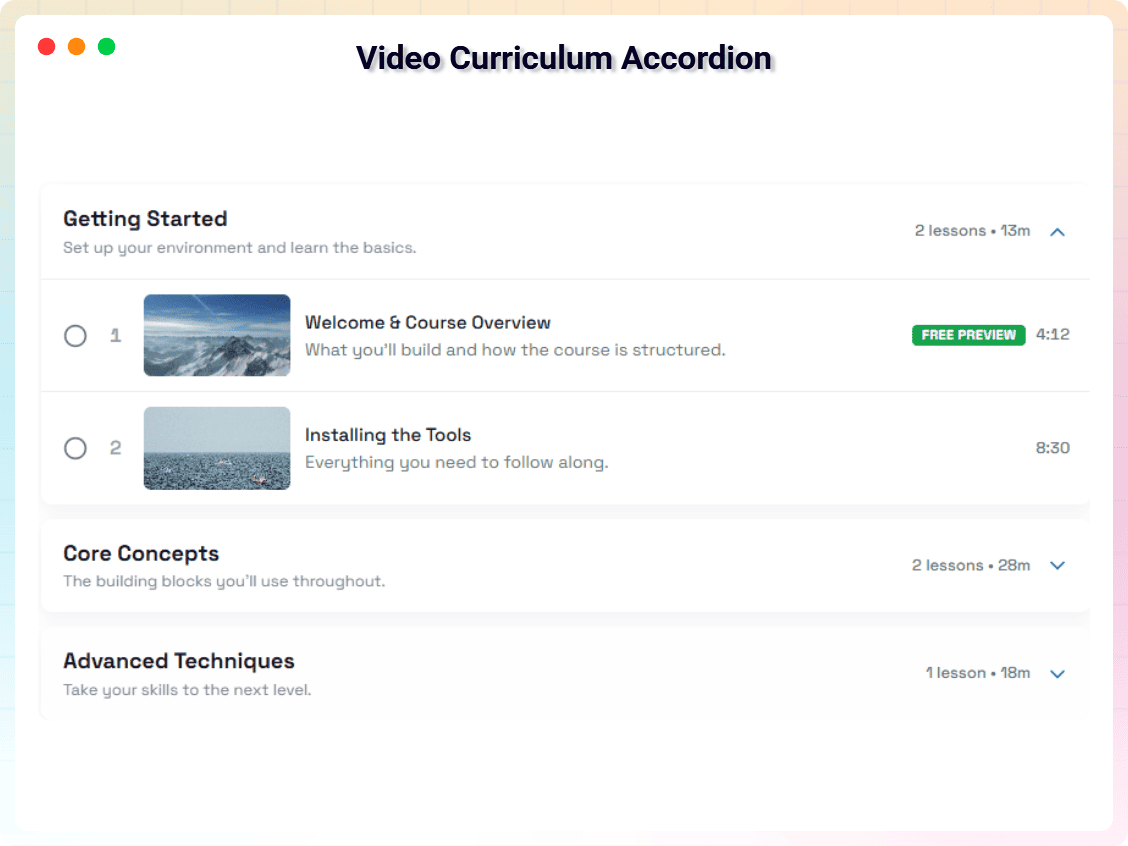
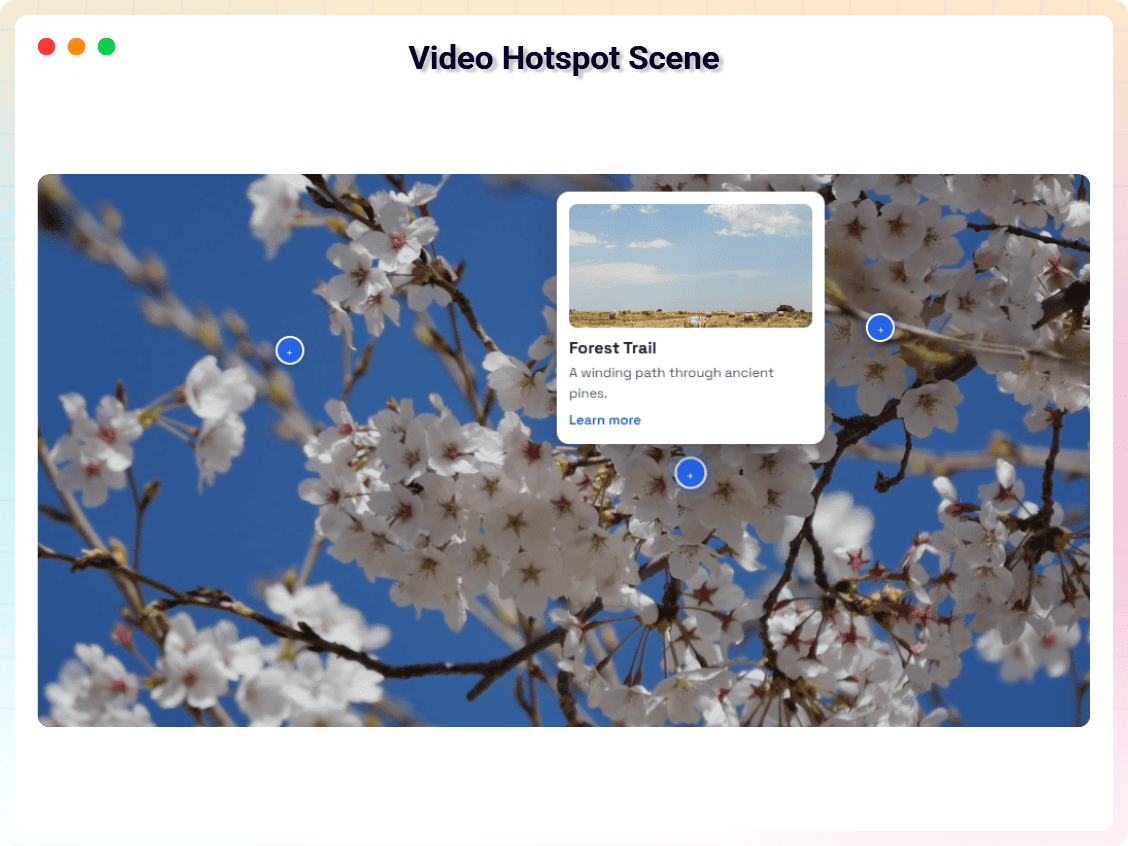
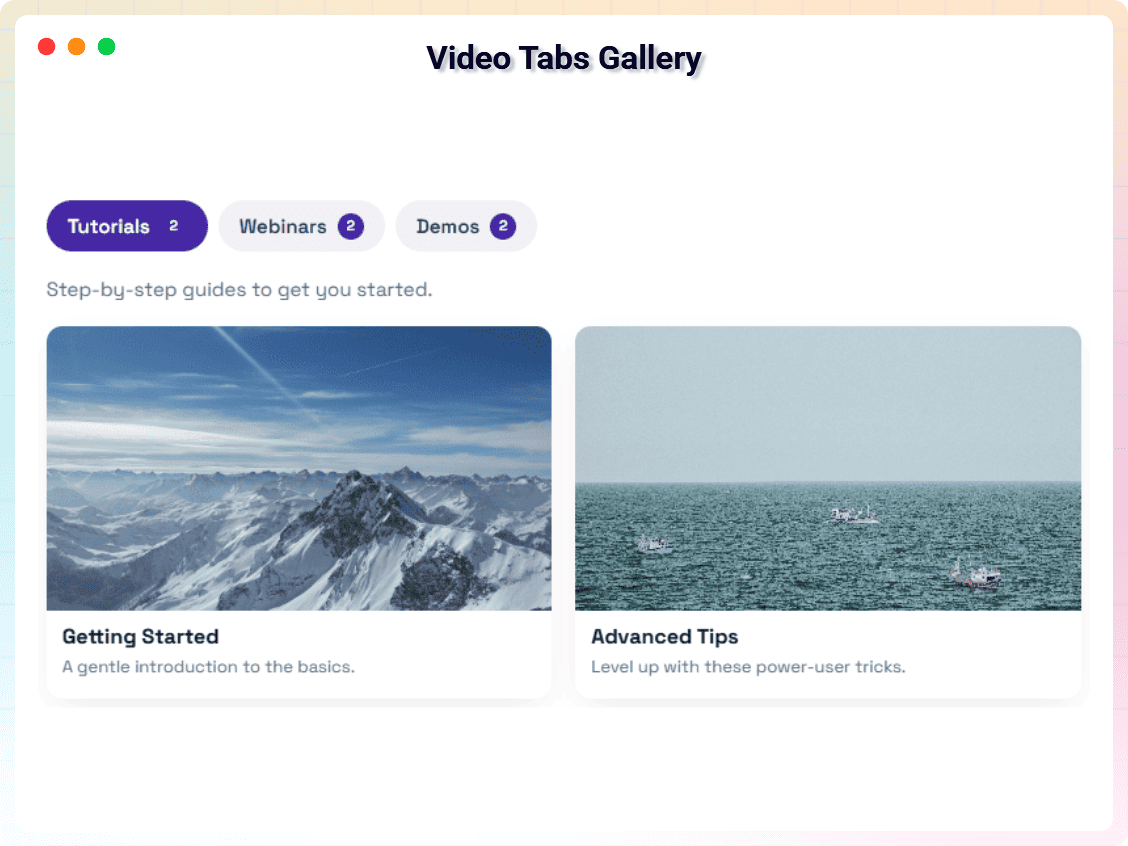
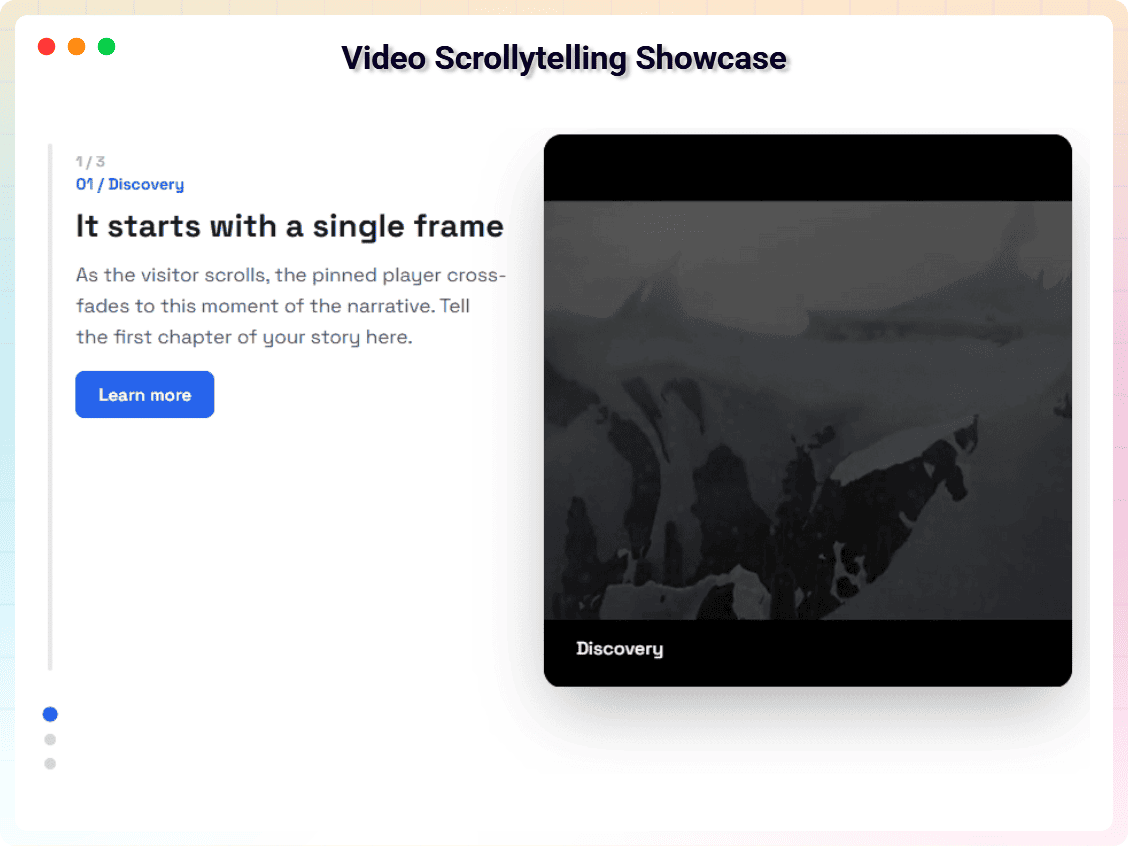
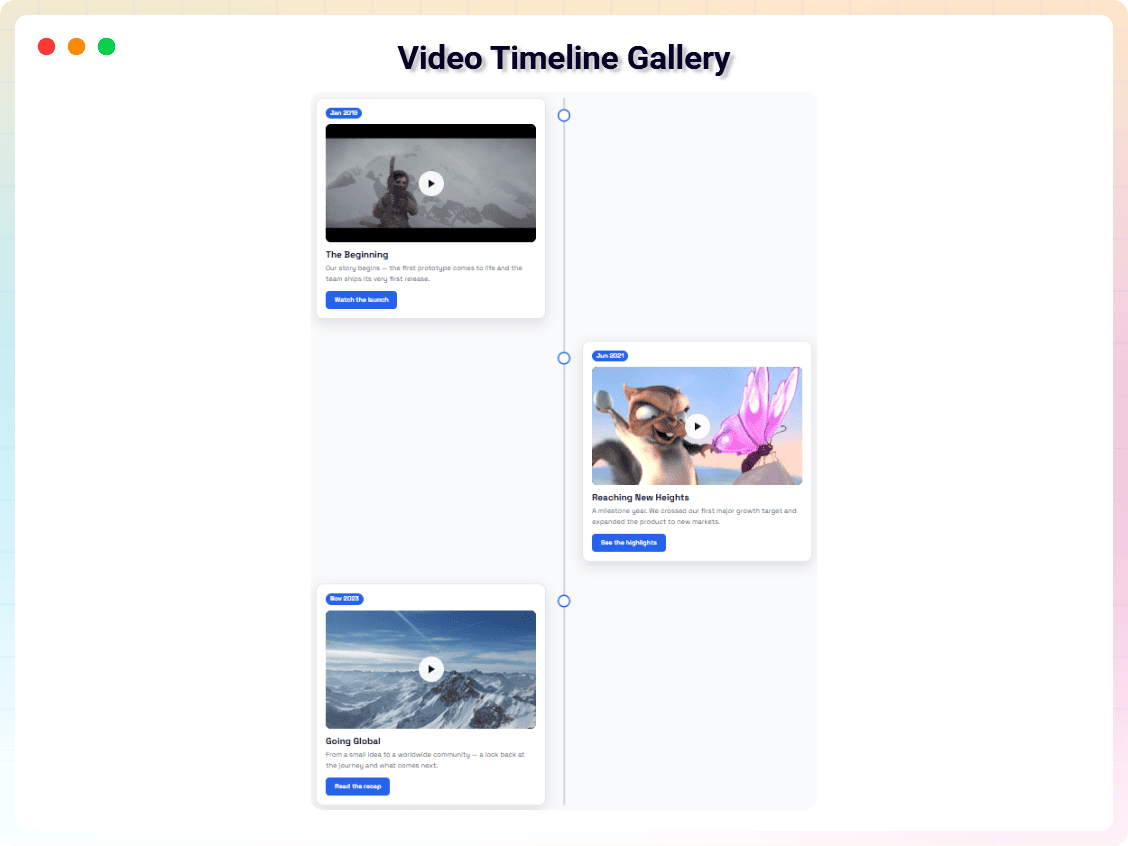
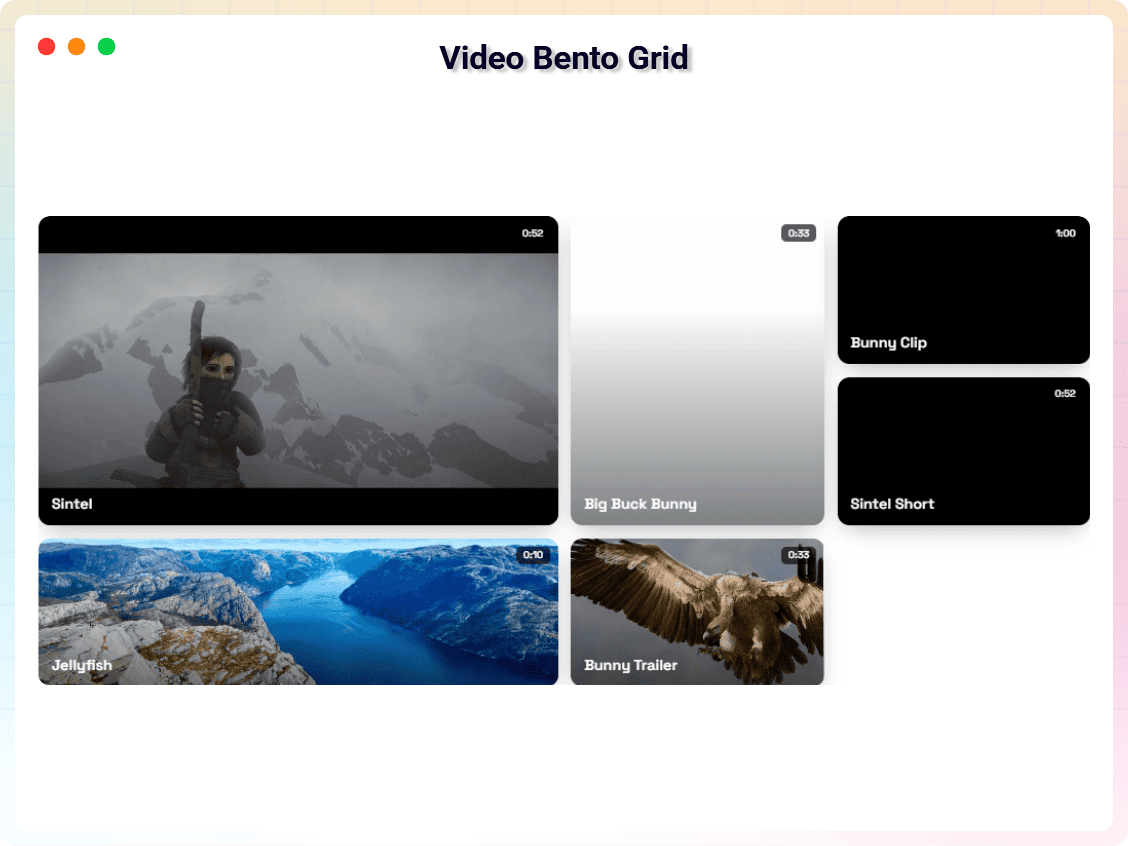
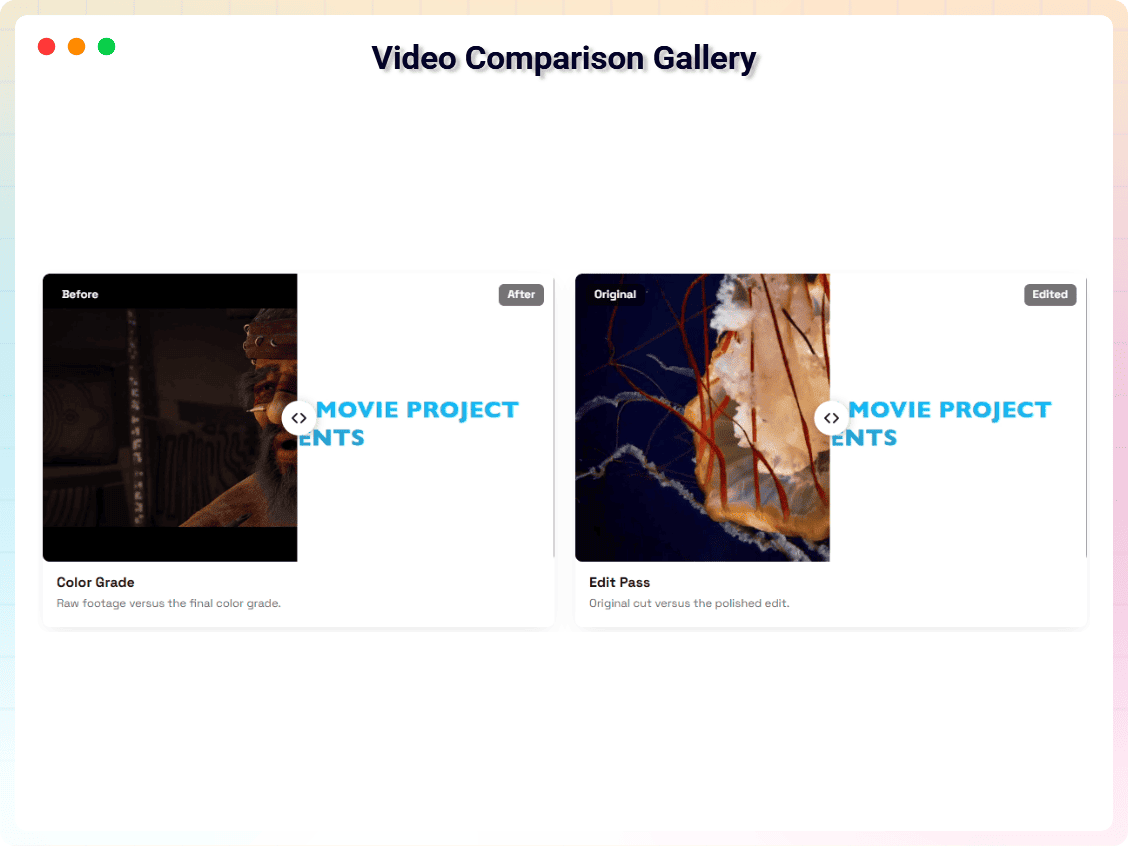
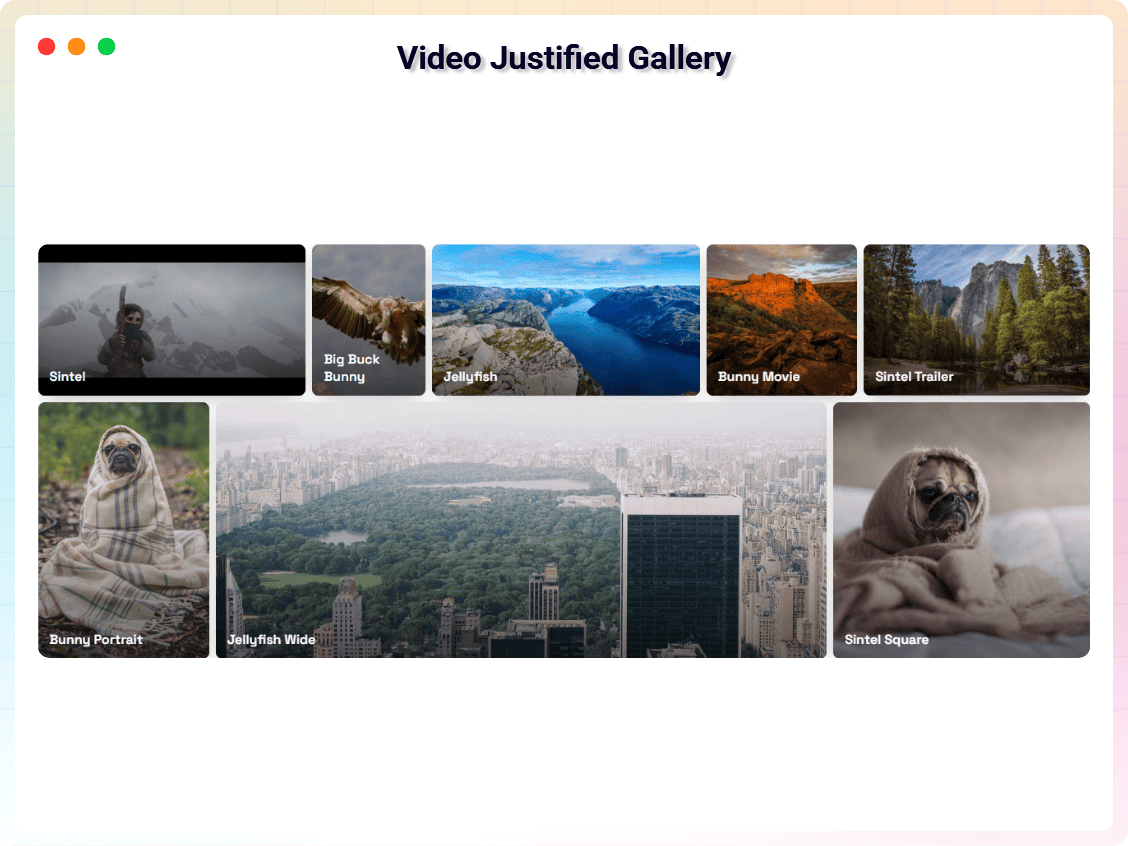
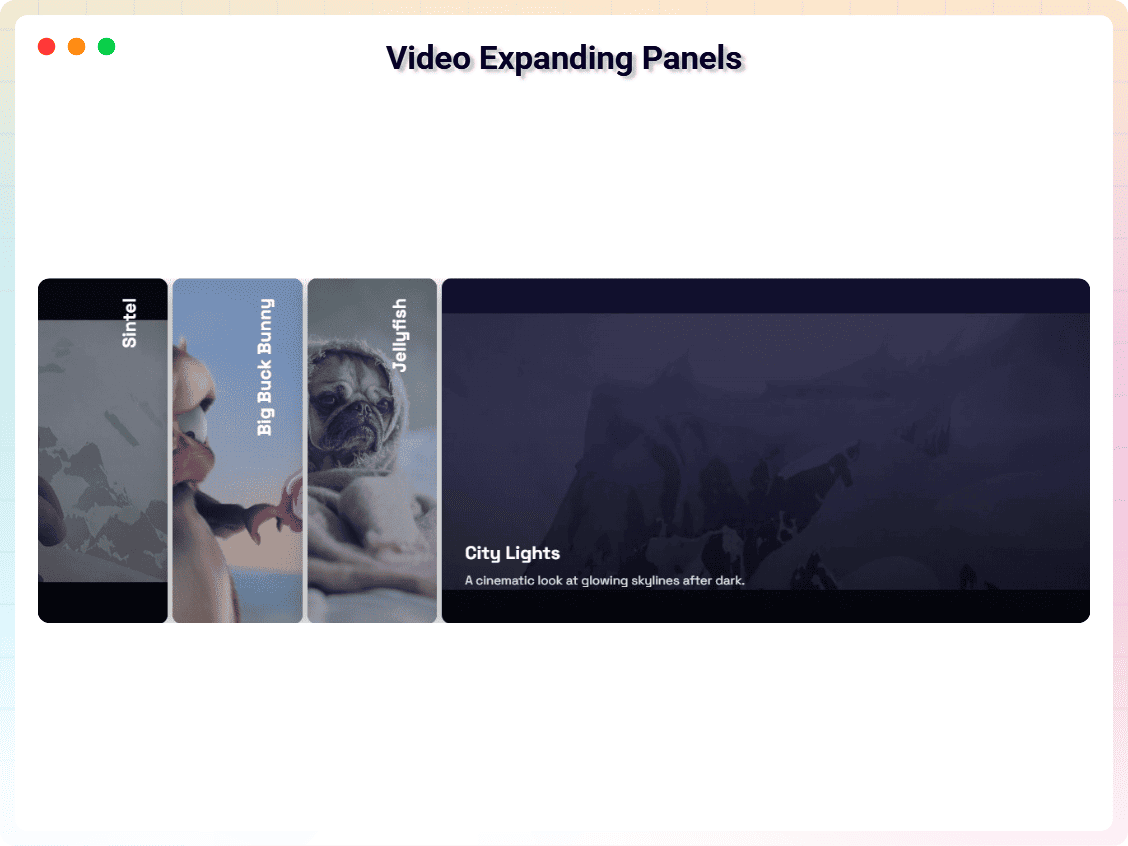
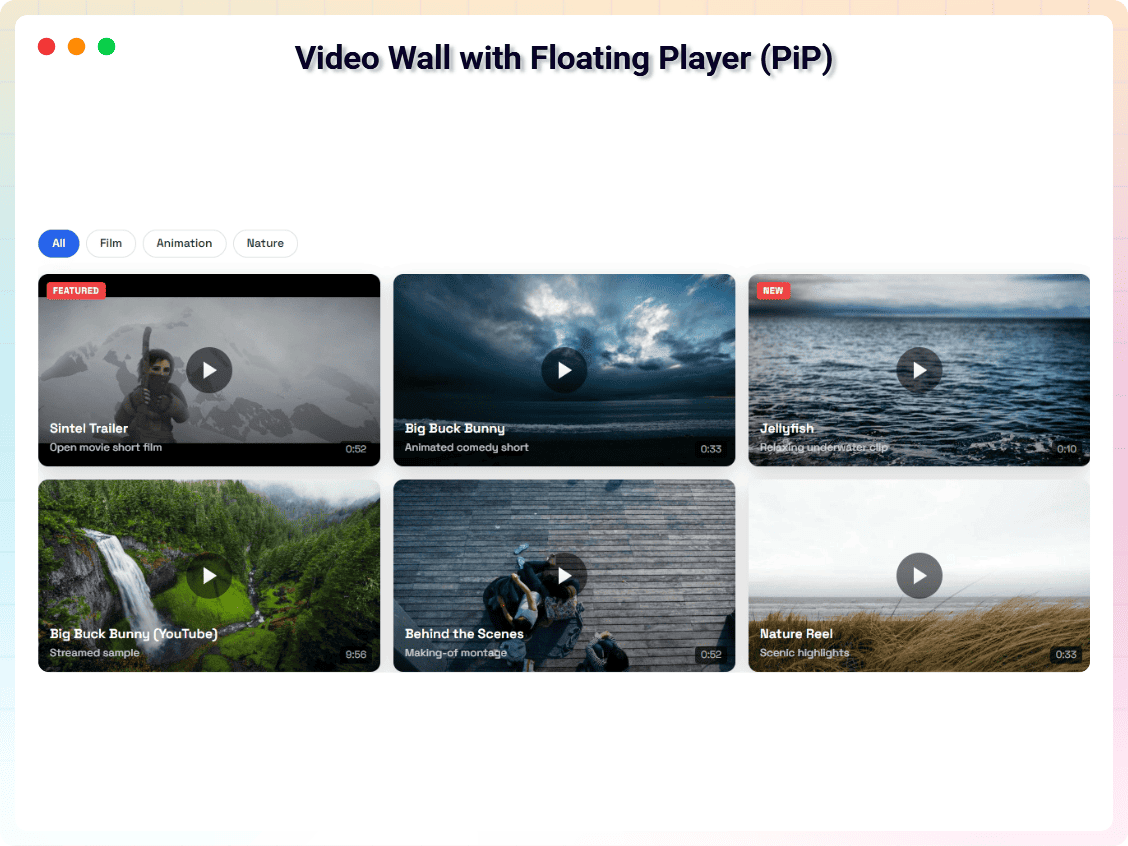
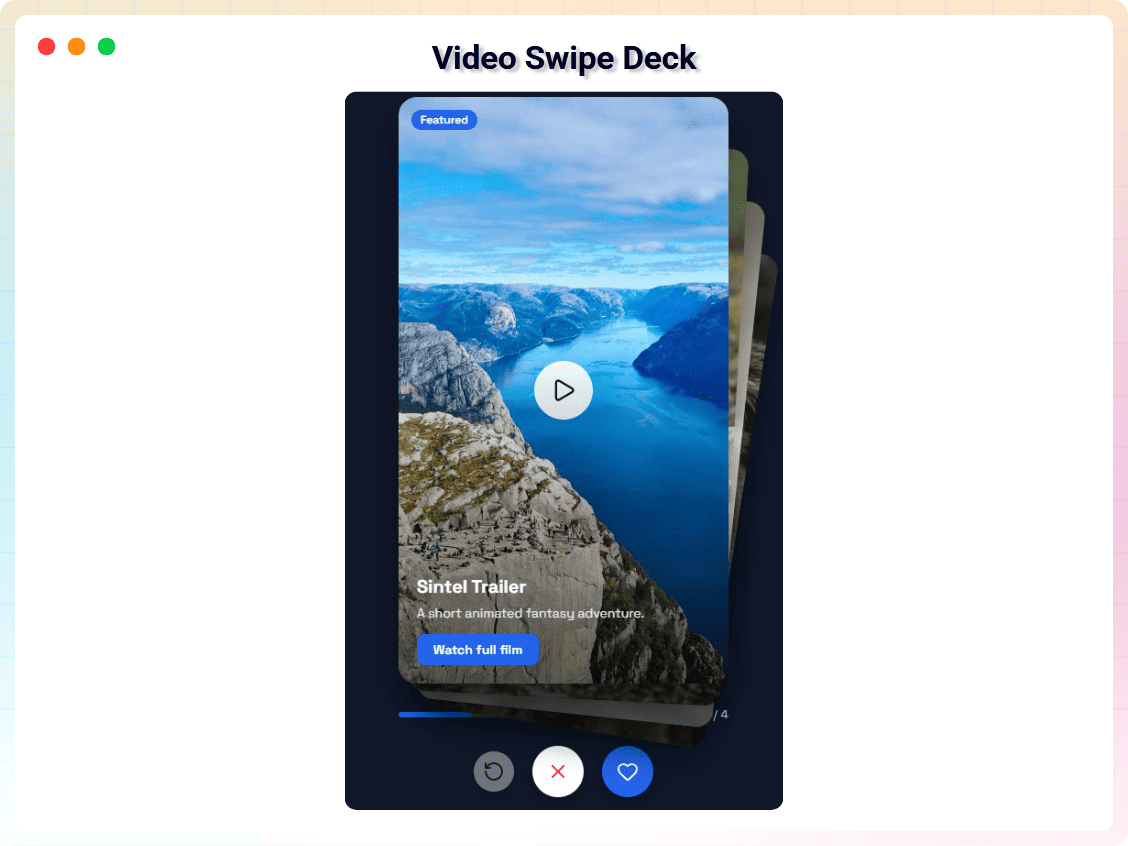
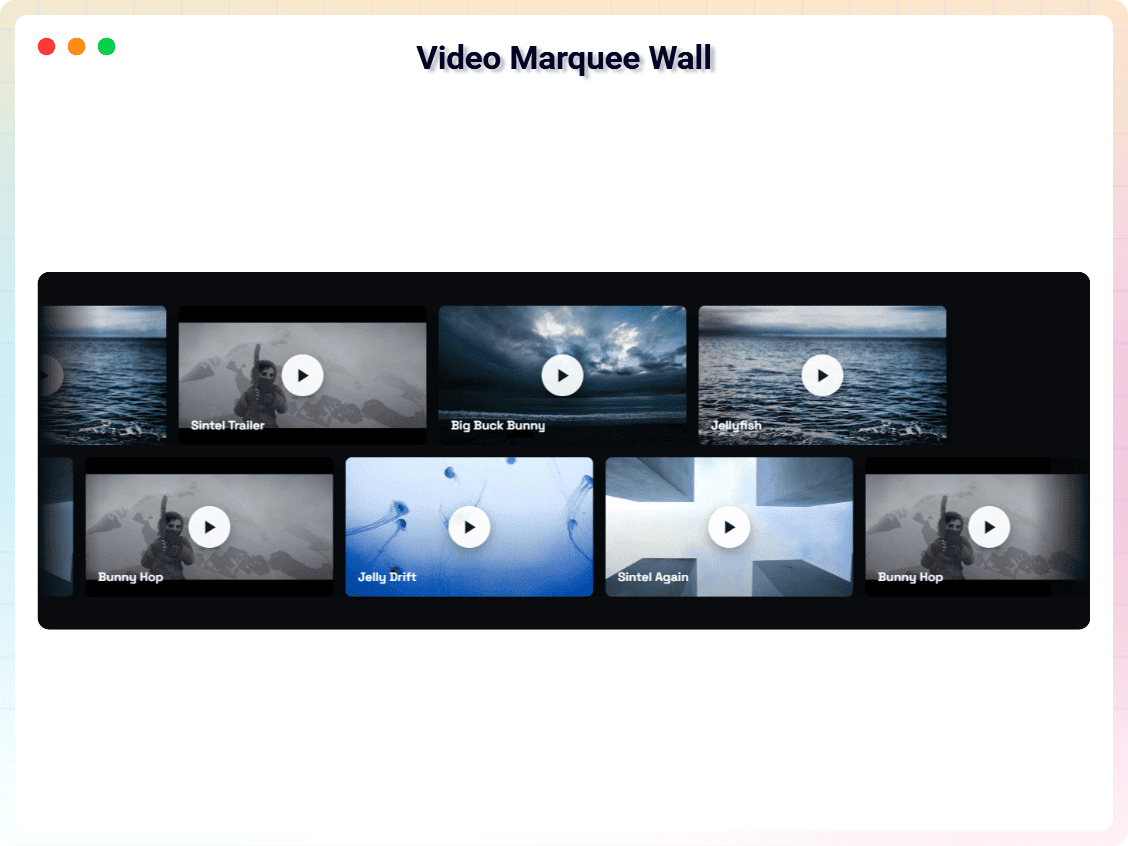
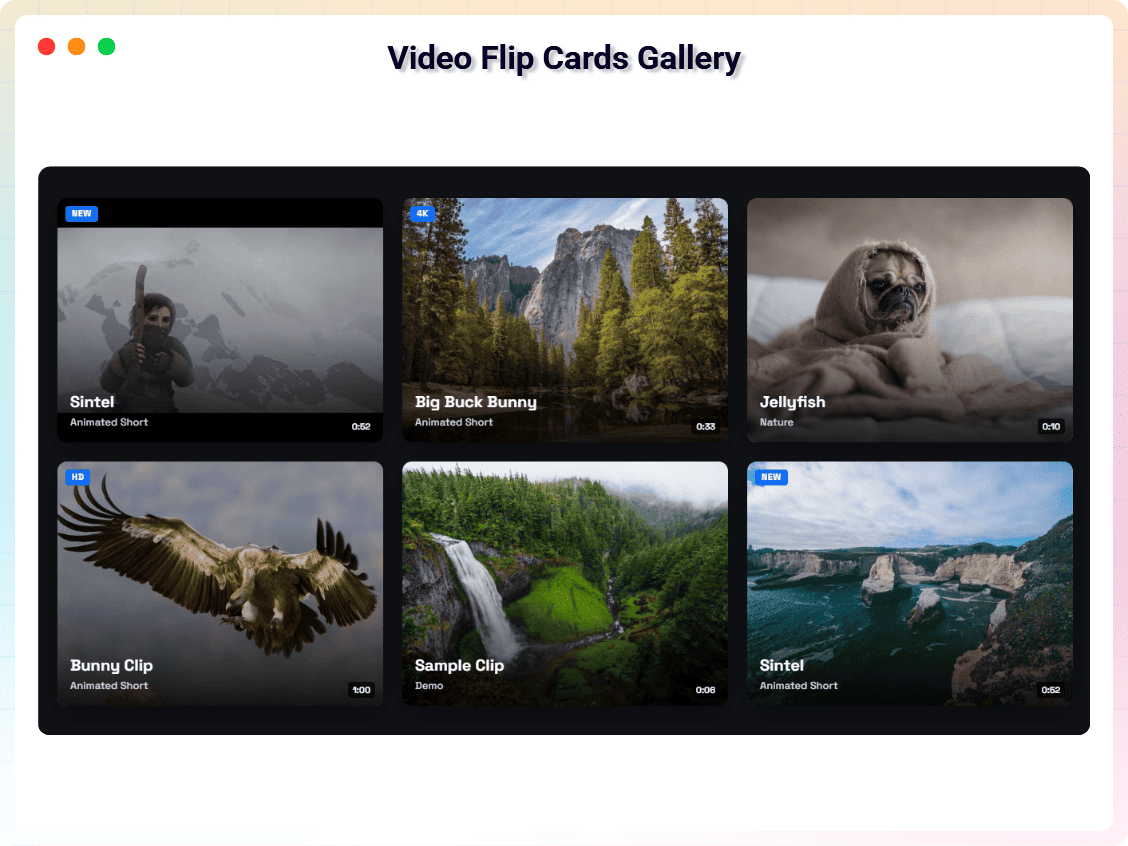
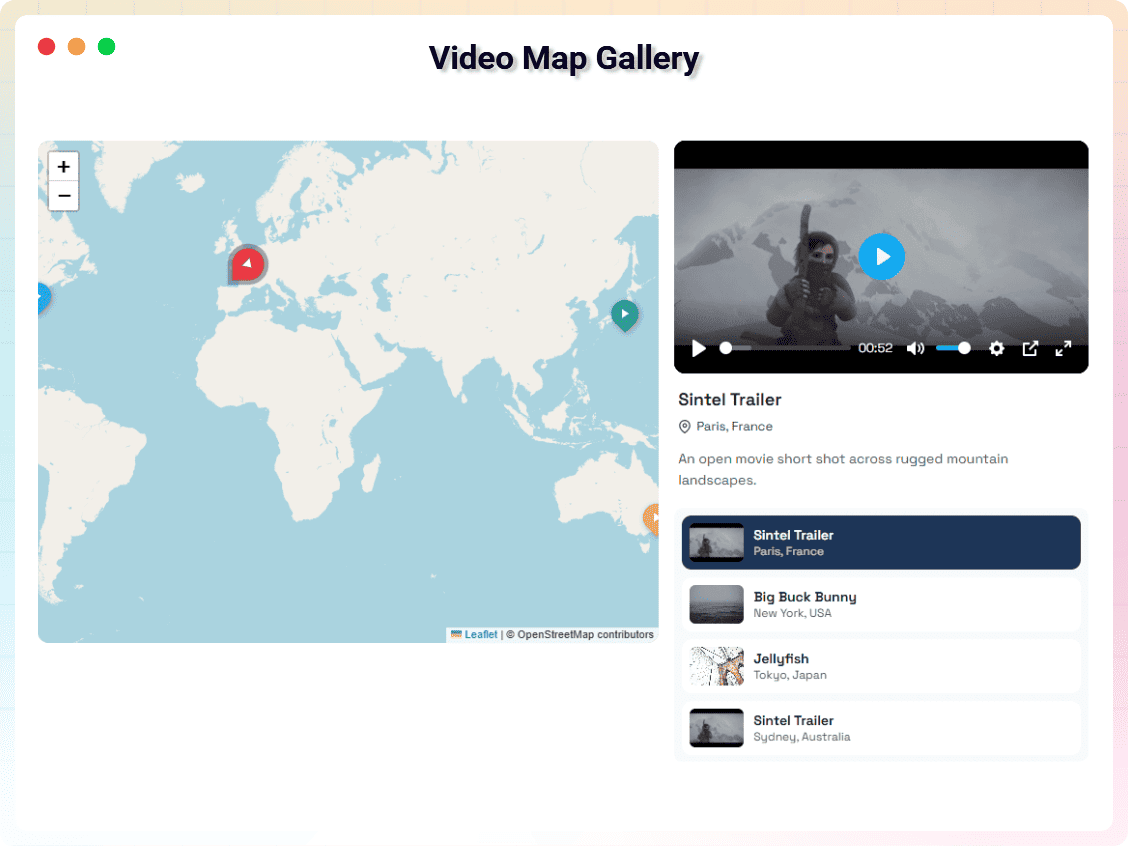
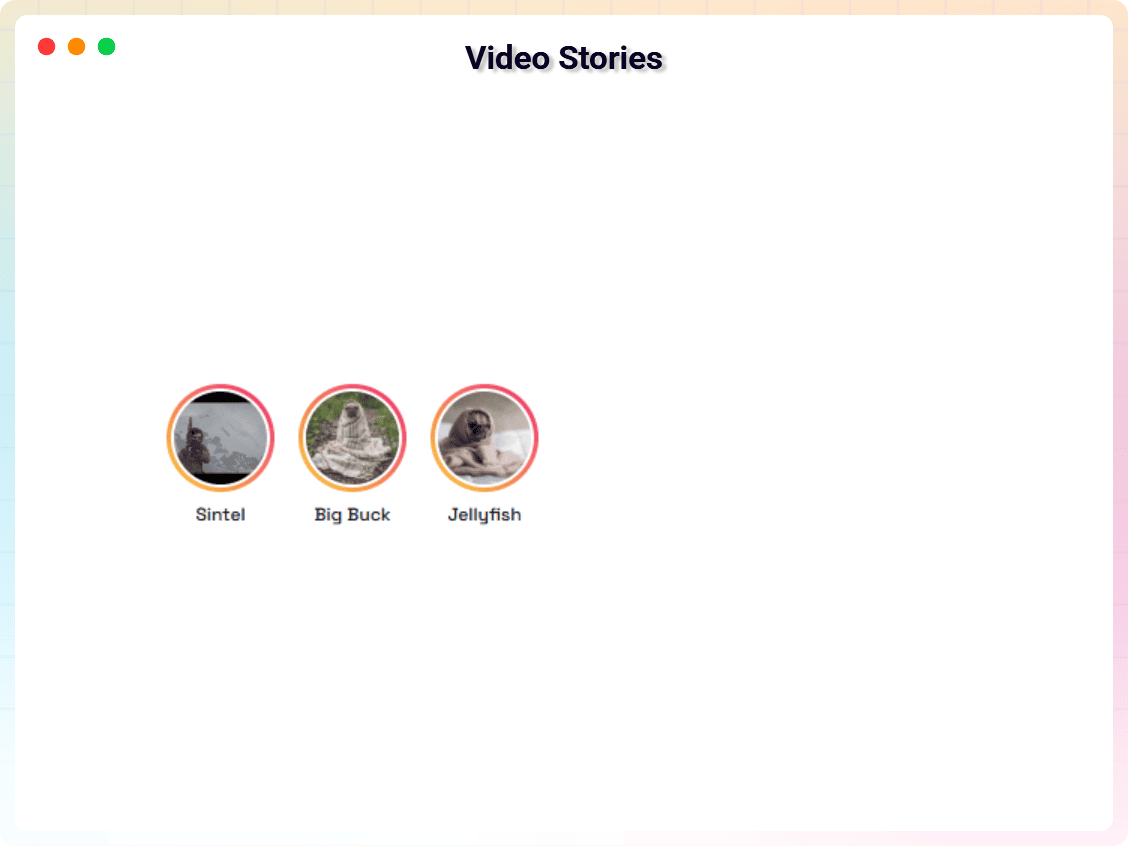
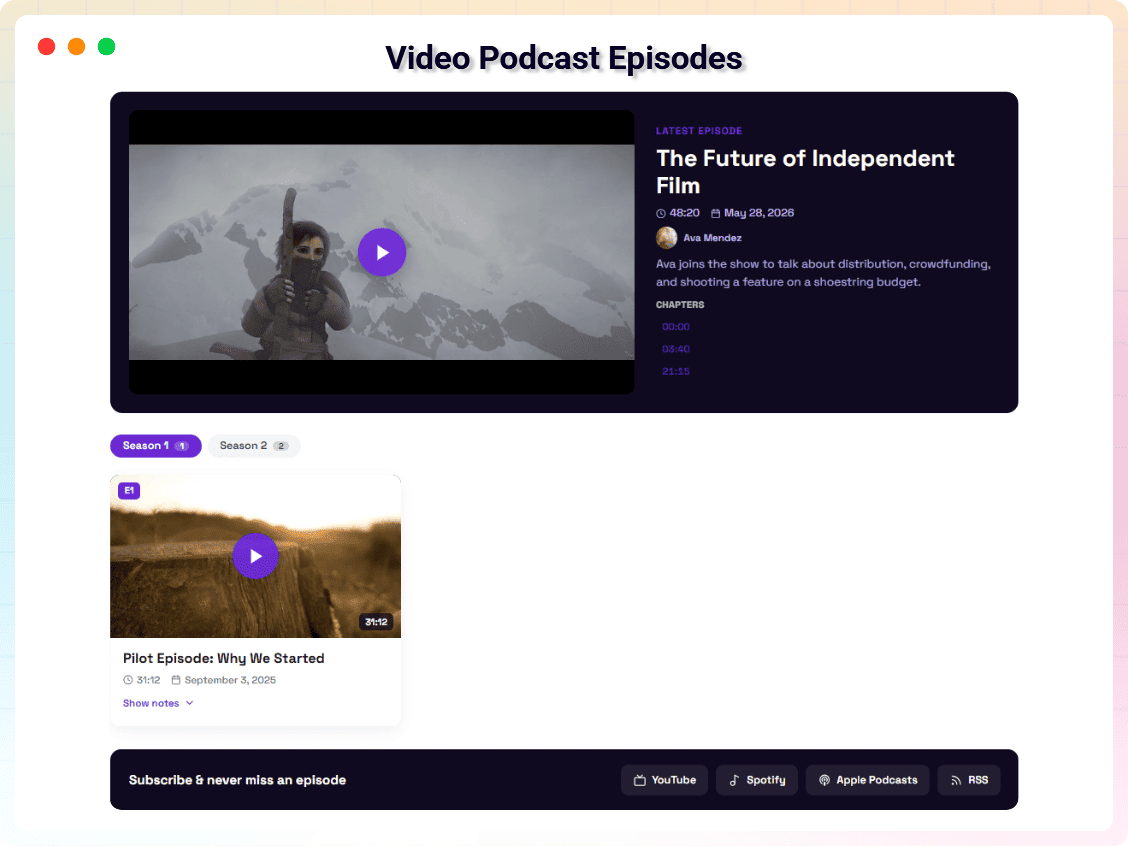
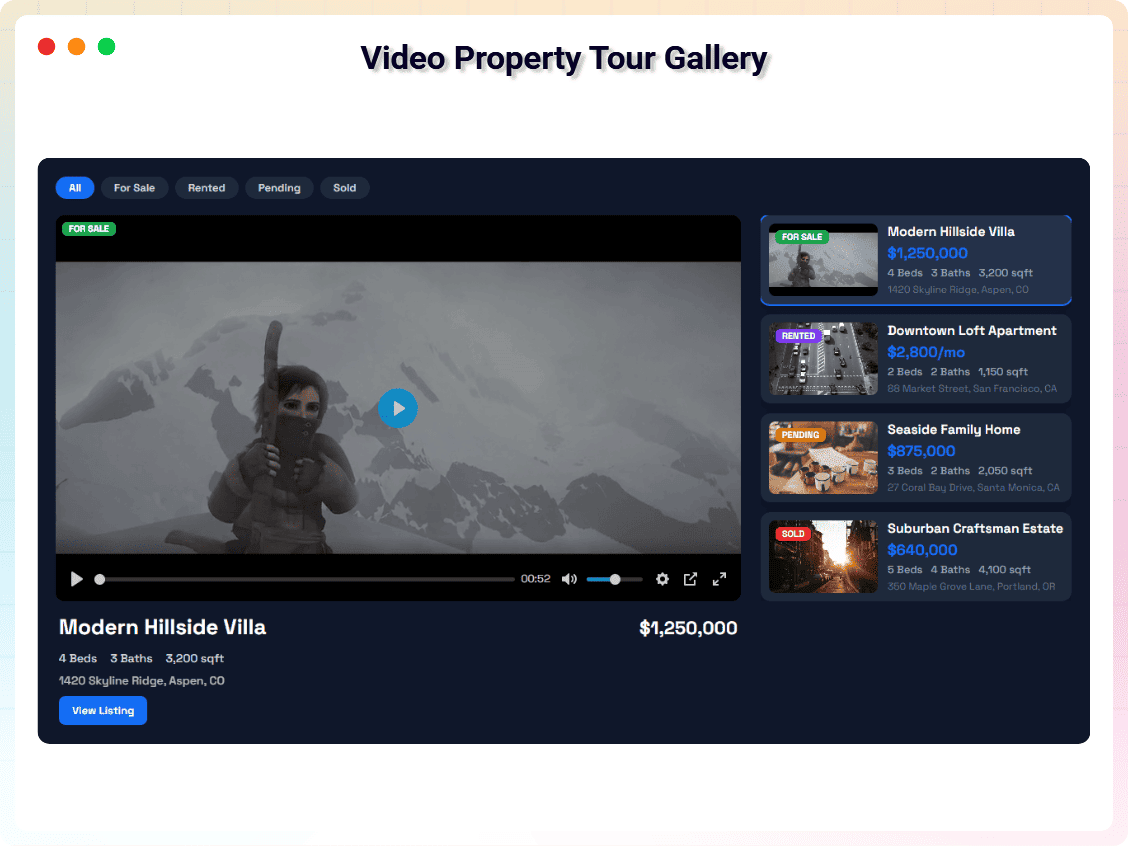
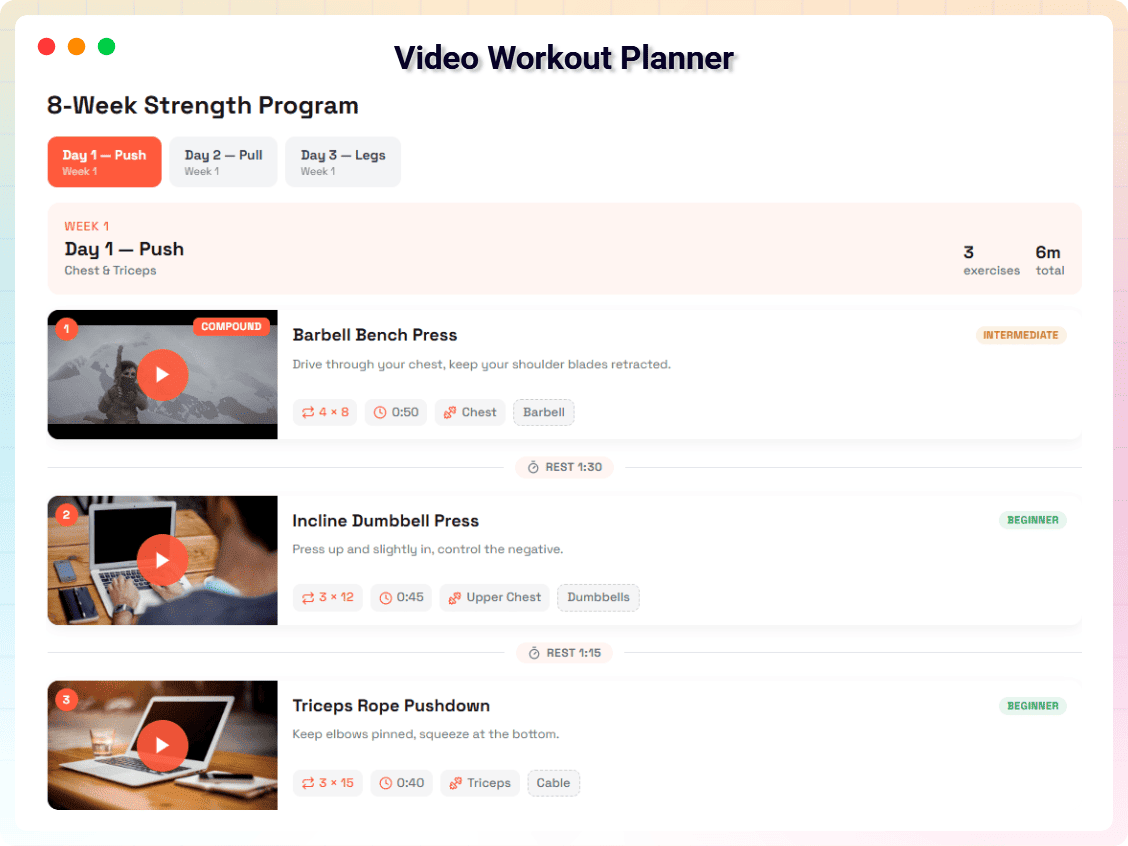
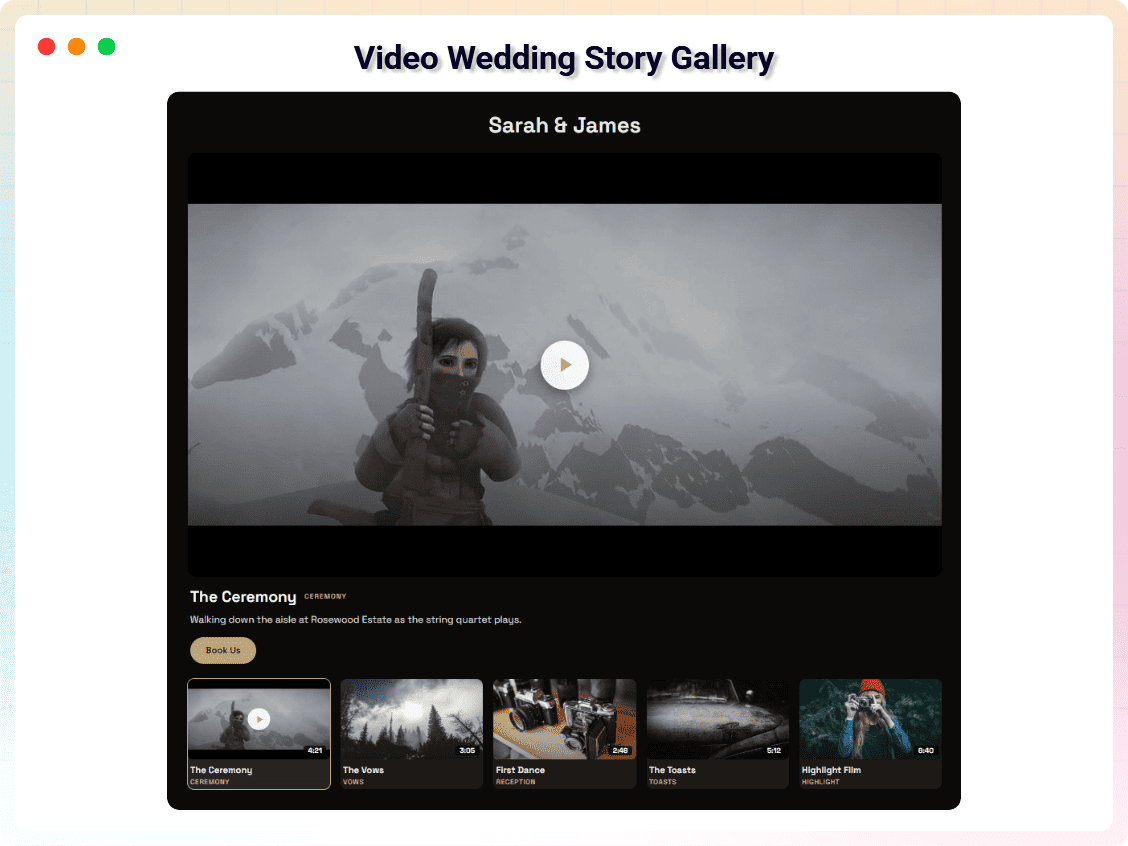
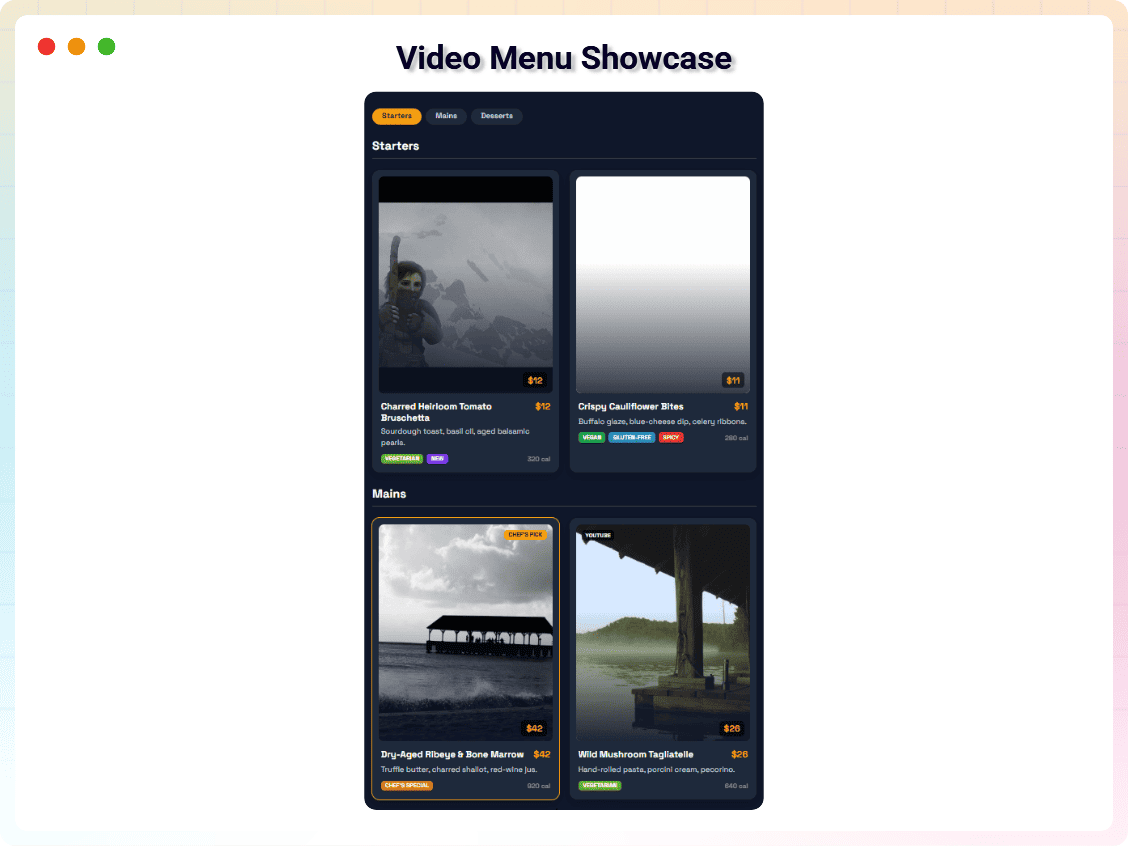
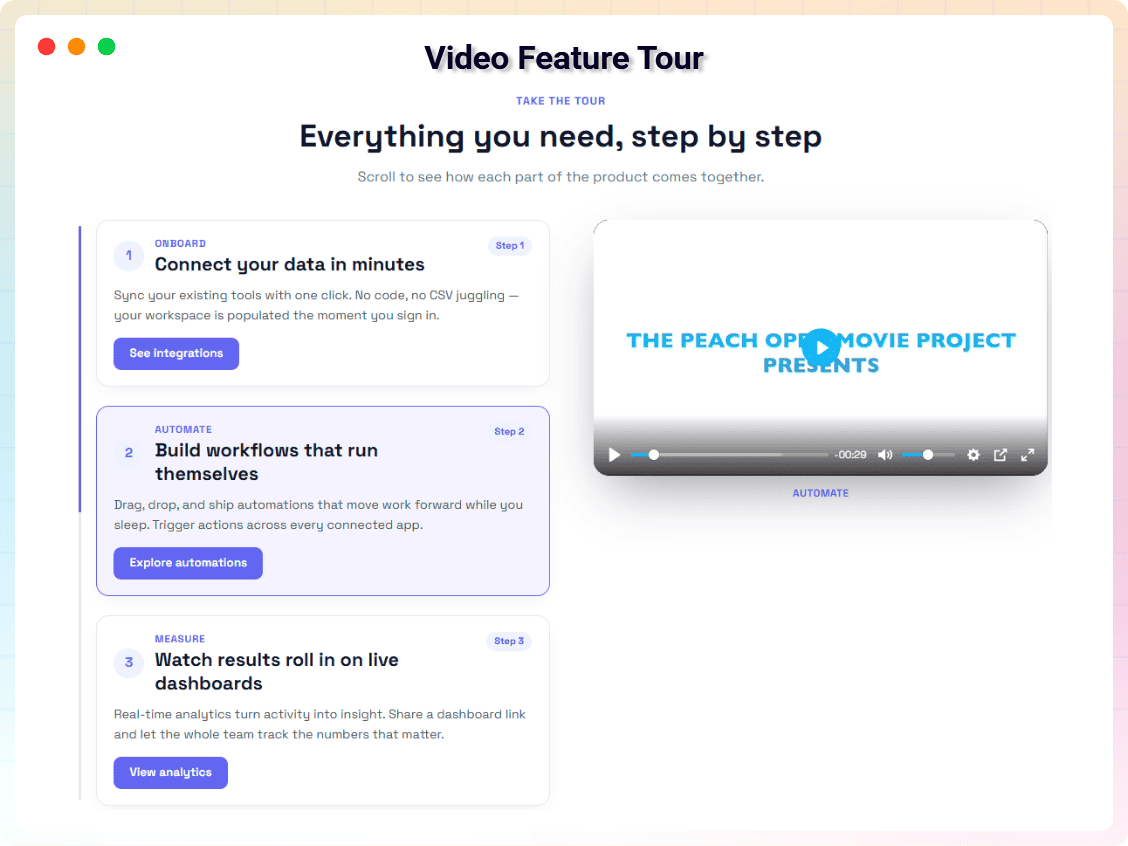
- 31 Premium Video Blocks: Video Slider, Carousel, Playlist Gallery, Masonry Video Grid, Lightbox Video Gallery, Parallax Row Video Gallery, Slider Autoplay Video, Video Testimonial Section, Video Podcast Episodes, Video Stories, Video Shorts Reel, Video Showcase Wall, Video Curriculum Accordion, Video Hotspot Scene, Video Tabs Gallery, Video Scrollytelling Showcase, Video Timeline Gallery, Video Bento Grid, Video Comparison Gallery, Video Justified Gallery, Video Expanding Panels, Video Wall with Floating Player (PiP), Video Swipe Deck, Video Marquee Wall, Video Flip Cards Gallery, Video Map Gallery, Video Property Tour Gallery, Video Workout Planner, Video Wedding Story Gallery, Video Menu Showcase, and Video Feature Tour.
- Masonry & Mixed Ratio Layouts: Dynamic masonry galleries and mixed aspect ratio grids.
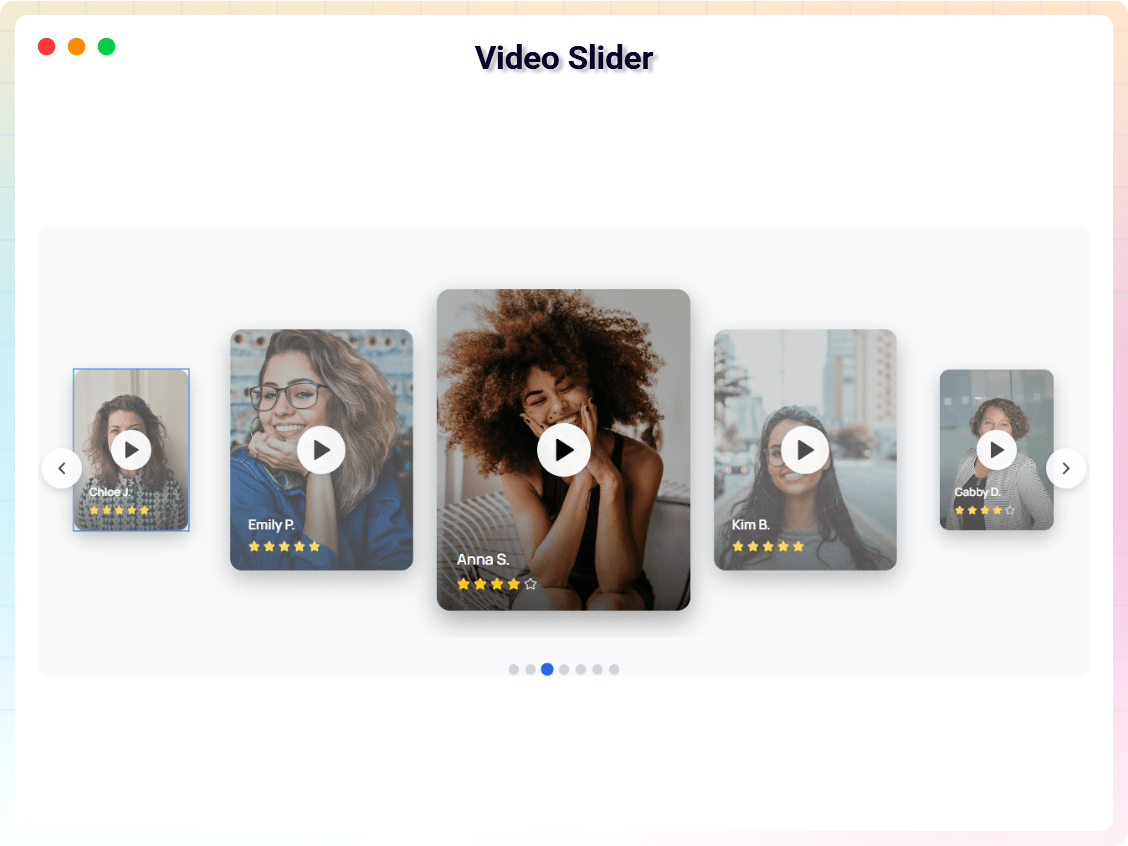
- Video Sliders & Carousels: Interactive sliders with autoplay and navigation controls.
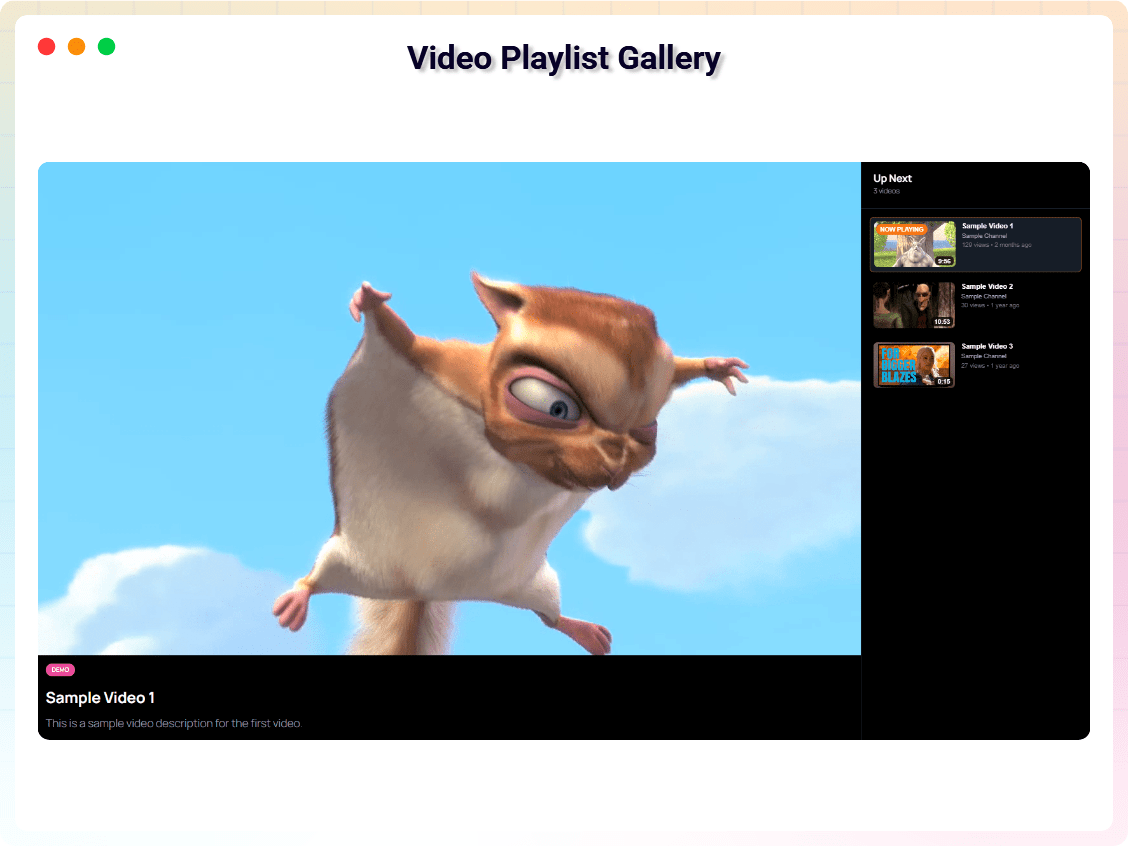
- Playlist Video Gallery: Organized playlists with navigation and sequential playback.
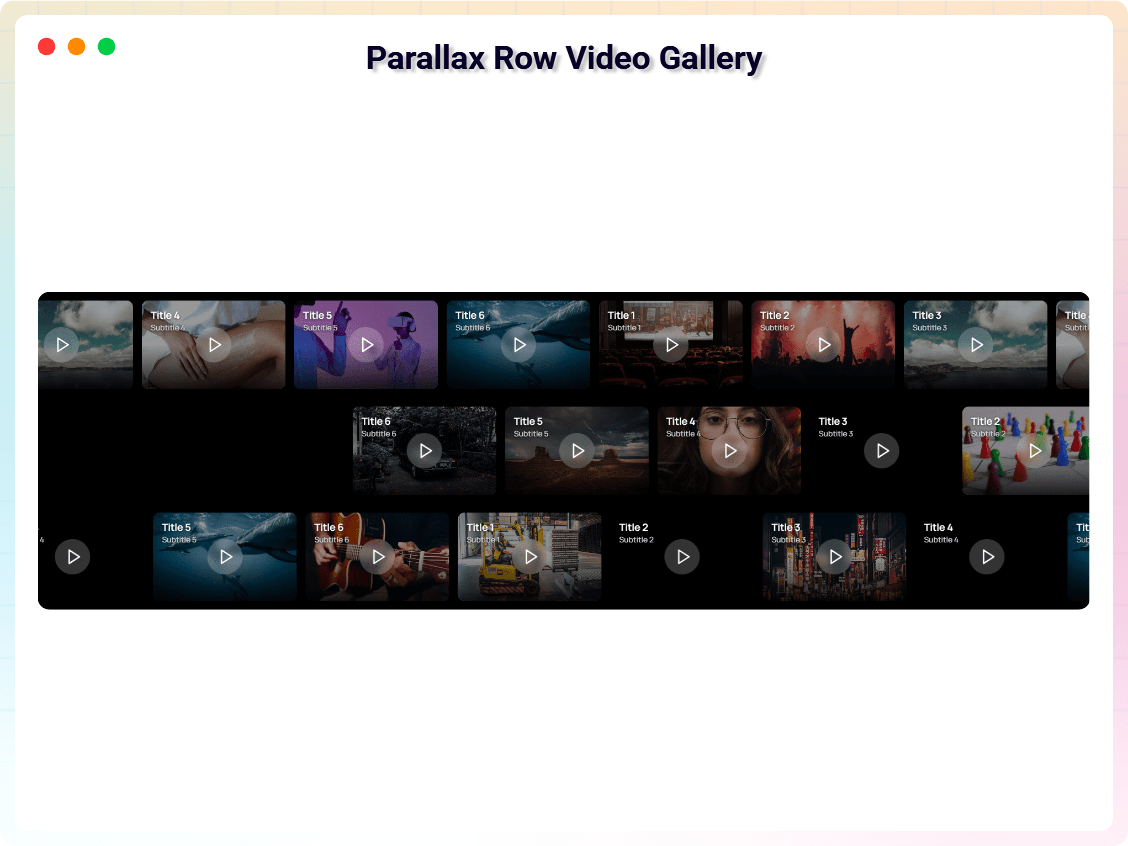
- Parallax Video Sections: Background video sections with parallax scrolling effects.
- Advanced Typography & Overlays: Customize titles, captions, and overlay effects per video.
- Custom Navigation & Player Controls: Control slider navigation, autoplay, and player interactions.
- WooCommerce Video Product Carousel: Show product videos in carousel layouts for WooCommerce stores.
- Priority Support: Faster assistance and updates.
Try the Video Gallery Block – Unlock all premium features now!
How to Use
- Open any page or post in the WordPress block editor (Gutenberg).
- Click the + (Add Block) button and search for Video Gallery Block, then insert it.
- Add video URLs from YouTube or Vimeo in the block settings panel.
- Create albums for filtering, adjust columns and layout, and customize styling; enable or disable filter buttons.
- Preview the page on different devices, then publish.
Using Premium Blocks: The Pro blocks (Video Slider, Parallax Row and the rest) come with the Pro plugin — install and activate it and they appear in the inserter alongside the free block. To see what they do first, use the Check Pro Version button in the block toolbar, or browse the live demos.
Live Demo | Get Video Gallery Block PRO
Use Cases
- Video Portfolios: Present your creative work in filterable galleries.
- Product Video Galleries: Showcase demos and product videos, including WooCommerce carousels (Pro).
- YouTube & Vimeo Collections: Curate channel content into organized albums.
- Training Libraries & Courses: Group lessons into albums, playlists, and curriculum accordions (Pro).
- Blog Video Galleries: Collect your embedded videos in one browsable place.
Feedback
- Did you like this plugin? Dislike it? Do you have a feature request? Please share your feedback with us
Check Out The Parent Plugin of This Plugin-
B Blocks – A blocks collection and page building tool for Gutenberg.
Related Plugins
Other plugins by our team:
Html5 Video Player – Display videos as single and playlist in multiple skins.
PDF Poster – Display/Embed PDF files with different styles.
Html5 Audio Player – Listen audios with awesome visuals.
StreamCast – Customizable radio player with different skins.
3D Viewer – Embed 3D models and 3D products with interaction.
Advanced Post Block – Show posts and custom posts in different layouts.
Source Code
The non-minified source code for this plugin is available on our public repository:
GitHub Repository
Third-Party Libraries
This plugin uses the following third-party libraries:
- plyr – MIT License (bundled at
public/js/plyr.js, powers the video player UI).
bpl-tools
- Source / GitHub: https://github.com/bPlugins/bpl-tools
- License: GPL-2.0-or-later – https://www.gnu.org/licenses/gpl-2.0.html
- Purpose: Shared utility library providing admin dashboard components and common Gutenberg editor controls.
- External Services: The library may connect to bPlugins, WordPress.org, and Freemius services for product data and checkout functionality. See full details: https://github.com/bPlugins/bpl-tools#external-requests–why-they-are-made
As the external service functionality is handled by bpl-tools as a third-party library, the following services are utilized:
bPlugins API
- Service URL: https://api.bplugins.com
- Purpose: The plugin’s admin dashboard fetches product comparison data and pricing information to display relevant upgrade options and feature details.
- Data Sent: Only the plugin slug is transmitted; no personal or site data is collected.
- Terms of Service: https://bplugins.com/terms-of-service/
- Privacy Policy: https://bplugins.com/privacy-policy/
WordPress.org Plugins API
- Service URL: https://api.wordpress.org/plugins/info/1.2/
- Purpose: The admin dashboard queries the official WordPress.org Plugins API to retrieve and display a curated list of other plugins by the same author (“Our Plugins” section).
- Data Sent: Plugin slugs and author name; no personal or site data is collected.
- Terms of Service: https://wordpress.org/about/tos/
- Privacy Policy: https://wordpress.org/about/privacy/
Freemius API
- Service URL: https://api.freemius.com
- Purpose: Handles license activation, premium feature verification, update checks, and opt-in telemetry for both free and pro versions.
- Data Sent: Site URL, admin email, license keys, and version numbers.
- Terms of Service: https://freemius.com/terms/
- Privacy Policy: https://freemius.com/privacy/
Build Process
This plugin uses a build process to generate the production assets (JS/CSS) located in the build/ directory. The human-readable source code is available in the src/ directory.
To build the plugin from source:
1. Clone the repository: https://github.com/bPlugins/video-gallery-block-free
2. Install dependencies: npm install
3. Run the build command: npm run build
Build Tools Used: Webpack, Babel, PostCSS, Gulp.
Screenshots
Blocks
This plugin provides 1 block.
- Video Gallery Block Create responsive video galleries with YouTube, Vimeo, albums, filters, and lightbox popups in the Gutenberg editor.
Installation
From your WordPress dashboard (recommended):
- Go to Plugins Add New.
- Search for “Video Gallery Block”.
- Click Install Now, then Activate.
- Add the Video Gallery Block to any post or page in the Gutenberg editor.
Manual installation:
- Download the plugin ZIP file.
- Go to Plugins Add New Upload Plugin and upload
video-gallery-block.zip, or upload the plugin folder to/wp-content/plugins/. - Click Install Now and activate the plugin from the Plugins menu.
FAQ
-
What can I build with this Gutenberg video gallery plugin?
-
Video Gallery Block helps you create responsive video galleries, YouTube galleries, Vimeo galleries, and video collections directly in the Gutenberg editor.
-
Can I create a YouTube video gallery in WordPress?
-
Yes. The free version supports YouTube videos and lets you organize them into responsive video gallery layouts.
-
Can I create a Vimeo video gallery in WordPress?
-
Yes. Vimeo videos are supported and can be displayed in responsive video galleries.
-
Can I create a video playlist gallery in WordPress?
-
Yes. The Pro version includes a Playlist Video Gallery block with navigation and sequential video playback.
-
Can I create a video gallery without Elementor?
-
Yes. Video Gallery Block works directly inside the WordPress Gutenberg editor without requiring Elementor or other page builders.
-
Is Video Gallery Block free?
-
Yes. The free version includes responsive video galleries, YouTube and Vimeo support, albums, filters, thumbnails, captions, and lightbox video popups. A Pro version is available with advanced layouts and features.
-
What extra features are included in Pro?
-
Pro unlocks sliders, carousels, advanced layouts, typography controls, and additional video sources.
-
Will the gallery slow down my site?
-
No. Scripts load only when the block is used, and videos load their data only when played, reducing bandwidth and CPU usage while keeping scrolling smooth.
-
Does it work with any WordPress theme?
-
Yes. It is compatible with all modern WordPress themes.
-
Can I customize the gallery design?
-
Yes. Free users can customize layout and basic styling. Pro users get advanced design controls.
-
Can I create multiple video galleries?
-
Yes. You can create unlimited galleries across your site.
-
Is it mobile-friendly?
-
Yes. The gallery is fully responsive, and you can set different column counts per device.
-
Can I use my own video files?
-
Yes. You can use YouTube and Vimeo in the free version. Self-hosted HTML5 and Wistia video sources are supported in select Pro layouts.
-
How do I get support?
-
Free users can use the WordPress.org support forum. Pro users receive priority email support.
Reviews


Contributors & Developers
“Video Gallery Block – showcase your videos in a filterable gallery” is open source software. The following people have contributed to this plugin.
Contributors


Translate “Video Gallery Block – showcase your videos in a filterable gallery” into your language.
Interested in development?
Browse the code, check out the SVN repository, or subscribe to the development log by RSS.
Changelog
1.5.3 – 15 September 2026
- Fix — Editor Hover Tooltip Visibility. Fixed an issue where the tooltip for the first row of videos in the gallery would be clipped by Gutenberg’s block boundaries.
- Fix — Editor Selection Border. Fixed an issue where the blue selection outline would be hidden behind poster images in the editor.
1.5.2 – 12 September 2026
- New — Animated Album Filtering. Switching album filters now features smooth FLIP layout transitions (sliding into position, fade-in, and scale effects) without relying on jQuery or external libraries like Isotope.
- New — Editor Interaction & Double-Click Preview. In the Gutenberg editor, single-clicking a video thumbnail selects it for editing in the sidebar, while double-clicking opens the lightbox preview directly.
- Fix — Editor Hover Tooltip Visibility. Fixed an issue where the editor interaction hint tooltip (“Click to select · Double-click to preview”) was clipped and hidden by thumbnail overflow rules.
1.5.1 – 9 September 2026
- New — Sort Order. Show the gallery in the order you added the videos, or set it to Newest First / Oldest First and let the block keep it sorted automatically — useful after a Bulk Import, where re-ordering dozens of videos by hand was the alternative.
- New — Row Alignment. When the last row of a gallery doesn’t fill every column, it can now be aligned left, center, or right instead of being left stretched to one side by default.
- New — Per-Device Column & Row Gap. Column Gap and Row Gap are now set separately for desktop, tablet, and mobile, matching how the column count already worked per device.
- New — Facebook Video Support. Facebook videos can be added to a gallery alongside YouTube and Vimeo. Playback uses Facebook’s public embed player, which needs no app registration or API key — unlike Facebook’s oEmbed API, which does.
- New — GDPR Consent-Gated Embeds. An “Require Consent Before Playing” option shows a consent overlay in place of the player until a visitor agrees, so no third-party YouTube/Vimeo/Facebook cookie is set before that. The choice is remembered in the visitor’s browser.
- New — Google Analytics 4 Video Tracking. A “Send Video Play Events to Google Analytics” option pushes a
video_startevent towindow.dataLayer— with the video’s title, provider (YouTube/Vimeo/Facebook/other), and URL — every time a visitor opens a video. Works with GA4 or Google Tag Manager already installed on the site; nothing else to configure. - New — Cached Thumbnails. YouTube and Vimeo thumbnails are now downloaded into your Media Library the first time they’re needed and served from your own site after that. Every visitor’s browser used to fetch them straight from YouTube or Vimeo on every page view; that’s now one request, ever, per video, and a thumbnail can never 404 again just because a provider reshuffled its sizes. Warms up gradually — at most one new thumbnail is cached per page view, so a gallery full of uncached videos never turns a single visit into a dozen downloads at once.
- New — Load More Pagination. A “Videos Per Page” setting under Layout Settings starts the gallery with that many tiles and reveals the rest, a page at a time, behind a Load More button. Off by default (0 = show everything, unchanged from before) so no existing gallery’s appearance changes on upgrade.
- New — YouTube Shorts Filter. An Options-panel control to show every video, hide Shorts, or show only Shorts — useful once Bulk Import has pulled in a mixed batch. Shorts are recognised from the link itself, so this needs no API key and no per-video tagging.
- New — Play Icon on Thumbnails. A small play icon now sits over every tile by default, so a gallery reads as video content before anyone hovers or clicks — can be turned off under Options. Once it’s on, Style Item lets you set its color, background, size, and how much it zooms in on hover (or turn that zoom off entirely).
- New — Item Border & Shadow. Style Item now has the same Border and Shadow controls the overall gallery box already had, but for each individual tile — rounded corners and a drop shadow on the thumbnails themselves, not just the gallery container.
- Fix — Filter button active/hover colors. The “Button Hover/Active Colors” control under Style Filter had no effect on the active (“current”) filter button and, on the Load More button, could leave the hover color applied permanently instead of only on hover. Both now behave as the labels say.
- Fix — Custom player controls in the lightbox. Videos opened in the lightbox now consistently get the plugin’s Plyr-based player controls instead of occasionally falling back to the browser’s default video controls.
1.5.0 – 7 September 2026
- New — Bulk Import. Paste a list of video links, one per line, and the whole gallery is built: each video arrives with its title and poster already filled in, resolved through WordPress own oEmbed proxy so there is no API key to obtain and no third-party service involved. Duplicate links and lines that are not links are skipped and reported rather than silently added. Adding twenty videos was sixty fields of typing; it is now one paste.
- New — Thumbnail Shape. Tiles can be 16:9, 4:3, 1:1 or 9:16 instead of a fixed pixel height, so vertical Shorts and Reels stop being cropped to a letterbox. Importing a gallery made entirely of Shorts links sets 9:16 on its own. Galleries built before this option keep the exact height they had.
- New — Video SEO markup, in the free version. Each video in a gallery is now described to search engines with Schema.org
VideoObjectJSON-LD: title, thumbnail, publish date and the player URL. It is what lets a gallery show up as a video result rather than as an unreadable grid, and it is the same markup AI search reads. Every comparable free plugin sells this as a premium feature. There is a Video SEO markup toggle under Options for sites whose SEO plugin already does it. - Only videos that have a caption and a fetchable thumbnail are described — an invented title is worse for a site than no markup at all. Pasting a YouTube or Vimeo URL fills the caption in automatically, so this usually needs no work.
- Fixed: a gallery placed with the
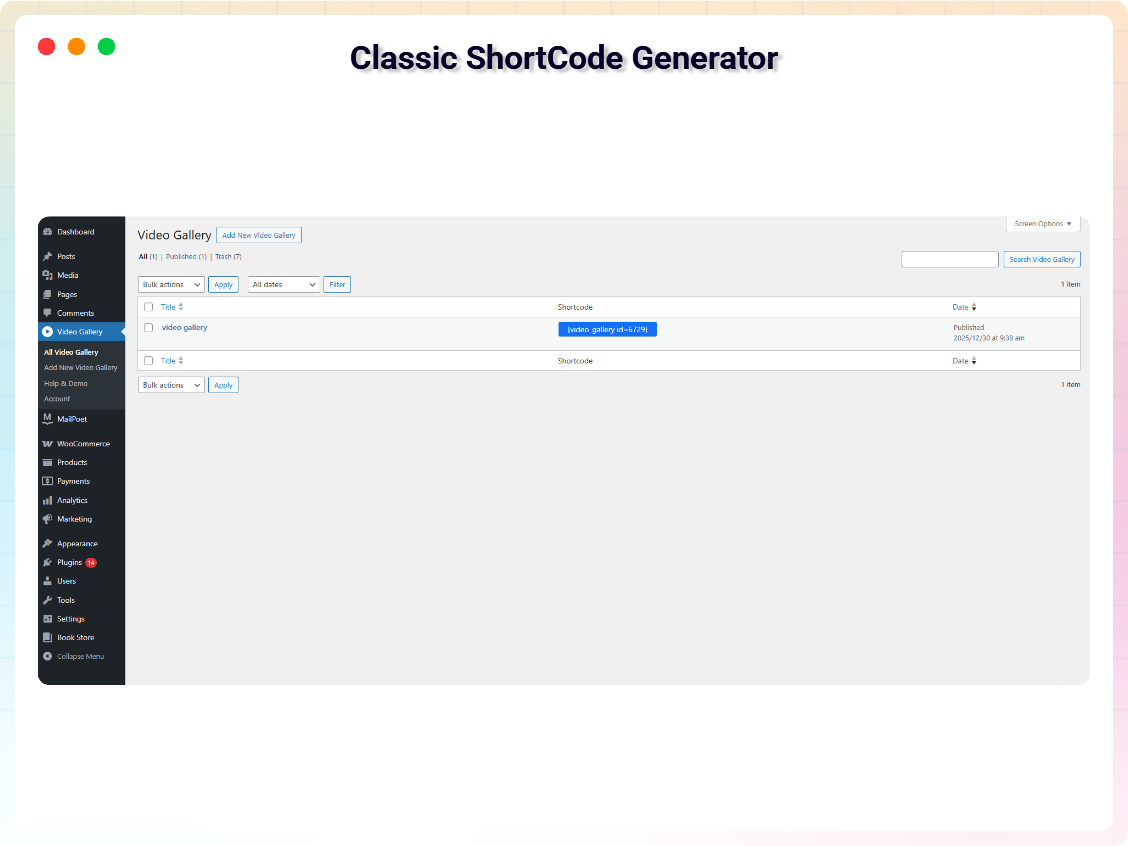
[video_gallery]shortcode had its SEO markup stripped, because the shortcode ran the whole rendered gallery throughwp_kses_post(), which allows no<script>at all. The shortcode now checks the block it is rendering instead, which is the stricter half of what that filter was standing in for. - The gallery is now rendered by the server, not built from scratch in the browser after the page loads. Search engines see the videos, thumbnails and captions; the space where the gallery goes is no longer blank while the page waits on JavaScript; and a gallery still works as a list of video links if that JavaScript never arrives.
- Fixed: the gallery never appeared on sites that delay JavaScript. The block only ever listened for
DOMContentLoaded, which performance plugins (WP Rocket’s “Delay JavaScript execution”, LiteSpeed, Perfmatters) run scripts after. On those sites visitors saw an empty space. - Fixed: tablet and mobile column counts. Items kept a pixel gutter that the responsive rules did not account for, so each was wider than the column it had to fit — a gallery set to two columns on tablet rendered one.
- Fixed: album filters broke for any album name that was not plain English. Album classes were slugified from the name, which dropped every Bengali, Cyrillic, Arabic and CJK character and produced an invalid selector; names starting with a digit did too, and names that slugified alike (“Music Videos” and “music-videos”) collided. Albums are now identified by position.
- Fixed: broken YouTube thumbnails. The block always asked for
maxresdefault.jpg, which does not exist for every video. Thumbnails now step down through the sizes YouTube actually has. - Vimeo thumbnails. Pasting a Vimeo URL now fills in the title and the poster, the same as YouTube. Existing Vimeo videos have their thumbnail resolved on the server and cached.
- Fixed: captions with formatting showed the visitor literal
<b>tags. - Fixed: one broken gallery took down every other gallery on the page.
- Fixed: galleries appeared in the site’s own search results, and following the result landed on the front page. The Video Gallery post type is admin-only now; nothing about editing changes.
- Fixed: closing a lightbox could break other galleries — and any other plugin using the same lightbox — on the same page. The lightbox also opens over the page now rather than inside the gallery, so themes can no longer clip it.
- Fixed: the editor’s Get Premium link never pointed at the local pricing screen, and the editor never loaded its translations. Both were attached to a script handle that does not exist (
vgb-video-gallery-block-editor-scriptrather thanvgb-video-gallery-editor-script). - Added: a Show Filter Bar toggle. The setting existed in the block’s data but was never read, and there was no control for it.
- Removed jQuery and Isotope from the front end (about 120 KB less JavaScript). Filtering is no longer silently dead on sites that defer or dequeue jQuery, and the front-end layout now matches the editor.
- Thumbnails are lazy-loaded and carry
alttext; filter buttons and thumbnail links carry accessible labels. - Video URLs are looked up through WordPress’s own embed proxy instead of a third-party service the site owner never agreed to.
- Fixed a stray
alignclass on every gallery, a stylesheet rule that forced the dash icons font onto unrelated elements on the front end, and two galleries on one page overriding each other’s poster fit.
1.4.1 – 24 June 2026
- Improved block metadata, keywords, and search discoverability in the Gutenberg editor.
1.4.0 – 18 June 2026
- Added 23 new premium blocks including Video Shorts Reel, Video Showcase Wall, Video Curriculum Accordion, Video Hotspot Scene, Video Tabs Gallery, Video Scrolly telling Showcase, Video Timeline Gallery, Video Bento Grid, Video Comparison Gallery, Video Justified Gallery, Video Expanding Panels, Video Wall with Floating Player (PiP), Video Swipe Deck, Video Marquee Wall, Video Flip Cards Gallery, Video Map Gallery, Video Stories, Video Podcast Episodes, Video Property Tour Gallery, Video Workout Planner, Video Wedding Story Gallery, Video Menu Showcase, and Video Feature Tour.
- Introduced a redesigned admin dashboard with an improved user experience.
- Performance: Greatly improved page performance when several video blocks are used on the same page.
- Performance: Videos no longer load data in the background — they now load only when played (on hover or click), reducing bandwidth and CPU usage and keeping scrolling smooth.
- Parallax Row Video Gallery: Fixed scroll stuttering by switching the parallax effect to GPU-accelerated, requestAnimationFrame-based updates and rendering posters instead of video elements until played.
- Video Carousel Gallery: Cards now show a poster image and load the video only on hover; off-screen videos are fully released.
- Video Slider: Now uses click-to-play, so videos no longer stream in the background.
- Video Testimonial Section: Idle cards render lightweight poster images instead of video elements, and card heights are now consistent.
- Video Playlist Gallery: Up Next durations now load lazily, and fixed an issue where selecting a video from the playlist did not start playing.
- Minor fixes and styling updates.
1.1.2 – 10 May 2026
- Compliance updates and security enhancements for directory guidelines.
1.1.1 – 12 Aug 2025
- Fixed minor issues.
- Added 8 new block styles.
- Added new short code styles.
- Added a new dashboard.
1.1.0 – 30 Jan 2025
- Updated Fancybox library to v5.
1.0.8 – 27 Nov 2024
- Added option to hide the “All” album filter.
1.0.7 – 27 Nov 2024
- Added custom label option for common filter.
1.0.6
- Added gallery shadow options.
1.0.5
- Improved vertical video height handling.
1.0.4
- Added video captions.
- Prevented loading scripts when the block is not used.
1.0.3
- Added translation support.
1.0.2
- Fixed add/remove video issues.
1.0.1
- Automatic video thumbnail generation.
1.0.0
- Initial release.