

Description
Vacuum Image Optimizer is a modern, lightweight image optimization toolkit for WordPress. It shrinks your image footprint by generating next-generation WebP and optional AVIF files locally, while always keeping your original files safe and untouched.
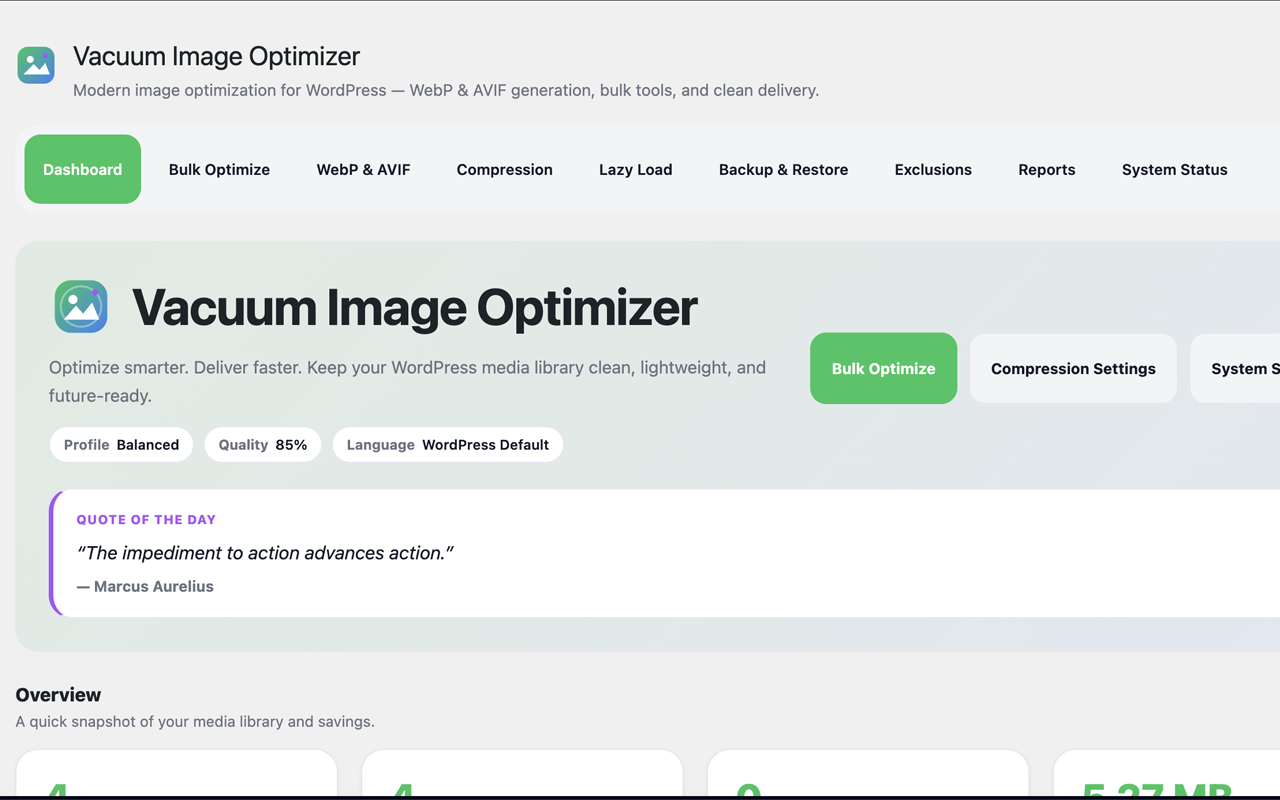
Everything happens inside a clean, friendly admin interface — no command line, no external services, and no account required.
Unlike optimizers that rewrite originals or depend on a remote API, Vacuum writes generated formats alongside the source image, can keep restorable backups, and serves WebP/AVIF on the frontend without changing stored media URLs.
What it does
- WebP generation — Create optimized WebP copies of your JPEG and PNG images using Imagick or GD.
- AVIF generation — Optionally generate AVIF, a newer format that is often even smaller than WebP, as a parallel format.
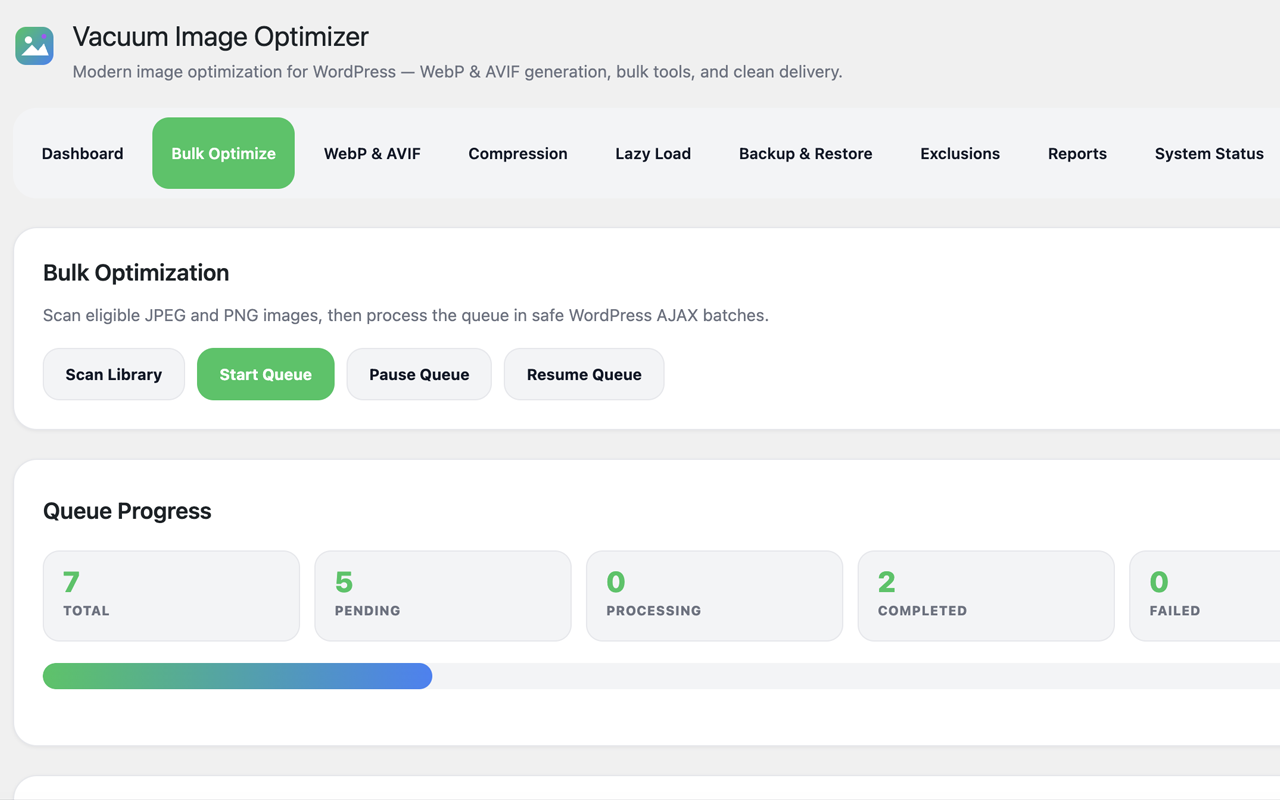
- Bulk optimization — Scan your media library and process eligible images in safe, batched background steps.
- Queue processing — A reliable queue runs work in small WordPress AJAX batches you can start, pause, and resume.
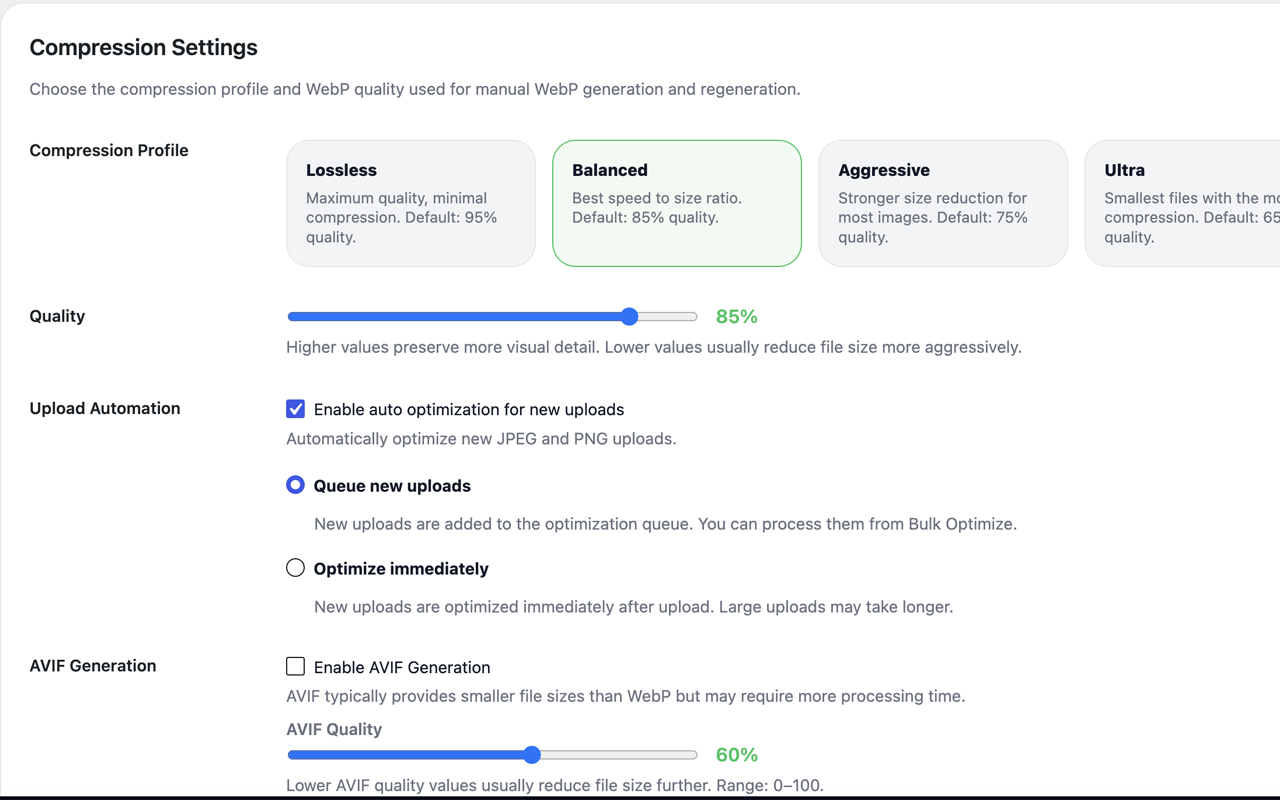
- Upload automation — Automatically optimize new JPEG and PNG uploads, either by queueing them or processing them immediately.
- Frontend delivery — Serve generated WebP/AVIF on the frontend with automatic, safe fallback to the original image — your media URLs in the database are never changed.
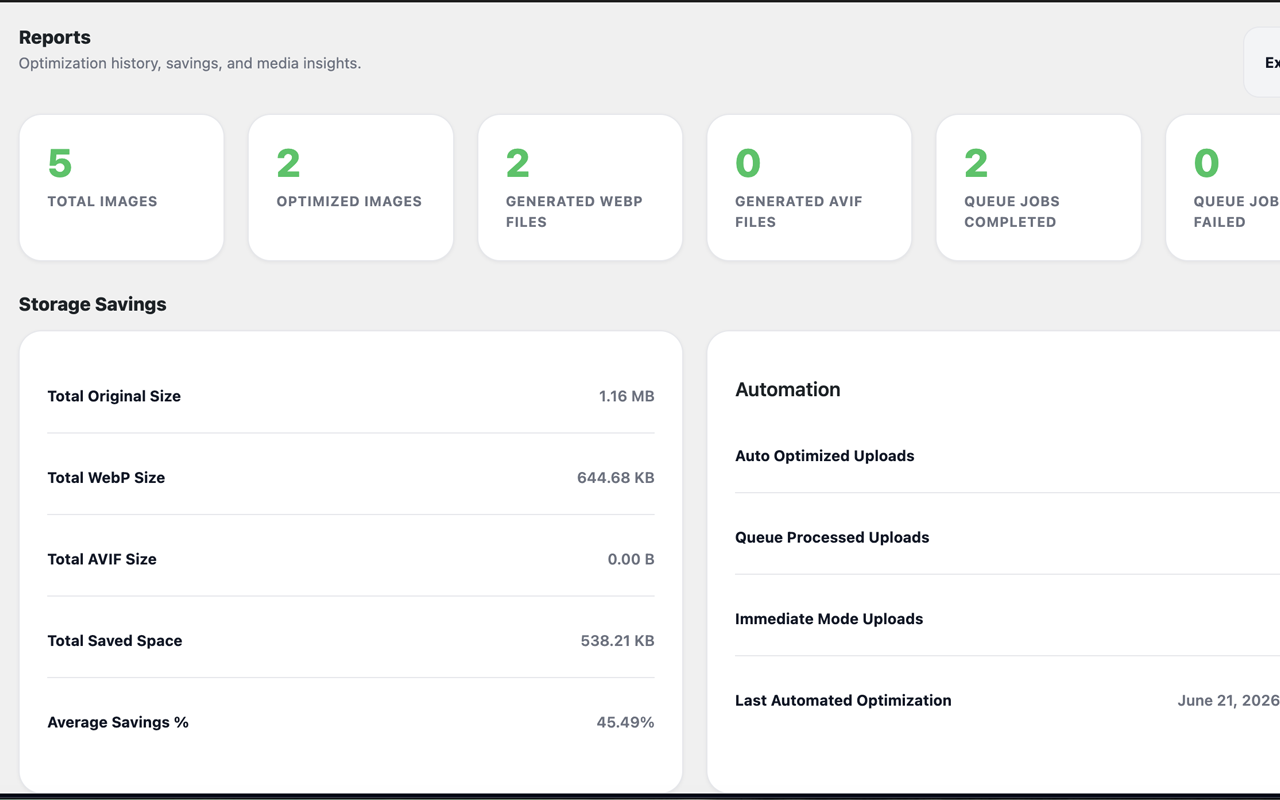
- Reports — See storage savings, recent activity, top savings, format distribution, and automation stats, with one-click CSV export.
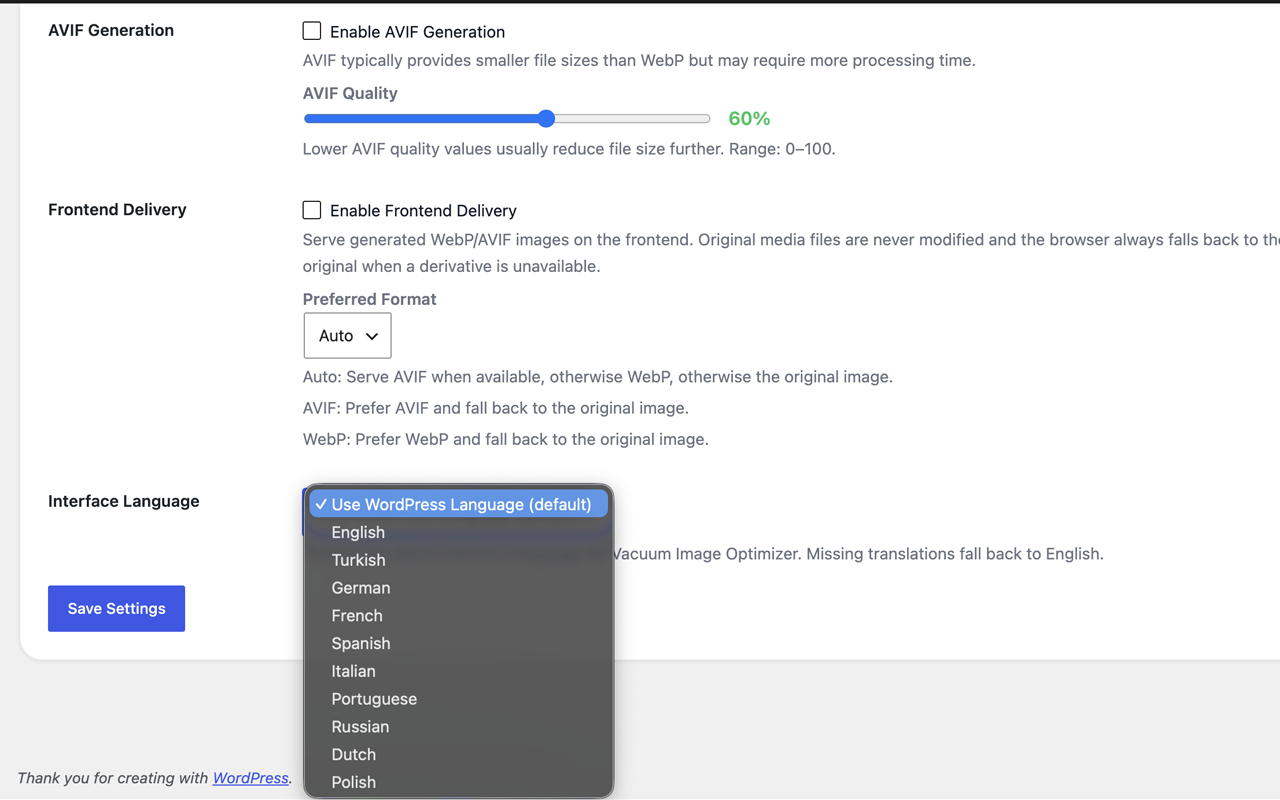
- Localization — Fully translatable, shipping with 9 bundled languages plus an in-plugin interface-language selector.
- Local processing — No external API dependency; optimization runs on your WordPress server.
Safe by design
Vacuum never modifies or deletes your original images. Optimized formats are written alongside the originals, optional backups can be kept, and a one-click restore brings originals back at any time.
Features
- WebP image generation (Imagick or GD)
- AVIF image generation as a parallel format
- Bulk optimization with a start/pause/resume queue
- Automatic optimization of new uploads (queue or immediate mode)
- Non-destructive frontend delivery with original fallback
- Native browser lazy loading (no JavaScript)
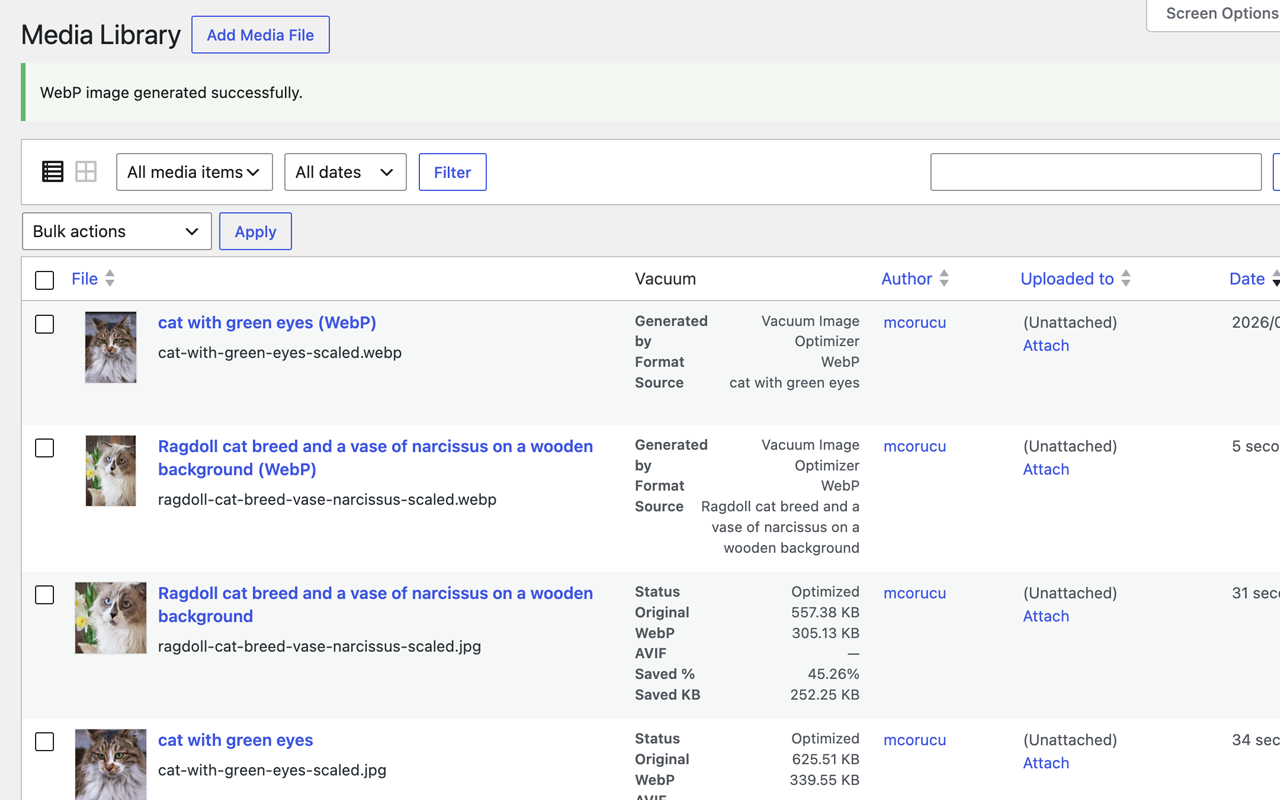
- Per-image WebP/AVIF actions in the Media Library
- Generated derivatives registered as Media Library items
- Original backups and one-click restore
- Local processing with no external API dependency
- Compression profiles and adjustable quality
- GIF and SVG eligibility exclusions
- Reports dashboard with CSV export
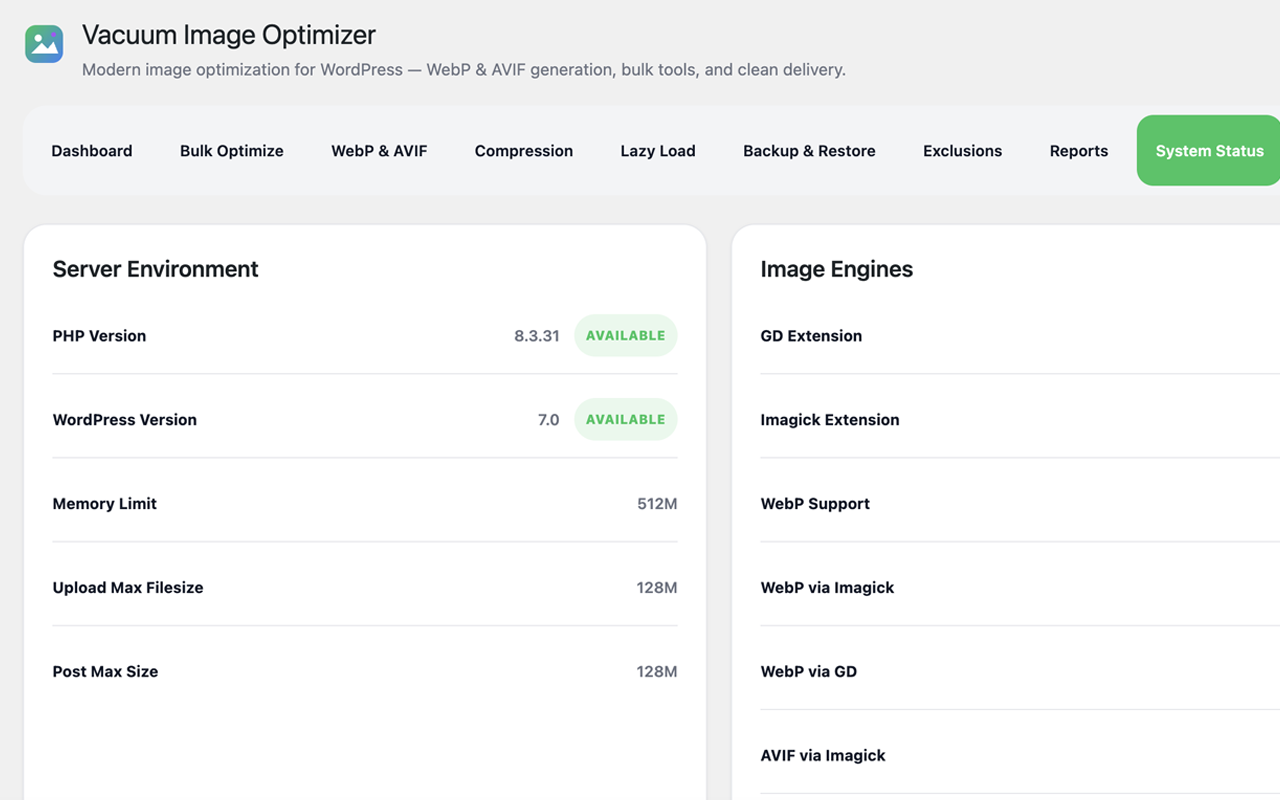
- System status and production-readiness checks
- Interface language selector with 9 bundled translations
- Clean, accessible, mobile-responsive admin UI
Screenshots
Installation
- Upload the
vacuum-image-optimizerfolder to the/wp-content/plugins/directory, or install the plugin through the Plugins Add New screen in WordPress. - Activate the plugin through the Plugins screen.
- Go to Media Vacuum Image Optimizer to open the dashboard.
- Open the Compression tab to choose a compression profile and quality, and to optionally enable AVIF, upload automation, and frontend delivery.
- Open the Bulk Optimize tab, click Scan Library, then Start Queue to optimize existing images.
FAQ
-
Does Vacuum replace my original images?
-
No. Your original files are never modified or deleted. Optimized WebP/AVIF copies are created alongside the originals, and the frontend always falls back to the original when needed.
-
Does it support AVIF?
-
Yes. AVIF generation is available as a parallel format when your server supports it (via Imagick or a GD build with AVIF). If AVIF is unavailable, WebP and originals continue to work normally.
-
Can I restore my originals?
-
Yes. When backups are enabled, each original is copied before optimization, and you can restore it at any time from the per-image Restore action in the Media Library.
-
Does it support bulk optimization?
-
Yes. The Bulk Optimize tab scans eligible JPEG and PNG images and processes them in safe, batched steps that you can start, pause, and resume.
-
Does it work with WooCommerce?
-
Yes. Frontend delivery hooks into the standard WordPress image functions used by WooCommerce product and gallery images, so generated formats are served automatically with fallback to originals.
-
Does it support multilingual sites?
-
The admin interface is fully translatable and ships with 9 languages. You can also pick a specific interface language in the Compression settings, independent of the site language.
-
Will it change my image URLs in the database?
-
No. Frontend delivery swaps URLs only at render time based on browser support and file availability. Your stored attachment URLs are never altered, so the feature is fully reversible.
-
What are the requirements?
-
WordPress 6.2+ and PHP 8.1+. WebP/AVIF generation requires the Imagick or GD extension with the relevant format support, which you can verify on the System Status tab.
Reviews
There are no reviews for this plugin.
Contributors & Developers
“Vacuum Image Optimizer” is open source software. The following people have contributed to this plugin.
Contributors
Translate “Vacuum Image Optimizer” into your language.
Interested in development?
Browse the code, check out the SVN repository, or subscribe to the development log by RSS.
Changelog
0.9.0
- Initial public release candidate.
- WebP generation engine (Imagick/GD).
- AVIF generation engine as a parallel format.
- Bulk optimization with a start/pause/resume queue and batched AJAX processing.
- Upload automation with queue and immediate modes.
- Non-destructive frontend delivery with original fallback and native lazy loading.
- Media Library integration: per-image actions, status column, and registered derivative attachments.
- Original backups and one-click restore.
- Compression profiles, adjustable quality, and GIF/SVG exclusions.
- Reports dashboard with storage savings, recent activity, top savings, format distribution, and CSV export.
- System status and production-readiness checks.
- Full internationalization with 9 bundled languages and an interface-language selector.