

Description
Easy Newsletter Builder, by UORealms, helps site owners create attractive newsletters with a guided builder, rich editors, image controls, live preview, and finished newsletter code.
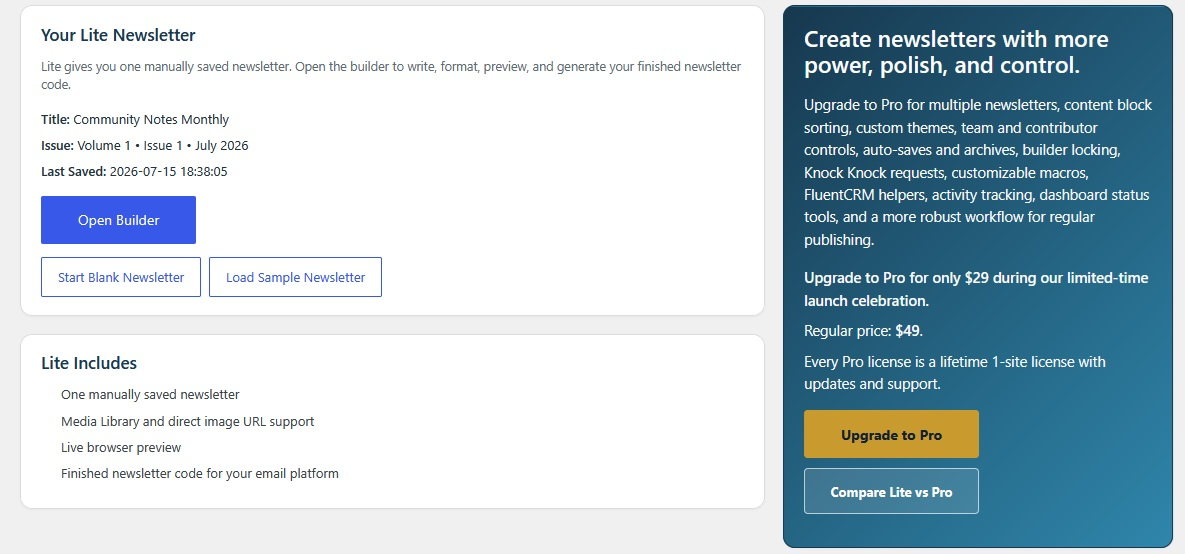
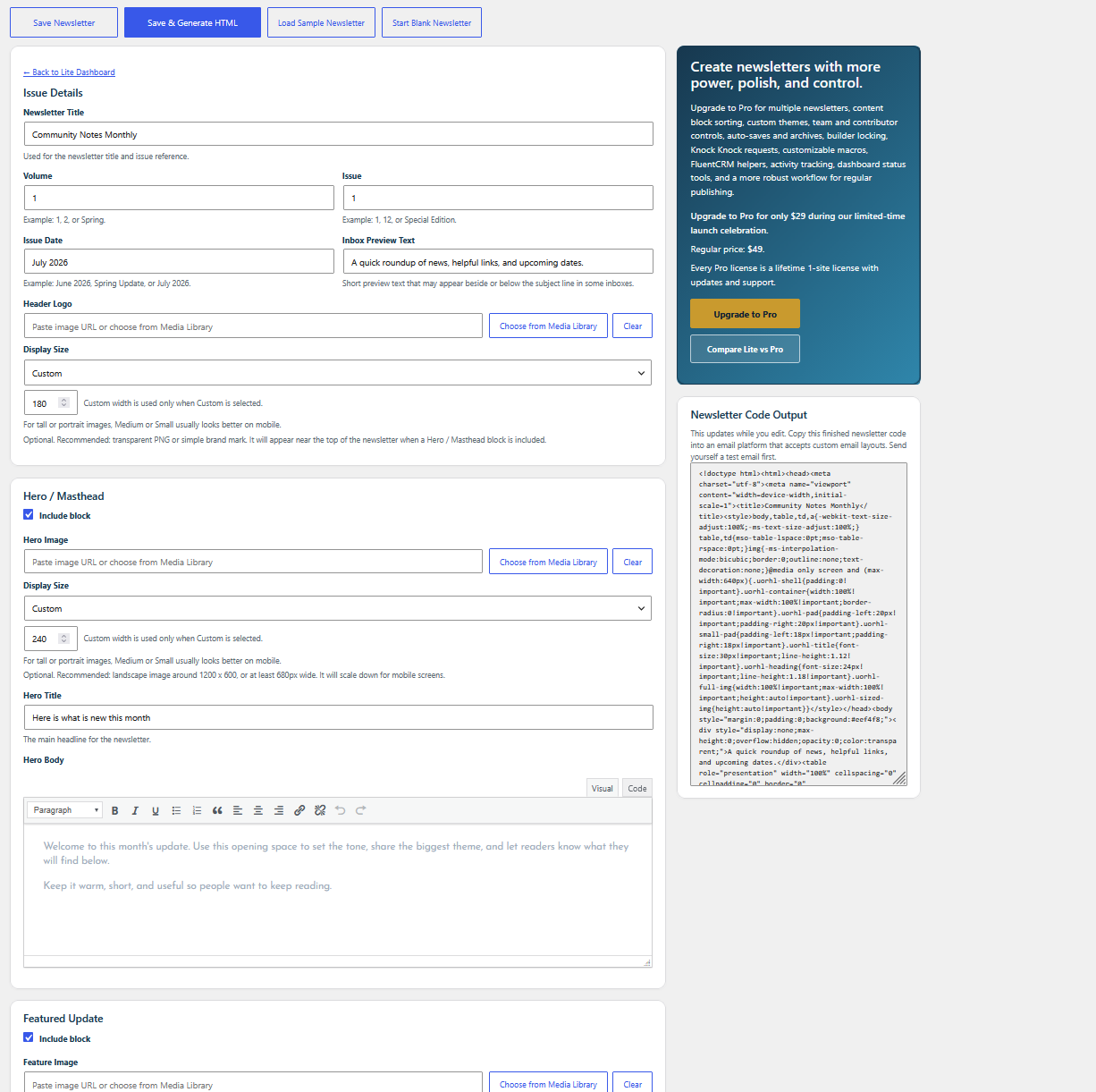
The Lite version gives you a simple newsletter workspace with issue details, a hero/masthead area, featured update, latest updates, custom sections, final call to action, footer content, optional section controls, and preview tools.
This plugin is a newsletter builder, not a mailer. It does not send campaigns, manage subscribers, process unsubscribes, or replace your email marketing service. Instead, it helps you create polished newsletter content and finished HTML that you can use with email platforms that accept HTML, such as FluentCRM, Mailchimp, MailPoet, or the platform you already use.
Lite includes:
- One saved newsletter workspace.
- Blank or sample starting options.
- Rich editors for newsletter body fields.
- Media Library image selection and direct image URLs.
- Image size controls.
- Include block controls and flexible custom sections.
- Per-button new-tab/window options.
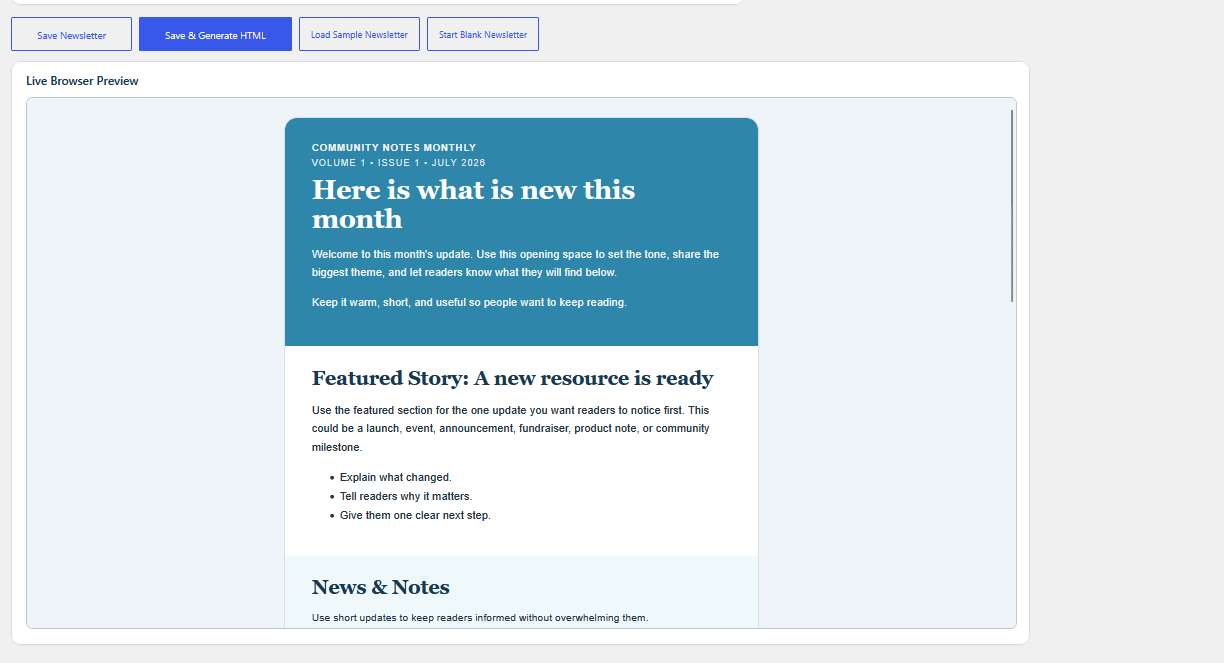
- Live browser preview.
- Finished newsletter code for use in compatible email platforms.
For users who want more power, more control, team collaboration, or a stronger workflow for frequent newsletters, Easy Newsletter Builder Pro adds multiple newsletters, content block sorting, custom themes, team and contributor controls, auto-saves, archives, restore tools, builder locking, Knock Knock requests, customizable macros, FluentCRM helpers, activity tracking, dashboard status tools, and a more robust publishing workflow.
Screenshots
Installation
- Install the plugin from Plugins > Add New, or upload the plugin folder to
/wp-content/plugins/. - Activate Easy Newsletter Builder.
- Open Easy Newsletter from the admin menu.
- Start with a blank newsletter or load the sample newsletter.
- Build, preview, and copy the finished newsletter code into your email platform.
FAQ
-
Does this plugin send email campaigns?
-
No. Easy Newsletter Builder helps you create the newsletter. Your email platform handles subscribers, delivery, unsubscribe handling, and sending.
-
Yes. Lite includes one saved newsletter workspace.
-
Yes. Lite can start blank, and the sample newsletter is available as an intentional Load Sample Newsletter action.
-
Can I choose which sections appear?
-
Yes. Main Lite sections include Include block controls so you can hide sections you do not need.
-
Can I add my own extra sections?
-
Yes. Lite includes flexible custom sections so you can add extra newsletter content beyond the standard sections. Use them for announcements, resources, sponsor notes, reminders, links, event details, or anything else your newsletter needs.
-
Can I use formatting without writing HTML?
-
Yes. Lite uses rich editors for body fields, so you can write and format newsletter content more comfortably.
-
Can I add images?
-
Yes. Lite supports Media Library image selection, direct image URLs, and image display size controls.
-
Does this work with FluentCRM, Mailchimp, MailPoet, or similar platforms?
-
The finished newsletter code can be used with email or newsletter platforms that accept HTML. Always send a test email from your sending platform before sending to your full list.
-
What does Pro add?
-
Pro adds multiple newsletters, content block sorting, custom themes, team and contributor controls, auto-saves, archives, restore tools, builder locking, Knock Knock requests, customizable macros, FluentCRM helpers, activity tracking, dashboard status tools, and a more robust publishing workflow.
Reviews
There are no reviews for this plugin.
Contributors & Developers
“Easy Newsletter Builder” is open source software. The following people have contributed to this plugin.
Contributors
Translate “Easy Newsletter Builder” into your language.
Interested in development?
Browse the code, check out the SVN repository, or subscribe to the development log by RSS.
Changelog
1.0.19
- Moved the Pro reminder from a Dashboard widget to a dismissible admin notice.
- Improved Lite-to-Pro price spacing and comparison-modal feature wording.
- Removed expected basics from the comparison table and emphasized Pro workflow features.
- Plugin Check confirmed clean.
1.0.18
- Fixed escaping notices reported by Plugin Check in newsletter output rendering.
- Shortened the readme short description to fit WordPress.org limits.
1.0.17
- Updated the Lite-to-Pro upgrade card and dashboard notice copy.
1.0.16
- Renamed Newsletter Basics to Issue Details.
- Added Volume, Issue, Inbox Preview Text, and Header Logo fields.
- Changed fresh Lite installs to start blank while keeping the sample newsletter available.
1.0.15
- Added Include block controls.
- Added rich editors for Lite body/content fields.
- Consolidated the Lite footer into a single Footer Body editor.
- Added per-button new-tab/window options.
1.0.14
- Addressed WordPress.org review feedback.
- Moved active admin CSS and JavaScript into WordPress enqueue handling.
- Updated contributor information.
1.0.0
- Initial Lite package.