

Description
TheLaTeXLab – Citations & Bibliography is a WordPress citation plugin and bibliography plugin for academic bloggers, PhD students, postdocs, and research labs. Easily add citations and a bibliography in your WordPress website: paste a DOI, PubMed ID, ISBN, or arXiv ID and get a clean in-text citation and automatically generate a bibliography in APA, MLA, Chicago, IEEE, Vancouver, and other citation styles.
Perfect for academic blogs, university websites, research group websites, online journals, and personal publication pages.
A modern, actively maintained citation tool, it works as an up-to-date citation and BibTeX plugin for WordPress. It runs in both the block editor (Gutenberg) and the Classic Editor, and it does not lock your content: deactivate the plugin and your in-text citations stay readable as plain text. If you have been looking for an easy way to cite research papers and sources in WordPress, or to turn a DOI into a citation and bibliography, this is the plugin for it.
Full documentation and a step-by-step guide on how to use the plugin: TheLaTeXLab – Citations & Bibliography documentation and how-to guide.
Insert citations from identifiers
- DOI to BibTeX: paste a DOI, get the verified record from CrossRef.
- PubMed to BibTeX: paste a PubMed ID (PMID) or PMC ID.
- ISBN to BibTeX: paste an ISBN-10 or ISBN-13.
- arXiv to BibTeX: paste an arXiv ID.
- Paste a URL from doi.org, arxiv.org, PubMed, or a publisher page and the plugin extracts and verifies the identifier. A citation is produced only when it can be confidently verified against the source, never guessed.
- Import existing libraries: BibTeX (.bib) and RIS (.ris) upload.
Auto-format a bibliography
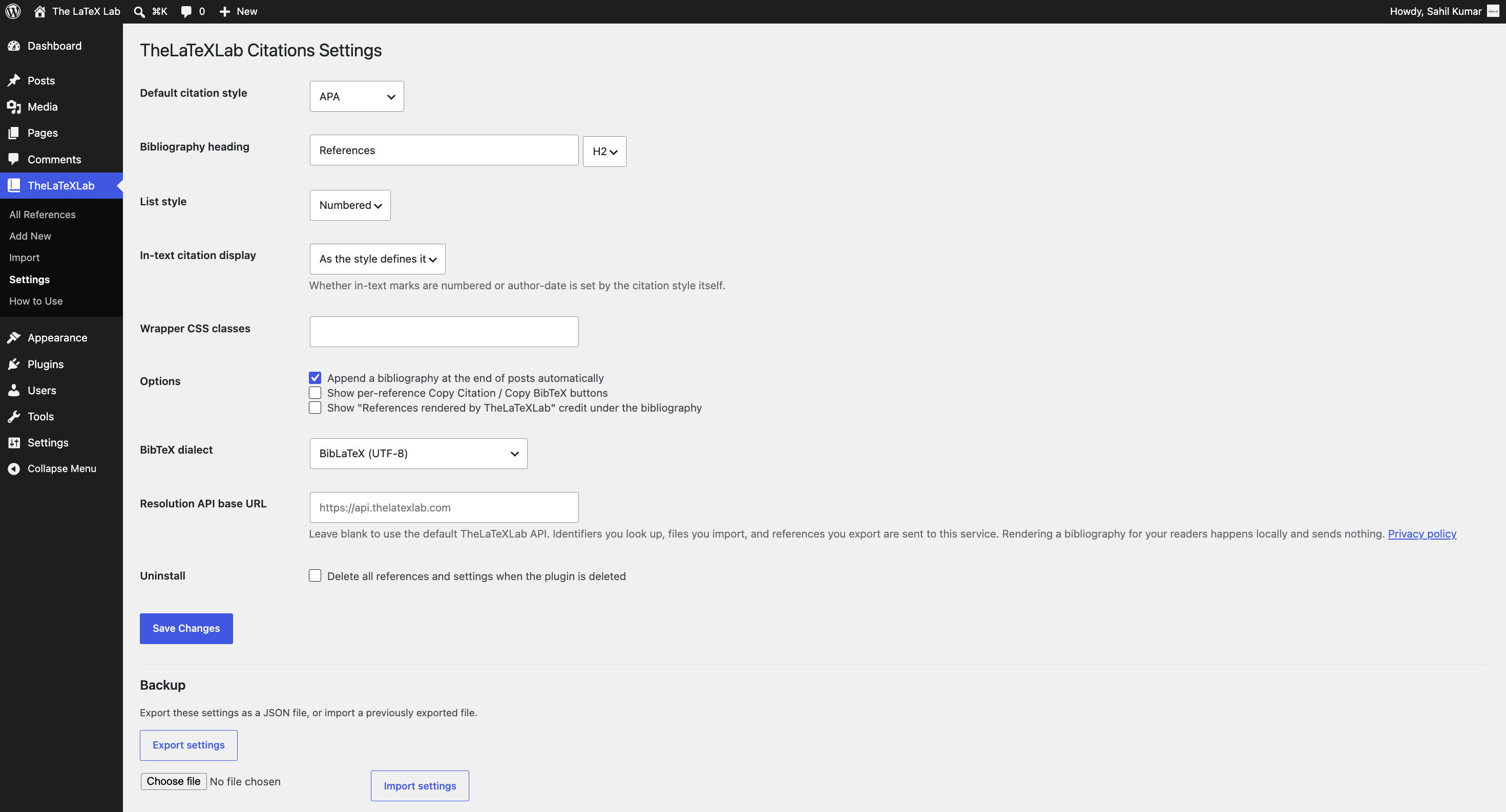
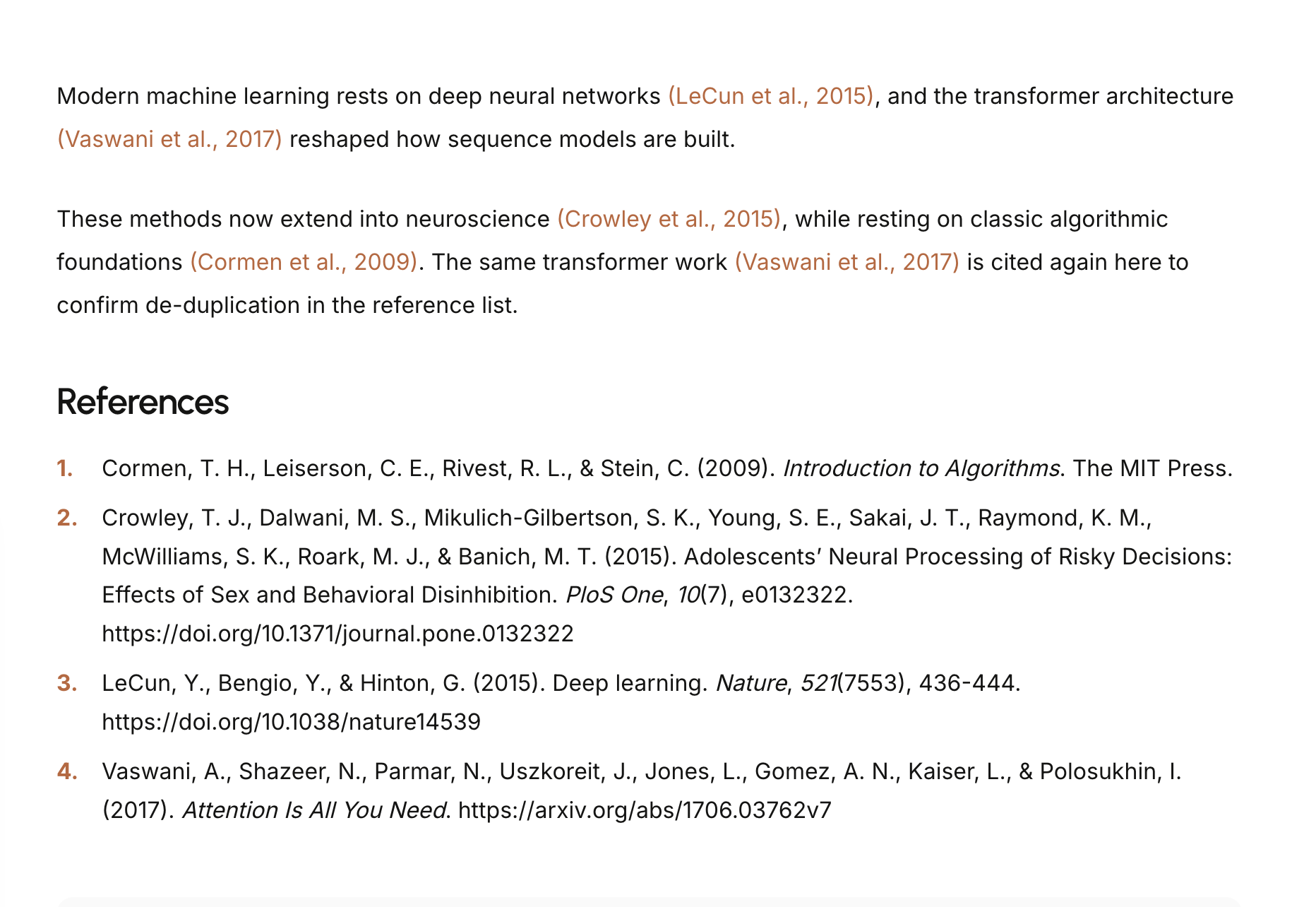
Eight citation styles: APA 7, MLA 9, Chicago 17 (author-date), Harvard, IEEE, Vancouver, Nature, AMA. Selectable per post, with a site-wide default.
Block editor and Classic Editor, both
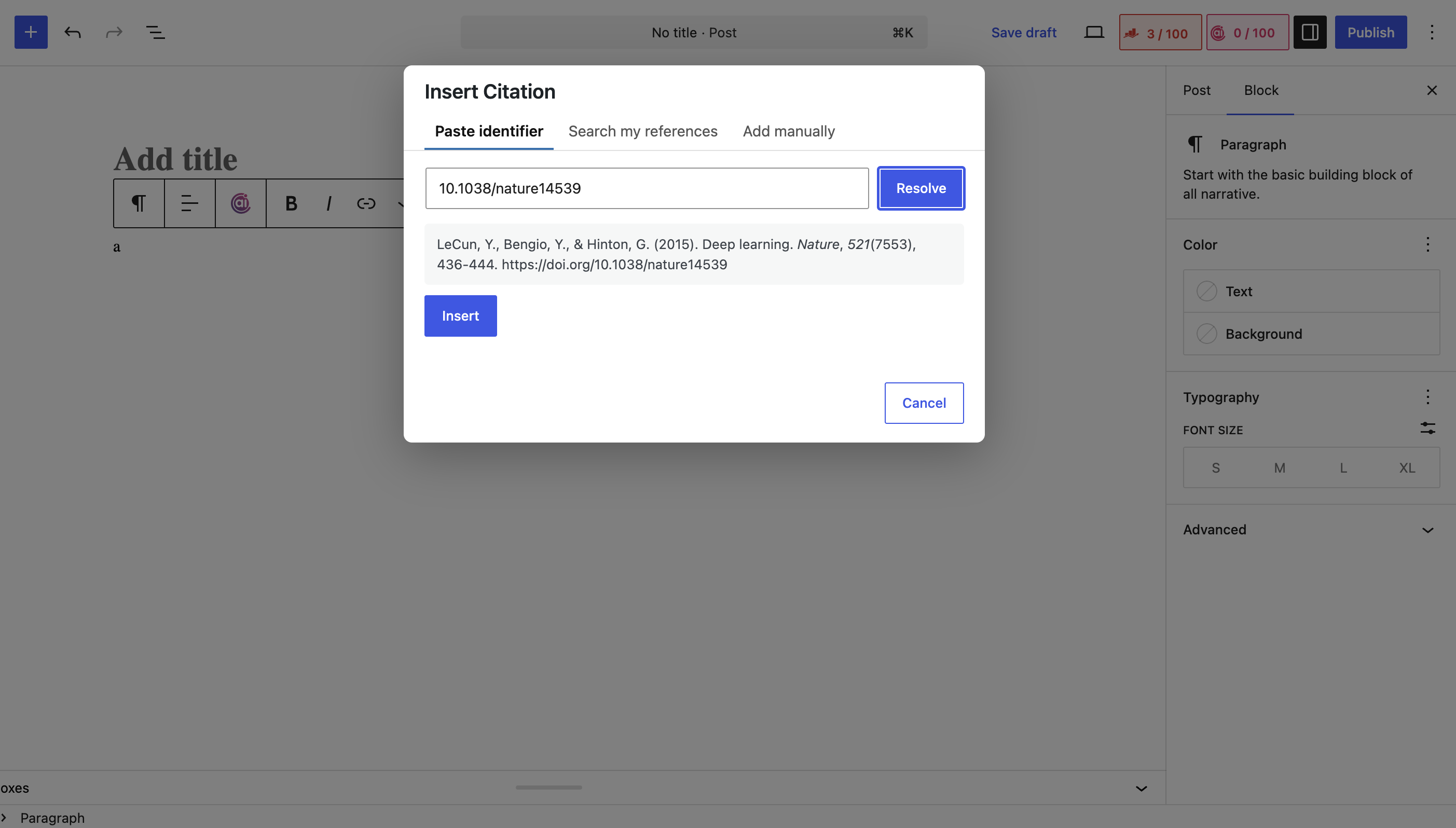
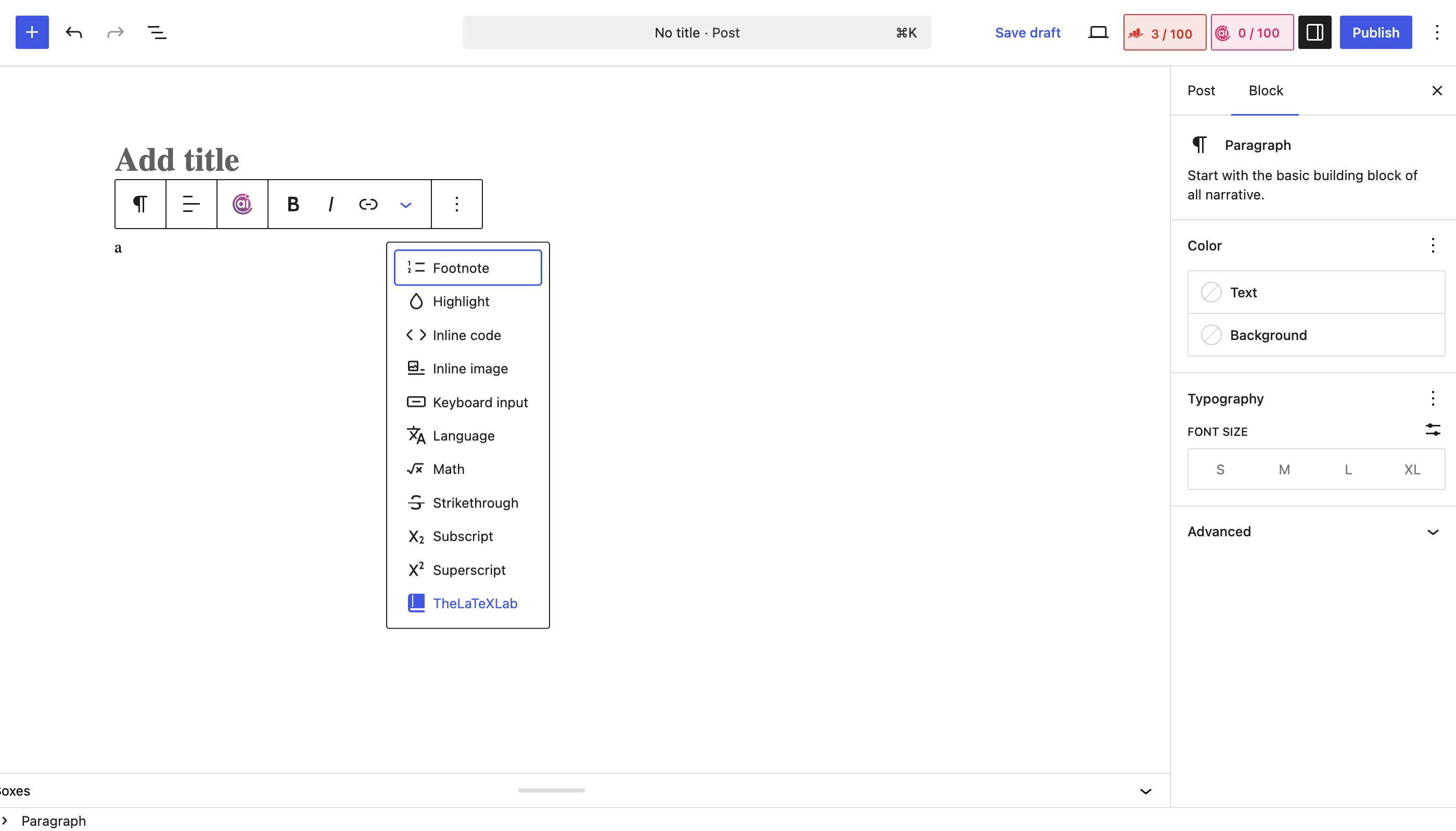
An “Insert Citation” block for Gutenberg and a toolbar button for the Classic Editor, sharing the same search-or-paste modal.
Publications page mode
A publications list block and the [thelatexlab_publications] shortcode render your references as a sortable, filterable list. Ideal for a researcher’s personal site.
Robust by design
- Citations are stored as portable JSON. Deactivate the plugin and in-text citations stay readable.
- Resolved metadata is cached for 30 days.
- Compatible with PHP 7.4+ and WordPress 6.0+.
- Built and designed for researchers who need fast, accurate academic citations in WordPress.
TheLaTeXLab – Professional Word to LaTeX & PDF to LaTeX Conversion
This plugin is built by TheLaTeXLab, a professional LaTeX typesetting service for researchers, PhD students, and academics. Beyond WordPress citations, we help authors get their manuscripts submission-ready: Word to LaTeX, PDF to LaTeX, and thesis formatting in LaTeX to exact journal and university templates.
External services
This plugin resolves identifiers and parses or converts reference files using TheLaTeXLab’s citation API, a service operated by TheLaTeXLab. It is required for the lookup, import, and export features. Citation formatting (the bibliography you see on the page) runs locally on your server and does not use the API.
What is sent, and when:
- When you resolve an identifier or URL (DOI, PubMed ID, ISBN, arXiv ID, PMC ID, or a URL), that identifier or URL is sent to the API to fetch the bibliographic record.
- When you import a reference file (.bib, .ris, .enw, .nbib), the contents of that file are sent to the API to be parsed into citation records.
- When you edit a reference or export to RIS, the affected reference data is sent to the API to regenerate BibTeX or RIS.
- Each request includes your site URL (for diagnostics and abuse prevention). No personal data, post content, or visitor data is sent.
- Optional email updates: only if you tick the “Get plugin updates by email” option on the plugin’s welcome screen and submit it, your email address and site URL are sent to the service and stored so TheLaTeXLab can email you occasional plugin updates. This is entirely optional, off unless you choose it, and you can unsubscribe at any time.
Nothing is sent when a page with a bibliography is viewed by your readers; rendering is local.
API endpoint: https://api.thelatexlab.com
Terms and privacy policy: https://thelatexlab.com/privacy-policy/
The API base URL is configurable in the plugin settings, so you can point it at your own deployment if you prefer.
Credits
Bibliography formatting uses citeproc-php by Sebastian Boettger (MIT license). The bundled citation style (CSL) files come from the official Citation Style Language styles project (CC-BY-SA); the per-style author attribution is retained inside each file. One file (Chicago) has a single compatibility edit to its page-range-format value so it works with the bundled formatter.
Screenshots
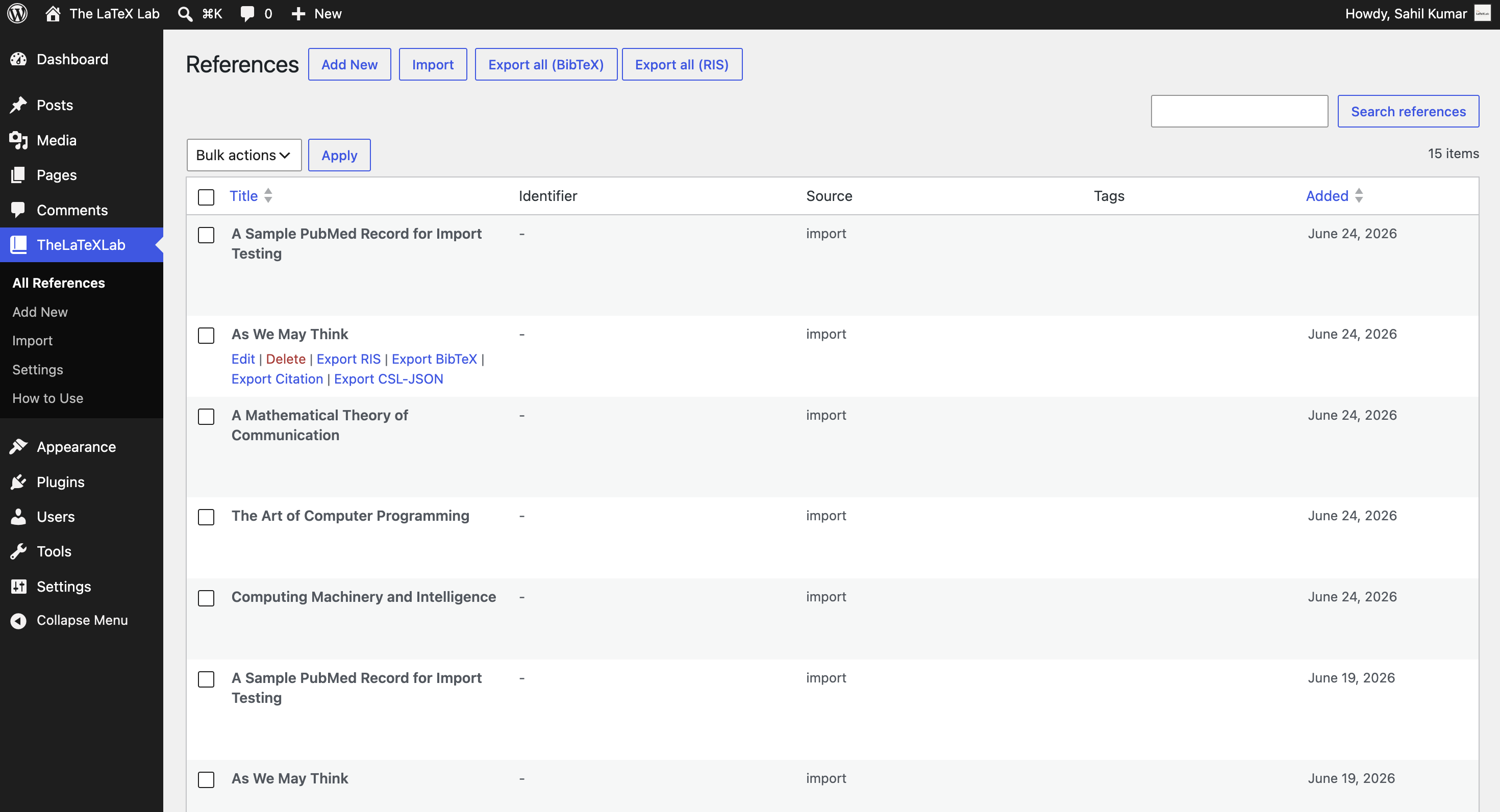
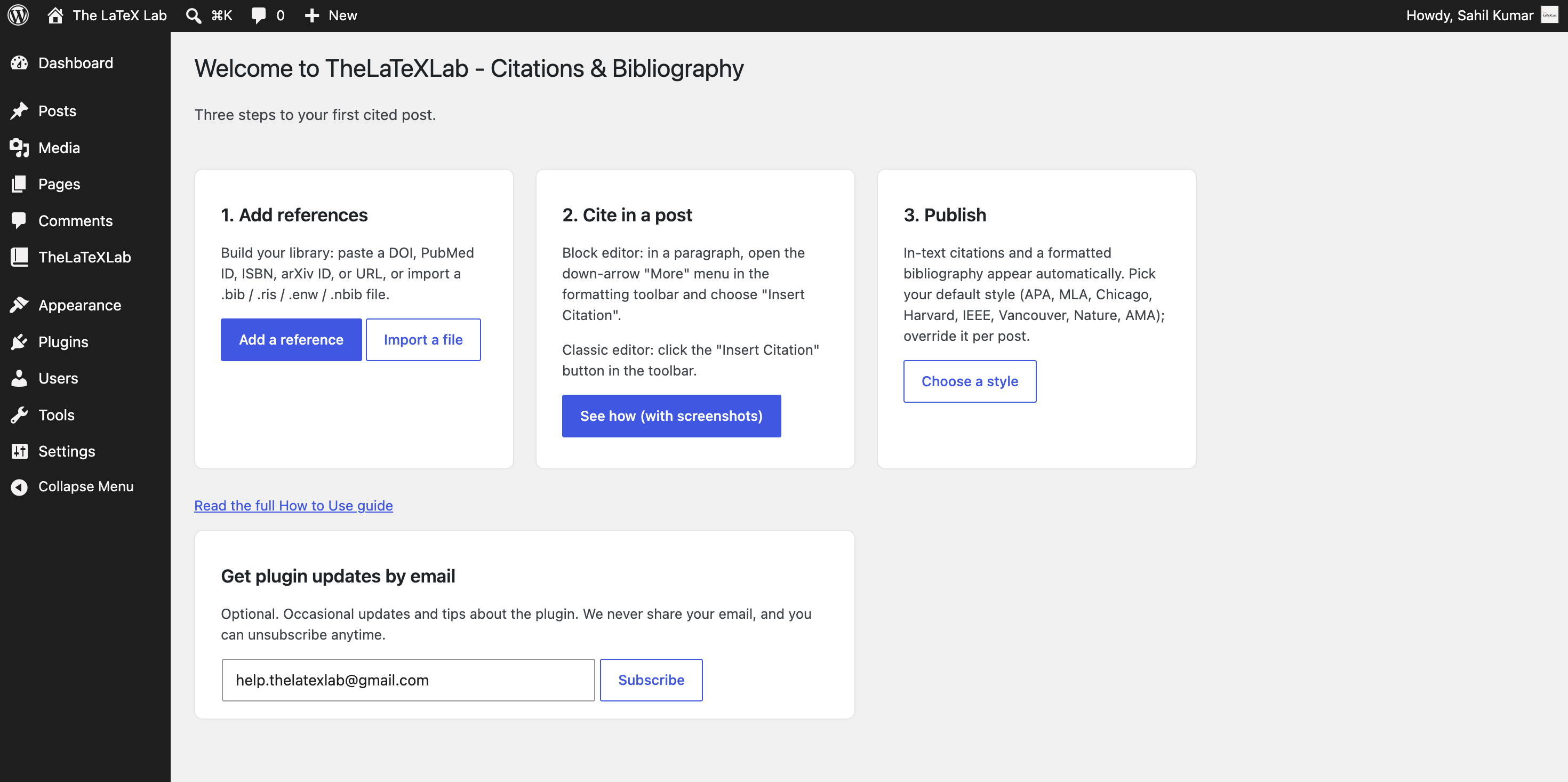
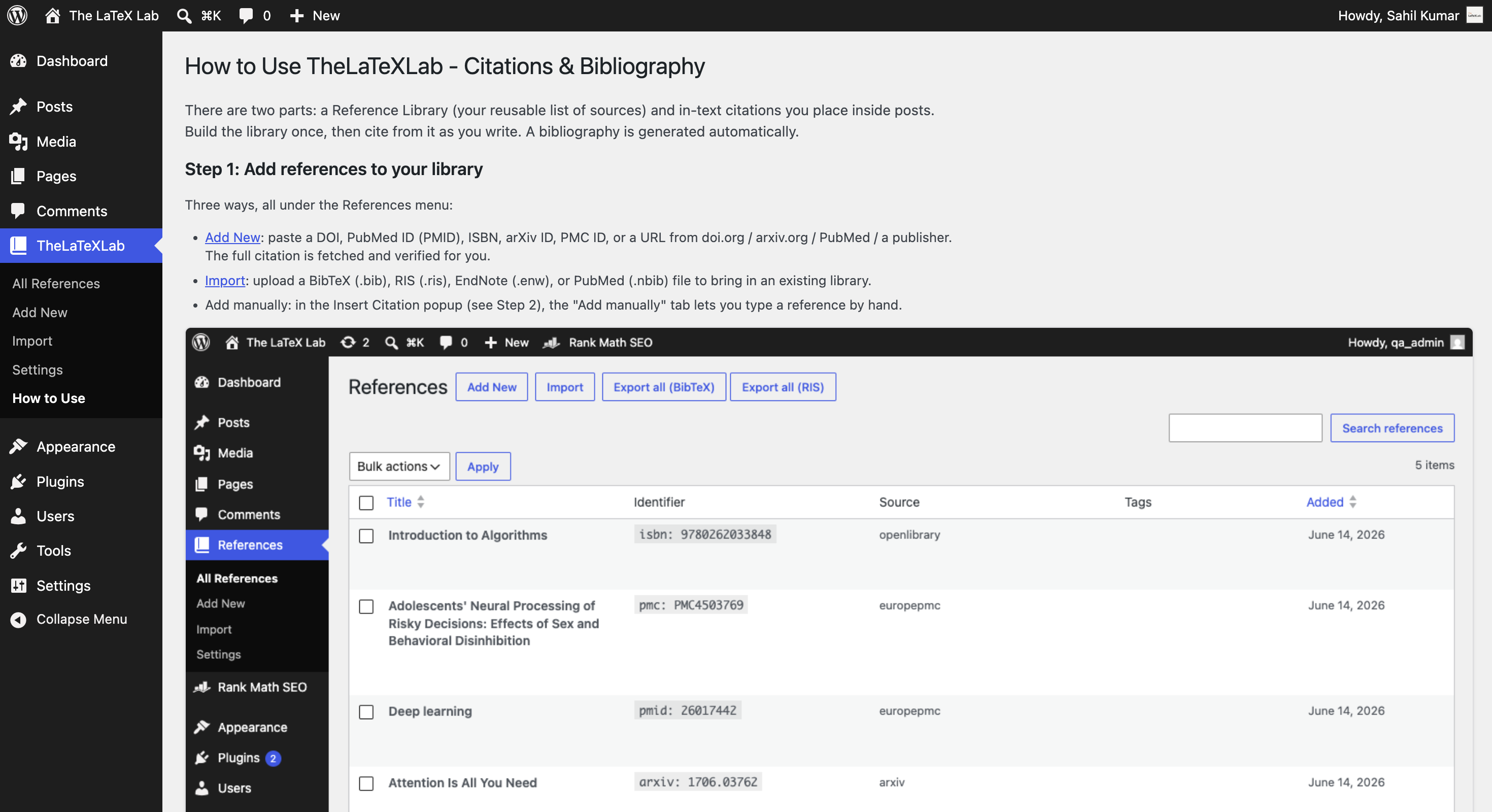
Blocks
This plugin provides 2 blocks.
- Bibliography
- Publications List
Installation
- Install and activate the plugin.
- Open Settings to pick a default citation style.
- In the editor, use the Insert Citation block (block editor) or toolbar button (Classic Editor), paste a DOI / PubMed ID / ISBN / arXiv ID, and insert.
- Publish. The bibliography renders at the bottom of the post, or wherever you place the bibliography block.
For bibliography formatting, the plugin uses citeproc-php. Builds shipped to WordPress.org include it; if you install from source, run “composer install” in the plugin folder.
FAQ
-
Do I need an account?
-
No. This plugin needs no account and no login of any kind. Paste an identifier and go.
-
Does it work without BibTeX upload?
-
Yes. It resolves directly from identifiers (DOI, PubMed, ISBN, arXiv), so you do not need a BibTeX file to start. BibTeX and RIS upload are also supported for importing an existing library.
-
What happens to my citations if I deactivate the plugin?
-
In-text citations remain in your content as readable text, so posts do not break. This is a direct fix for the lock-in problem of older plugins.
-
Which citation styles are supported?
-
APA, MLA, Chicago (author-date), Harvard, IEEE, Vancouver, Nature, and AMA. More can follow based on demand.
-
Is it free?
-
Yes, completely free, with no premium tier.
-
How does DOI to citation work on WordPress?
-
Paste the DOI into the Insert Citation modal. The plugin resolves it through the TheLaTeXLab API (which uses CrossRef), stores the reference, and formats it in your chosen style.
-
Yes. References are stored site-wide, so any user who can edit posts can use, edit, or delete any reference. This suits a single-author academic blog or a coordinated lab site. On a multi-author site where authors should not see each other’s references, keep that in mind.
-
What data does the plugin send to an external service?
-
Identifiers you look up, files you import, and references you export are sent to TheLaTeXLab’s citation API. See the “External services” section above for the full disclosure. Rendering a bibliography for your readers happens locally and sends nothing.
Reviews
There are no reviews for this plugin.
Contributors & Developers
“TheLaTeXLab – Citations & Bibliography” is open source software. The following people have contributed to this plugin.
Contributors
Translate “TheLaTeXLab – Citations & Bibliography” into your language.
Interested in development?
Browse the code, check out the SVN repository, or subscribe to the development log by RSS.
Changelog
1.0.0
- First stable release. Identifier resolution (DOI, PubMed/PMID, ISBN, arXiv, PMC, and identifier-bearing URLs) with correctness-first verification; reference storage as a custom post type; citeproc-php bibliography rendering in 8 styles (APA, MLA, Chicago, Harvard, IEEE, Vancouver, Nature, AMA); in-text citations with graceful degradation; block editor inline format plus bibliography and publications blocks; Classic Editor toolbar button sharing the same modal; import (.bib, .ris, .enw, .nbib) and per-reference and whole-library export (BibTeX, RIS, CSL-JSON, formatted citation); reference editing with tags; per-post style; settings with JSON backup; and a References admin screen.