

Description
Tabora Product Tabs for WooCommerce by mahfuzar adds a flexible product-tab manager for WooCommerce with responsive mobile behavior.
Developer: mahfuzar
Features:
- Unlimited product-specific tabs.
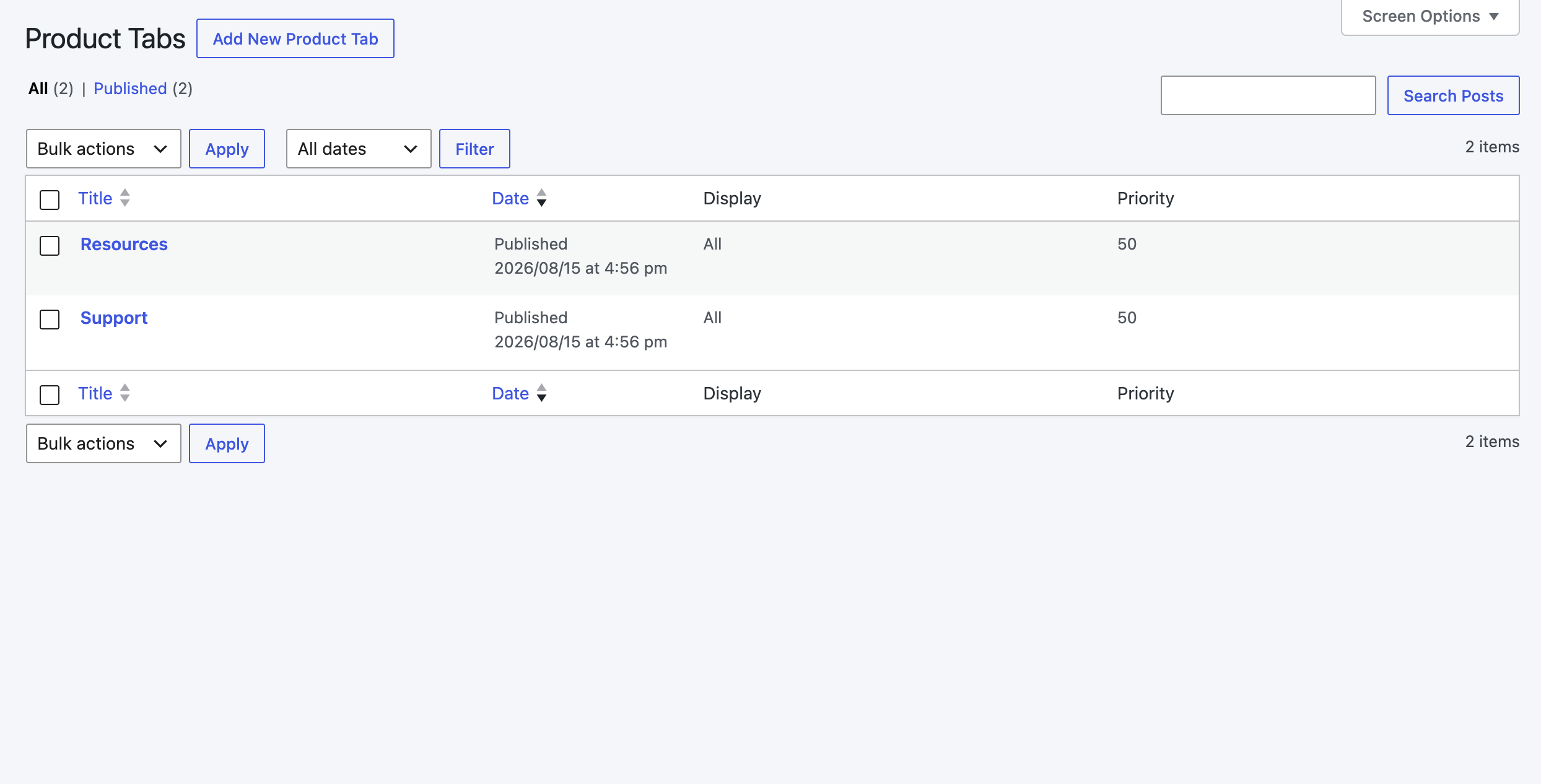
- Reusable global tabs under Tabora Tabs > Reusable Tabs.
- Assign global tabs to all products, selected products, product categories, or product tags.
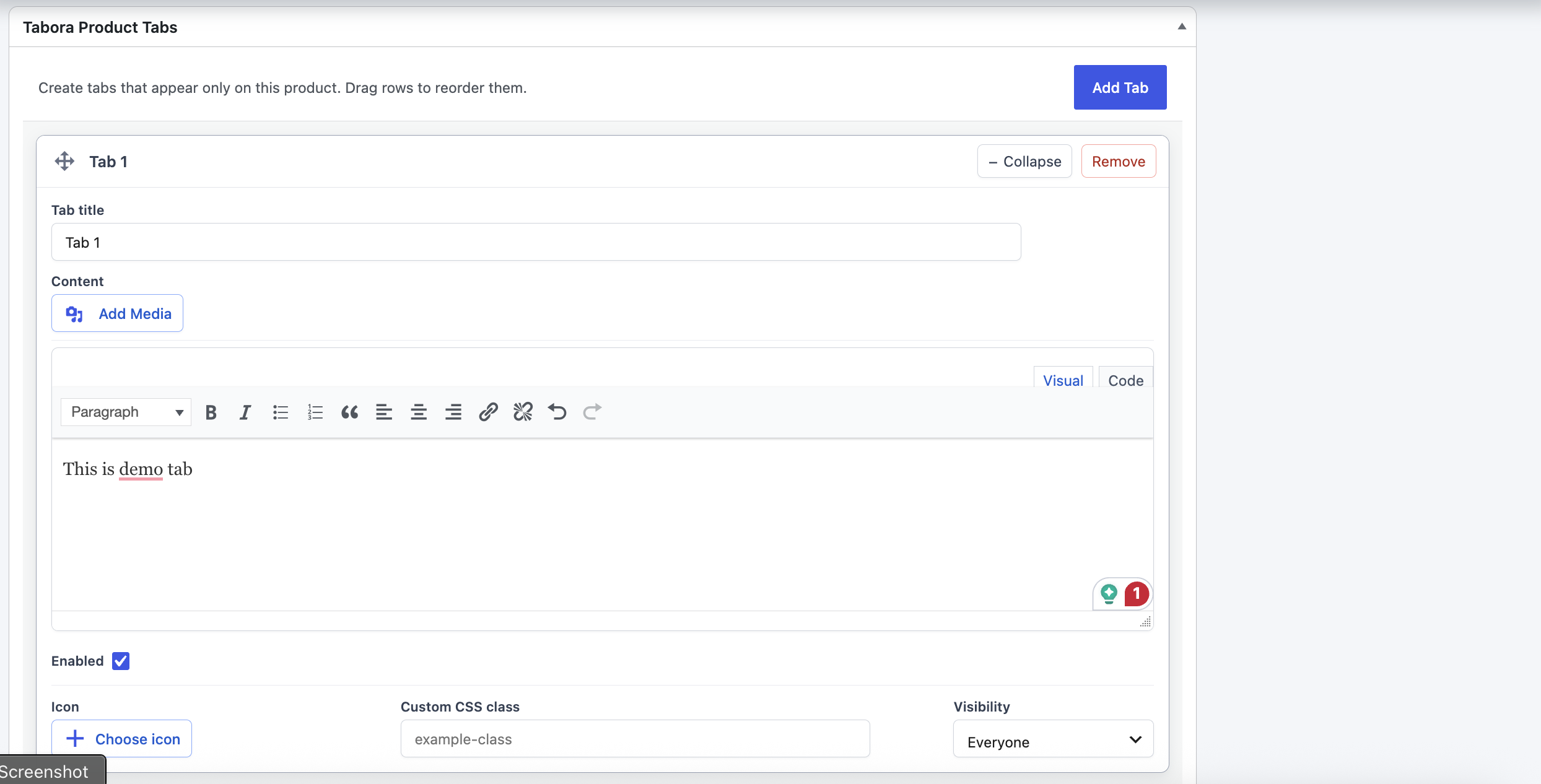
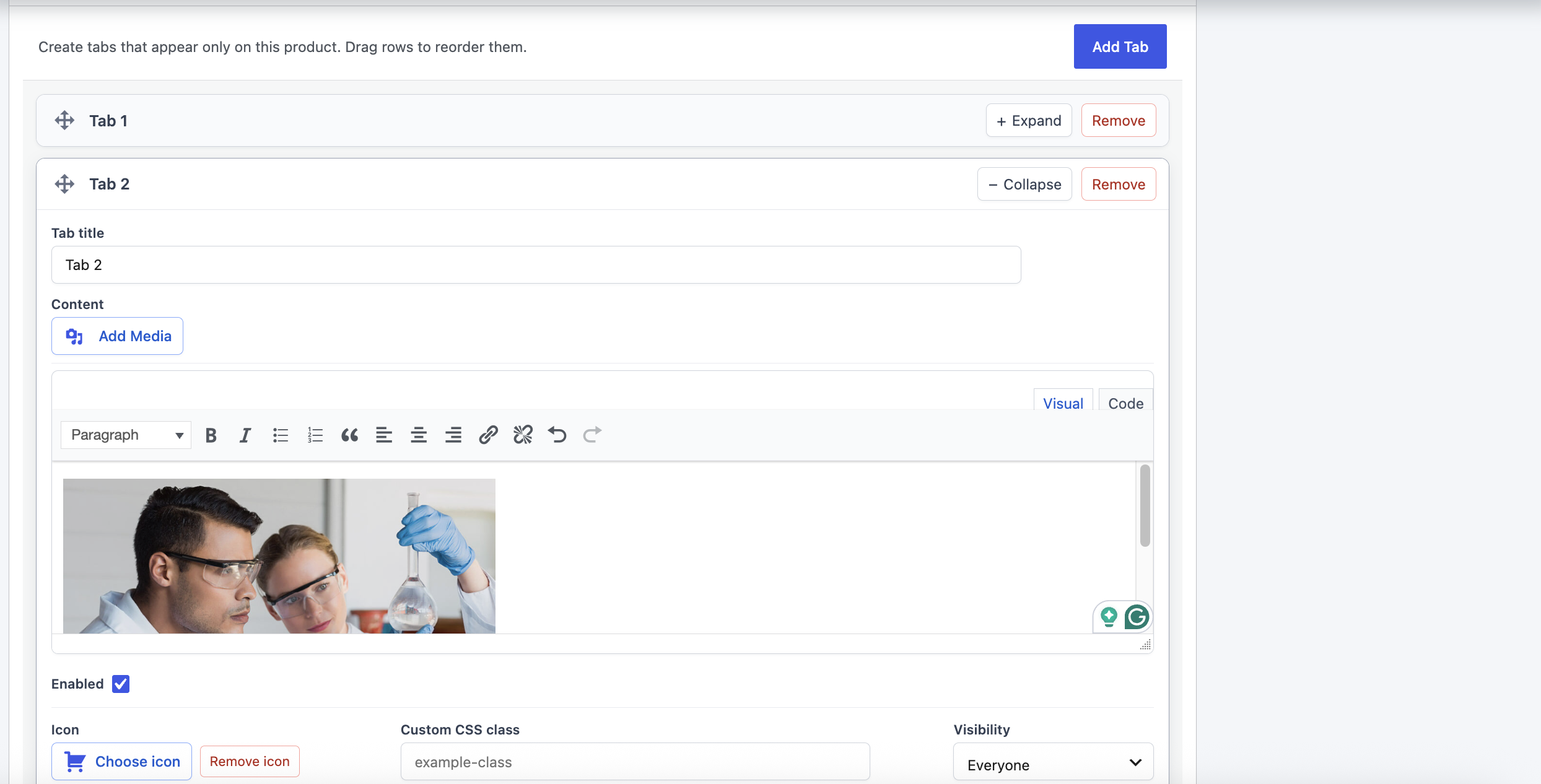
- Drag-and-drop ordering for product-specific tabs.
- Rich-text Visual/Text editor for product tab content.
- WordPress Media Library support for images, documents, and other media.
- Enable or disable individual product tabs.
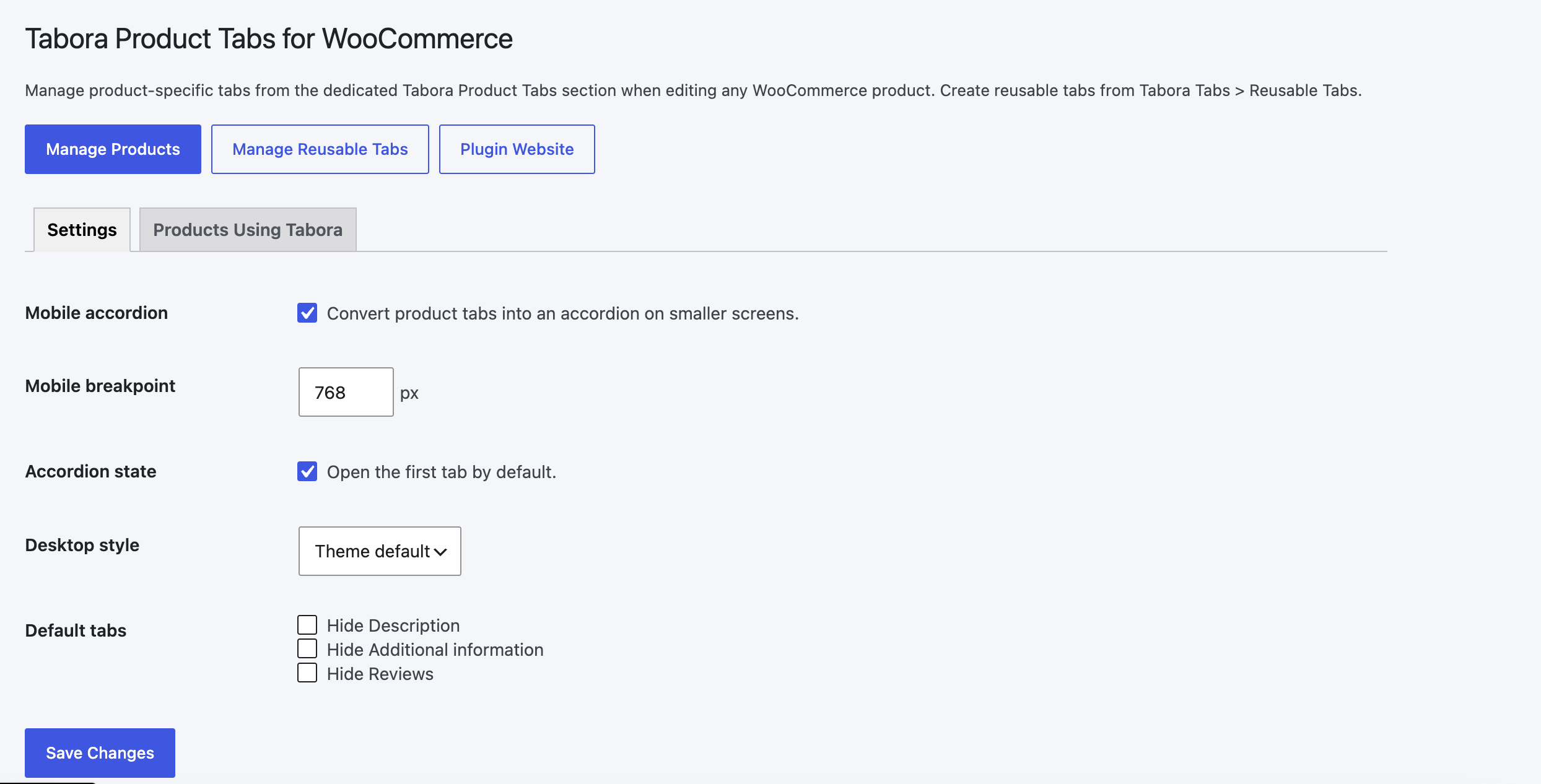
- Responsive mobile accordion mode with configurable breakpoint.
- Open or close the first accordion item by default.
- Theme default, pill, and underline desktop styles.
- Hide Description, Additional information, or Reviews globally.
- Add icons before custom tab titles using the built-in icon gallery.
- Add custom CSS classes for advanced styling.
- Show tabs to everyone, logged-in users, or guests only.
- Supports safe HTML and WordPress shortcodes.
- Compatible with WooCommerce High-Performance Order Storage.
- Translation ready.
Screenshots
Installation
- Upload the
tabora-product-tabs-for-woocommercefolder to/wp-content/plugins/, or install the ZIP from WordPress. - Activate WooCommerce.
- Activate Tabora Product Tabs for WooCommerce.
- Edit a product and open the dedicated Tabora Product Tabs section.
- Add tabs, write content using the Visual/Text editor, and drag tabs into the required order.
- Update the product to save the content and order.
- For reusable tabs, go to Tabora Tabs > Reusable Tabs.
- Configure responsive behavior and view products using Tabora under Tabora Tabs > Settings.
FAQ
-
How are product-specific tabs ordered?
-
Drag the tabs into the required order and update the product. Priority fields are managed automatically and are not shown in the editor.
-
Can I add images and documents?
-
Yes. Use the Add Media button above each tab editor to insert content from the WordPress Media Library.
-
Can I use shortcodes?
-
Yes. Shortcodes and safe HTML are rendered in tab content.
-
How does responsive mode work?
-
When enabled, WooCommerce product tabs become accessible accordion panels below the configured screen-width breakpoint.
-
Does uninstalling remove my tab data?
-
No. Data is retained by default. To delete it during uninstall, define
TABORA_DELETE_DATA_ON_UNINSTALLastruein wp-config.php before uninstalling.
Reviews
There are no reviews for this plugin.
Contributors & Developers
“Tabora Product Tabs for WooCommerce” is open source software. The following people have contributed to this plugin.
Contributors
Translate “Tabora Product Tabs for WooCommerce” into your language.
Interested in development?
Browse the code, check out the SVN repository, or subscribe to the development log by RSS.
Changelog
1.3.4
- Added an organized Tabora Tabs admin menu with Settings and Reusable Tabs.
- Added a Products Using Tabora management view with direct product edit links.
- Added plugin Settings and website links on the Plugins screen.
- Added management instructions and quick links to the settings page.
- Renamed the product editor section to Tabora Product Tabs.
- Moved Tabora Product Tabs into a dedicated product editor section outside Product data.
- Kept unrelated plugin notices out of the Tabora settings screen.
- Added a respectful, dismissible WordPress.org review request after meaningful plugin use.
1.3.3
- Rebranded the plugin as Tabora Product Tabs for WooCommerce.
- Applied the unique Tabora prefix to declarations, stored data, hooks, assets, and UI identifiers.
- Moved frontend style overrides into an enqueued stylesheet.
- Removed manual translation loading for WordPress.org language packs.
1.3.2
- Updated WordPress compatibility information.
- Corrected the stable tag to match the plugin version.
- Added the translation languages directory.
- Removed development-only workflow files from the production plugin.
- Updated author metadata to Mahfuzar Rahman.
- Set the WordPress.org contributor and developer username to mahfuzar.
1.3.1
- Updated the plugin name and metadata.
- Updated author branding.
- Renamed the main plugin bootstrap file.
- Updated the WordPress.org readme and plugin text domain.
1.3.0
- Added accordion behavior to the product-tab editor.
- Added improved storefront tab and content styling.
1.2.9
- Added Betheme product-tab compatibility.
- Polished editor buttons, dividers, cards, and form controls.
1.2.0
- Removed the product-tab priority field from the editor.
- Product-specific tab order now follows drag-and-drop position.
- Added WordPress rich-text Visual/Text editors.
- Added WordPress Media Library support.
- Redesigned and improved the Custom Tabs product editor interface.
1.0.0
- Initial release.