

Description
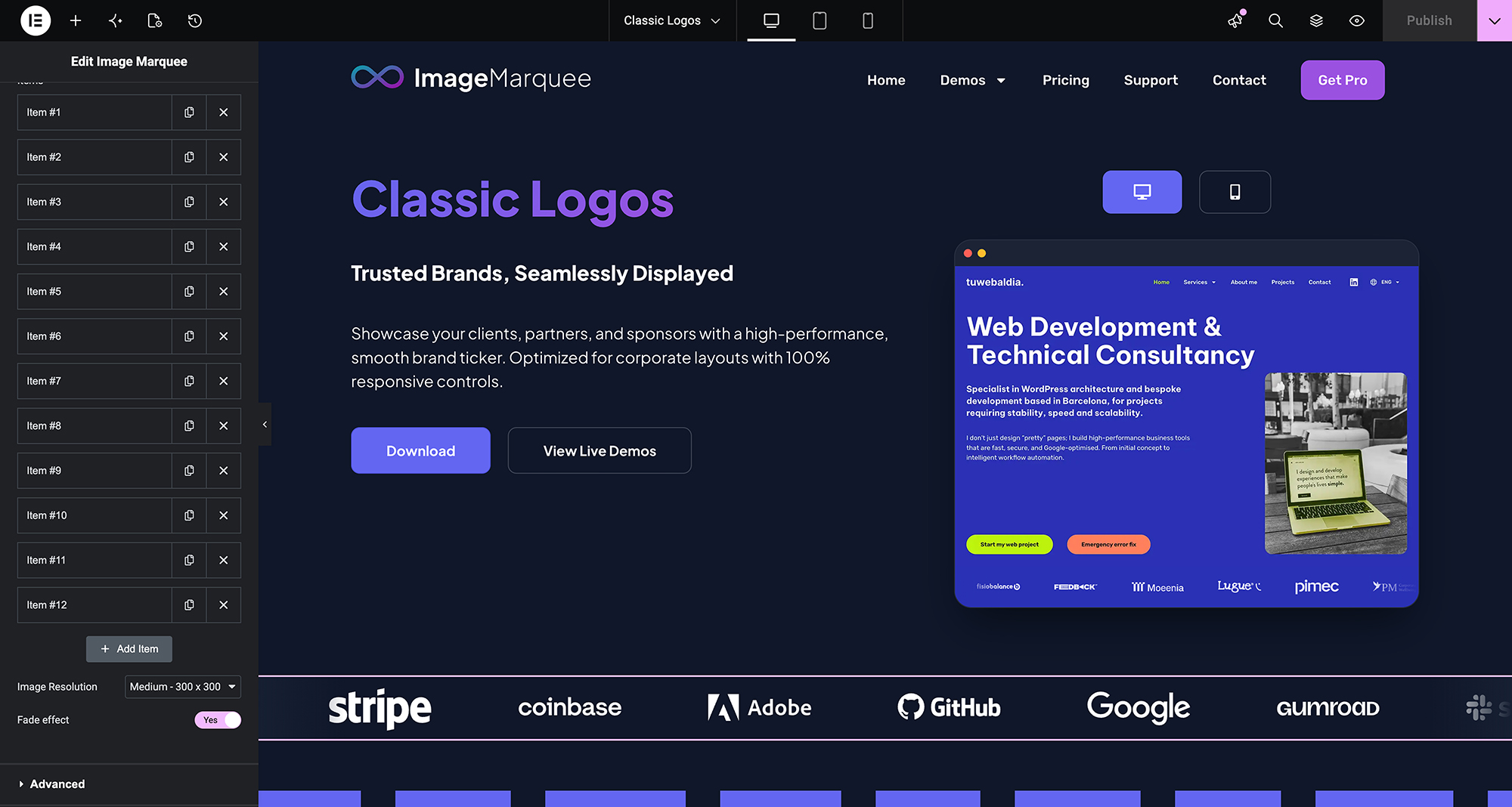
SilkMotion Infinite Image Marquee is an Elementor widget that displays a continuously scrolling row or column of images, commonly used for partner logos, certifications, client photos, or press mentions.
https://www.imagemarquee.com/
How it works
The widget calculates image positions using decimal (sub-pixel) values and renders the animation with CSS3 GPU acceleration, rather than moving elements in whole-pixel steps. It does not load any external slider or animation library (such as jQuery-based carousel plugins) — the animation is handled by a small built-in script plus CSS.
Features included in the free version
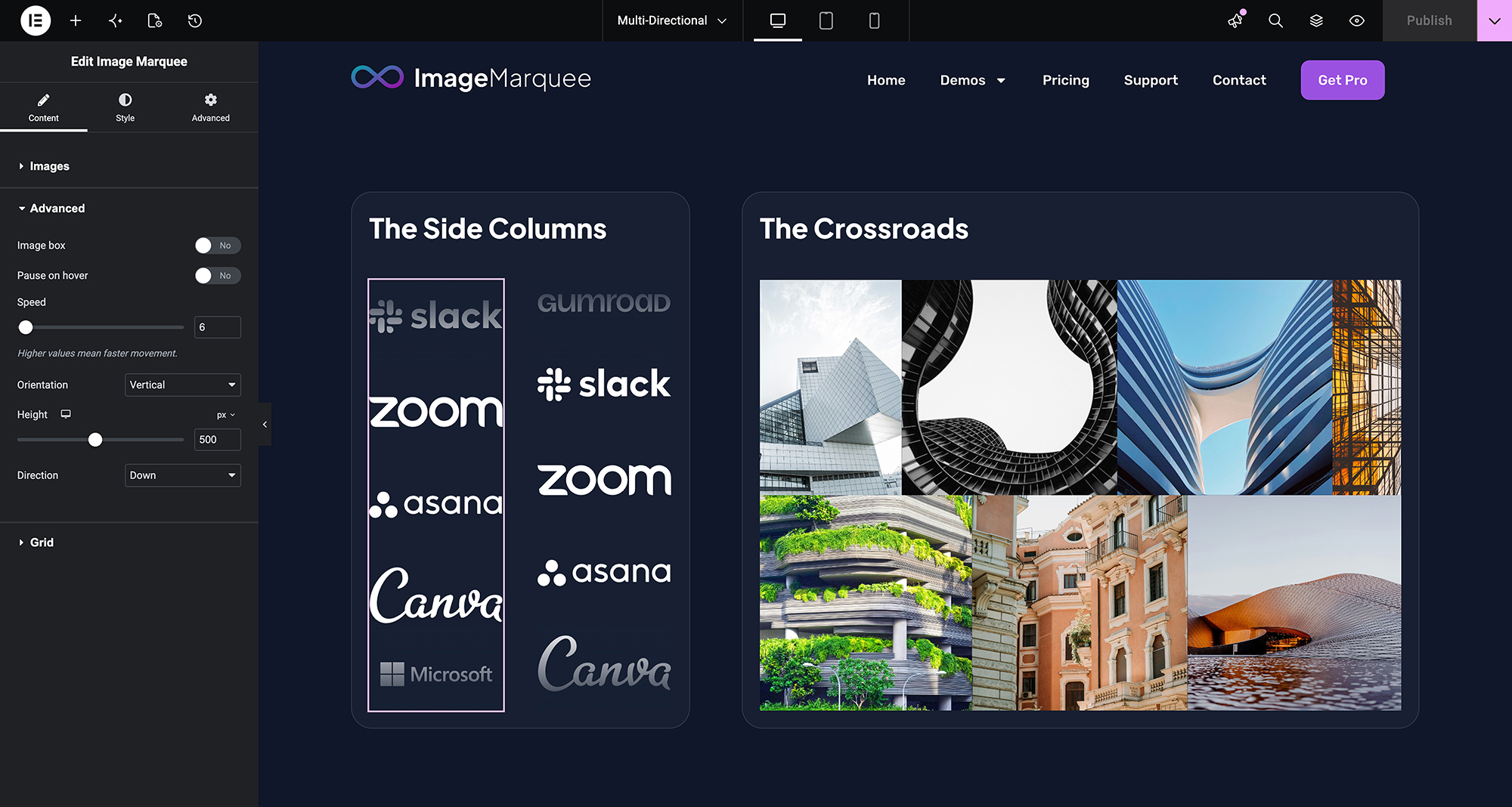
- Infinite horizontal & vertical marquee — scroll images left, right, up or down.
- Speed and direction control — adjustable scroll speed and direction.
- Pause on hover — stops the animation when a visitor hovers over the marquee, so links can be clicked.
- Fade edge effect — configurable fade color and width at the edges of the marquee.
- Per-image links — each image can have its own URL, with options for nofollow and opening in a new window, and support for Elementor dynamic tags.
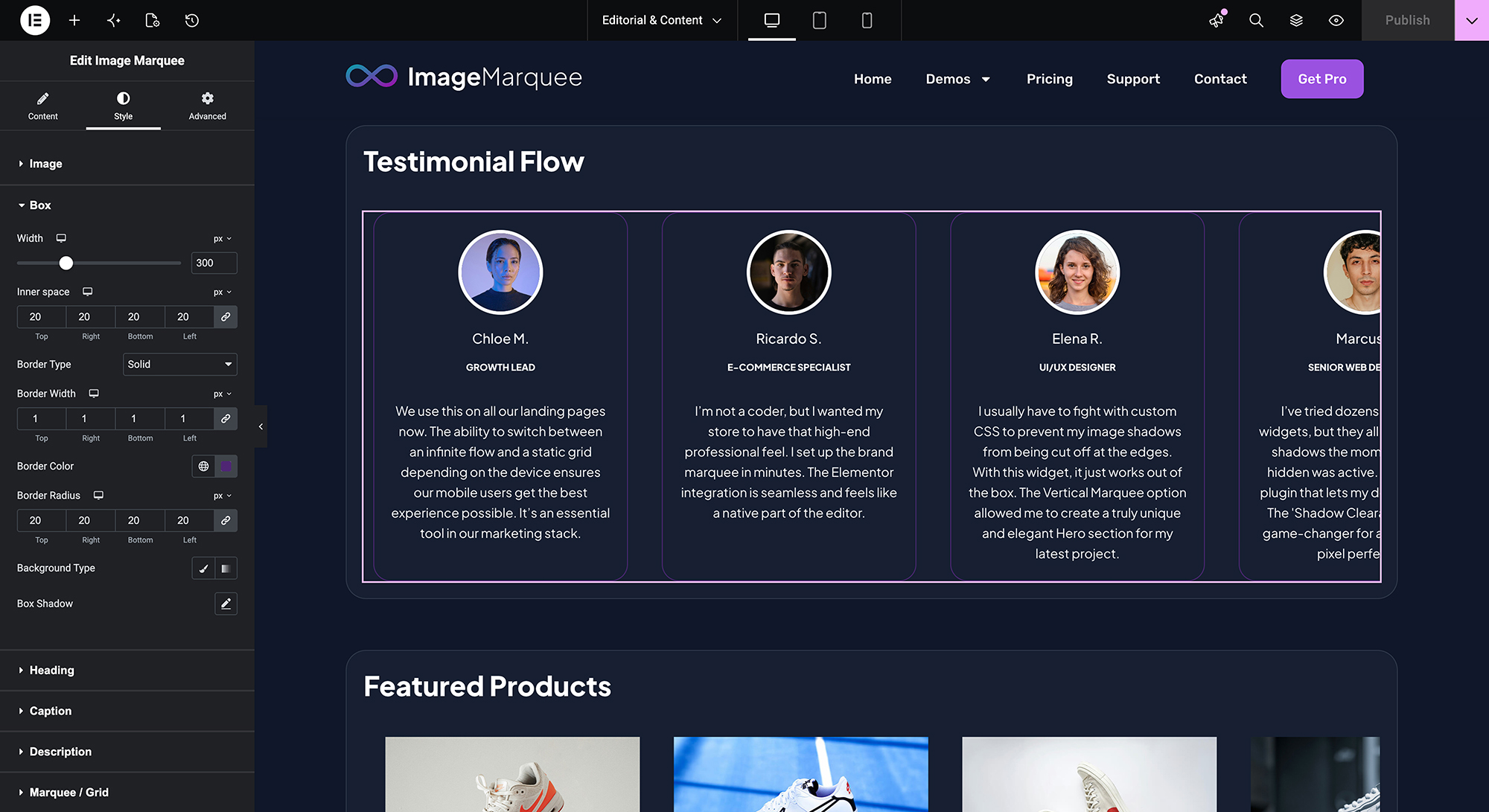
- Style controls — image size, spacing, opacity, hover effects, CSS filters, borders, shadows and image box styling, all configurable from native Elementor controls.
- Clean HTML output for accessibility and SEO.
This plugin works with Elementor Free; Elementor Pro is not required.
Additional features in SilkMotion Infinite Image Marquee Pro
SilkMotion Infinite Image Marquee Pro adds the following features to the same widget:
- Gallery Lightbox — clicking an image opens it full-size using Elementor’s native lightbox.
- Images with Text — add a heading, caption and description to each image, for use cases such as testimonials or a text-and-image ticker.
- Individual Image Scaling — set width, height and object-fit independently for each image, useful when source images have different dimensions.
- Smart Adaptive Grid — replaces the scrolling marquee with a static grid layout on tablet and mobile breakpoints, with a configurable number of columns per breakpoint.
Like the free version, SilkMotion Infinite Image Marquee Pro works with Elementor Free; Elementor Pro is not required for any of its features, including the Gallery Lightbox. Upgrading to Pro does not remove or reset existing marquees: the Pro widget uses the same widget name, so previously configured settings are preserved and the new options appear alongside them. See plans and pricing for details.
Screenshots
Installation
- Upload the plugin folder to the
/wp-content/plugins/directory, or install it directly from the WordPress plugin screen (Plugins Add New search for “SilkMotion Infinite Image Marquee”). - Activate the plugin through the ‘Plugins’ menu in WordPress.
- Open a page with the Elementor Editor.
- In the widget panel, search for SilkMotion Infinite Image Marquee and drag it onto the page.
- In the widget’s Content tab, add images to the gallery/list control and set the marquee direction (horizontal or vertical) and speed.
- In the Style tab, adjust image size, spacing, hover effects, fade edges and other visual options as needed.
- Optionally, assign a link to each image in the Content tab (URL, open in new window, nofollow, or a dynamic tag).
- Click Update or Publish to save the page.
No additional configuration, license key, or external account is required to use the free version. If SilkMotion Infinite Image Marquee Pro is installed and activated with a valid license, its additional controls (Gallery Lightbox, Images with Text, Individual Image Scaling, Smart Adaptive Grid) appear automatically inside the same widget panel.
FAQ
-
Do I need Elementor Pro to use this plugin?
-
No. SilkMotion Infinite Image Marquee works with both the Free and Pro versions of Elementor. Vertical scrolling, sub-pixel motion, pause-on-hover and fade effects are all included without an Elementor Pro license. The same applies to SilkMotion Infinite Image Marquee Pro, including the Gallery Lightbox feature.
-
What does “sub-pixel” motion mean?
-
The widget calculates image positions using decimal values rather than whole pixels, and renders the animation using hardware-accelerated CSS. This is intended to reduce the visible stepping/jitter that can occur at slow scroll speeds.
-
Does this plugin load external slider libraries?
-
No. The plugin does not load third-party slider or carousel JavaScript libraries. The animation is implemented with a small built-in script and CSS.
-
Can I link each image to a different website?
-
Yes. Each image has its own link field, with options for opening in a new window, adding a nofollow attribute, and using Elementor dynamic tags.
-
Can I use it for content other than logos?
-
Yes. The widget can display any series of images, such as certificates, badges, client photos, press mentions or awards.
-
What do I get with SilkMotion Infinite Image Marquee Pro?
-
Four additional features inside the same widget: Gallery Lightbox (click to open images in Elementor’s native lightbox), Images with Text (heading, caption and description per image), Individual Image Scaling (set size independently per image) and Smart Adaptive Grid (static grid layout on mobile and tablet, with configurable columns per breakpoint). As with the free version, Elementor Pro is not required. See imagemarquee.com for details.
-
If I upgrade to Pro, will I lose my existing marquees?
-
No. The Pro plugin extends the same widget used by the free version, so marquees built with the free version keep their existing settings after upgrading; the additional Pro controls appear in the same panel.
Reviews
There are no reviews for this plugin.
Contributors & Developers
“SilkMotion Infinite Image Marquee for Elementor” is open source software. The following people have contributed to this plugin.
Contributors
Translate “SilkMotion Infinite Image Marquee for Elementor” into your language.
Interested in development?
Browse the code, check out the SVN repository, or subscribe to the development log by RSS.
Changelog
1.0.0
- Initial release.
- GPU-accelerated marquee animation (horizontal & vertical).
- Pause on hover, fade edges, per-image links and style controls.
- No third-party slider/animation library dependencies.
- Spanish (es_ES) translation included.