
Description
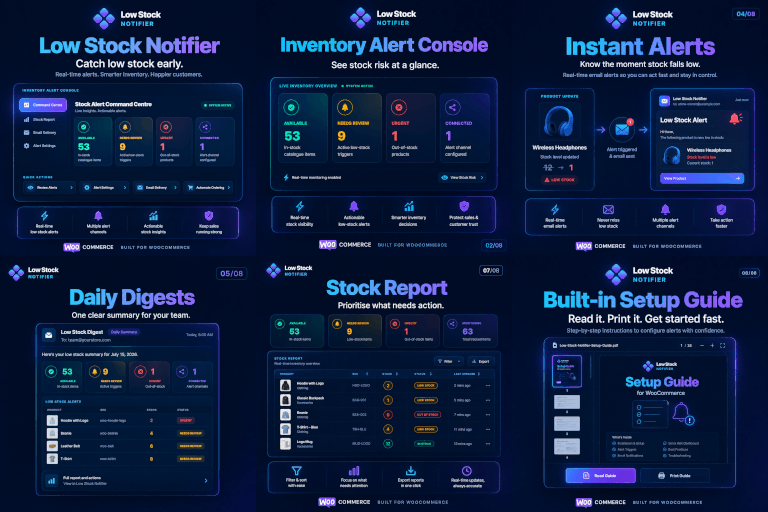
WooCommerce tells you when you’re out of stock. RixonApps Low Stock Alerts for WooCommerce tells you before you run out.
Stop losing sales to stockouts. RixonApps Low Stock Alerts for WooCommerce watches your inventory and alerts you (and your team) the moment a product drops into danger zone — with clear urgency levels, so you know what needs restocking now vs. what can wait.
Features
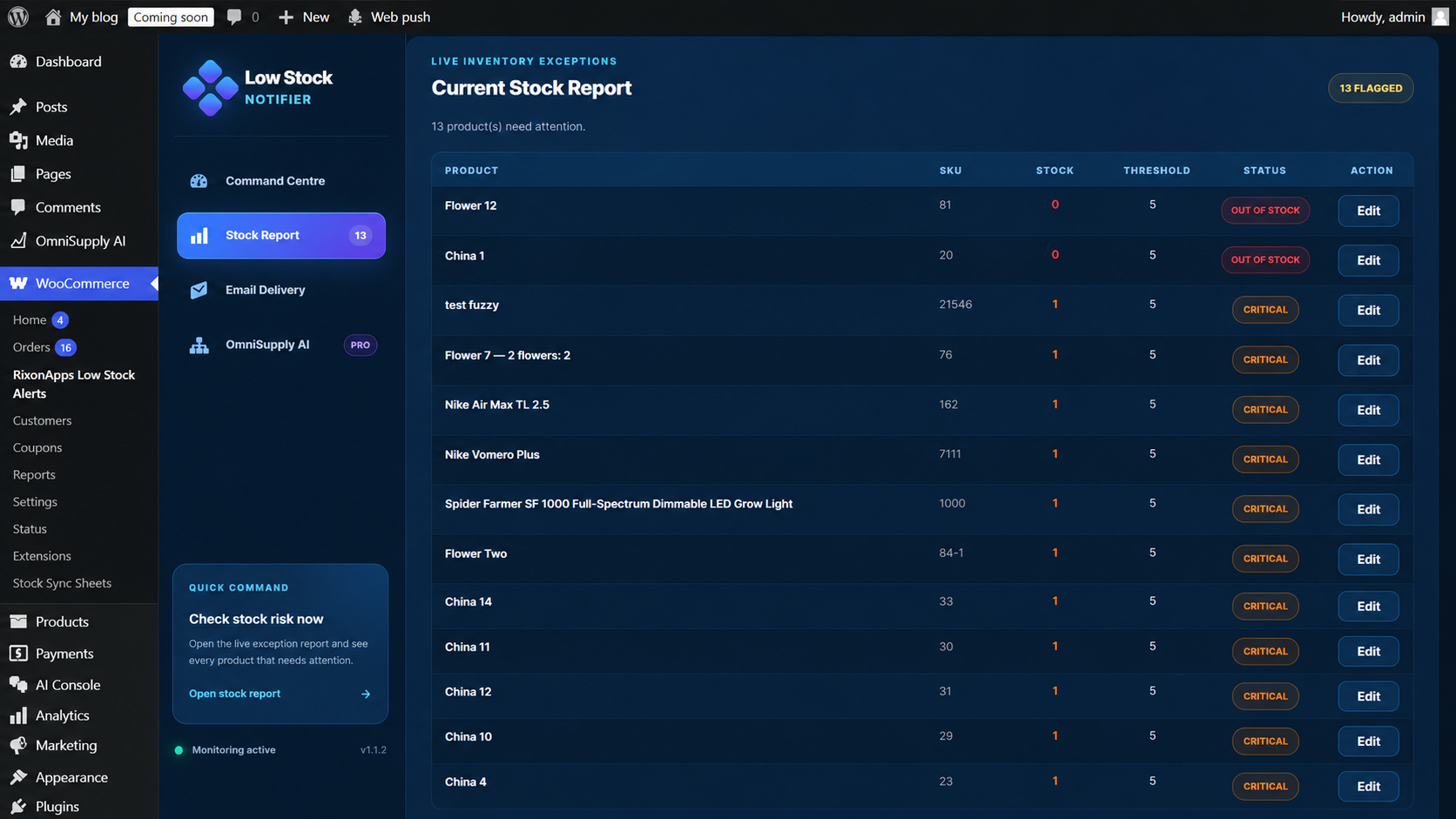
- Three urgency levels — Warning (≤ threshold), Critical (≤ half threshold), Out of Stock
- Instant alerts — fired the moment WooCommerce updates a stock level
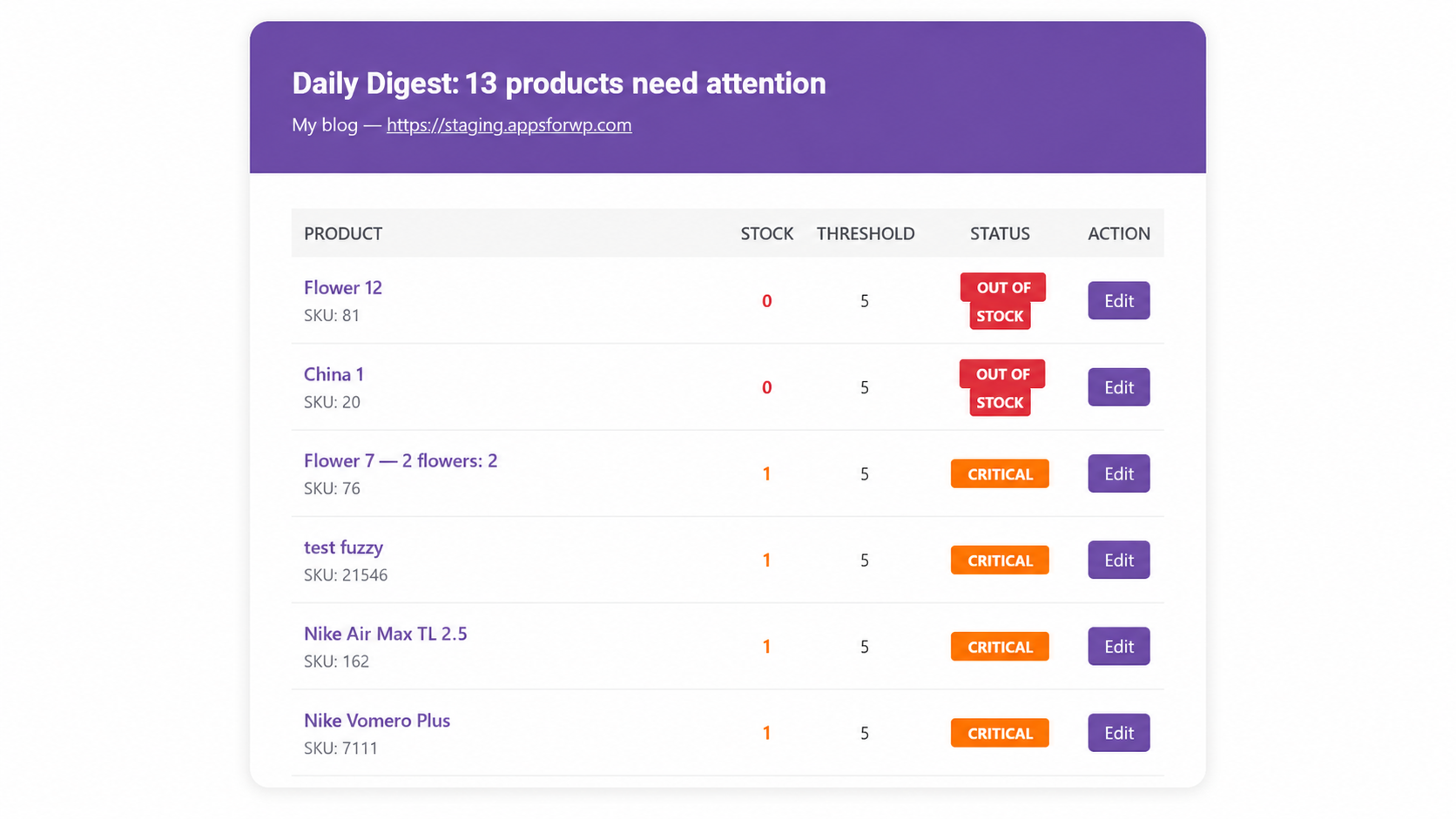
- Daily digest — one tidy email summarising all low-stock products
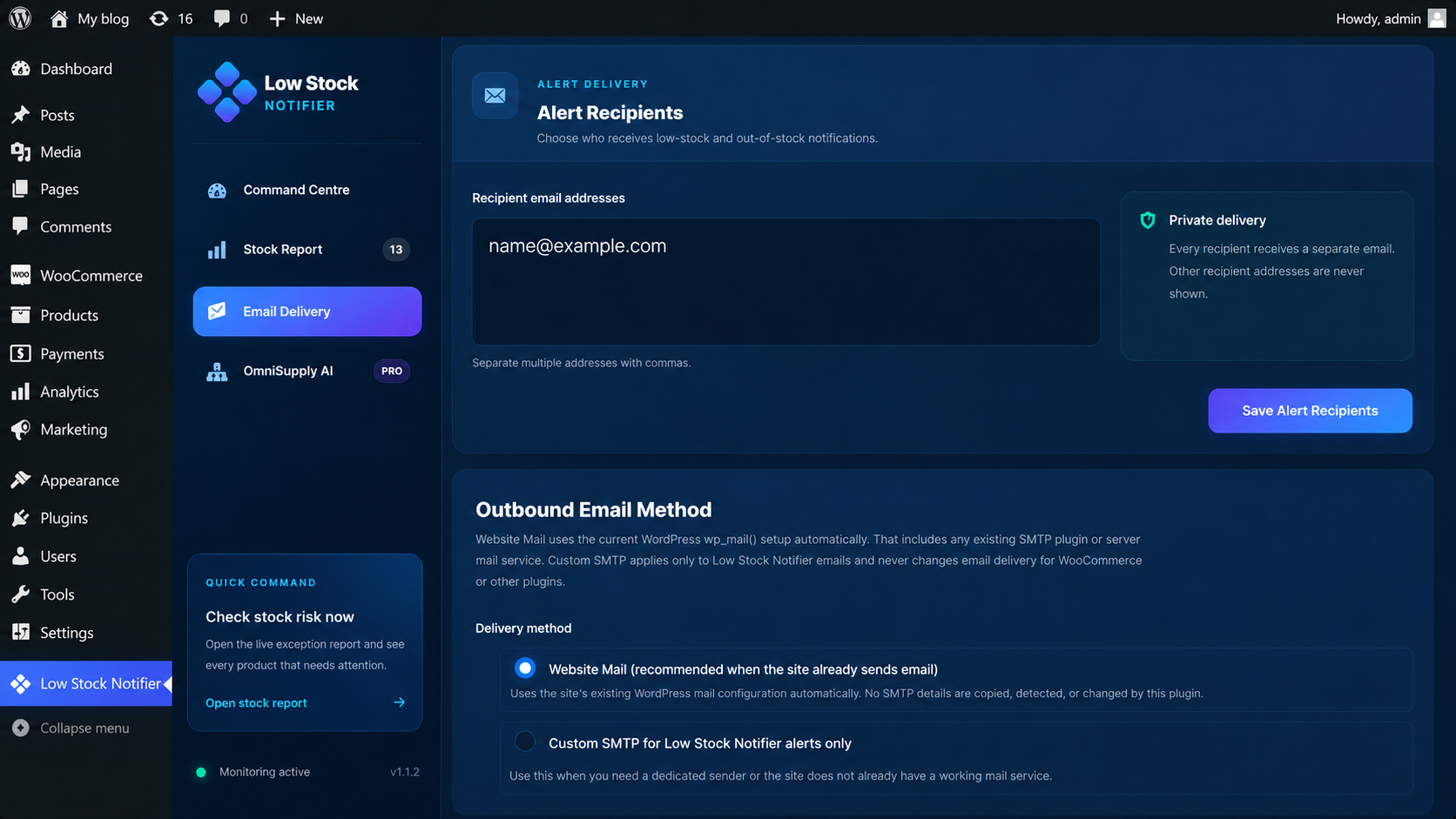
- Multiple email recipients — notify your admin, buyer, ops team — whoever needs to know
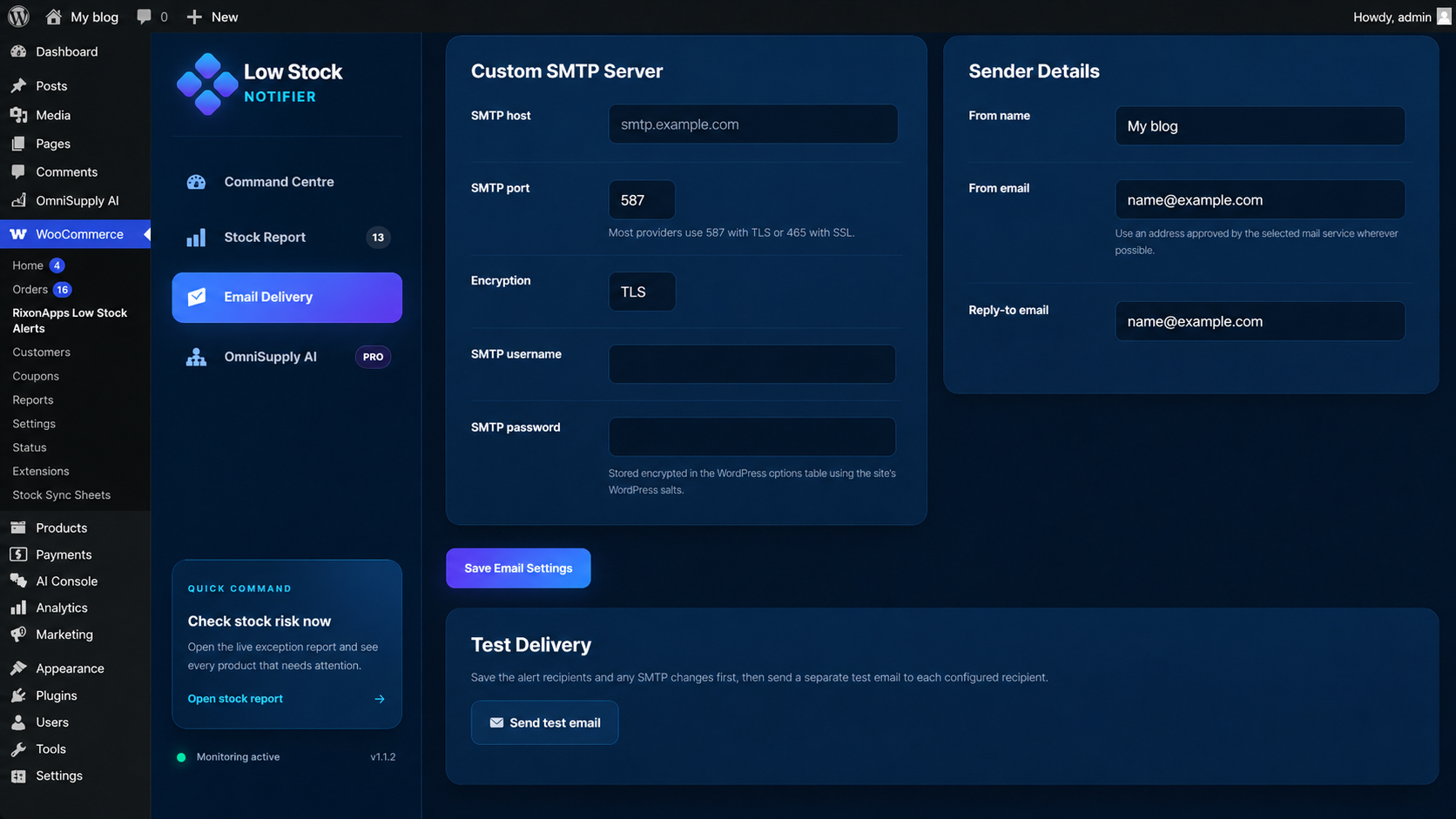
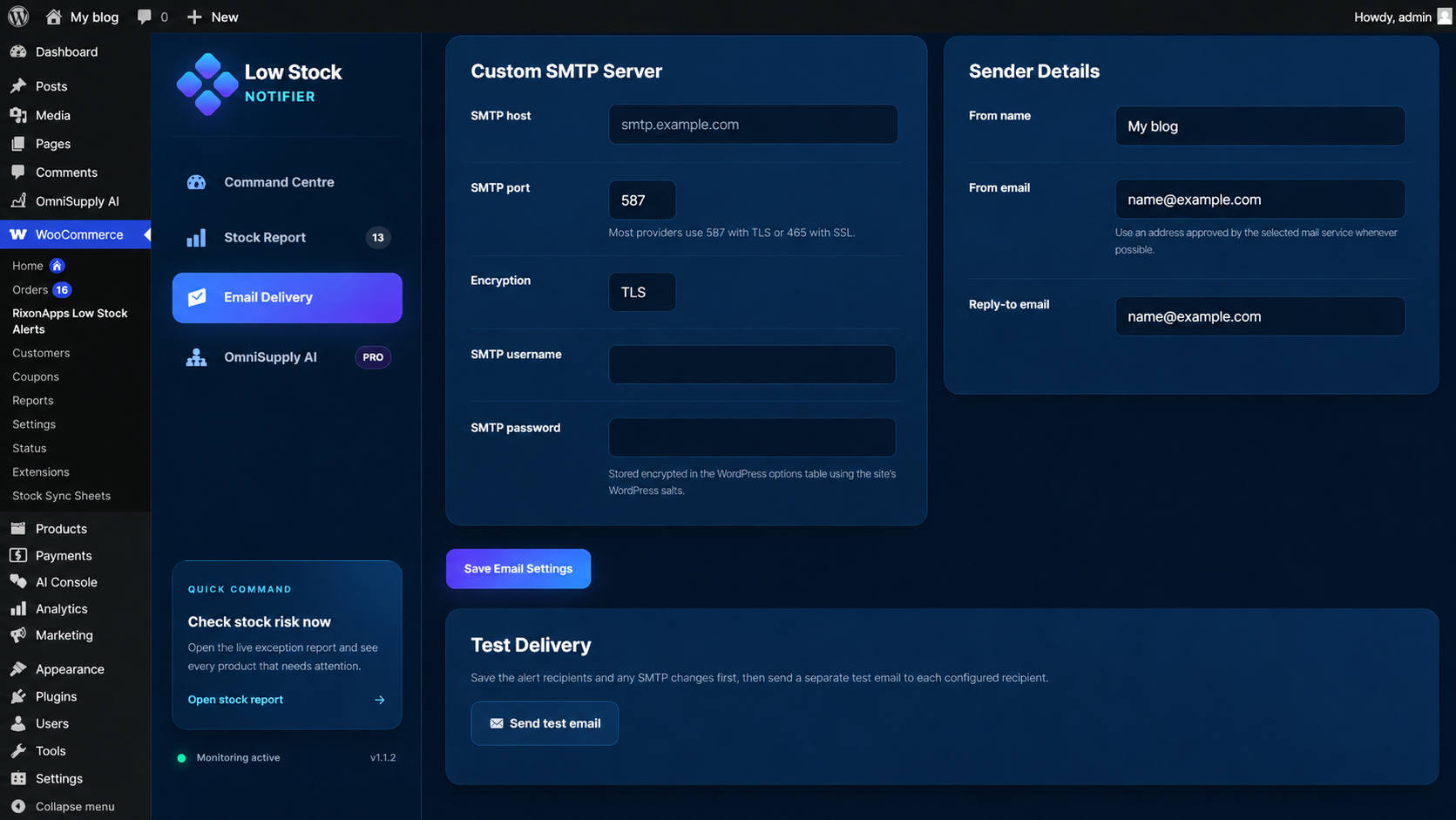
- Outbound email settings — use the site’s existing WordPress / SMTP configuration automatically, or use dedicated encrypted SMTP details for this plugin only
- Sender controls — set From name, From email, Reply-To and send a real delivery test
- Per-product thresholds — override the global setting on any individual product or variation
- Slack / webhook support — receive alerts directly in your Slack channel
- Ignore list — exclude specific products from all alerts
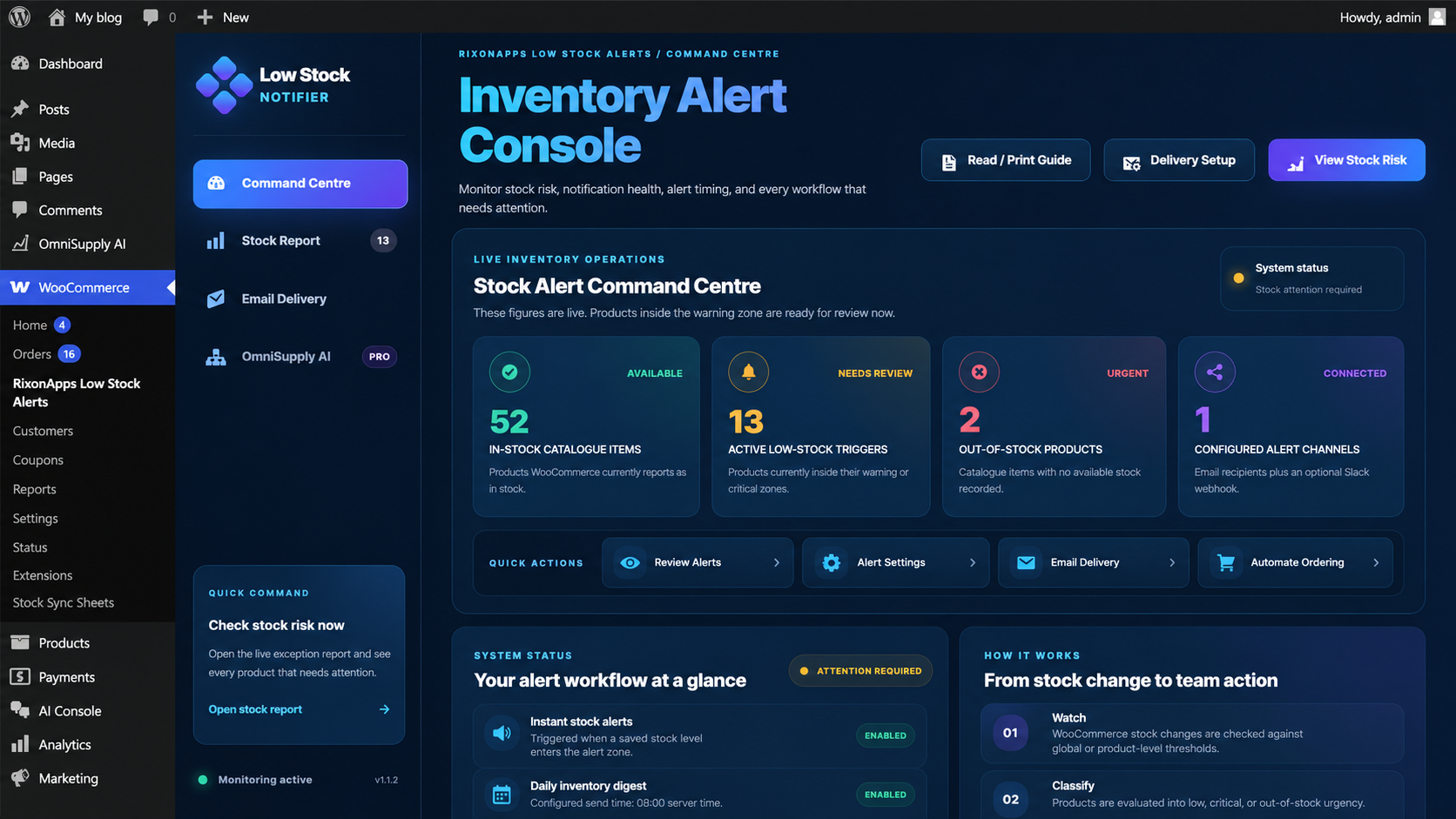
- Dashboard widget — see your stock status at a glance from the WordPress dashboard
- Stock Report page — full sortable table of all products needing attention
Perfect for
- Store owners who’ve been burned by unexpected stockouts
- Teams where the person managing stock isn’t the WordPress admin
- Stores with large catalogues where manual monitoring isn’t realistic
Upgrade to OmniSupply AI
RixonApps Low Stock Alerts tells you when inventory needs attention. OmniSupply AI adds the complete supplier operations layer that acts on the alert.
- Build a supplier directory for replenishment and dropshipping workflows
- Calculate recommended order quantities from stock, sales velocity, lead time and safety stock
- Prepare, review, send and retain supplier purchase-order emails
- Run configured automatic replenishment requests with repeat-order protection
- Route paid-order details to dropshipping suppliers
- Review unusual customer delivery notes before supplier fulfilment
- Upload supplier invoices or delivery dockets for AI-assisted, editable goods-received matching
- Approve complete receipts before WooCommerce stock is increased
- Prevent duplicate supplier references and retain operational history
Use RixonApps Low Stock Alerts for early warning. Add OmniSupply AI when you want to manage the complete workflow from stock risk to supplier order, fulfilment and approved goods receipt.
Screenshots
Installation
- Upload the plugin files to
/wp-content/plugins/rixonapps-low-stock-alerts-for-woocommerce/ - Activate the plugin through the ‘Plugins’ menu in WordPress
- Go to WooCommerce RixonApps Low Stock Alerts to configure
FAQ
-
Does this replace WooCommerce’s built-in low stock emails?
-
No — it works alongside them. You can disable the built-in WooCommerce low stock email in WooCommerce > Settings > Emails if you prefer to use only this plugin.
-
Can I set different thresholds for different products?
-
Yes. Open any product in the editor and scroll to the Inventory section. You’ll see a “RixonApps Low Stock Alerts” panel where you can set a per-product threshold or choose to ignore the product entirely.
-
Does it work with variable products?
-
Yes — each variation can have its own threshold.
-
What happens if no products are low in stock when the daily digest runs?
-
Nothing is sent. The digest only fires when there’s something to report.
-
Can I trigger the digest manually?
-
Yes — go to WooCommerce RixonApps Low Stock Alerts Settings and click “Send digest now”.
Reviews
There are no reviews for this plugin.
Contributors & Developers
“RixonApps Low Stock Alerts for WooCommerce” is open source software. The following people have contributed to this plugin.
Contributors
Translate “RixonApps Low Stock Alerts for WooCommerce” into your language.
Interested in development?
Browse the code, check out the SVN repository, or subscribe to the development log by RSS.
Changelog
1.1.2
- Correct Plugin Check and WordPress Coding Standards findings while preserving existing notifier behaviour.
1.1.1
- Fixed WordPress.org Plugin Check and WordPress Coding Standards findings.
- Renamed the plugin and package slug to comply with WordPress.org trademark naming rules.
- Added missing translator comments and output escaping.
- Added WooCommerce product-save nonce validation notices for static analysis without changing product-save behaviour.
- Updated the WordPress tested version, tags and short description limits.
1.1.0
- Added a dedicated Email Delivery page.
- Added Website Mail mode, which uses the site’s current WordPress mail / SMTP configuration automatically.
- Added isolated custom SMTP settings for RixonApps Low Stock Alerts emails only, with encrypted SMTP password storage.
- Added configurable From name, From email and Reply-To headers.
- Fixed test-email and manual-digest feedback so failed mail hand-off is reported instead of always shown as sent.
- Added input guards and WooCommerce product-save nonce checks for product and variation notification fields.
- Added an OmniSupply AI upgrade card linking to supplier replenishment workflows.
1.0.0
- Initial release