

Description
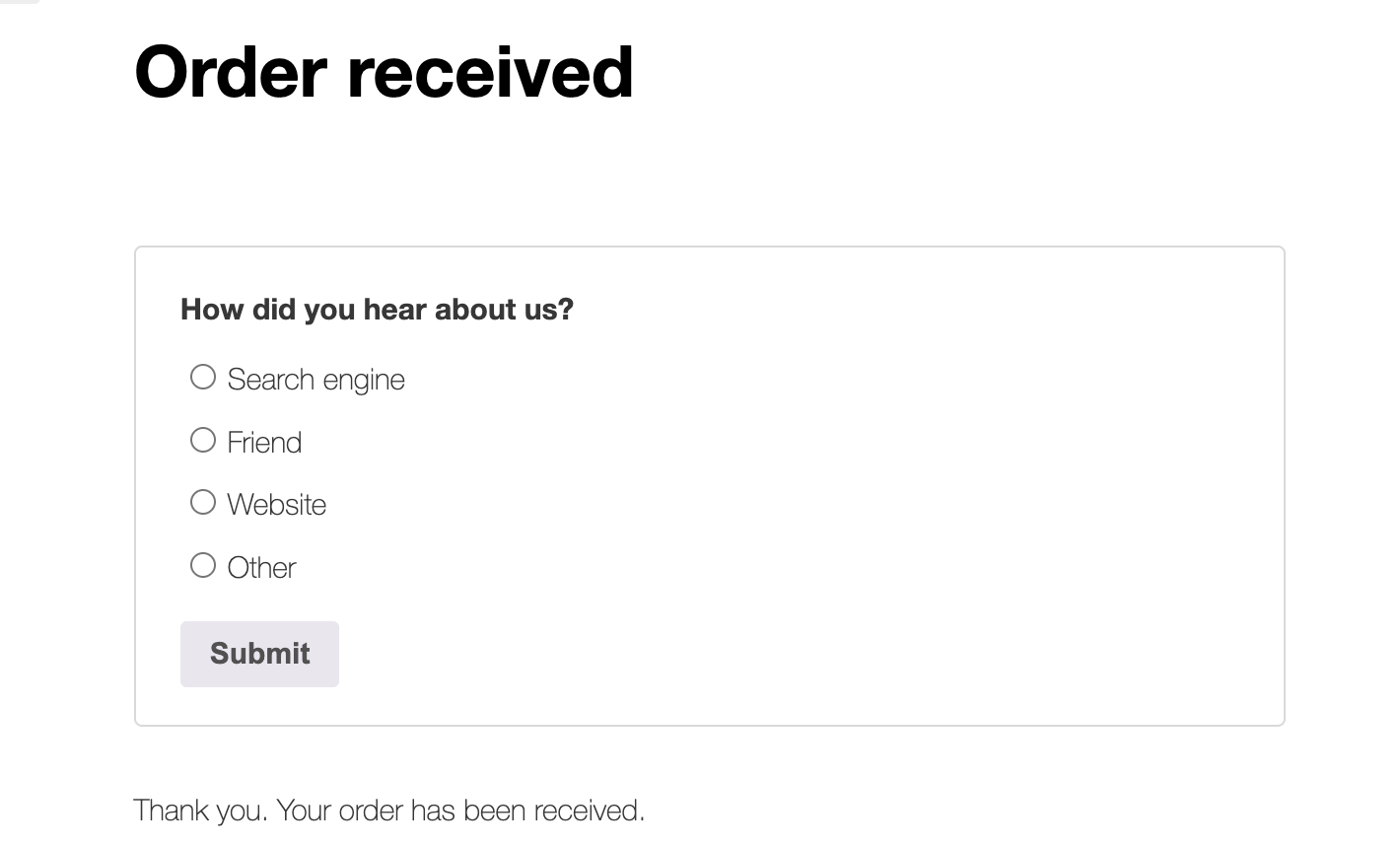
Post-Purchase Survey for WooCommerce adds a simple, one-question attribution survey to your order-received (thank you) page. Customers submit with a single click, and you generate reports to help you learn more about your customers.
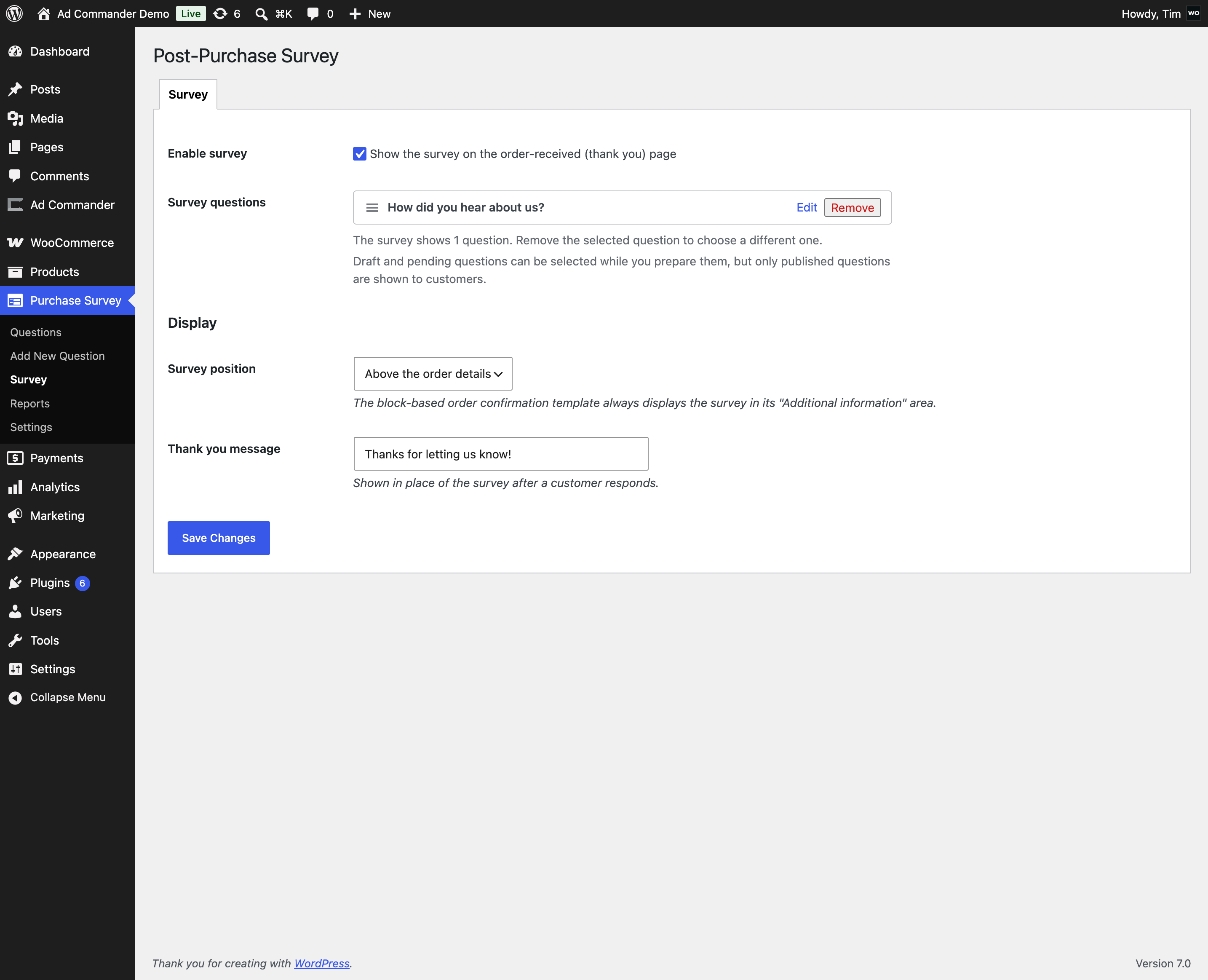
Getting started takes about a minute: activation creates an example “How did you hear about us?” question (as a draft, so nothing is shown to customers yet). Review and publish it, select it on the Survey screen, and enable the survey when you’re ready.
Features
- Works with both classic checkout and the block-based checkout
- Questions are managed like posts: draft, review, and publish when ready — only published questions are shown to customers
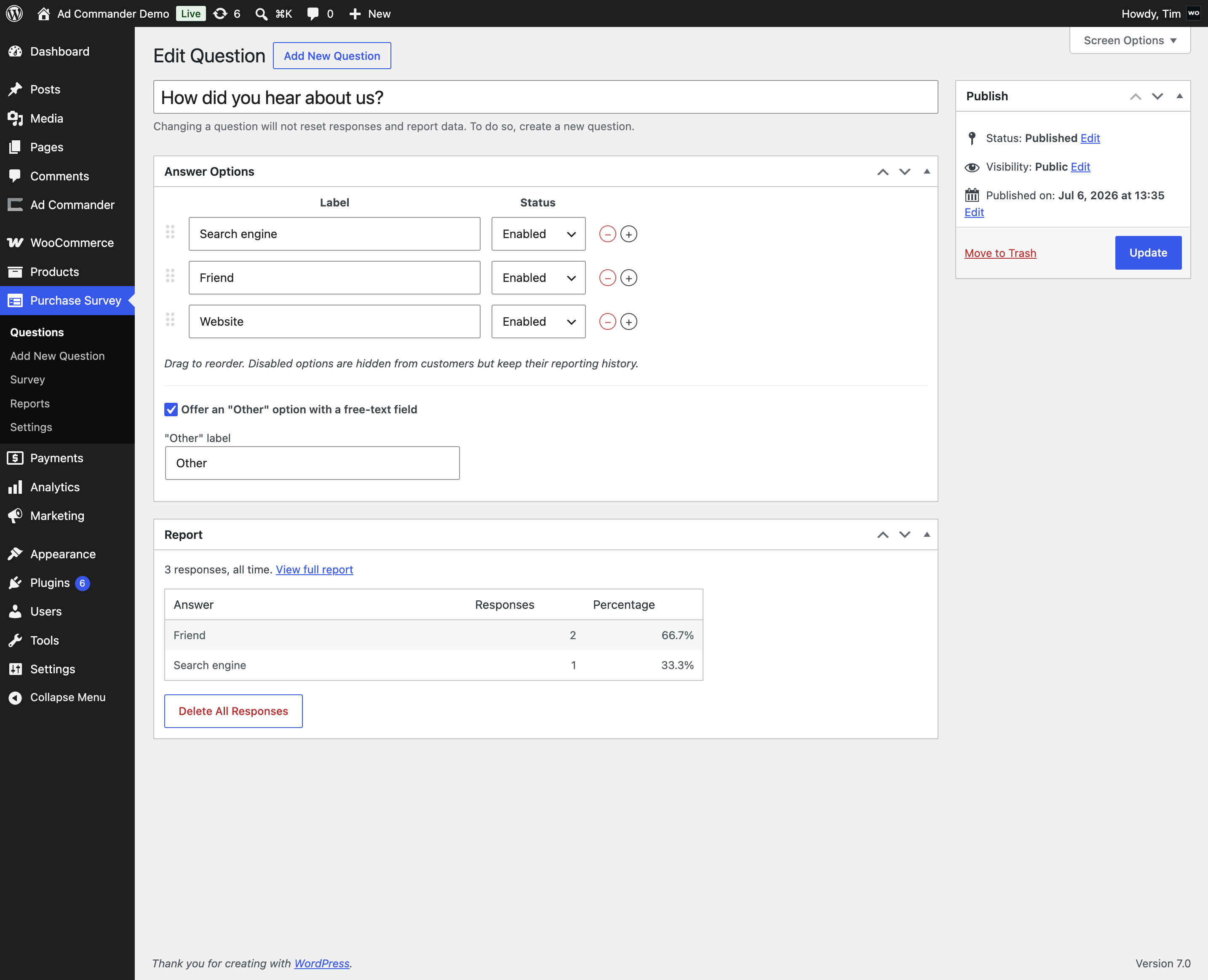
- Fully editable answer options: add, edit, remove, reorder, and enable/disable each answer
- Optional per-question “Other” answer with a free-text field and custom label
- One response per order — after submitting, customers see a friendly “thank you” message. Refreshing does not allow a second submission.
- Works with JavaScript disabled (standard form fallback)
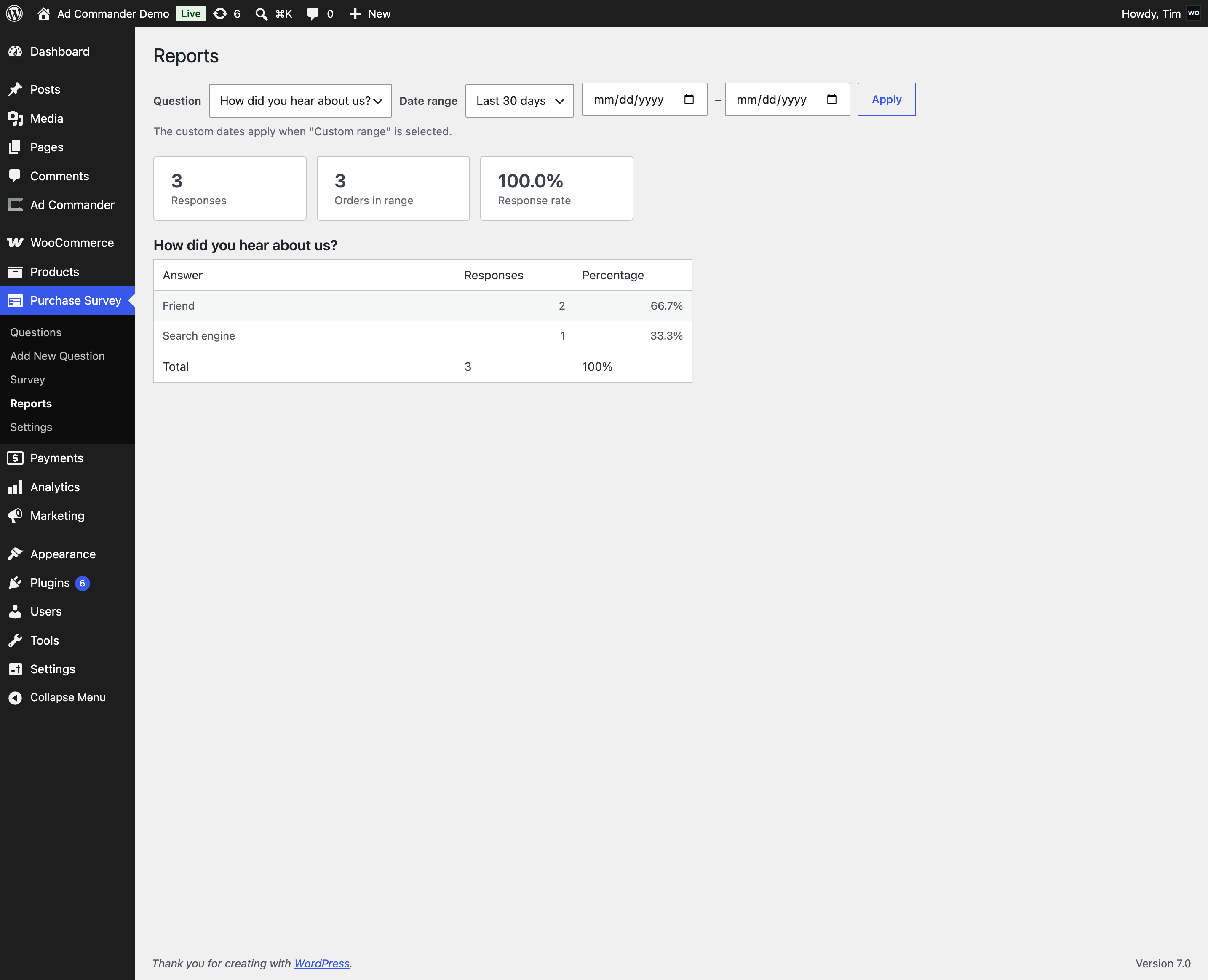
- Reports with per-answer counts, percentages, total responses, and response rate
- Date-range filtering with sensible presets
- The customer’s answer is saved to order meta and shown on the order screen
- Compatible with High-Performance Order Storage (HPOS)
- Privacy-ready: registers a personal data exporter and eraser for GDPR/CCPA requests
- Clean uninstall — response data is only deleted if you opt in
How it works
- Create (or publish the example) question under Post-Purchase Survey Questions, then select it and enable the survey on the Survey screen.
- A customer completes checkout and lands on the “thank you” page, where the survey appears above or below the order details (position is adjustable).
- The customer picks an answer (or “Other” with a short note) and submits.
- The response is stored once per order, written to order meta, and counted under Post-Purchase Survey Reports.
Extensible
Developers can customize behavior with filters and actions (ppsfw_should_display, ppsfw_response_data, ppsfw_after_response_saved, and more). See the plugin’s readme.md for the full list.
Screenshots
FAQ
Where does the survey appear?
On the WooCommerce order-received (thank you) page, directly below the order details by default, or above them via the position setting. The setting works with both the classic order-received page and the block-based order confirmation template.
Why don’t customers see the survey yet?
The survey ships disabled so you can review it first. Three things must be true: the survey is enabled on the Survey screen, a question is selected there, and that question is published (drafts and pending questions are never shown to customers).
Can customers answer more than once?
No. Exactly one response is stored per order. If the customer reloads the page, they see your “thank you” message instead of the form.
Does it work with checkout blocks?
Yes. The survey renders on both the classic (shortcode) order-received page and the block-based order confirmation template.
Does it work with page caching?
Order-received pages are normally excluded from page caching by WooCommerce and caching plugins, and this plugin doesn’t rely on any server-side page state. If your cache is configured aggressively enough to cache the order-received endpoint, exclude
/checkout/order-received/from caching.Does it work with High-Performance Order Storage (HPOS)?
Yes. The plugin declares HPOS compatibility and only reads and writes orders through the WooCommerce CRUD API.
What happens to my data if I uninstall the plugin?
Settings are removed. Survey questions, responses, and order meta are kept unless you enable “Delete all plugin data on uninstall” in the settings before uninstalling.
Is the survey response personal data?
Responses are tied to orders. The plugin registers a WordPress personal data exporter and eraser, so responses are included in GDPR/CCPA export and erasure requests handled from Tools Export/Erase Personal Data.
Reviews
There are no reviews for this plugin.
Contributors & Developers
“Post-Purchase Survey for WooCommerce” is open source software. The following people have contributed to this plugin.
Contributors

Translate “Post-Purchase Survey for WooCommerce” into your language.
Interested in development?
Browse the code, check out the SVN repository, or subscribe to the development log by RSS.
Changelog
1.0.1
- Longer unique prefix, dismissible admin notice, updated bundled admin framework
1.0.0
- Initial version