
Description
Opens post links inside a target window of one of the following types: an internal embedded iframe, an external popup window, a separate browser window/tab. The type of window to be opened is mapped to the file extensions in the links via the plugin settings. By default, links to images and PDF files open in the internal embedded window, while all others open in an external popup or browser window (except for “technical” links to ZIP files and similar assets, which are downloaded within the current window).
Exceptions are provided for these rules in certain cases. For instance, to prevent the plugin from handling frontend UI elements within the post container (such as edit buttons), you can add their URL fragments to a dedicated exclusion list. Additionally, you can specify websites that block their pages from being loaded inside iframes due to security policies (the plugin will automatically open these in a separate browser window instead).
The plugin processes links from both the main “post_content” field and custom fields (including in Multisite mode). It scans links exclusively inside the post container and ignores standard UI components (menus, widgets, pagination, etc.).
Out of the box, target window assignment is configured only for links with a user-defined target=”_blank” attribute. It is assumed that authors decide which links should open externally, while the plugin simply manages the appearance of these windows. However, you can change this setting to apply the plugin’s logic to all links within a post.
Screenshots
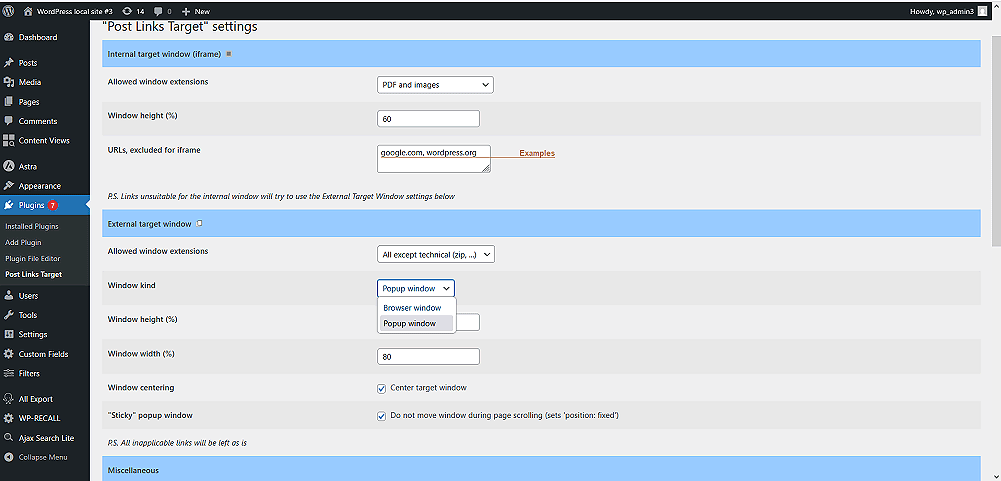
Main settings (target window options).
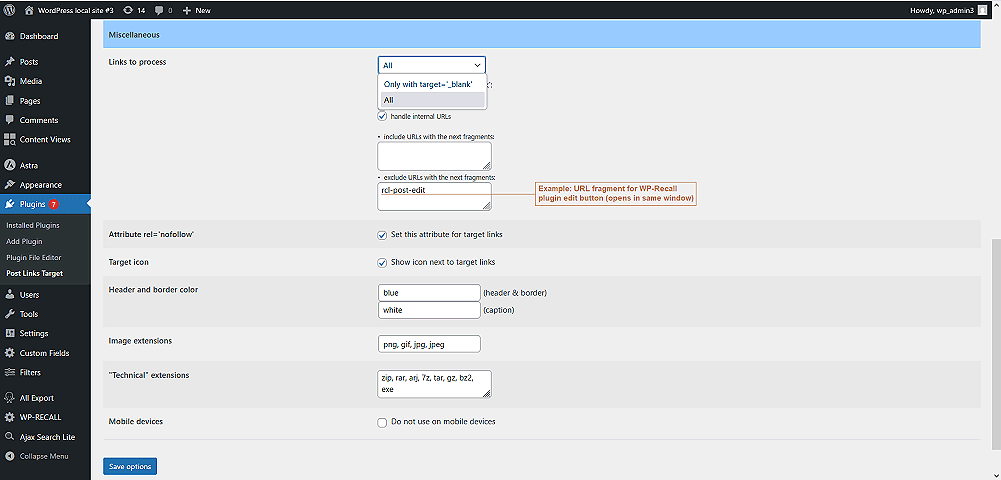
Miscellaneous settings.
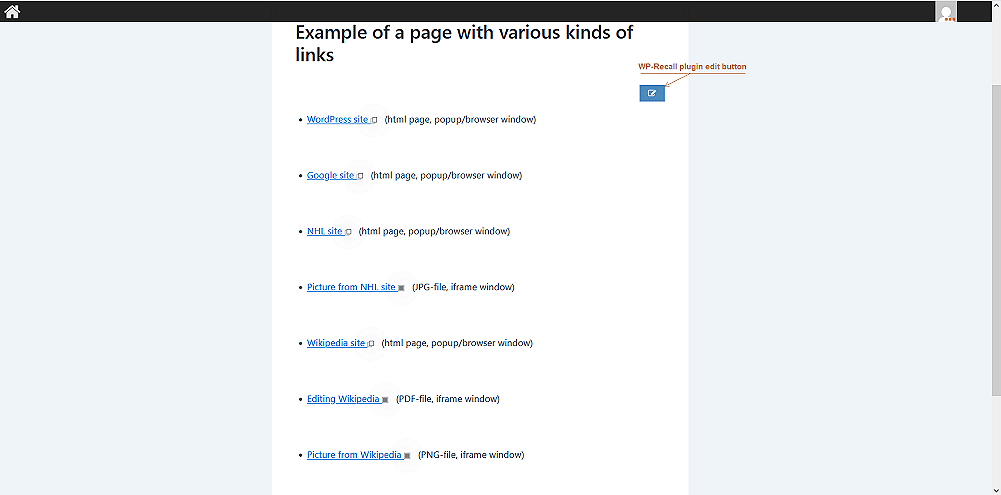
Example page showing links for different target window types.
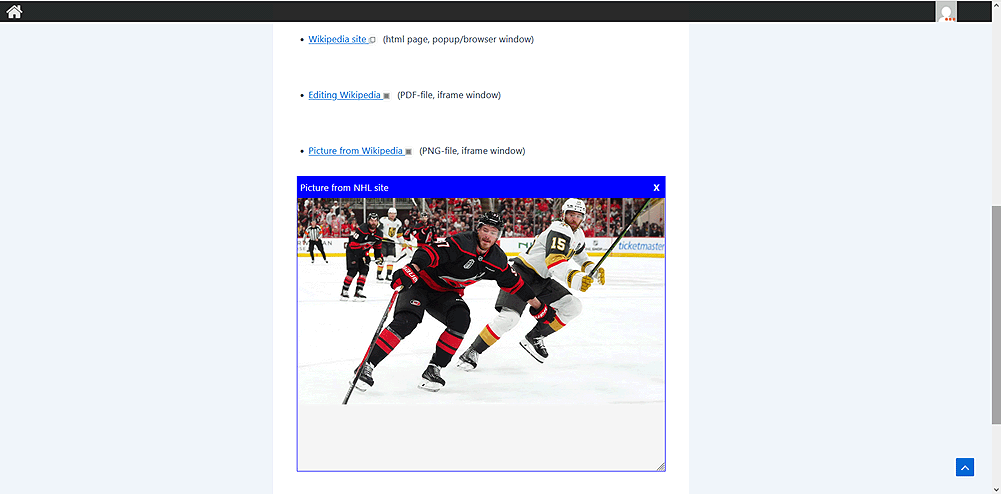
Example of a link opening in an embedded iframe window.
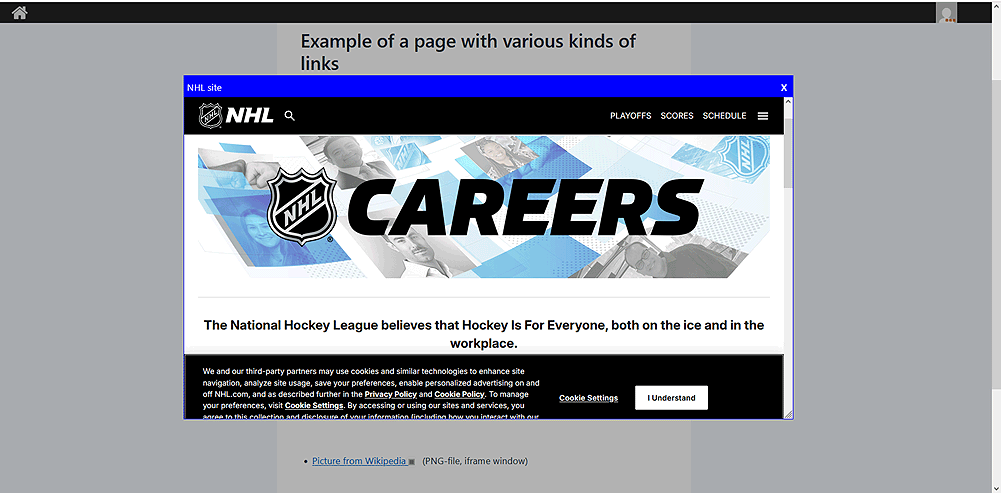
Example of a link opening in an external popup window.
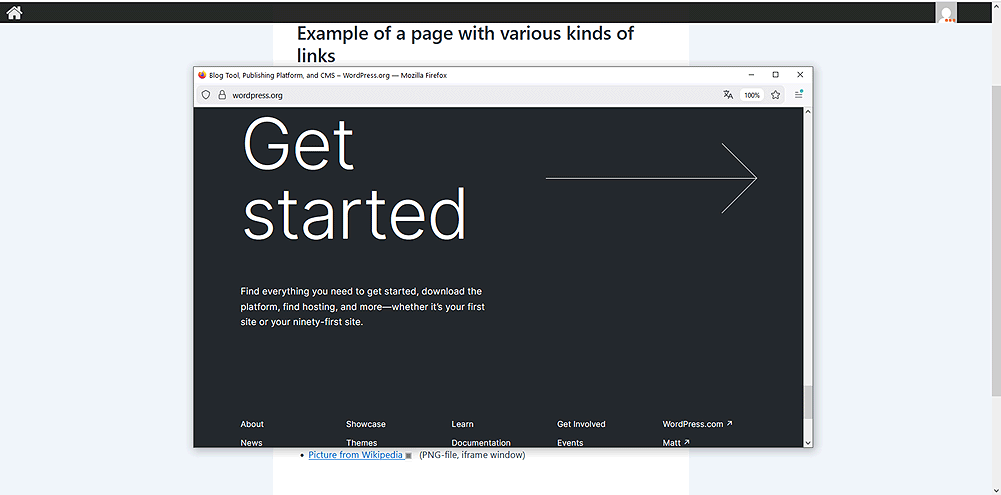
Example of a link opening in a separate browser window.
FAQ
When attempting to open a link in a popup window, the browser displays an error message similar to: “To protect your security, website will not allow your browser to display the page if another site has embedded it”. Is there any way to avoid this?
Some websites prohibit opening their pages within embedded iframes for security reasons. Since popup windows also embed iframes internally, this restriction applies to them as well.
To avoid such issues, these websites should be added to the “URLs excluded for iframe” list in the plugin settings (this forces their pages to open in a separate browser window/tab). If there are many such links, it is recommended to use only browser windows as target containers.
To resolve this, you need to list the specific URL fragments associated with the ignored interface elements in the “Exclude URLs with the next fragments” field within the plugin settings. For example, the edit button for the WP-Recall plugin contains the “rcl-post-edit” GET variable, which should be added to this list.
The Simple Lightbox plugin automatically opens image links inside its own popup window, even if they are meant to load inside your plugin’s embedded iframe or external popup window. How can I prevent this?
Some image lightbox plugins, like Simple Lightbox, automatically intercept all image links on a page. To avoid this behavior, we recommend either not using target windows for images or switching to a plugin that allows their selective targeting (such as Meow Lightbox).
Does the plugin support WordPress Multisite?
Yes, it is fully compatible with WordPress Multisite.
Reviews
There are no reviews for this plugin.
Contributors & Developers
“PLTarget – Post Links Target” is open source software. The following people have contributed to this plugin.
Contributors
“PLTarget – Post Links Target” has been translated into 1 locale. Thank you to the translators for their contributions.
Translate “PLTarget – Post Links Target” into your language.
Interested in development?
Browse the code, check out the SVN repository, or subscribe to the development log by RSS.
Changelog
1.0.0
- Start version