Skip to content
WordPress.org
  • Showcase
  • Plugins
  • Themes
  • Hosting
  • News
    • Learn WordPress
    • Documentation
    • Education
    • Forums
    • Developers
    • Blocks
    • Patterns
    • Photos
    • Openverse ↗︎
    • WordPress.tv ↗︎
    • About WordPress
    • Make WordPress
    • Events
    • Five for the Future
    • Enterprise
    • Gutenberg ↗︎
    • Job Board ↗︎
    • Swag Store ↗︎
  • Get WordPress
Get WordPress
WordPress.org

Plugin Directory

Pixel Share Gate

  • Submit a plugin
  • My favorites
  • Log in
  • Submit a plugin
  • My favorites
  • Log in

This plugin hasn’t been tested with the latest 3 major releases of WordPress. It may no longer be maintained or supported and may have compatibility issues when used with more recent versions of WordPress.

Pixel Share Gate

By mywpworld
Download
  • Details
  • Reviews
  • Installation
  • Development
Support

Description

Pixel Share Gate is a WordPress plugin that allows you to lock your content behind a share gate. Users must share the page on one of the selected social networks to view the content.

Free Version Features:
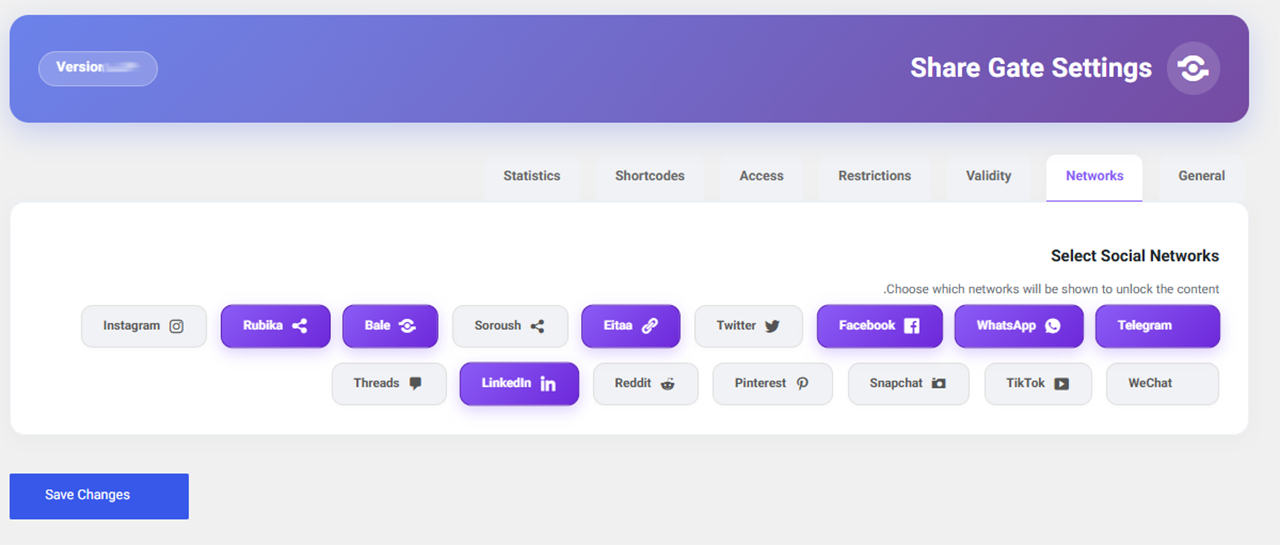
– Support for social networks: Telegram, WhatsApp, Rubika
– Auto-lock content based on post type
– Set access validity based on number of views
– Meta box to enable/disable lock per post
– Multiple shortcodes for advanced control
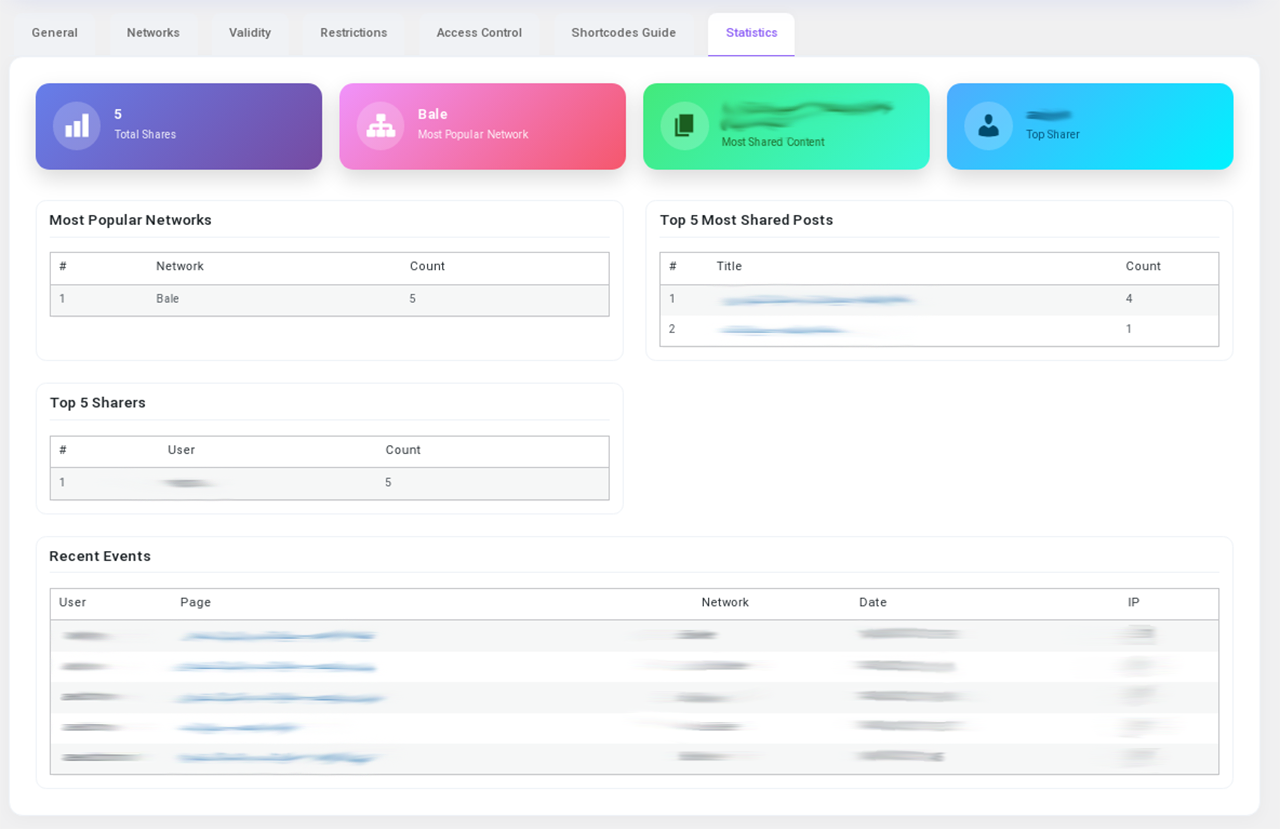
– Display share statistics in dashboard

Pro Version Features:
– All free features plus:
– Additional networks: Facebook, Twitter, Eitaa, Soroush, Bale
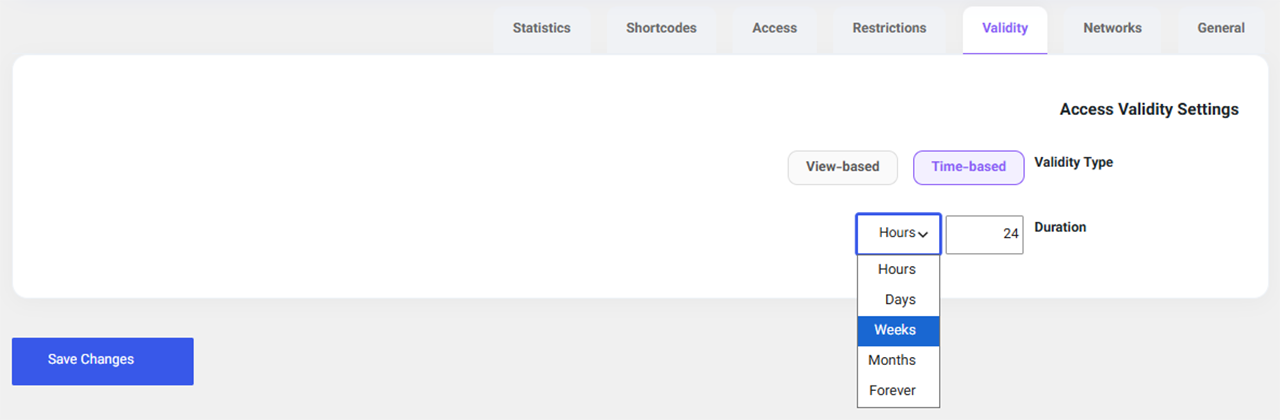
– Time-based access validity (hours, days, weeks, months, forever)
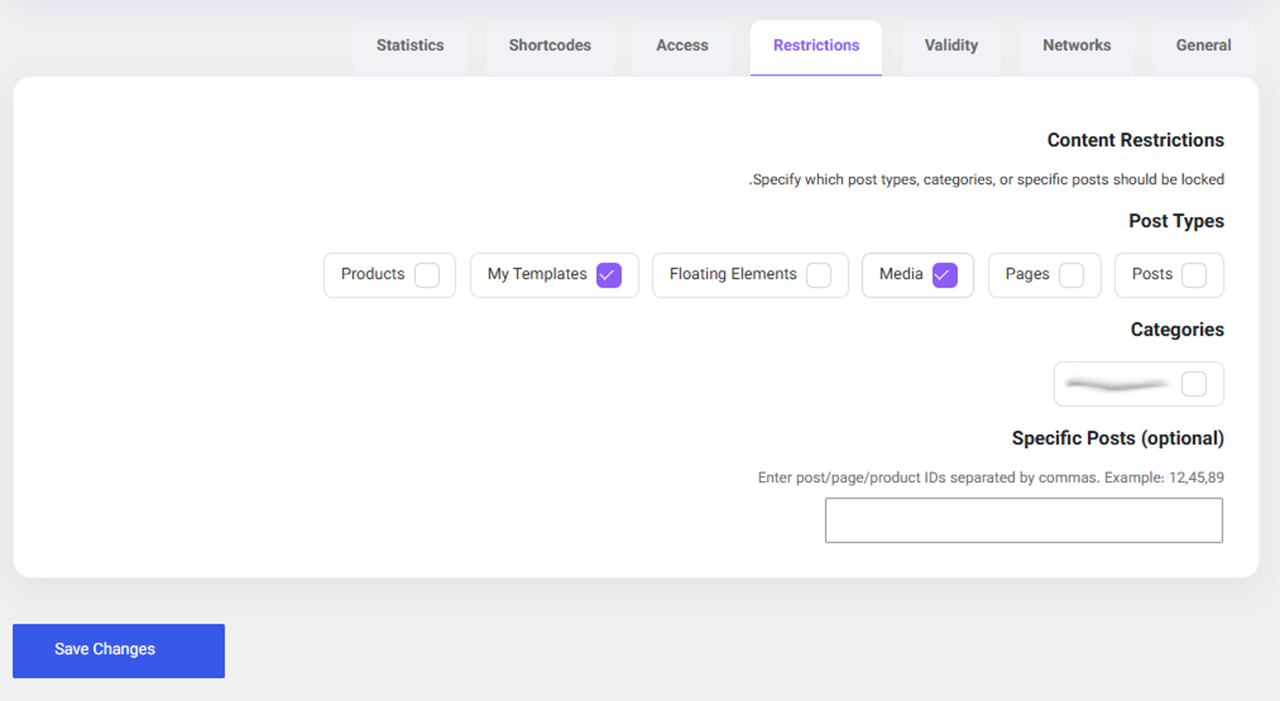
– Restrict by categories or specific post IDs
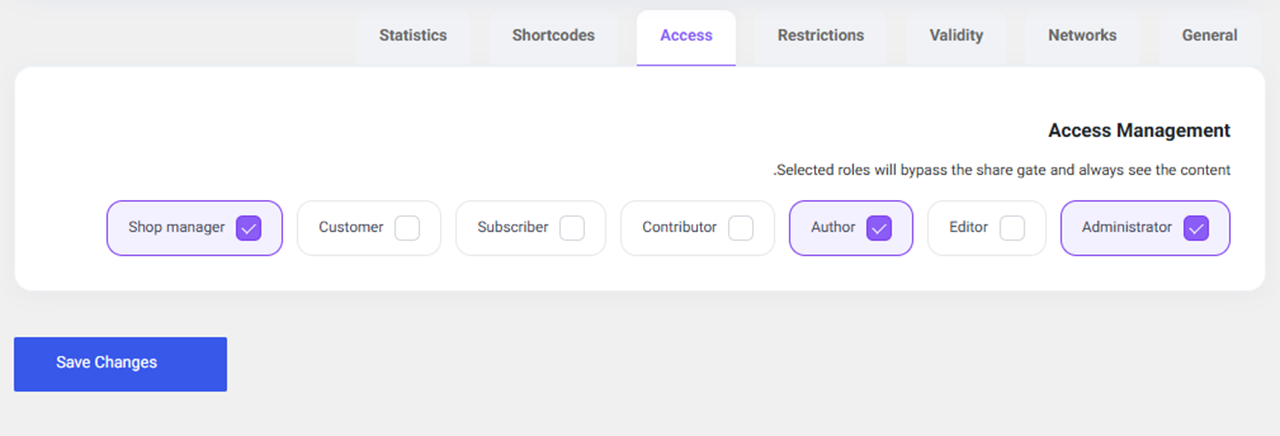
– Exempt specific user roles from the lock

Screenshots
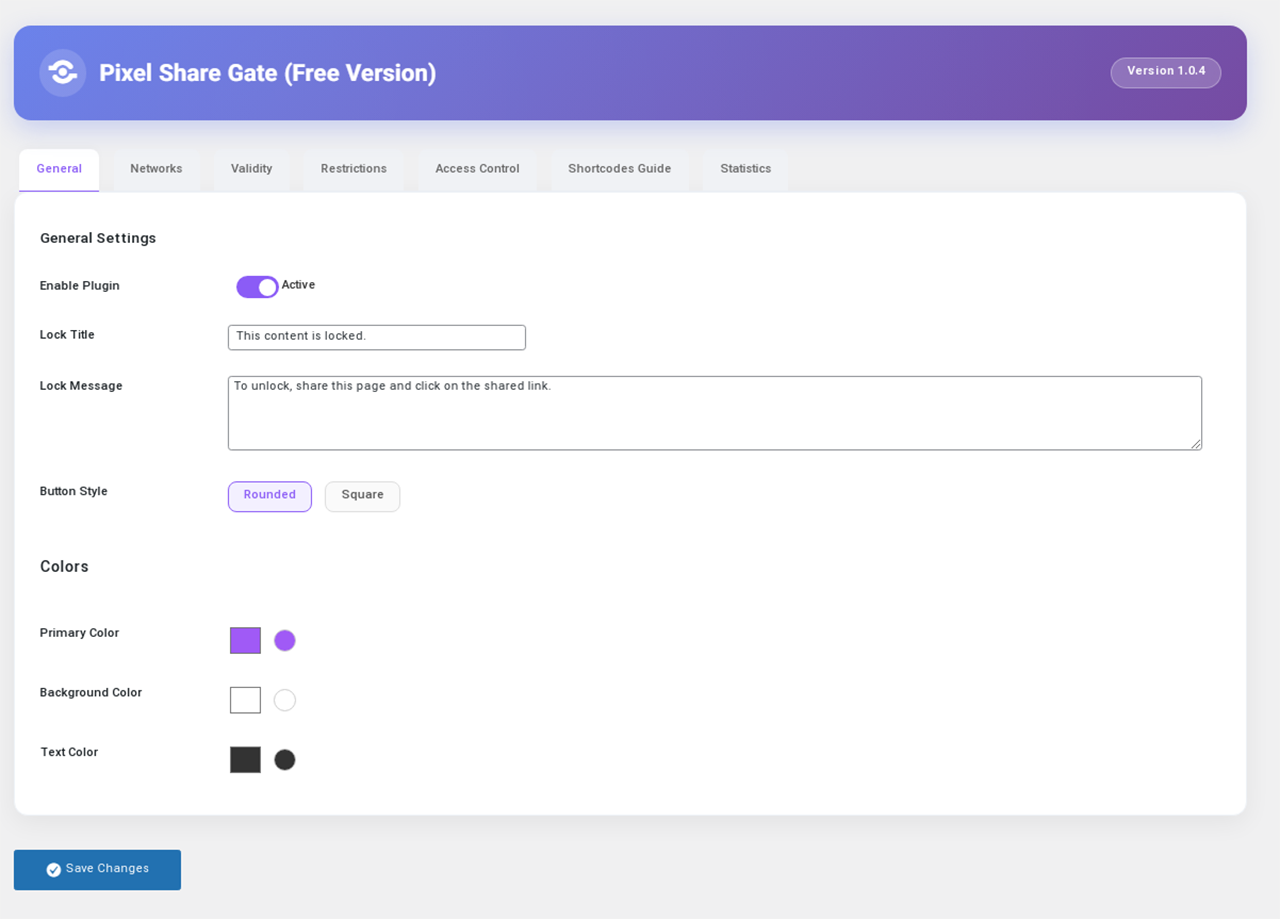
The main settings page of Share Lock.
Meta box to enable/disable lock on a post editing screen.
The locked content area with share buttons on the front end.
Share statistics dashboard widget.

Installation

  1. Upload the pixel-share-gate folder to wp-content/plugins/.
  2. Activate the plugin through the ‘Plugins’ menu in WordPress.
  3. Go to ‘Share Lock’ menu and configure settings.
  4. Use the [pixel_share_gate] shortcode or enable auto-lock.

FAQ

How do I disable the lock on a specific post?

In the post edit screen, in the “Pixel Share Gate” meta box, select “Disabled”.

If a user has already shared, do they need to share again?

No, after successful sharing, a cookie is stored and content will be displayed without requiring another share until the validity expires.

Which social networks are supported in the free version?

Telegram, WhatsApp, and Rubika. More networks are available in the Pro version.

Reviews

There are no reviews for this plugin.

Contributors & Developers

“Pixel Share Gate” is open source software. The following people have contributed to this plugin.

Contributors
  • mywpworld
  • yourname

Translate “Pixel Share Gate” into your language.

Interested in development?

Browse the code, check out the SVN repository, or subscribe to the development log by RSS.

Changelog

1.0.4-free

  • Free version release with limited features and upgrade prompts

1.0.0

  • Initial release

Meta

  • Version 1.0.4
  • Last updated 8 hours ago
  • Active installations Fewer than 10
  • WordPress version 6.4 or higher
  • Tested up to 6.7.5
  • PHP version 7.4 or higher
  • Tags
    content lockerlocksharesocialsocial share
  • Advanced View

Ratings

No reviews have been submitted yet.

Your review

See all reviews

Contributors

  • mywpworld
  • yourname

Support

Got something to say? Need help?

View support forum

Donate

Would you like to support the advancement of this plugin?

Donate to this plugin

  • About
  • News
  • Hosting
  • Privacy
  • Showcase
  • Themes
  • Plugins
  • Patterns
  • Learn
  • Documentation
  • Developers
  • WordPress.tv ↗
  • Get Involved
  • Events
  • Donate ↗
  • Five for the Future
  • WordPress.com ↗
  • Matt ↗
  • bbPress ↗
  • BuddyPress ↗
WordPress.org
WordPress.org
  • Visit our X (formerly Twitter) account
  • Visit our Bluesky account
  • Visit our Mastodon account
  • Visit our Threads account
  • Visit our Facebook page
  • Visit our Instagram account
  • Visit our LinkedIn account
  • Visit our TikTok account
  • Visit our YouTube channel
  • Visit our Tumblr account
Code is Poetry
The WordPress® trademark is the intellectual property of the WordPress Foundation.