

Description
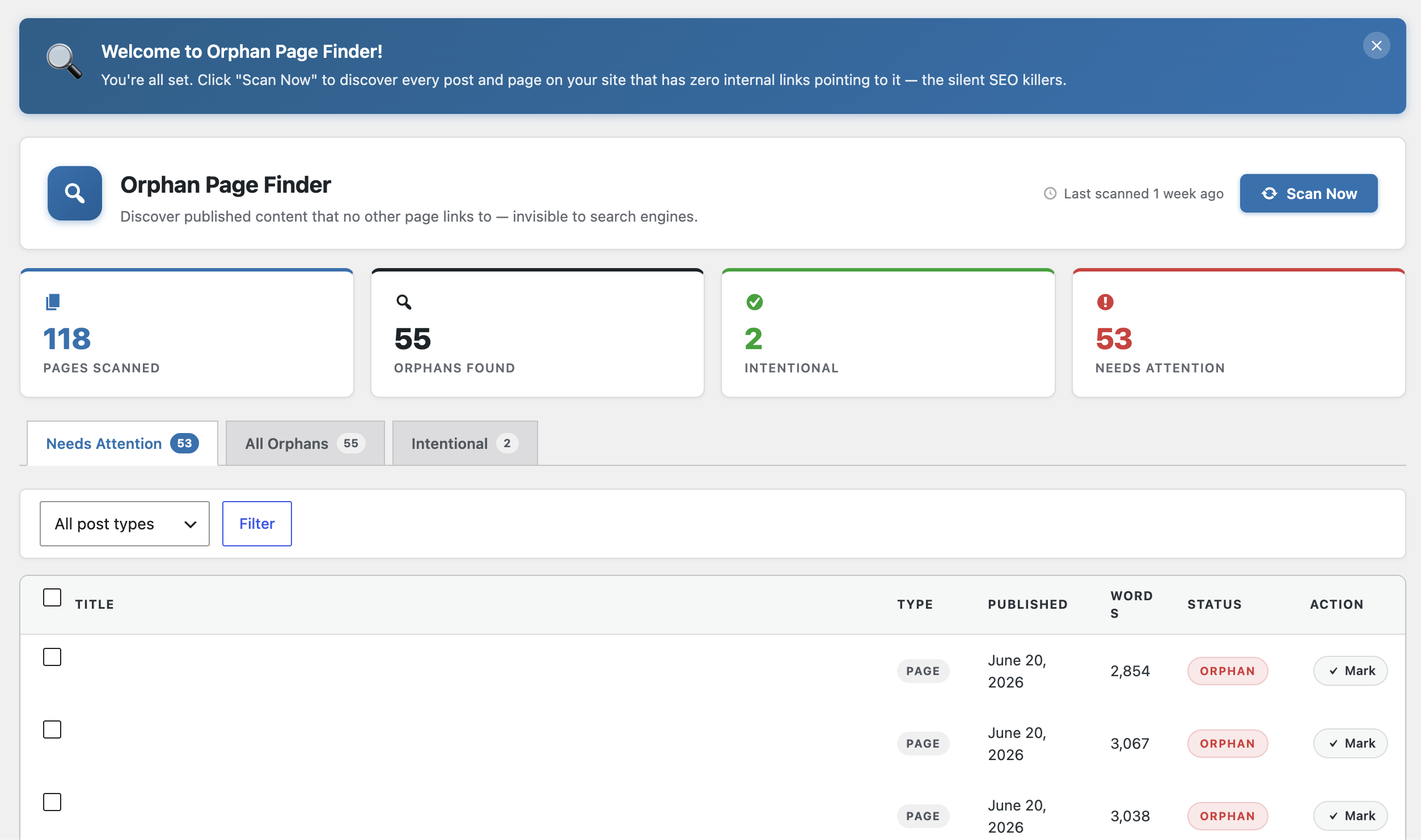
Orphan Page Finder scans your entire WordPress site and surfaces every published post, page, or custom post type that has zero internal links pointing to it from any other published content.
What is an orphan page?
An orphan page is a page that no other page on your site links to. Because search engines primarily discover new pages by following links, orphan pages are often invisible to Google and other crawlers. Even if a page has great content, it may never rank if nothing points to it.
Why does this hurt SEO?
- Crawlability — Googlebot follows links to discover pages. An unlinked page may never be crawled or indexed.
- PageRank flow — Internal links pass authority. Orphan pages receive none.
- User experience — Visitors can only reach orphan pages via direct URL or your sitemap, not through natural navigation.
- Wasted content investment — Hours of writing go unread and unranked.
What does this plugin do?
- Scans all published posts, pages, and custom post types in a single pass.
- Searches all other published content for href links pointing to each page — including both absolute URLs and relative paths.
- Flags any page with zero inbound internal links as an orphan.
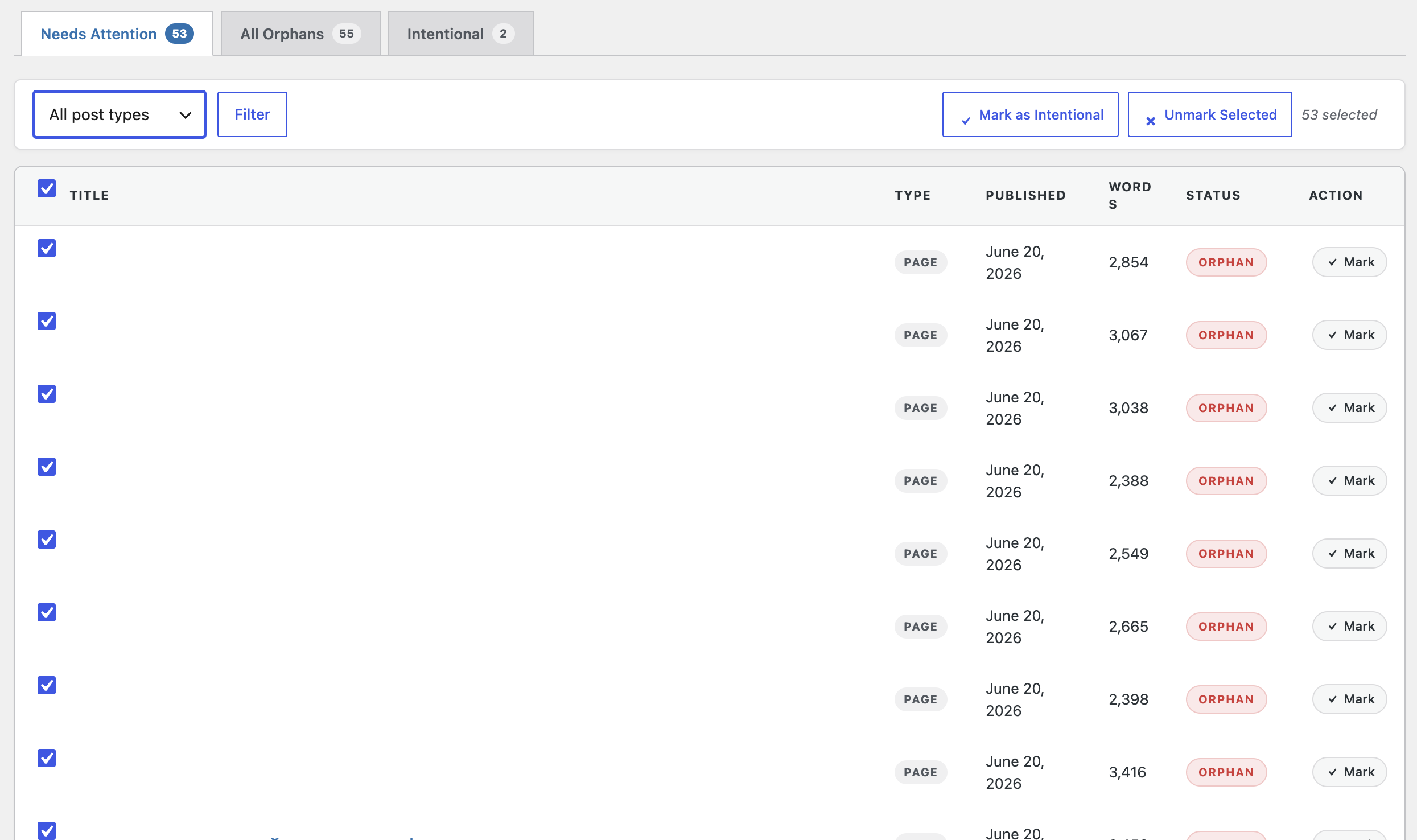
- Displays results in a clean dashboard table with post type, publish date, word count, and status badges.
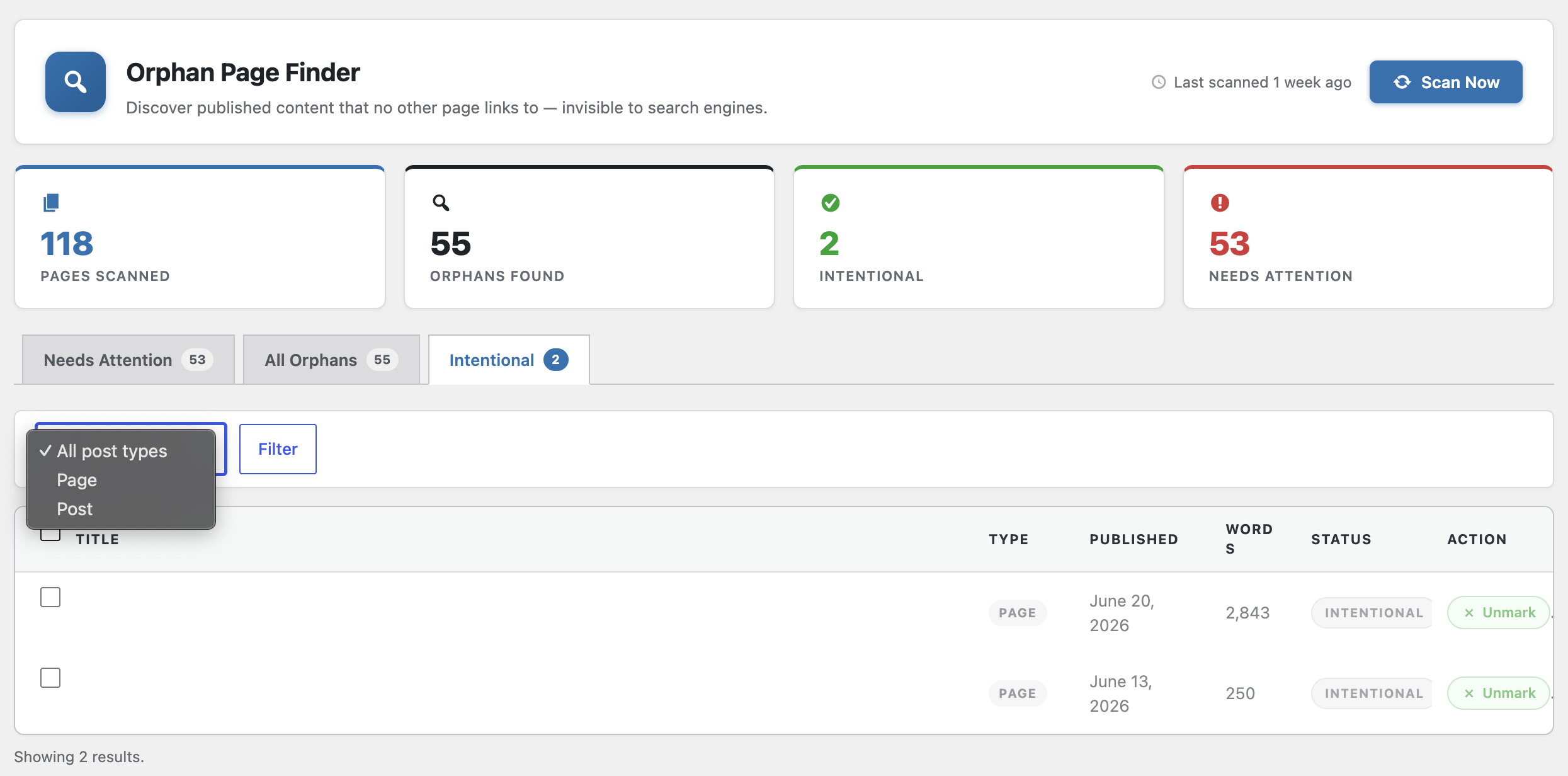
- Lets you mark pages as “Intentional” (e.g. landing pages you deliberately exclude from navigation) so they don’t clutter your fix list.
- Supports bulk actions — mark or unmark many posts at once.
- Works with Posts, Pages, and any registered public Custom Post Type.
Performance-friendly design
- Scans all content in a single optimised query, then processes results in batches of 50 with micro-sleeps to avoid overloading shared hosting.
- A transient flag prevents two simultaneous scans from running at once.
- Stores results in a dedicated lightweight database table so you can filter and sort without re-scanning.
Premium features (coming soon)
- Scheduled auto-scan — run weekly scans automatically via WP-Cron.
- Email alerts — get notified by email when new orphan pages are discovered.
- Bulk link suggestions — AI-powered suggestions for where to add internal links.
- Multi-site support — scan across an entire WordPress Multisite network.
- White-label PDF report — export a branded PDF report for clients.
Screenshots
Installation
- Upload the
orphan-page-finderfolder to your/wp-content/plugins/directory, or install the plugin directly through the WordPress Plugins screen. - Activate the plugin through the Plugins screen in WordPress.
- Navigate to Tools Orphan Pages.
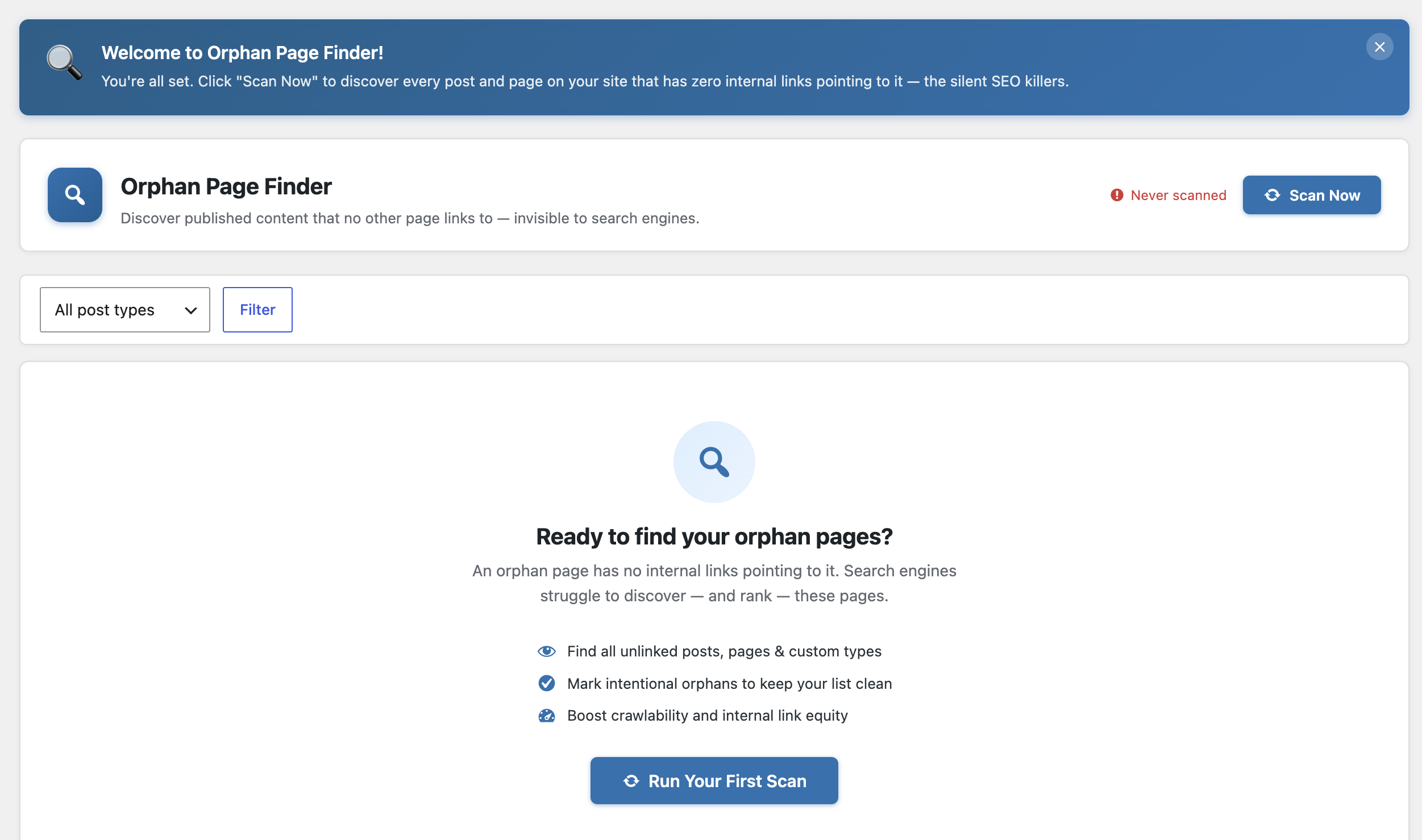
- Click Scan Now to run your first scan.
- Review the results table and start adding internal links to your orphan pages.
FAQ
-
How long does a scan take?
-
On most sites (under 500 posts) a scan completes in under 10 seconds. On very large sites (10,000+ posts) it may take 1–2 minutes. The plugin processes posts in batches with short pauses to avoid server timeout issues.
-
Version 1.0 checks links inside
post_contentof other published posts and pages. Links in navigation menus, widgets, or theme templates are not counted. This is by design — content-level internal links are what matter most for SEO. -
What does “Mark as Intentional” mean?
-
Some pages are deliberately not linked from other content — for example, a paid landing page, a thank-you page, or a coming-soon page. Marking a page as “Intentional” removes it from your action list without deleting the record, so you can focus on pages that genuinely need fixing.
-
Will running a scan affect my site’s performance?
-
The scan is a background admin operation and only runs when triggered by an admin user. It uses batch processing with micro-sleeps to stay lightweight on shared hosting. It does not affect the front end of your site.
-
Does it work with custom post types?
-
Yes. Any post type registered as
public => trueis automatically included in the scan.
Reviews
There are no reviews for this plugin.
Contributors & Developers
“BKoding – Orphan Page Finder” is open source software. The following people have contributed to this plugin.
Contributors
Translate “BKoding – Orphan Page Finder” into your language.
Interested in development?
Browse the code, check out the SVN repository, or subscribe to the development log by RSS.
Changelog
1.0.1
- Renamed all internal prefixes from
opftobkopfto meet WordPress.org uniqueness requirements.
1.0.0
- Initial release.
- Full site scan for orphan posts, pages, and custom post types.
- Results stored in a dedicated database table.
- Filter by post type or show/hide intentionally marked pages.
- Per-row Mark Intentional / Unmark actions (no page reload).
- Bulk Mark / Unmark actions.
- Scan-in-progress transient to prevent duplicate scans.
- Premium hook stubs: bkopf_schedule_scan, bkopf_after_scan.
- Full i18n support with .pot file.