

Description
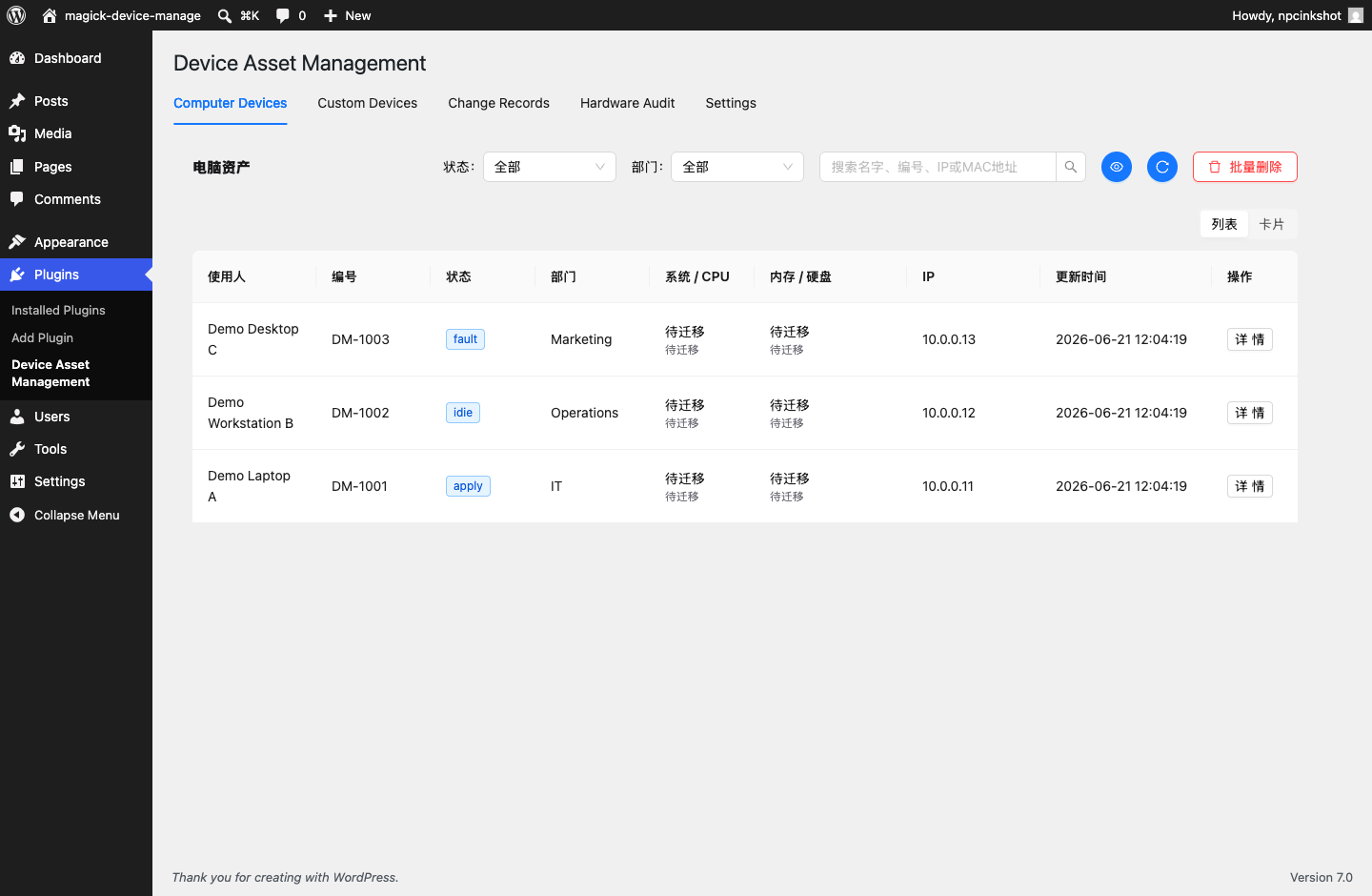
Npcink Device Inventory is a device asset management plugin for small teams that want to keep hardware inventory inside WordPress.
The plugin provides:
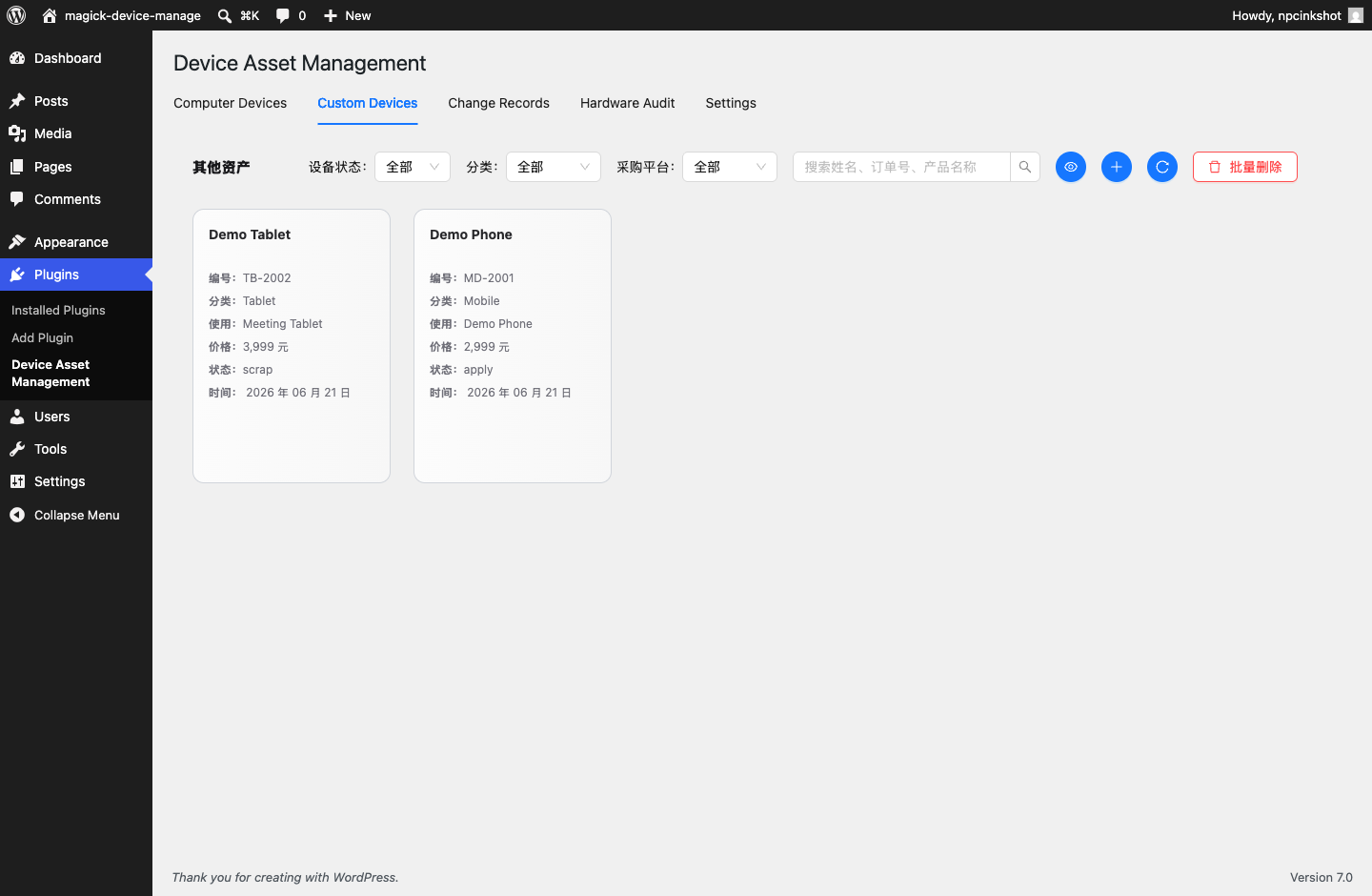
- A unified asset registry.
- Asset identities for matching repeated client observations to the same physical device.
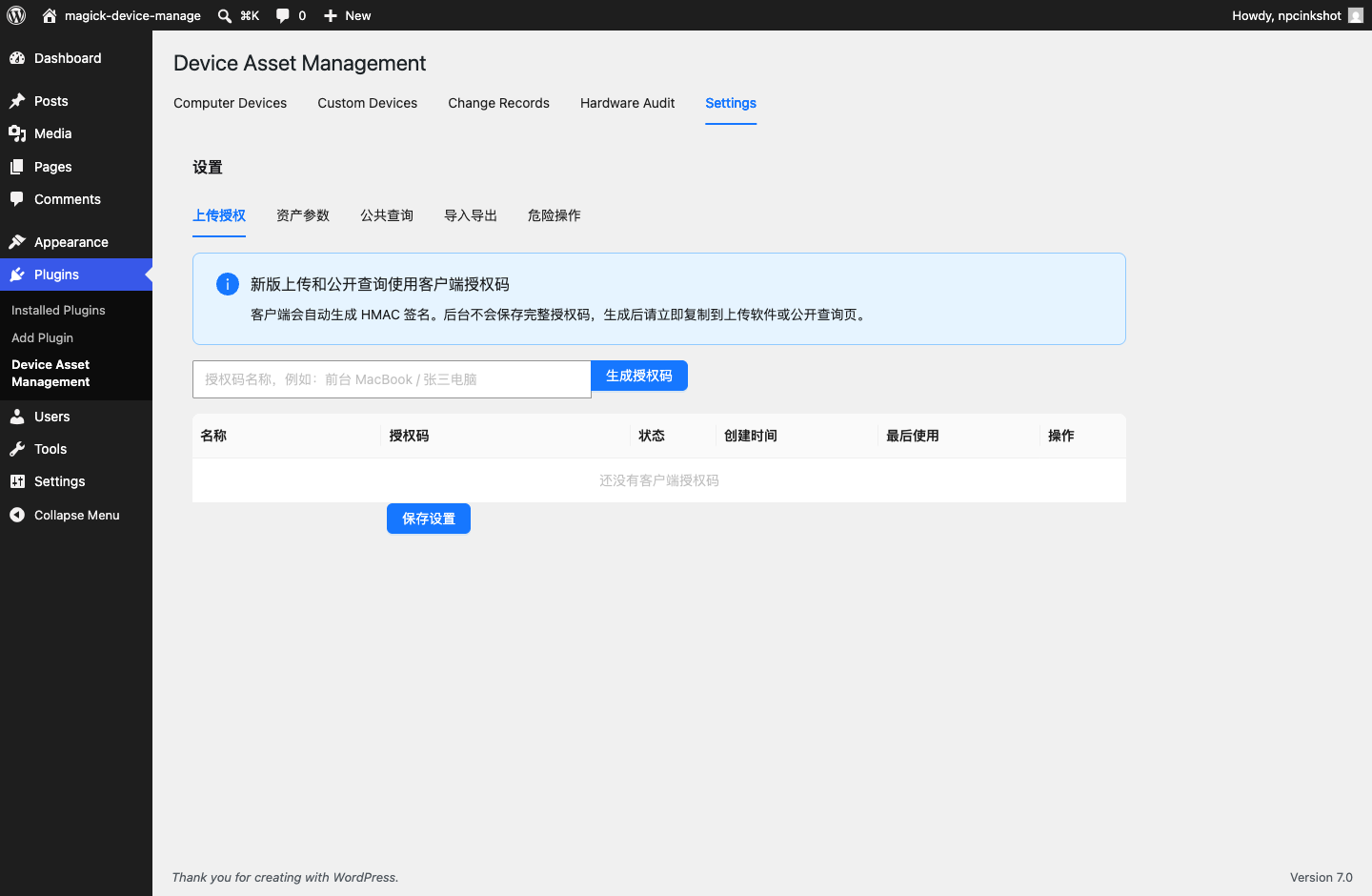
- Signed REST uploads for optional desktop collection clients.
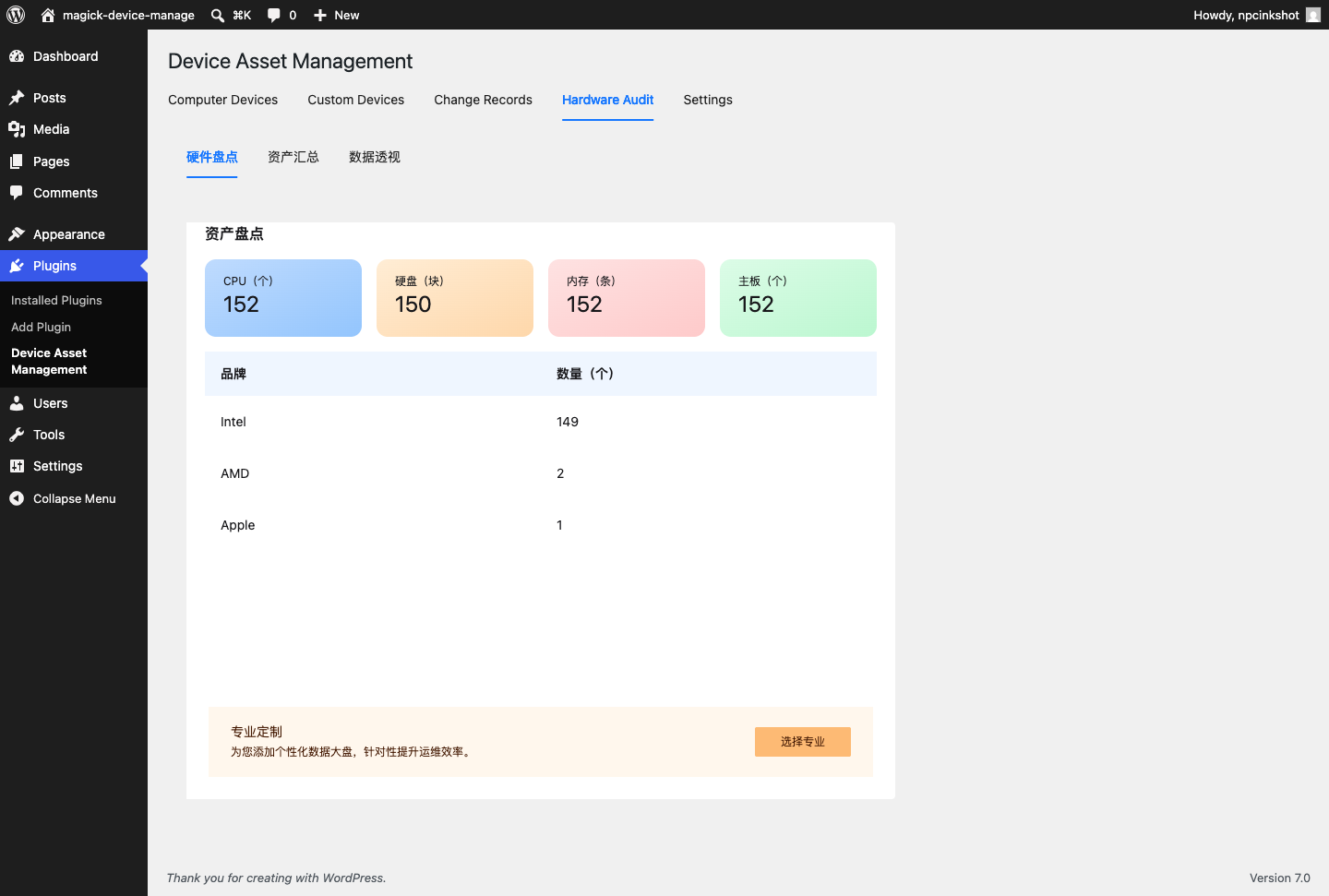
- Observation snapshots for collected hardware facts.
- Event timelines for asset creation, updates, observations, and notes.
- A bundled React admin workspace for asset review and client token management.
The WordPress plugin does not load JavaScript or CSS from third-party CDNs. Built React assets are bundled locally in the plugin package, with the corresponding React/TypeScript source and build configuration included under vite-admin.
Privacy
Npcink Device Inventory stores device asset data in the local WordPress database. Depending on how the site owner configures and uses the plugin, stored data may include device names, assigned users or locations, departments, status values, IP addresses, hardware identifiers, hardware details, and event history.
The plugin does not transmit this data to Npcink or any third-party server during normal plugin operation. Site administrators are responsible for informing users and employees about their own device inventory policies.
Screenshots
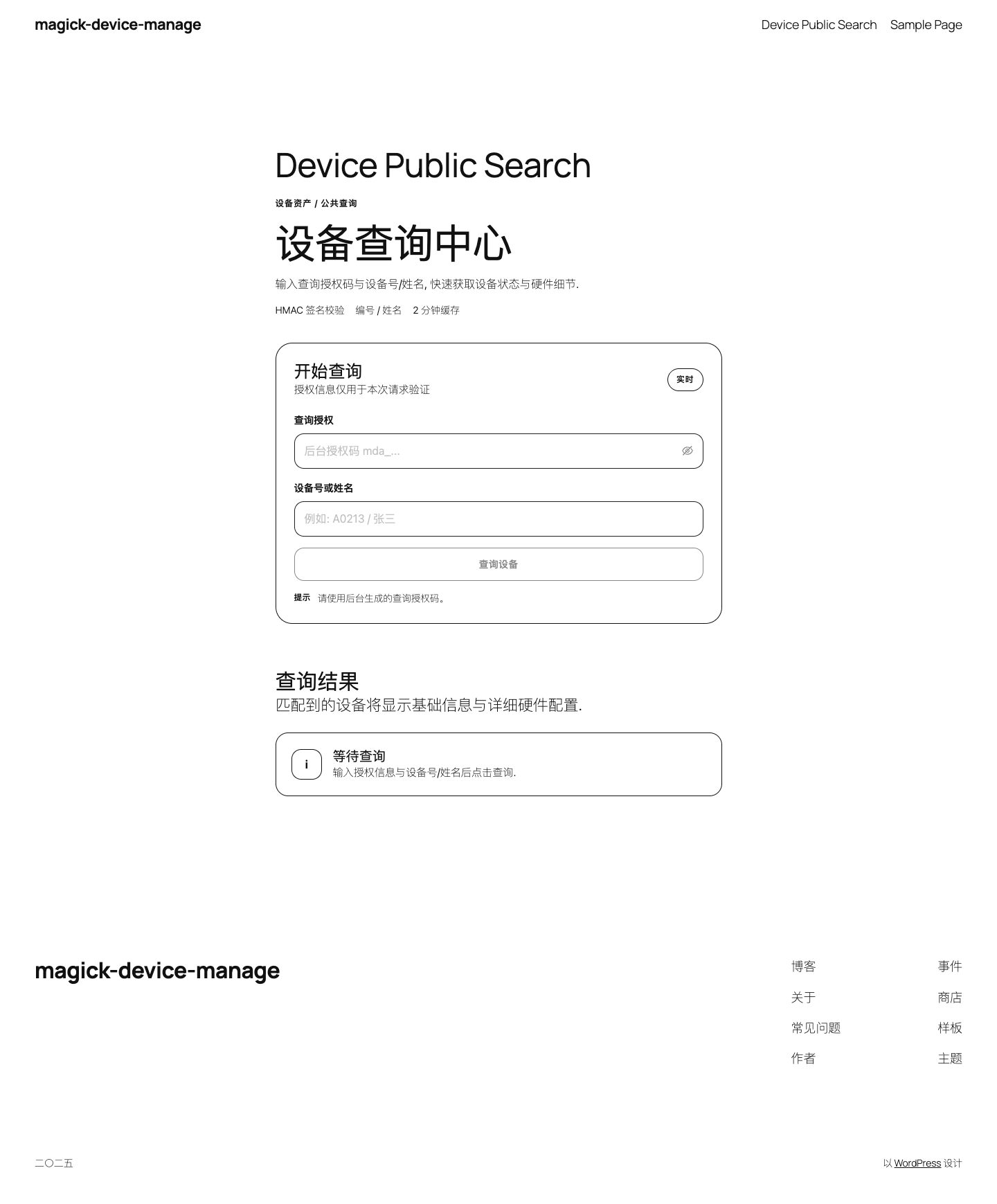
Installation
- Upload the
npcink-device-inventoryfolder to/wp-content/plugins/. - Activate the plugin from the WordPress Plugins screen.
- Open Plugins > Device Inventory.
- Generate a client authorization token before using the optional desktop uploader.
FAQ
-
Does this plugin send data to a third-party service?
-
No. The WordPress plugin stores device asset data in the site’s own WordPress database and does not contact a third-party service for normal operation.
-
What data is stored?
-
The plugin can store asset names, numbers, ownership fields, departments, statuses, hardware identifiers, collected hardware observations, and event history.
-
Are device upload endpoints open to anonymous users?
-
No. Device upload endpoints require a client authorization token and HMAC signature. Admin endpoints require a WordPress user with
manage_options. -
What happens on uninstall?
-
The plugin only deletes its custom tables and settings when the stored v3 uninstall option explicitly allows data deletion.
-
Where is the source for bundled JavaScript?
-
The WordPress package includes the built files and the corresponding React/TypeScript source:
- Admin app source:
vite-admin/src - Build configuration:
vite-admin/package.jsonandvite-admin/vite.config.ts
Run
npm install && npm run buildinsidevite-adminto rebuild the bundled assets. - Admin app source:
Reviews
There are no reviews for this plugin.
Contributors & Developers
“Npcink Device Inventory” is open source software. The following people have contributed to this plugin.
Contributors
Translate “Npcink Device Inventory” into your language.
Interested in development?
Browse the code, check out the SVN repository, or subscribe to the development log by RSS.
Changelog
2.6.1083
- Rebuilt the plugin around the v3 asset registry.
- Replaced legacy four-table admin screens with the v3 asset workspace.
- Moved desktop uploads to signed v3 device observations.