

Description
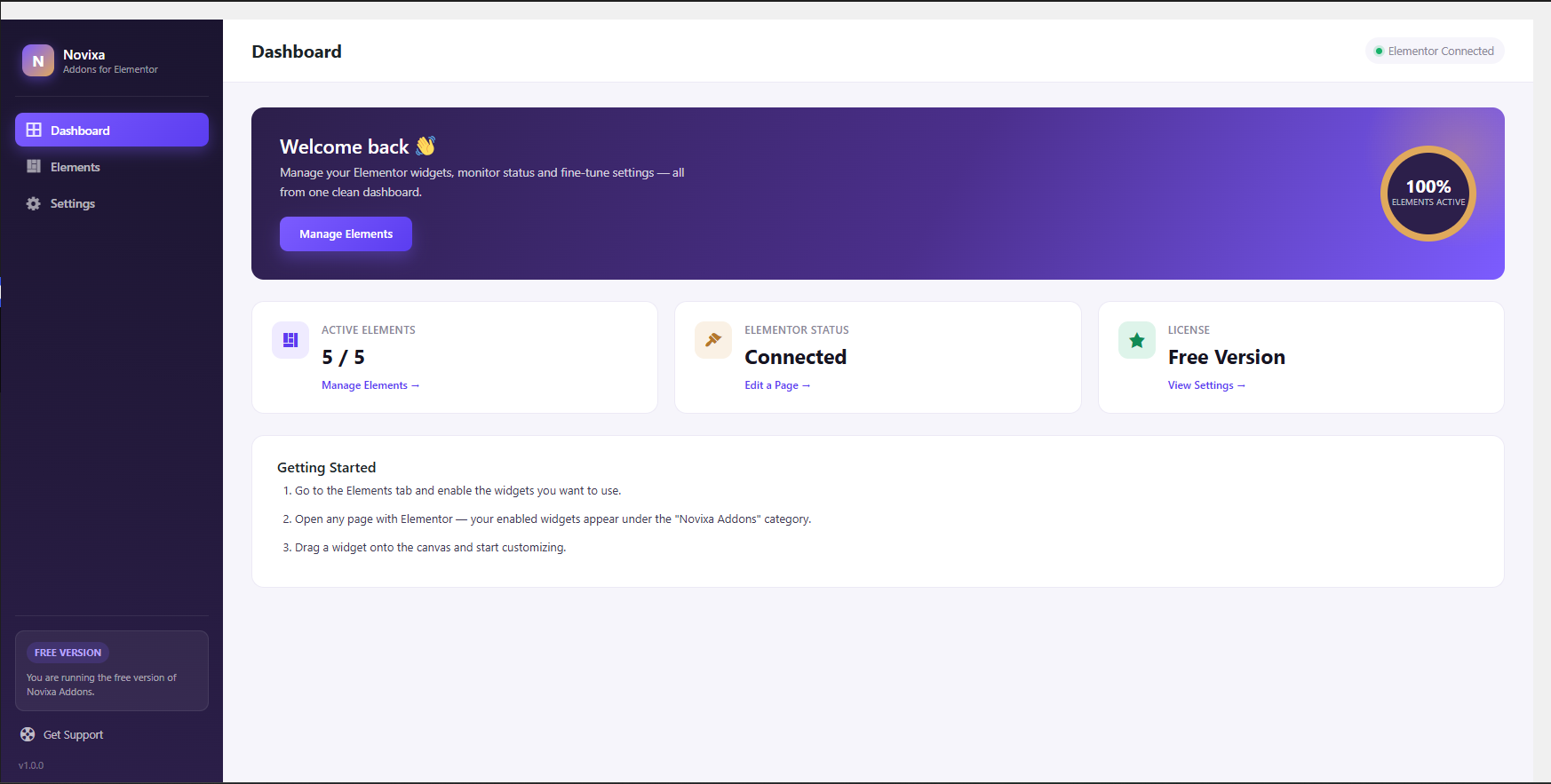
Novixa Addons is an independent collection of creative, lightweight widgets for Elementor, with a clean dashboard for enabling only the elements you need.
Included in v1.0.0
- Heading widget (Alignment, Typography, Text Stroke, Text Shadow, Blend Mode, Normal/Hover colors)
- Text Editor widget (Alignment, Typography, Text Shadow, Paragraph Spacing, Drop Cap, Columns, Normal/Hover colors)
- Icon Box widget (icon shape, hover lift, box shadow, Normal/Hover icon colors)
- Image Box widget (hover zoom / grayscale effects, flexible left/right/top layout)
- Button widget with 2 built-in skins — Modern Solid (gradient) and Modern Outline
All settings live under Novixa Addons in your wp-admin menu.
Screenshots
Installation
- Upload the
novixa-addons-for-elementorfolder to/wp-content/plugins/. - Activate the plugin through the ‘Plugins’ menu in WordPress.
- Make sure Elementor is installed and active.
- Go to Novixa Addons > Elements to enable the widgets you want.
FAQ
-
Does this require Elementor?
-
Yes, Elementor (free version) must be installed and active.
-
Can I disable widgets I don’t use?
-
Yes, go to Novixa Addons > Elements and toggle any widget off. Disabled widgets are not loaded on the front end.
Reviews
There are no reviews for this plugin.
Contributors & Developers
“Novixa Addons for Elementor” is open source software. The following people have contributed to this plugin.
Contributors
Translate “Novixa Addons for Elementor” into your language.
Interested in development?
Browse the code, check out the SVN repository, or subscribe to the development log by RSS.
Changelog
1.0.0
- Initial release: Heading and Text Editor widgets, dashboard, elements manager, settings screen.