

Description
A/B testing and heatmaps for WordPress and WooCommerce — no coding required.
Discover which changes work better for your visitors. Nelio A/B Testing lets you create experiments, measure conversions, and analyze visitor behavior directly from your WordPress dashboard.
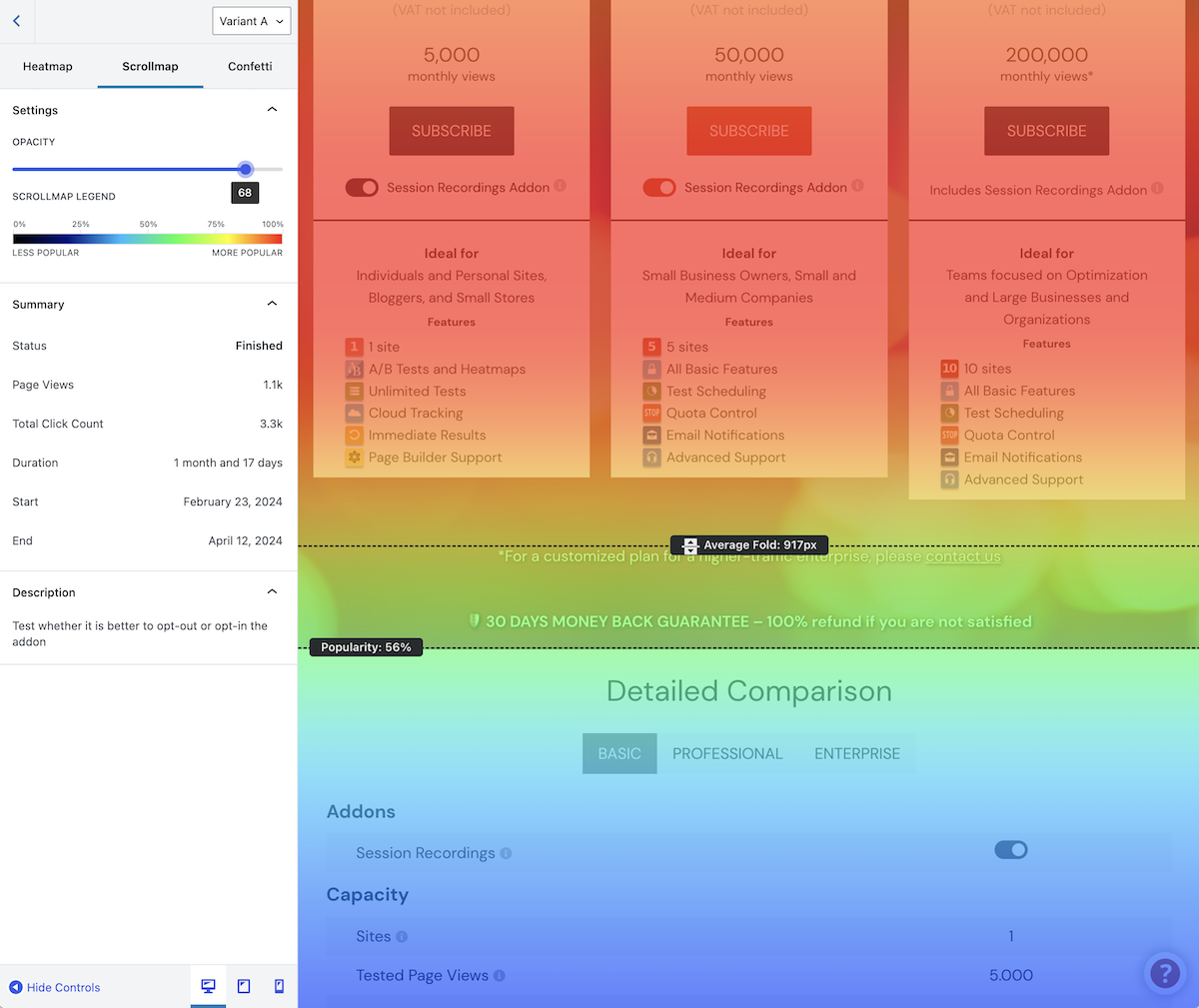
Test pages, posts, headlines, WooCommerce products and pricing, menus, themes, CSS, and more. Use heatmaps, clickmaps, and scrollmaps to understand how people interact with your content and make better-informed decisions.
Start for free with 500 tested page views per month. If your site needs more testing traffic or advanced features, explore our premium plans.
“Nelio A/B Testing has been a game changer for our web strategy. It empowered us to make decisions based on data, not instinct. The simplicity, affordability, and impact have been exceptional.”
Quentin Molinié, Co-founder of Darwin Nutrition | Case Studies
Why Choose Nelio A/B Testing?
– Made for WordPress. Create and manage experiments in your WordPress dashboard without needing to implement a separate testing interface.
– Test more than landing pages. Compare content, design changes, product information, and other elements that matter to your site.
– Measure real goals. Analyze conversion rates, confidence levels, and visitor data instead of relying on guesses.
– See visitor behavior. Use heatmaps and scrollmaps alongside your experiments to discover potential improvements.
– Save time. Apply winning alternatives automatically when appropriate.
– Supported and maintained. Get documentation, updates, and help from the Nelio team.
Features at a Glance
- A/B and Multivariate Testing. Compare page designs, content alternatives, and individual changes.
- Conversion Tracking and Reports. Review conversion rates, confidence levels, and visitor statistics.
- Heatmaps, Clickmaps, and Scrollmaps. Understand how visitors interact with your pages.
- WooCommerce Experiments. Test product titles, descriptions, images, pricing, and product-related changes.
- Automatic Winner Deployment. Apply the winning alternative without manually rebuilding it.
- Segmentation and Targeting. Run experiments for specific devices, referrers, locations, or visitor behavior.
- WordPress Editor and Page Builder Compatibility. Work with Gutenberg, Elementor, and other popular editors.
- Custom CSS and JavaScript Experiments. Test changes beyond ordinary page content.
- Multisite and Localization Support. Use Nelio across WordPress multisite installations and available translations.
- AI-Assisted Test Suggestions. Explore suggested experiment ideas where this feature is available.
- Privacy-Conscious Design. Experiment tracking does not store sensitive or personal visitor data.
- Caching-Aware Integration. Designed to work with WordPress caching and optimization setups; configuration may vary by site.
A/B Testing for WooCommerce
Find out which product presentation works best for your store. Nelio A/B Testing supports WooCommerce product experiments, including alternative product titles, descriptions, images, and prices. Use conversion goals and experiment reports to compare the outcomes of your changes.
You can also experiment with the pages and other content that lead customers toward a purchase. This makes Nelio useful for testing both product information and the wider shopping experience.
What You Can Test
– Pages and Posts
– Headlines
– Content Templates
– WordPress Synced Patterns
– Menus and Widgets
– WooCommerce Products and Pricing
– Custom JavaScript and CSS Snippets
– Entire Site Designs
– Custom Post Types
– Popups
– PHP Hooks (for devs)
GDPR and Privacy
We take privacy seriously. Nelio A/B Testing is designed to run experiments without storing sensitive or personal visitor data as part of experiment tracking. As with any analytics tool, review your site’s privacy obligations and configuration before using it.
External Service
Nelio A/B Testing relies on Nelio’s cloud services to provide its A/B testing functionality. The plugin communicates with Nelio’s servers to manage tests, process and store test results, and provide other features of the service. Nelio may also collect usage and activity information about how you interact with the plugin, as described in our Privacy Policy.
Before using Nelio A/B Testing, you are required to accept our Terms and Conditions and Privacy Policy. These documents explain the service, the information we collect and process, and how that information is used.
Free vs Premium
Free: Create experiments and explore heatmaps on smaller sites, with up to 500 tested page views per month. The limit applies to tested page views, not necessarily all visits to your website.
Premium: Choose a plan with higher testing traffic limits, additional advanced features, and priority support. See the current plans and pricing for exact limits and included features.
You can create multiple tests on the free plan, but the shared monthly page-view quota means it may be more practical to focus on one experiment at a time.
Nelio A/B Testing — WordPress A/B testing, WooCommerce experiments, and heatmaps in one plugin.
Screenshots


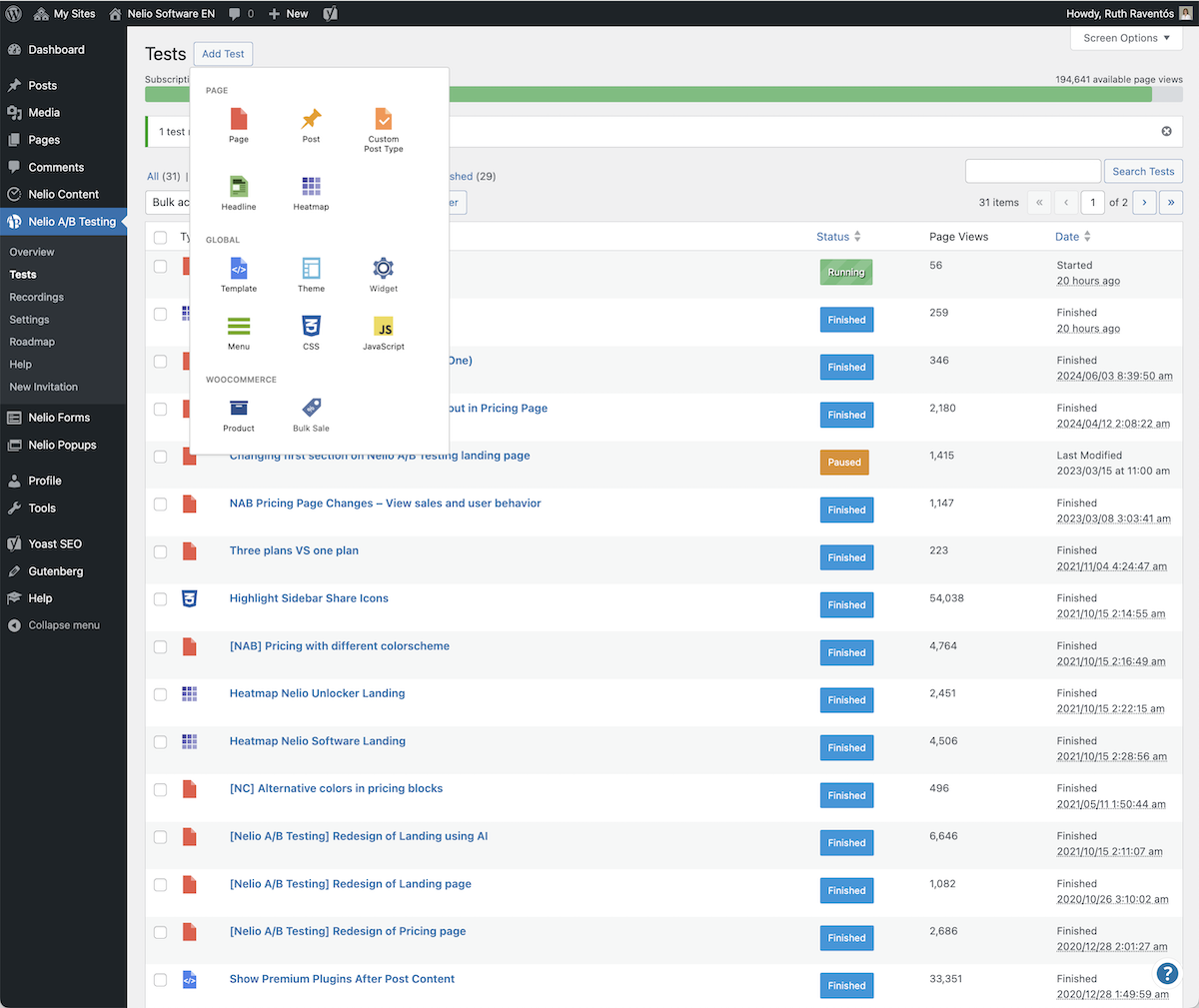
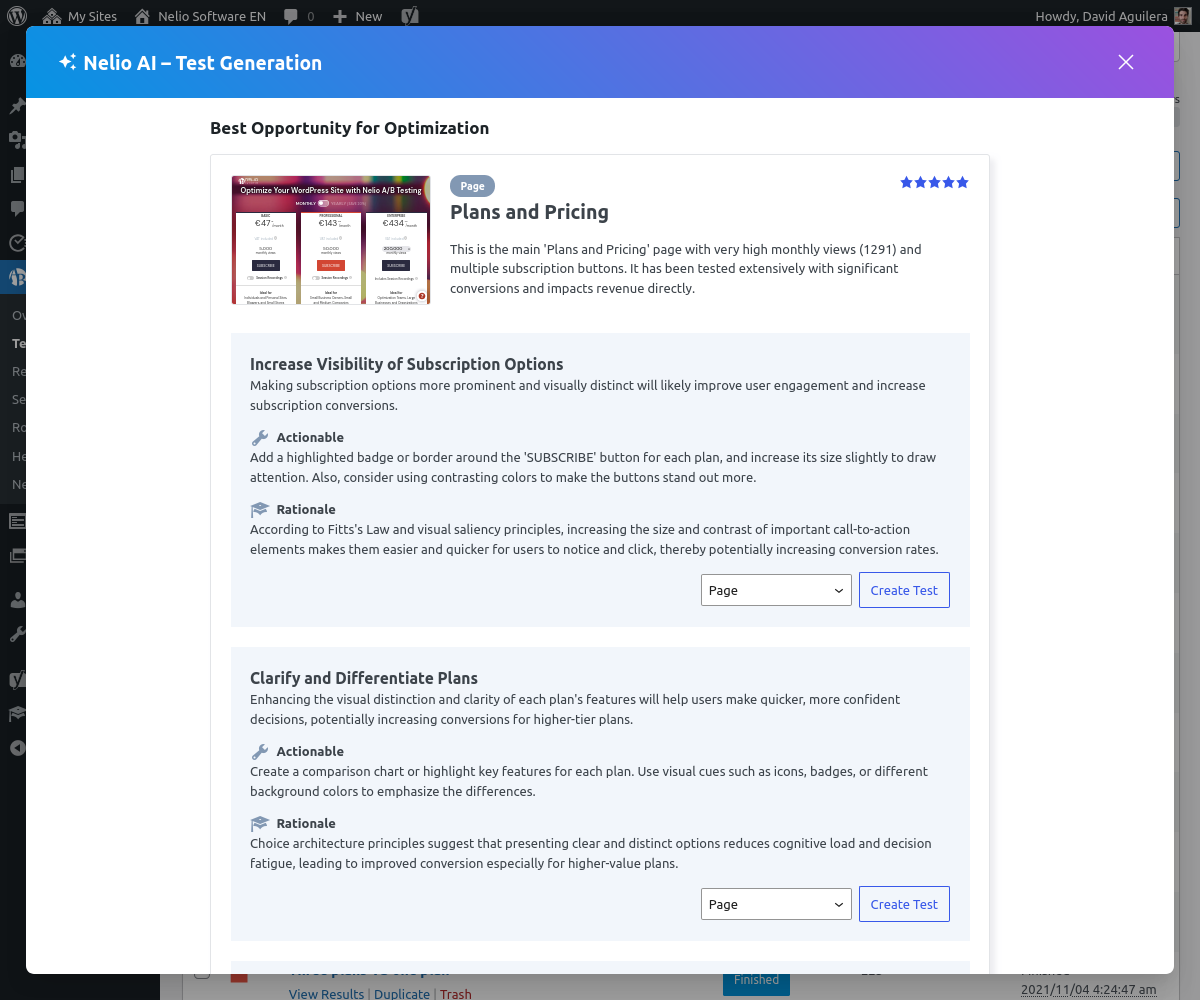
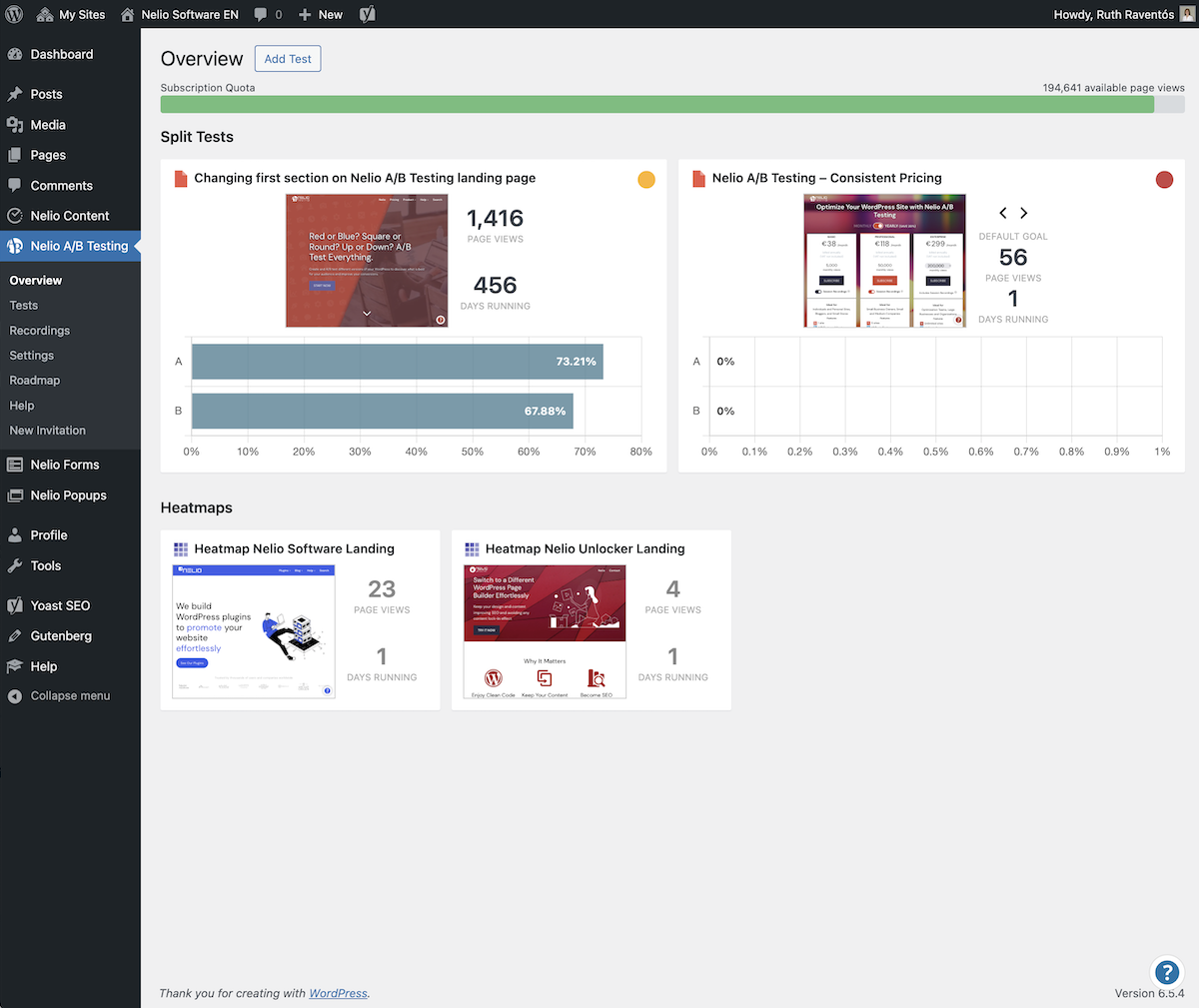
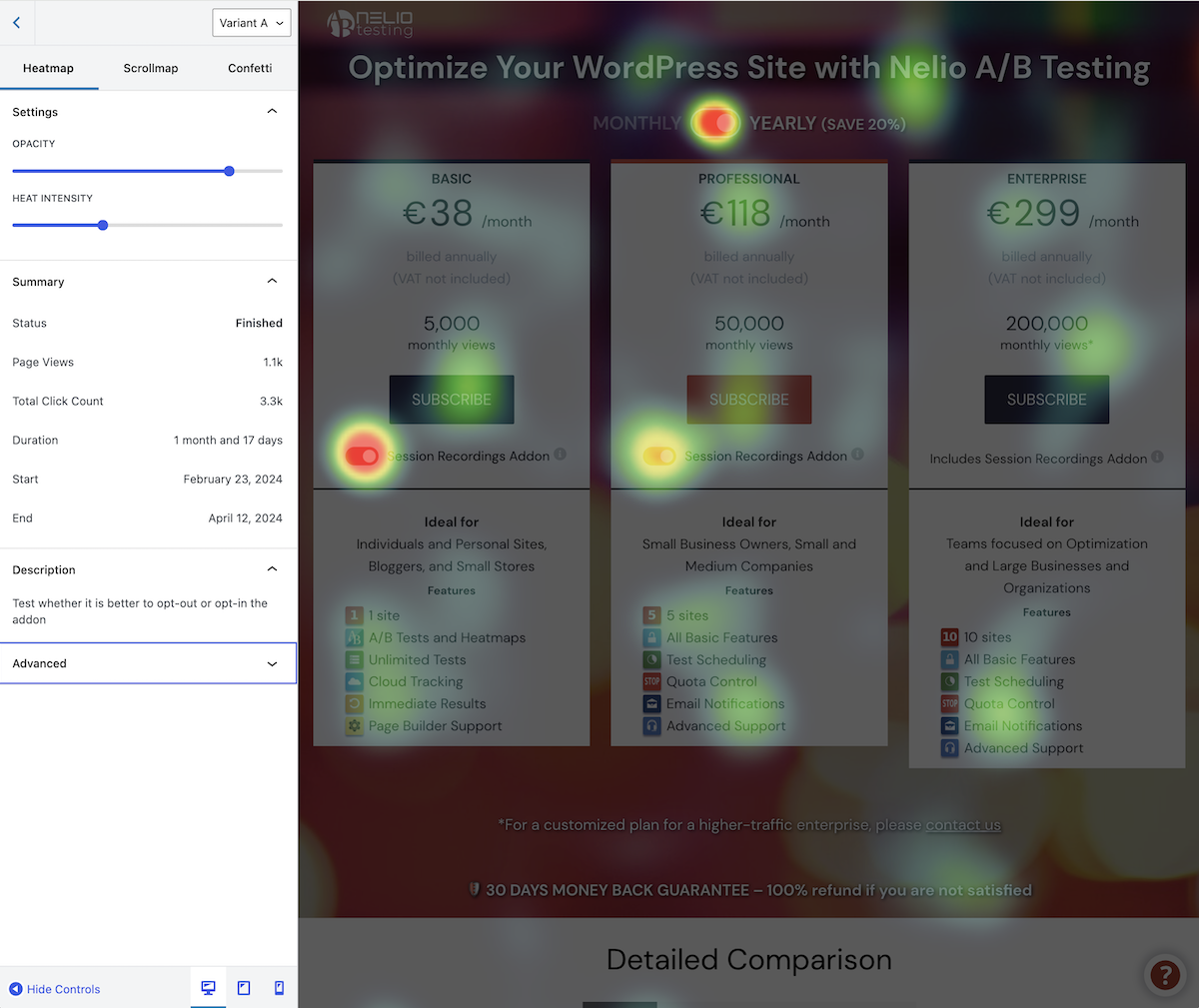
Installation
- Go to Plugins Add New in your WordPress admin panel.
- Search for “Nelio A/B Testing.”
- Click Install Now and then Activate.
- Follow the setup wizard.
- Go to the Account page and add your License Key to enable Premium features (optional).
- Start your first test under Nelio A/B Testing in the WordPress menu or read our Getting Started Guide to cover the basics.
FAQ
-
Can I A/B test WooCommerce products and prices?
-
Yes. You can create WooCommerce product experiments to compare alternative product information, including titles, descriptions, images, and prices. Use conversion goals to measure the results. If your store uses subscriptions or other complex pricing extensions, check compatibility with your specific setup before relying on experiments for recurring charges.
-
Does Nelio A/B Testing work with caching plugins?
-
Nelio is designed to work with popular WordPress caching solutions. However, caching, script optimization, and CDN settings differ between sites and may require adjustments. Test your configuration, especially if you cache full pages or combine and delay JavaScript.
-
Does Nelio A/B Testing slow down my site?
-
Most experiment processing and reporting takes place on Nelio’s cloud services. As with any testing tool that loads alternative content and tracks visitor activity, actual performance depends on your site’s configuration, caching, and the experiments you run.
-
Can I use it with page builders like Elementor or Gutenberg?
-
Yes. Nelio A/B Testing supports the WordPress block editor (Gutenberg), Elementor, and other popular page-building workflows.
-
How many tests can I run on the free plan?
-
You can create multiple tests, but the free plan includes up to 500 tested page views per month, shared across your experiments. For sites with higher traffic or more simultaneous experiments, consider a premium plan.
-
What happens when I reach the free plan’s page-view limit?
-
Your available monthly testing quota is limited to 500 tested page views. To continue testing beyond the included quota, review the premium plans. For details of how quota is counted, see What is a tested page view?.
-
Do I need Google Analytics to run A/B tests?
-
No. Nelio A/B Testing includes its own experiment results and conversion reports. Google Analytics integration is available when you also want to track relevant activity in your analytics setup.
-
Is my data safe?
-
Nelio A/B Testing does not store sensitive or personal visitor data as part of experiment tracking. The plugin does communicate with Nelio’s cloud services to provide its functionality, and usage and activity information may be collected as described in our Privacy Policy.
-
How often do you release updates?
-
We release new features and bug fixes regularly. If you have specific needs or feature requests, we’d love to hear from you.
-
Where can I get help?
-
You can get help here:
– Official Documentation
– Support Forum and Contact Form
– Nelio A/B Testing Website -
Where do I report security bugs found in this plugin?
-
Please report security bugs found in the source code of the Nelio AB Testing plugin through the Patchstack Vulnerability Disclosure Program. The Patchstack team will assist you with verification, CVE assignment, and notify the developers of this plugin.
Reviews


Contributors & Developers
“Nelio A/B Testing – AB Tests and Heatmaps for Better Conversion Optimization” is open source software. The following people have contributed to this plugin.
Contributors


“Nelio A/B Testing – AB Tests and Heatmaps for Better Conversion Optimization” has been translated into 8 locales. Thank you to the translators for their contributions.
Interested in development?
Browse the code, check out the SVN repository, or subscribe to the development log by RSS.
Changelog
8.5.6 (October 21, 2026)
- Add a review request to the results page of completed tests, encouraging users to share their experience on WordPress.org.
- Add the ability to track page views when a specific element becomes visible, offering greater control over when visits are counted in A/B tests.
- Disable the start button when the test scope has errors.
- Improve detection of invalid local URLs.
- Refine several interface texts for better clarity and consistency.
8.5.5 (October 8, 2026)
- Add compatibility with WS Form.
- Add contextual offers and notifications based on subscription and quota status.
- Check cached authentication token expiration before reuse to prevent 403 errors when accessing Nelio A/B Testing’s API.
- Improve quota management and make it easier to purchase additional quota when needed.
- Improve reliability and internal handling of account, subscription, and billing data.
- Improve subscription and account management, including new in-plugin purchase and upgrade flows.
- Improve the account page and subscription-related user interface.
- Remove deprecated AI-related features and settings.
8.5.4 (September 15, 2026)
- Change the billing management flow to avoid exposing management URLs in the WordPress admin.
- Remove loading overlay when the current page is not under test.
8.5.3 (August 27, 2026)
- Aggregate test results by day, week, or month.
- Avoid registering click event listeners when no click or external link actions are configured.
- Fix loading animation in the “Add Test” popover when creating a new test.
- Fix page view tracking in heatmap tests.
- Fix recently finished results on the Overview screen when the winner is the control.
- Fix some UI labels so they can be localized.
- Fix page view count for paused tests in the experiment list.
- Hide the “Apply” button in the public results view.
- Hide the “Apply” button in the results view when the user doesn’t have the
edit_nab_experimentscapability. - Hide the “Create Test” buttons when the user doesn’t have the
edit_nab_experimentscapability. - Improve accessibility of Performance Analysis charts.
- Improve styling in segmentation section of test editor.
- Improve the appearance of Nelio AI’s suggested tests.
- Remove invalid assertion from recommendation engine endpoint.
- Remove percent symbols from views and conversions timeline chart.
- Replace tour bullets with step indicator in tutorials.
- Tweak heatmap metrics in Overview screen.
- Tweak the Overview screen to hide results until enough data is available.
- Use the current user in test previews for tests requiring logged-in users in one of its segments.
8.5.2 (July 31, 2026)
- Fix REST request detection.
- Fix WooCommerce order value calculation when the store uses WooCommerce Blocks.
8.5.1 (July 30, 2026)
- Add new settings in test editor to customize Google Analytics tracking.
- Add “Extended view” in Overview’s “Running tests” to load old UI.
- Fix normalized URLs in conversion action scopes.
- Include heatmaps in new Overview screen.
- Show latest three running tests and heatmaps in Overview screen.
8.5.0 (July 20, 2026)
- Add filter
nab_can_{$experiment_type}_be_startedto check if a test can be started. - Add filter
nab_get_testable_custom_post_typesto customize testable custom post types. - Allow restricting page view tracking to subset of test scope.
- Boost available quota for new users during their first 14 days.
- Fix Google Analytics tracking setting.
- Fix Traffic Analysis setting.
- Fix to ensure automatic goals remain first when sorting goals.
- Make excluded IPs available to everyone.
- Move heatmaps local directory from
WP_CONTENT_DIRtowp_get_uploads_dir(). - New overview screen.
- New welcome screen.
- Optimize page attributes by setting value in store and prevent re-renders.
- Prevent unauthorized requests to Nelio A/B Testing’s API.
- Refactor code editor into its own package to fix issue with i18n strings.
- Show estimated page views to reach 90% confidence.
- Store site URLs using a home URL placeholder.