

Description
Is your inbox full of junk you never asked for?
Every day, countless WordPress site owners open their inbox to find it buried under fake inquiries, promotional garbage, and suspicious links — all submitted through their own contact form. Real customer messages get lost. You waste time sorting through it all. And no matter how many times you delete them, the spam just keeps getting sent again.
MUTE is a spam blocker that puts an end to that — silently, automatically, and without making your real visitors jump through any hoops.
The Problem You’re Probably Dealing With
You’re not alone. These are the situations we hear about every day:
- You run a restaurant. Your contact form was meant for customer inquiries — but every time you open it, it’s full of scam emails and unsolicited sales links. Exhausting before the day even starts.
- You manage an e-commerce site. Your inquiry form is buried under spam every night. Real customer questions keep getting pushed to the back, and response times are slipping.
- You run a salon. A message from a new client gets lost among spam emails. By the time you reply, they’ve already moved on.
- You’re in sales at a small business. Every morning you sift through virus-laden links and shady solicitations just to find the one real lead that came in overnight.
- Your team has started ignoring the contact form because it’s mostly junk — sales pitches, phishing emails, fraudulent messages. Real customer needs go unanswered.
- You added CAPTCHA to stop the spam. Customers complained it was frustrating to use. Inquiries dropped. The spam kept coming anyway.
- You’ve tried other anti-spam plugins. Bots still slip through. The junk never stops.
Bots (automated programs) are constantly crawling the web, hunting for unprotected contact forms to exploit. Once they find yours, the fake submissions keep getting sent again and again. Standard solutions like CAPTCHA ask your real visitors to prove they’re human — that friction costs you leads.
There’s a better way.
How MUTE Solves It
MUTE works as a silent spam blocker running in the background of your site. It detects bot behavior before a form is ever submitted — no puzzles, no checkboxes, no interruption for real visitors.
How it works:
- A lightweight script loads automatically on every page of your site
- It monitors form activity using multiple detection layers — honeypot traps, behavioral analysis, and browser checks
- Bots are identified and blocked before their fake submissions ever reach your inbox
- Real visitors experience absolutely nothing different — their messages go through normally
The result: your inbox contains only real inquiries from real people.
What Changes After You Install MUTE
- The restaurant owner who dreaded opening the contact form can now check it without stress — every message there is a real inquiry.
- The e-commerce team that was always behind on replies can now respond to real customer questions quickly. Better response times, better service.
- The salon staff who worried about missing a new client’s message can now reply with confidence — every message that arrives is real.
- The sales team member who spent every morning digging through junk can now get to real leads immediately. More time for actual work.
- Staff who had lost trust in the contact form now check it every day — because they know what’s there is genuine.
- Real visitors never encounter a CAPTCHA. Your form stays smooth and easy to use.
Your contact form does what it was always meant to do: connect you directly with real customers. Checking it goes from a chore to a natural part of the day.
Key Features
- Silent spam protection — blocks bots automatically, with zero impact on real visitors
- No CAPTCHA required — no friction, no puzzles, no drop-off in form completions
- Works with popular form plugins — Contact Form 7, WPForms, Gravity Forms, and more
- One-line installation — activate the plugin and it works. No settings to configure
- Live stats in your WordPress dashboard — see how many spam submissions have been blocked
- 14-day free trial — no credit card required to get started
Requirements
A free MUTE account is required. Sign up at mute-it.com — no credit card required for the 14-day free trial.
External Services
This plugin connects to an external service operated by Ryu-Raku Inc. to provide spam detection and account management features. Your site communicates with this service to enable spam blocking and to display your account status in the WordPress admin panel. No personal visitor data is collected or transmitted.
- Service URL: https://mute-it.com/en/
- Terms of Service: https://mute-it.com/en/legal/terms/
- Privacy Policy: https://mute-it.com/en/legal/privacy/
Screenshots
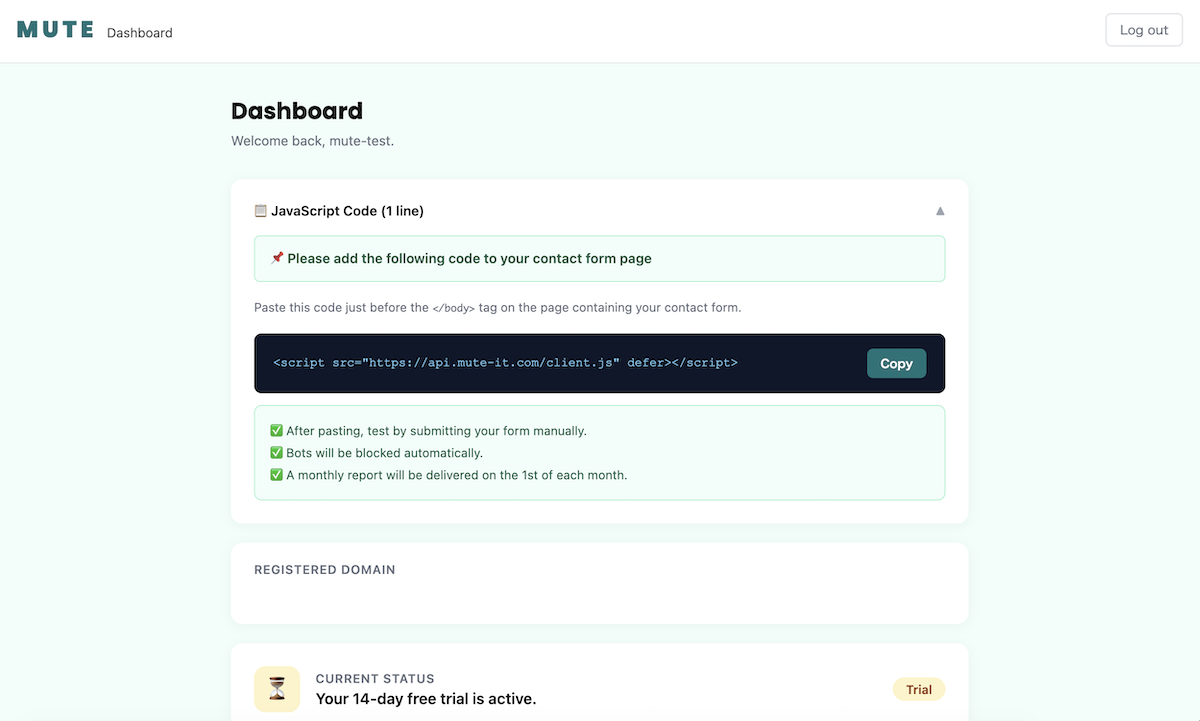
MUTE admin panel — trial status with days remaining and blocked spam count 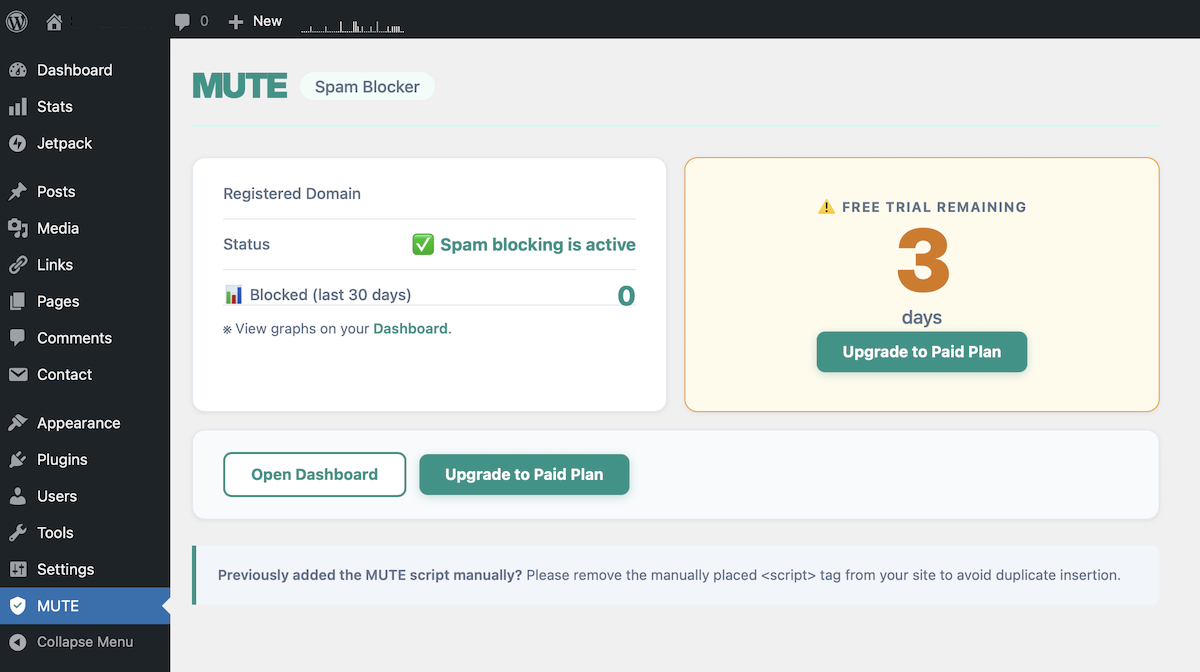
MUTE admin panel — active subscription view 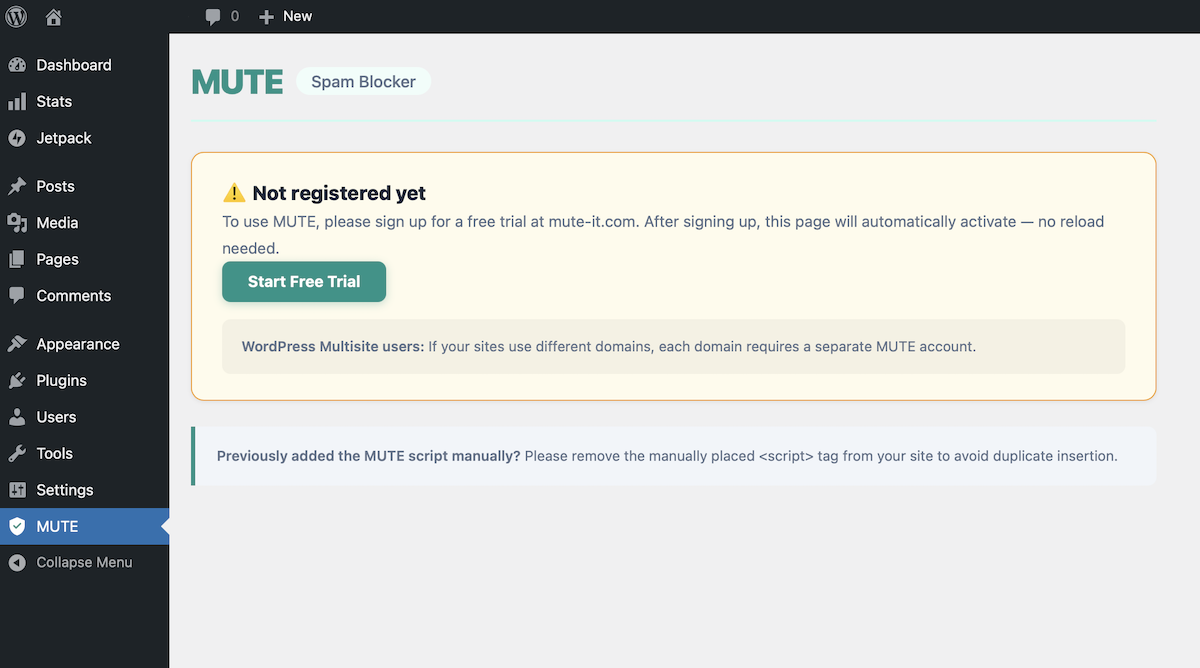
MUTE admin panel — expired trial prompt with upgrade option
Installation
- Install the plugin directly from the WordPress plugin directory.
- Activate the plugin through the Plugins menu in WordPress.
- Go to MUTE in your WordPress admin menu.
- If you haven\’t registered yet, click “Start Free Trial” and sign up at mute-it.com/en/.
- Once registered, the spam blocker activates automatically — no further configuration needed.
Note: If you previously added the MUTE script tag manually, please remove it after activating this plugin to avoid duplicate insertion.
FAQ
-
My inbox is full of spam from my contact form. Can MUTE help?
-
Yes — that\’s exactly the problem MUTE is designed to solve. Once installed and activated, MUTE silently blocks bot-generated spam before it ever reaches your inbox. Most users see results immediately after activating the plugin.
-
Do I need an account?
-
Yes. A free MUTE account is required. Sign up at mute-it.com — no credit card needed for the 14-day free trial.
-
Will it affect real visitors or hurt my conversion rate?
-
No. Real visitors submitting your forms are never affected. Unlike CAPTCHA, MUTE adds zero friction — your visitors won\’t see any puzzles, checkboxes, or delays. Only bots are blocked.
-
Does it work with Contact Form 7?
-
Yes. MUTE works with Contact Form 7, WPForms, Gravity Forms, and any other contact form plugin that uses standard HTML forms and JavaScript.
-
Do I need to configure anything after installing?
-
No. Once you\’ve activated the plugin and connected your MUTE account, it works automatically. There are no settings to configure and no rules to set up.
-
Does it work on multisite?
-
Each site (domain) requires its own MUTE account. If you run multiple sites under different domains, please register a separate account for each.
-
What happens after the free trial ends?
-
The spam blocker will stop working. Your WordPress admin panel will display a prompt to upgrade to a paid plan. Your contact forms will continue to work normally — they just won\’t be protected from spam.
-
Can I cancel anytime?
-
Yes. You can cancel your subscription at any time from the MUTE dashboard at mute-it.com/en/dashboard/.
Reviews
There are no reviews for this plugin.
Contributors & Developers
“MUTE Spam Blocker” is open source software. The following people have contributed to this plugin.
Contributors
Translate “MUTE Spam Blocker” into your language.
Interested in development?
Browse the code, check out the SVN repository, or subscribe to the development log by RSS.
Changelog
1.0.0
- Initial release.