

Description
WordPress makes you jump to Appearance Menus every time you want to add a page to your navigation. Search the list, tick the page, pick a menu, save — repeat for every page.
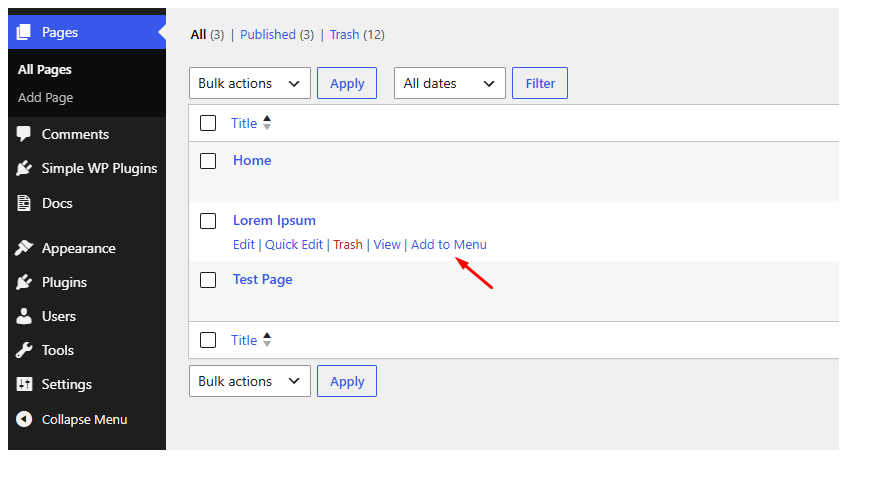
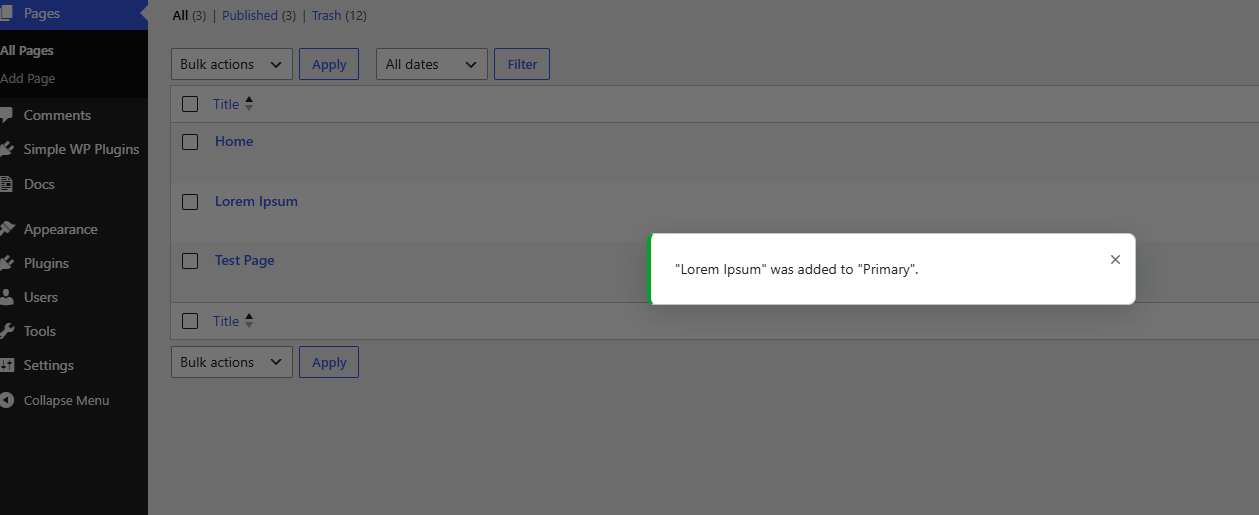
Menulo Add Page to Menu adds an Add to Menu link on each published page in Pages All Pages. One click adds the page to your site’s primary navigation menu.
Menulo is a product line from Simple WP Plugins — simple tools for common WordPress admin headaches.
Features
- One-click row action on the Pages list
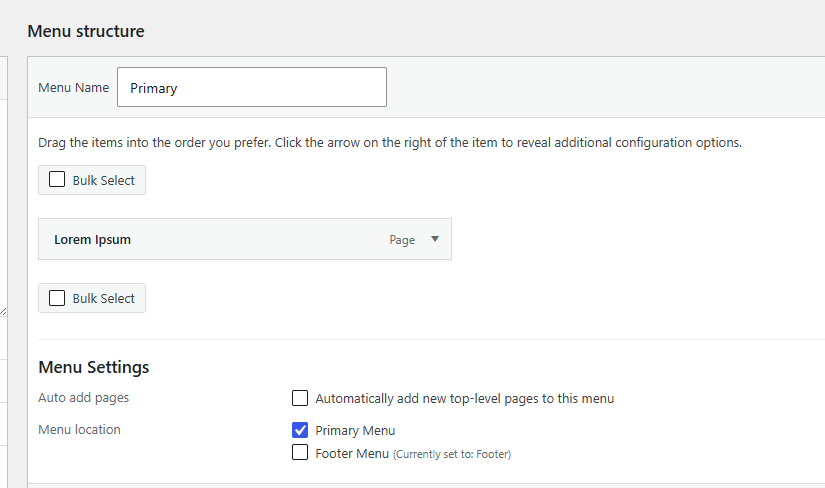
- Adds the page to your primary / default menu
- Inserts the item at the end of the menu
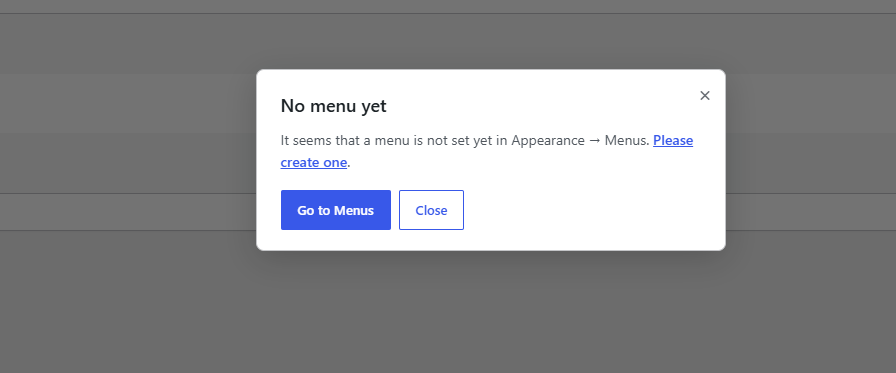
- Helpful notice when no menu exists yet
- Works with any theme that uses the standard WordPress menu system
- Lightweight — scripts load only on the Pages list screen
About the author
Made by Simple WP Plugins. Questions? Email support@simplewpplugins.com.
Screenshots
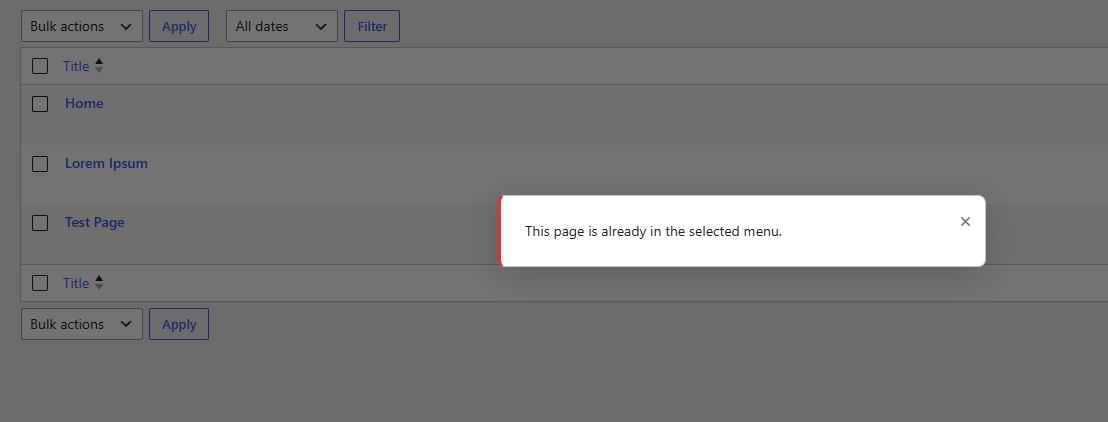
Installation
- Upload the plugin folder to
/wp-content/plugins/menulo-add-page-to-menu/, or install through the Plugins Add New screen. - Activate the plugin through the Plugins screen.
- Go to Pages All Pages.
- Hover a published page and click Add to Menu.
FAQ
-
The plugin adds pages to your theme’s primary menu location when one is assigned. If no theme location is set, it uses the first menu found in Appearance Menus.
-
What permission is required?
-
Users need
edit_theme_options, the same capability required to manage menus in Appearance Menus. -
Click Add to Menu on a page and you’ll see a short guide to create a menu under Appearance Menus.
Reviews
There are no reviews for this plugin.
Contributors & Developers
“Menulo Add Page to Menu” is open source software. The following people have contributed to this plugin.
Contributors
Translate “Menulo Add Page to Menu” into your language.
Interested in development?
Browse the code, check out the SVN repository, or subscribe to the development log by RSS.
Changelog
1.0.0
- Initial release.