

Description
Live Demo | Docs | Support | Upgrade to Pro
Logo Slider WP is a lightweight, responsive logo slider that gives you unlimited logos free without front-end display caps. Build a seamless logo carousel, static logo grid, or dynamic flexbox logo showcase and embed it anywhere in under 5 minutes.
✔ Unlimited logos free — no front-end display caps
✔ Carousel, Grid & Flexbox layouts included free
✔ Preloader included free — no layout flicker
User Reviews
“Amazing plugin, easy to use and very lightweight. Support is also very fast and helpful.” – ⭐⭐⭐⭐⭐
“The best logo showcase plugin. Flexbox layout is a game changer for logos of different sizes.” – ⭐⭐⭐⭐⭐
Works with any page builder
Logo Slider WP is fully compatible with your favourite tools. Easily embed your logo gallery using a shortcode block/widget in:
* Gutenberg (Native WordPress Editor)
* Elementor
* Divi
* WPBakery
* Beaver Builder
* …and any other WordPress theme!
Translation Ready
Fully compatible with WPML, Polylang, Loco Translate, and any other translation plugin. A .pot file is included for easy localization.
What’s new in version 5.5
- Unlimited logo display is now free. The front-end 20-logo cap is permanently removed. Every logo you upload is shown, in full, at no cost.
- Preloader is now free. The showcase stays hidden until images fully load — no more layout flicker on first visit.
- WordPress 7.x compatibility confirmed.
- Shortcode Generator improvements — cleaner layout, better field grouping, faster to use.
Already on Logo Slider WP? Update now — your existing showcases and settings are untouched.
Showcase types
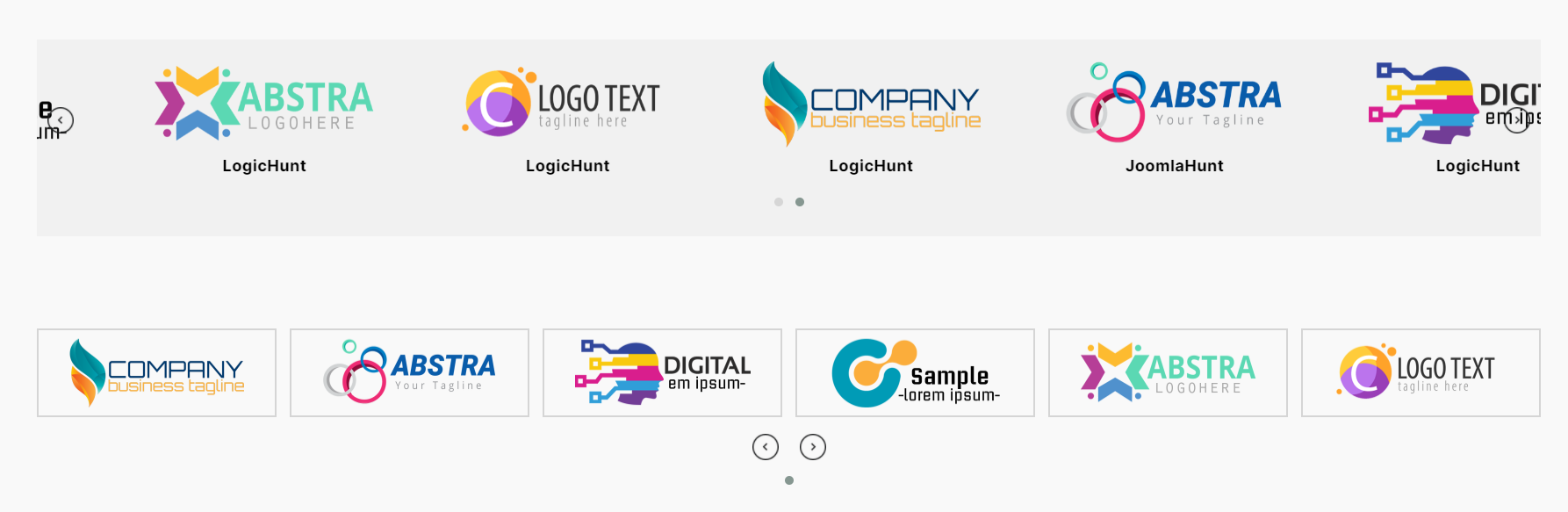
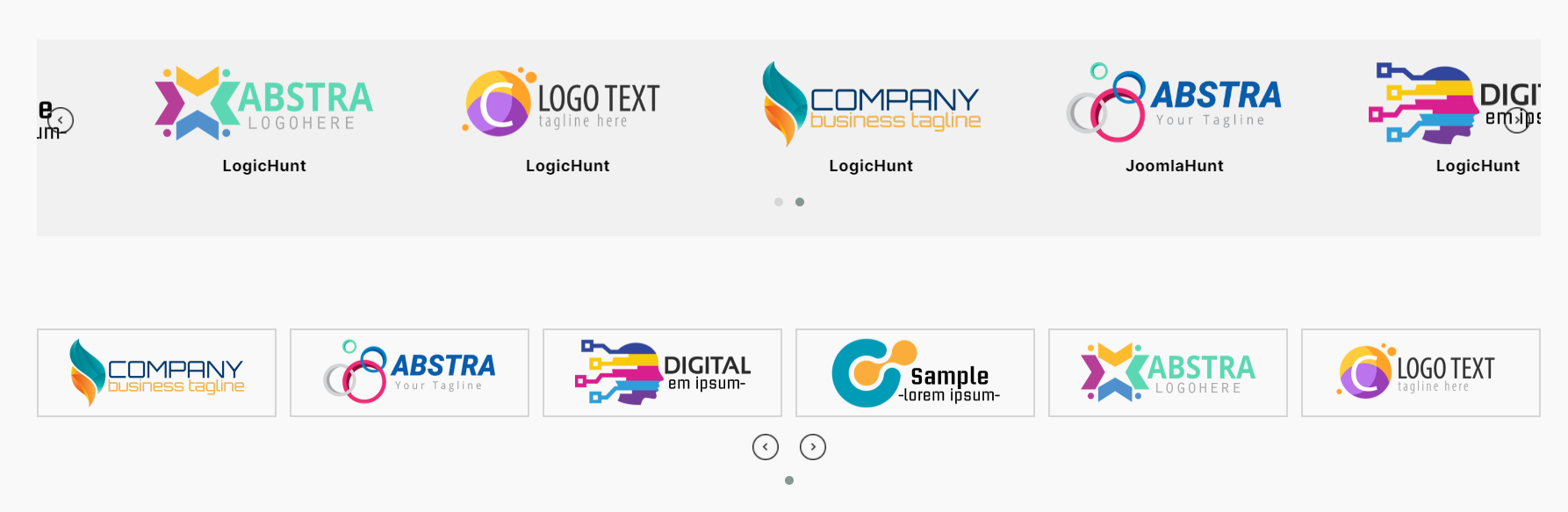
Carousel
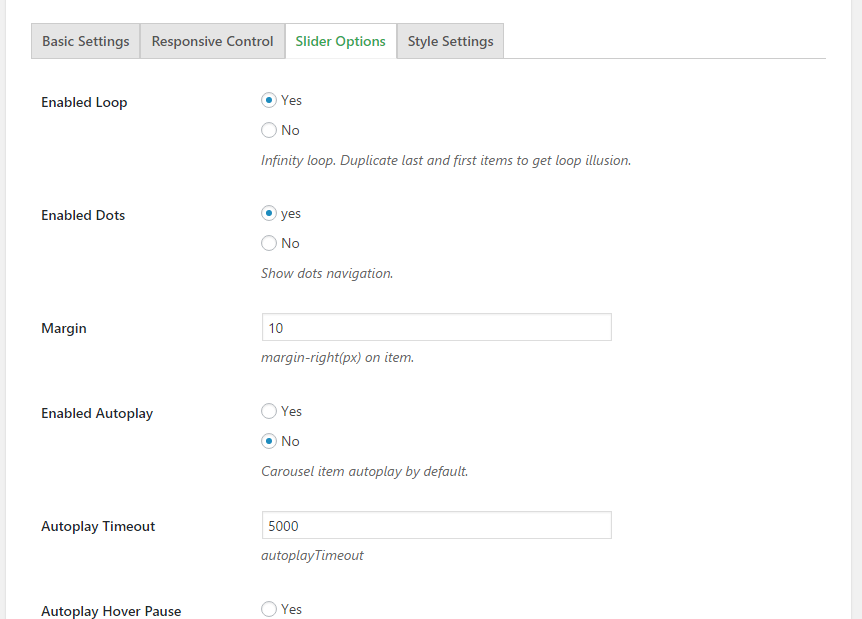
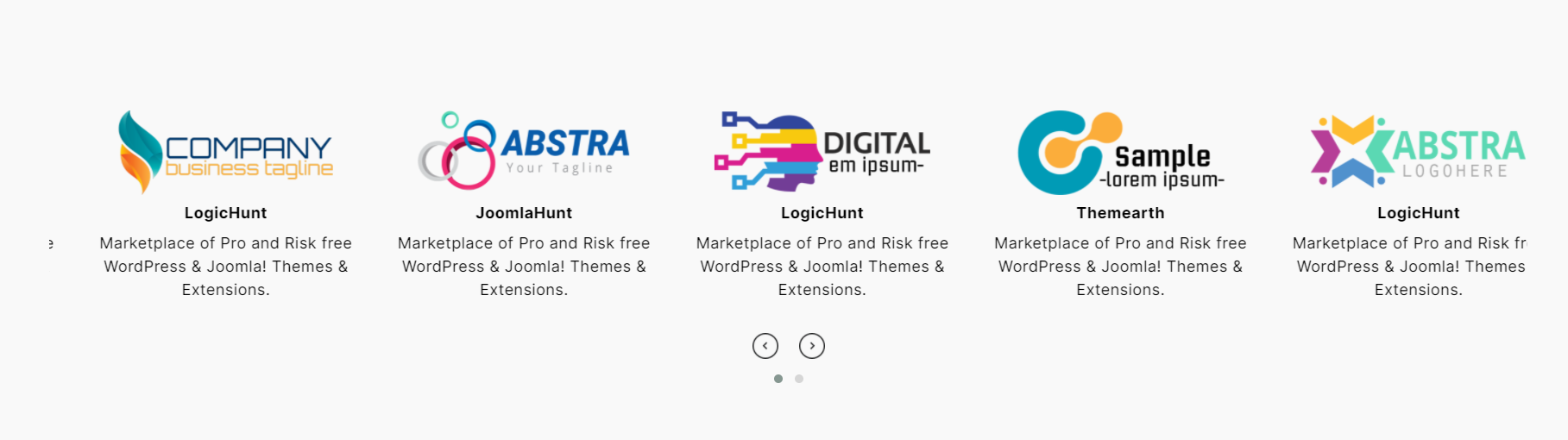
Touch-enabled slider with autoplay, infinite loop, swipe, arrows, and pagination. Enable Ticker mode for continuous non-stop scrolling — great for sponsor strips and press logo rows.
Grid
Static responsive grid with independent column control across four breakpoints. Every logo is visible at once — no scrolling needed.
Flexbox (New)
CSS flexbox layout where logos wrap naturally based on their width. No rigid columns, no awkward gaps — ideal for mixed-size or mixed-aspect brand marks.
Each type has its own settings tab. Every showcase is fully independent — mix types across different pages.
Perfect for
- Client logo showcases and “Trusted By” sections
- Partner brand and affiliate logo galleries
- Sponsor logo sliders for events and organisations
- “Featured In” press and media logo strips
- Agency portfolios displaying client brands
- SaaS and startup social proof sections
Why Logo Slider WP
Show all logos without front-end display limits
Every logo you add is shown in full — no hidden caps, no upgrade required.
Full visual control from the admin panel
Colours, spacing, borders, backgrounds, image dimensions, and alignment — all adjustable. Custom CSS is supported per showcase.
Direct support from the plugin developers
Free support at logichunt.com/support/. Pro users get priority email, phone, and WhatsApp access.
Free vs Pro
✅ FREE:
Display & Layouts
* Carousel, Grid & Flexbox types
* Ticker mode (continuous scroll inside Carousel)
* Unlimited logos, no front-end display cap
* Multiple independent showcases per page
Logo Management
* Category-based filtering
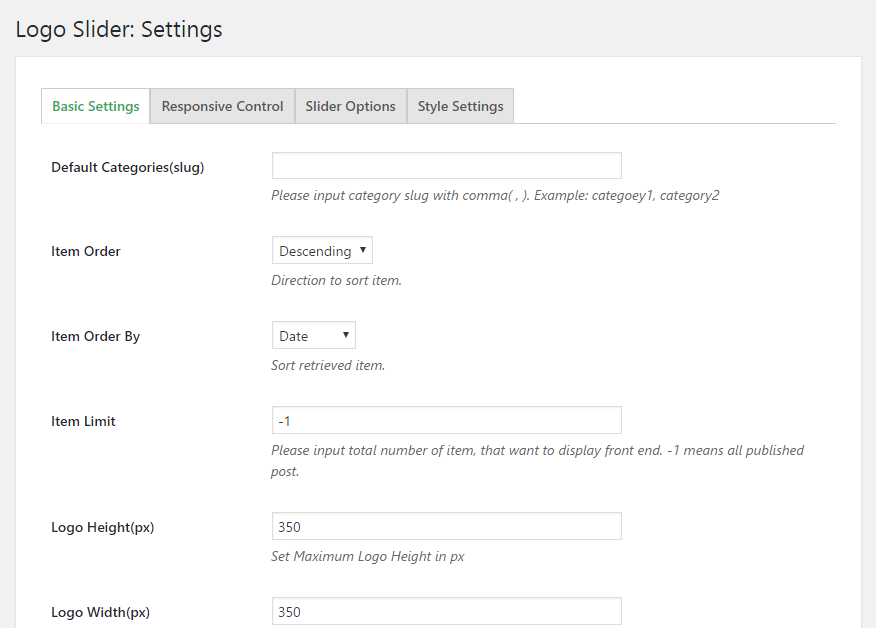
* Drag & drop, title, date, or random ordering
* Custom URL + link target per logo
* Brand name show/hide
Responsive
* 4-breakpoint column control (mobile, tablet, desktop, large desktop)
Carousel Controls
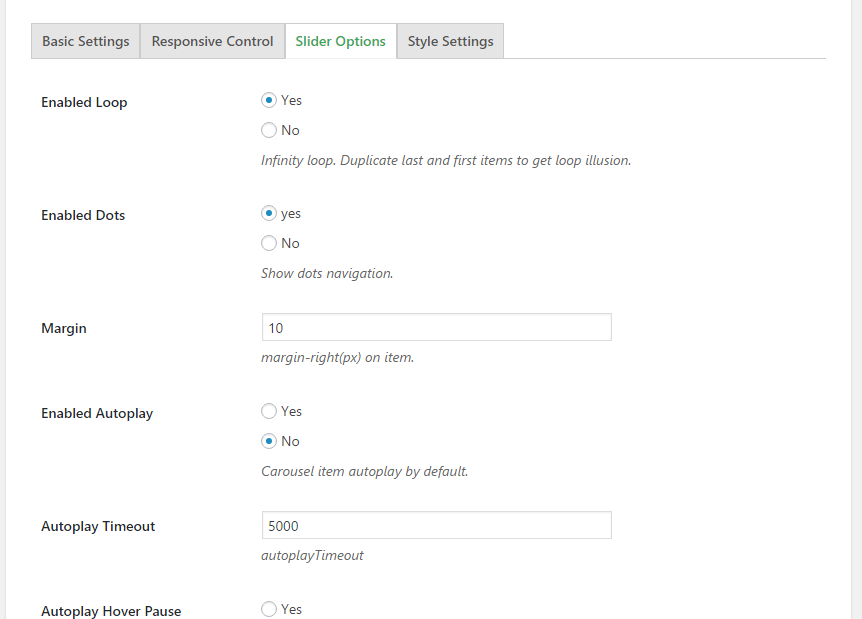
* Autoplay, infinite loop, speed & delay
* Touch, swipe & mouse drag
* Navigation arrows & pagination dots
* Standard slide transition
Design & Styling
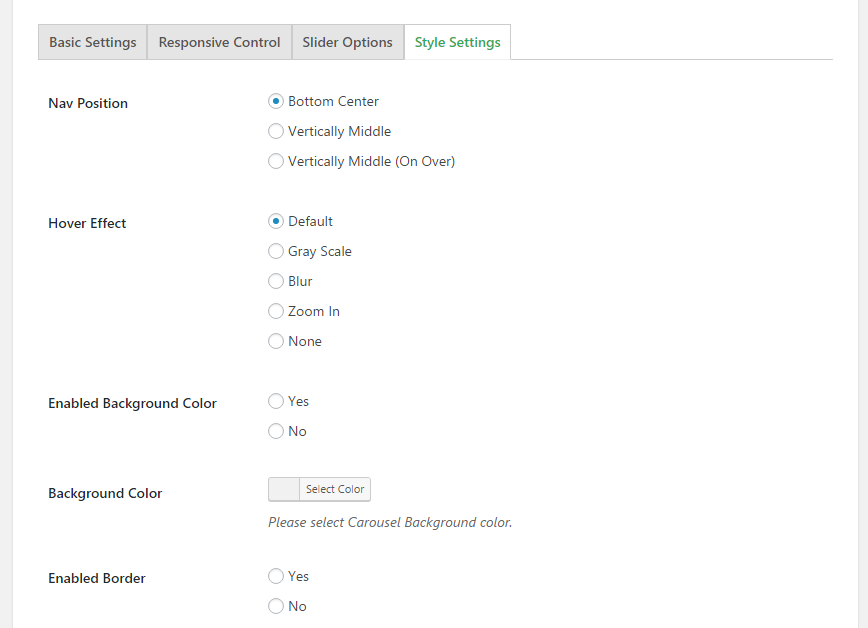
* Grid styles: Simple and Outline
* Title & description colour and size
* Image border colour & width
* Background & overlay colour
* Section margin & header (title, subtitle, alignment)
* Custom CSS per showcase
* Tooltip with position, animation & trigger options
* Preloader — hides showcase until fully loaded
General
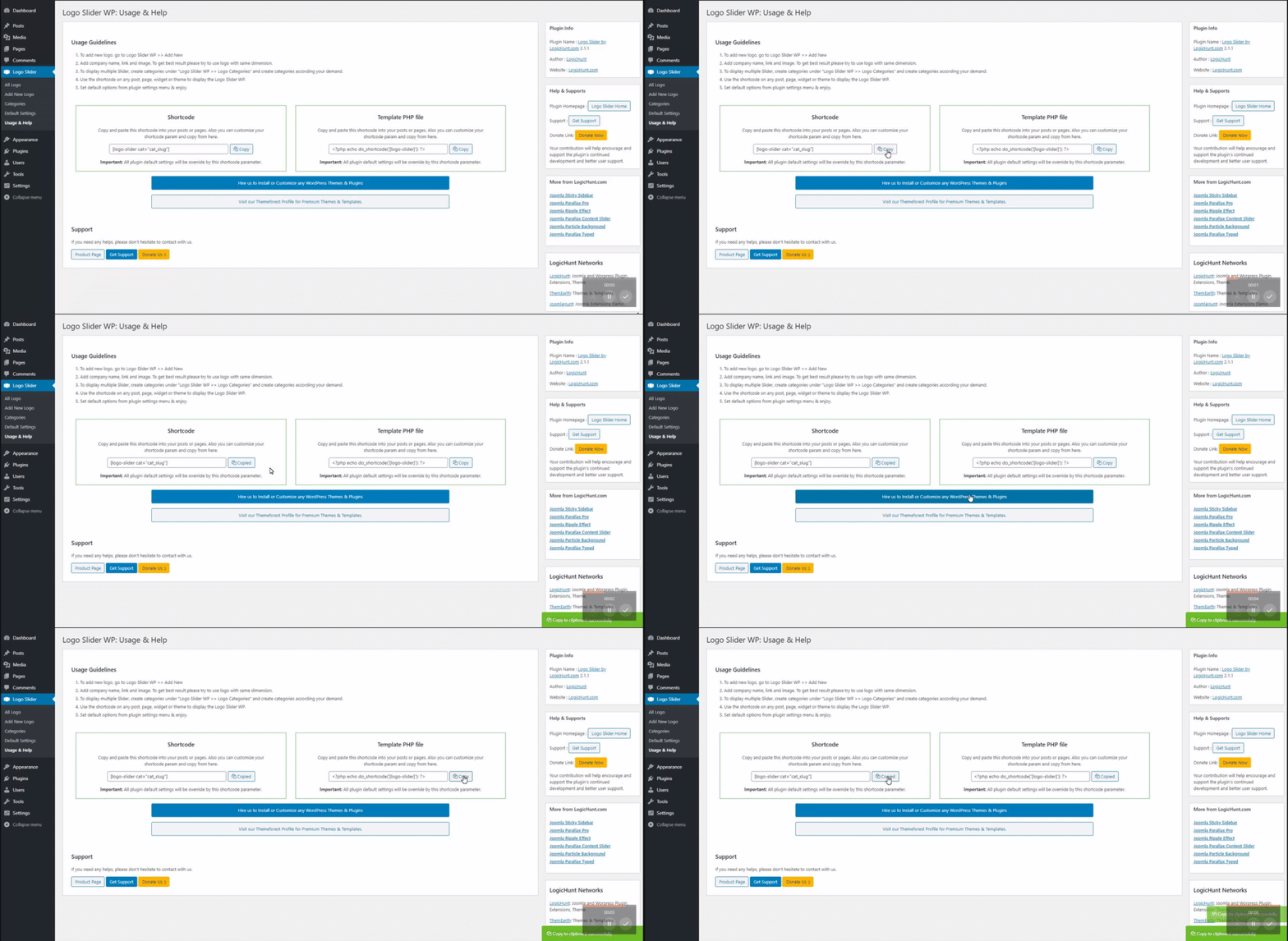
* One-click Shortcode Generator
* Zero admin notice banners
* Free support via logichunt.com
⭐ PRO:
Visual Effects
* 100+ hover animations via Animate.css (bounce, fade, flip, zoom, shake & more)
* Coverflow 3D carousel transition — see it live
* Grayscale On Over, Grayscale Always, Grayscale Remove On Over
* Box Shadow on hover or always-on
* Hover Overlay with Link
* Hover Overlay with Link + Title (reveals brand name on hover)
Advanced Layout
* Column gap & row gap for Grid and Flexbox (px, rem, %)
* Item min height for consistent card sizing
* Section background image + padding control
Advanced Styling
* Image border radius
* Item border: colour, hover colour, width & radius
* Item background & hover background colour
* Item padding
* Typography: font weights & margins for title, subtitle & description
* Advanced header typography: size, weight, colour & margin
* Branded preloader: custom icon & background colour
Advanced Carousel Controls
* Pause on hover & RTL direction (Arabic, Hebrew & RTL sites)
* Dynamic pagination, mouse wheel & grab cursor support
* Navigation visibility & mobile hide controls
Content & SEO
* Brand item description (show/hide toggle)
* Nofollow link attribute for logo URLs
* Advanced tooltip: colour, border, arrow, padding, width, duration & delay
Support
* Priority email, phone & WhatsApp
* Free hands-on installation by the core developer team
Per-logo fields
Each logo entry supports:
- Logo image
- Brand / company name
- Item description (Pro)
- Company URL & link target (same tab or new tab)
- Custom tooltip text
- Category assignment
Shortcode usage
In any editor: [lgxlogoslider id="39"]
In a PHP template: <?php echo do_shortcode('[lgxlogoslider id="39"]'); ?>
Support
- Free support: logichunt.com/support/
- Contact: logichunt.com/contact-us/
- Pro users: priority email, phone & WhatsApp + free hands-on installation
Screenshots


Installation
Option 1: From the WordPress dashboard (recommended)
- Go to Plugins Add New.
- Search for “Logo Slider WP”.
- Click Install Now, then Activate.
Option 2: Upload a ZIP file
- Download
logo-slider-wp.zipfrom WordPress.org. - Go to Plugins Add New Upload Plugin.
- Select the ZIP and click Install Now, then Activate.
Option 3: Manual FTP
- Unzip
logo-slider-wp.zipand upload the folder to/wp-content/plugins/. - Activate from Plugins in your WordPress dashboard.
After activation, Logo Slider appears in your admin sidebar.
Quick start
- Add logos — go to Logo Slider Add New Logo. Upload your image, set the brand name, URL, and category.
- Create a showcase — go to Logo Slider Shortcode Generator. Choose Carousel, Grid, or Flexbox and configure your settings.
- Embed — paste the generated shortcode (e.g.
[lgxlogoslider id="39"]) into any page, post, or page builder block.
FAQ
-
How do I display logos on my page?
-
Go to Logo Slider Shortcode Generator, create a showcase, configure your settings, then paste the shortcode into any page, post, or block. This works for any type of customer logo showcase, partner logo showcase, or “Trusted By” section.
-
Is there a logo display limit in the free version?
-
No. As of version 5.5, the 20-logo cap is permanently removed. Keep Item Limit set to 0 (the default) to show all logos.
-
Does this plugin work with Elementor, Divi, WPBakery, or Gutenberg?
-
Yes. Paste
[lgxlogoslider id="39"]into:- Elementor — Shortcode widget
- Gutenberg — Shortcode block
- Divi — Code or Shortcode module
- WPBakery — Raw HTML or Shortcode element
- Beaver Builder — HTML module
- Classic Editor — paste directly into any page or post
-
Can I run multiple showcases on the same page?
-
Yes. Each showcase is fully independent. Different types, settings, and logo sets — no conflicts.
-
Can I add custom CSS?
-
Yes. Each showcase has a unique wrapper class. Add CSS via Appearance Customize Additional CSS or your theme’s CSS field.
-
What is the difference between free and Pro?
-
Free covers all three layout types, unlimited logo display, category filtering, responsive control, ticker mode, preloader, and full shortcode compatibility. Pro adds hover animations, Coverflow 3D, grayscale and overlay effects, gap controls, full typography control, RTL, background images, branded preloader, and priority developer support.
-
Is there a live demo?
-
Does this work on WordPress Multisite?
-
Yes! Logo Slider WP is fully compatible with WordPress Multisite networks.
-
Is Logo Slider WP translation ready?
-
Yes! A
.potfile is included. It is 100% compatible with WPML, Polylang, Loco Translate, and standard WordPress translation methods. -
Can I use SVG logos?
-
Yes, Logo Slider WP displays SVG logos perfectly, provided your WordPress site allows SVG uploads (you can use any free SVG enabler plugin like ‘Safe SVG’ to allow WordPress to upload them).
-
How fast is support?
-
We pride ourselves on fast support. Free users receive help via the WordPress.org forums, and Pro users get priority email and WhatsApp support with hands-on installation assistance.
-
Can I use it in my theme’s PHP files?
-
Absolutely. You can embed any showcase using the
do_shortcodefunction:<?php echo do_shortcode('[lgxlogoslider id="39"]'); ?>
Reviews


Contributors & Developers
“Logo Slider WP – Responsive Logo Carousel, Logo Gallery & Logo Showcase” is open source software. The following people have contributed to this plugin.
Contributors


Interested in development?
Browse the code, check out the SVN repository, or subscribe to the development log by RSS.
Changelog
5.5.4 — July 2026
- Fix: Dynamic CSS for carousel navigation buttons now renders perfectly.
- Fix: Grid and Flexbox dynamic styles now output reliably.
- Tweak: Plugin version bump to 5.5.4.
5.5.2 — July 2026
- Security: Fixed stored XSS vulnerability related to tooltip settings.
5.5 — July 2026
- Improvement: Removed front-end logo display limit — all logos now display in the free version.
- Improvement: Preloader is now free for all users.
- Maintenance and compatibility updates.
5.3 — March 2026
- Added Flexbox showcase type.
- Maintenance and compatibility updates.
5.0.0
- Security: Fixed stored XSS vulnerability.
- Security: Improved input validation for Shortcode Generator.
4.9.0
- Security: Fixed stored XSS in multiple colour picker fields.
- Security: Added sanitisation on save and escaping on output for all colour settings.
- Security: Improved Shortcode Generator input validation.
- Compatibility: Confirmed compatibility with WordPress 7.0.
4.8.0
- Compatibility check with latest WordPress.
4.7.0
- Compatibility check with latest WordPress.
4.6.0
- Security vulnerability resolved.
- Compatibility check with latest WordPress.
4.5.0
- Fixed cross-site scripting (XSS) issue.
- Compatibility check with latest WordPress.
4.1.0
- Improved plugin security.
- Compatibility check with latest WordPress.
4.0.0
- Fixed cross-site scripting (XSS) issue.
- Updated security hardening.
- Compatibility check with latest WordPress.
3.9.2
- Fixed image border and radius display issue.
3.9.0
- Code optimisation.
- Updated usage guidelines.
3.7.0
- Code optimisation.
- Rearranged admin fields.
- Updated demo and styles.
3.6.0
- Security improvements following security researcher feedback.
3.5.1
- Added image location options.
- Added content alignment option.
3.5.0
- Updated styles.
- Added section header.
- Added max height and width controls.
- Fixed navigation hide issue.
3.4.0
- Added new grid style.
3.2.3
- Added tooltip min and max width fields.
3.2.0
- Added item order sorting.
- Grid logo vertical alignment control.
3.0.0
- Added Shortcode Generator.
- Core system upgraded.
- File structure rearranged.
2.5.0
- Added ticker mode for Carousel type.
- Added autoplay timeout speed control.
2.3.4
- Added drag and drop logo order sorting.
1.0.0
- Initial public release.