

Description
Turn your product photos into studio-quality images, without a photo studio.
ListingRVA AI is the fastest way to create professional AI product photography, Amazon A+ and infographic content, and SEO-optimized listing copy for your WooCommerce store or WordPress site. It works from the product images you already have, so there is nothing new to shoot.
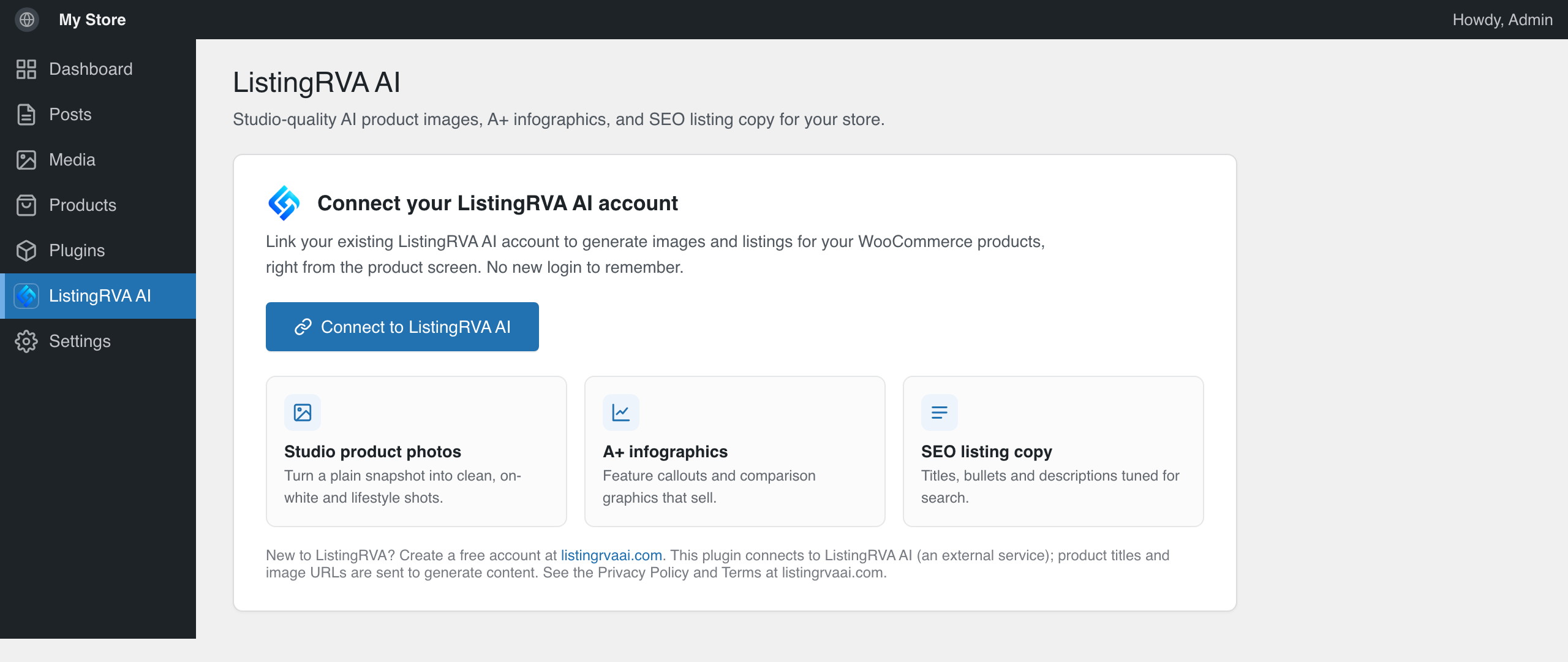
This plugin is the companion connector that links your store to your ListingRVA AI account, so you can generate studio-grade visuals and listing text in one click. Generation, credits, and billing stay on ListingRVA. The plugin connects your store, opens each product in the ListingRVA Studio, and pushes finished images back.
What you can create
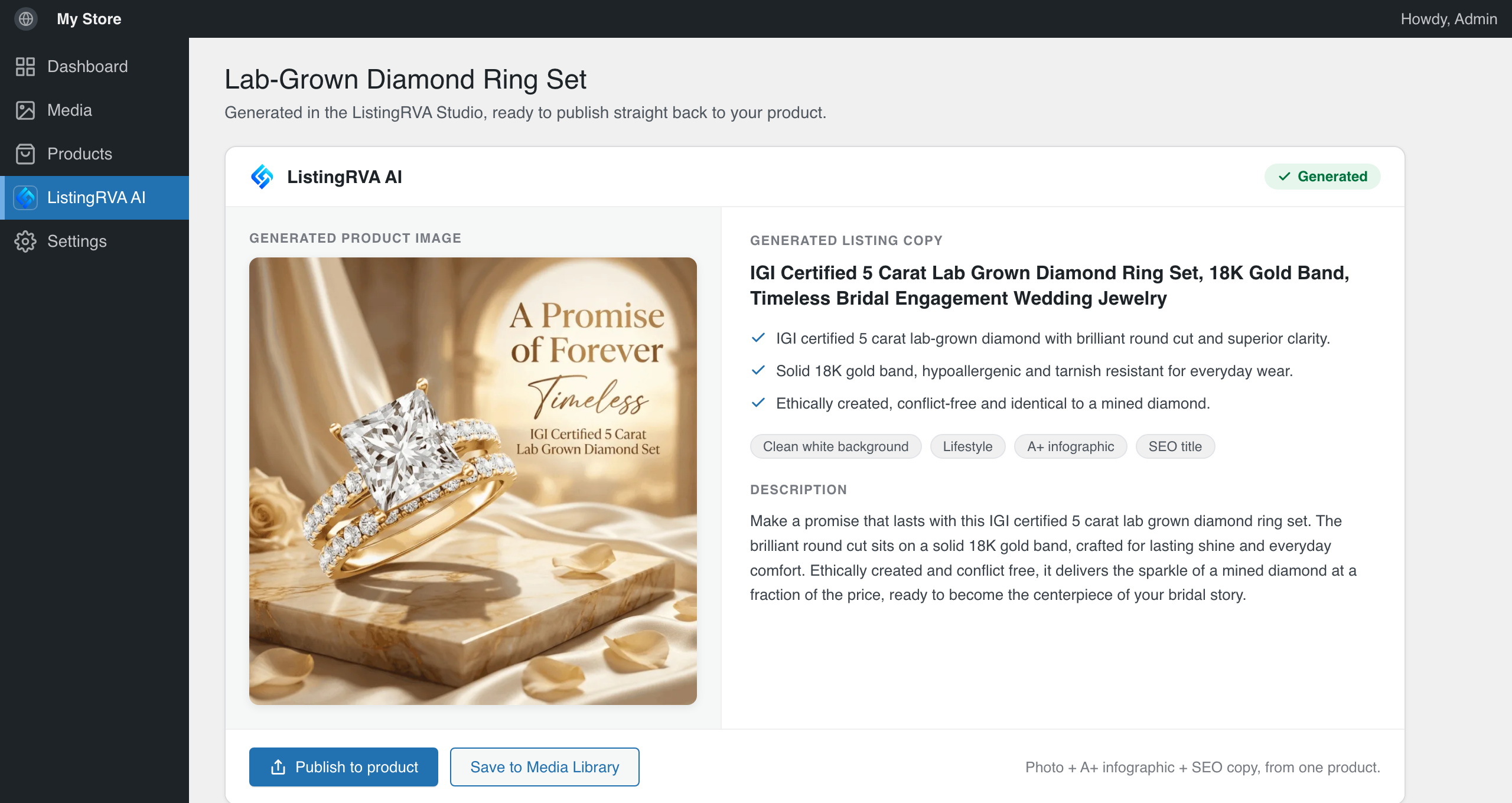
- AI product photography that looks studio-shot: clean white-background images, lifestyle scenes, and hero shots from your existing photos.
- Amazon A+ content and infographics built for conversion, with feature callouts, comparison charts, and dimension graphics.
- SEO listing copy that ranks: titles, bullet points, descriptions, and keywords for Amazon, Shopify, and WooCommerce.
- One-click connect for WooCommerce (through WooCommerce’s own secure Auth Endpoint) or plain WordPress (Application Password). No manual API keys and no shared passwords.
- Generate from any product or post, straight into your product gallery or Media Library.
Who it is for
WooCommerce sellers and WordPress site owners who want premium product images, A+ content, and listing copy without hiring a photographer or a copywriter.
Why sellers use it
Better product photography and listings mean higher click-through and conversion on Amazon, Shopify, and your own store. ListingRVA AI delivers that output in minutes, at a fraction of studio cost.
External service
This plugin connects to ListingRVA AI, an external service operated by Codrva Digital. A ListingRVA account is required, and generation consumes ListingRVA credits.
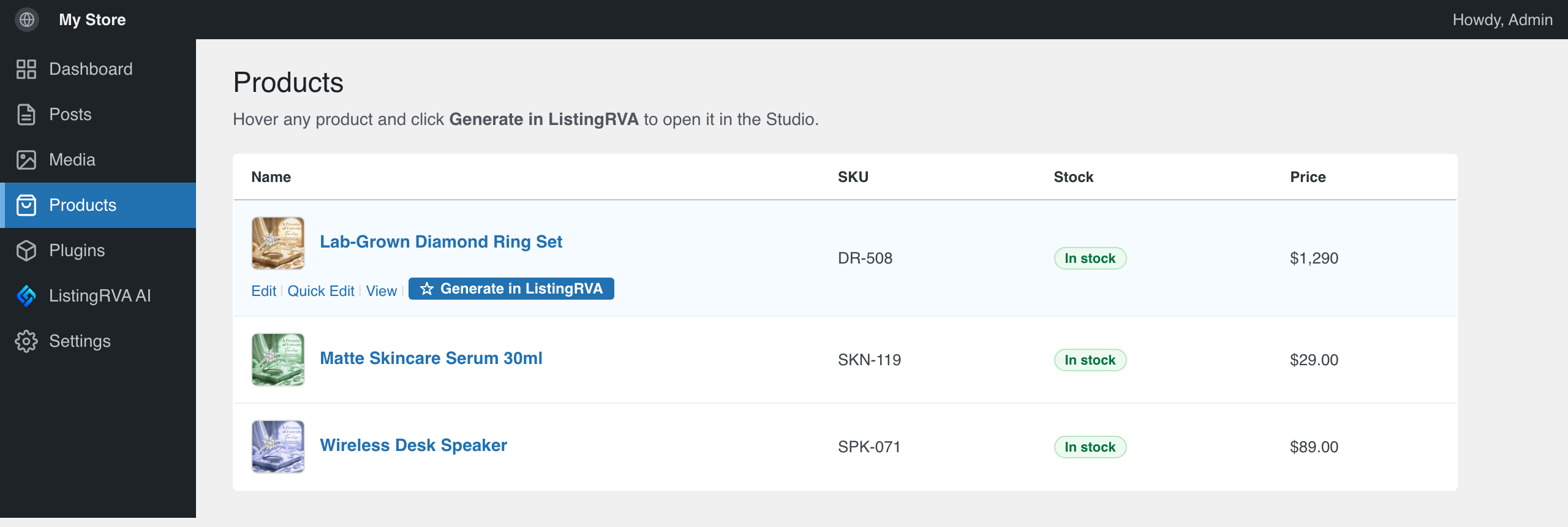
- When data is sent: on “Connect”, your site URL starts a secure store authorization. On “Generate in ListingRVA”, the selected product or post title and its featured-image URL are passed to the ListingRVA Studio to generate content. When you publish a generated image, ListingRVA uploads it back to your Media Library or product.
- Service: https://listingrvaai.com/
- Terms of Service: https://listingrvaai.com/terms
- Privacy Policy: https://listingrvaai.com/privacy
Screenshots
Installation
- Install and activate the plugin.
- Open ListingRVA AI in the admin menu and click Connect to ListingRVA AI.
- Approve the connection inside your own WordPress or WooCommerce admin.
- Open any product or post and click Generate in ListingRVA.
FAQ
-
Do I need a ListingRVA account?
-
Yes. The plugin connects your existing account, and you can create one free at listingrvaai.com.
-
Does it store my WooCommerce API keys or my password in the plugin?
-
No. WooCommerce connects through its own Auth Endpoint and plain WordPress uses an Application Password. Credentials go directly to ListingRVA, and the plugin holds no secret.
-
Is it free?
-
The plugin is free. Generating images and listings uses your ListingRVA plan and credits.
-
Can I use it on a non-WooCommerce site?
-
Yes. On a plain WordPress site you can generate images for posts and pages and push them into your Media Library.
-
How do I disconnect?
-
Use “Disconnect this site” on the plugin page, then revoke the Application Password from your WordPress profile, or the API key in WooCommerce, Settings, Advanced, REST API.
Reviews
There are no reviews for this plugin.
Contributors & Developers
“ListingRVA AI – AI Product Photography & Listings” is open source software. The following people have contributed to this plugin.
Contributors
Translate “ListingRVA AI – AI Product Photography & Listings” into your language.
Interested in development?
Browse the code, check out the SVN repository, or subscribe to the development log by RSS.
Changelog
0.2.0
- Embedded optimize: generate a studio product image or SEO listing copy directly from the WooCommerce product screen, and set the result as the product image in one click. Advanced work (A+ infographics, video) still opens in Studio. Generation uses your account plan and credits.
0.1.0
- Initial release: one-click connect (WooCommerce Auth Endpoint or WordPress Application Passwords), “Generate in ListingRVA” on products and posts, and push generated images back to the store or Media Library.