

Description
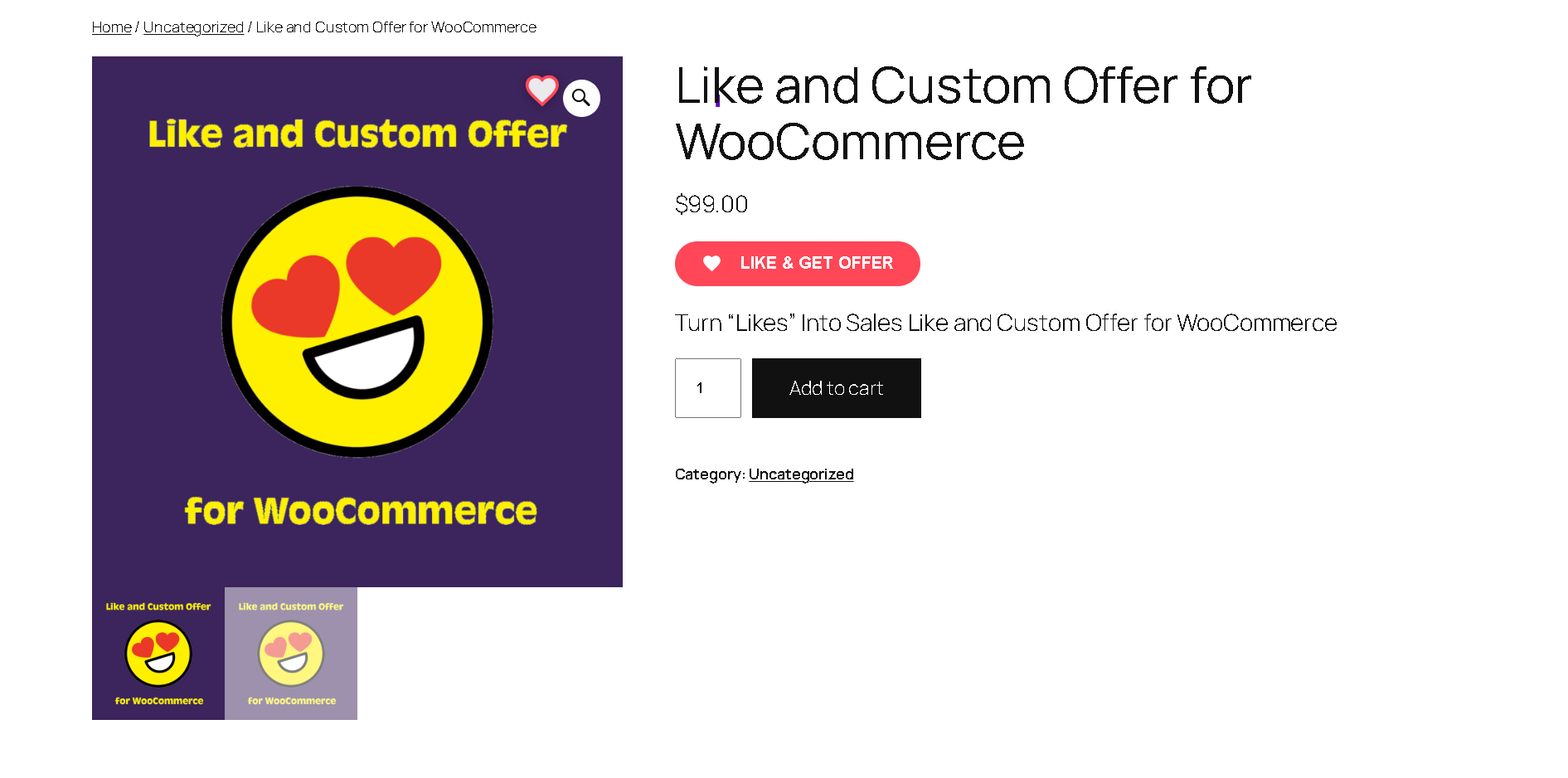
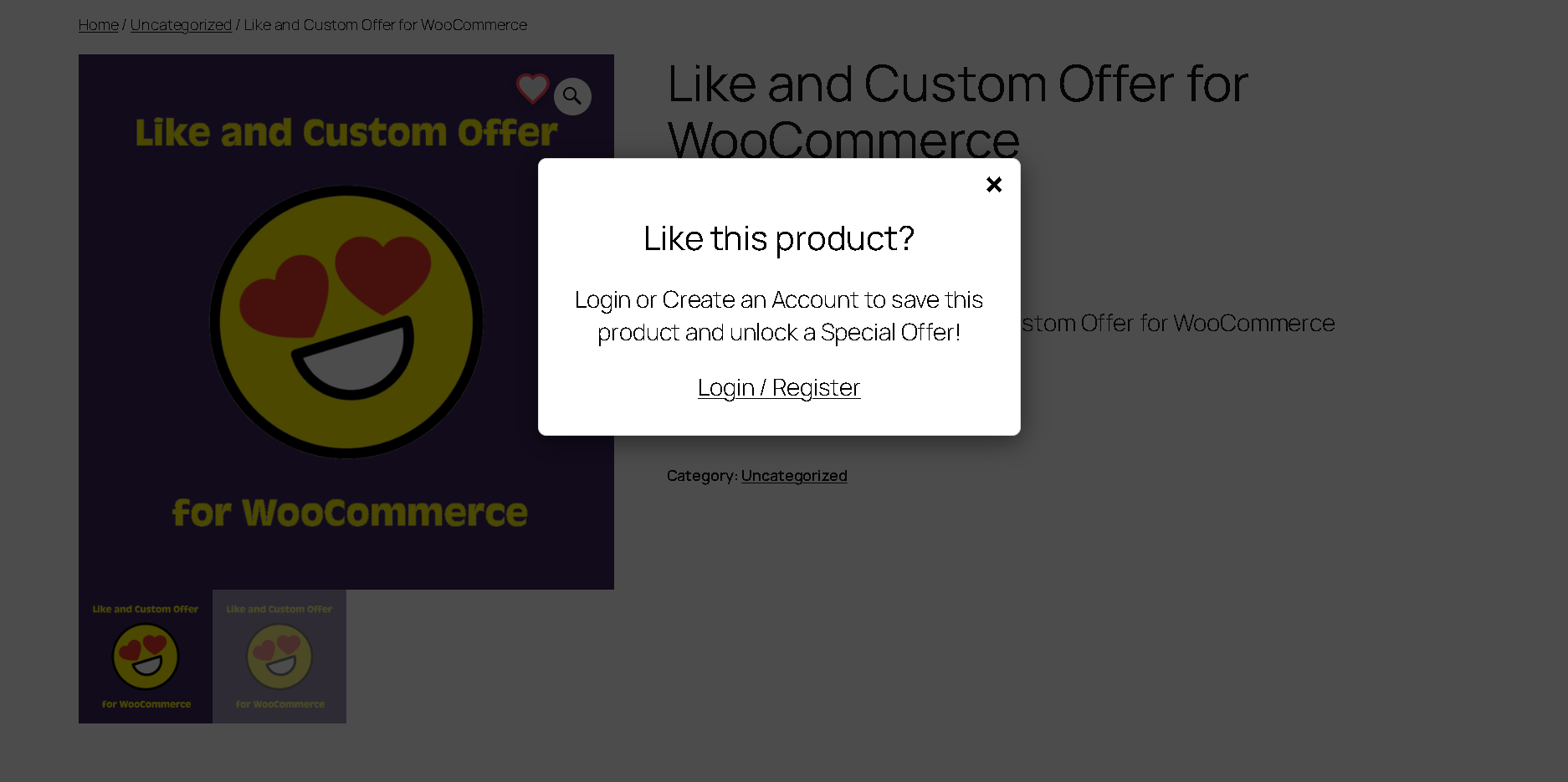
Like and Custom Offer for WooCommerce helps store owners engage potential customers who browse products without purchasing. By adding a “Like” button to product pages, the plugin captures interest and provides a way for sellers to follow up with personalized incentives.
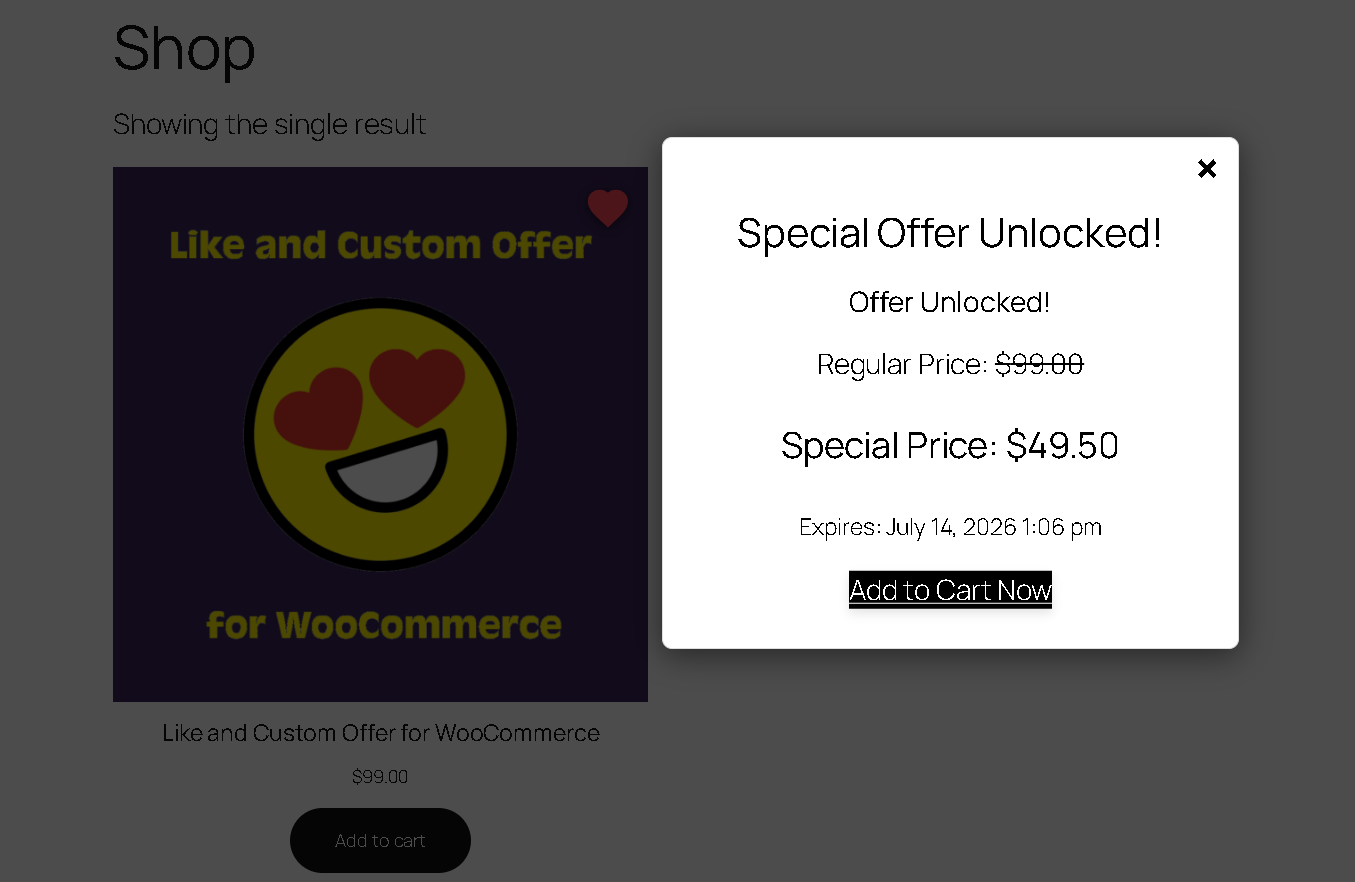
The plugin provides a system for generating time-sensitive, personalized special offers when a customer interacts with a product.
Key Features
- Automated Special Offers: Generate percentage-based or fixed-price discounts when a customer likes a product.
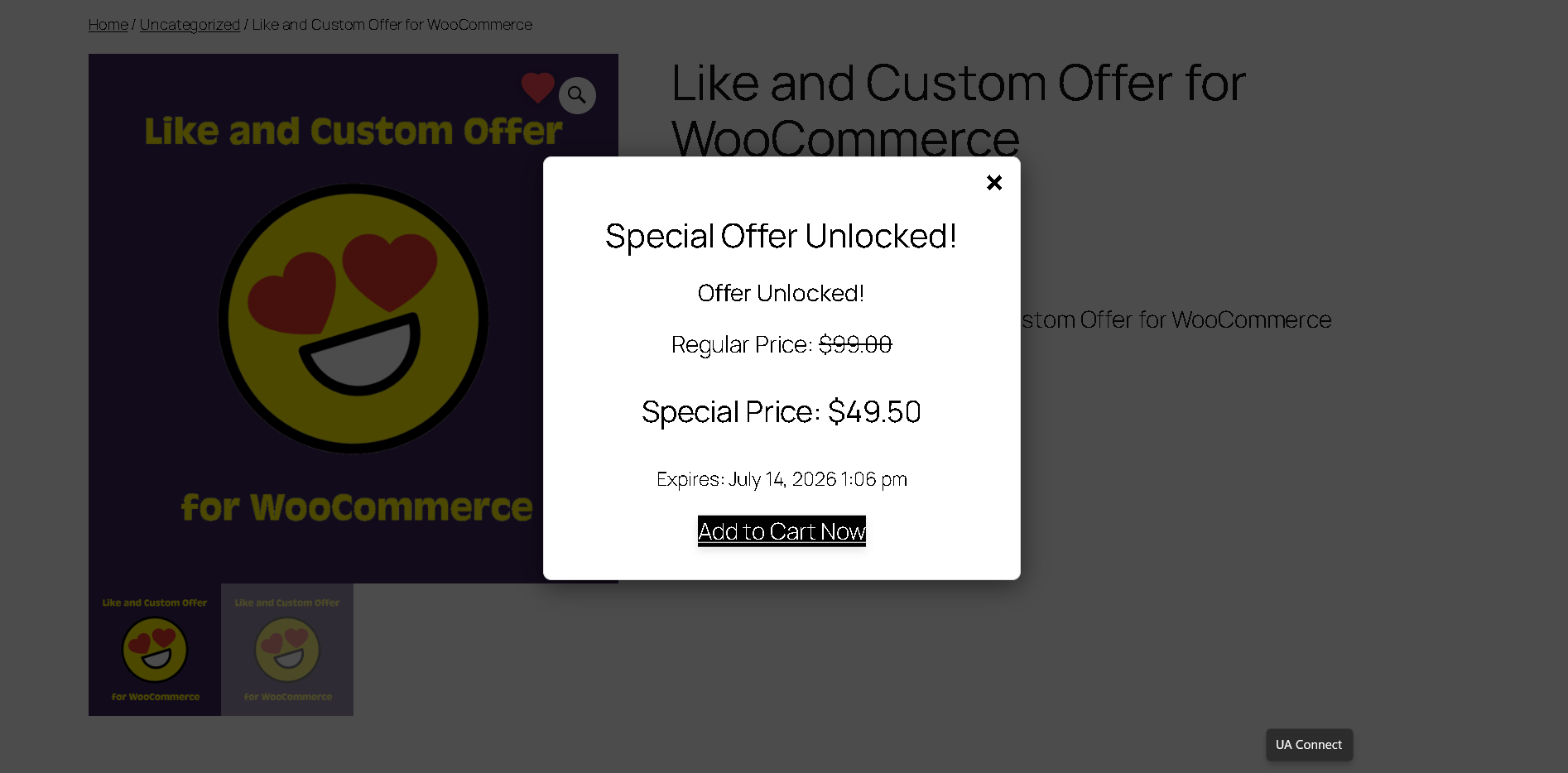
- Special Offer Popup: Displays the discounted price and an optional countdown timer to the customer.
- Email Notifications: Sends automated emails to customers containing their custom offers.
Customer Dashboard Integration
The plugin adds two functional tabs to the WooCommerce “My Account” area:
1. My Special Offers: Displays active discounts, shipping offers, and expiration dates.
2. Liked Products: A dedicated area for customers to view and manage their saved items.
Screenshots
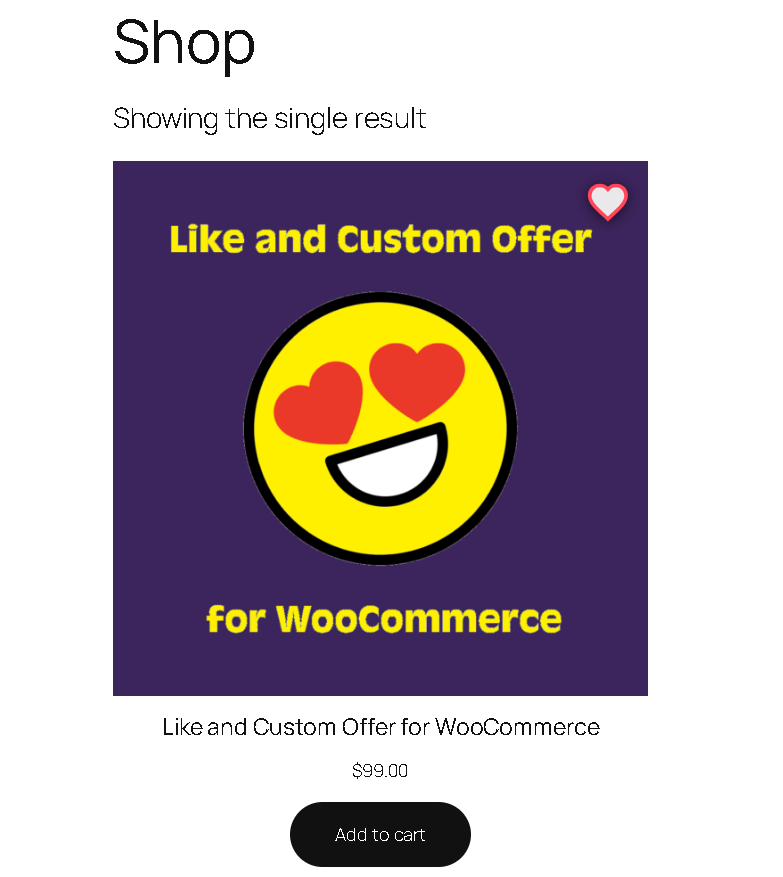
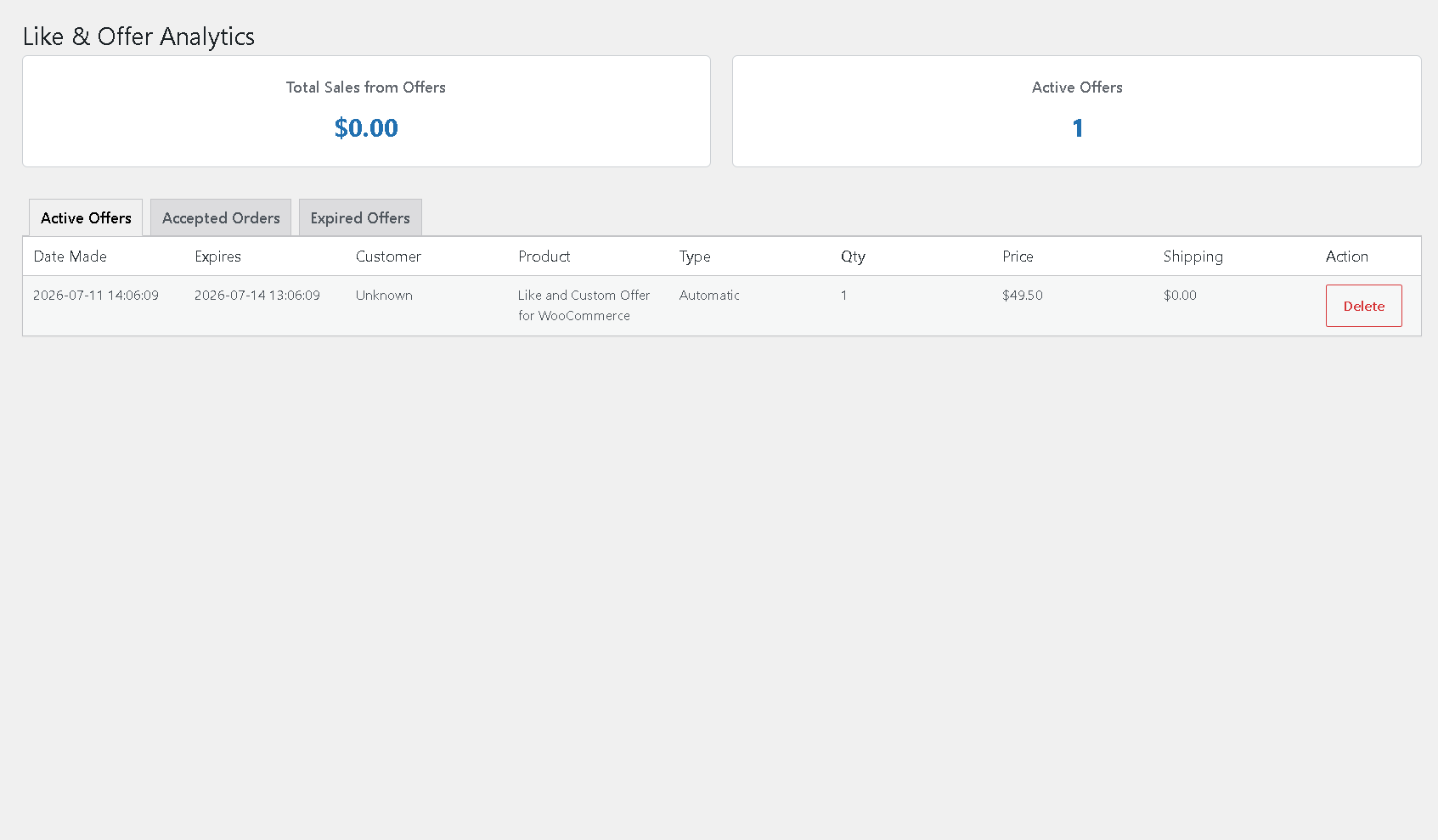
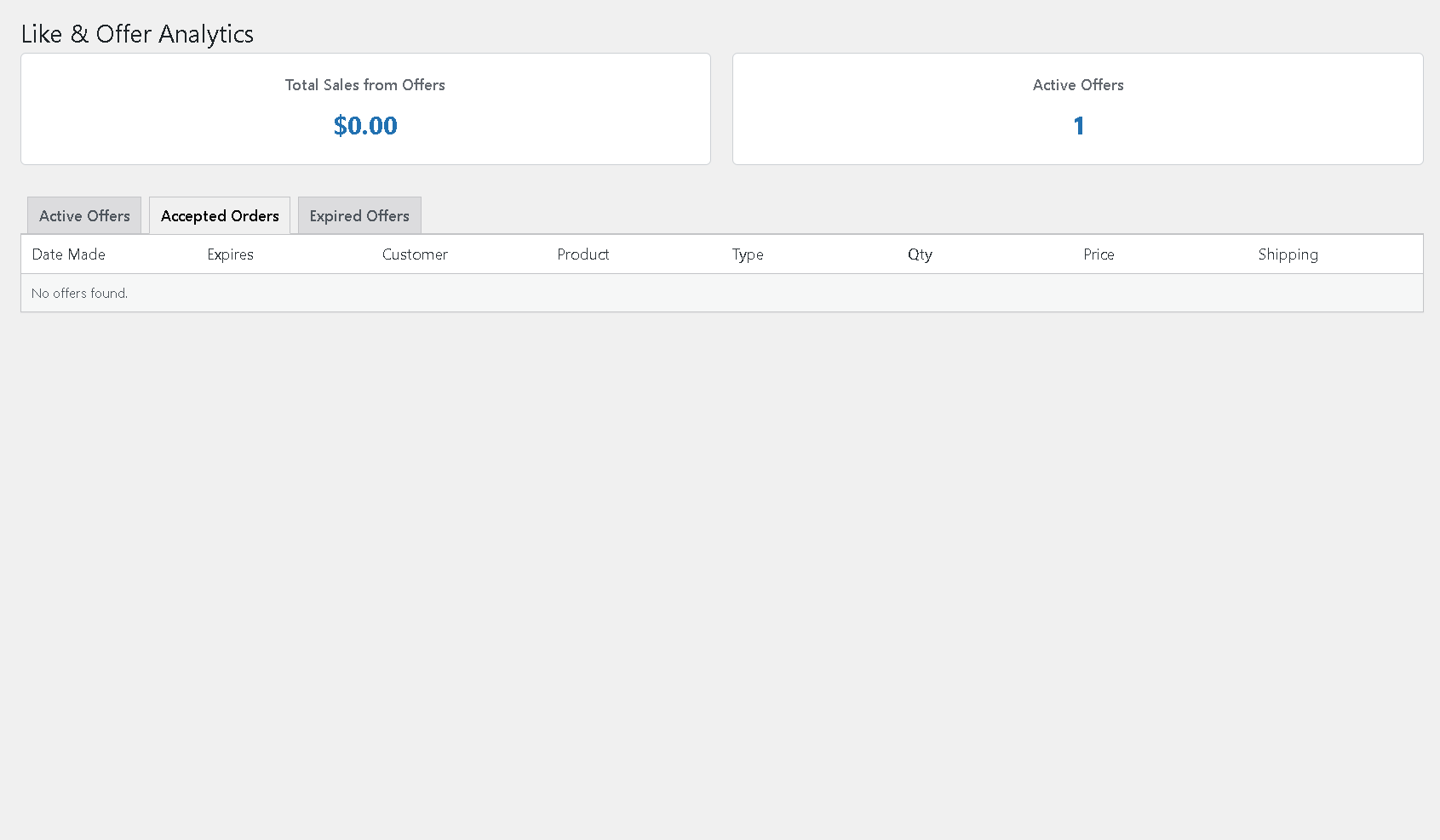
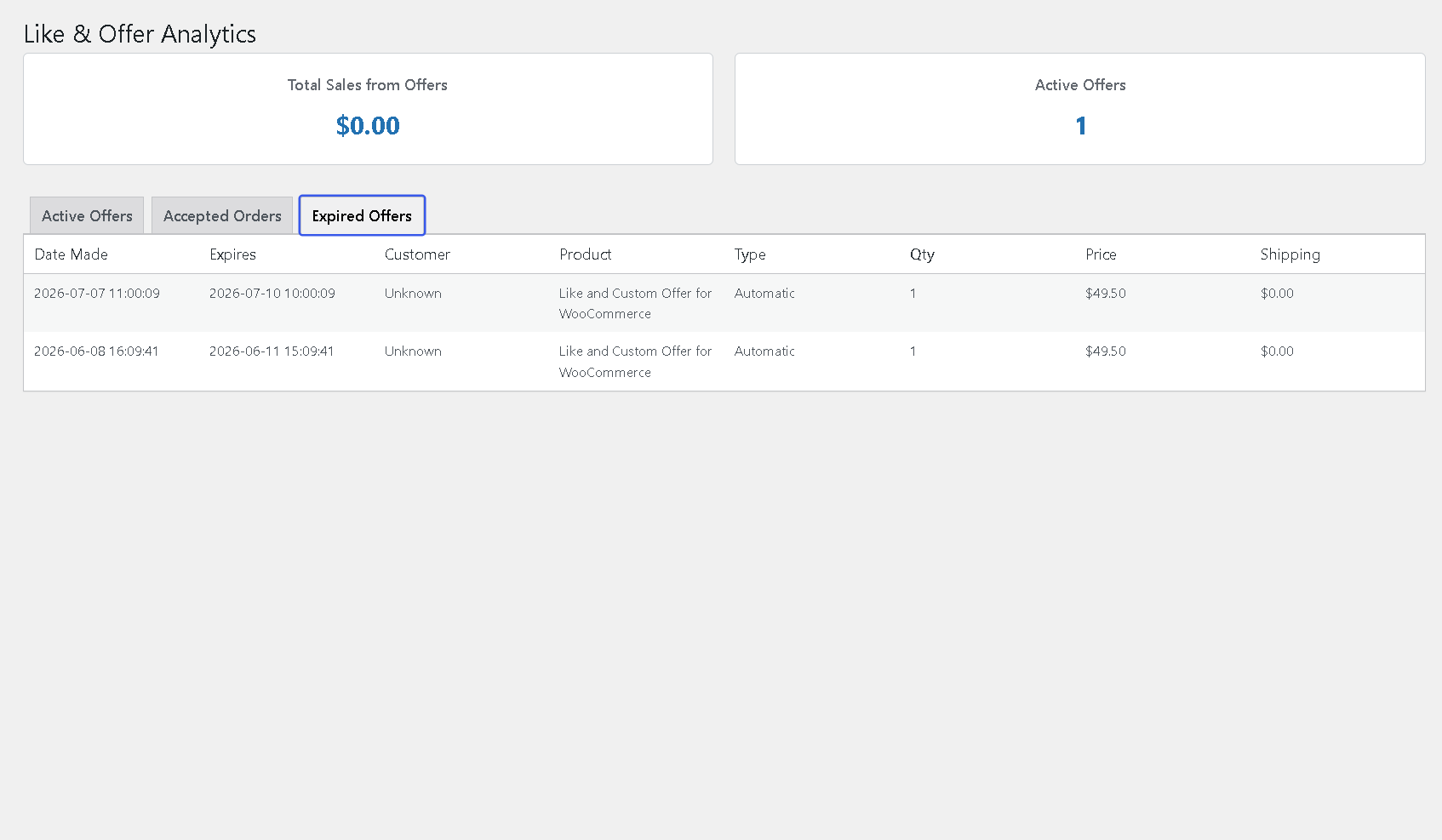
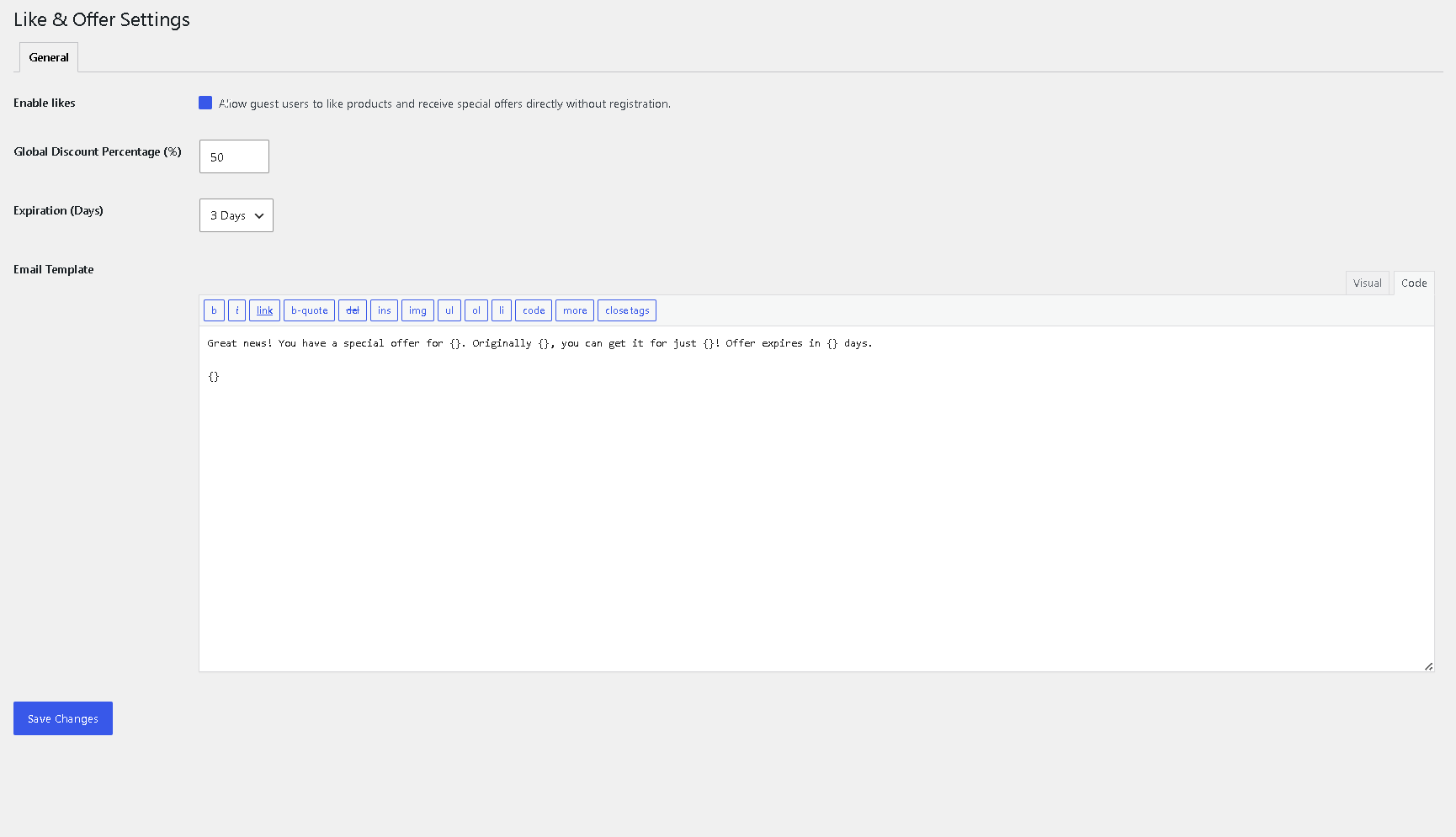
Installation
- Upload the
like-and-custom-offer-for-woocommercefolder to the/wp-content/plugins/directory, or install directly via the WordPress plugins screen. - Activate the plugin through the ‘Plugins’ screen in WordPress.
- Navigate to Special Offers > Settings to configure your discount rules and messaging options.
- Go to Settings > Permalinks and click Save Changes to ensure the new account tabs function correctly.
FAQ
-
Why do I get a “404 Page Not Found” error on the My Account tabs?
-
The WordPress rewrite rules need to be flushed. Navigate to Settings > Permalinks and click Save Changes. This will register the new endpoints.
-
How are conflicts with other discount plugins handled?
-
The plugin includes a cart override system designed to ensure the special offer price is respected during the checkout process when a valid offer is applied.
-
Can I set a specific discount for a single product?
-
Yes. You can define specific percentage or fixed-price discounts within the “Product Data” section of any WooCommerce product edit screen.
-
How do shipping discounts work?
-
When creating a custom offer, you can specify a shipping adjustment. This value will be applied to the cart total when the customer accepts the offer.
Reviews
There are no reviews for this plugin.
Contributors & Developers
“Like and Custom Offer for WooCommerce” is open source software. The following people have contributed to this plugin.
Contributors
Translate “Like and Custom Offer for WooCommerce” into your language.
Interested in development?
Browse the code, check out the SVN repository, or subscribe to the development log by RSS.
Changelog
1.0.0
- Initial release.