

Description
LearnDash AI Question Generator helps course creators generate quiz questions from their LearnDash course content using AI.
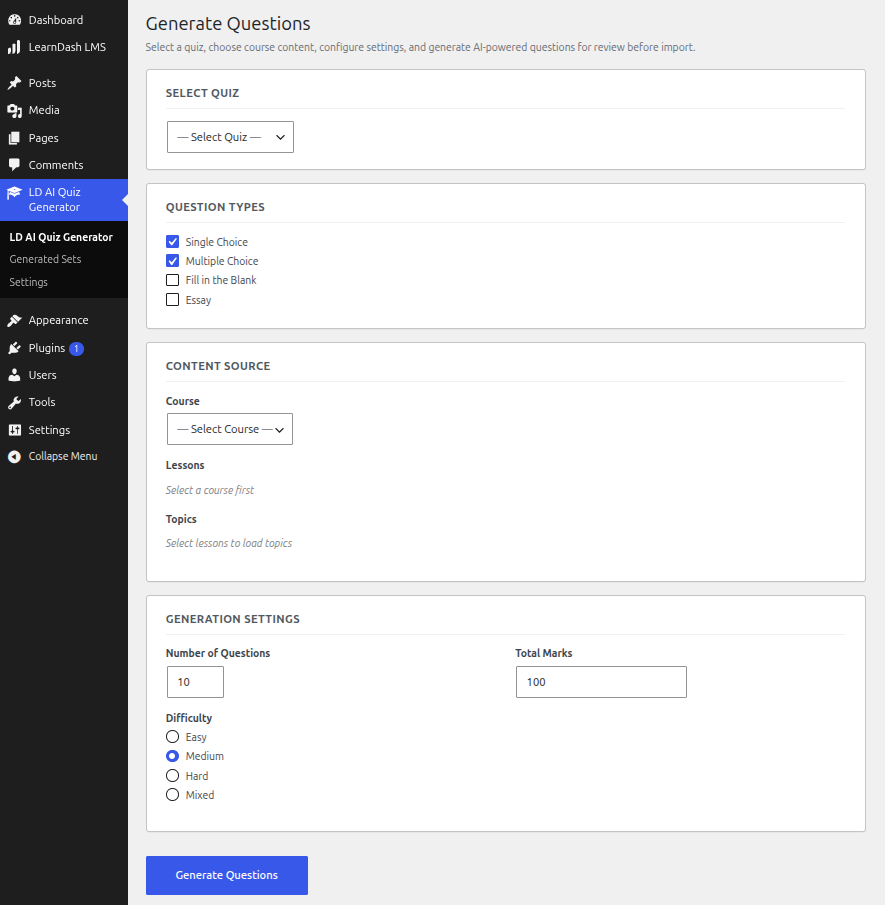
Instead of manually creating questions, simply select your LearnDash quiz, choose the content you want to use, and generate AI-powered questions for review.
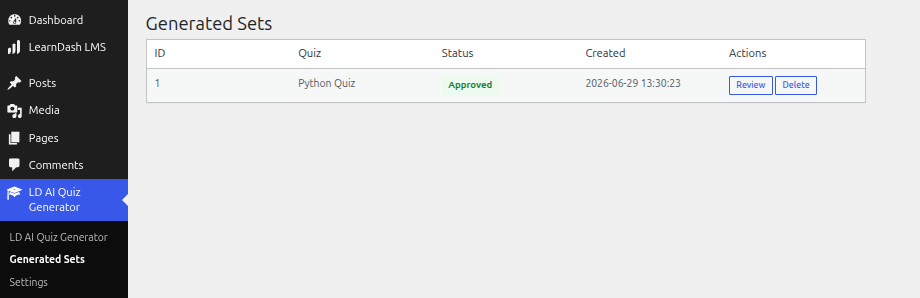
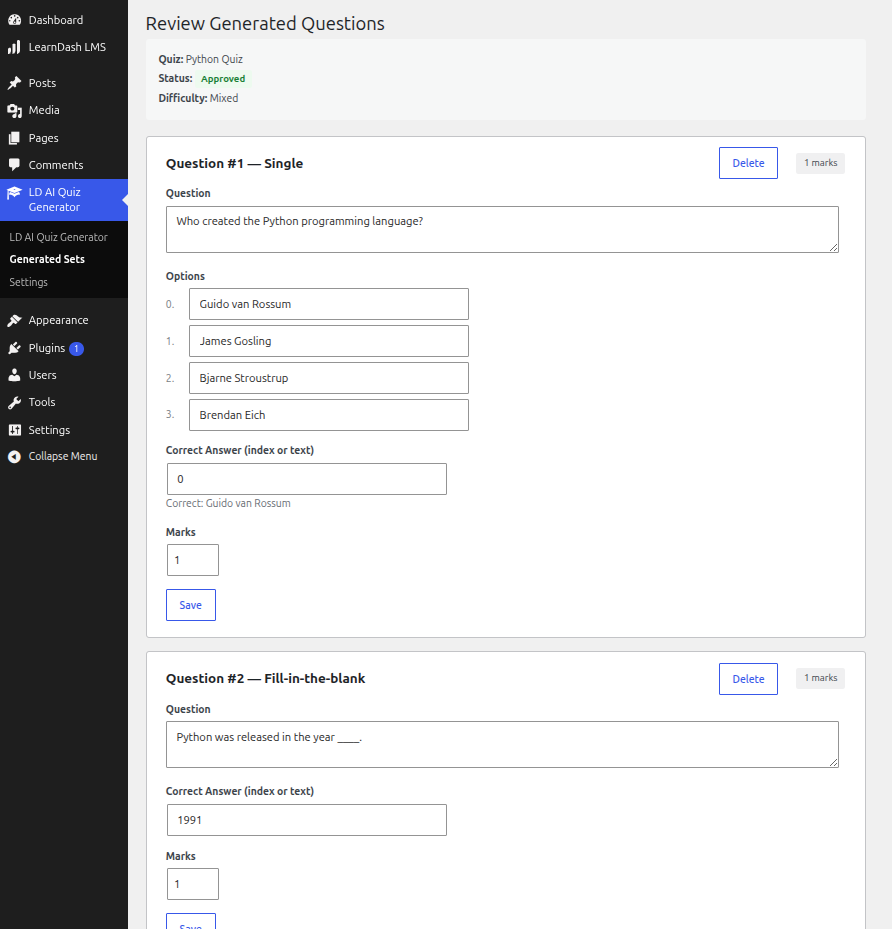
The plugin stores generated questions in a draft state, allowing administrators to review and edit them before importing them into LearnDash.
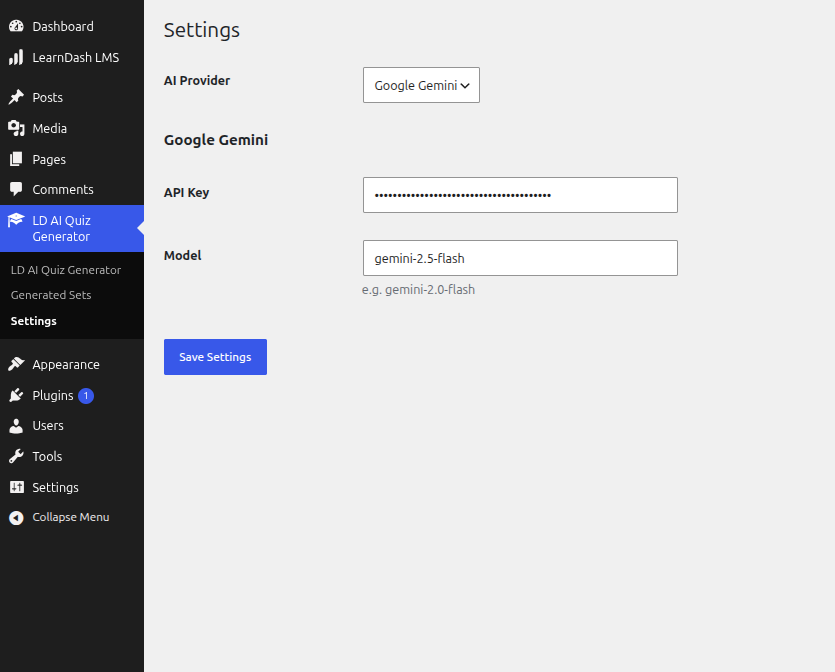
This plugin does not include AI services. To generate questions, you must provide your own Google Gemini or OpenAI API key in the plugin settings.
Features
- Generate quiz questions from LearnDash Course, Lesson, and Topic content.
- Support for multiple question types.
- Review questions before importing.
- Store generated question sets safely in custom database tables.
- Import approved questions into LearnDash quizzes.
- Built with WordPress Coding Standards (WPCS).
- Object-Oriented architecture.
- Secure data handling using WordPress APIs.
Supported Question Types
- Single Choice
- Multiple Choice
- Fill in the Blank
- Essay
Current Workflow
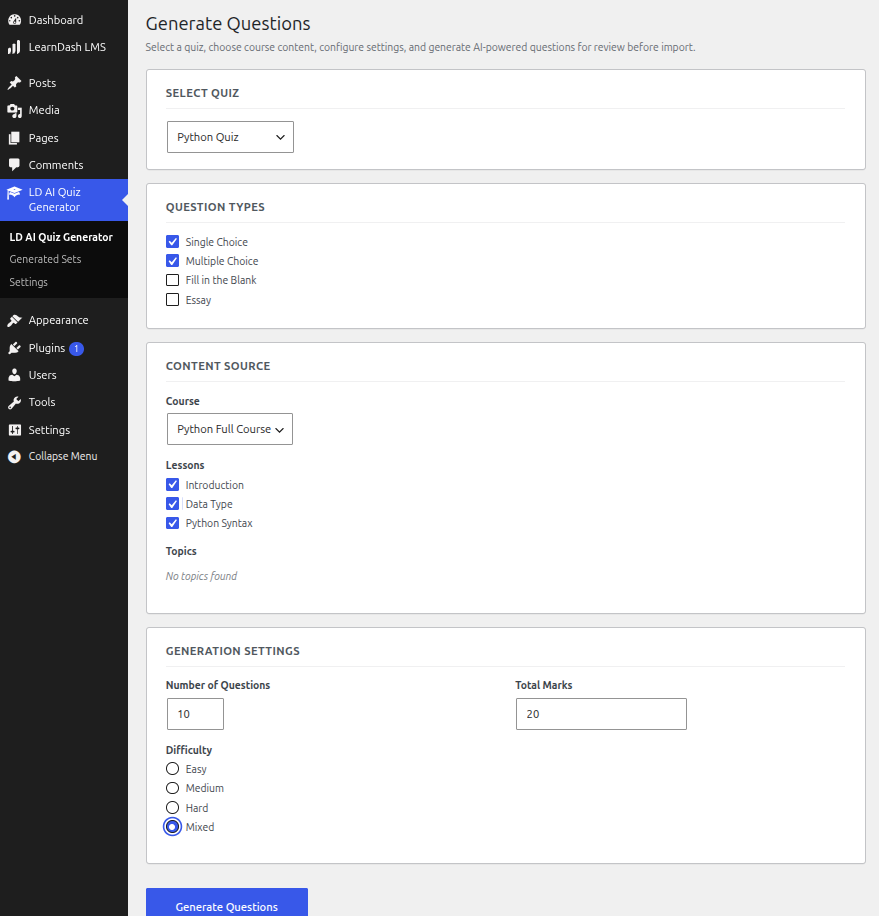
- Select a LearnDash Quiz.
- Choose Course, Lesson, or Topic content.
- Select one or more question types.
- Configure the number of questions and marks.
- Generate AI questions.
- Review generated questions.
- Approve and import into LearnDash.
External Services
This plugin connects to third-party AI services to generate quiz questions from LearnDash course content. These services are only called when an administrator triggers question generation from the plugin’s admin page. No data is sent automatically or without user action.
OpenAI
This plugin may connect to OpenAI’s API to generate quiz questions using language models. The LearnDash course/lesson/topic content selected by the administrator is sent to OpenAI as a prompt. An API key provided by the site administrator is required.
- Terms of Service: https://openai.com/policies/terms-of-use
- Privacy Policy: https://openai.com/policies/privacy-policy
Google Gemini
This plugin may connect to Google’s Generative Language API (Gemini) to generate quiz questions. The LearnDash course/lesson/topic content selected by the administrator is sent to Google Gemini as a prompt. An API key provided by the site administrator is required.
- Terms of Service: https://policies.google.com/terms
- Privacy Policy: https://policies.google.com/privacy
License
This plugin is licensed under the GPLv2 or later.
For more information, visit:
https://www.gnu.org/licenses/gpl-2.0.html
Screenshots
Installation
- Upload the plugin to the
/wp-content/plugins/directory. - Activate the plugin through the Plugins screen.
- Ensure LearnDash LMS is installed and activated.
- Navigate to LD AI Quiz Generator from the WordPress admin menu.
- Configure your AI provider in the Settings page.
- Start generating quiz questions.
FAQ
-
Does this plugin require LearnDash?
-
Yes. LearnDash LMS must be installed and activated.
-
Which AI providers are supported?
-
Currently, the plugin supports the following AI providers:
- Google Gemini
- OpenAI
Simply add your API key for the provider you want to use from the plugin’s Settings page.
-
Are questions automatically added to quizzes?
-
No.
Generated questions are first saved as drafts for administrator review before being imported into LearnDash.
-
Can I edit generated questions?
-
Yes.
Administrators can review, edit, and approve questions before importing them.
Reviews
There are no reviews for this plugin.
Contributors & Developers
“LDAQ AI Question Builder for LearnDash” is open source software. The following people have contributed to this plugin.
Contributors
Translate “LDAQ AI Question Builder for LearnDash” into your language.
Interested in development?
Browse the code, check out the SVN repository, or subscribe to the development log by RSS.
Changelog
1.0.0
- Initial release.
- Generate AI questions from LearnDash content.
- Support for Single Choice, Multiple Choice, Fill in the Blank, Essay, questions.
- Review workflow before importing.
- Import approved questions into LearnDash quizzes.