
Description
JDITC Add Wordfence 2FA to Ultimate Member
This WordPress plugin adds Wordfence 2FA compatibility to Ultimate Member login forms. It keeps Ultimate Member in control of the form UX while deferring credential validation to Wordfence’s own login security flow when a second factor is required.
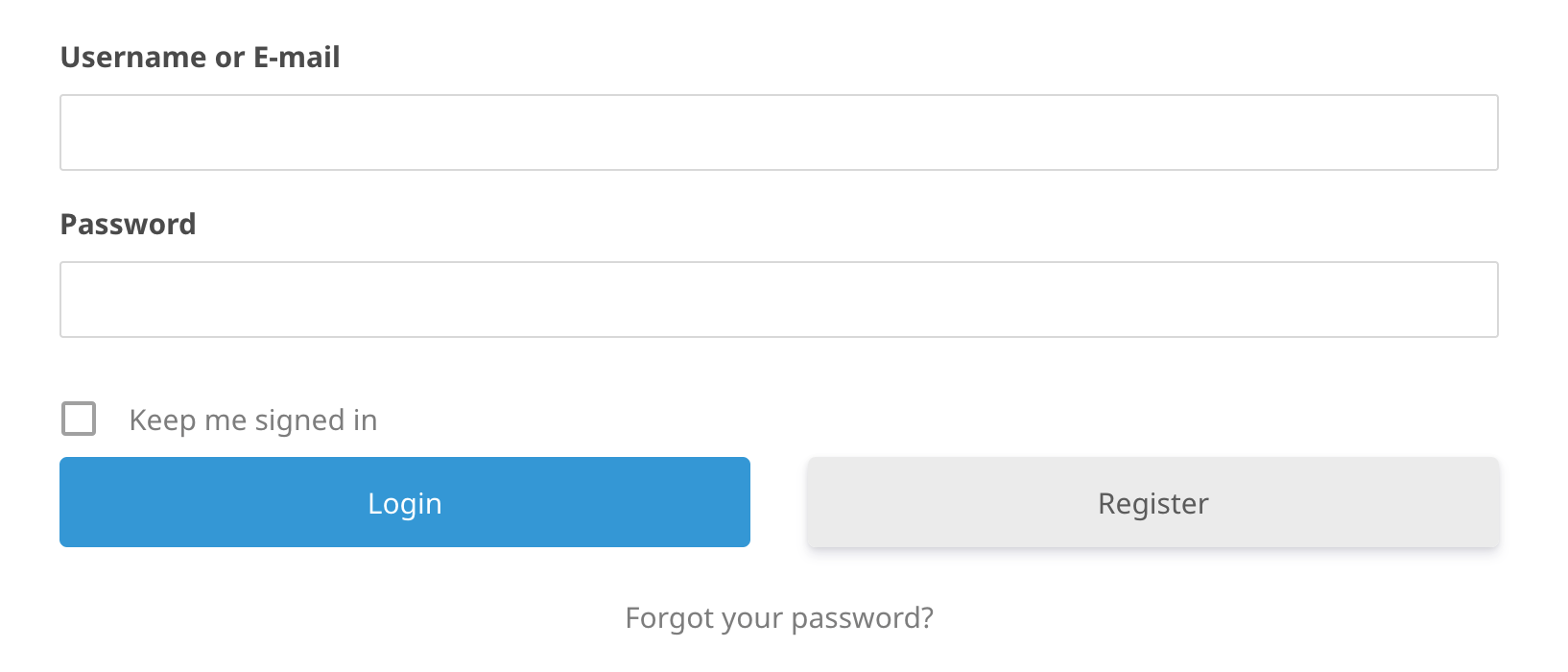
The login flow is designed to work in two steps:
- The user submits their username and password through the Ultimate Member login form.
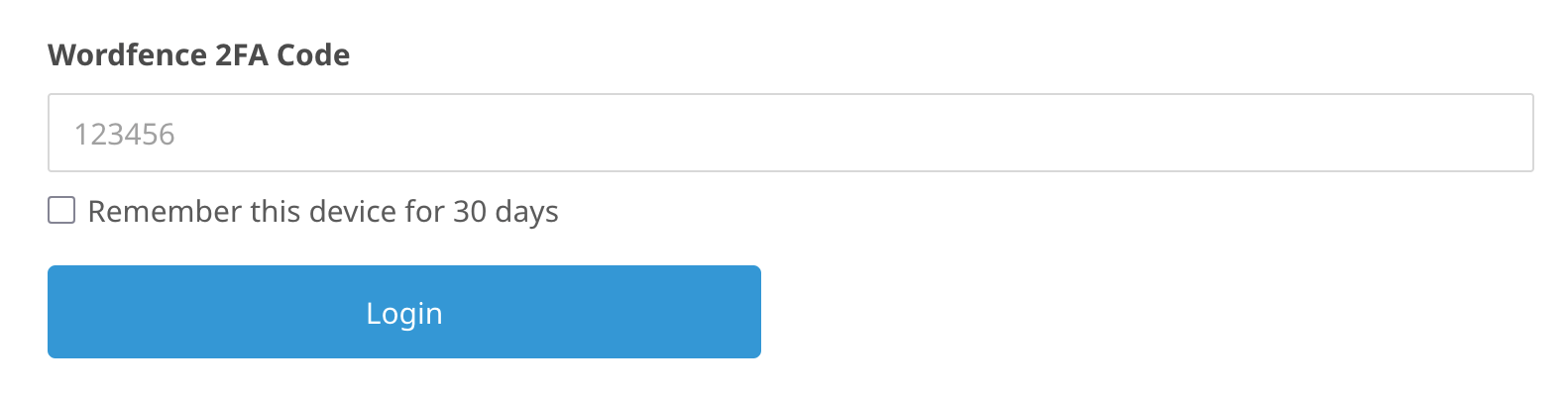
- If Wordfence requires a second factor, the plugin switches the form into token-entry mode and prompts for the Wordfence 2FA code.
The plugin passes Wordfence login-security errors back through Ultimate Member so the original Wordfence messages remain visible instead of being swallowed by the form wrapper.
Bug reports and feature requests can be filed at the GitHub repository.
Screenshots
Reviews
There are no reviews for this plugin.
Contributors & Developers
“JDITC Add Wordfence 2FA to Ultimate Member” is open source software. The following people have contributed to this plugin.
Contributors
Translate “JDITC Add Wordfence 2FA to Ultimate Member” into your language.
Interested in development?
Browse the code, check out the SVN repository, or subscribe to the development log by RSS.
Changelog
1.0.2 / 2026-07-13
- Update release process to push to WordPress Plugin Directory.
1.0.1 / 2026-07-09
- Move inline Javascript to standalone js files to reduce complexity.
- Rename plugin to “JDITC Add Wordfence 2FA to Ultimate Member” and slug to “jditc-add-wordfence-2fa-to-ultimate-member” for WordPress.org compliance.
1.0 / 2026-07-07
- Initial release.
- Adds Wordfence 2FA compatibility to Ultimate Member login forms.
- Preserves Wordfence login-security errors inside the Ultimate Member UI.
- Uses a two-step login flow so 2FA prompts appear only when Wordfence requires them.