

Description
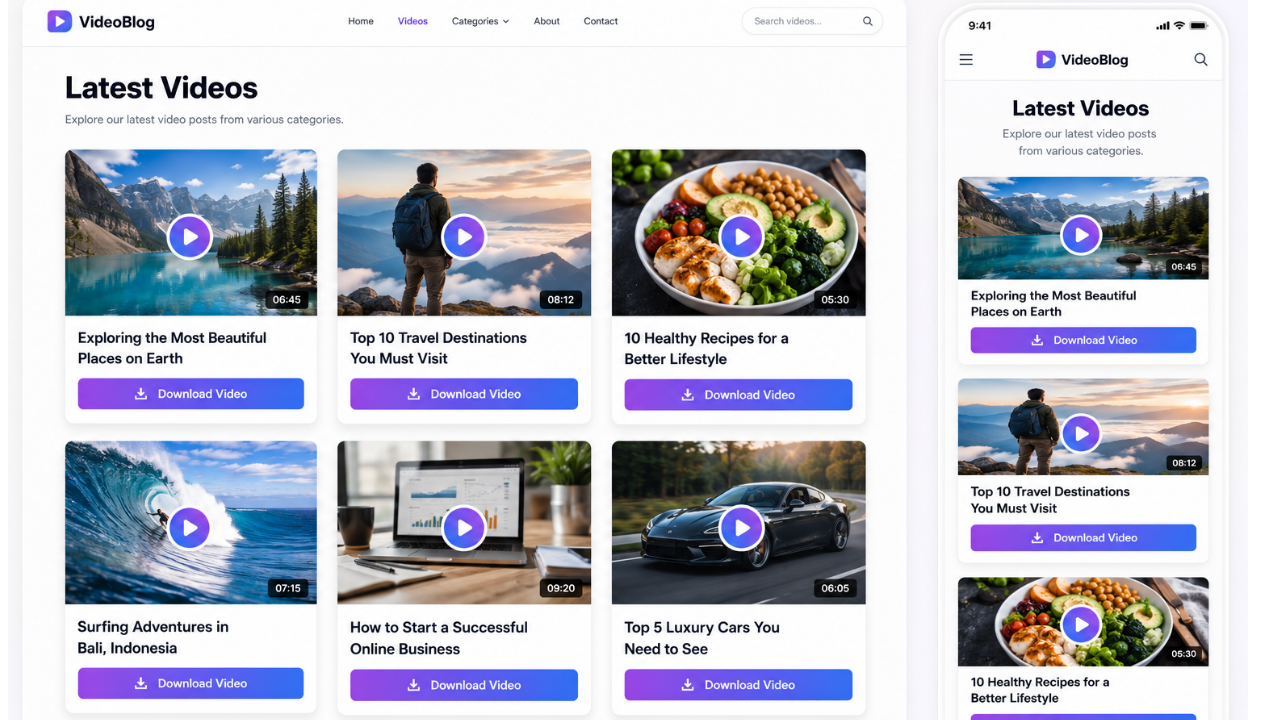
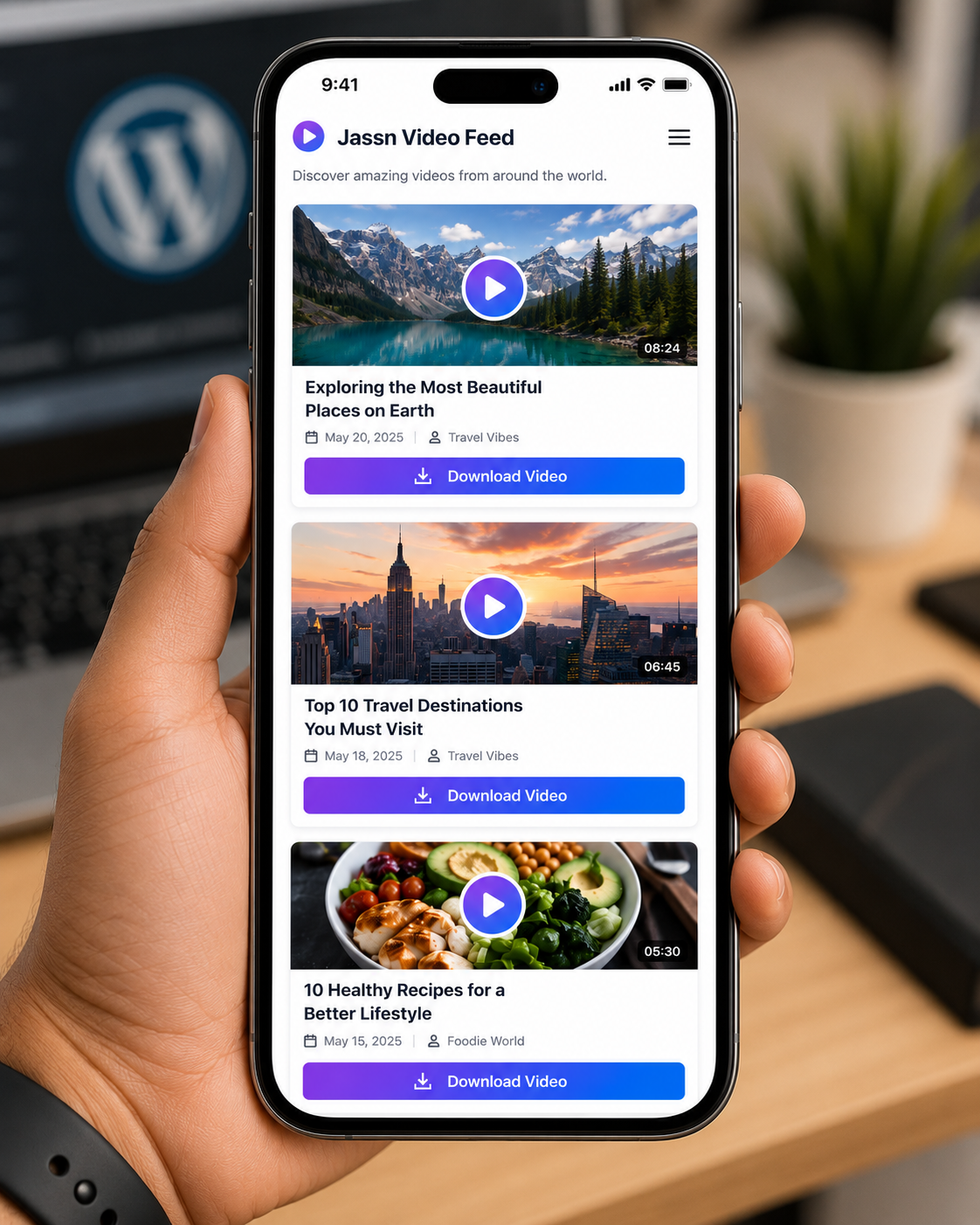
Jassn Video Posts Feed Block is a custom Gutenberg block that turns your WordPress posts into a stunning video feed. It displays local videos (MP4, WebM, OGG) from your media library in a clean, responsive grid.
Key Features
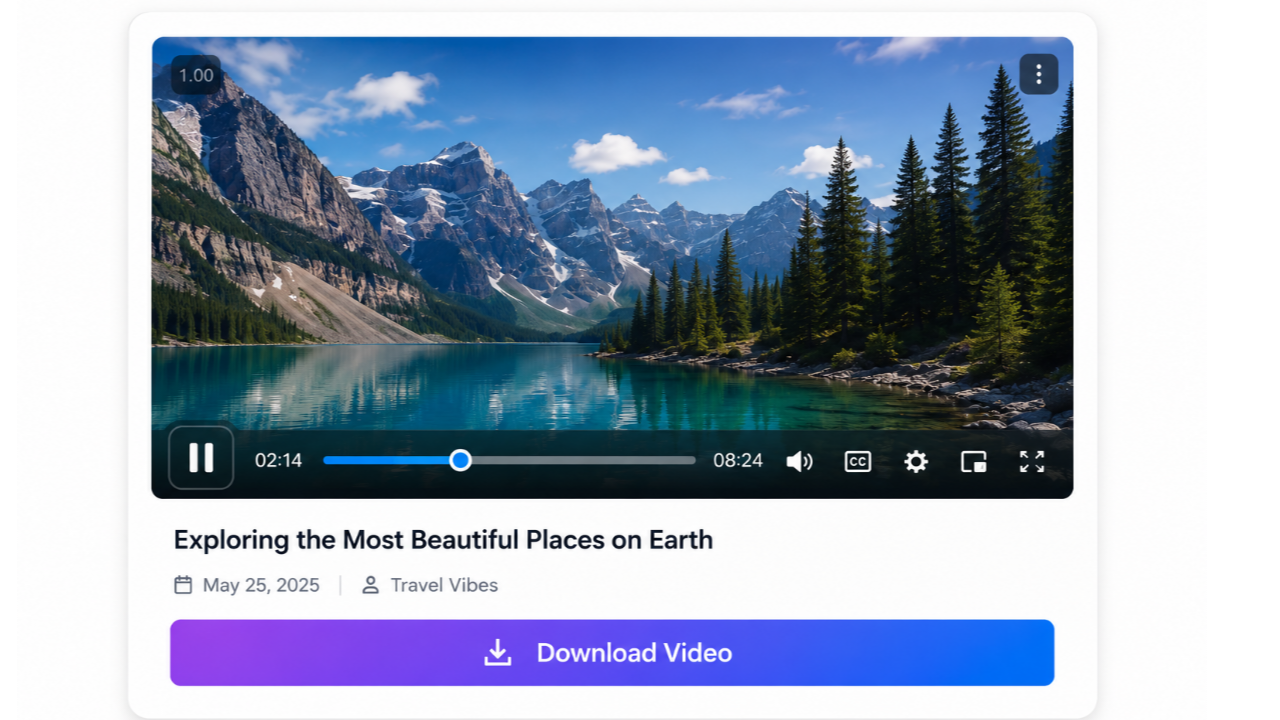
- Modern Video Player – Uses the lightweight Plyr player for a beautiful, accessible video experience.
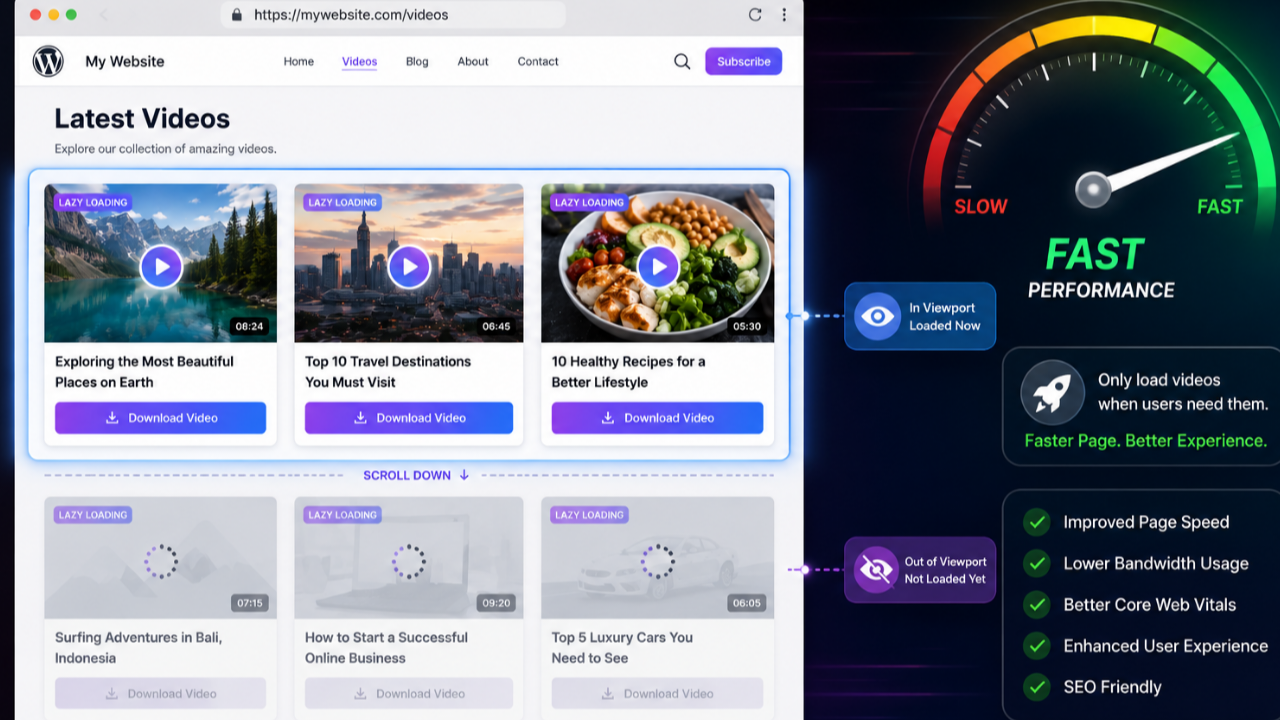
- Lazy Loading – Videos load only when they scroll into view, boosting page speed.
- Automatic Thumbnails – Uses featured images as video posters (fallback to gradient placeholder).
- Download Button – A stylish gradient download button appears below the title for each video.
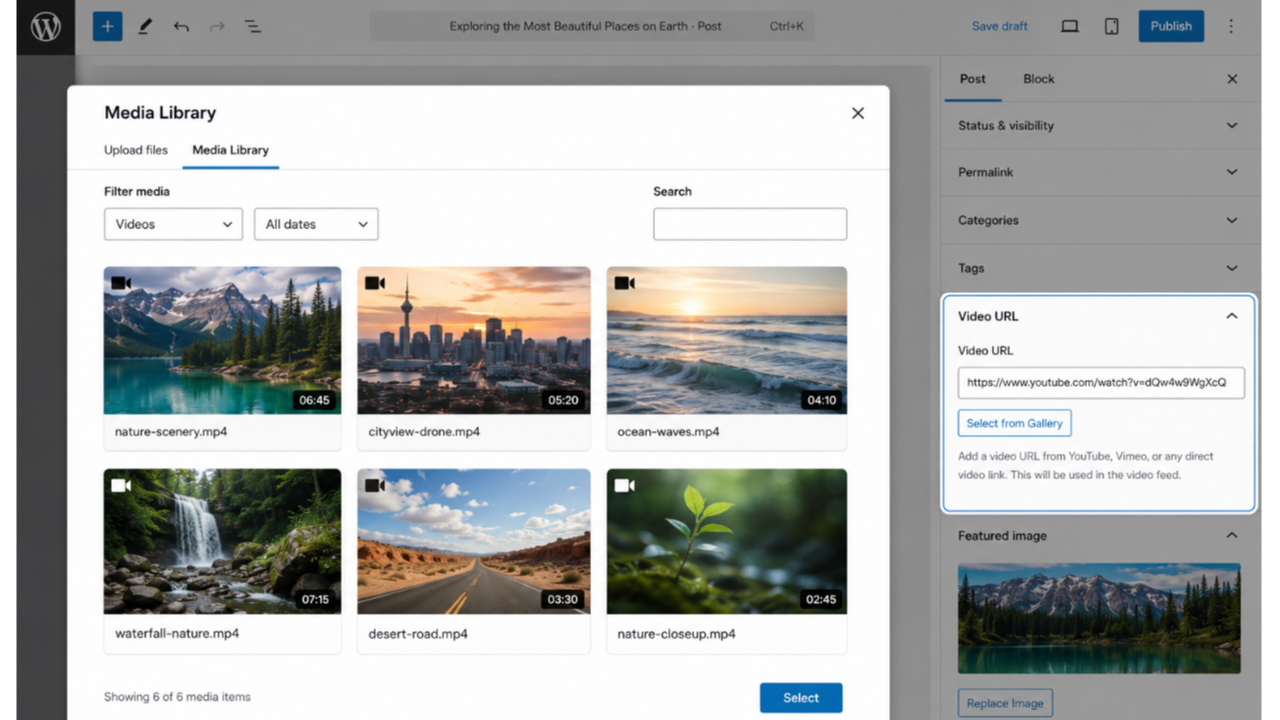
- Media Gallery Integration – Click “Select from Gallery” to choose a video from your media library.
- Fully Responsive – Works seamlessly on desktop, tablet, and mobile.
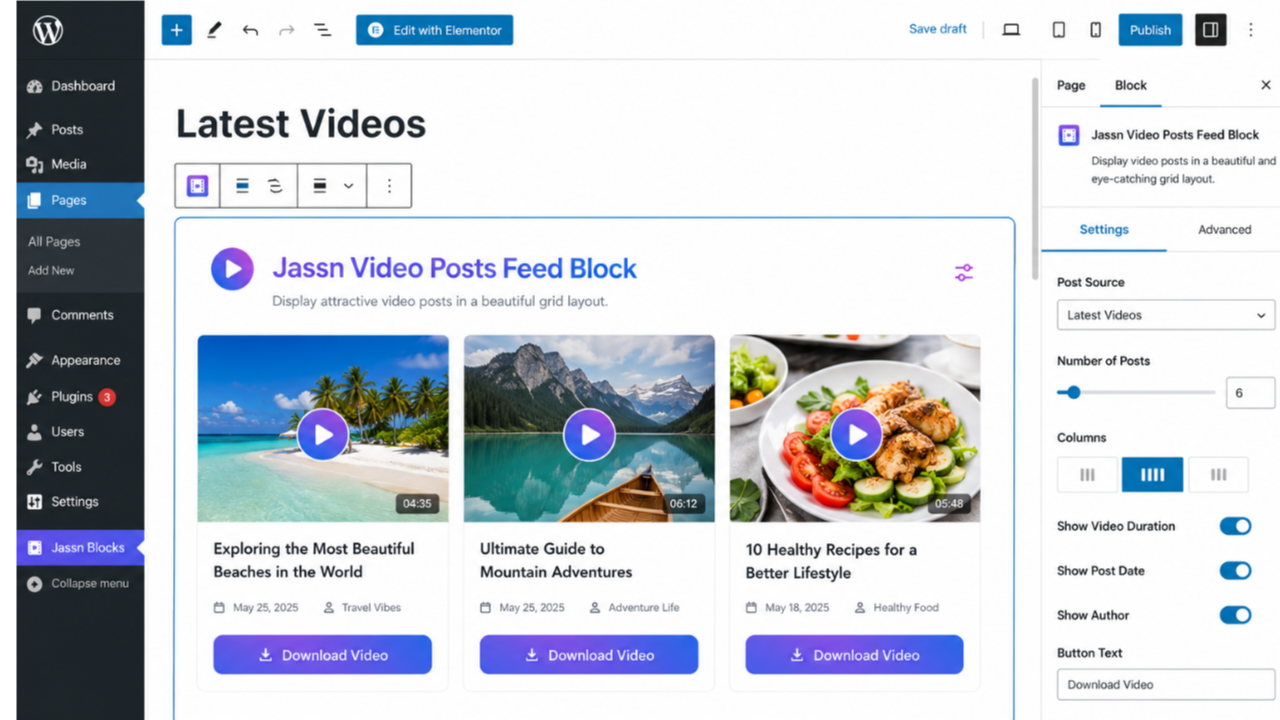
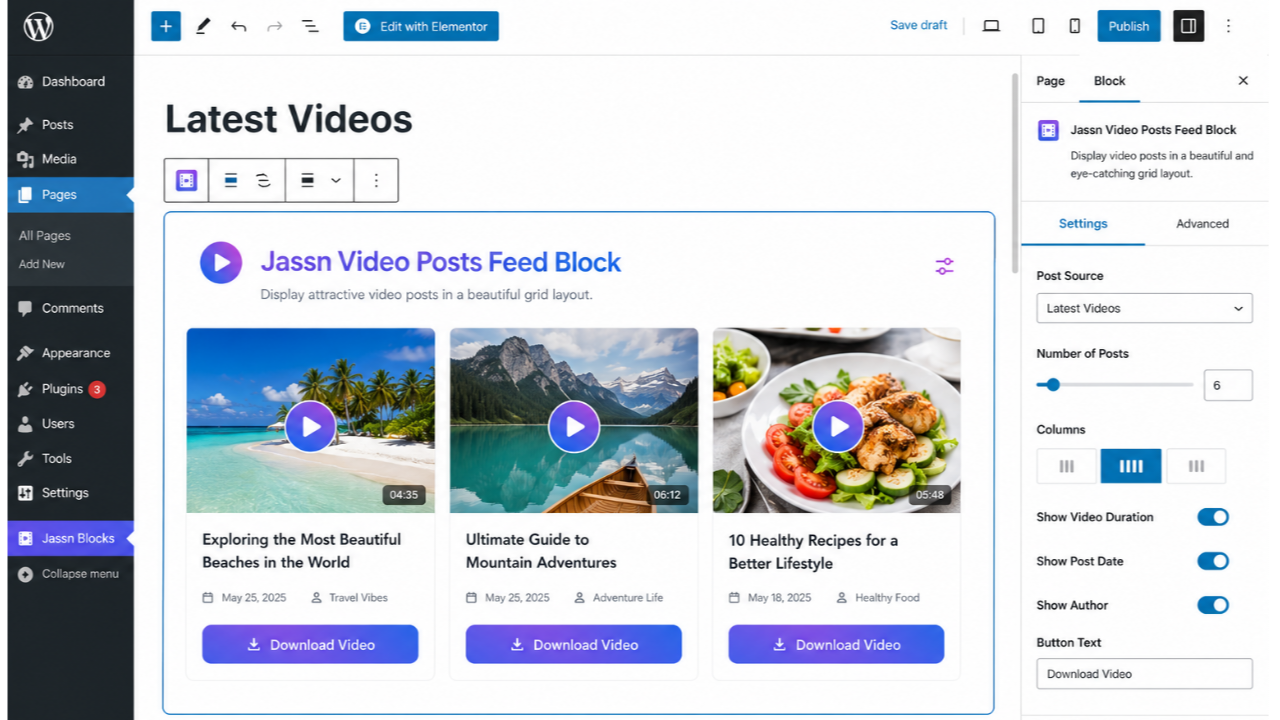
- Gutenberg‑Native – Configure number of posts, order (newest/oldest), and more.
How It Works
- Upload a video to your WordPress media library.
- Add the video URL to any post using the “Video URL” meta box (sidebar).
- Insert the Jassn Video Feed block into any page or post.
- The block displays all posts that have a video URL, sorted by date.
Credits
- Plyr – Licensed under MIT (https://github.com/sampotts/plyr)
Screenshots
Blocks
This plugin provides 1 block.
- Jassn Video Feed
Installation
- Upload the plugin folder to
/wp-content/plugins/or install via the WordPress admin. - Activate the plugin.
- Edit any post and scroll to the “Video URL” meta box in the sidebar.
- Click “Select from Gallery” to pick a video from your media library.
- Add the Jassn Video Feed block to any page or post and configure the settings.
FAQ
-
Can I use videos from my media library?
-
Yes. Click the “Select from Gallery” button in the Video URL meta box.
-
What video formats are supported?
-
MP4, WebM, and OGG formats are supported.
-
How do I add a thumbnail to a video?
-
Set a featured image for the post – it will be used as the video poster.
-
How can I change the number of videos shown?
-
Edit the block and use the “Number of Videos” setting (max 20).
-
Does the plugin work with YouTube or Vimeo?
-
No. This plugin only supports local videos hosted on your own server.
Reviews
There are no reviews for this plugin.
Contributors & Developers
“Jassn Video Posts Feed Block” is open source software. The following people have contributed to this plugin.
Contributors
Translate “Jassn Video Posts Feed Block” into your language.
Interested in development?
Browse the code, check out the SVN repository, or subscribe to the development log by RSS.
Changelog
4.5.1
- Initial public release.