

Description
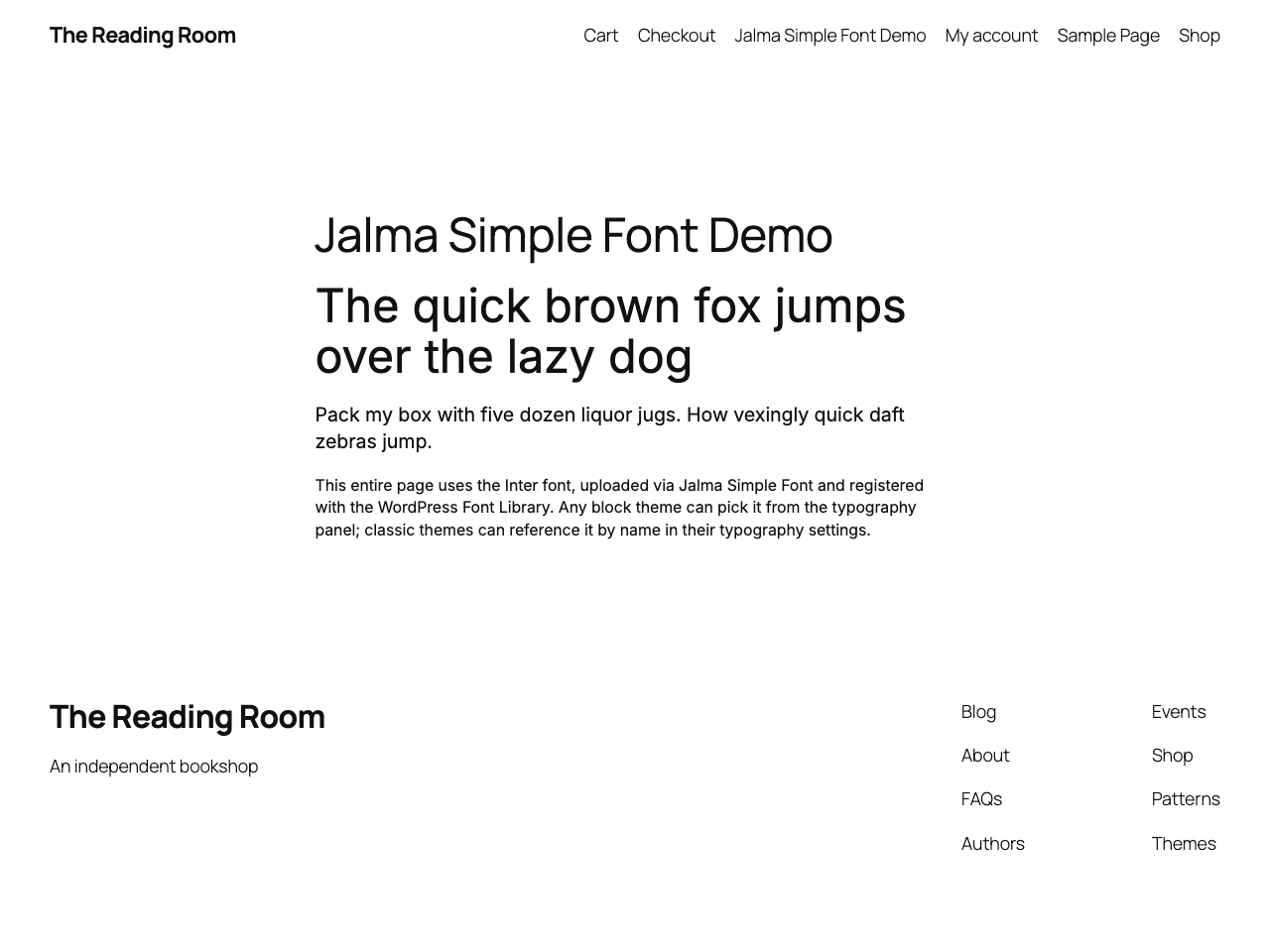
WordPress’ built-in Font Library only covers block themes in the Site Editor. Every other theme and builder handles fonts its own way — or not at all. Jalma Simple Fonts fills that gap: upload a font file once and it becomes available across your whole site, no matter which theme you run.
Uploaded fonts are loaded via @font-face on both the frontend and the admin, so the font is available everywhere. On top of that, Jalma Simple Fonts registers your fonts directly in the native font pickers of the most popular themes and page builders, so you can select them with a click — no custom CSS required:
- Block themes — registered in the WordPress Font Library, pick it in the Site Editor.
- Kadence (theme & Kadence Blocks), Elementor, Divi, Avada (Fusion Builder), GeneratePress, Astra and OceanWP — the font shows up directly in each one’s own typography settings.
- Any other theme — reference the font name in your CSS or the theme’s font-family setting.
No bloat, no page-builder lock-in — just a custom font, made simple.
Features:
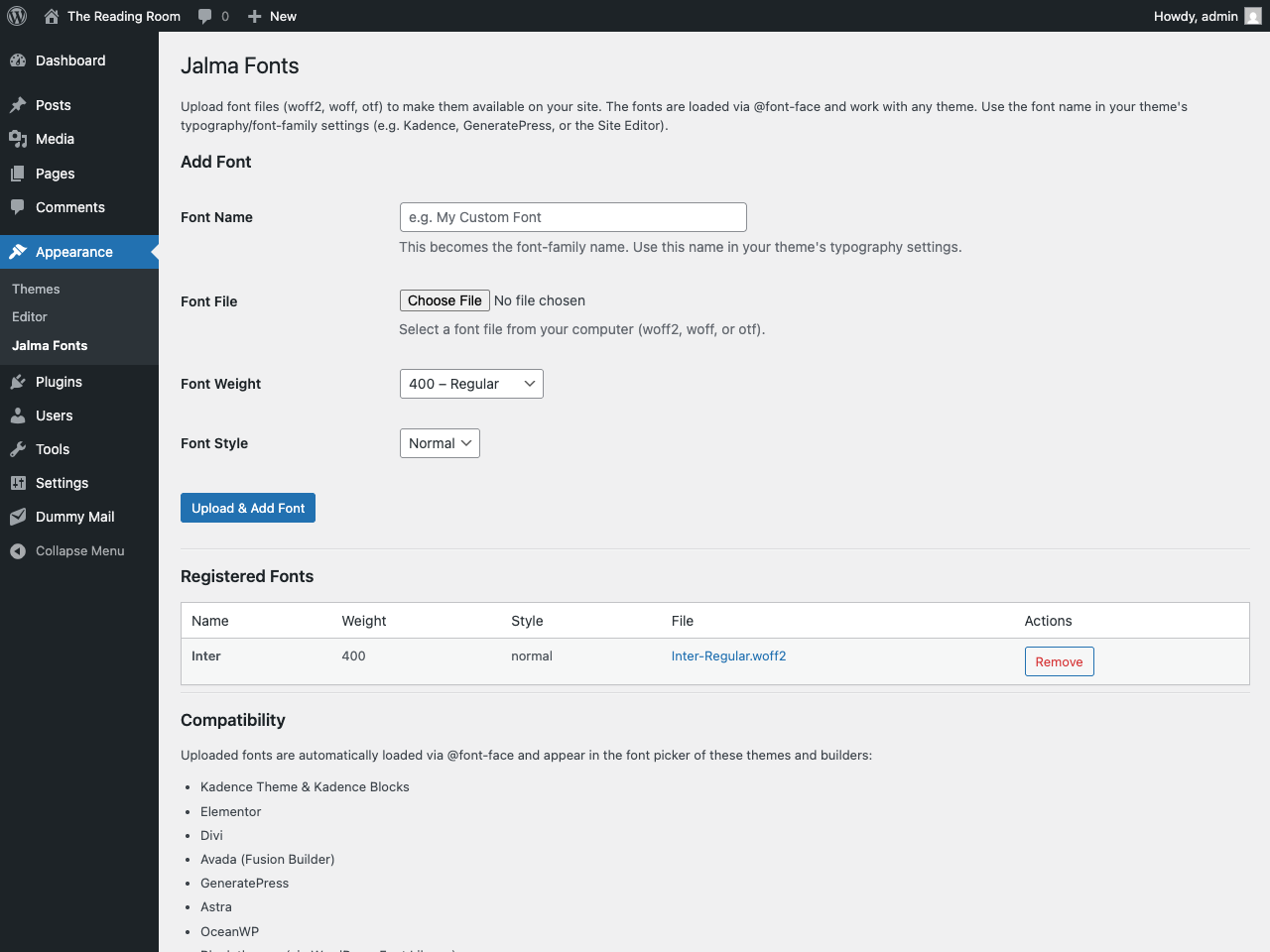
- Upload woff2, woff, and otf font files
- Fonts are loaded via @font-face with
font-display: swap - Set font weight (100–900) and style (normal/italic) per file
- Registered in the WordPress Font Library for block themes
- Native font-picker integration for Kadence, Elementor, Divi, Avada, GeneratePress, Astra and OceanWP
- Works with any other theme too — use the font name in your typography settings or CSS
- Manage fonts at Appearance > Simple Fonts
Screenshots
Installation
- Upload the plugin folder to
/wp-content/plugins/. - Activate Simple Fonts through the Plugins menu in WordPress.
- Go to Appearance > Simple Fonts to upload and manage your fonts.
- Use the font name in your theme’s typography/font-family settings.
FAQ
-
What font formats are supported?
-
woff2, woff, and otf.
-
Where are uploaded fonts stored?
-
In
wp-content/uploads/jalma-fonts/. -
Does this work with block themes?
-
Yes. Fonts are registered in the WordPress Font Library and appear as a font collection in the Site Editor.
Reviews
There are no reviews for this plugin.
Contributors & Developers
“Jalma Simple Fonts” is open source software. The following people have contributed to this plugin.
Contributors
Translate “Jalma Simple Fonts” into your language.
Interested in development?
Browse the code, check out the SVN repository, or subscribe to the development log by RSS.
Changelog
1.1.10
- Raised minimum WordPress version to 6.5 (matches the Font Library
wp_register_font_collection()requirement). - Renamed internal constants to the plugin slug prefix (
JALMA_SIMPLE_FONTS_) for Plugin Check compliance.
1.1.9
- Dynamic
@font-faceCSS is now output viawp_register_style()+wp_add_inline_style()on the standard enqueue hooks instead of a raw<style>tag.
1.1.8
- Native font-picker integration for Kadence, Elementor, Divi, Avada, GeneratePress, Astra and OceanWP, alongside the WordPress Font Library for block themes.
- Tested up to WordPress 7.0.
1.1.7
- Split plugin into separate files for better organization.
- Register fonts in the WordPress Font Library for block themes.
- Use
wp_handle_upload()for font file uploads (replacesmove_uploaded_file()) — Plugin Check compliant. - Tested up to WordPress 6.9.
1.0.0
- Initial release.