

Description
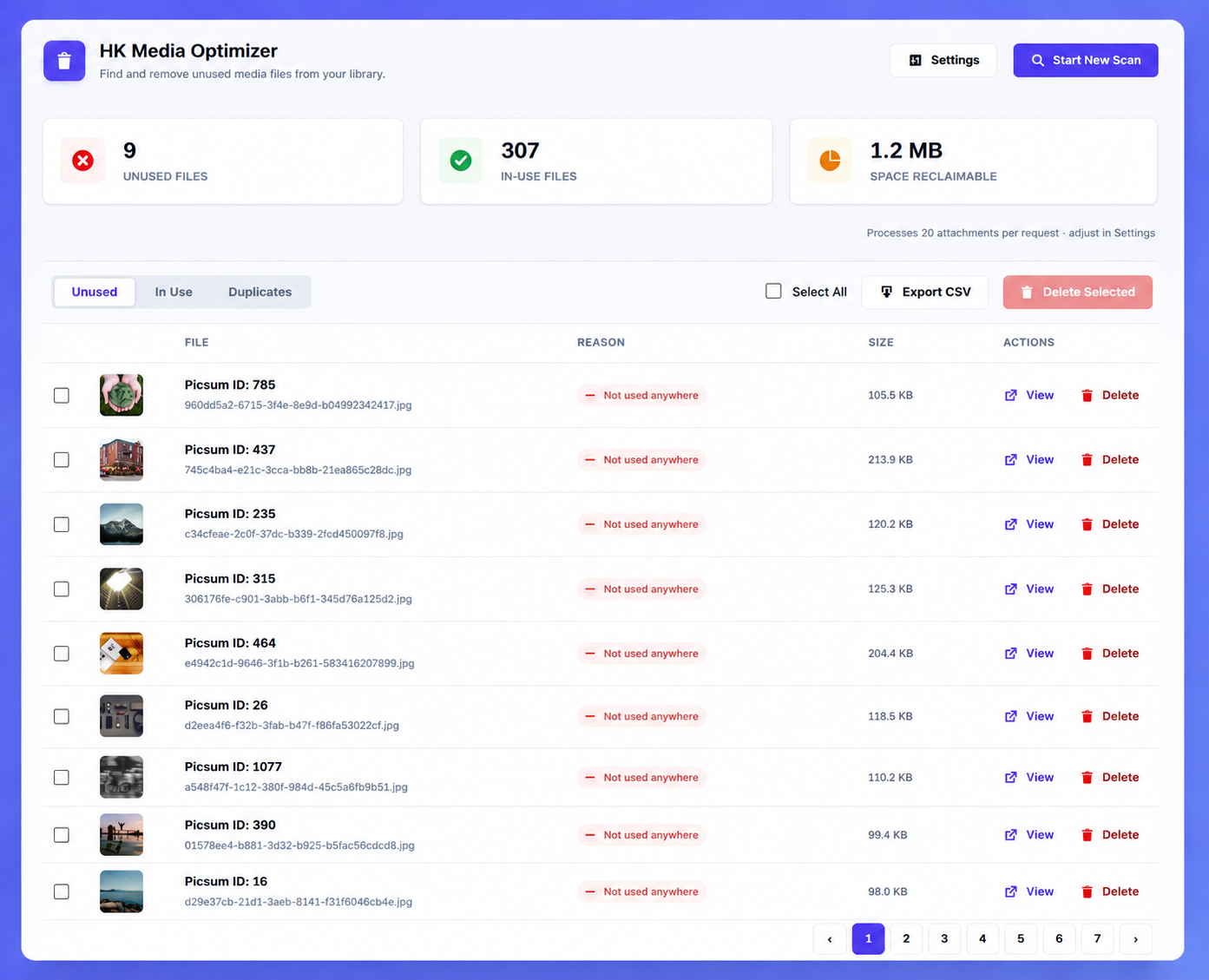
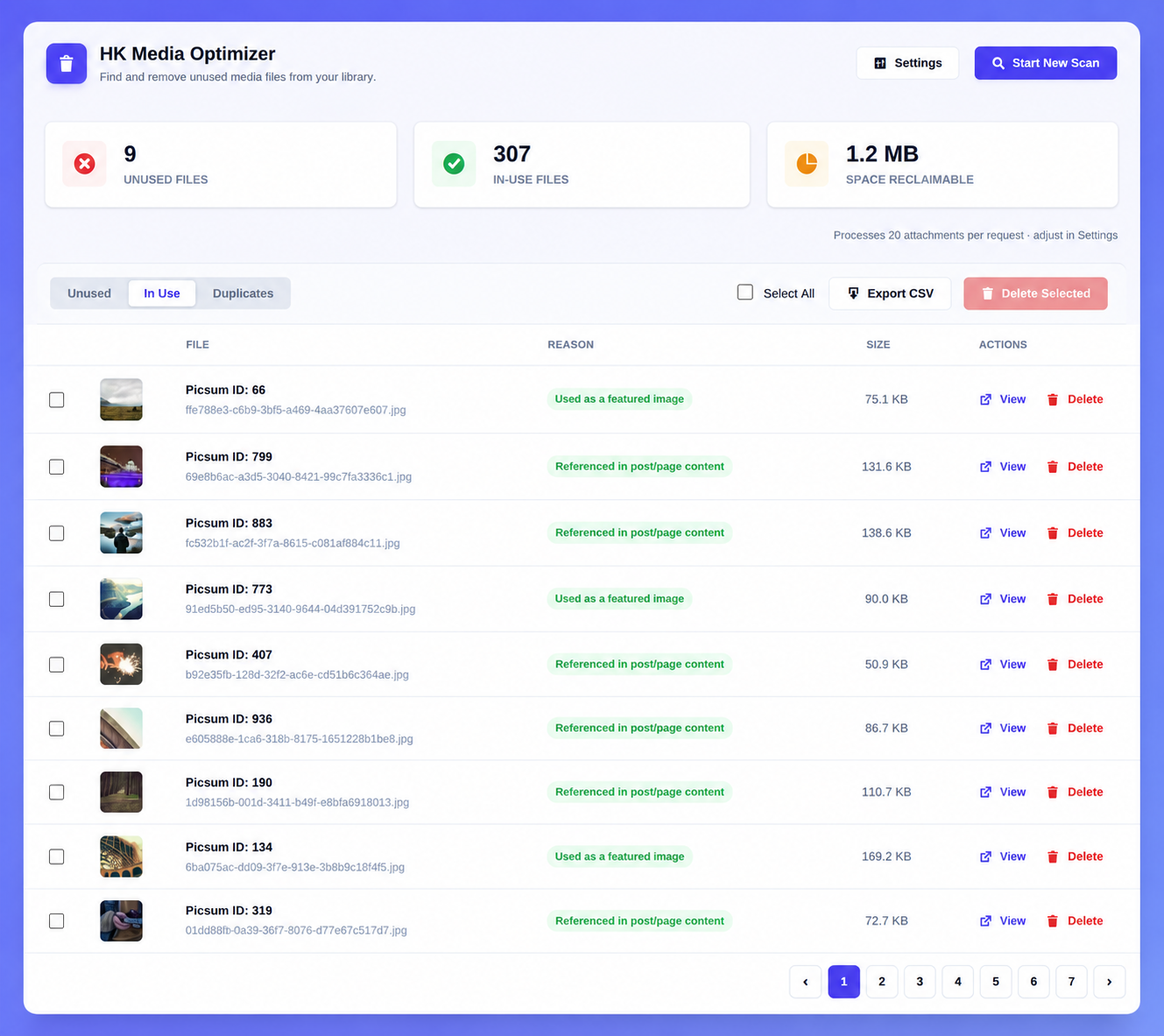
HK Media Optimizer scans your WordPress Media Library and tells you exactly which files are no longer used anywhere on your site, so you can safely delete them and reclaim disk space.
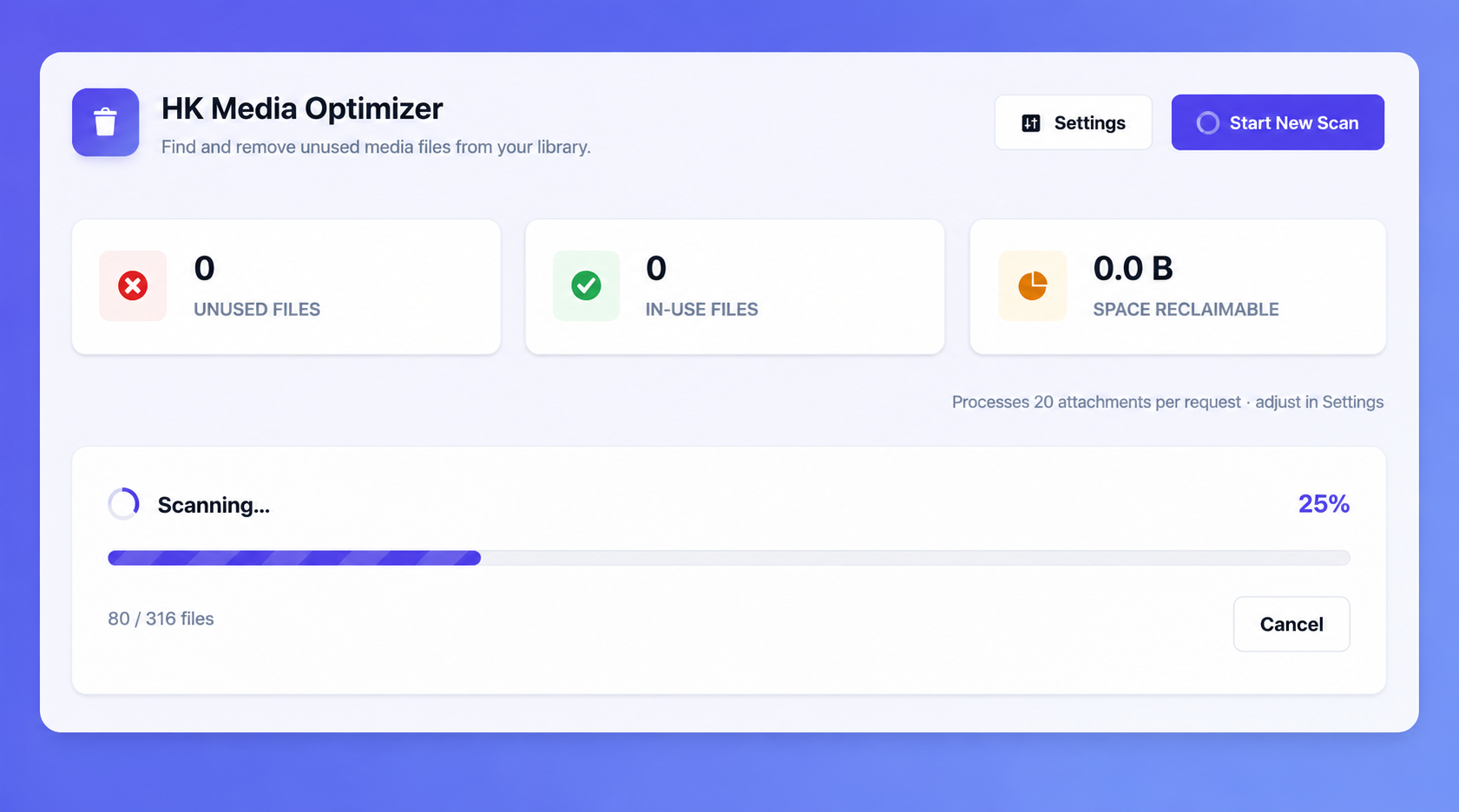
Unlike heavier media-cleaning tools, HK Media Optimizer is built around a simple rule: never do more work in one request than necessary. Every scan runs in small, configurable batches over AJAX, so it works comfortably even on modest shared hosting.
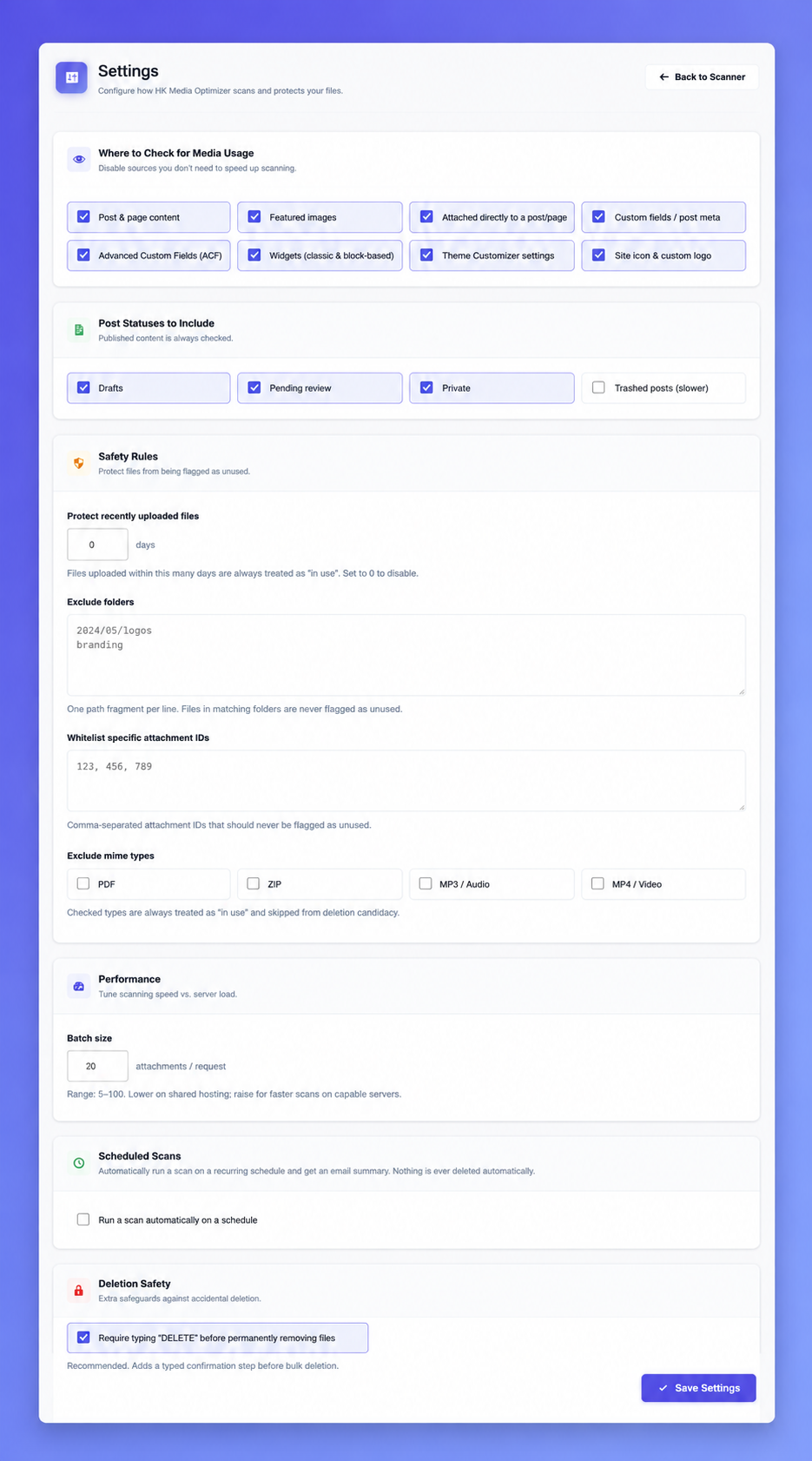
Where it checks for usage:
- Post and page content
- Featured images
- Direct attachment relationships (files uploaded into a post)
- Custom fields / post meta
- Advanced Custom Fields (ACF) values, if ACF is active
- Widgets, including block-based widgets
- Theme Customizer settings (logo, background, header image)
- Site icon
Built for control:
- Turn any scan source on or off
- Protect recently uploaded files with a configurable safety window
- Whitelist specific files or whole folders
- Exclude file types you never want flagged (PDFs, ZIPs, etc.)
- Adjust batch size to match your server’s resources
- Optional “type DELETE to confirm” safeguard before permanent removal
Find duplicate files:
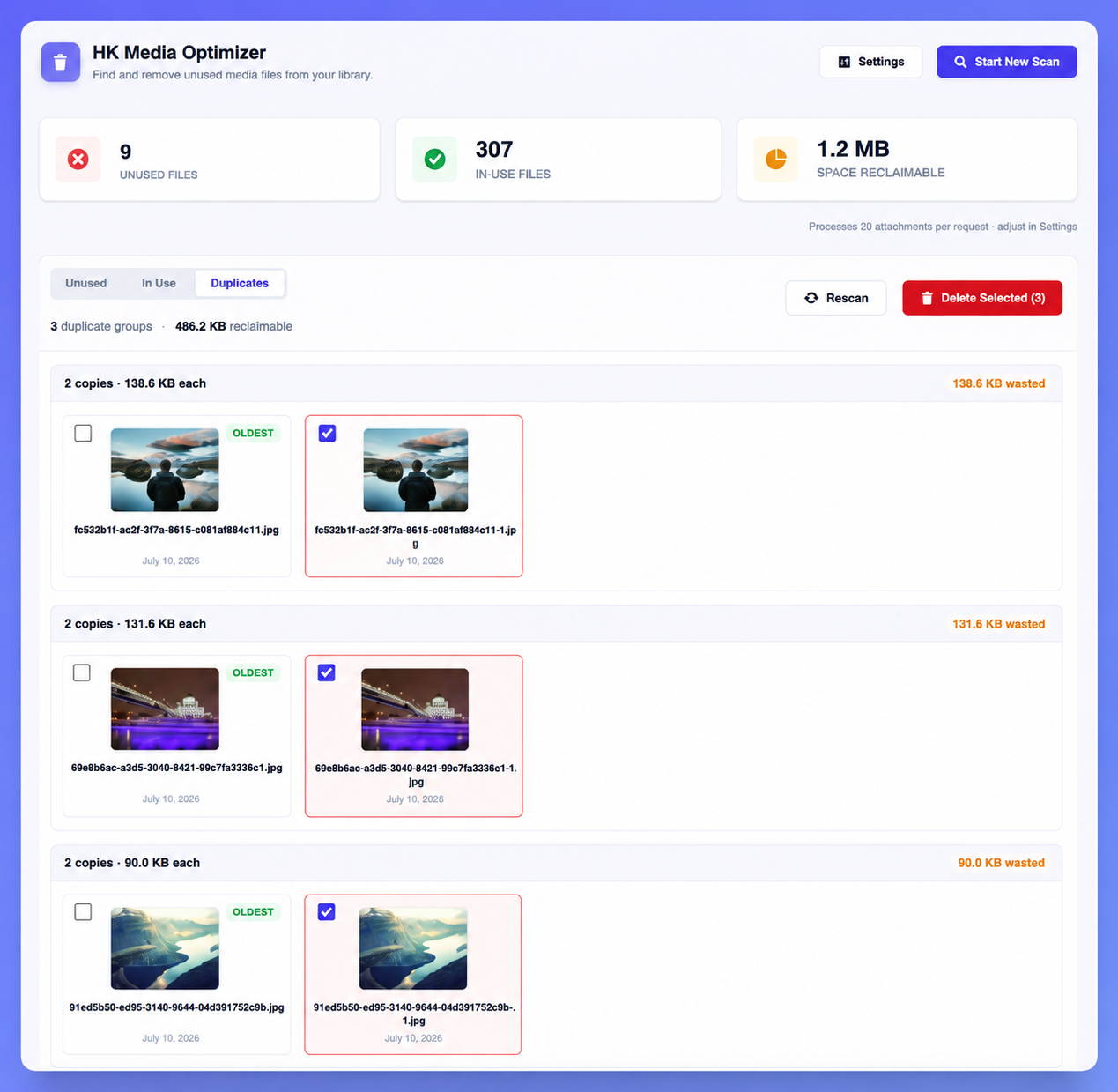
- Compares every file in your library by its actual contents (not just filename), so true duplicates are found even if they were re-uploaded under a different name
- Groups duplicates together and shows how much space each group is wasting
- Always keeps at least one copy from every group — server-side, even if you select every file in a group for deletion
Export & reporting:
- Export your unused, in-use, or full scan results to a CSV file at any time
- Optional scheduled scans (daily/weekly/monthly) with an email summary report — nothing is ever deleted automatically by a scheduled scan
Lightweight by design:
- No data is sent to any external server — everything runs locally on your site
- Scan results are stored in their own dedicated database tables, not in
wp_postmetaorwp_options, so your site’s core tables stay fast - Assets (CSS/JS) only load on the plugin’s own admin screens, never elsewhere in wp-admin
- No background cron jobs running on a schedule unless you explicitly turn on Scheduled Scans in Settings
Screenshots
Installation
- Upload the plugin files to
/wp-content/plugins/hk-media-optimizer, or install directly through the WordPress plugins screen. - Activate the plugin through the ‘Plugins’ screen in WordPress.
- Go to Media Optimizer in your admin menu to run your first scan.
- Visit Media Optimizer Settings to customize scan sources and safety rules before deleting anything.
FAQ
-
Does this plugin delete files automatically?
-
No. HK Media Optimizer never deletes anything on its own, even with Scheduled Scans turned on — scheduled scans only update the results and (optionally) email you a summary. It only flags files as unused; you choose what to delete, and you must explicitly confirm before any permanent deletion happens.
-
Can I undo a deletion?
-
No. Deletion is permanent once confirmed, which is why the plugin requires an explicit confirmation step (and optionally typing “DELETE”) before removing files. Always back up your site before bulk-deleting media.
-
Will this slow down my site?
-
The plugin only loads its code on its own admin pages and during the AJAX requests you trigger by clicking “Start Scan.” It has no effect on front-end page load times.
-
Does it work with ACF (Advanced Custom Fields)?
-
Yes. If ACF is detected as active, the plugin includes an additional check for media referenced inside ACF field values.
-
What happens to a file’s scan result after I delete it?
-
The corresponding row is removed from the plugin’s own results table immediately after a successful deletion.
-
How does the duplicate finder decide what’s a duplicate?
-
It hashes the actual file contents (MD5), so two files only match if their bytes are identical — filename and upload date don’t matter. The plugin always keeps at least one copy from every duplicate group, even if you select all of them for deletion.
-
Will scheduled scans work on any host?
-
Scheduled scans rely on WordPress’s built-in cron, which only fires on a site visit. On low-traffic sites this can mean delayed runs; for reliable timing, point a real server cron job at
wp-cron.phpas you would for any other WordPress scheduled task.
Reviews
There are no reviews for this plugin.
Contributors & Developers
“HK Media Optimizer” is open source software. The following people have contributed to this plugin.
Contributors
Translate “HK Media Optimizer” into your language.
Interested in development?
Browse the code, check out the SVN repository, or subscribe to the development log by RSS.
Changelog
1.0.0
- Initial release.