

Description
Hacé Cuentas — Calculadoras lets you embed any of the 2700+ calculators from hacecuentas.com directly into your WordPress site, without touching code. The calculators are aimed at a Spanish-speaking (mainly Argentine) audience and cover finance, taxes, payroll, health and everyday math.
It is ideal for accounting firms, personal-finance blogs, HR consultancies, real-estate sites, health/fitness sites and media outlets: you add an interactive tool your readers use without leaving your page.
Features
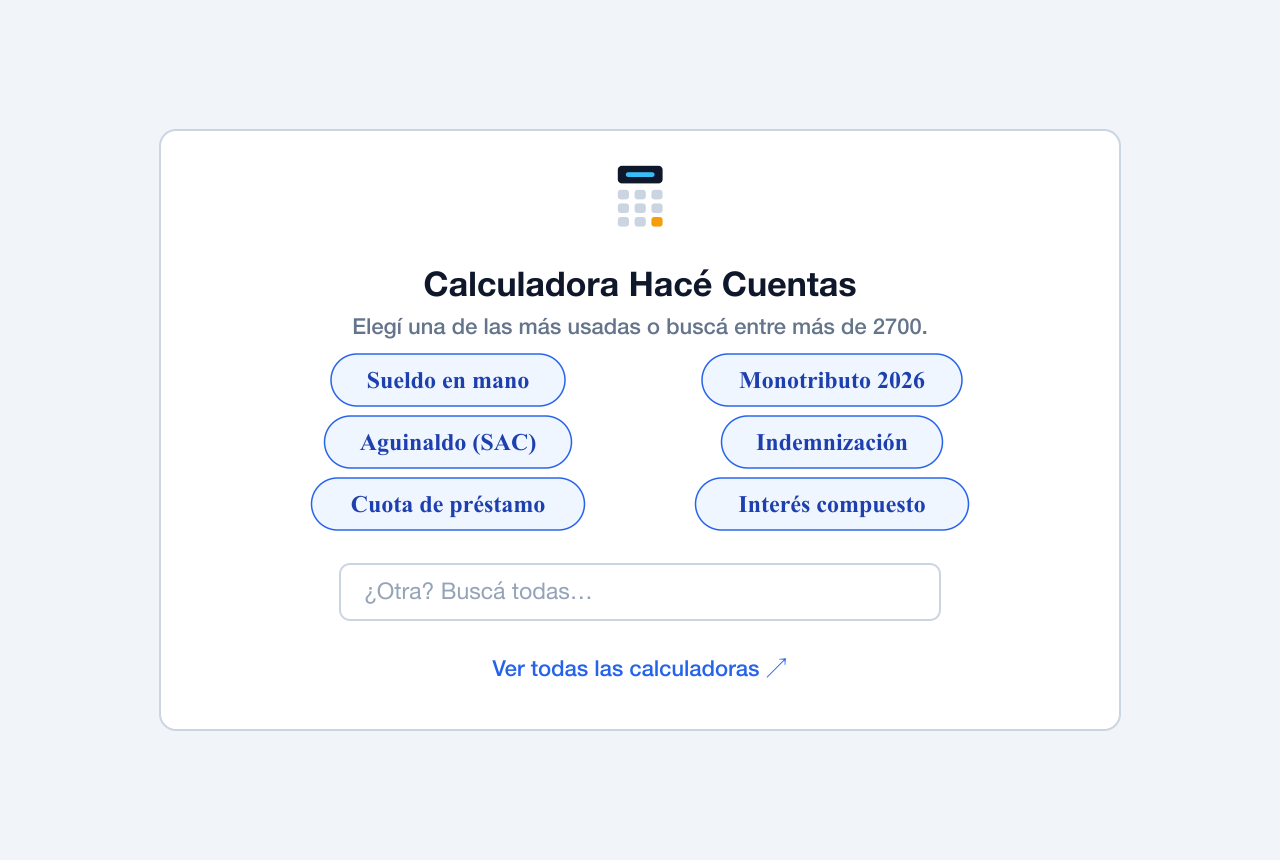
- Gutenberg block with one-click buttons for the most-used calculators, a search box across all 2700+, and a live preview inside the editor.
- Shortcode
[hacecuentas slug="calculadora-monotributo-2026"]for the classic editor or widgets. - Auto-embed by URL: paste a calculator link in the block editor and it turns into an embed automatically (via oEmbed).
- Responsive: the embed adapts to your content width and adjusts its height automatically.
- Optional source link: if you want, you can enable a credit link back to Hacé Cuentas below the calculator. Off by default — you decide.
- Private and lightweight: calculations run in the visitor’s browser. No visitor data is sent to any server and it does not load heavy libraries on your site.
- Free and no signup.
Some popular calculators
- Take-home salary (Argentina)
- Monotributo 2026
- Aguinaldo (SAC / 13th salary)
- Severance pay
- Loans and installments
- Compound interest and fixed-term deposits
- BMI, calories (TDEE), pregnancy
- VAT, percentages, rule of three
- Unit and currency converters
External services
This plugin connects to hacecuentas.com, a service operated by the plugin author, to display the calculators. It relies on it in two ways:
-
Calculator catalog API —
https://hacecuentas.com/api/calcs-slim.json
The plugin requests this public JSON (server-side, from your WordPress install) to map a calculator slug to its human-readable title, so the block picker and the optional credit link show the real calculator name. The request is made the first time a calculator is rendered and the result is cached for 12 hours. No user or visitor data is sent — it is a plain read of the public catalog. -
Calculator embed —
https://hacecuentas.com/embed/<slug>
When a calculator is shown on the front end, it is loaded inside an iframe from hacecuentas.com. The visitor’s browser loads the calculator from hacecuentas.com and all calculations run client-side inside that iframe. Whatever the visitor types into the calculator stays in their own browser; the plugin does not collect or transmit it.
By using this plugin you rely on the hacecuentas.com service. Please review its terms and privacy policy:
- Terms of use: https://hacecuentas.com/terminos
- Privacy policy: https://hacecuentas.com/privacidad
Screenshots
Blocks
This plugin provides 1 block.
- Calculadora Hacé Cuentas Insertá una calculadora interactiva de Hacé Cuentas (sueldo, monotributo, aguinaldo, IMC, préstamos y más).
Installation
- In your WordPress dashboard, go to Plugins Add New and search for “Hacé Cuentas”.
- Install and activate the plugin.
- In any post or page, add the “Calculadora Hacé Cuentas” block and choose the calculator you want to show.
With a shortcode
Paste this into your content (classic editor, text widgets, etc.):
[hacecuentas slug="calculadora-monotributo-2026"]
You can set the initial height:
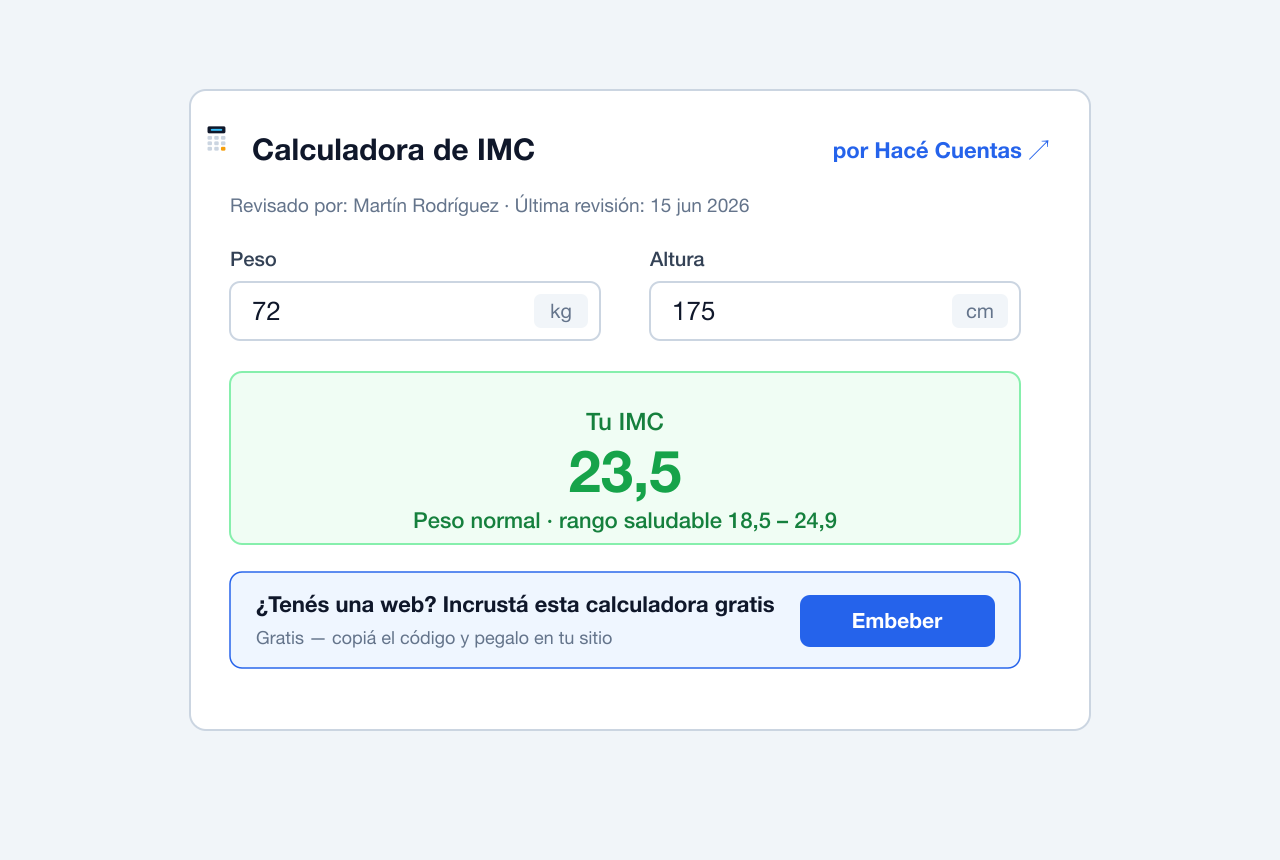
[hacecuentas slug="calculadora-imc" height="700"]
The slug is the last part of the calculator URL. For example, for https://hacecuentas.com/calculadora-imc the slug is calculadora-imc.
Auto-embed by pasting the URL
In the block editor, paste the full URL of a calculator (for example https://hacecuentas.com/sueldo-en-mano-argentina) on its own line and WordPress turns it into an embed automatically.
FAQ
-
Is it free?
-
Yes. The plugin and the calculators are 100% free and require no signup.
-
Does it load heavy scripts on my site?
-
No. The calculator is shown inside a lightweight iframe and the calculations run in the visitor’s browser. The only script the plugin adds to your page is a small height-adjustment helper (a few KB).
-
Is any visitor data sent anywhere?
-
No. Calculations happen client-side. The visitor enters their data and the result is computed in their own browser. See the “External services” section for details on the catalog request and the embed iframe.
-
Does the plugin add links to my site without permission?
-
No. By default only the calculator is shown. If you want, you can enable a credit link back to Hacé Cuentas below the calculator (the “Link to source” option in the block, or
credit="yes"in the shortcode). It is off by default. -
How do I find a calculator’s slug?
-
It is the last part of the URL. In
https://hacecuentas.com/calculadora-aguinaldo-sac, the slug iscalculadora-aguinaldo-sac. The Gutenberg block also includes a search box with all of them. -
Is the embed responsive?
-
Yes. It adapts to your content width (up to 720px) and adjusts its height automatically depending on the calculator.
-
Does it work with the classic editor?
-
Yes, with the
[hacecuentas slug="..."]shortcode. -
What happens if I uninstall the plugin?
-
It clears the temporary cache the plugin creates. No residual data is left behind.
Reviews
There are no reviews for this plugin.
Contributors & Developers
“Hacé Cuentas — Calculadoras” is open source software. The following people have contributed to this plugin.
Contributors
Translate “Hacé Cuentas — Calculadoras” into your language.
Interested in development?
Browse the code, check out the SVN repository, or subscribe to the development log by RSS.
Changelog
1.0.1
- Readme translated to English and documented the external service (hacecuentas.com) with terms and privacy links.
1.0.0
- Initial release: Gutenberg block, shortcode and oEmbed auto-embed.