Description
Frontend Dashboard — Built for Modern WordPress Portals
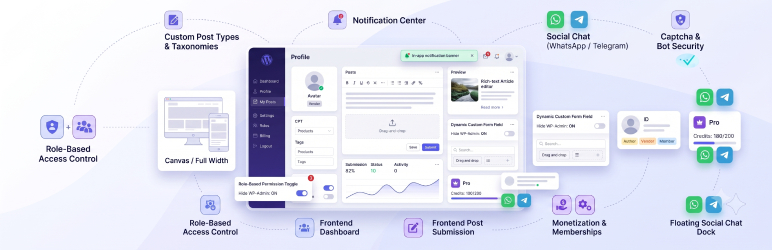
Frontend Dashboard provides a complete frontend portal for WordPress sites with modular controls for user management, post publishing, custom menus, and branding.
Take full control of the user experience by allowing members, authors, and customers to manage their profiles, submit posts, and navigate custom dashboards directly on the frontend — without ever accessing the wp-admin dashboard.
Key Features
- Modern App Shell & Responsive Layout: Clean, fast frontend dashboard interface powered by Tailwind CSS with responsive slide-over navigation.
- Modern Rich Text & Block Editors: Choose between Editor.js (block editor with headers, images, quotes, lists, tables), TipTap (WYSIWYG modern editor), or the classic WordPress Editor for frontend post publishing.
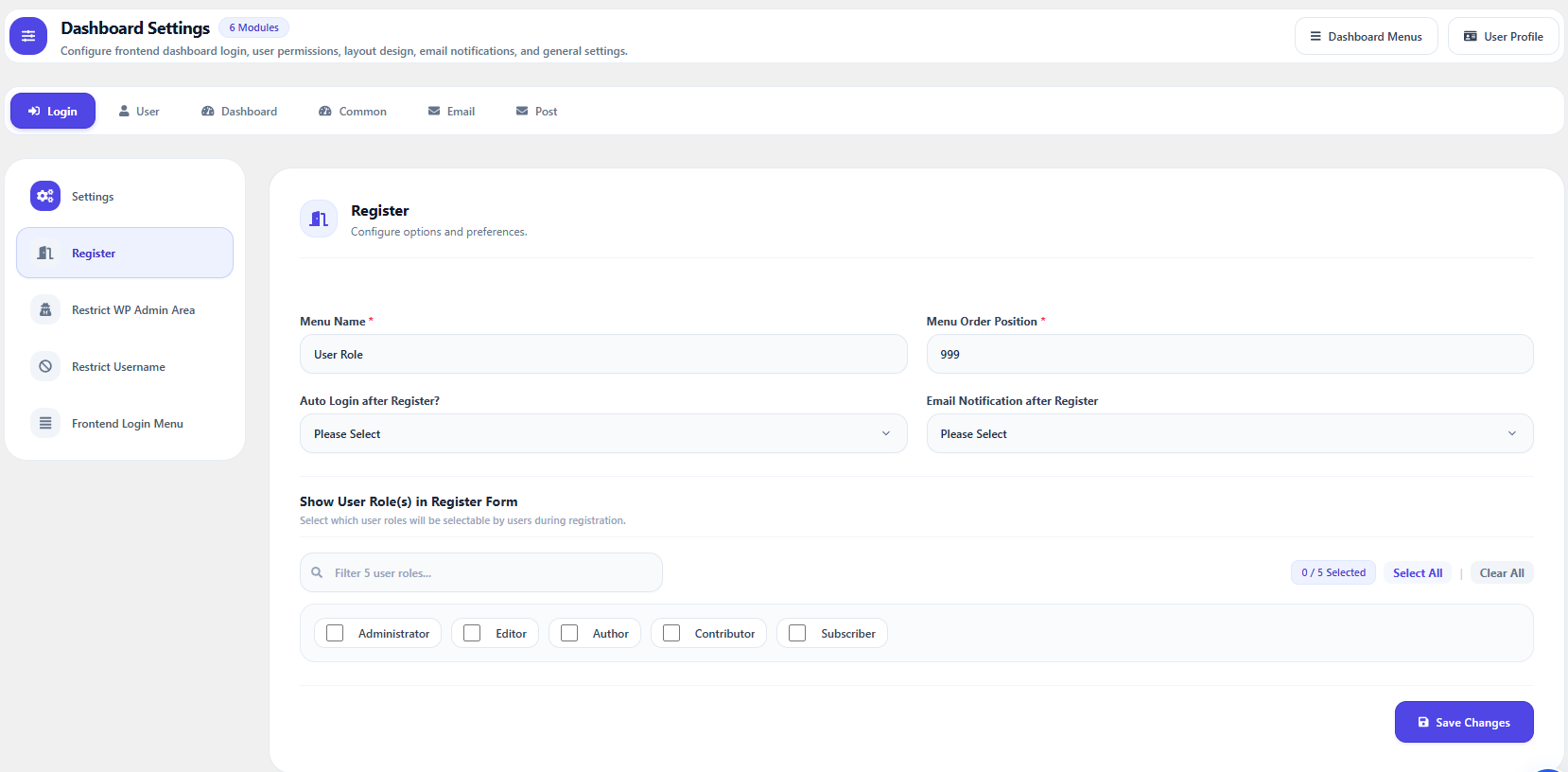
- Custom Authentication Flow: Custom Login, Registration, and Forgot Password pages with custom redirects before/after login, register, and logout.
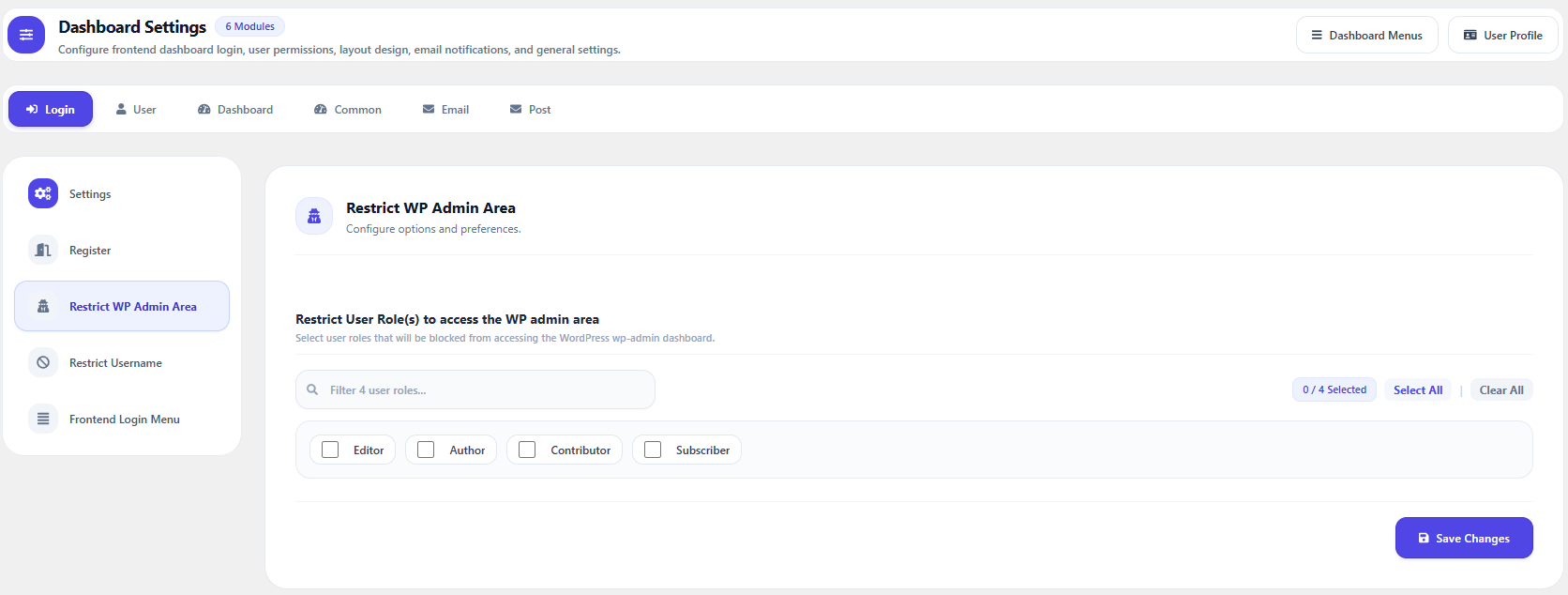
- WP Admin Restriction: Restrict access to the WordPress backend (
/wp-admin/) and admin toolbar based on user roles. - Custom User Roles: Create, manage, and assign custom user roles with specific dashboard capabilities.
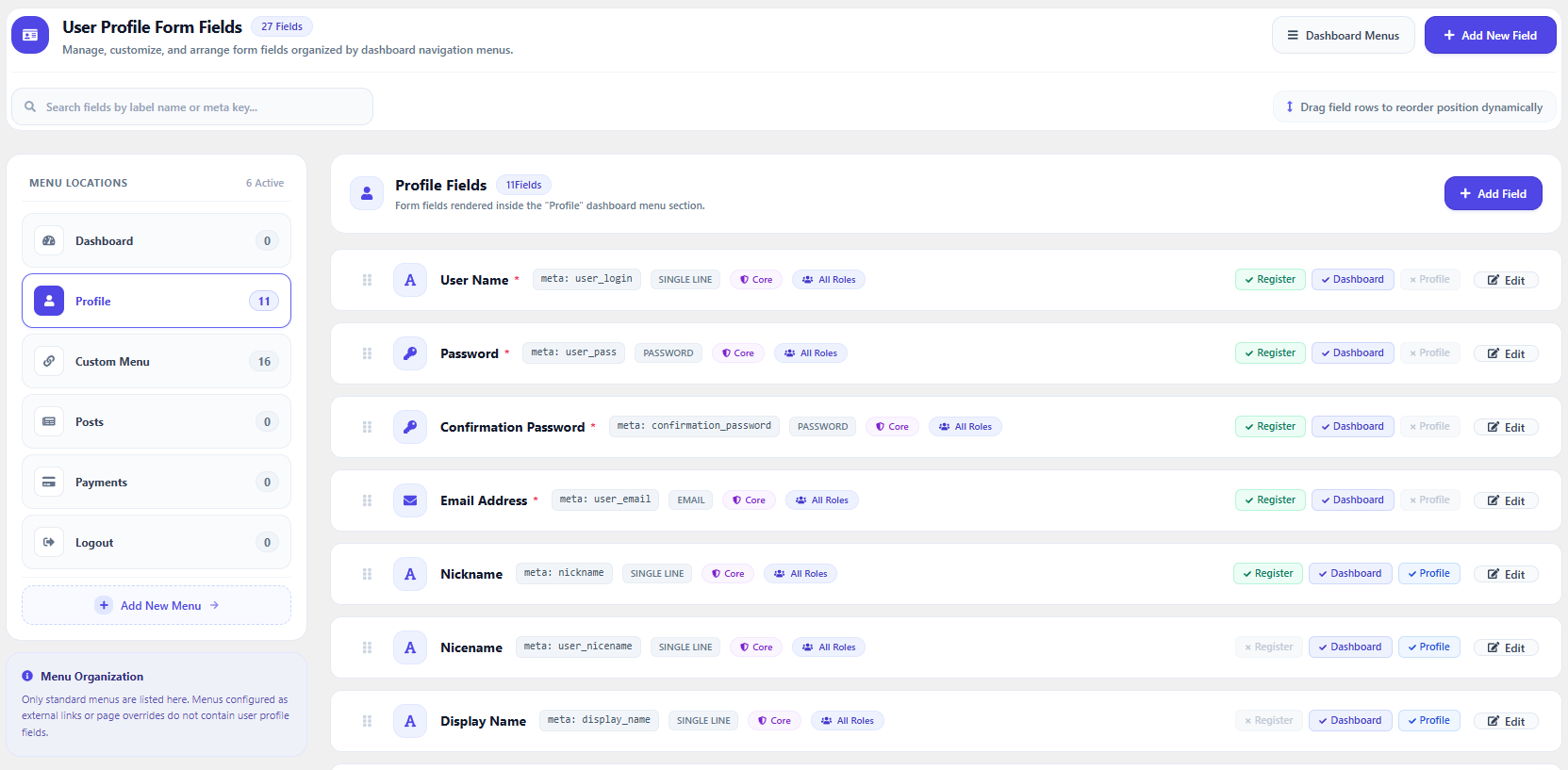
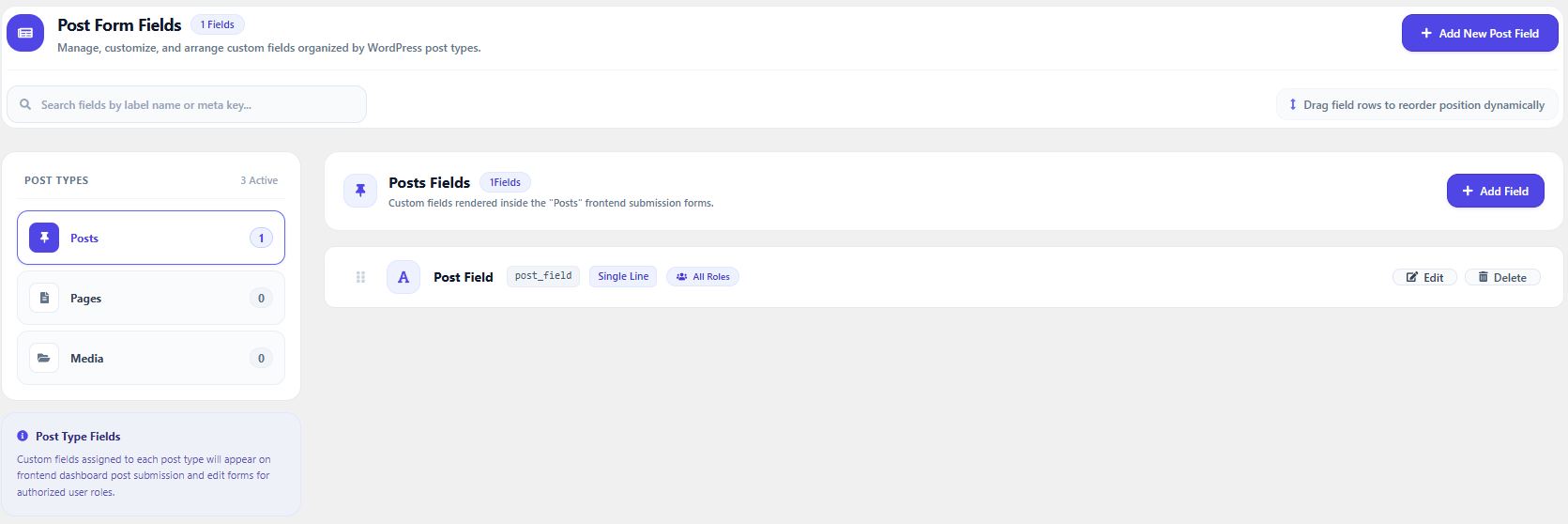
- Custom Profile & Post Fields: Create unlimited custom fields for user profiles and post types with role-based visibility and permissions.
- Built-in Templates & Page Mappings: Built-in modern dashboard templates, extra form fields, and page loaders merged directly into Core.
- File Upload Controls: Role-based permissions to allow or restrict media uploads in the frontend dashboard.
- Frontend Post & Taxonomy Management: Add, edit, and delete posts or custom post types and taxonomies with role permissions.
- Add-ons & Extensions Hub: Browse, install, and activate official Frontend Dashboard add-ons with 1-click management and real-time catalog updates.
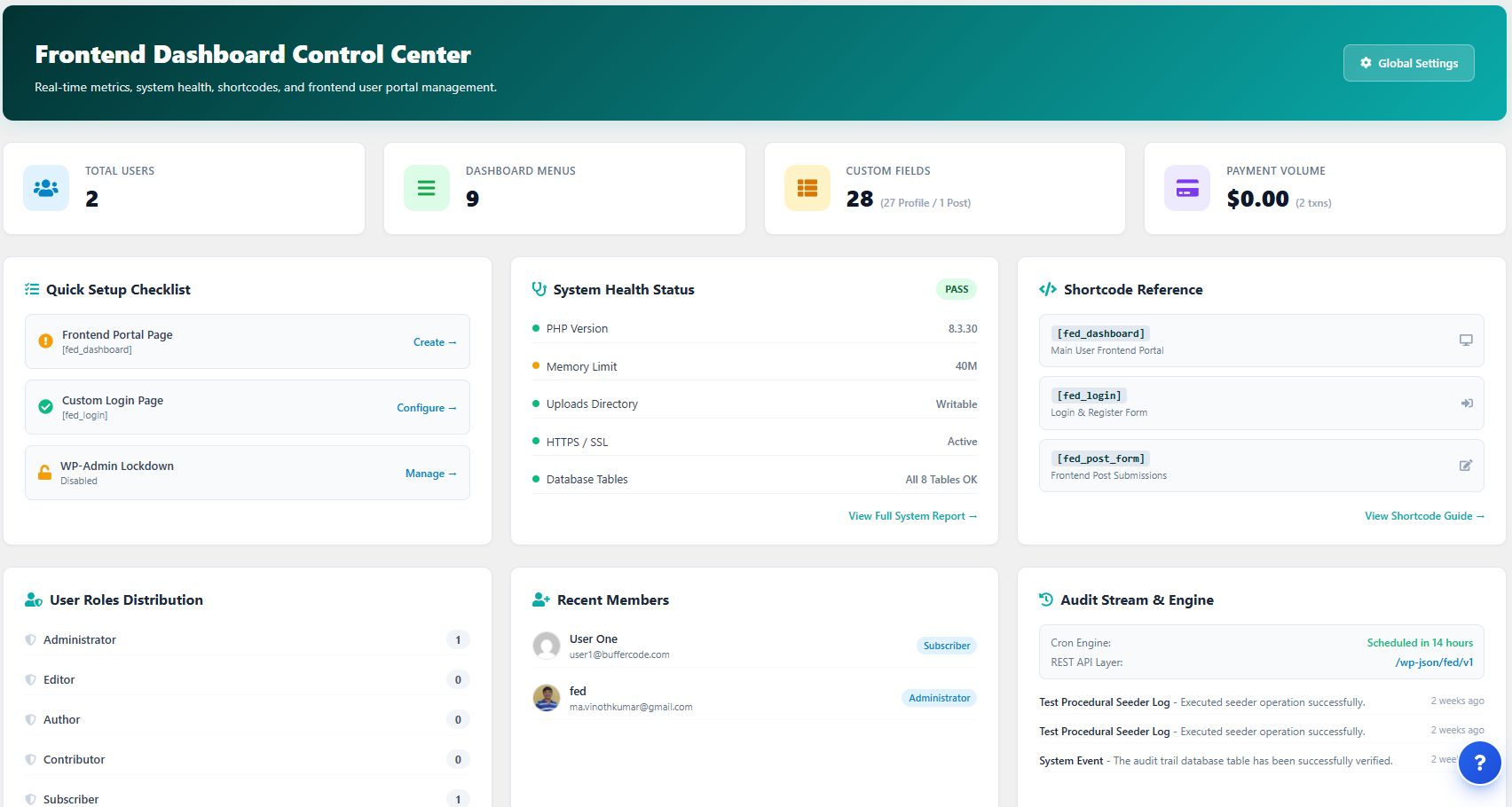
- System Status & Diagnostics: Built-in system environment diagnostic tools, database health checks, and activity logging.
- Theme Matching & Custom Styling: Customize dashboard theme colors and UI options to seamlessly match your site design.
Official Add-ons & Extensions
- Frontend Dashboard Custom Post and Taxonomies (Free)
- Frontend Dashboard Notification (Free)
- Frontend Dashboard Captcha (Free)
- Frontend Dashboard Social Chat (Free)
Note: Frontend Dashboard Templates, Extra, and Pages have been merged directly into Core in v3.0.0.
Screenshots
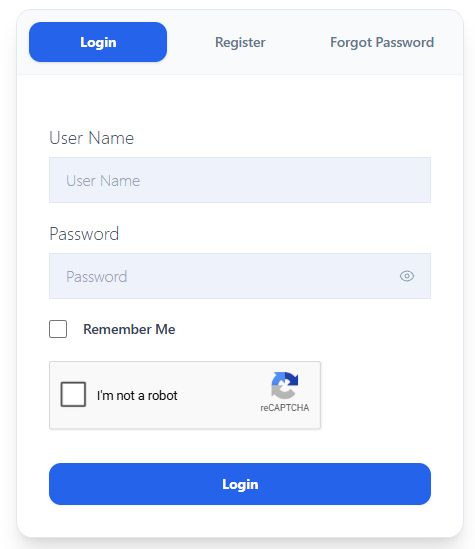
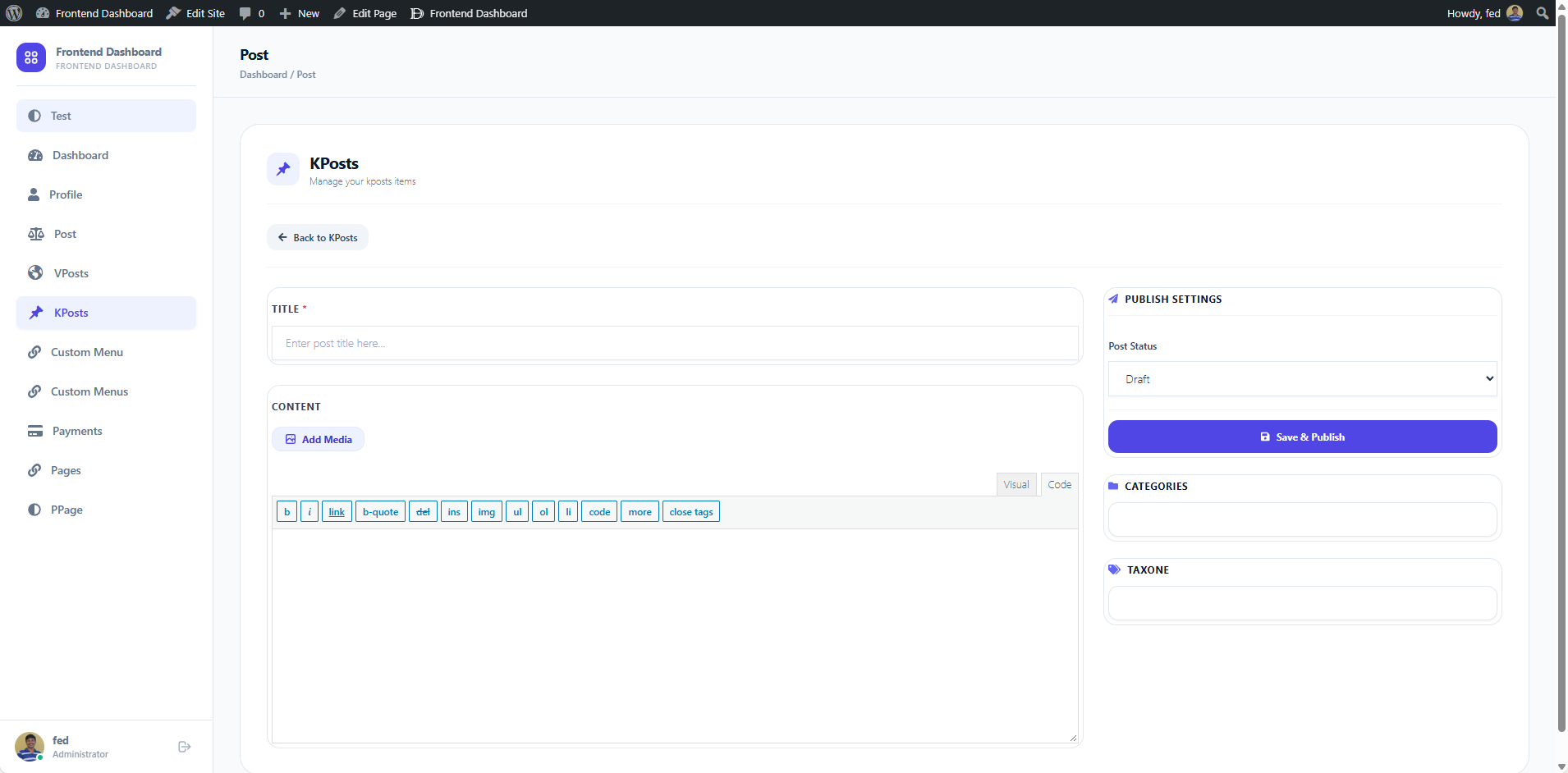
Blocks
This plugin provides 6 blocks.
- Frontend Dashboard
- Frontend Login & Register
- Transactions & Invoices
- Role-Restricted Content
- Social Login Buttons
- Frontend User Management
Installation
- Upload the
frontend-dashboarddirectory to your/wp-content/plugins/directory, or uploadfrontend-dashboard.zipvia WordPress Admin Plugins Add New Upload Plugin. - Activate the plugin through the Plugins menu in WordPress.
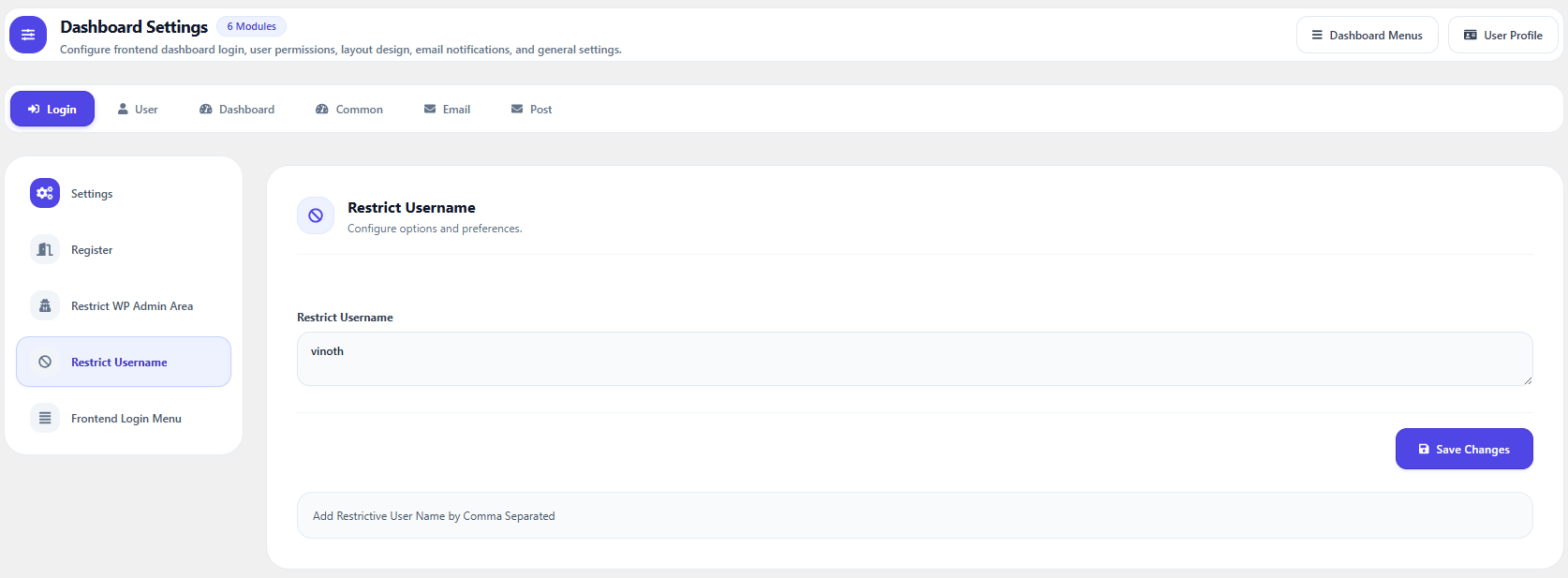
- Navigate to Frontend Dashboard Settings to configure your login, registration, and dashboard pages.
- Save settings and assign your custom dashboard pages.
FAQ
-
How do I create a custom login, register, and forgot password page?
-
- Go to Admin Dashboard Pages Add New.
- Title the page (e.g., “Login”).
- Add the shortcode
[fed_login]into the page content. - Set the Page Template to FED Login (in the right-hand Page Attributes panel).
- Publish the page.
- Navigate to Frontend Dashboard Settings Login Settings and select your newly created page as the Login Page URL.
- Save your settings.
-
Can I separate Login, Register, and Forgot Password onto different pages?
-
Yes! Create individual pages and use dedicated shortcodes:
* Login only:[fed_login_only]
* Register only:[fed_register_only]
* Forgot Password only:[fed_forgot_password_only] -
How do I create the main user dashboard page?
-
- Go to Admin Dashboard Pages Add New.
- Enter a title (e.g., “User Dashboard”).
- Add the shortcode
[fed_dashboard]into the page content. - Set the Page Template to FED Dashboard under Page Attributes.
- Publish the page.
- Go to Frontend Dashboard Settings Login Settings and set the “Redirect After Logged in URL” or dashboard page.
-
Which rich text editors are supported for frontend post publishing?
-
Frontend Dashboard v3 supports:
* Editor.js: A modern block-based editor supporting headings, images, lists, quotes, and tables.
* TipTap: A fast, extensible WYSIWYG rich text editor with interactive bubble menus.
* Classic WP Editor: The familiar WordPress TinyMCE visual/text editor.You can configure editor preferences under Frontend Dashboard Settings Post Settings.
-
How do I add custom user profile fields?
-
- Go to Frontend Dashboard User Profile.
- Click Add New Extra User Profile Field.
- Select the desired field type from the dropdown (text, textarea, select, checkbox, radio, date, etc.).
- Configure the field label, meta key, and role permissions.
- Click Save.
-
How do I add custom post fields?
-
- Go to Frontend Dashboard Post Fields.
- Click Add New Extra User Post Field.
- Select the input type, enter field settings, and specify which post types and user roles can view or edit the field.
- Click Save.
-
- Go to Frontend Dashboard Dashboard Menu.
- Click Add New Menu.
- Configure the menu title, icon, URL, and user roles permitted to access it.
- Click Add New Menu.
-
How can I retrieve custom fields in theme templates?
-
- To retrieve user custom fields:
$user_meta = get_user_meta( $user_id, ‘your_custom_field_key’, true ); - To retrieve post custom fields:
$post_meta = get_post_meta( $post_id, ‘your_custom_field_key’, true );
- To retrieve user custom fields:
-
List of Available Shortcodes
-
[fed_login]— Complete authentication portal (login, registration, password reset).[fed_login_only]— Standalone login form.[fed_register_only]— Standalone registration form.[fed_forgot_password_only]— Standalone password recovery form.[fed_dashboard]— Main frontend user dashboard portal.[fed_user role="user_role"]— Role-specific user directory / profile page.[fed_transactions]— Frontend user transaction and payment history.[fed_list_taxonomy taxonomy="category"]— Displays taxonomy terms in a list layout.
For more documentation and FAQs, visit https://faq.frontenddashboard.com.
Reviews


Contributors & Developers
“Frontend Dashboard” is open source software. The following people have contributed to this plugin.
Contributors

“Frontend Dashboard” has been translated into 4 locales. Thank you to the translators for their contributions.
Translate “Frontend Dashboard” into your language.
Interested in development?
Browse the code, check out the SVN repository, or subscribe to the development log by RSS.
Changelog
3.0.5
- Security: Fixed user registration parameter handling to prevent unauthorized user updates and privilege escalation.
- Security: Hardened AJAX / Post API dispatch routing and function execution handlers with strict allowlist and capability checks.
3.0.4
- Feature: Introduced “More WordPress Plugins by BufferCode” section in Add-ons marketplace to showcase standalone ecosystem plugins (AdFuz & GateFuz).
- Feature: Added support for WordPress 6.5+ native plugin dependency declarations (
required_plugins) to dynamically separate official add-ons from standalone ecosystem plugins. - Enhancement: Streamlined Add-ons marketplace grid with unified 4-column responsive card layouts and dedicated ecosystem filter tab.
- Fix: Resolved “Class FEDInstallAddons does not exist” error during extension 1-click install and activation.
- Fix: Loaded missing module dependencies into core bootstrapper including orders, pro plugin placeholders, and standalone shortcodes.
- Enhancement: Hardened AJAX extension installer with explicit capability checks and clean JSON error response handling.
3.0.3
- Fix: WordPress.org plugin review standards and code quality compliance improvements.
- Fix: Addressed input unslashing, sanitization, and nonce verification checks across admin and frontend requests.
- Fix: Removed obsolete array_column polyfill and auto_update_plugin hook alteration.
- Enhancement: Added comprehensive
.gitignorerules for modern development workflows.
3.0.2
- Enhancement: Extended hook architecture to support modular extension registration, automated update checks, and decoupled addon management.
- Enhancement: Modernized Extensions Hub interface with smart section categorization, live search filtering, native confirmation dialogs, and real-time status feedback.
- Performance: Optimized admin menu filter pipeline and background cron worker workflows.
3.0.1
- Fix: WordPress.org plugin review and security compliance improvements.
3.0.0
- Major Release: Complete frontend architecture redesign with Tailwind CSS and modern App Shell layout.
- Feature: Integrated modern rich text editors — Editor.js (block editor) and TipTap (WYSIWYG editor) alongside classic WP Editor.
- Feature: Merged Templates, Extra Form Fields, and Custom Pages directly into Core.
- Feature: Brand new Add-ons & Extensions marketplace with 1-click install, activation, and real-time catalog caching.
- Feature: System Status & Diagnostic tools with Database health checks and comprehensive Activity/Audit Logging.
- Feature: Enhanced role-based admin bar controls, custom menu management, and advanced redirection settings.
- Enhancement: Streamlined responsive mobile navigation with slide-over drawer menus.
- Security: Comprehensive nonce validation, strict capability checks, and robust data sanitization across all AJAX endpoints.
- Compatibility: Fully tested and compatible with WordPress 6.7 and PHP 8.0 / 8.1 / 8.2 / 8.3.
More Changelogs:
https://faq.frontenddashboard.com/changelog/overview/